 Steam
Steam  Windows
  Mac
Mac  Linux
Linux | Release Date | 10.11.2017 | |
| Operating Systems | Linux | |
| Operating Systems | Mac OS | |
| Publisher | THQ Nordic GmbH | |
| PEGI Rating | + 12 | |
| Operating Systems | Windows | |
| Genres | Action, Adventure |
14.99€
Added to Cart
14.99€
Added to Wishlist
14.99€
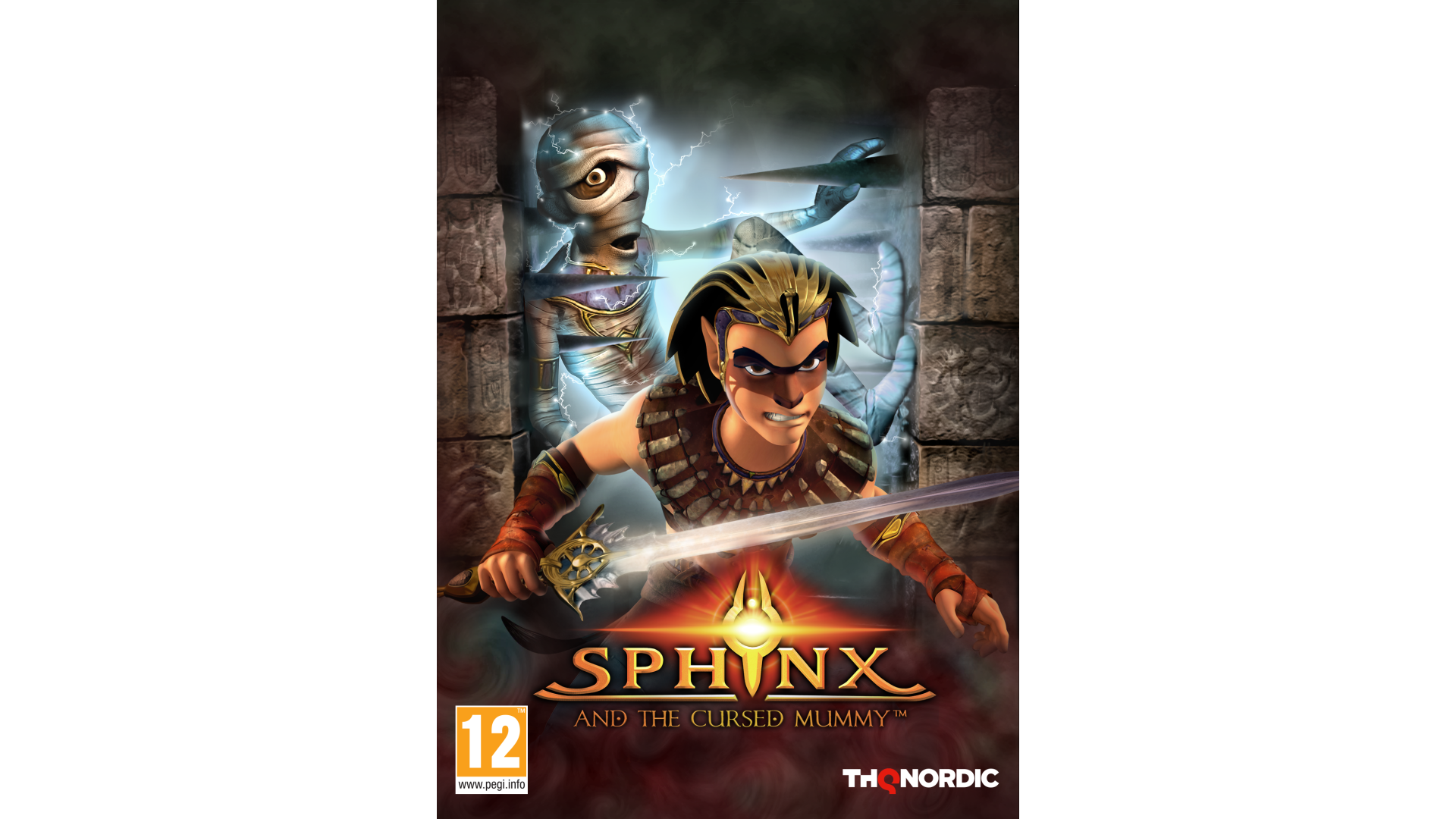
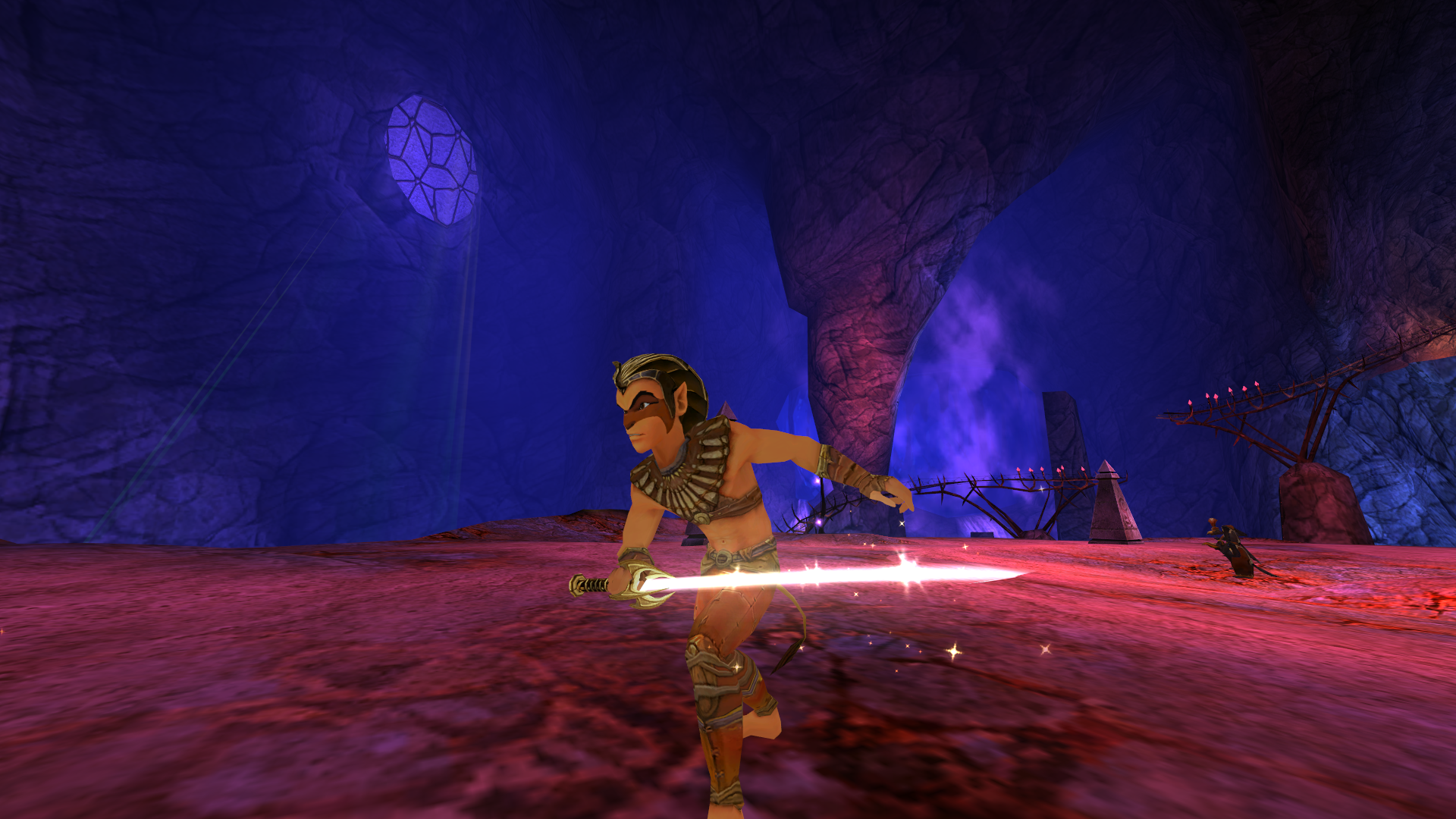
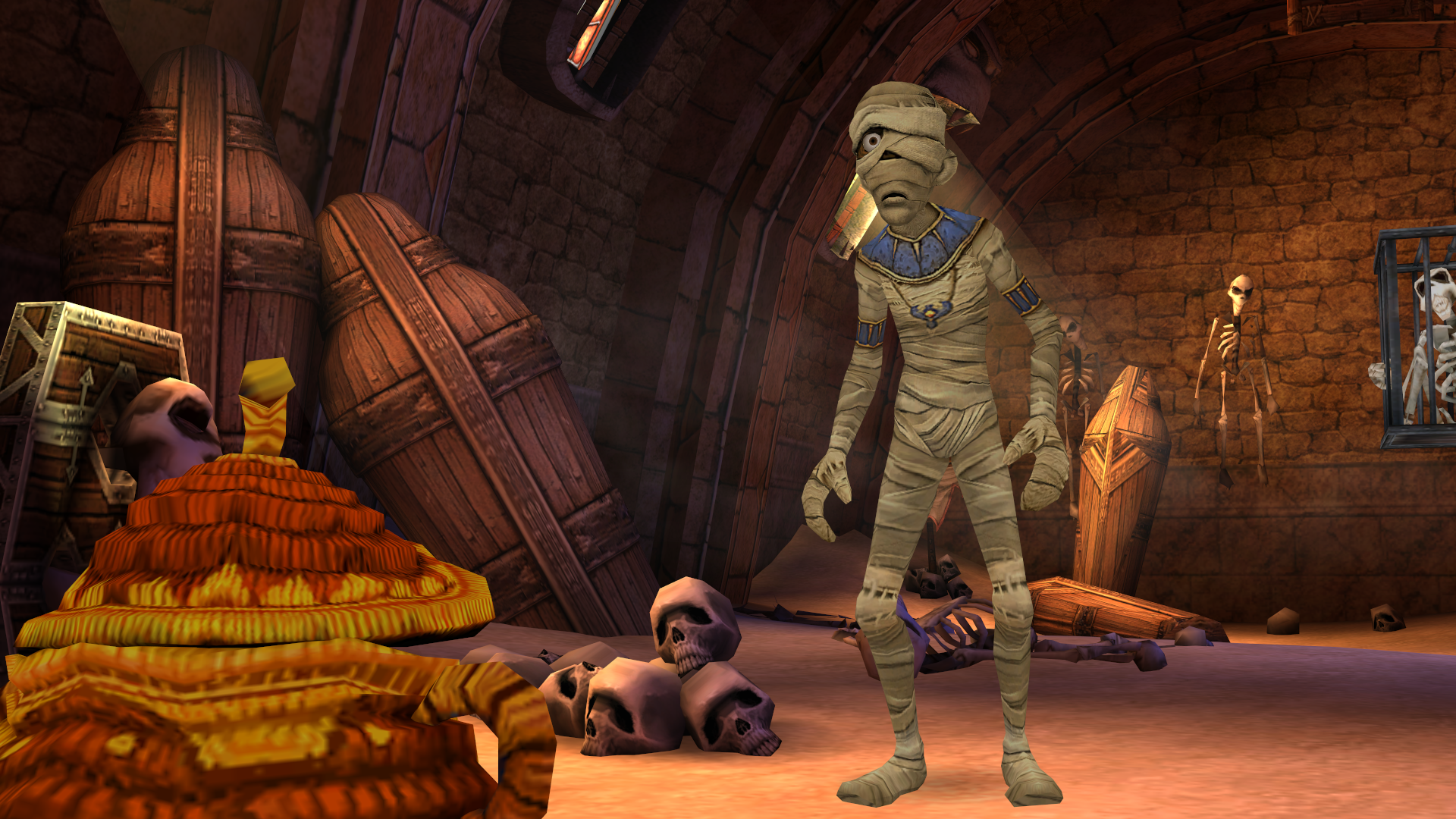
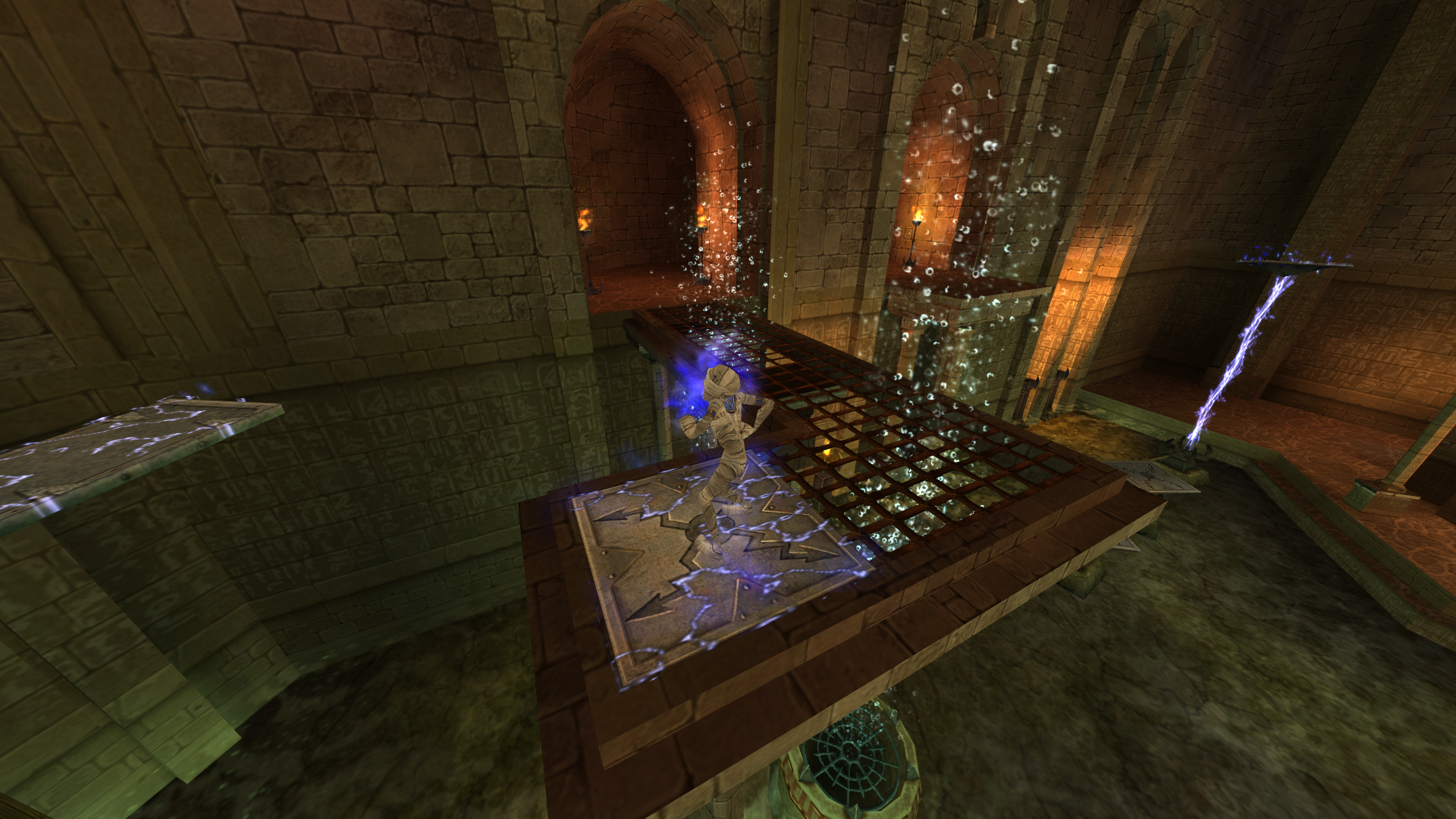
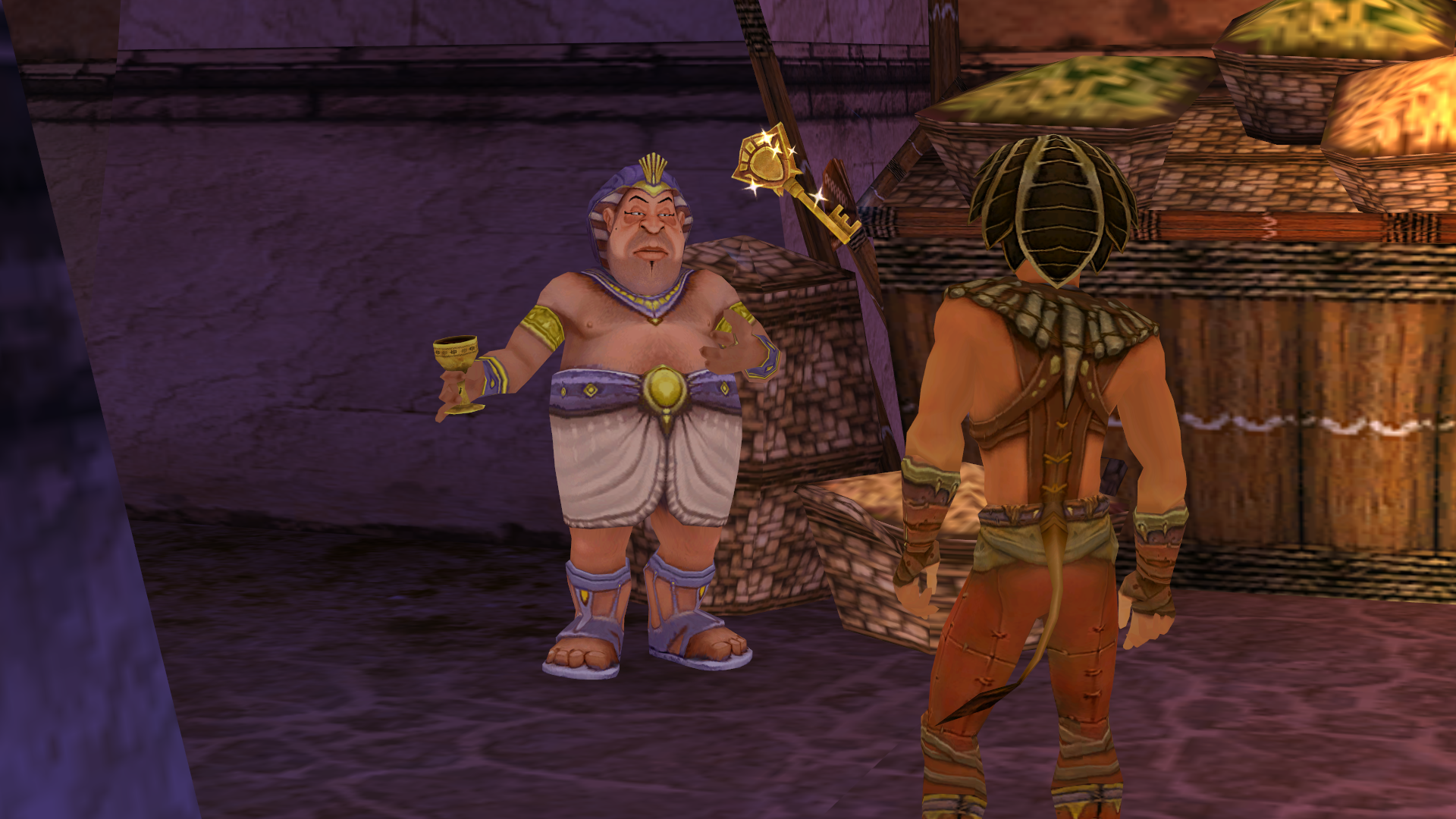
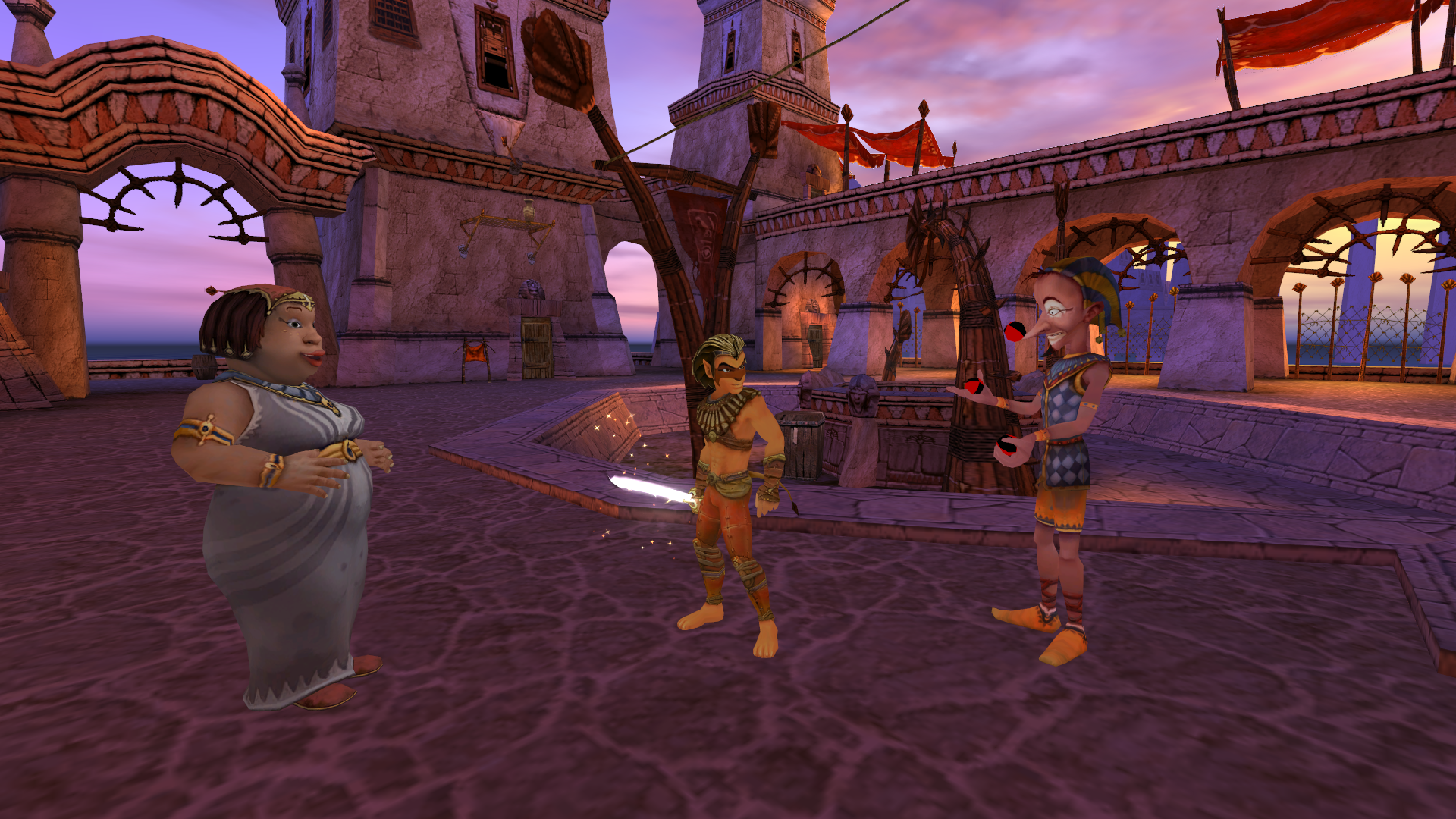
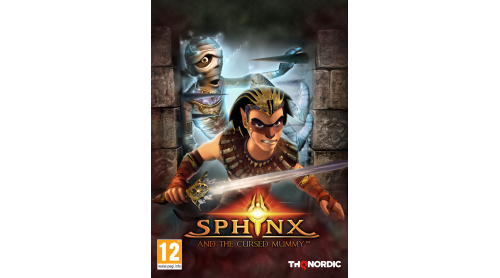
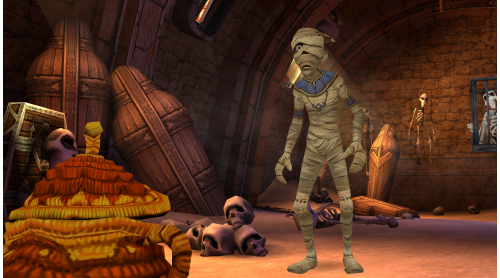
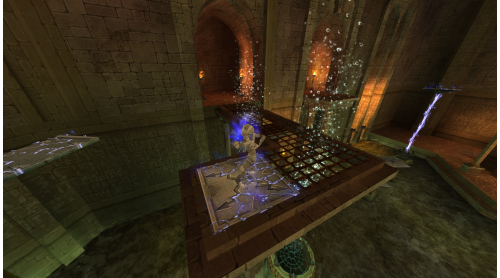
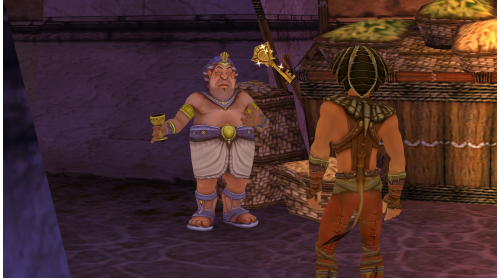
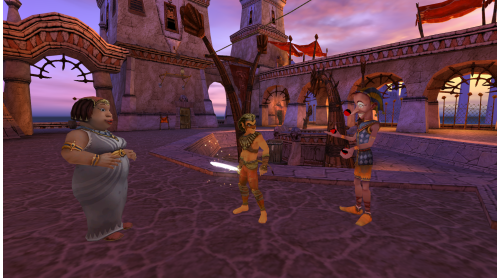
Sphinx and The Cursed Mummy is an original 3rd person action-adventure inspired by the mythology of ancient Egypt. Travelling the world via magical portals to foil the evil plans of Set. Sphinx's Journey will require all his wits, agility, and special powers. He will also rely on his reluctant hero friend, The Mummy, to help when being inconspicuous is the only solution. By finding the stolen magical crowns of Egypt, Sphinx can stop Set and save the world.
Story
An ancient Egyptian Universal Empire once joined several worlds through Solar Disc portals. The old empire was destroyed and the civilizations in each world have suffered different fates, some of them have continued contact and others have lost it. These worlds have been separated for such a long time that many of them would not recognize each other.
The legend says that two forces, one negative, one positive, are trying to recover the old empire and all of its crowns again. But we know very little about these forces or if they really exist. Other people are simply trying to understand what happened and the real nature of each world. Meanwhile each world continues with it’s own way and history.
Recently, strange things have been happening… News is received from many places that problems are appearing; the normally peaceful villages are now at war, odd monsters appear in valleys where there was once placid ecology... Nobody knows why…
The chain of communication between the worlds remains partially abandoned, partially destroyed and so unstable that
to use it is a sure way to cause even more problems and dangers. A long time ago the Great Wall in Heliopolis was built to protect the civilians. Many people have used the portals but disappeared without trace. For this reason you never know how you will be received in any of the locations or if you will get anywhere at all.
Features


How to activate your Steam key?
1. Open your Steam client. (If you don't have a Steam Client, you can install from here https://store.steampowered.com/about/)
2. Sign in to your Steam account. (If you don't have a Steam Account, you can create from here https://store.steampowered.com/join/)
3. Click “ADD A GAME” button which is at the bottom of the Steam Client.
4. Now select "Activate a product on Steam..."
5. Write or copy-paste your Steam key which you purchased from Gamesforpc.
6. Now your game is in your library.
7. Find your game in your library, select and click install to start your download.