 Steam
Steam  Windows
 29.99€
Added to Cart
29.99€
Added to Wishlist
29.99€
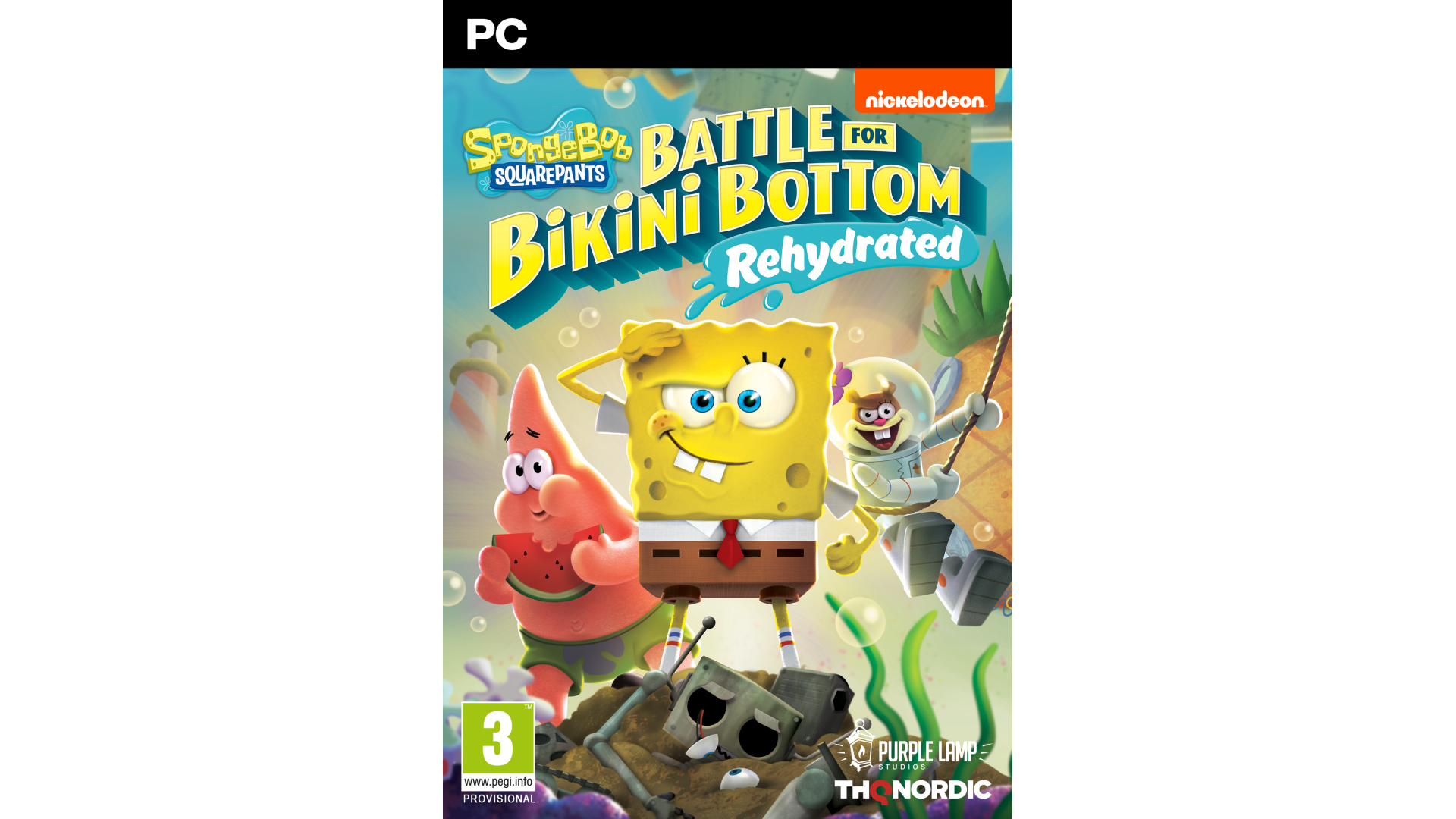
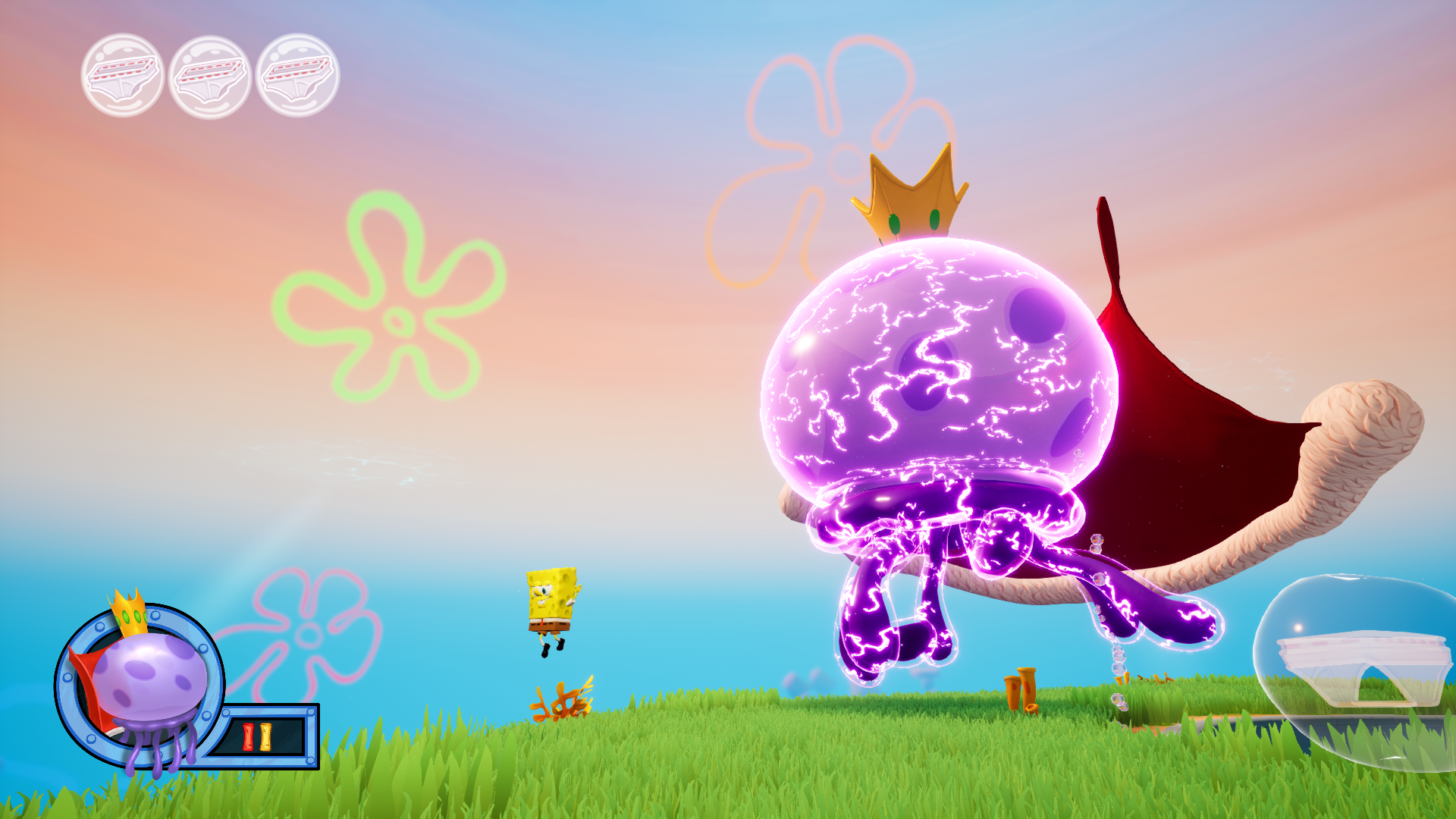
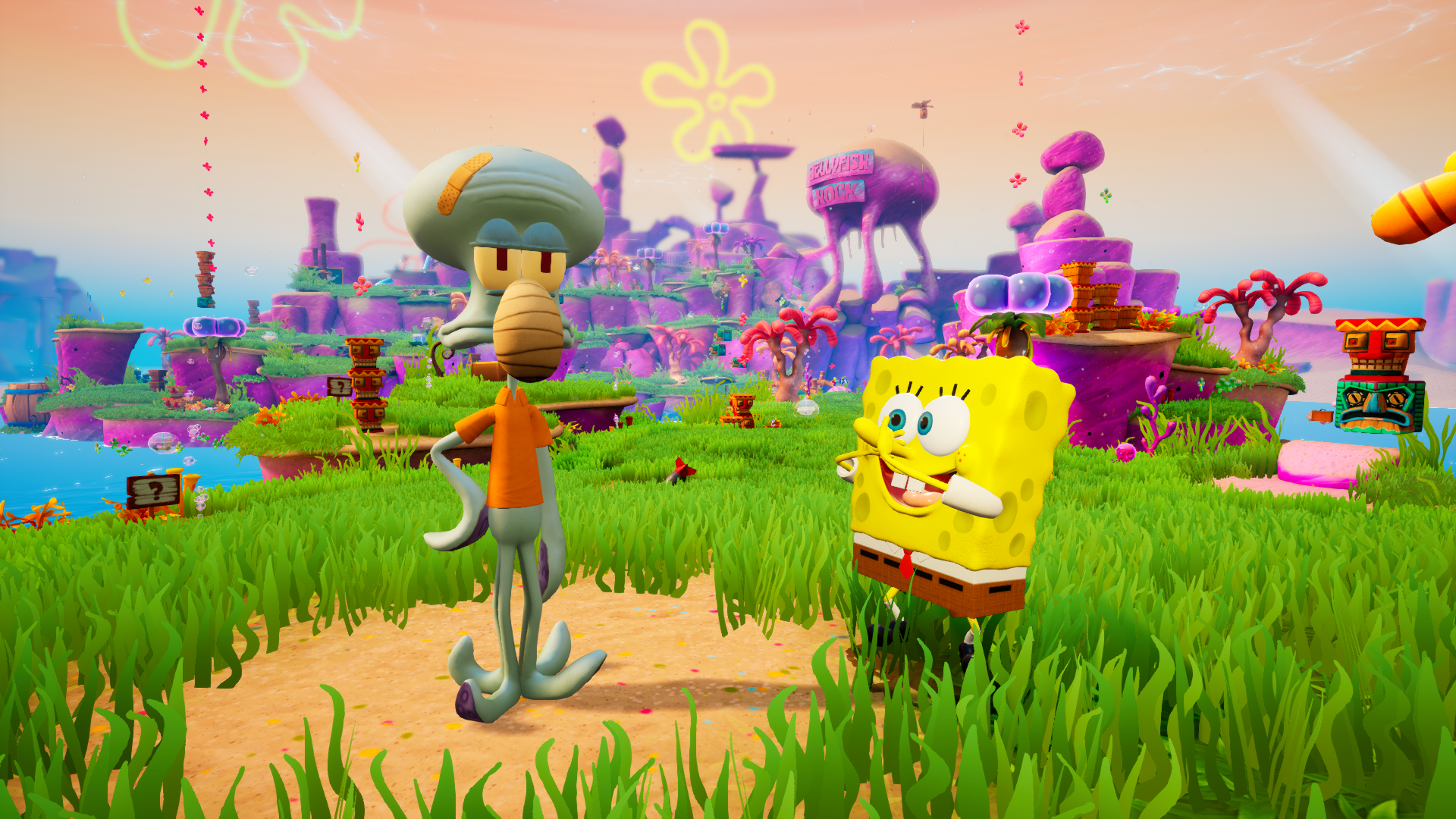
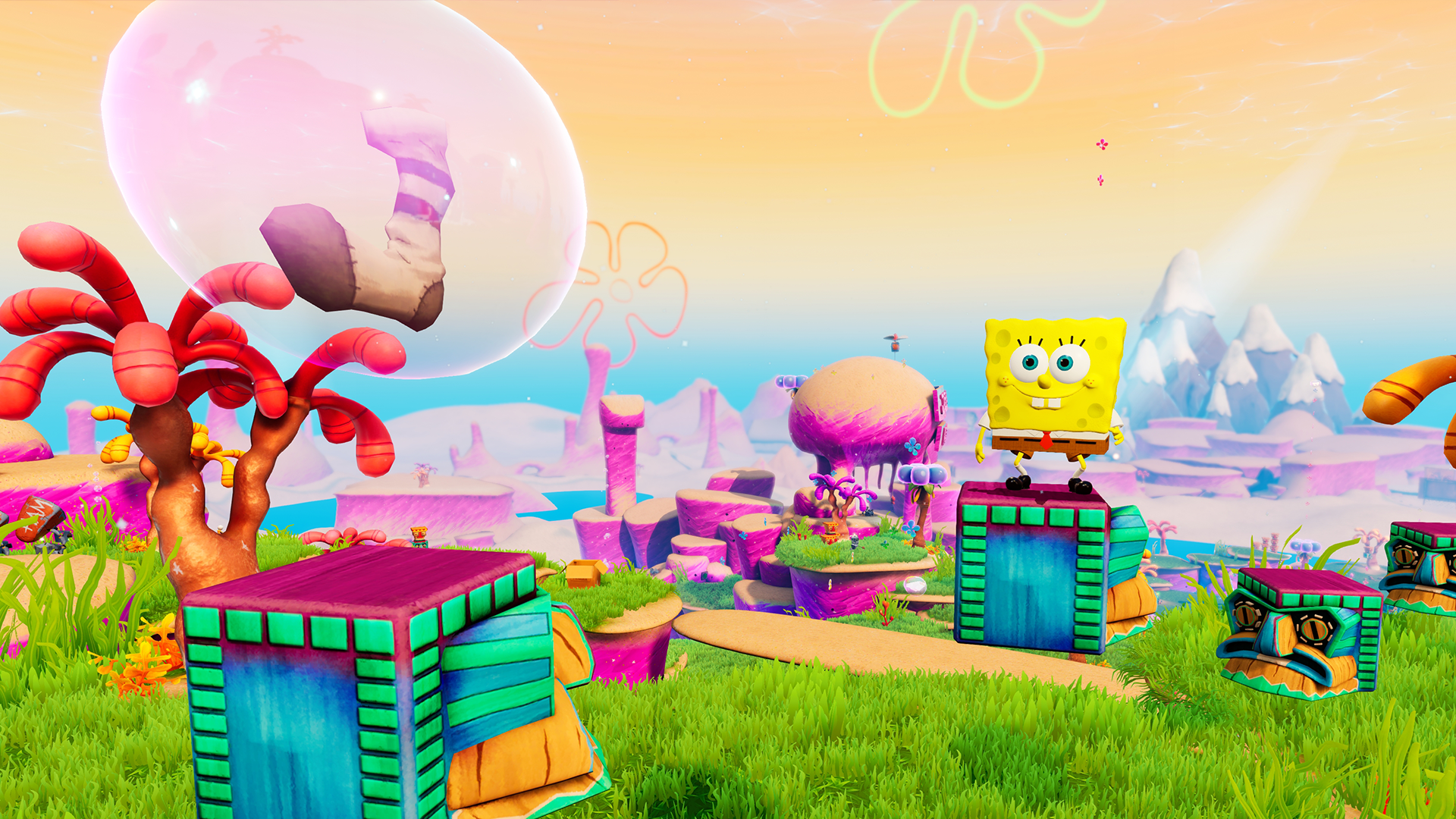
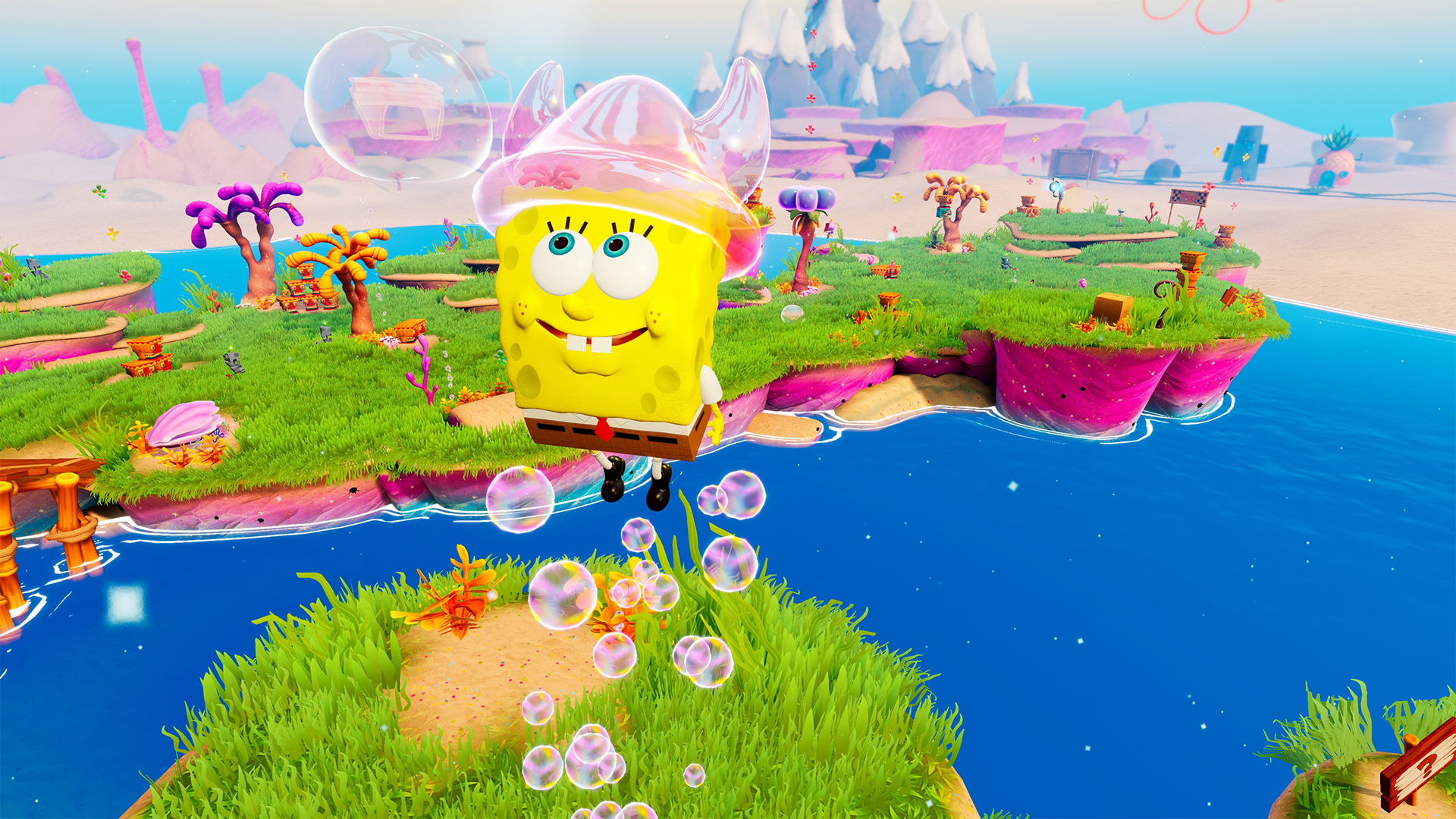
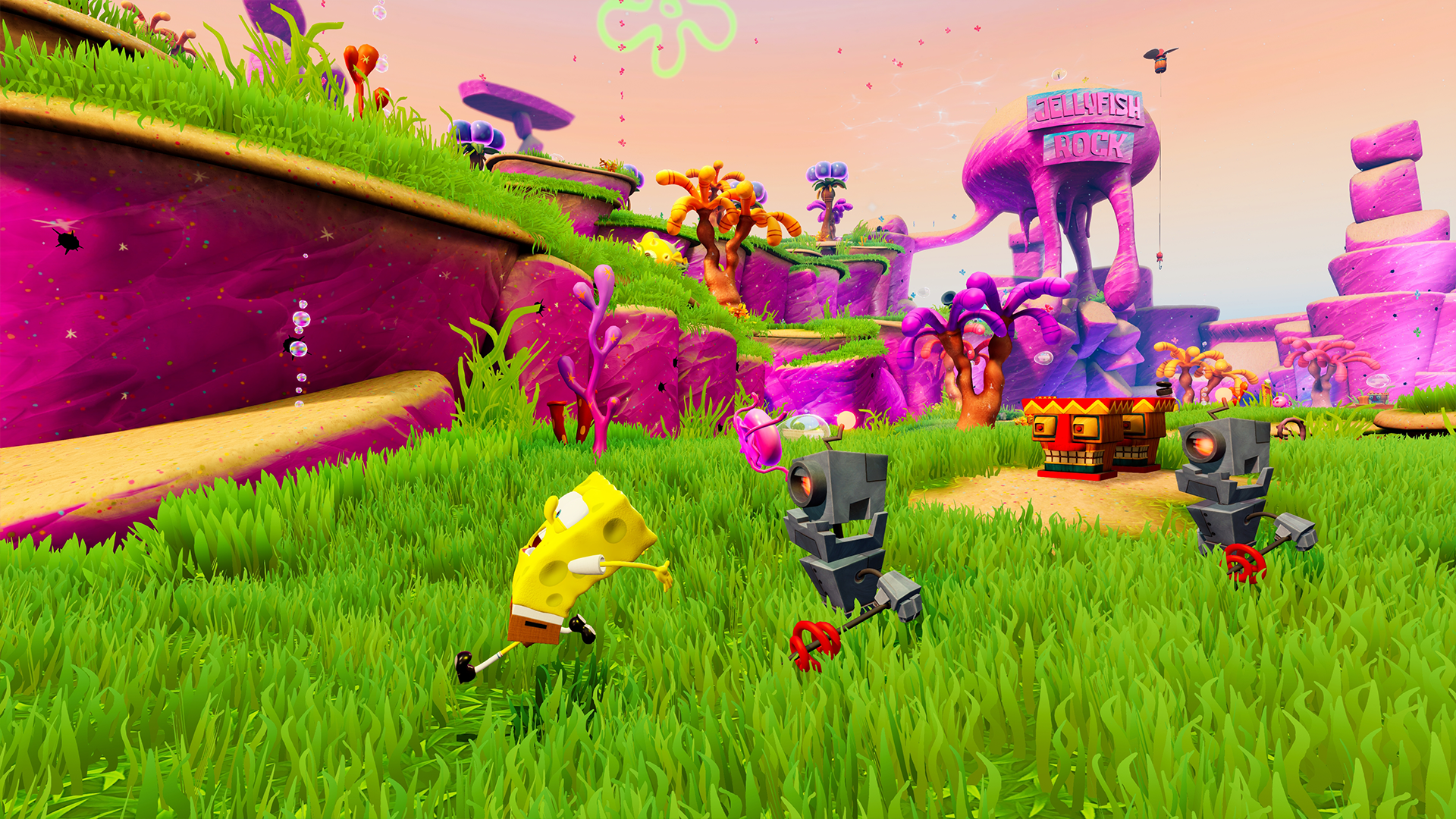
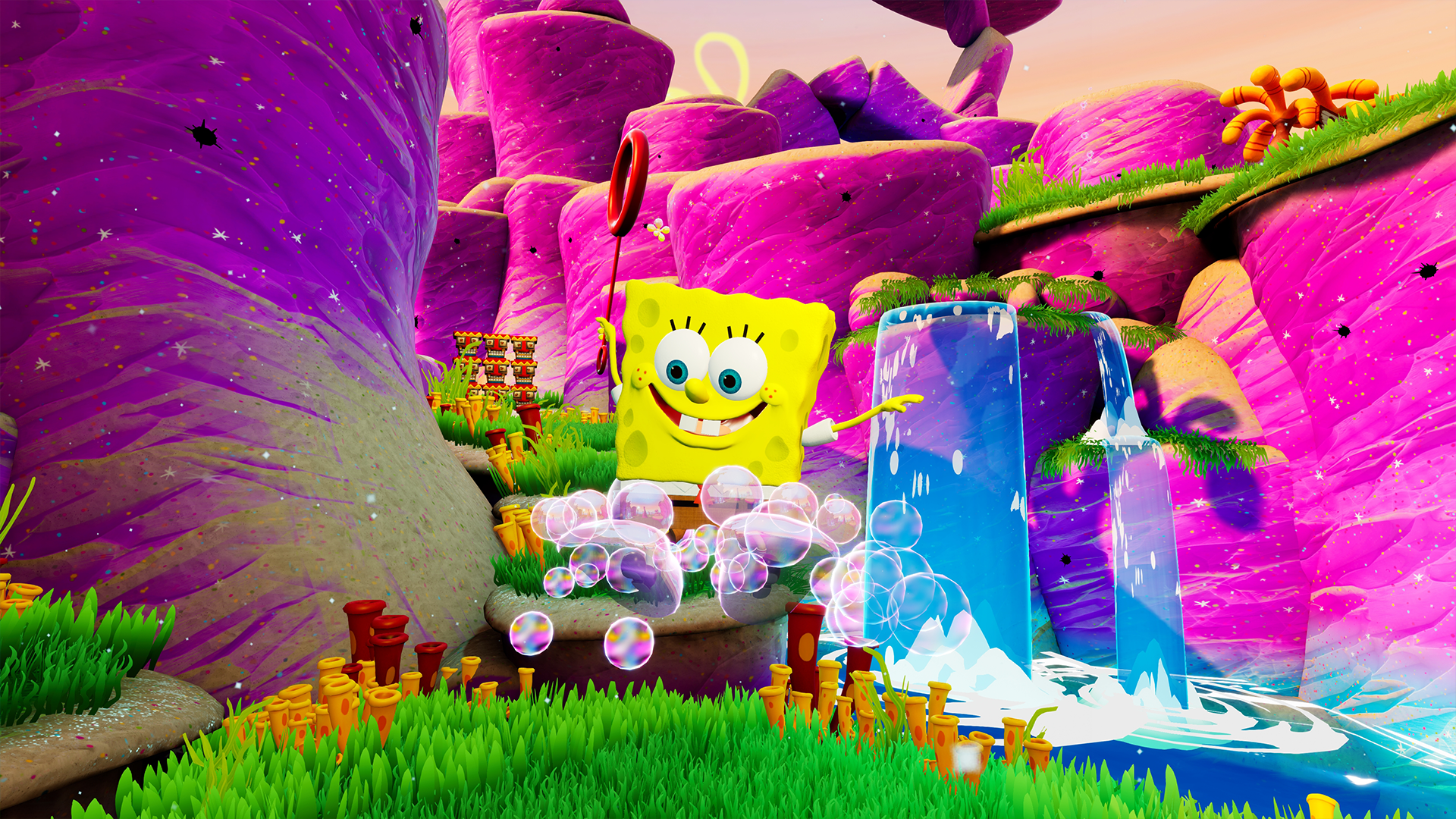
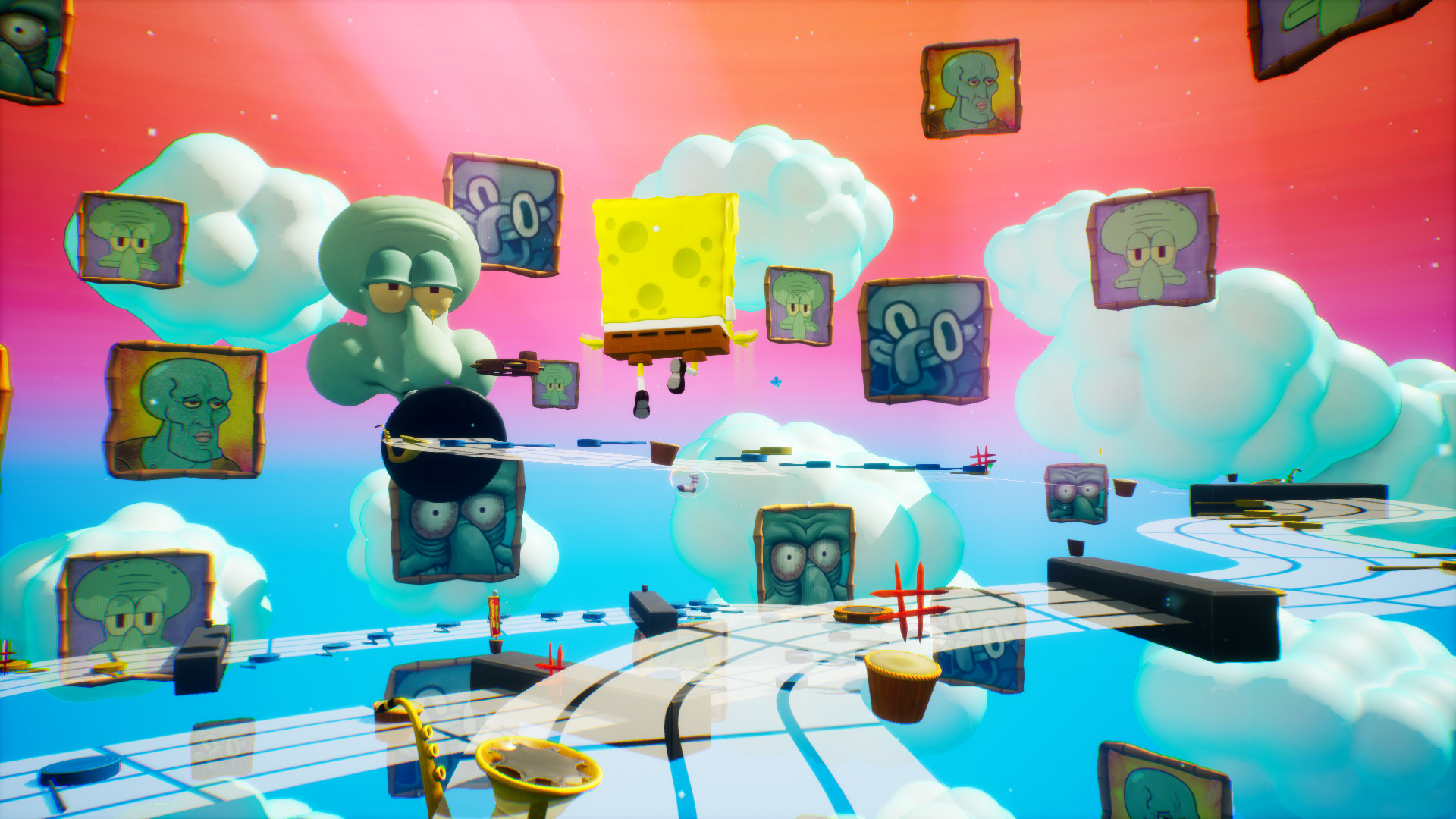
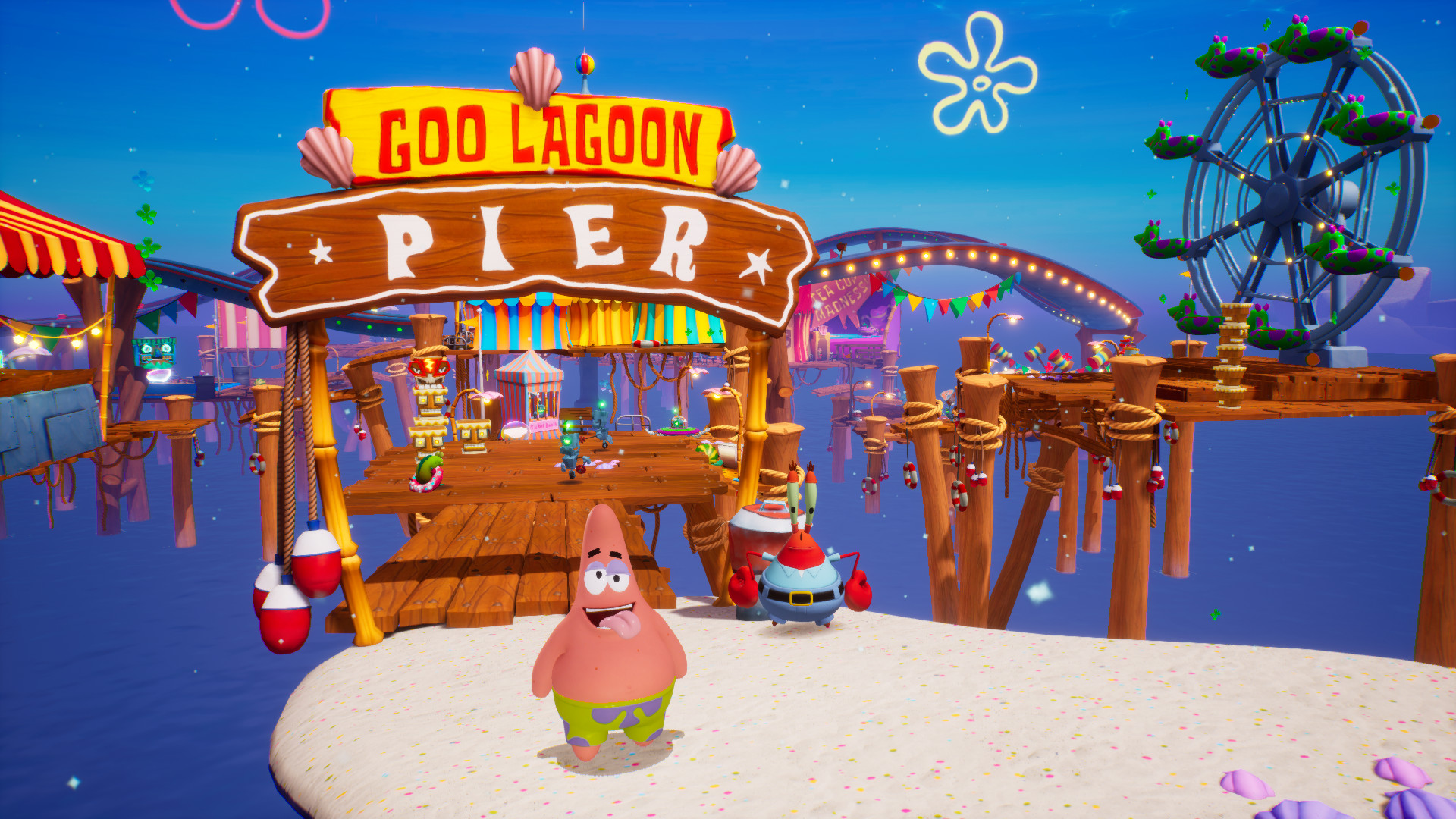
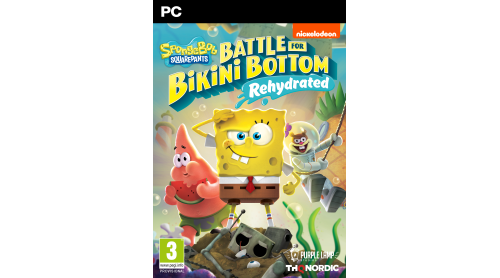
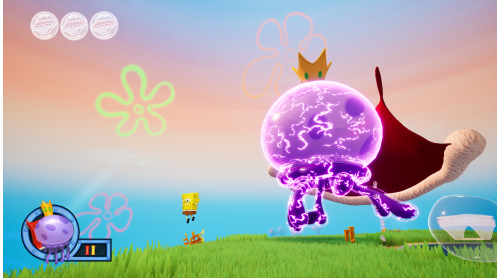
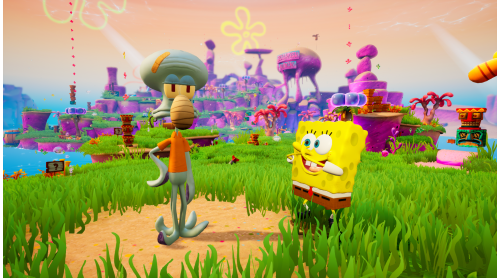
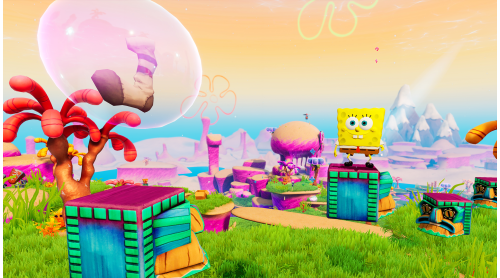
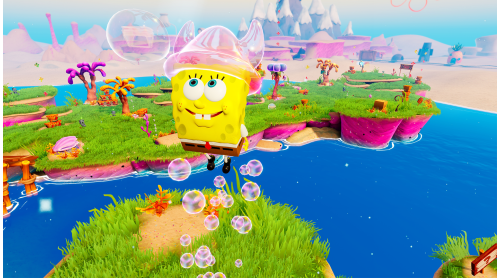
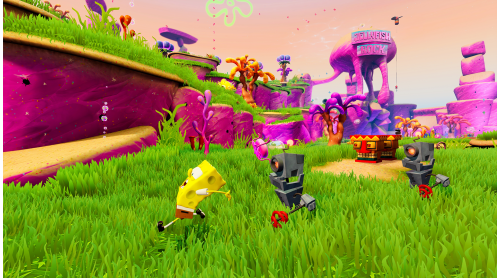
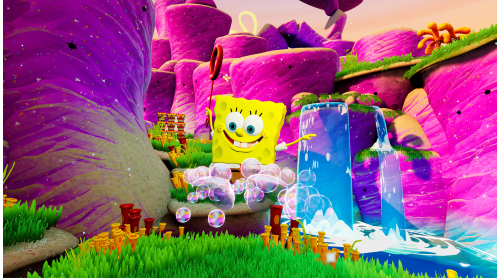
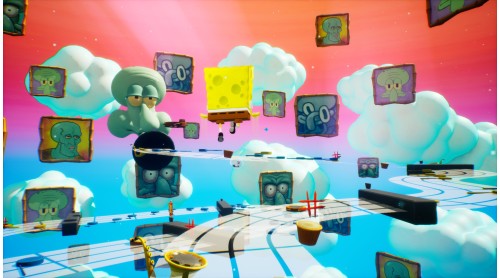
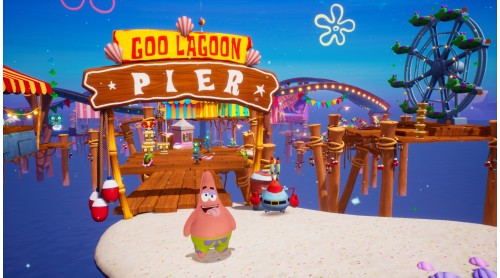
Are you ready, kids? The cult classic is back, faithfully remade in spongetastic splendor! Play as SpongeBob, Patrick and Sandy and show the evil Plankton that crime pays even less than Mr. Krabs. Want to save Bikini Bottom from lots of rampant robots with your mighty bubbles? Of course you do! Want to underpants bungee jump? Why wouldn't you! Want to join forces in a brand new multiplayer mode?
The battle is on!
GAME FEATURES
© 2020 Viacom International Inc. All Rights Reserved. Nickelodeon, SpongeBob SquarePants and all related titles, logos and characters are trademarks of Viacom International Inc. Created by Stephen Hillenburg. © 2019 THQ Nordic AB, Sweden. Published by THQ Nordic GmbH, Austria. Developed by Purple Lamp Studios GmbH, Austria. THQ and THQ Nordic are trademarks of THQ Nordic AB, Sweden. All rights reserved. All other trademarks, logos and copyrights are property of their respective owners.


How to activate your Steam key?
1. Open your Steam client. (If you don't have a Steam Client, you can install from here https://store.steampowered.com/about/)
2. Sign in to your Steam account. (If you don't have a Steam Account, you can create from here https://store.steampowered.com/join/)
3. Click “ADD A GAME” button which is at the bottom of the Steam Client.
4. Now select "Activate a product on Steam..."
5. Write or copy-paste your Steam key which you purchased from Gamesforpc.
6. Now your game is in your library.
7. Find your game in your library, select and click install to start your download.