 Steam
Steam  Windows
 4.99€
Added to Cart
4.99€
Added to Wishlist
4.99€
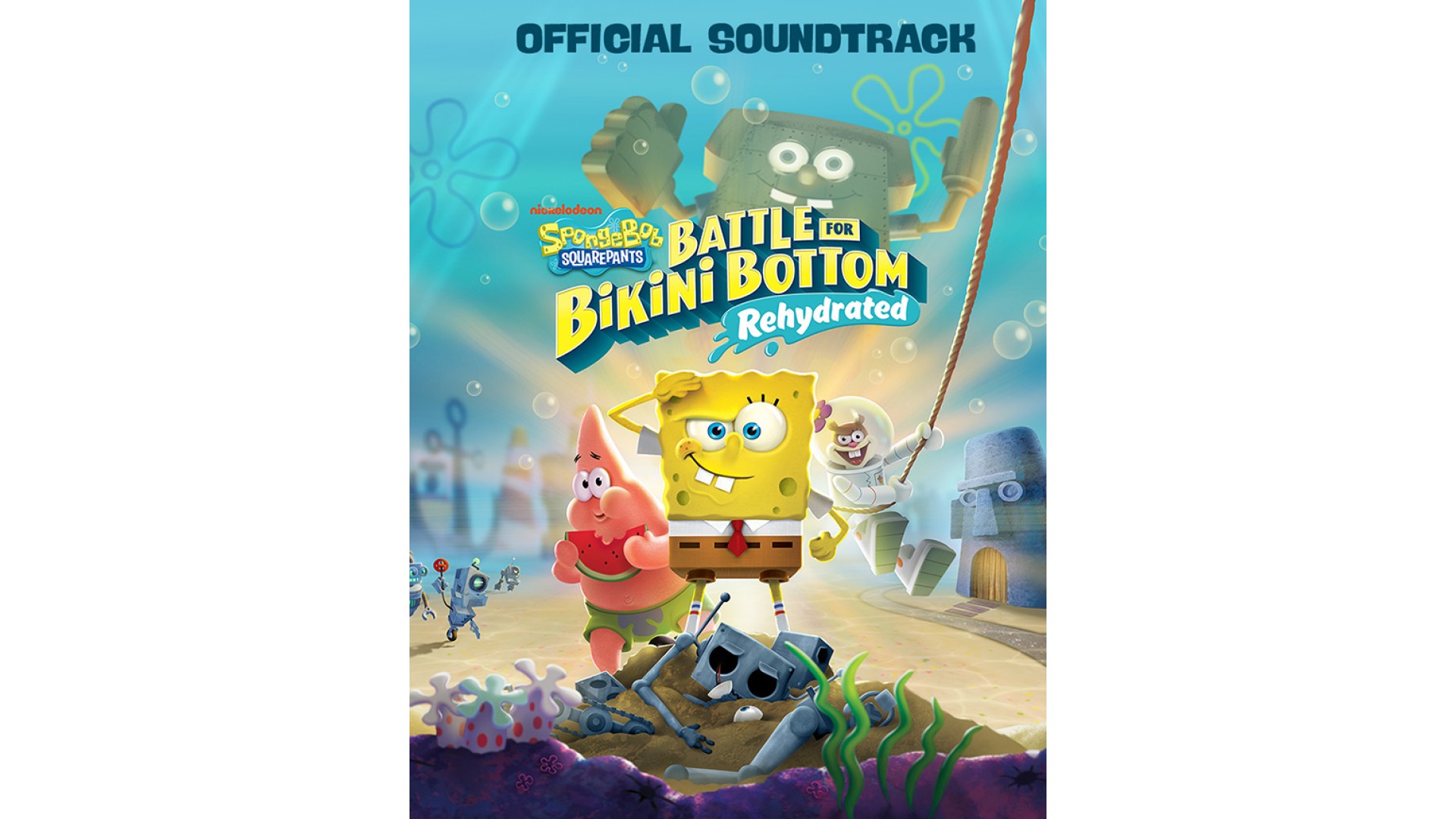
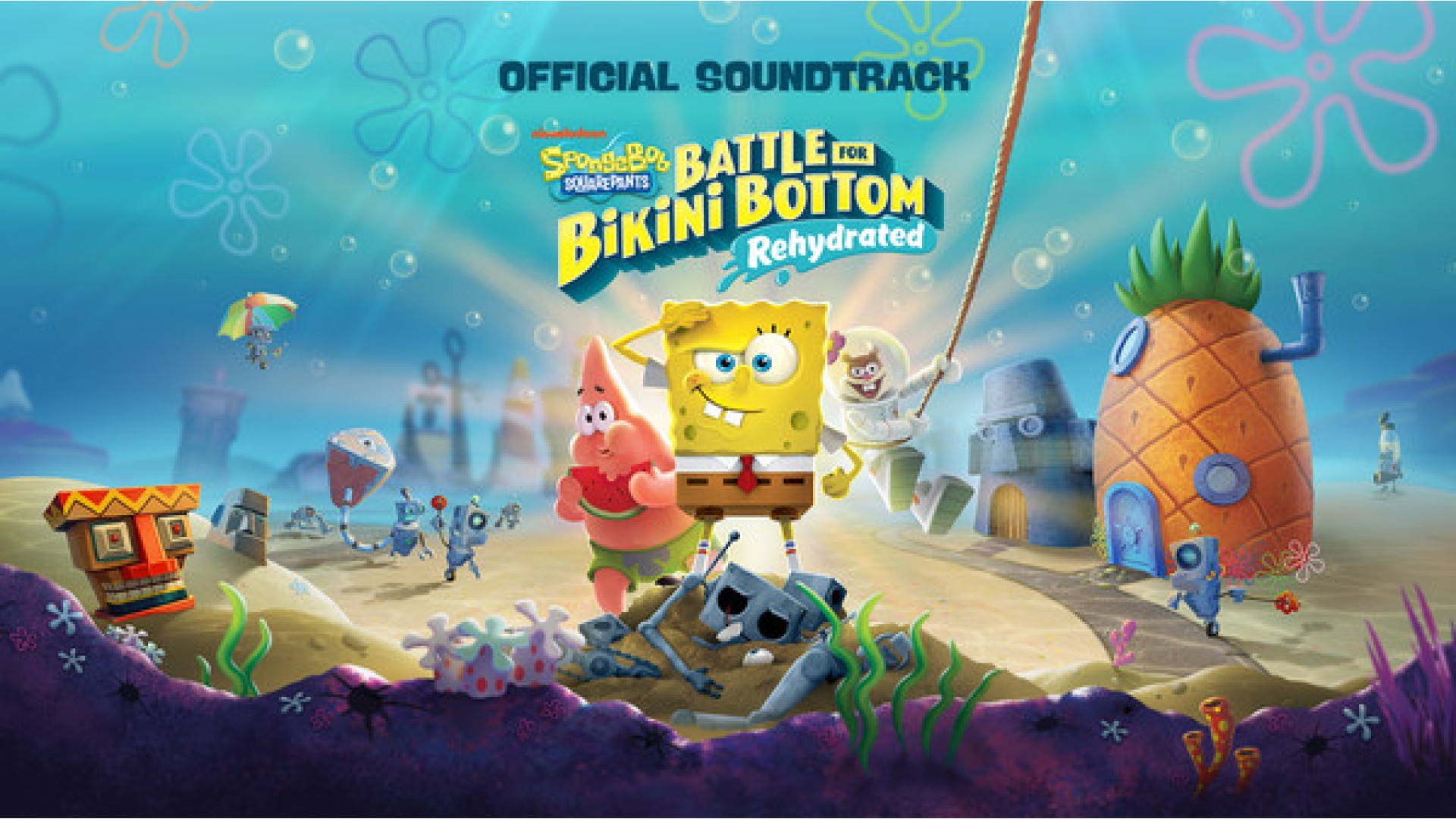
The fully remastered, nay, rehydrated original soundtrack of SpongeBob SquarePants: Battle For Bikini Bottom – Rehydrated. Includes all fifteen beloved tracks that make every day the Best Day Ever!
TRACK LISTING
1 - Bikini Bottom - Rehydrated (3:04)
2 - Jellyfish Fields - Rehydrated (3:03)
3 - Goo Lagoon - Rehydrated (2:59)
4 - Downtown Bikini Bottom - Rehydrated (3:00)
5 - Poseidome - Rehydrated (3:06)
6 - The Mermalair - Rehydrated (3:02)
7 - Rock Bottom - Rehydrated (2:57)
8 - Slide - Rehydrated (3:06)
9 - Industrial Park - Rehydrated (2:52)
10 - Flying Dutchman's Graveyard - Rehydrated (2:47)
11 - Kelp Forest - Rehydrated (3:05)
12 - Kelp Caves - Rehydrated (6:11)
13 - SpongeBob's Dream - Rehydrated (3:04)
14 - Boss Fight - Rehydrated (0:45)
15 - Chum Bucket - Rehydrated (3:00)
CREDITS
ARTIST: Jimmy Levine
COMPOSER: Jimmy Levine, Bobby Crew, Alex Wilkinson
LABEL: THQ Nordic
© 2020 Viacom International Inc. All Rights Reserved. Nickelodeon, SpongeBob SquarePants and all related titles, logos and characters are trademarks of Viacom International Inc. Created by Stephen Hillenburg. © 2019 THQ Nordic AB, Sweden. Published by THQ Nordic GmbH, Austria. Developed by Purple Lamp Game Development GmbH, Austria. THQ and THQ Nordic are trademarks of THQ Nordic AB, Sweden. All rights reserved. All other trademarks, logos and copyrights are property of their respective owners.


How to activate your Steam key?
1. Open your Steam client. (If you don't have a Steam Client, you can install from here https://store.steampowered.com/about/)
2. Sign in to your Steam account. (If you don't have a Steam Account, you can create from here https://store.steampowered.com/join/)
3. Click “ADD A GAME” button which is at the bottom of the Steam Client.
4. Now select "Activate a product on Steam..."
5. Write or copy-paste your Steam key which you purchased from Gamesforpc.
6. Now your game is in your library.
7. Find your game in your library, select and click install to start your download.