











 Steam
Steam  Windows
 | Release Date | 31.01.2023 |
| Publisher | THQ Nordic GmbH |
| Operating Systems | Windows |
| Genres | Action |
39.99€
Added to Cart
39.99€
Added to Wishlist
39.99€
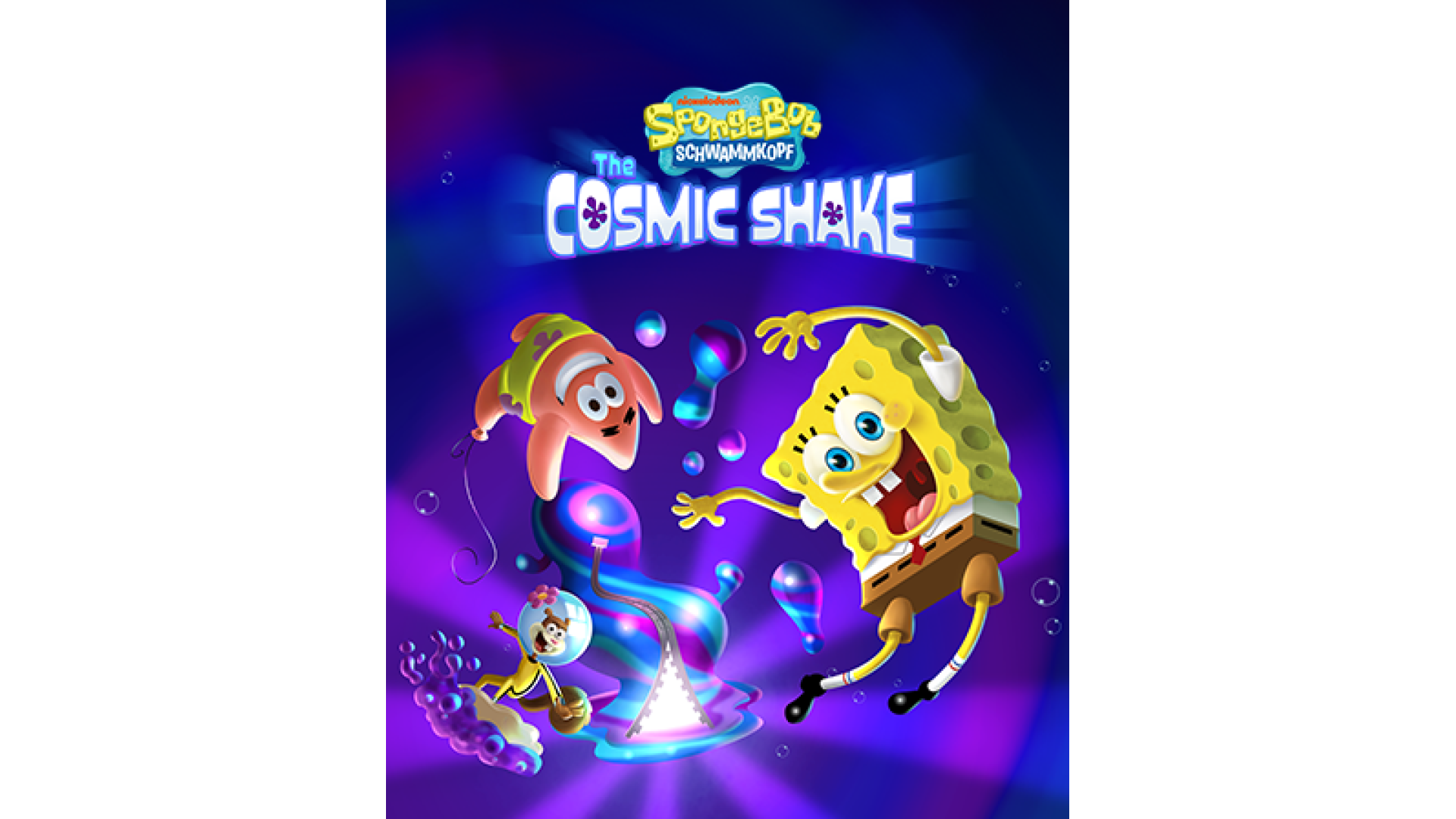
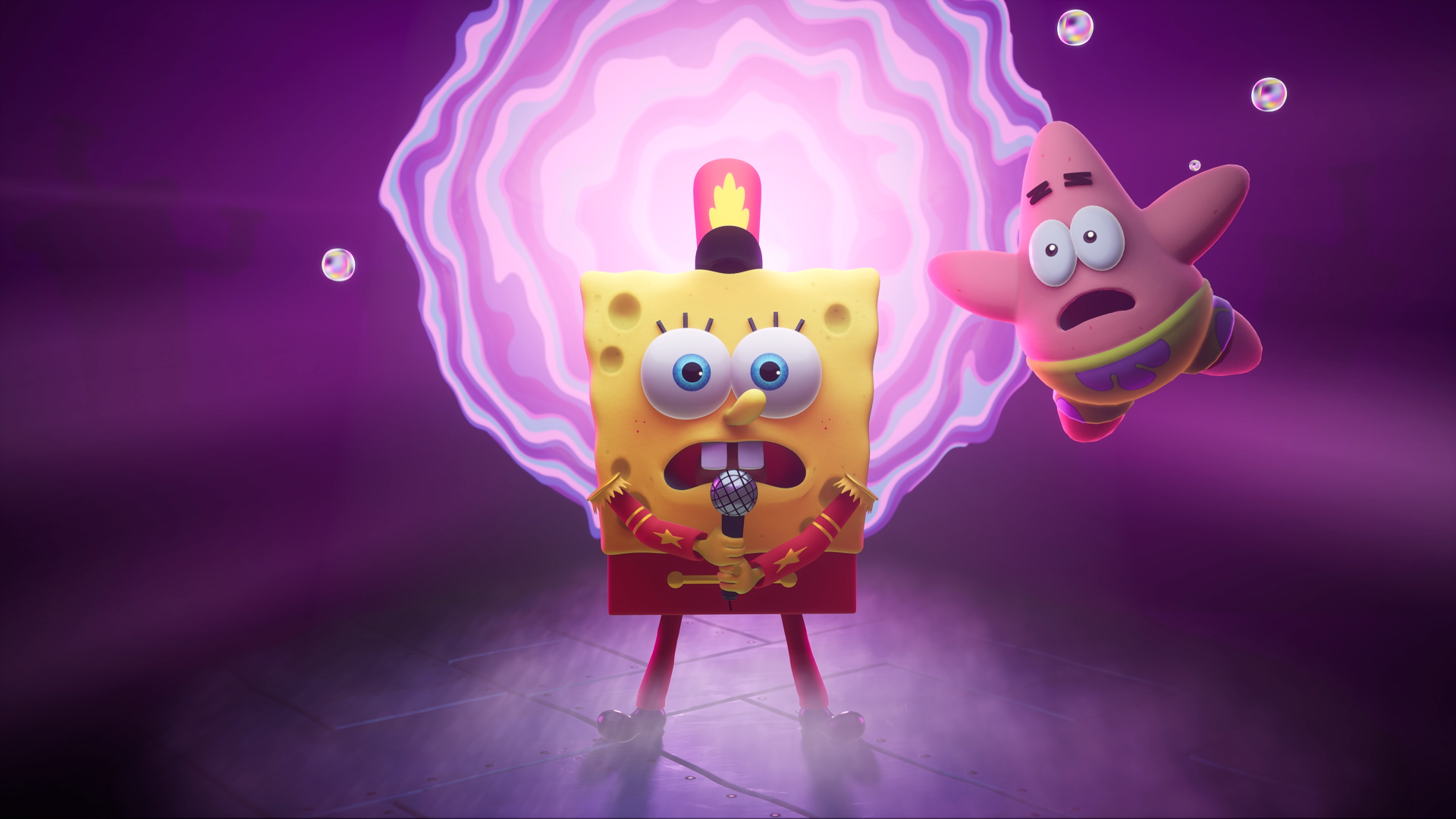
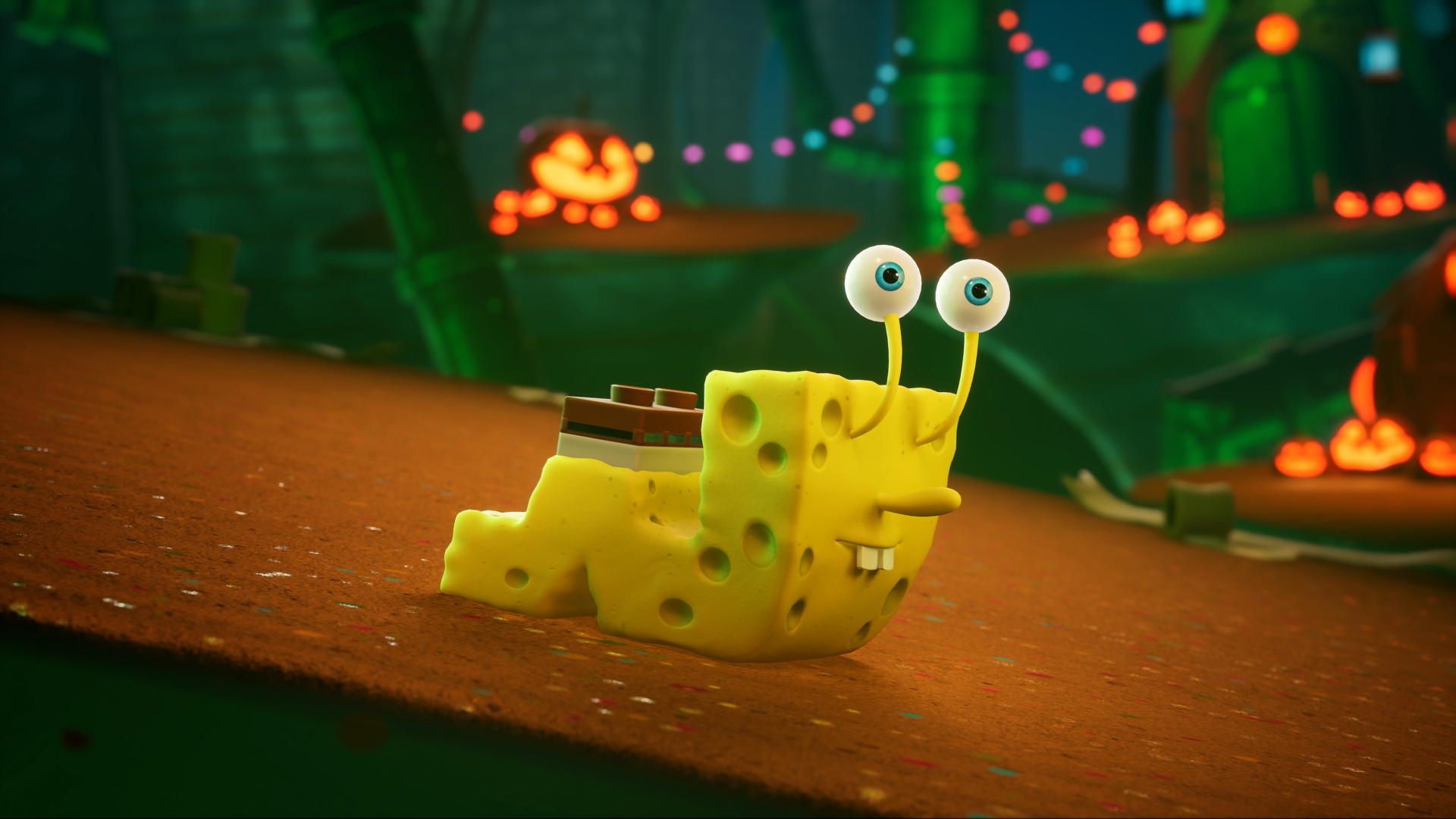
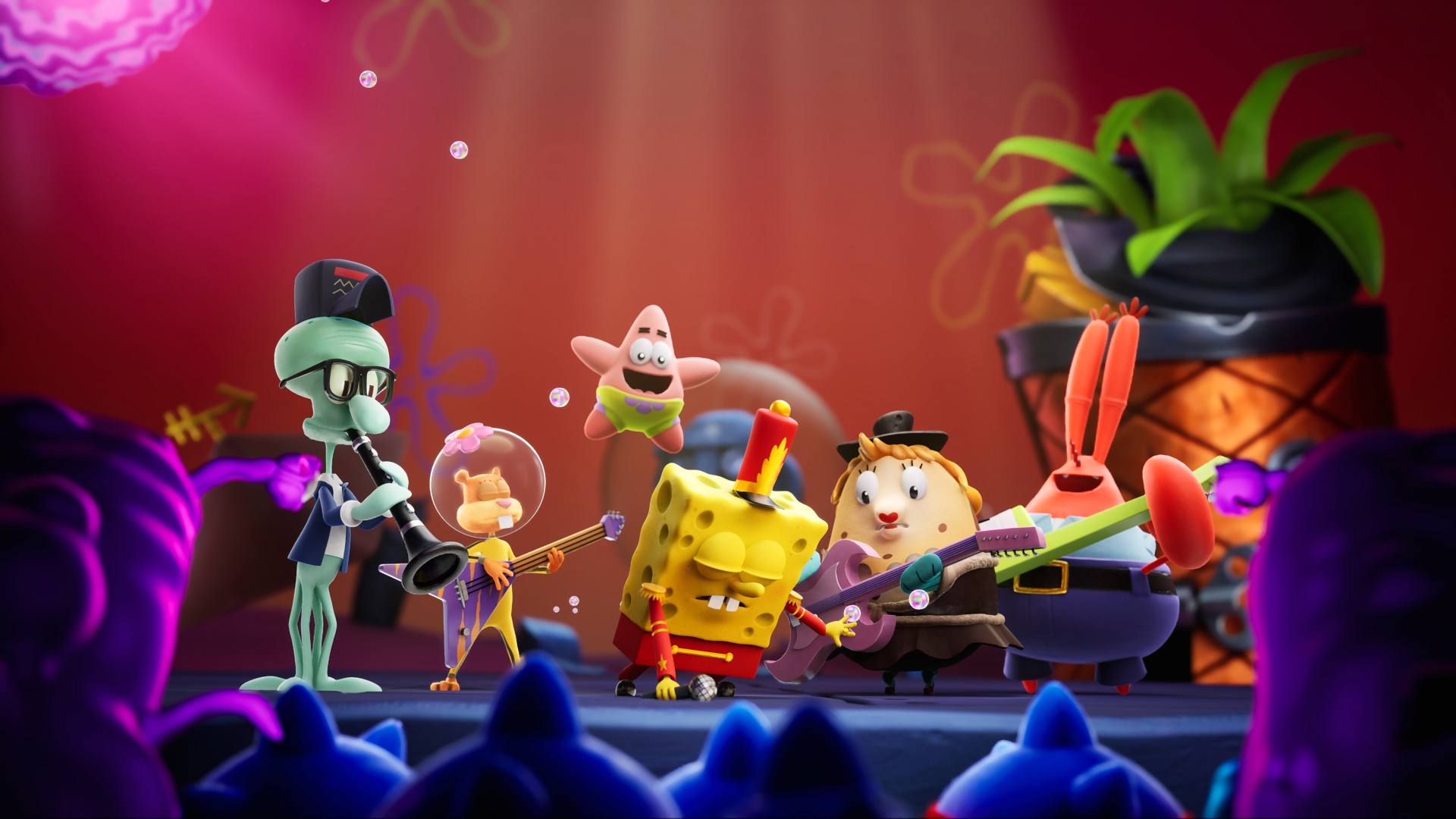
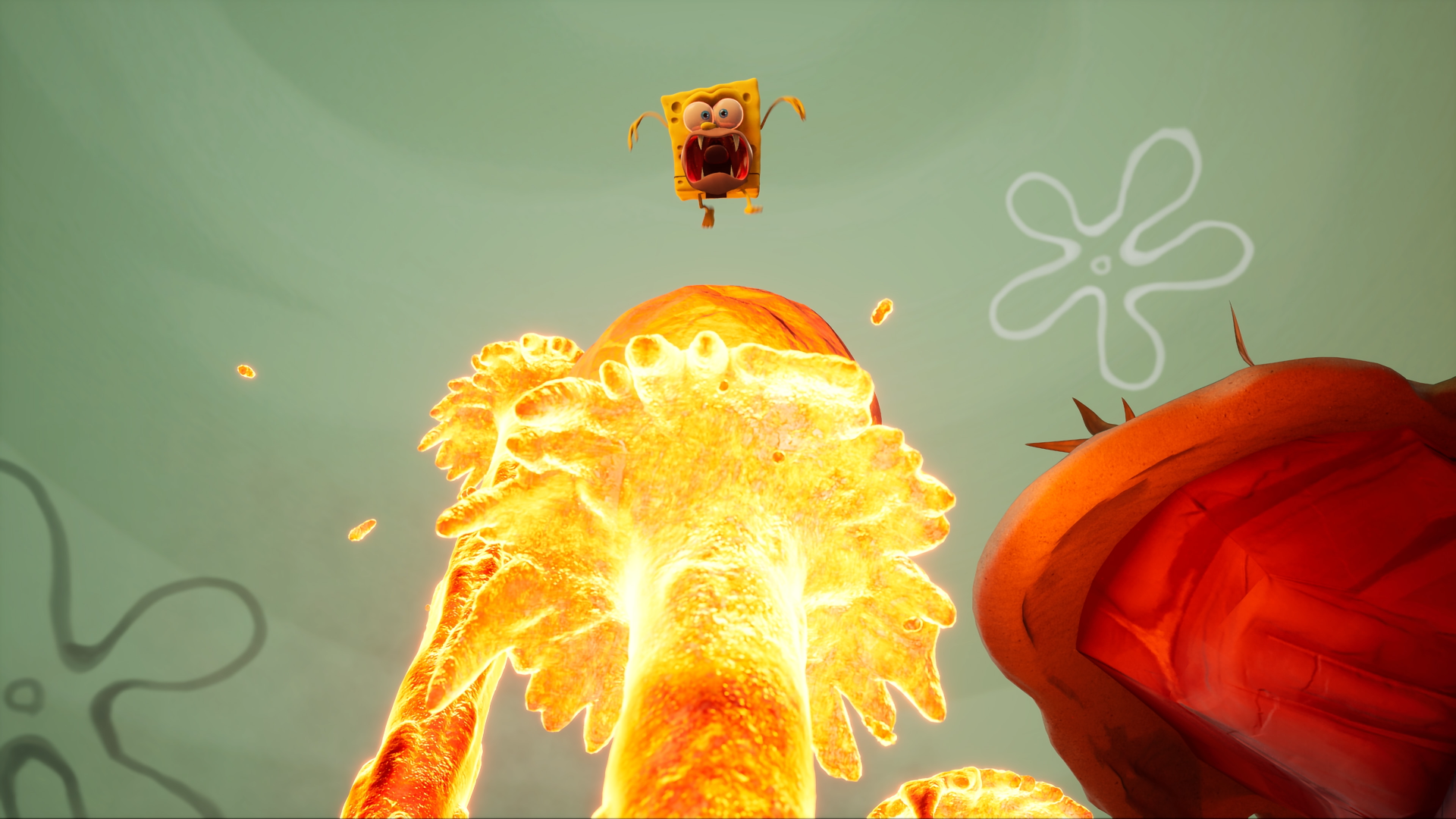
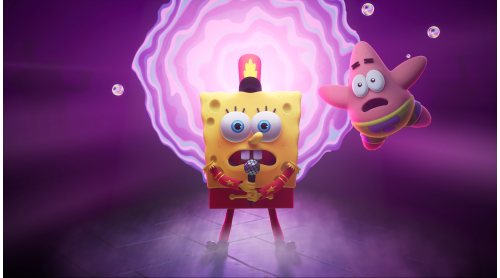
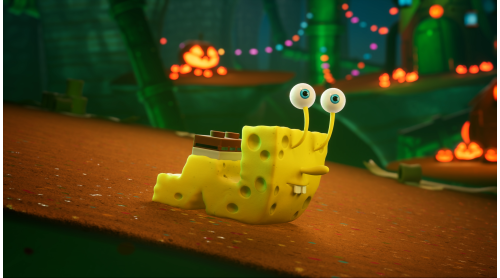
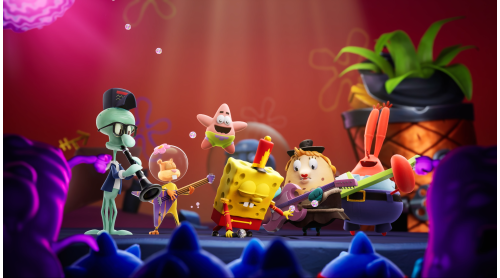
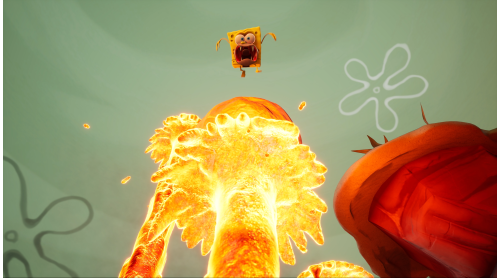
Wish-granting Mermaid’s Tears in the hands of SpongeBob and Patrick… What could possibly go wrong? Sure, the very fabric holding the very universe very together could come very undone, opening up portals into Wishworlds full of knights, cowboys, pirates, and prehistoric snails. But that’s nothing everyone’s favorite sponge can’t handle - with the right cosmic costume! Everybody do the Cosmic Shake!
© 2022 Viacom International Inc. All Rights Reserved. Nickelodeon, SpongeBob SquarePants and all related titles, logos and characters are trademarks of Viacom International Inc. Created by Stephen Hillenburg. © 2022 THQ Nordic AB, Sweden. Published by THQ Nordic GmbH, Austria. Developed by Purple Lamp GmbH, Austria. THQ and THQ Nordic are trademarks of THQ Nordic AB, Sweden. All other trademarks, logos and copyrights are property of their respective owners. All rights reserved.


How to activate your Steam key?
1. Open your Steam client. (If you don't have a Steam Client, you can install from here https://store.steampowered.com/about/)
2. Sign in to your Steam account. (If you don't have a Steam Account, you can create from here https://store.steampowered.com/join/)
3. Click “ADD A GAME” button which is at the bottom of the Steam Client.
4. Now select "Activate a product on Steam..."
5. Write or copy-paste your Steam key which you purchased from Gamesforpc.
6. Now your game is in your library.
7. Find your game in your library, select and click install to start your download.