






 Steam
Steam  Windows
 | Release Date | 18.11.2025 |
| Publisher | THQ Nordic GmbH |
| Operating Systems | Windows |
| Genres | Action, Simulation |
54.99€
Added to Cart
54.99€
Added to Wishlist
54.99€
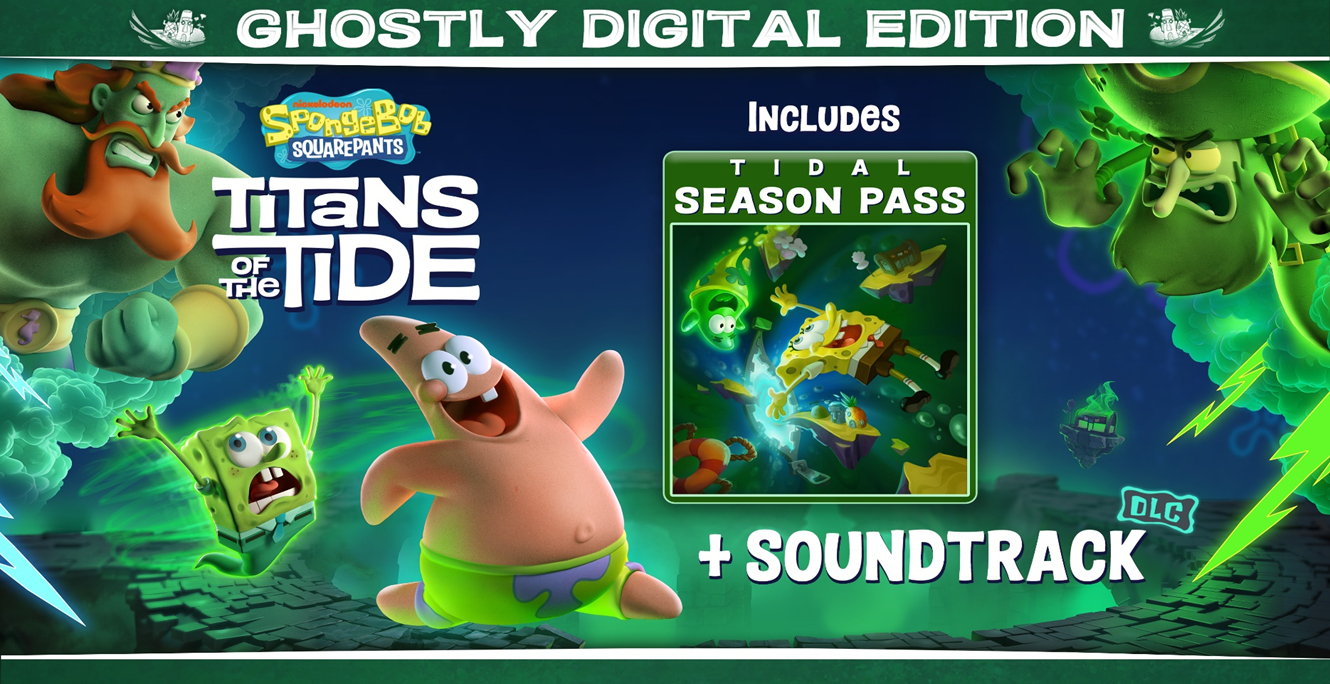

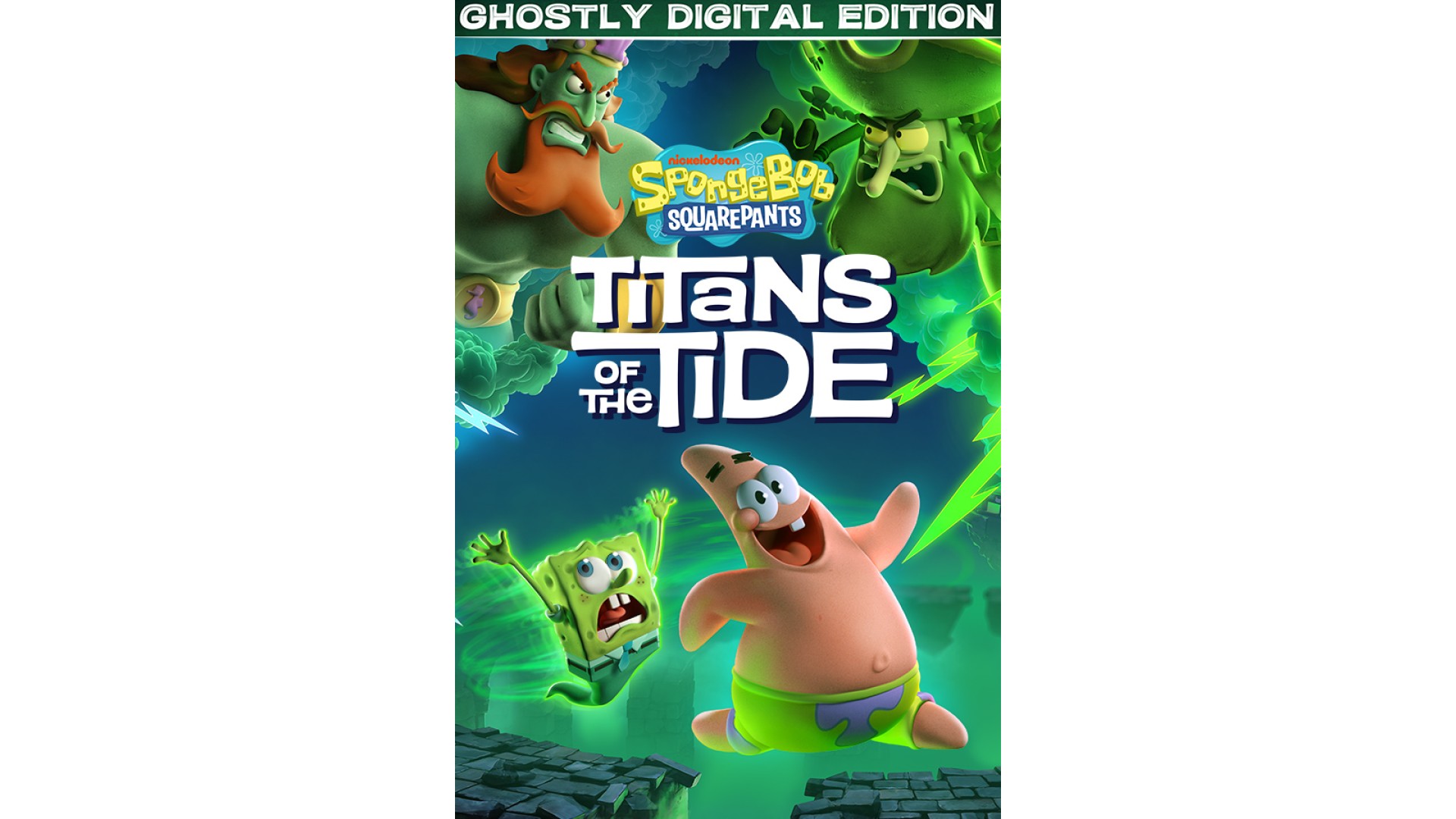
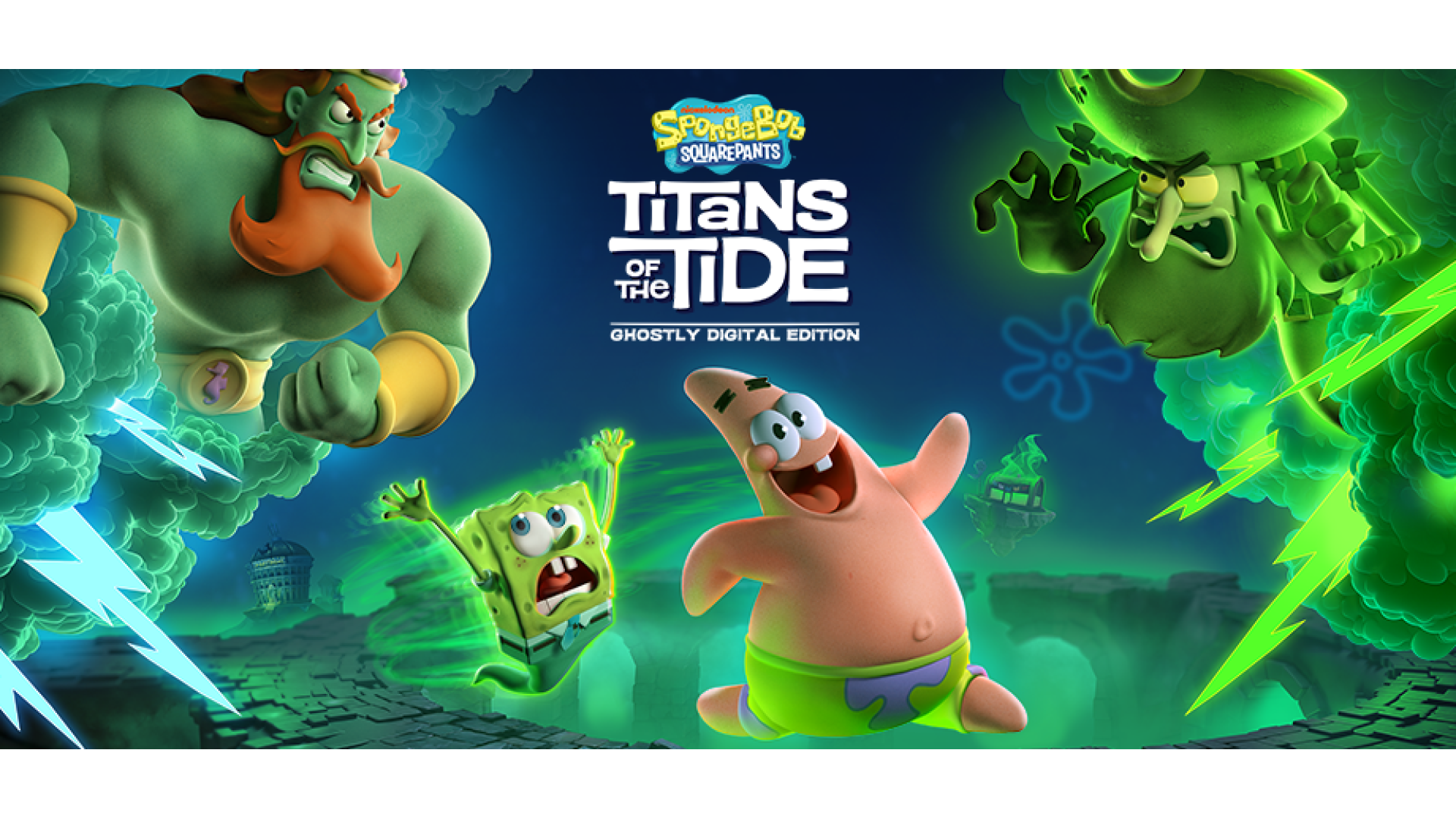
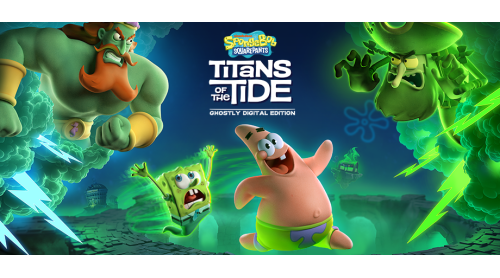
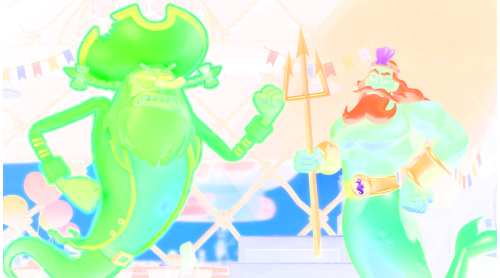
How do you stop the two biggest egos of the Seven Seas from fighting? A clash between the Flying Dutchman and King Neptune has unleashed ghostly mayhem all over Bikini Bottom. SpongeBob and Patrick will need all their skills, bravery and - dare I say - wit, to return life to what passes for normal in their undersea home. Join Bikini Bottom's most notorious duo on their ghostliest adventure yet!

 Switch seamlessly between SpongeBob and Patrick
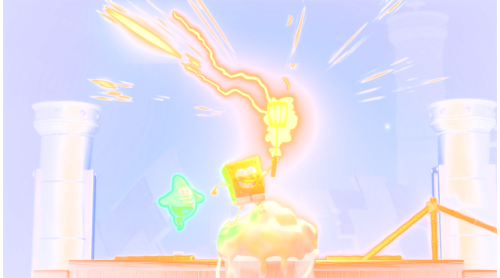
Combine SpongeBob and Patrick's unique platforming skills
Master Patrick's brand-new skills like grappling and burrowing
Experience a new ghostly story
Fully voiced by the original cast of the show
Visit iconic locations like Neptune's Palace and Mount Bikini
Battle epic bosses like the Flying Dutchman, King Neptune and Hibernation Sandy

© 2025 Viacom International Inc. All Rights Reserved. Nickelodeon, SpongeBob SquarePants and all related titles, logos and characters are trademarks of Viacom International Inc. Created by Stephen Hillenburg. © 2025 THQ Nordic AB, Sweden. Published by THQ Nordic GmbH, Austria. Developed by Purple Lamp GmbH, Austria. THQ and THQ Nordic are trademarks of THQ Nordic AB, Sweden. All other trademarks, logos and copyrights are property of their respective owners. All rights reserved.


How to activate your Steam key?
1. Open your Steam client. (If you don't have a Steam Client, you can install from here https://store.steampowered.com/about/)
2. Sign in to your Steam account. (If you don't have a Steam Account, you can create from here https://store.steampowered.com/join/)
3. Click “ADD A GAME” button which is at the bottom of the Steam Client.
4. Now select "Activate a product on Steam..."
5. Write or copy-paste your Steam key which you purchased from Gamesforpc.
6. Now your game is in your library.
7. Find your game in your library, select and click install to start your download.