 Steam
| Release Date | 16.11.2015 | |
| Publisher | Microsoft | |
| PEGI Rating | + 16 |
19.99€
Added to Cart
19.99€
Added to Wishlist
19.99€
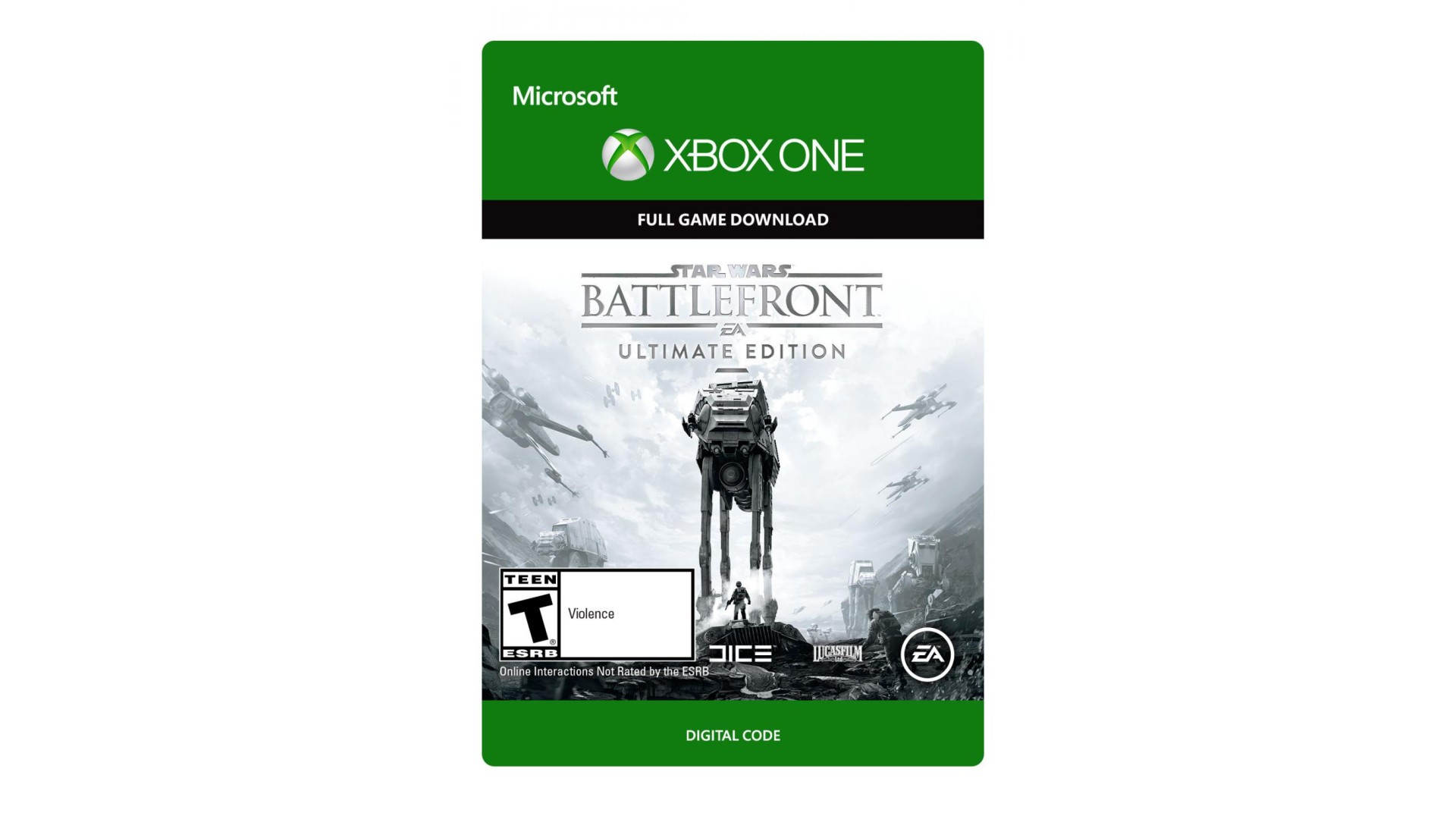
The Star Wars™ Battlefront™ Ultimate Edition has everything fans need to live out their Star Wars™ battle fantasies. In addition to the Star Wars™ Battlefront™ Deluxe Edition, Rebels and Imperials alike will be able to expand their galaxy with the Star Wars™ Battlefront™ Season Pass, which includes four upcoming expansion packs filled with new content, two-week early access* to each expansion and an exclusive Shoot First emote. Visit http://StarWarsBattlefront.com/SeasonPass often for the release date and additional details about each expansion pack. The Star Wars Battlefront Deluxe Edition unlocks five exciting in-game items.
ACCEPTANCE OF PRODUCT END USER LICENSE AGREEMENT (EULA), EA PRIVACY AND COOKIE POLICY AND TERMS OF SERVICE REQUIRED TO PLAY. INTERNET CONNECTION AND EA ACCOUNT REQUIRED TO ACCESS ONLINE FEATURES AND BONUS CONTENT (IF ANY). REGISTRATION WITH THE ENCLOSED SINGLE-USE SERIAL CODE REQUIRED TO ACCESS BONUS CONTENT (IF ANY). SERIAL CODE REGISTRATION IS LIMITED TO ONE EA ACCOUNT PER SERIAL CODE, WHICH IS NON-TRANSFERABLE ONCE USED. YOU MUST BE 13+ TO ACCESS ONLINE FEATURES. EA PRIVACY AND COOKIE POLICY AND TERMS OF SERVICE AVAILABLE AT WWW.EA.COM. EULAS AND ADDITIONAL DISCLOSURES AVAILABLE AT WWW.EA.COM/1/PRODUCT-EULAS. INCLUDES SOFTWARE THAT COLLECTS DATA ONLINE TO PROVIDE IN-GAME ADVERTISING. EA MAY RETIRE ONLINE FEATURES AFTER 30 DAYS NOTICE POSTED ON WWW.EA.COM/1/SERVICE-UPDATES. EA MAY PROVIDE CERTAIN INCREMENTAL CONTENT AND/OR UPDATES FOR NO ADDITIONAL CHARGE, IF AND WHEN AVAILABLE.
STAR WARS © & TM 2015 Lucasfilm Ltd. All rights reserved. Game code and certain audio and/or visual material © 2015 Electronic Arts Inc.
*EARLY ACCESS ONLY AVAILABLE FOR EXPANSION PACKS NOT YET RELEASED.


How to activate your Steam key?
1. Open your Steam client. (If you don't have a Steam Client, you can install from here https://store.steampowered.com/about/)
2. Sign in to your Steam account. (If you don't have a Steam Account, you can create from here https://store.steampowered.com/join/)
3. Click “ADD A GAME” button which is at the bottom of the Steam Client.
4. Now select "Activate a product on Steam..."
5. Write or copy-paste your Steam key which you purchased from Gamesforpc.
6. Now your game is in your library.
7. Find your game in your library, select and click install to start your download.