 Steam
Steam 9.99€
Added to Cart
9.99€
Added to Wishlist
9.99€
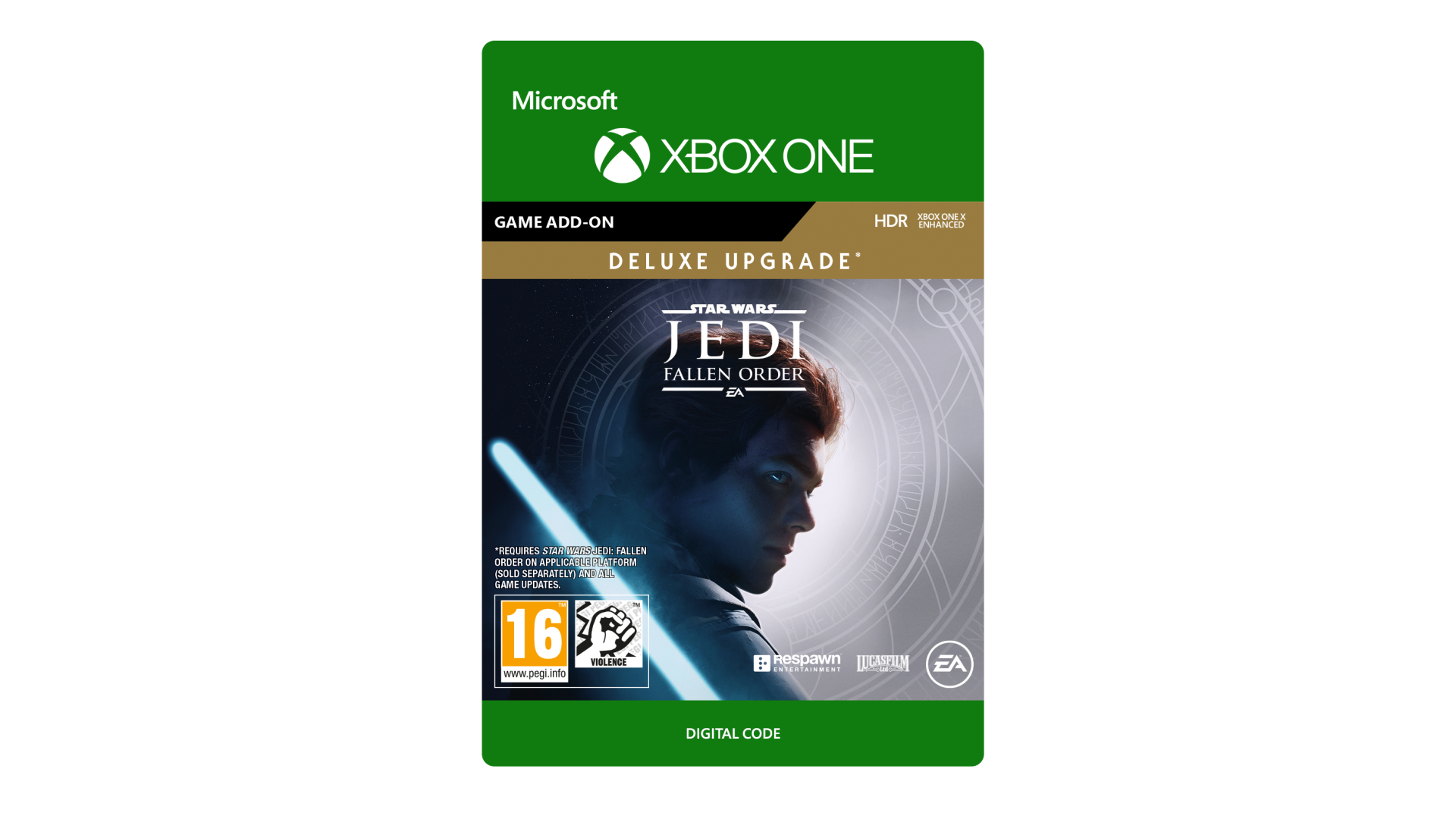
Star Wars Jedi: Fallen Order™ Deluxe Upgrade
Upgrade your copy of Star Wars Jedi: Fallen Order™ with the content from the Deluxe Edition and get the story behind the game, including:
ACCEPTANCE OF EA USER AGREEMENT (terms.ea.com) & PRIVACY AND COOKIE POLICY (privacy.ea.com) REQUIRED TO PLAY. ACCESS TO DELUXE CONTENT REQUIRES INTERNET CONNECTION, APPLICABLE PLATFORM ACCOUNT & REDEMPTION OF A SINGLE-USE CODE. SOME DELUXE EDITION CONTENT MAY REQUIRE GAMEPLAY TO UNLOCK. CONTENT UPDATES MAY BE DOWNLOADED AUTOMATICALLY, REQUIRE ADDITIONAL STORAGE, AND INCUR BANDWIDTH USAGE FEES. EA MAY PROVIDE CERTAIN FREE INCREMENTAL CONTENT &/OR UPDATES.
Requires Star Wars Jedi: Fallen Order on applicable platform (sold separately) and all game updates.
STAR WARS © & TM 2019 Lucasfilm Ltd. All rights reserved. Game code and certain audio and/or visual material © 2019 Electronic Arts Inc. EA, the EA logo, Respawn, and the Respawn logo are trademarks of Electronic Arts Inc.


How to activate your Steam key?
1. Open your Steam client. (If you don't have a Steam Client, you can install from here https://store.steampowered.com/about/)
2. Sign in to your Steam account. (If you don't have a Steam Account, you can create from here https://store.steampowered.com/join/)
3. Click “ADD A GAME” button which is at the bottom of the Steam Client.
4. Now select "Activate a product on Steam..."
5. Write or copy-paste your Steam key which you purchased from Gamesforpc.
6. Now your game is in your library.
7. Find your game in your library, select and click install to start your download.