 Steam
Steam | Release Date | 01.10.2020 |
| Publisher | Microsoft |
| Genres | Action, Simulation, Adventure, racing, shooter |
39.99€
Added to Cart
39.99€
Added to Wishlist
39.99€
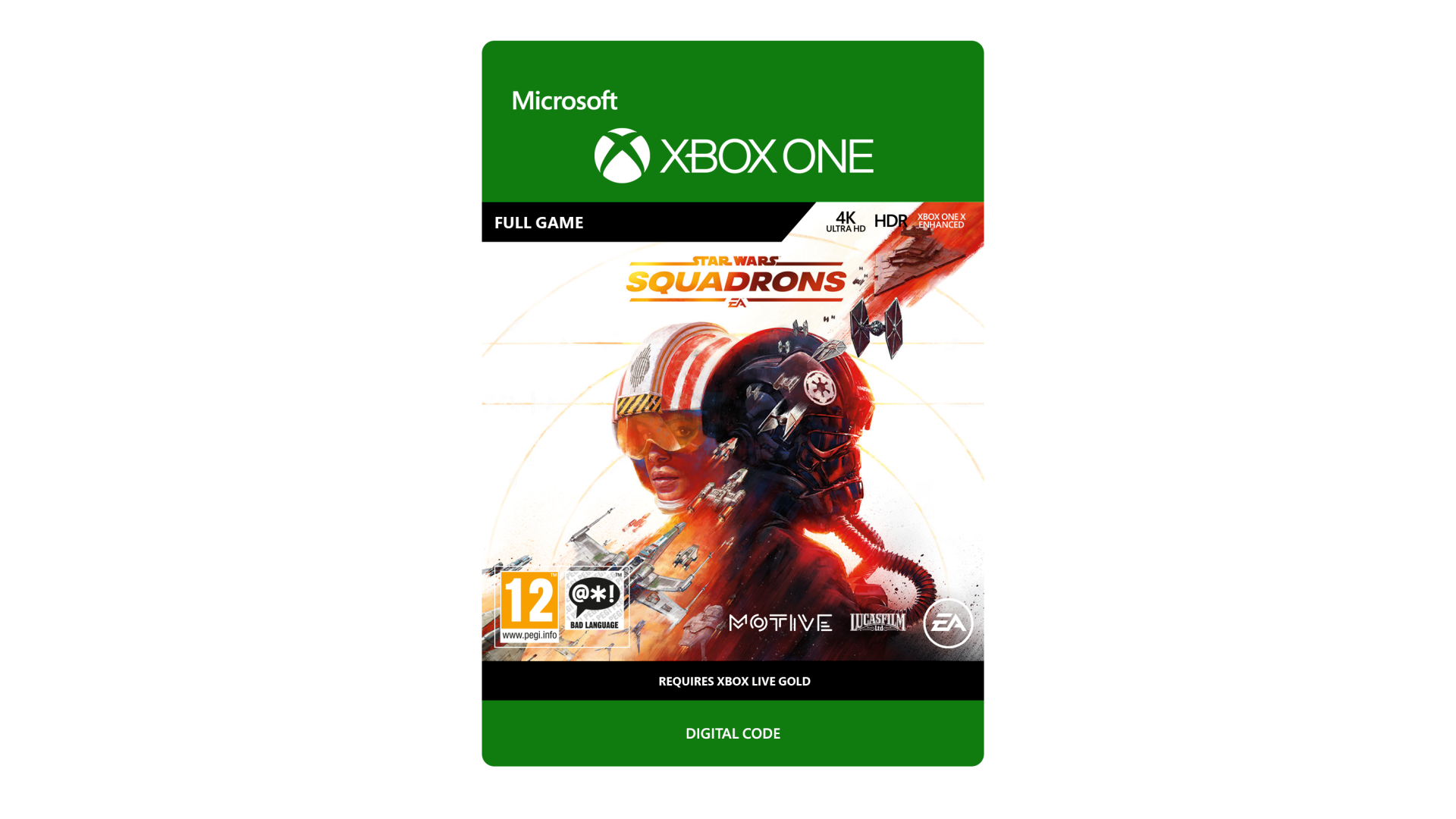
Master the art of starfighter combat in the authentic piloting experience Star Wars™: Squadrons. Feel the adrenaline of first-person multiplayer dogfights alongside your squadron and take off in a thrilling Star Wars™ single-player story. The New Republic fights for freedom. The Empire demands order. We need you to join the galaxy’s finest.
Playable on 02-10-2020
INTERNET, EA ACCOUNT/PAID PLATFORM ACCOUNT MAY BE REQUIRED. YOU MUST ACCEPT TERMS (terms.ea.com) & PRIVACY POLICY (privacy.ea.com). AGE RESTRICTIONS APPLY, SEE http://o.ea.com/ea/child-access. EA MAY CLOSE FEATURES AFTER 30 DAYS NOTICE ON ea.com/service-updates. MAY INCLUDE FREE INCREMENTAL UPDATES. MANDATORY UPDATES MAY BE REQUIRED. GAME MAY COLLECT DATA FOR ADS. SEE https://www.ea.com/legal FOR MORE DETAILS.
STAR WARS © & TM 2020 Lucasfilm Ltd. All rights reserved. Game code and certain audio and/or visual material © 2020 Electronic Arts Inc. EA, the EA logo and the Motive logo are trademarks of Electronic Arts Inc.
EA Info: see www.ea.com/about


How to activate your Steam key?
1. Open your Steam client. (If you don't have a Steam Client, you can install from here https://store.steampowered.com/about/)
2. Sign in to your Steam account. (If you don't have a Steam Account, you can create from here https://store.steampowered.com/join/)
3. Click “ADD A GAME” button which is at the bottom of the Steam Client.
4. Now select "Activate a product on Steam..."
5. Write or copy-paste your Steam key which you purchased from Gamesforpc.
6. Now your game is in your library.
7. Find your game in your library, select and click install to start your download.