

 Steam
Steam  Windows
  Mac
Mac  Linux
Linux | Release Date | 11.05.2026 | |
| Operating Systems | Linux | |
| Operating Systems | Mac OS | |
| Publisher | Paradox Interactive AB | |
| PEGI Rating | + 7 | |
| Operating Systems | Windows | |
| Genres | Simulation, Strategy |
59.99€
Added to Cart
59.99€
Added to Wishlist
59.99€
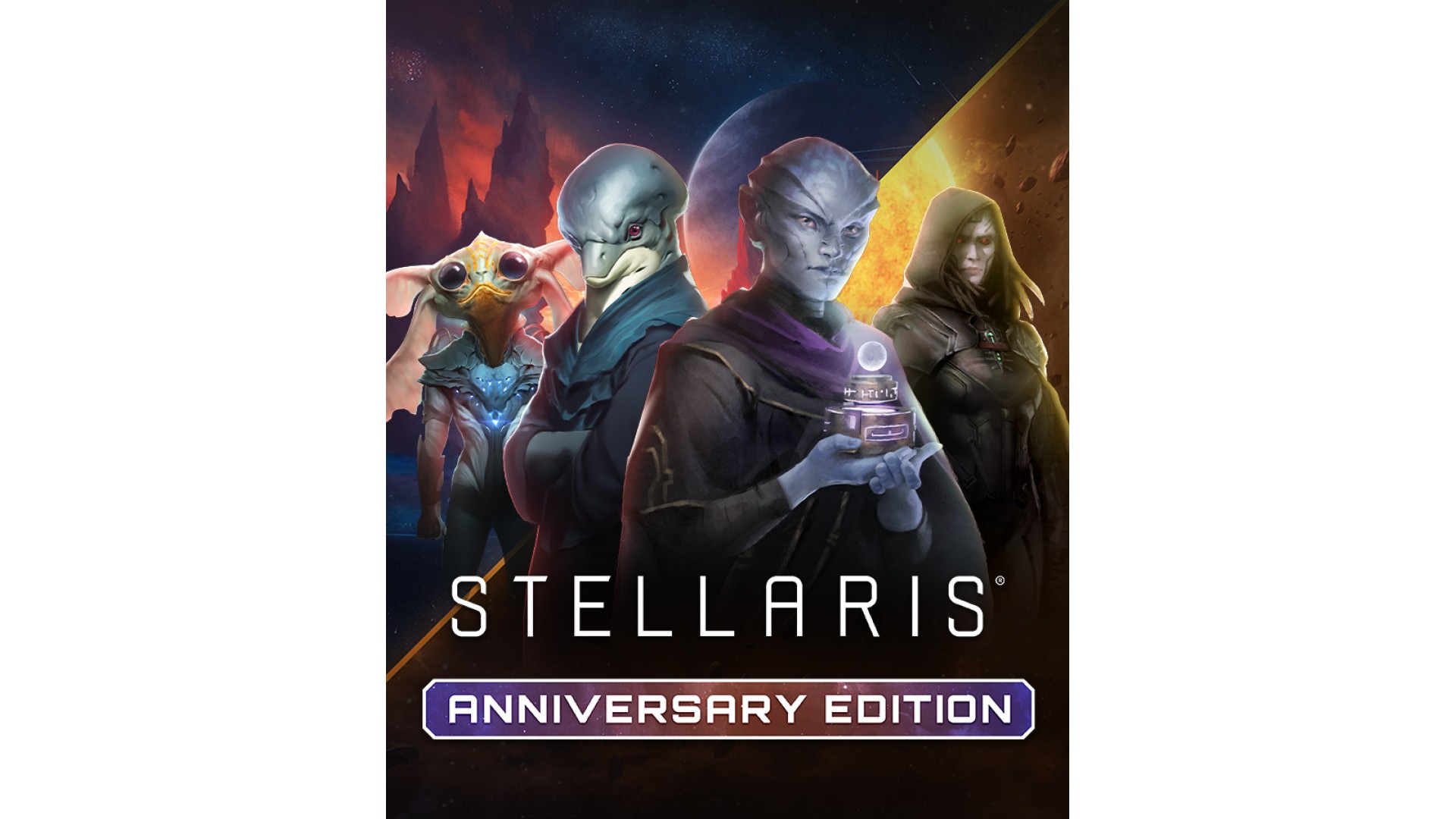
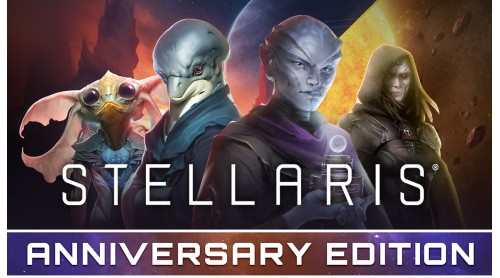
Stellaris: Anniversary Edition
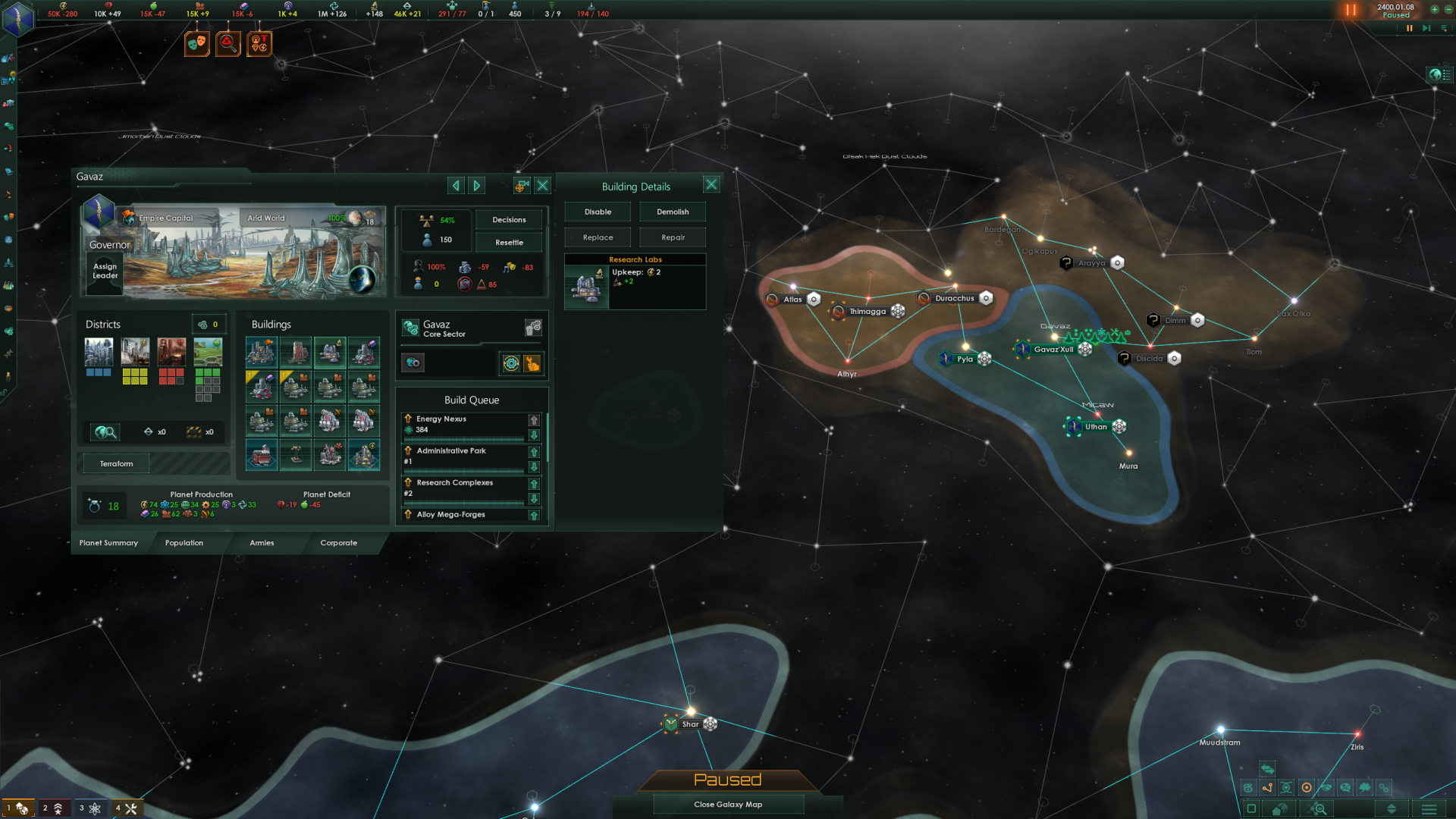
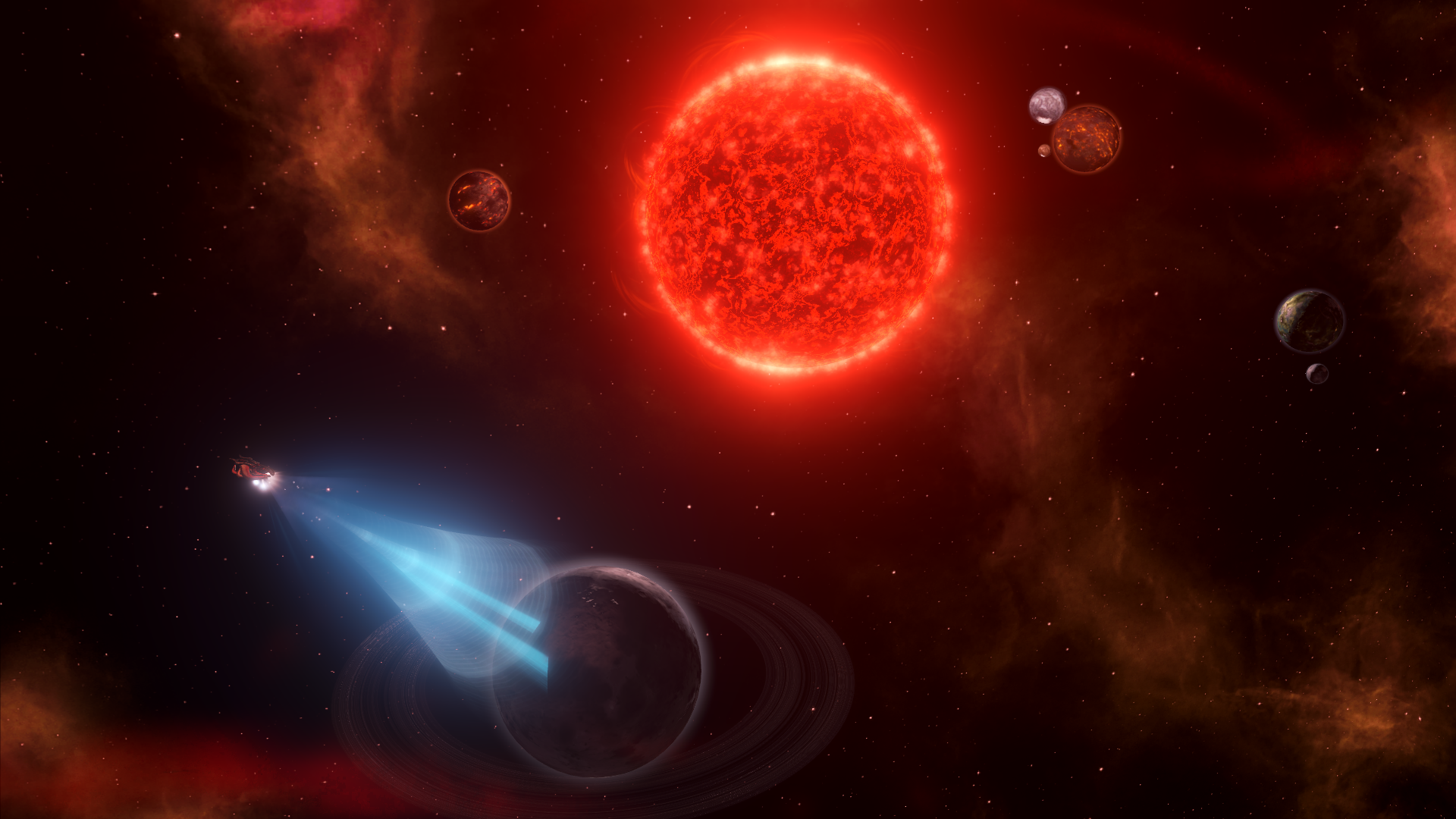
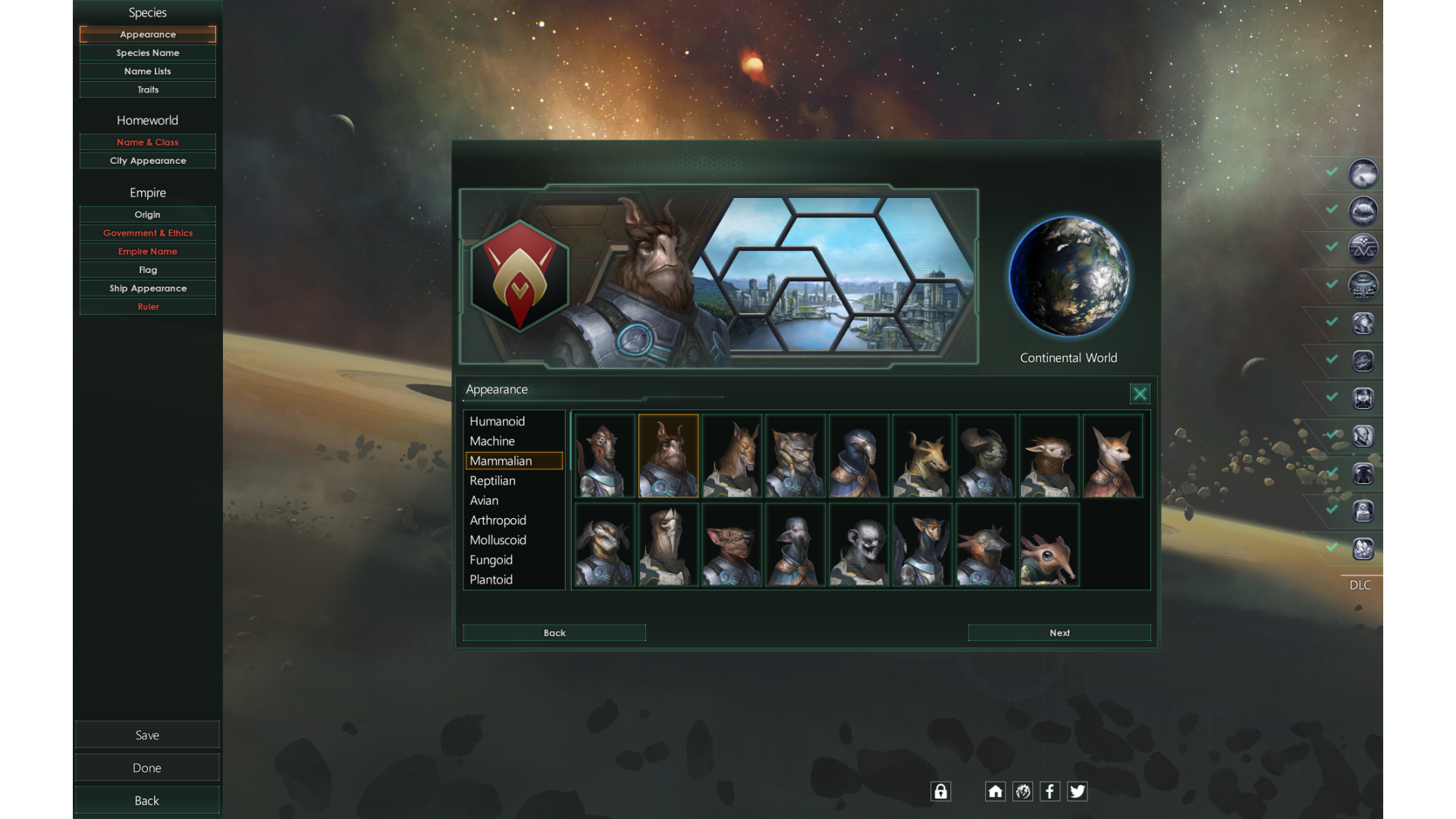
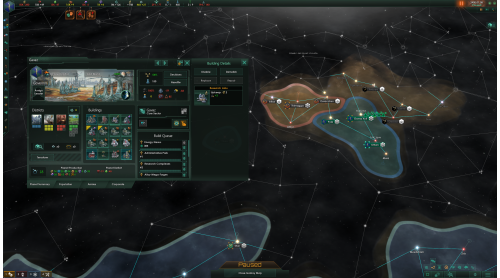
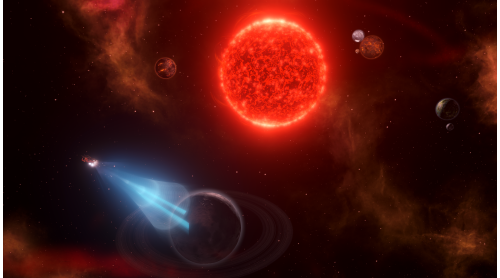
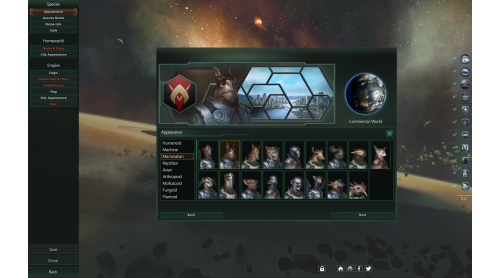
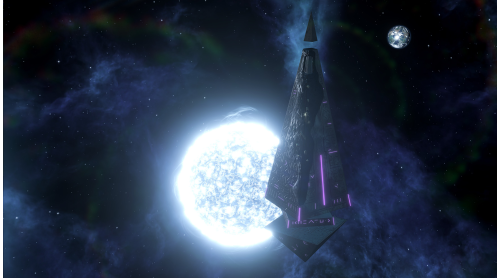
Stellaris: Anniversary Edition is the definitive gateway into the award-winning sci-fi Grand Strategy Epic. This curated collection includes the base game and the most essential expansions, hand-picked to offer the deepest, most accessible experience for new galactic explorers.
Stellaris: Anniversary Edition includes:
Stellaris:
Now featuring three legendary DLCs formerly sold separately:
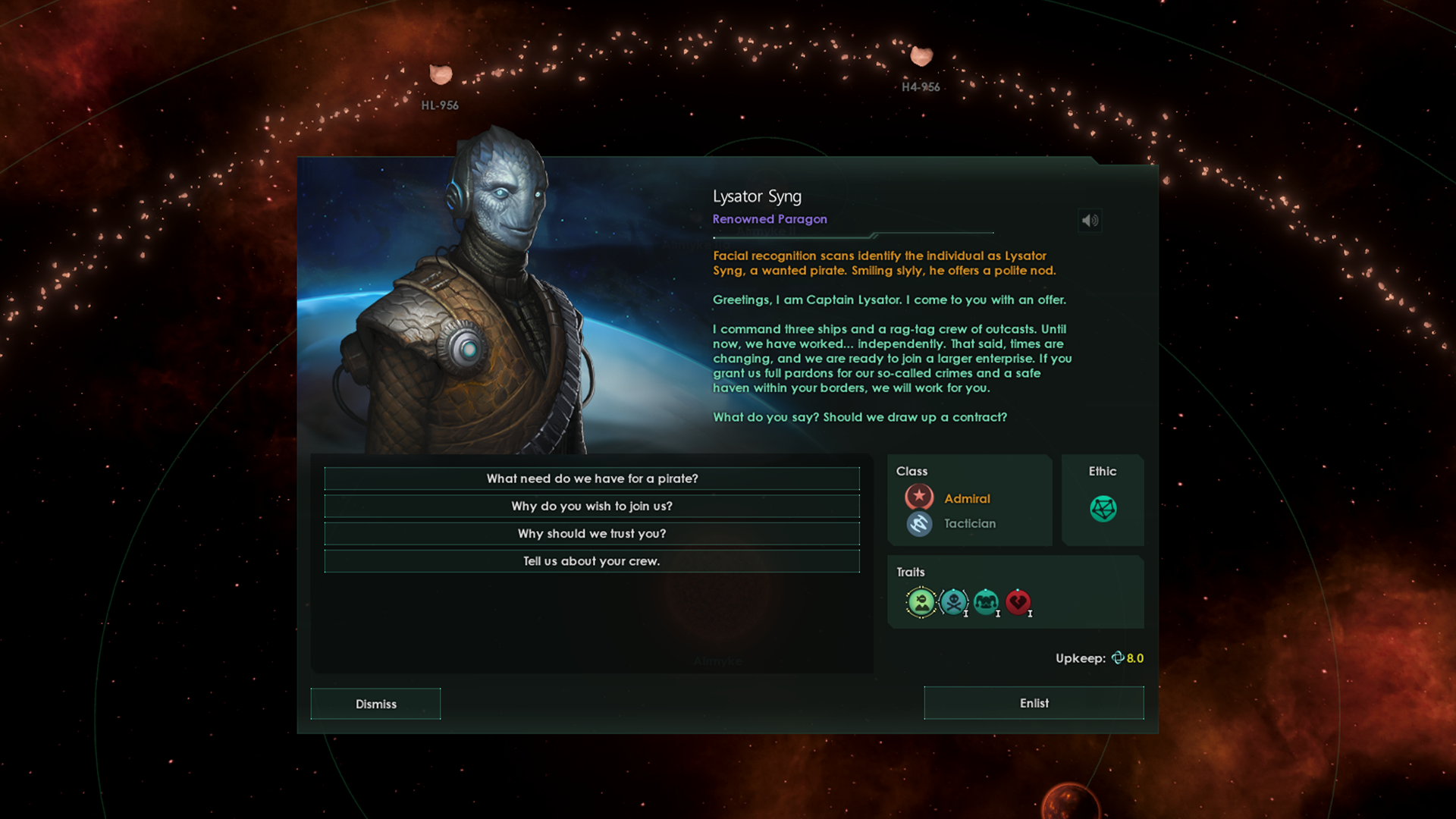
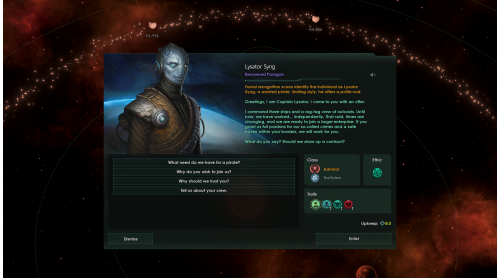
Galactic Paragons:
Grow your leaders into legends, Recruit Renowned and Legendary Paragons, and expand your galactic council. This expansion makes your leaders the heartbeat of your Empire, to help you shape and propagate your vision for the future.
Leviathans Story Pack:
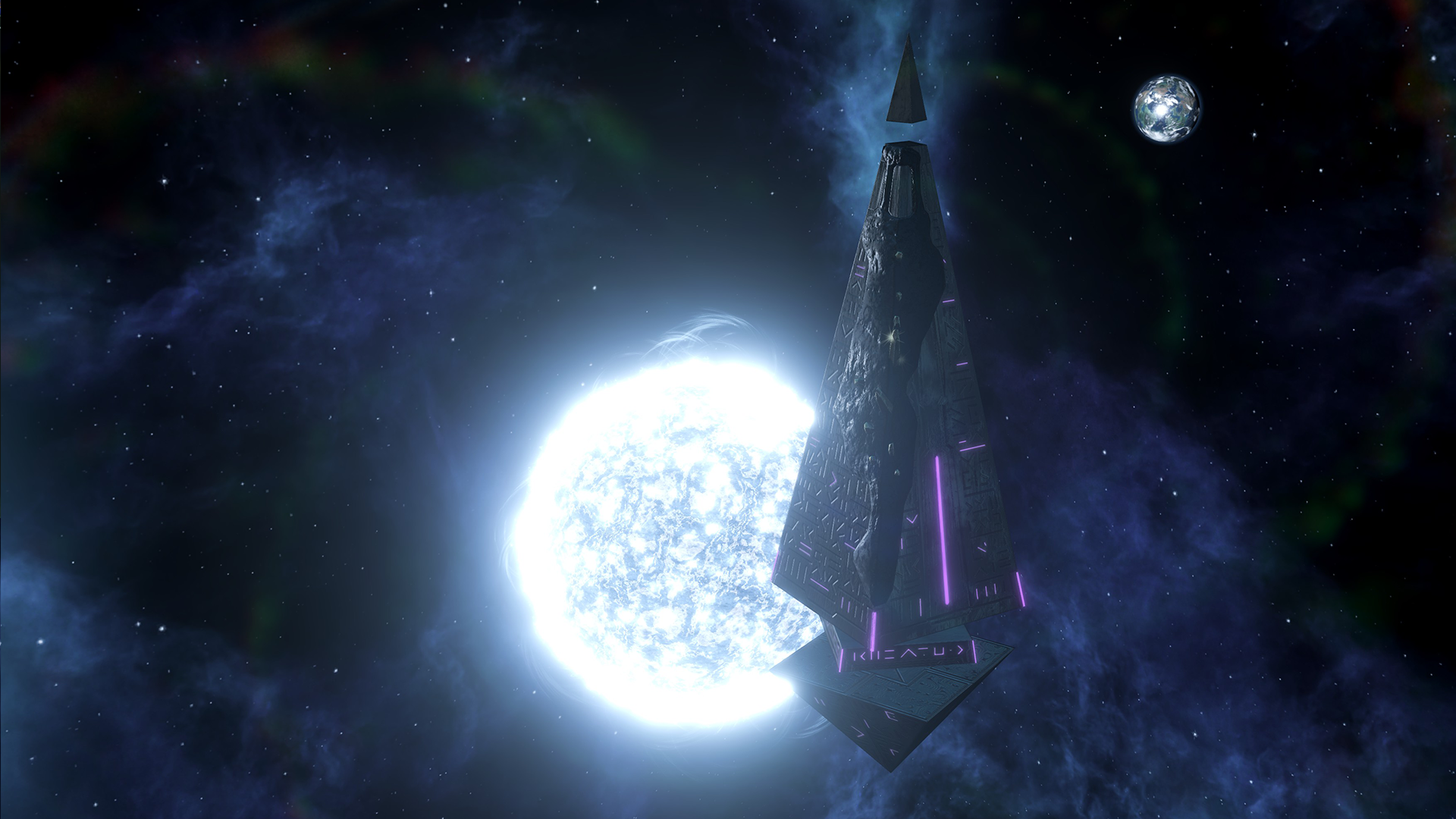
The Galaxy is alive. And Dangerous. Encounter massive space guardians, ancient enclaves of traders, and choose a side as the Galaxy descends into war as two ancient and powerful rivals wake up in the "War in Heaven". Confront the shadows of the past and reap the reward, or become a footnote in galactic history.
Aquatics Species Pack:
A deep dive from the crushing depths of the sea to the boundless tides of the stars. Immerse yourself in the life of a seafaring empire, and harness the power of water to aquaform worlds.
©2016-2025 and published by Paradox Interactive AB. STELLARIS and PARADOX INTERACTIVE are trademarks and/or registered trademarks of Paradox Interactive AB in Europe, the U.S., and other countries. Other trademarks, logos, and copyrights are the property of their respective owners.


How to activate your Steam key?
1. Open your Steam client. (If you don't have a Steam Client, you can install from here https://store.steampowered.com/about/)
2. Sign in to your Steam account. (If you don't have a Steam Account, you can create from here https://store.steampowered.com/join/)
3. Click “ADD A GAME” button which is at the bottom of the Steam Client.
4. Now select "Activate a product on Steam..."
5. Write or copy-paste your Steam key which you purchased from Gamesforpc.
6. Now your game is in your library.
7. Find your game in your library, select and click install to start your download.