
 Steam
Steam  Windows
 16.79€
Added to Cart
16.79€
Added to Wishlist
16.79€

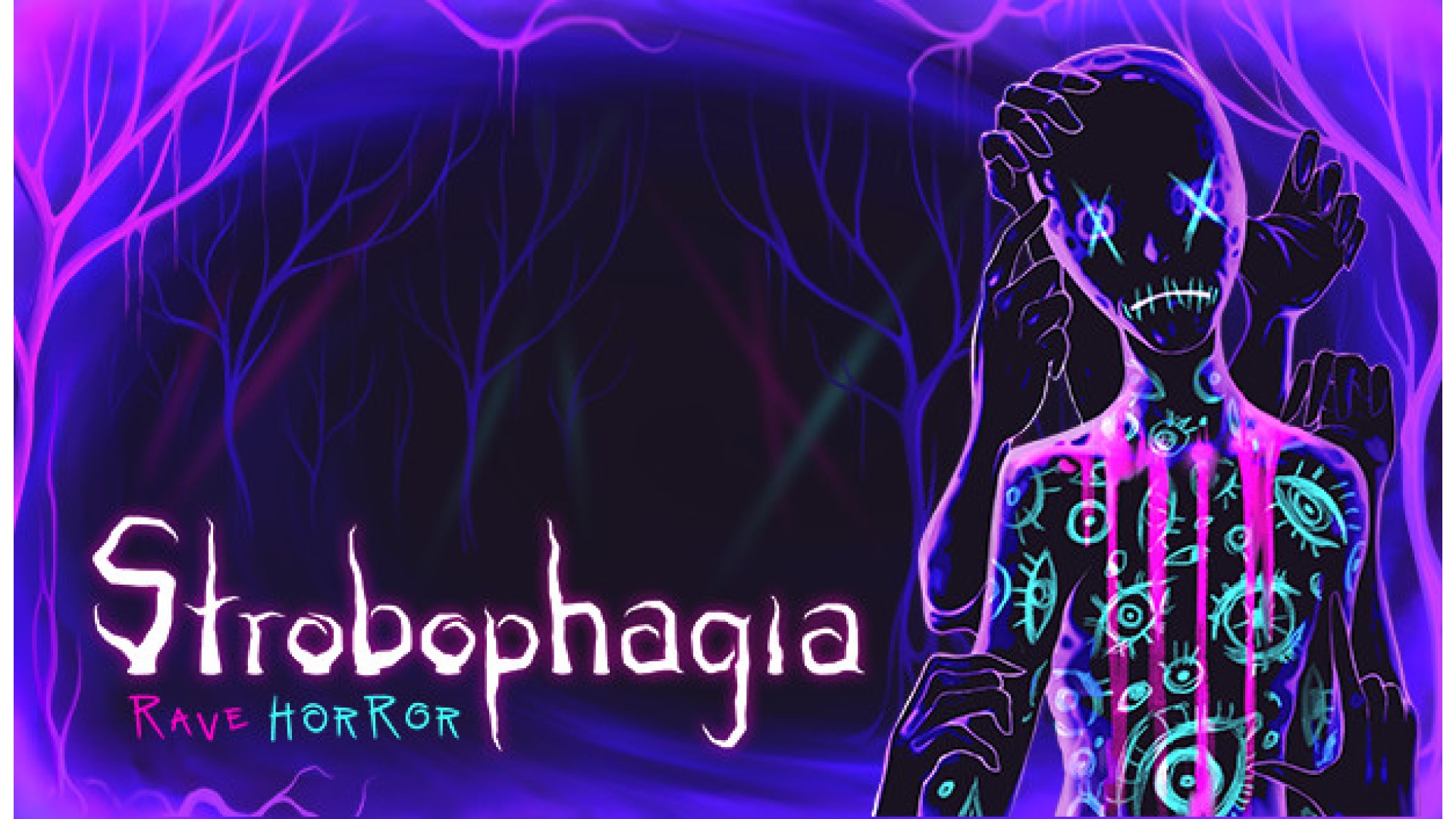
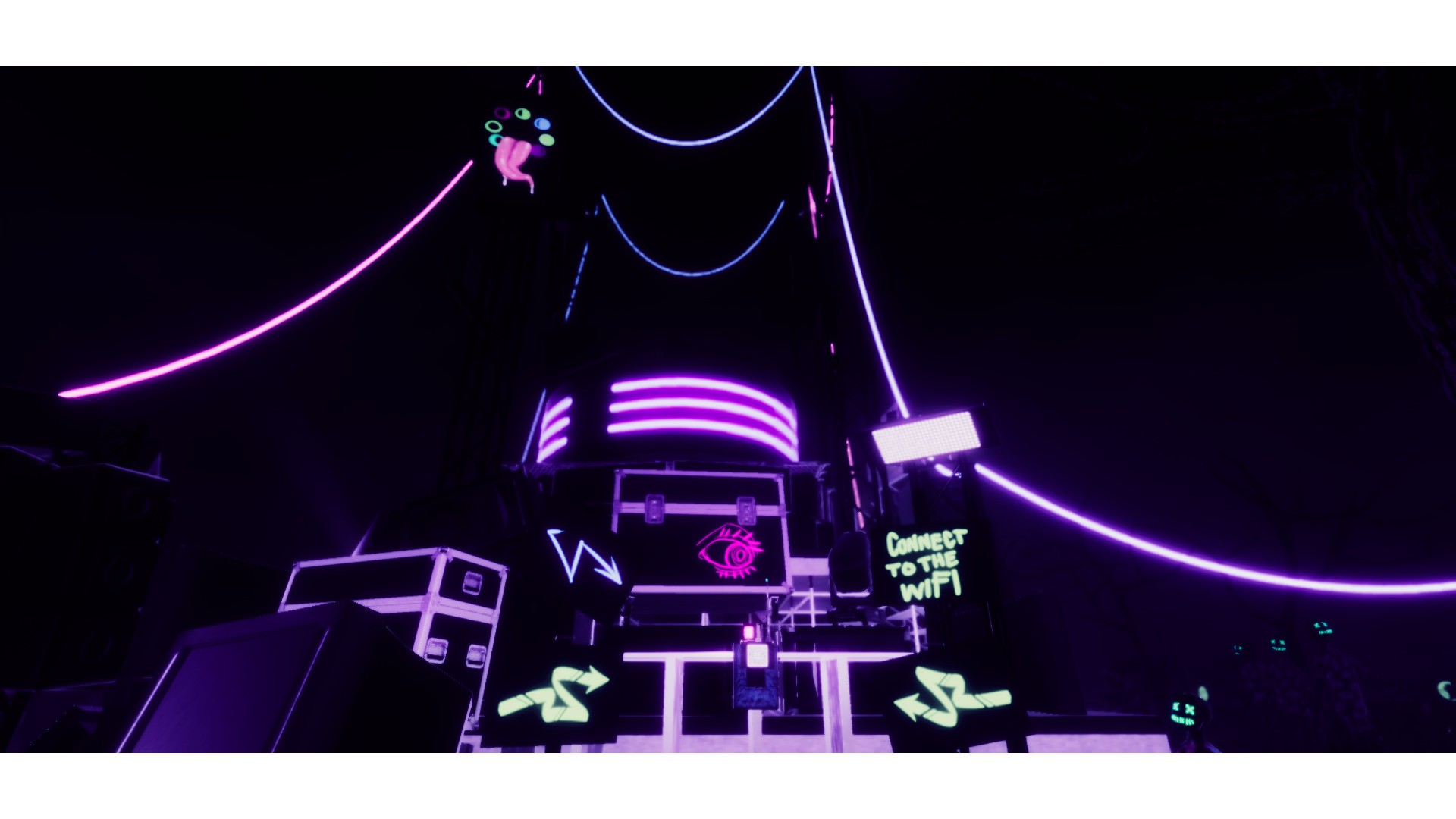
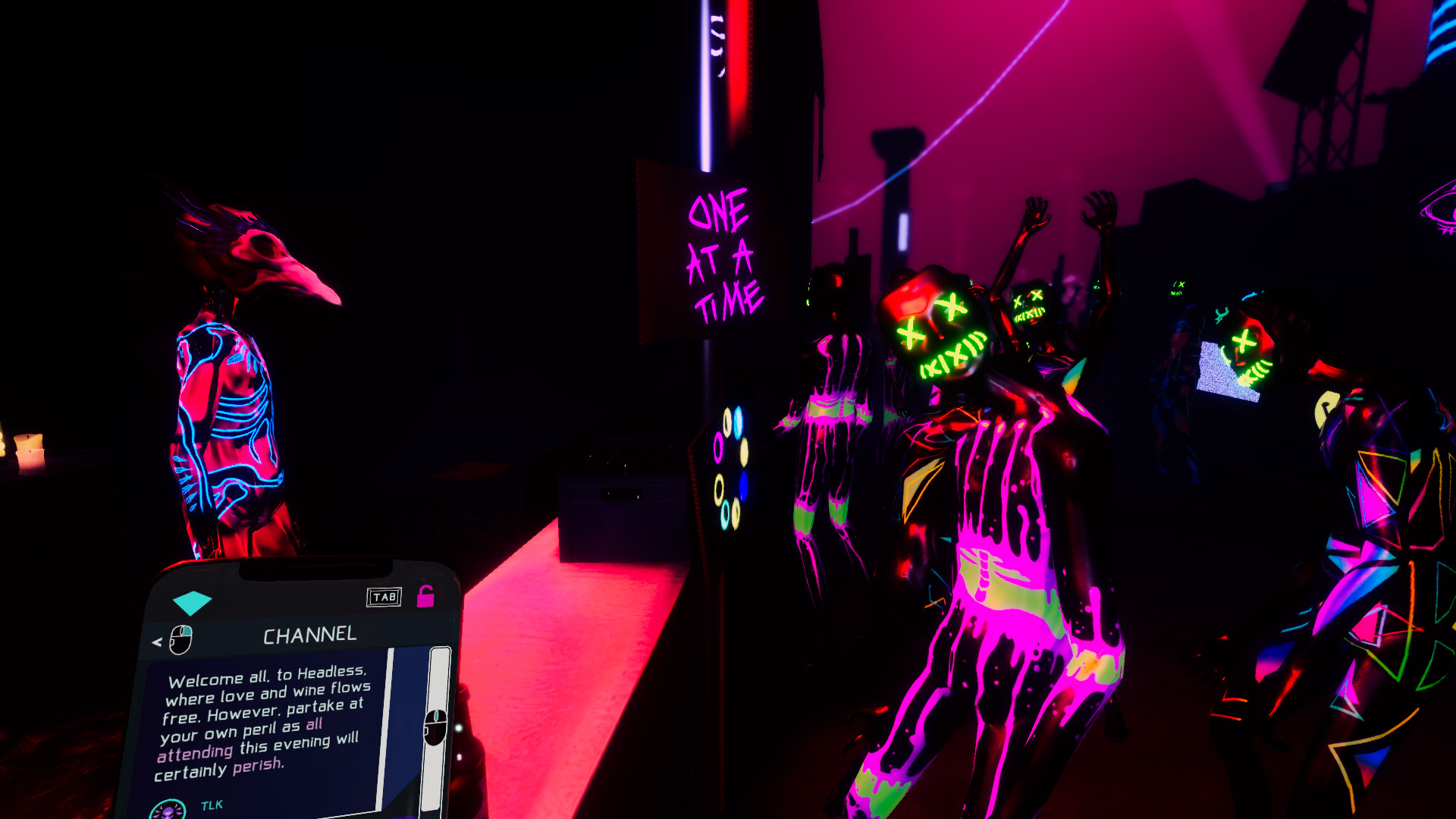
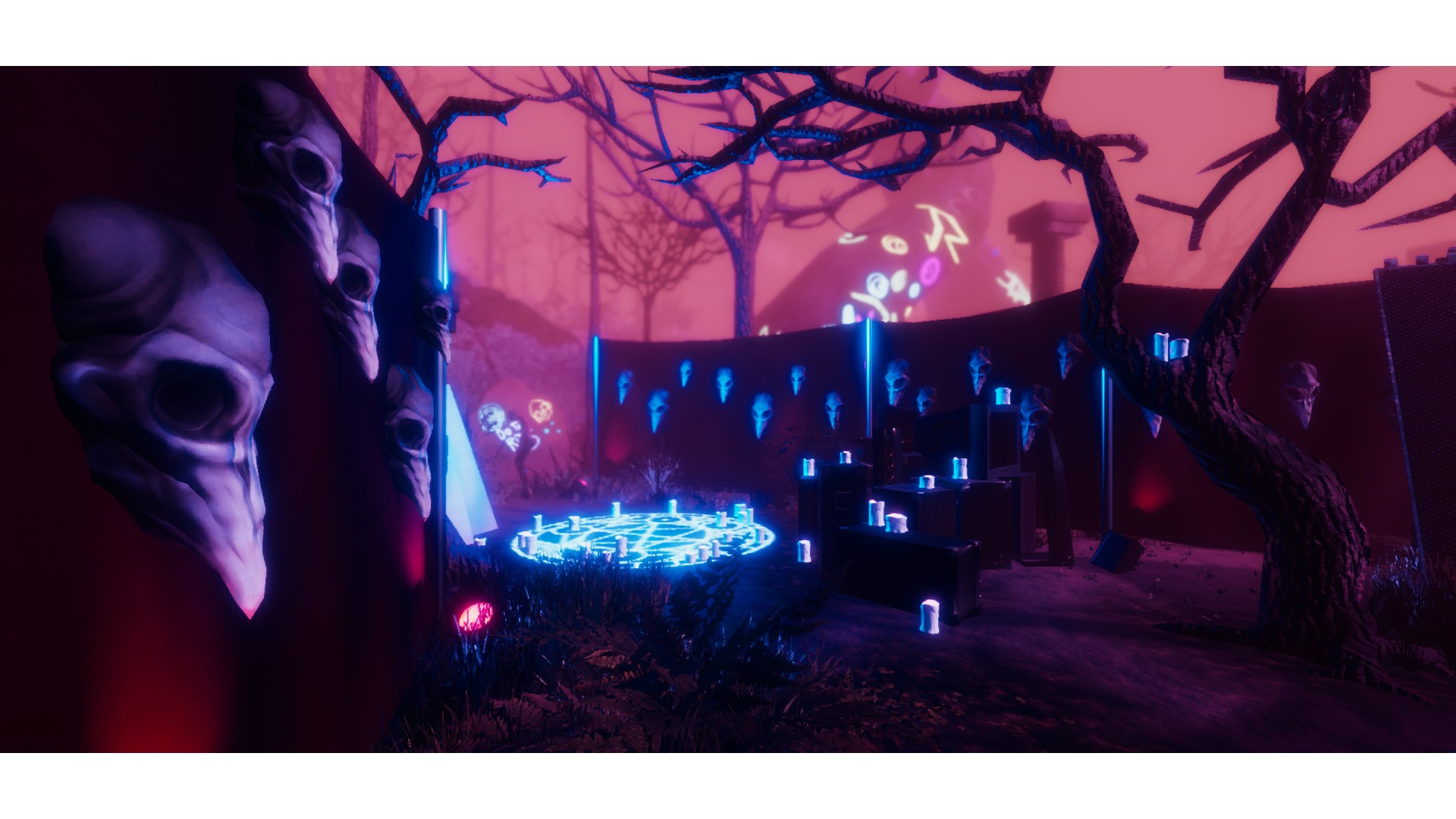
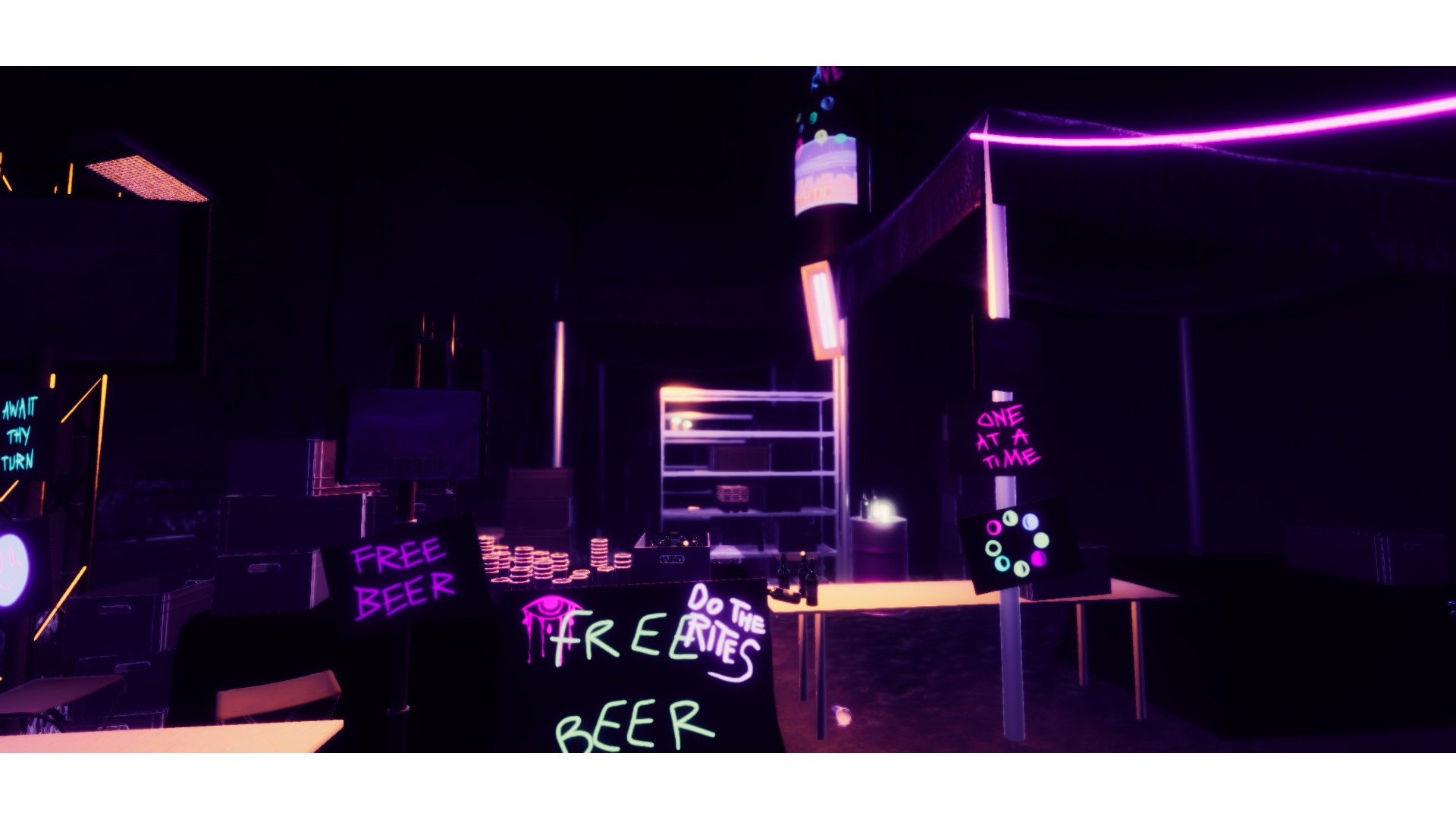
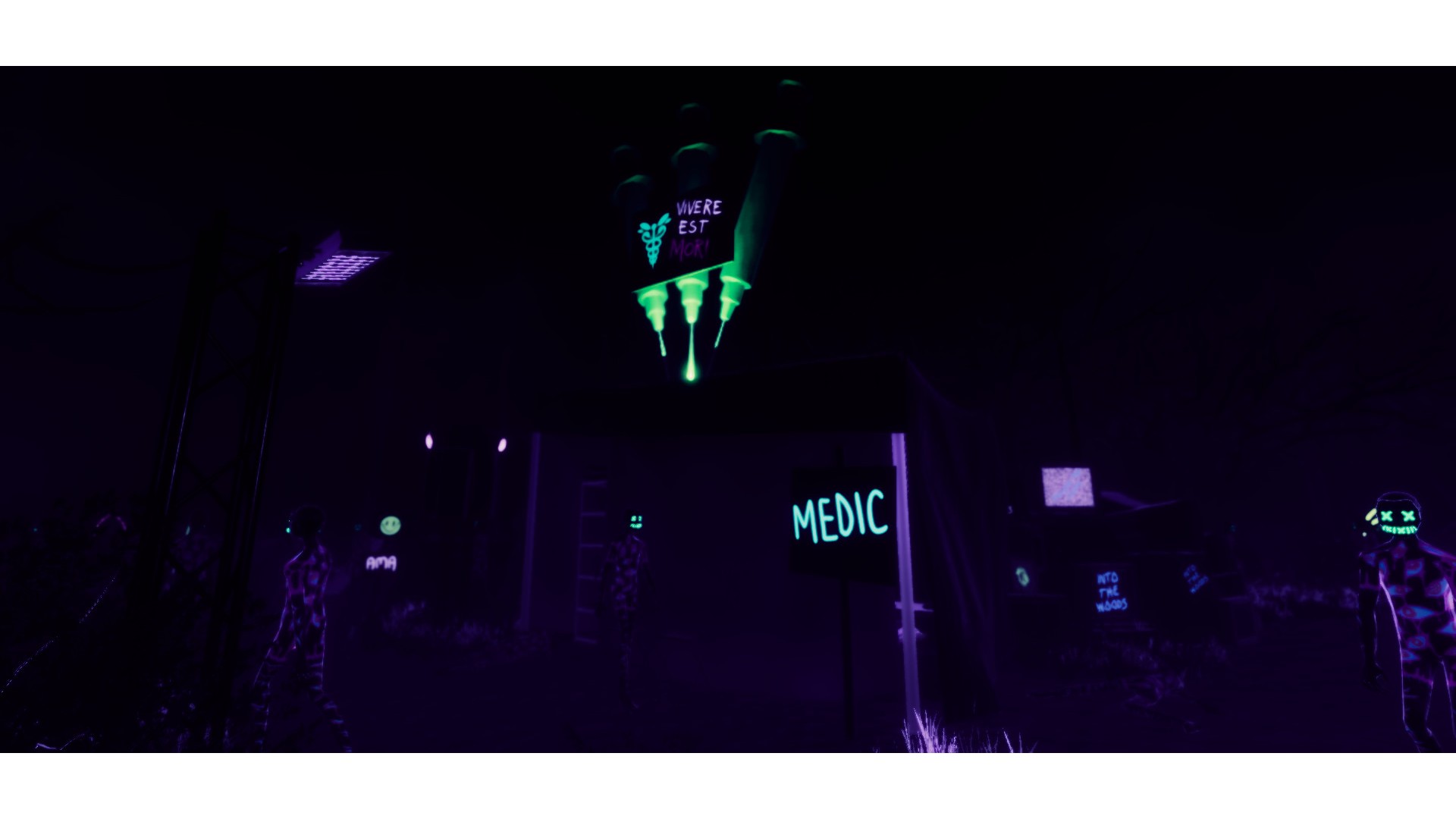
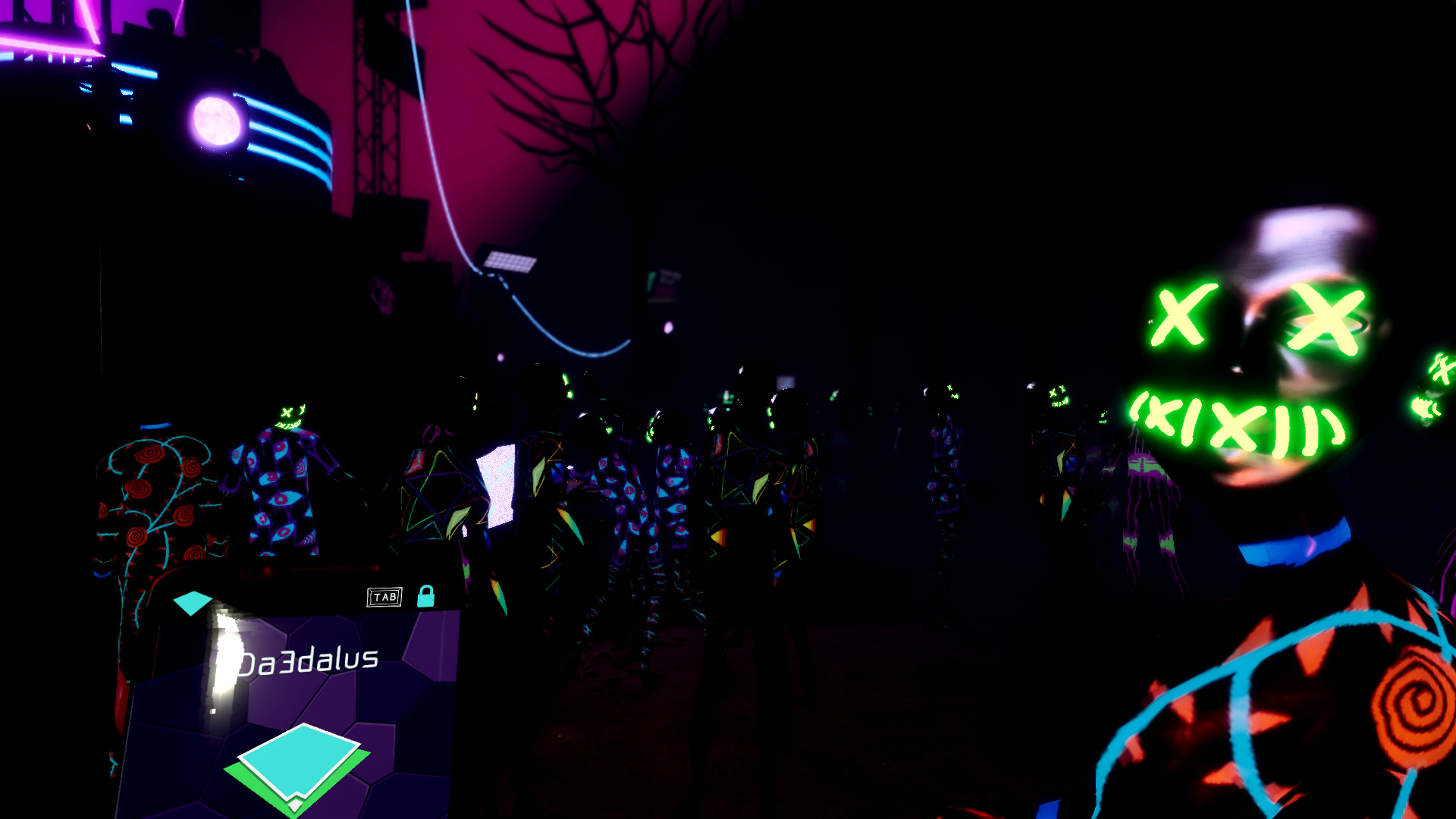
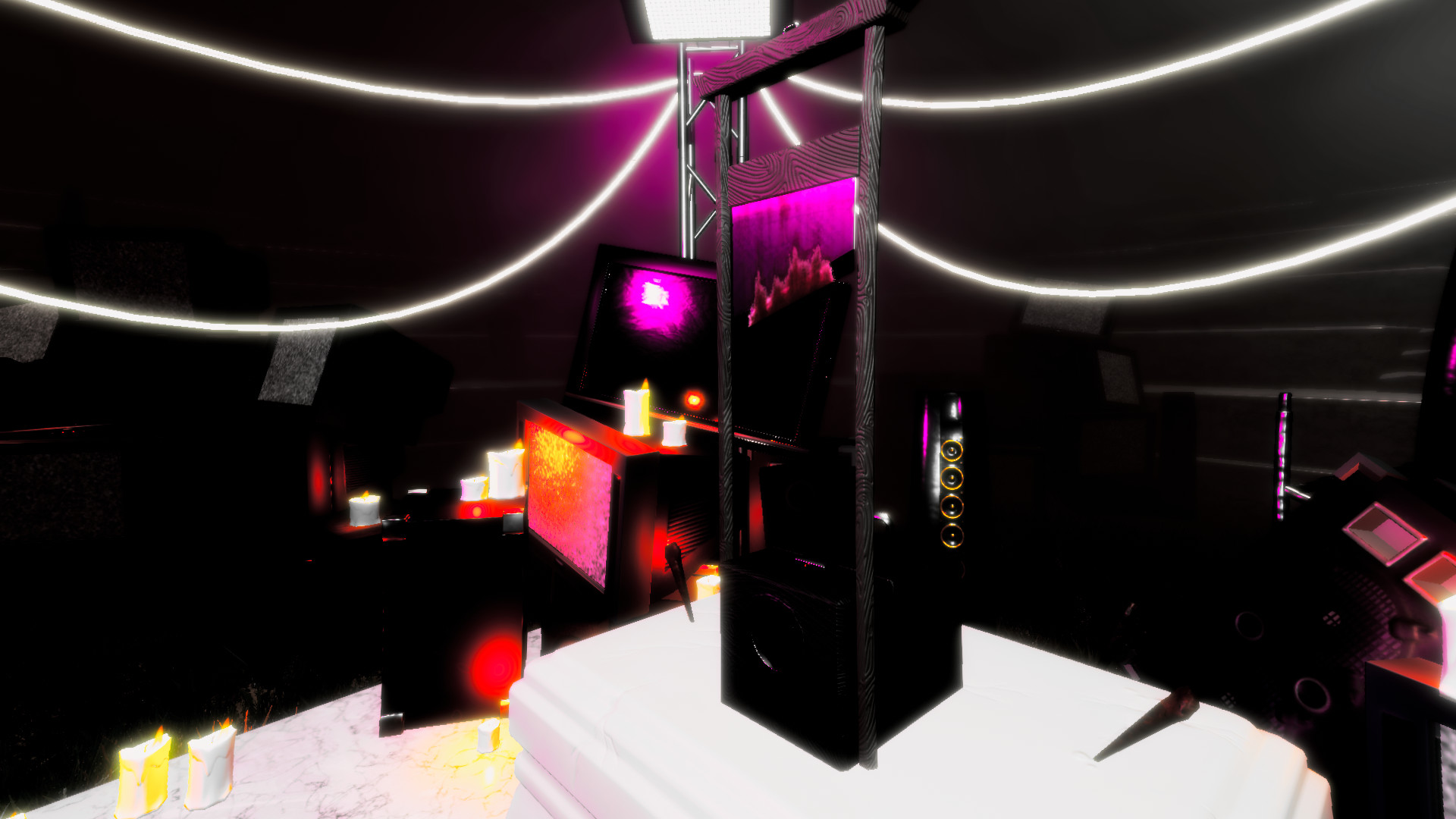
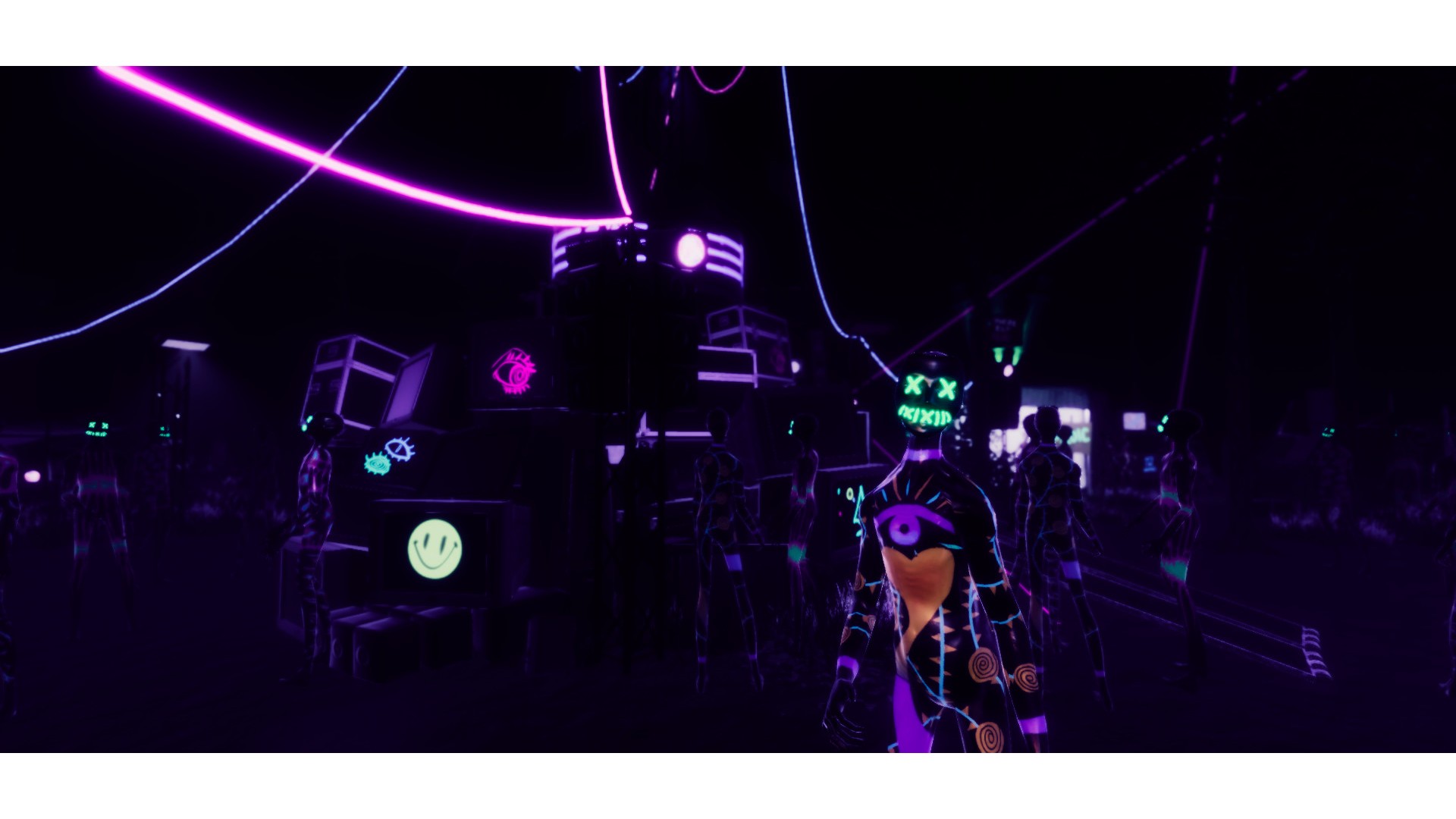
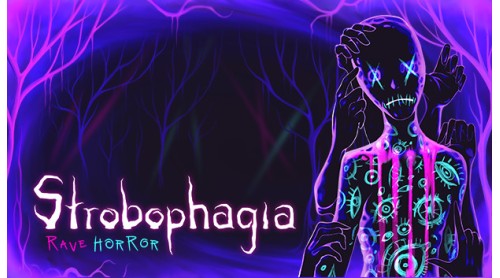
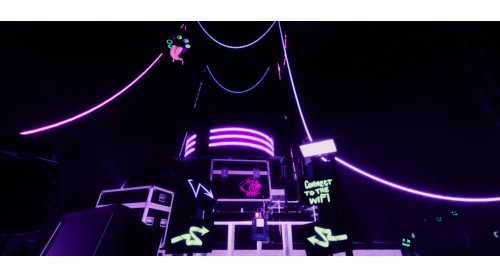
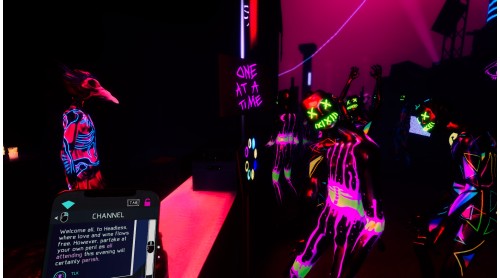
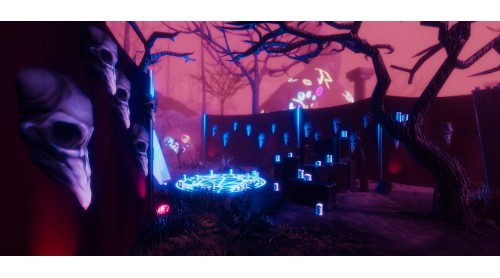
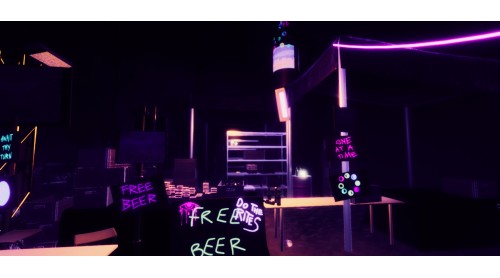
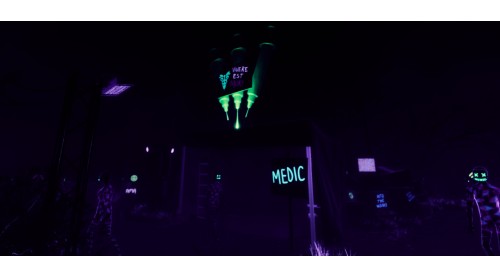
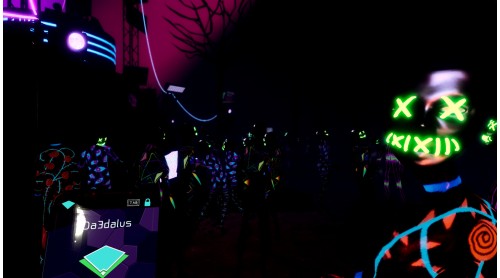
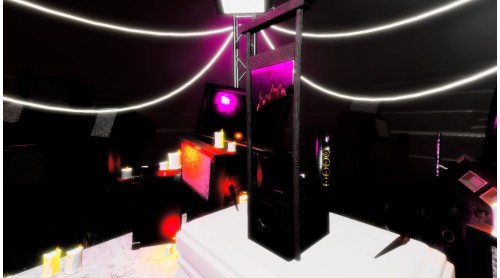
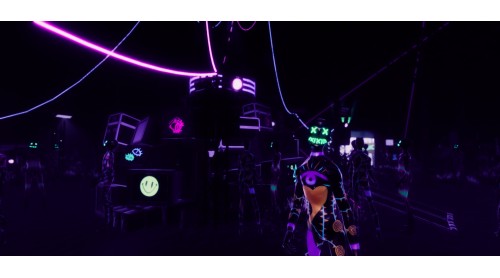
Following a promise of the ultimate expression of freedom, you find yourself at the Headless Rave Festival. However, that freedom comes at a cost as the organisers announce that the price of admission is the lives of all attendees.
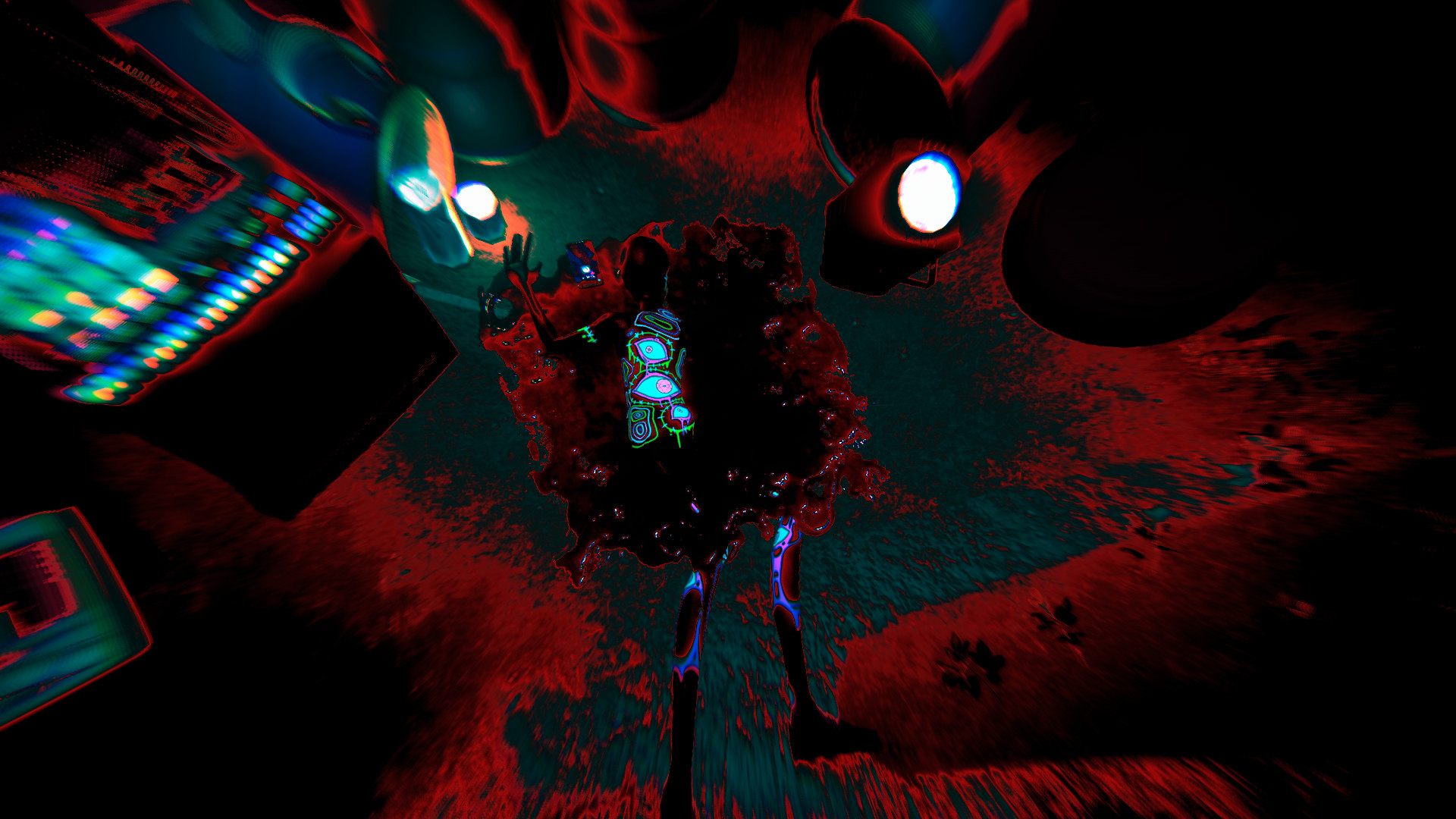
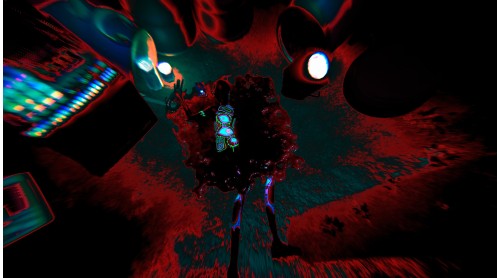
Find a way to escape, even as the forest itself appears to work against you. Try to maintain a grip on reality while logic takes a backseat. And whatever you do, stay away from the sinister presence in the darkness.
Can you make your way out without losing yourself?

Strobophagia is © Green Tile Digital 2020


How to activate your Steam key?
1. Open your Steam client. (If you don't have a Steam Client, you can install from here https://store.steampowered.com/about/)
2. Sign in to your Steam account. (If you don't have a Steam Account, you can create from here https://store.steampowered.com/join/)
3. Click “ADD A GAME” button which is at the bottom of the Steam Client.
4. Now select "Activate a product on Steam..."
5. Write or copy-paste your Steam key which you purchased from Gamesforpc.
6. Now your game is in your library.
7. Find your game in your library, select and click install to start your download.