 Steam
 Windows
3.99€
Added to Cart
3.99€
Added to Wishlist
3.99€
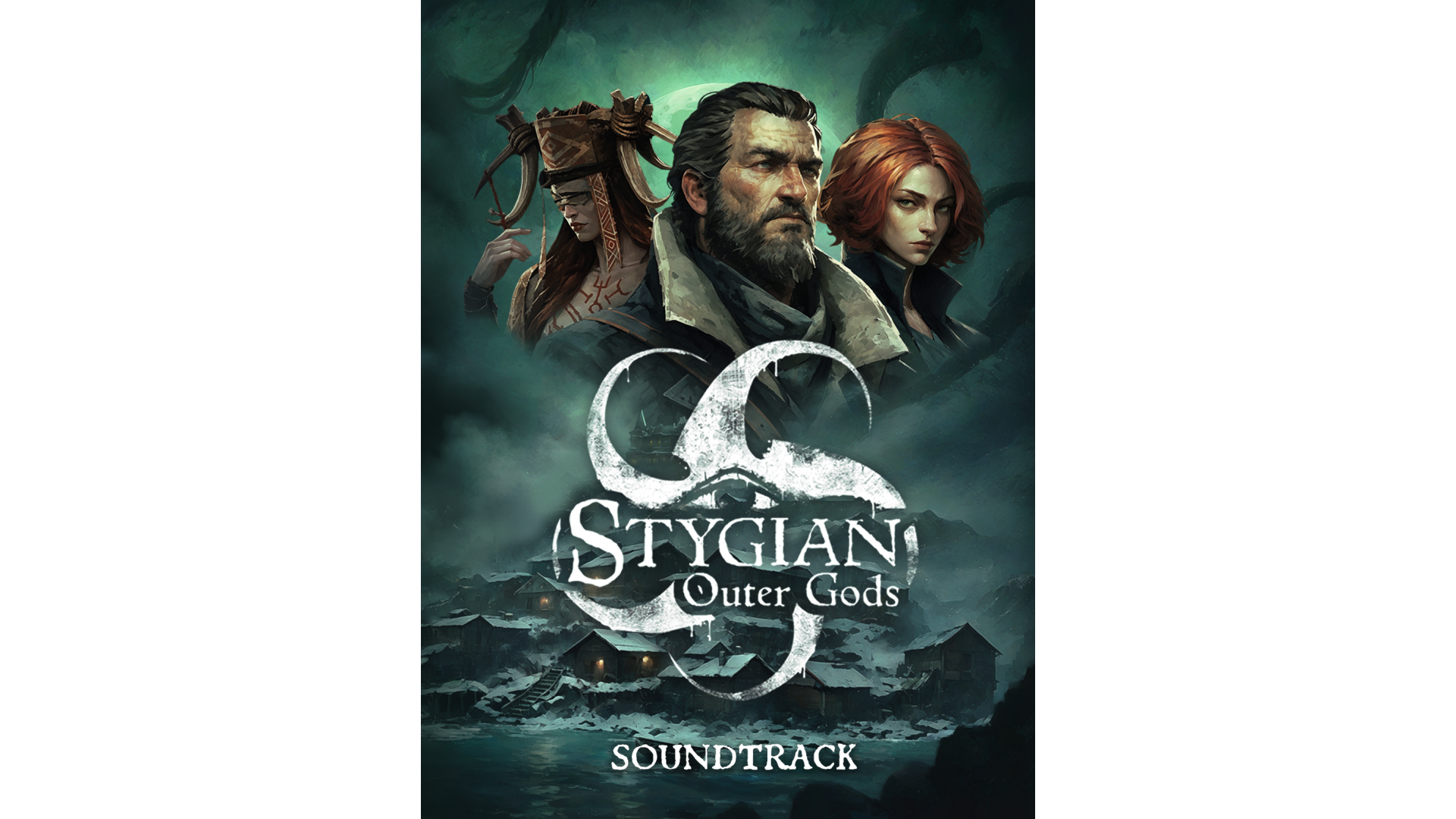
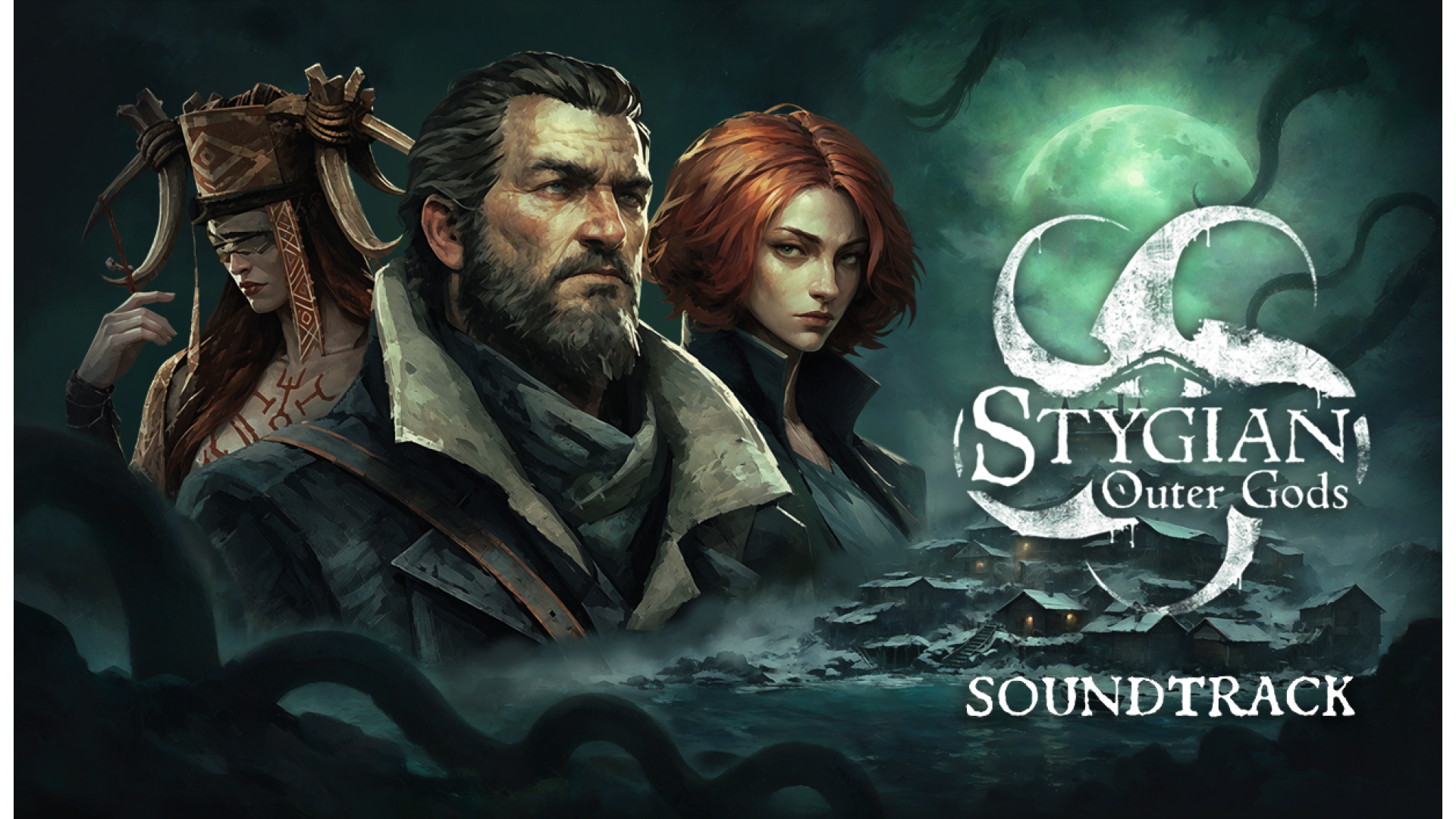
Experience the cosmic horror of Stygian: Outer Gods through its official soundtrack, featuring haunting melodies and eerie atmospheric compositions inspired by the game’s dark, Lovecraftian world.
Track Listing
1 Main Theme 2:42
2 A Descent into Darkness 0:08
3 An Omen of Kingsport 0:59
4 A Waltz for the Damned 1:36
5 The Throne Beyond Time 0:19
6 The Merchant of Forbidden Things 0:14
7 The Shot That Changed Everything 0:10
8 In the Silence After 1:02
9 The Light at the End of the World 3:05
10 The Man Who Was My Father 0:21
11 Beneath the Hollow Earth 1:19
12 The Witch's Omen 0:17
13 The Witch Must Die 4:40
14 A Curse Upon the Mire 1:06
15 The Dream of Sona-Nyl 3:24
16 The Mansion Beyond the Door 0:27
17 The Kingdom Beyond the Veil 1:17
18 The Dismal Truth 0:31
19 The Last Dreamer 1:36
20 I Still Care (Weird Wolves) 3:35
Artist:Sergey Krupnov


How to activate your Steam key?
1. Open your Steam client. (If you don't have a Steam Client, you can install from here https://store.steampowered.com/about/)
2. Sign in to your Steam account. (If you don't have a Steam Account, you can create from here https://store.steampowered.com/join/)
3. Click “ADD A GAME” button which is at the bottom of the Steam Client.
4. Now select "Activate a product on Steam..."
5. Write or copy-paste your Steam key which you purchased from Gamesforpc.
6. Now your game is in your library.
7. Find your game in your library, select and click install to start your download.