 Steam
Steam  Windows
 9.99€
Added to Cart
9.99€
Added to Wishlist
9.99€
“You think I spent my whole career getting my hands dirty just to end up dressed like everyone else? No way! What you've got here is the real deal: freshly sharpened daggers, exclusive outfits, and even a few of my favourite ensembles, brought back for the occasion. Style is just as important as the perfect attack.”
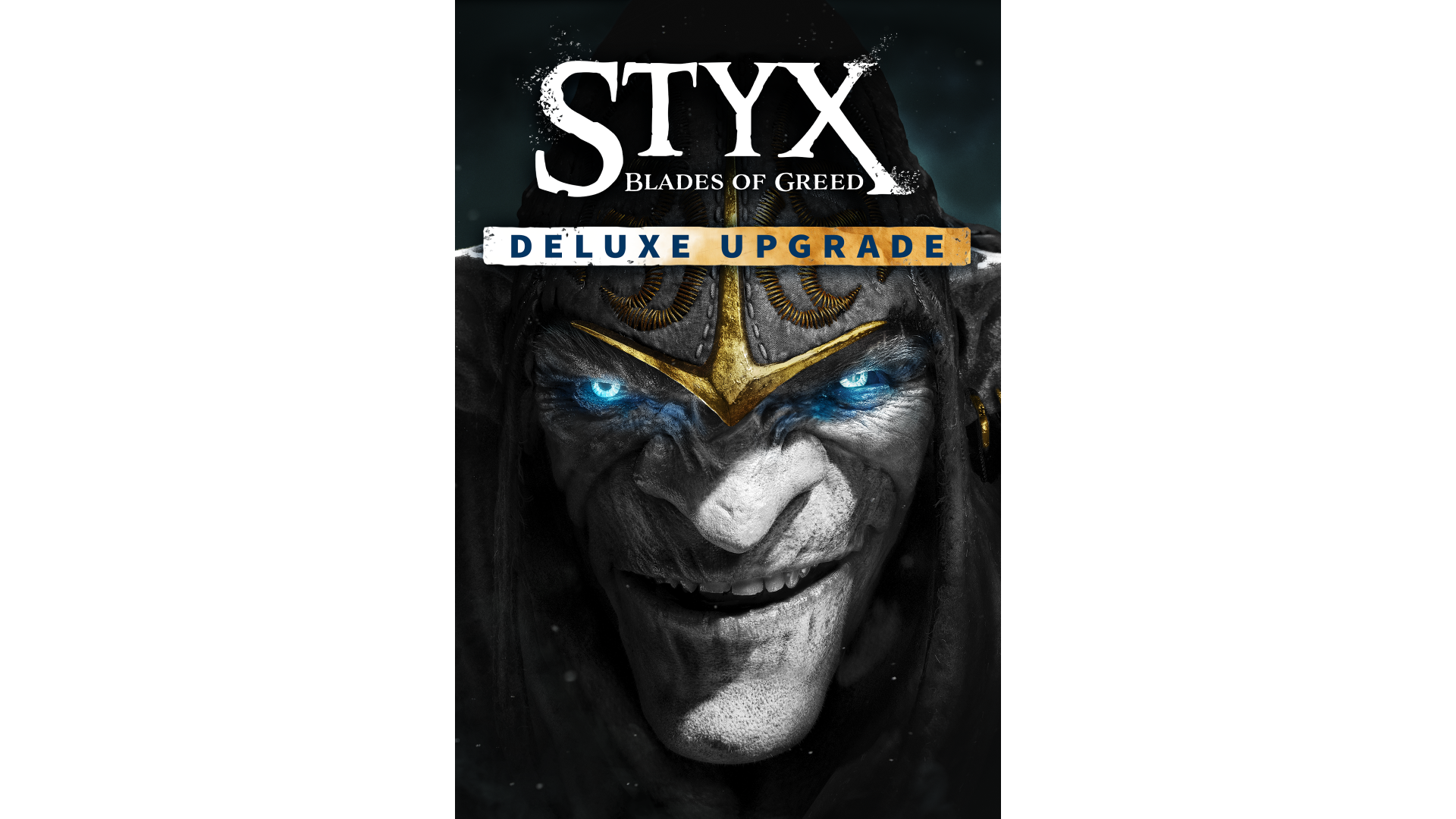
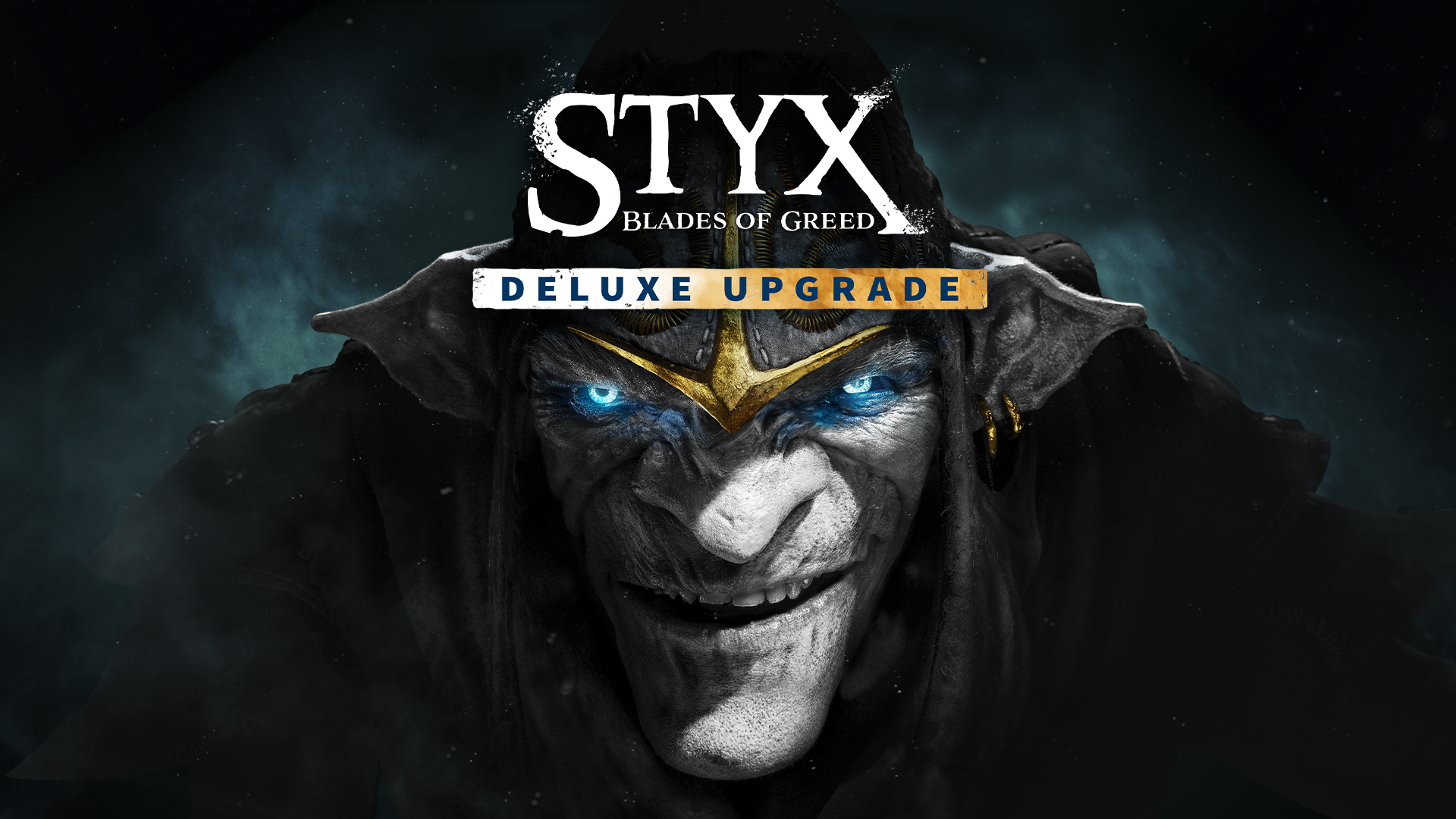
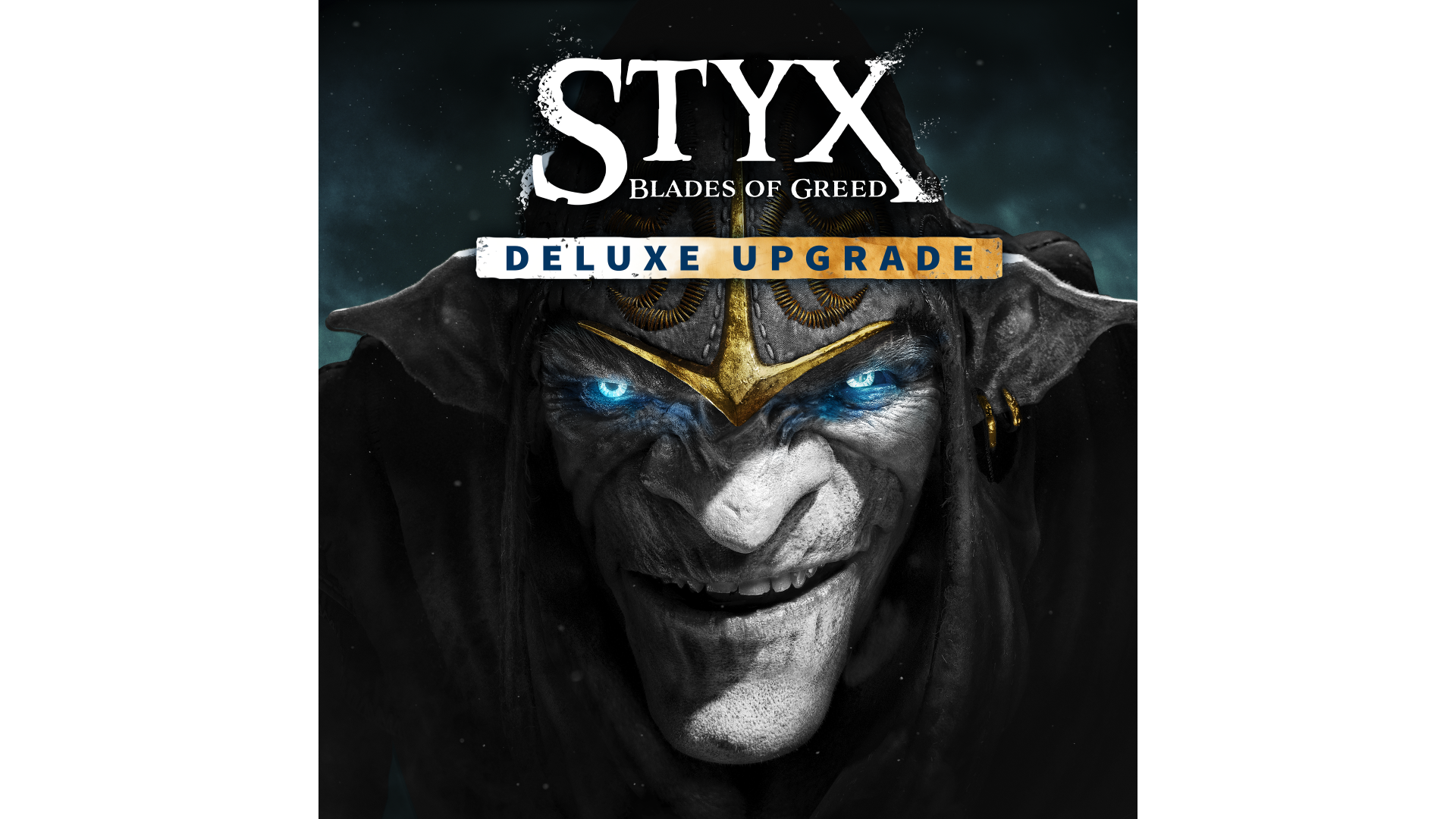
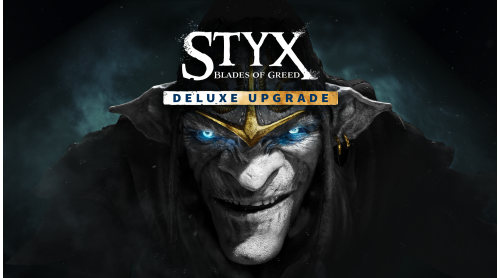
Equip yourself with an arsenal worthy of the Master of Shadows with the Deluxe Upgrade.
It includes:
“True talent lies in going unnoticed…but also being unforgettable.”
Styx: Blades of Greed ©2025 Published by Nacon and developed by Cyanide Studio. All rights reserved.


How to activate your Steam key?
1. Open your Steam client. (If you don't have a Steam Client, you can install from here https://store.steampowered.com/about/)
2. Sign in to your Steam account. (If you don't have a Steam Account, you can create from here https://store.steampowered.com/join/)
3. Click “ADD A GAME” button which is at the bottom of the Steam Client.
4. Now select "Activate a product on Steam..."
5. Write or copy-paste your Steam key which you purchased from Gamesforpc.
6. Now your game is in your library.
7. Find your game in your library, select and click install to start your download.