Description
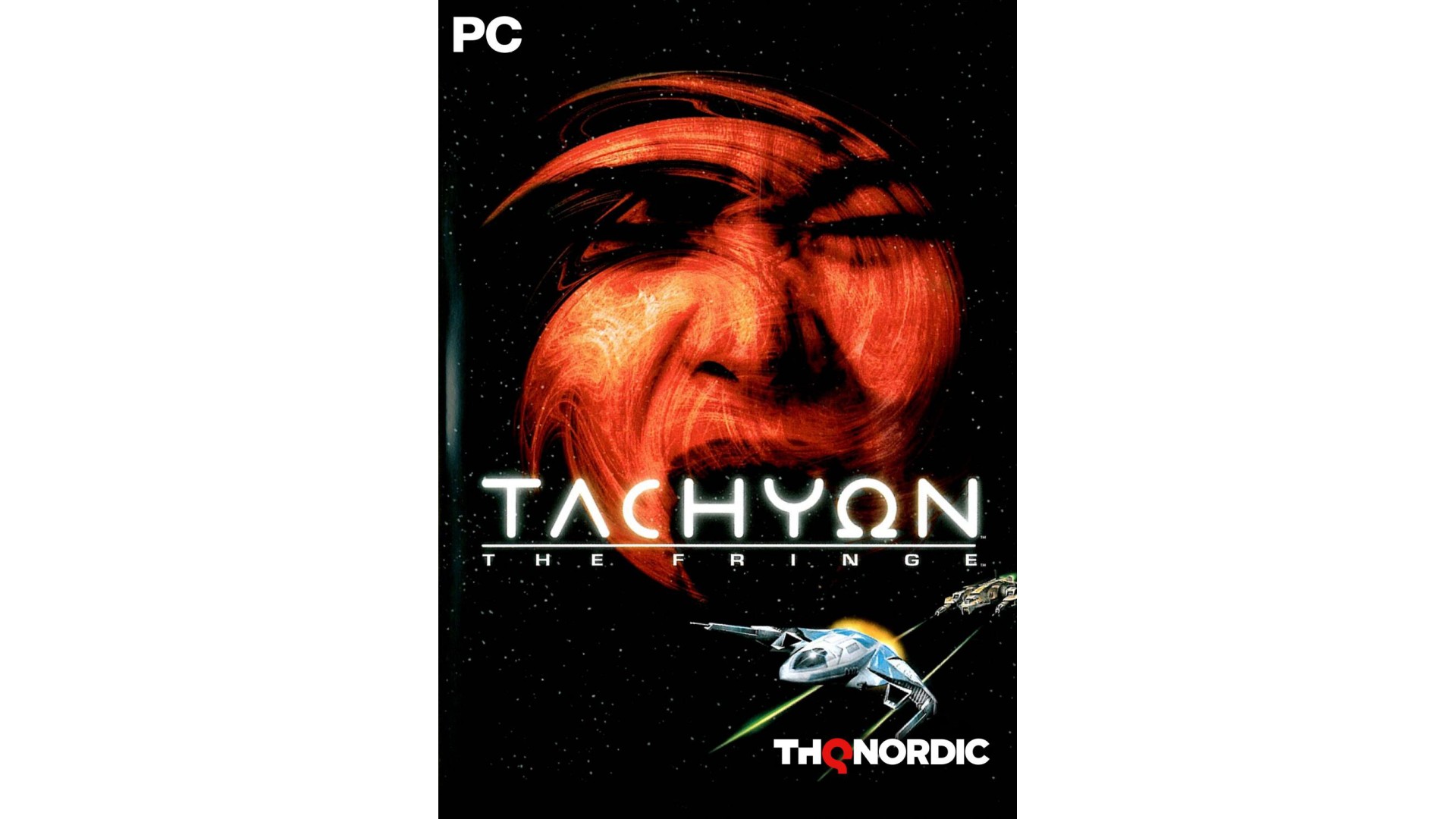
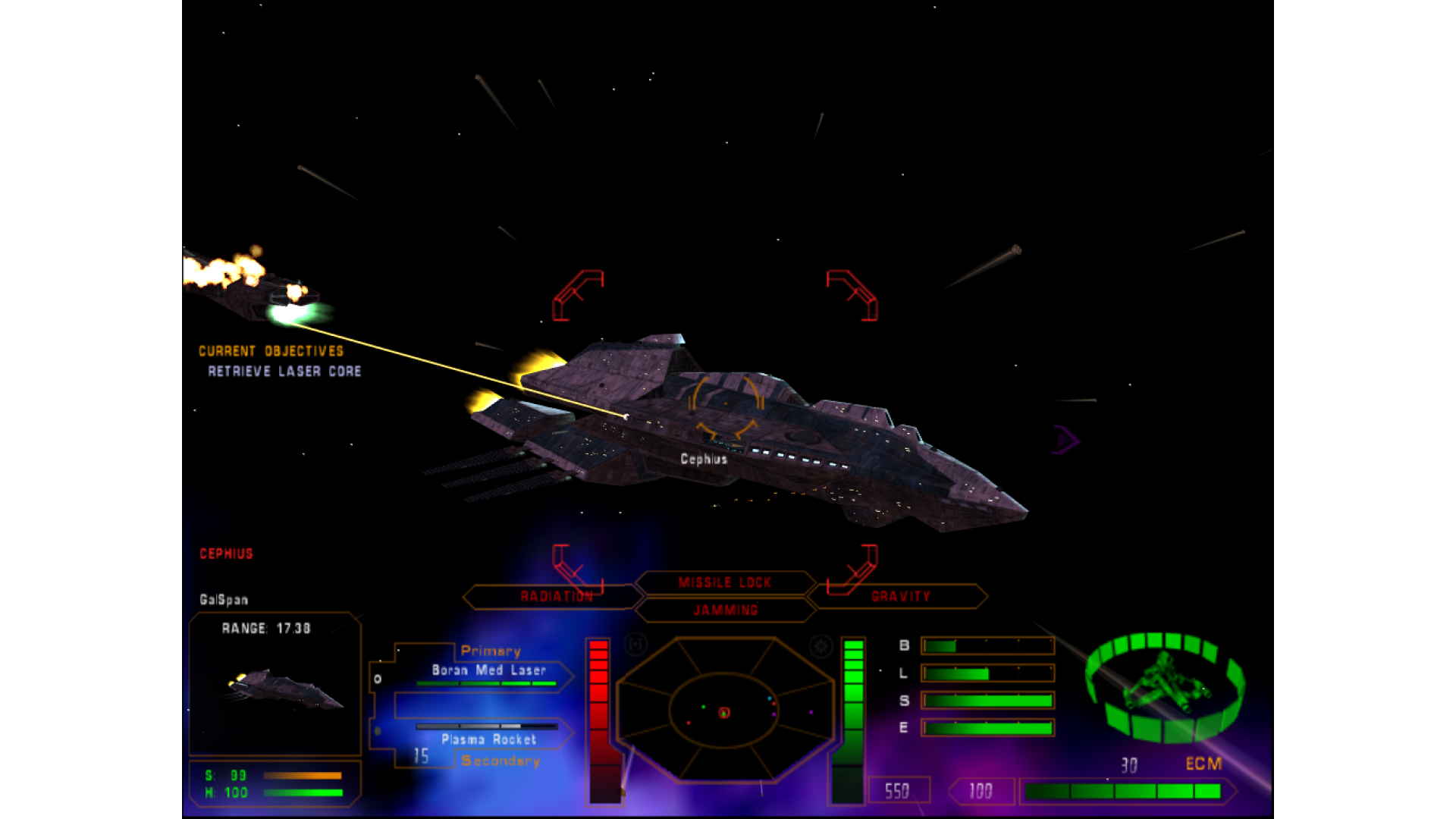
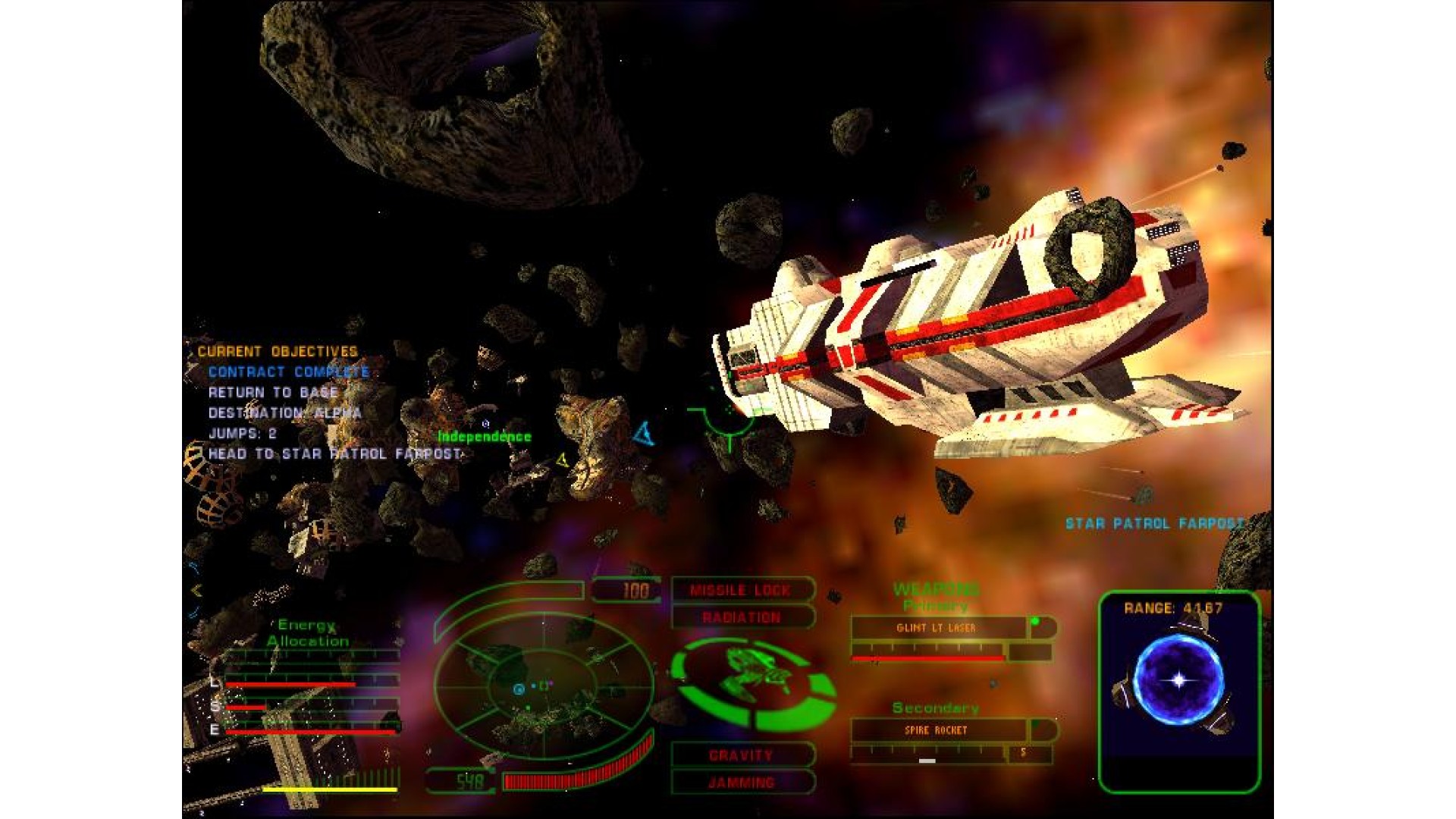
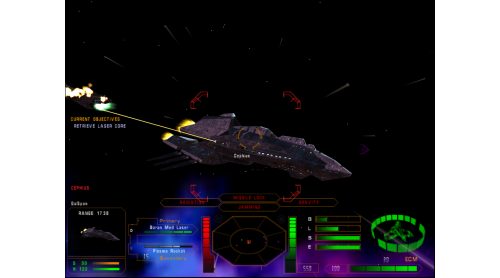
Caught in the middle of a violent conflict on the fringe of the galaxy - your ability to survive will depend on your piloting skills and combat savvy as a mercenary space fighter. But, as you explore the vastly detailed world of Tachyon: The Fringe, you will often find that the most powerful weapon on your ship is in your head.
Features
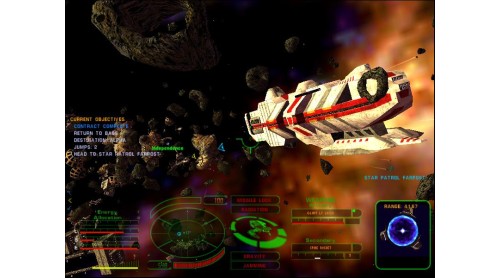
- Single Player Features - Decide where you want to go and what missions you will fly as you explore the vast and richly inhabited universe.
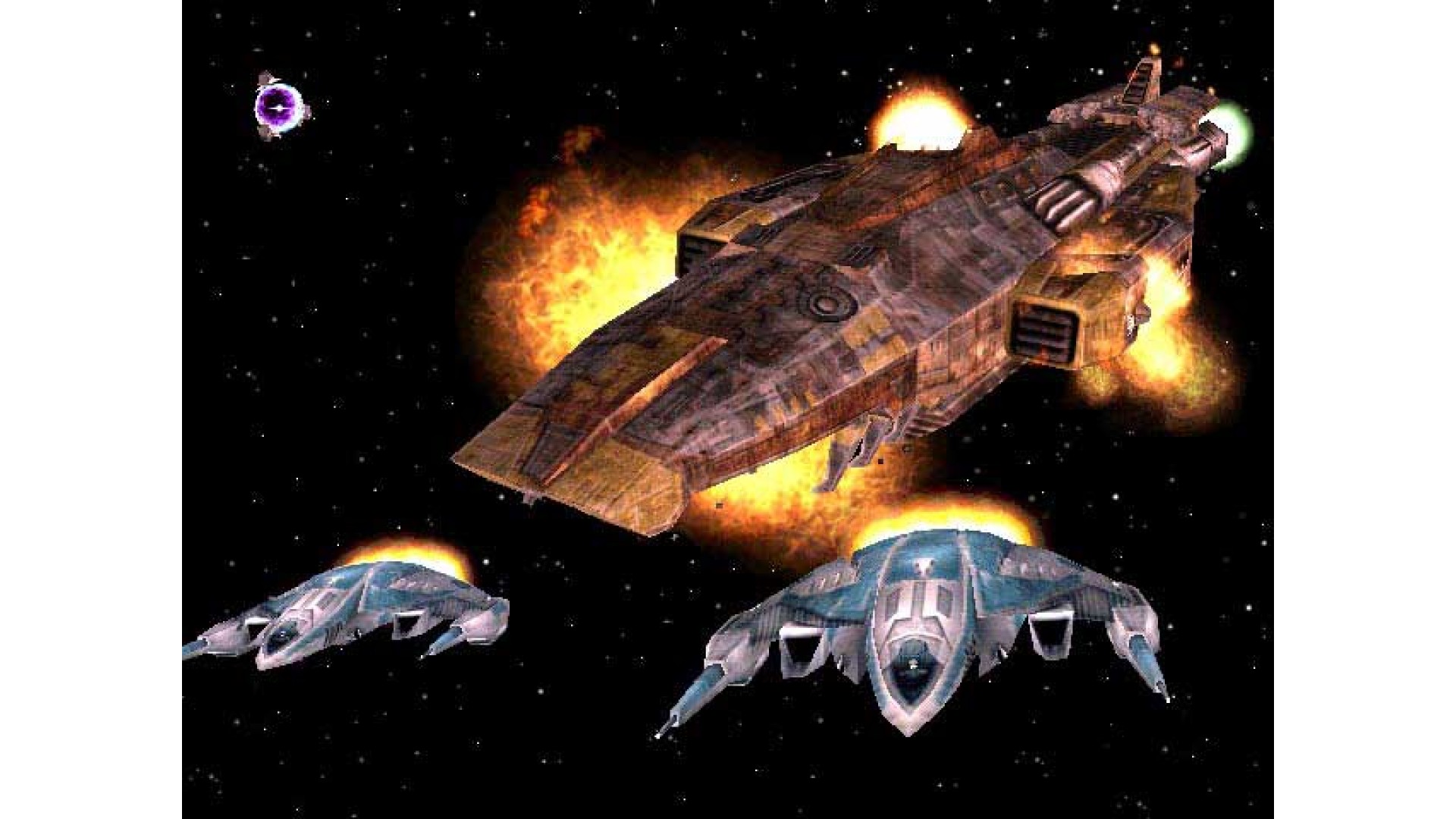
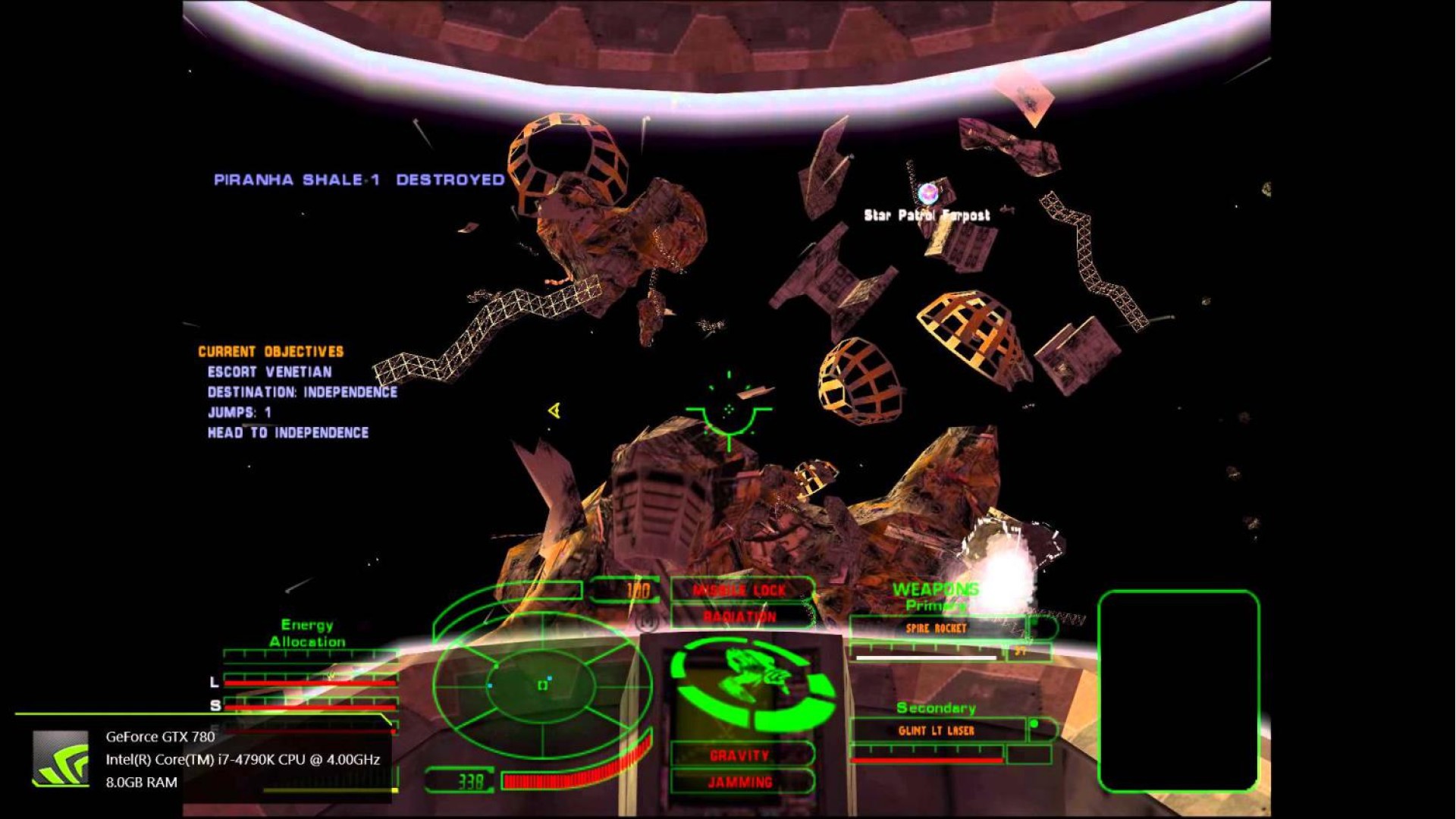
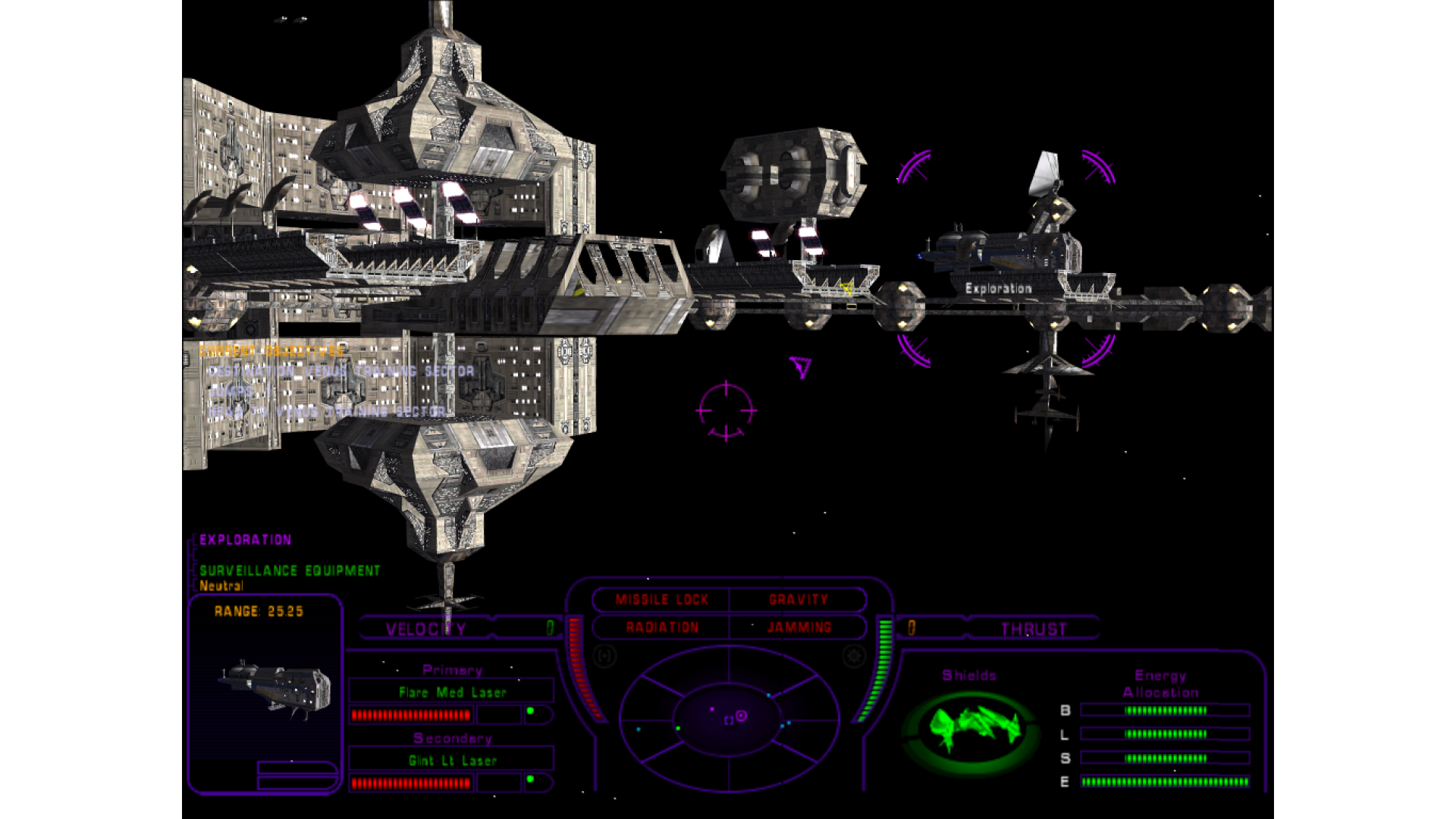
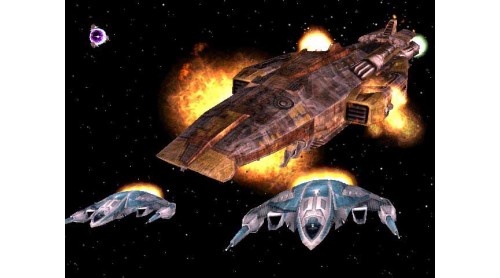
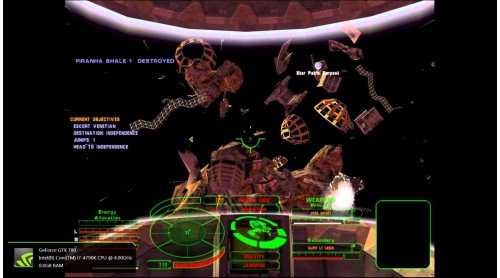
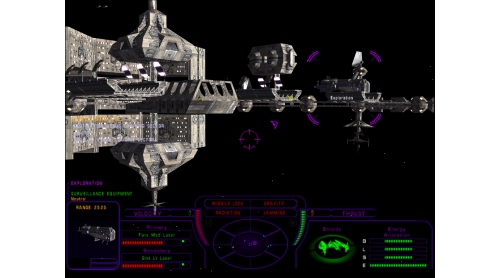
- Fight in furious space combat battles around the most massive ships and stations ever created in a space game.
- Explore a multi-sided in-game story line and make crucial decisions that will change your future.
- Featuring intense team tactics and BASE WARS. Talk to other star pilots and coordinate attacks with Voice-Over-Net.
- CHOOSE SIDES - Battle across multiple sectors as you fight to destroy opponent's base.
- Featuring Bruce Cambell as the voice of Jake Logan
©2000 NovaLogic, Inc. NovaLogic, the NovaLogic logo and NovaWorld are registered trademarks and Tachyon, The Fringe, Jake Logan, and the NovaWorld logo are trademarks of NovaLogic, Inc. All other trademarks and logos are property of their respective owners.
 Steam
Steam  Windows

How to activate your Steam key?
1. Open your Steam client. (If you don't have a Steam Client, you can install from here https://store.steampowered.com/about/)
2. Sign in to your Steam account. (If you don't have a Steam Account, you can create from here https://store.steampowered.com/join/)
3. Click “ADD A GAME” button which is at the bottom of the Steam Client.
4. Now select "Activate a product on Steam..."
5. Write or copy-paste your Steam key which you purchased from Gamesforpc.
6. Now your game is in your library.
7. Find your game in your library, select and click install to start your download.