





 Steam
Steam | Release Date | 10.01.2019 | |
| Publisher | Microsoft | |
| PEGI Rating | + 12 | |
| Genres | rpg |
39.99€
Added to Cart
39.99€
Added to Wishlist
39.99€
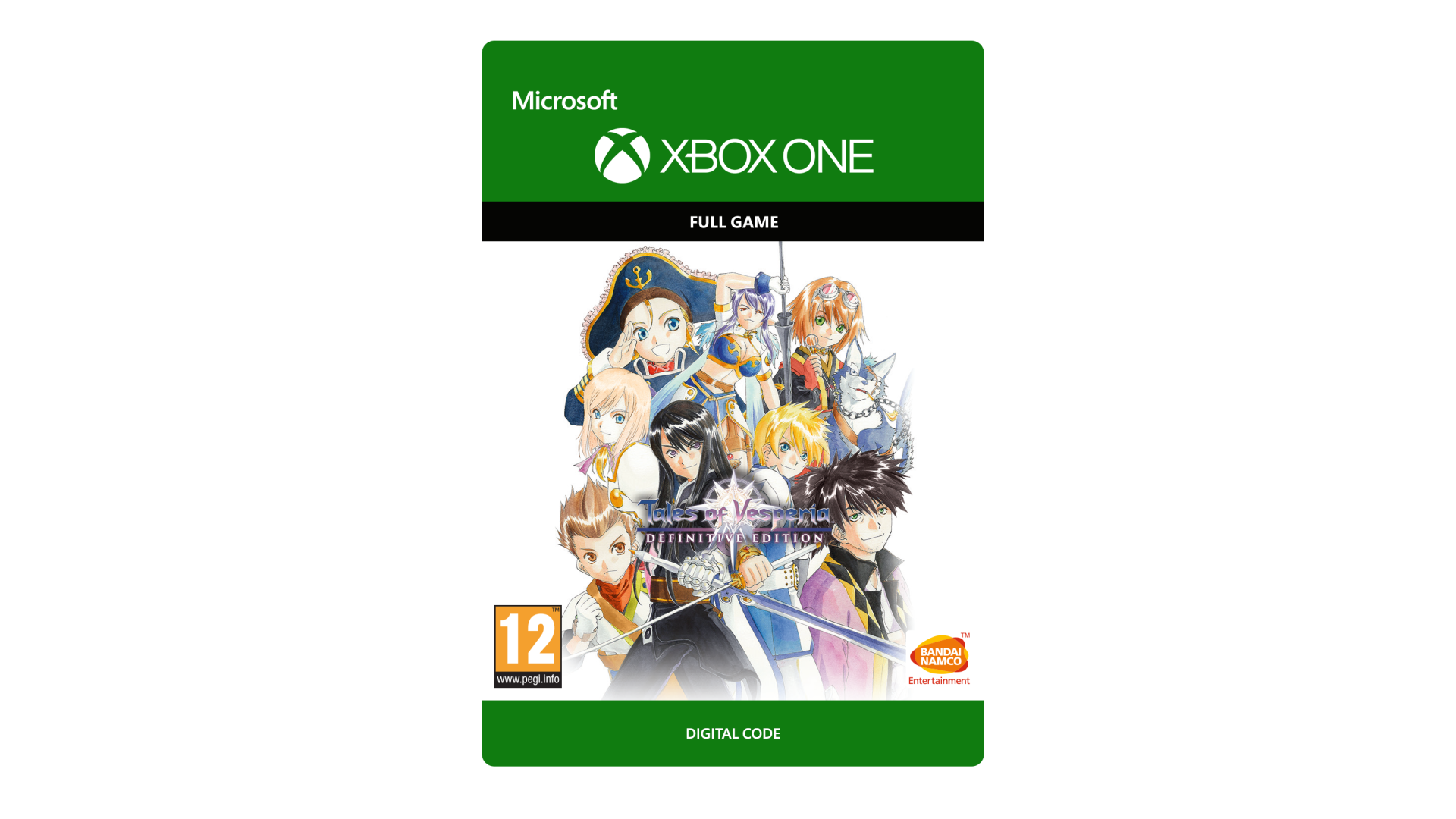
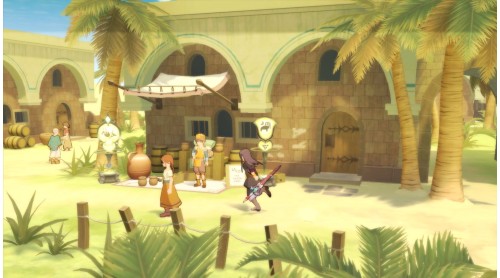
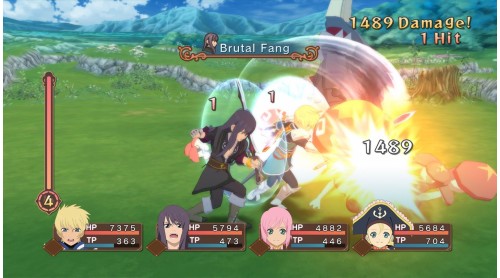
Celebrate the 10th anniversary of Tales of Vesperia and the return of this fan-favorite with the Definitive Edition!
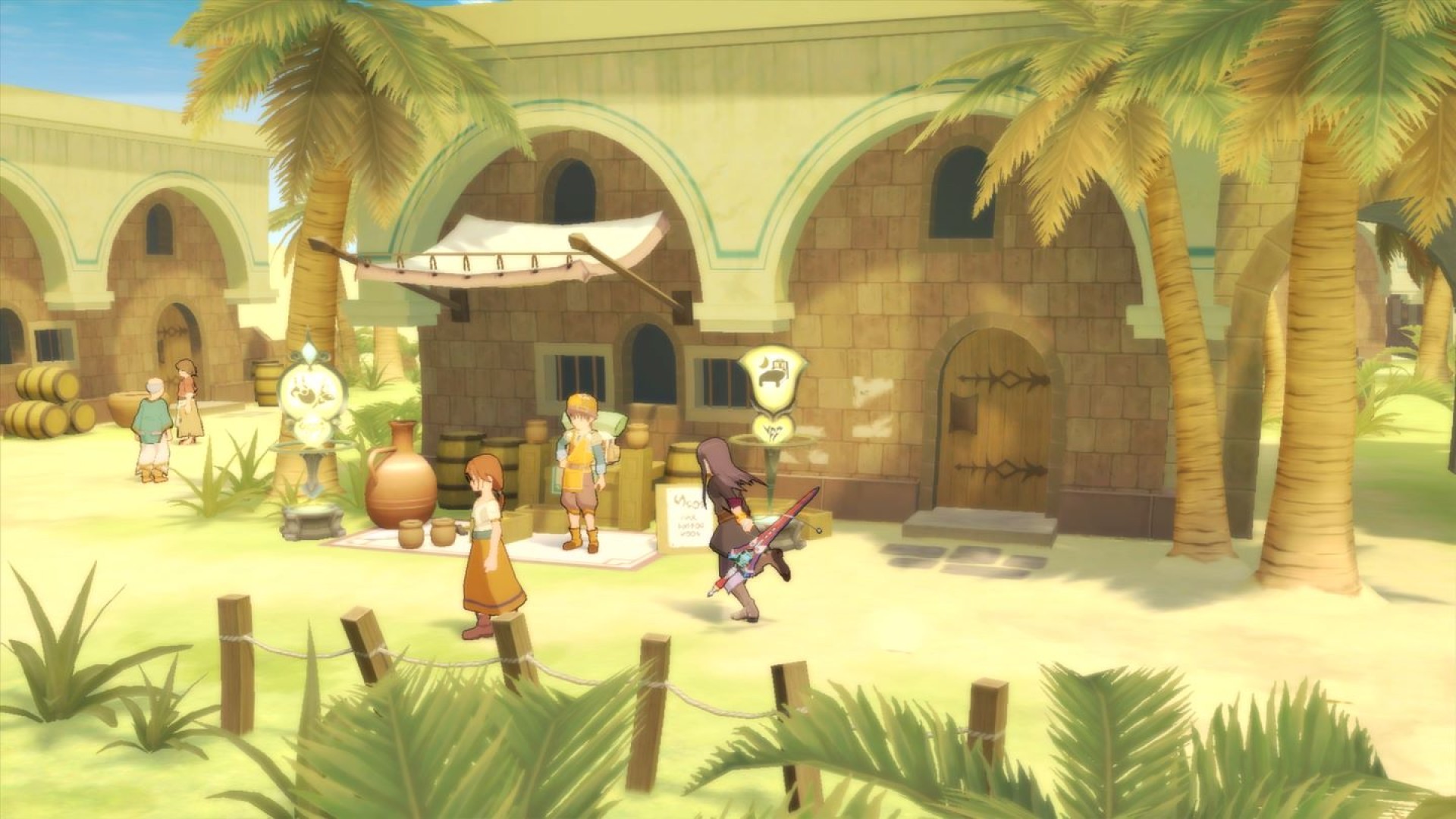
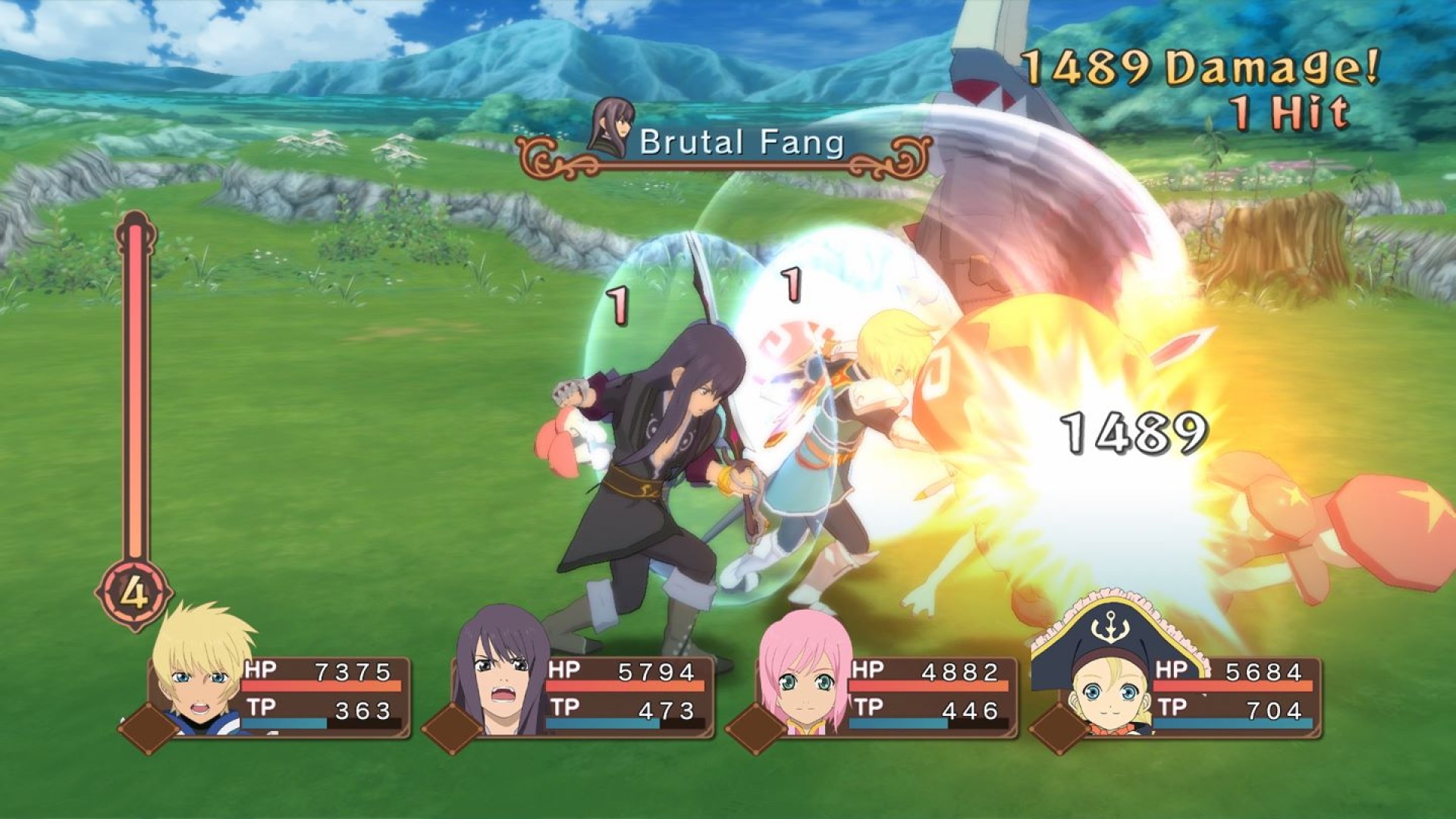
Dive into the Definitive version of this game with updated full HD graphics, brand-new music tracks, exciting mini-games, bosses, and a collection of unreleased costume DLC!
©KOSUKE FUJISHIMA
Tales of Vesperia™: Definitive Edition & ©BANDAI NAMCO Entertainment Inc.


How to activate your Steam key?
1. Open your Steam client. (If you don't have a Steam Client, you can install from here https://store.steampowered.com/about/)
2. Sign in to your Steam account. (If you don't have a Steam Account, you can create from here https://store.steampowered.com/join/)
3. Click “ADD A GAME” button which is at the bottom of the Steam Client.
4. Now select "Activate a product on Steam..."
5. Write or copy-paste your Steam key which you purchased from Gamesforpc.
6. Now your game is in your library.
7. Find your game in your library, select and click install to start your download.