Description
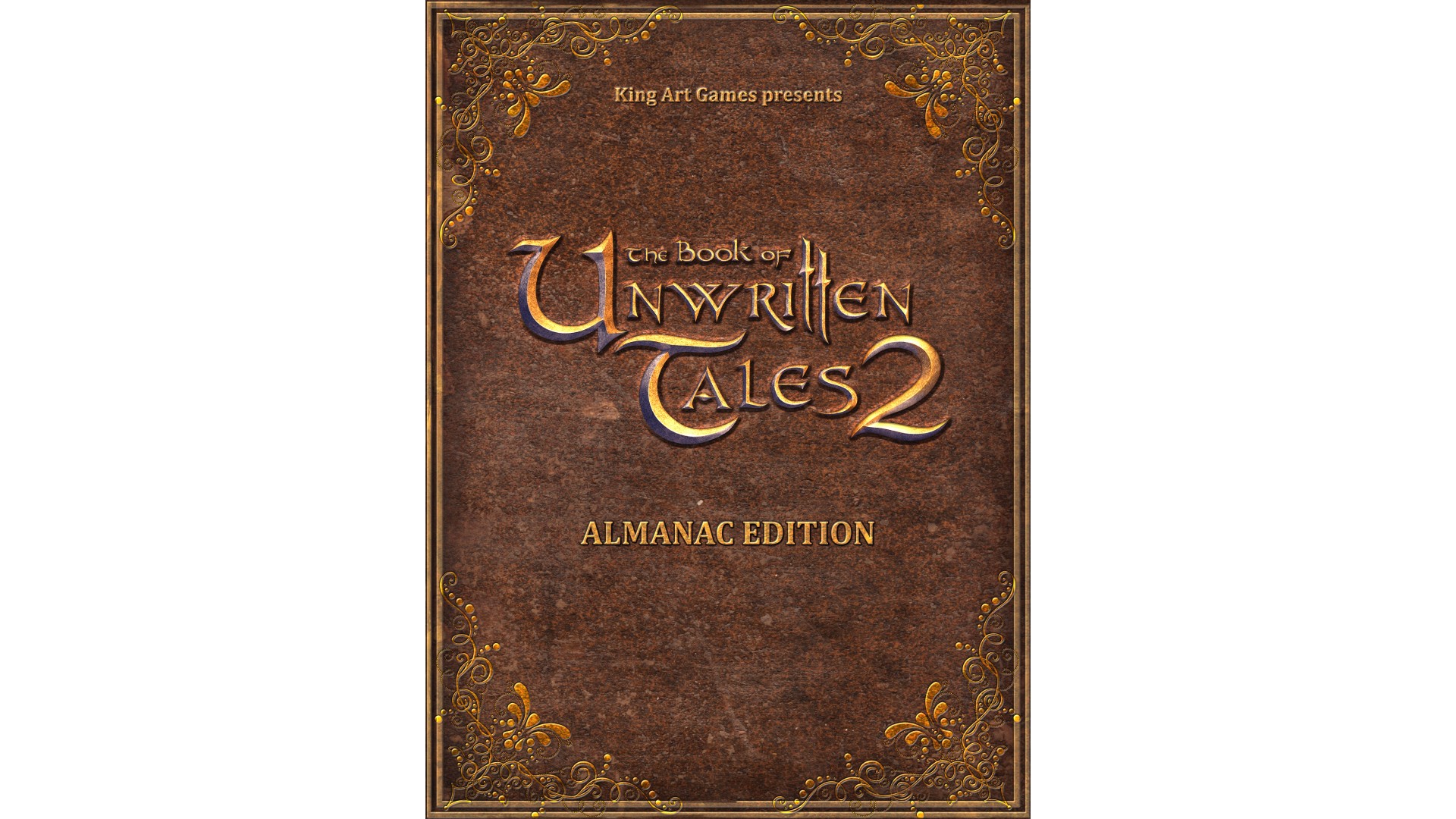
Order the "The Book of Unwritten Tales 2 - Almanac Upgrade" to turn your The Book of Unwritten Tales 2 Standard Edition into the Almanac Edition.
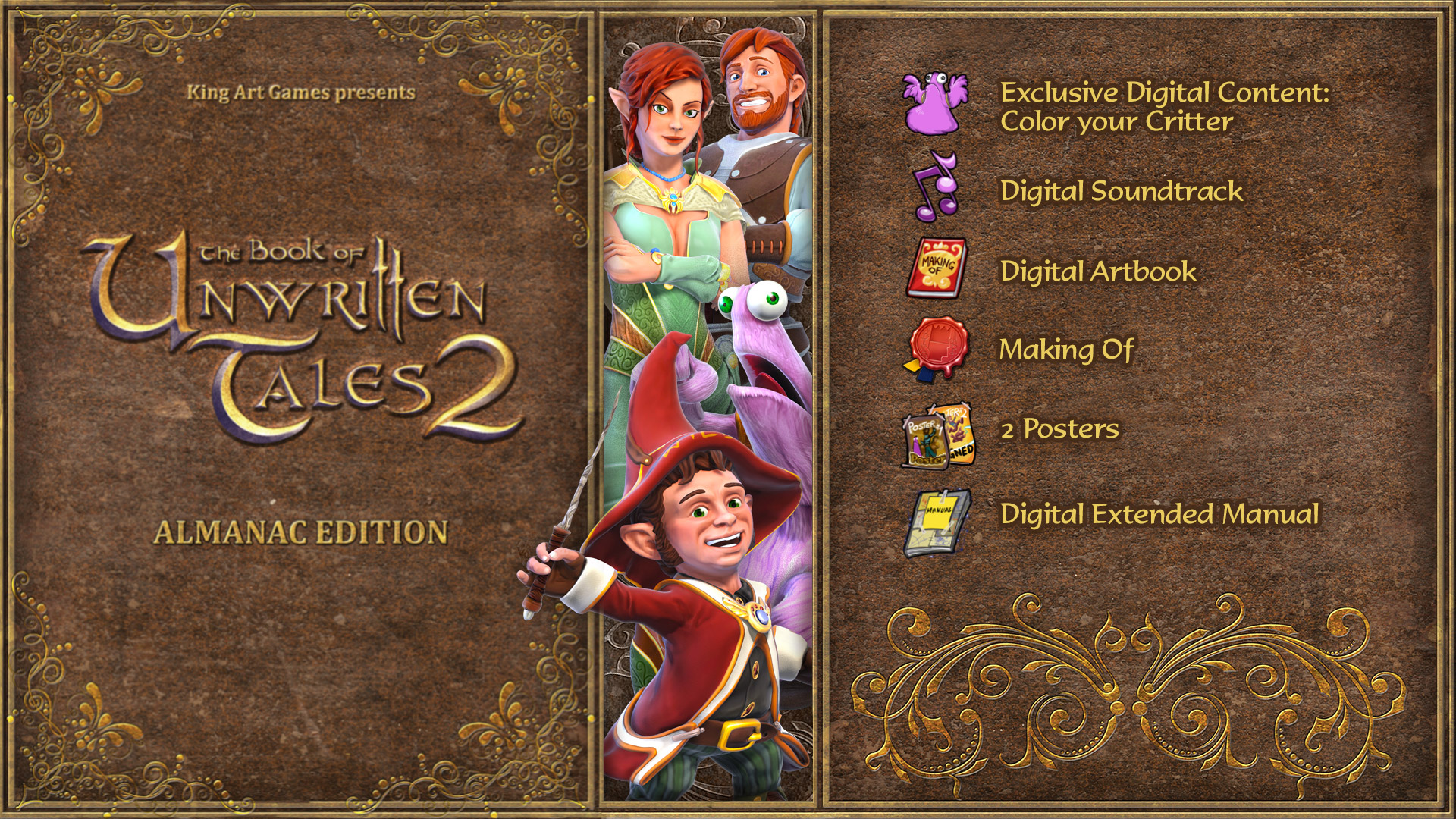
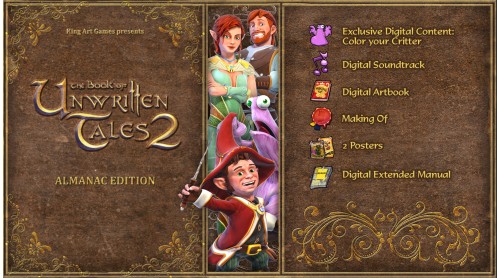
The Book of Unwritten Tales 2 - Almanac Edition will have the following extra content included:
- The Almanac Edition Extras:
104-page Artbook (as pdf)
Over 100 pages of concept art and comics by the game’s concept artist Marvin Clifford, along with Making Of renderings and background info. - Making-Of Video
Peek behind the curtain of how The Book Of Unwritten Tales 2 takes form and watch all the videos of our Video-Blogger Danica, who will follow and document the development of the game. - The Orchestral Soundtrack (as mp3 files)
Benny Oschmann who wrote the acclaimed soundtrack of the original game is back on board for the sequel. The Soundtrack will feature all tracks from the game, both reworked classics from the first game and new compositions. - 2 posters (printable)
Two beautiful pictures. Two posters to rule them all. - Exclusive in-game content "Color Your Critter"
Only those who call the Almanac Edition Extras their own will have access to this exclusive feature. It lets you change the color of Critter, Nate’s much-loved furry companion. Give Critter your favorite color or change it as often as you want – the colors of the rainbow are at your command! - Extended Manual (as pdf)
Manual as digital pdf file with an additional presentation of the characters of the game.
© 2014 KING Art GmbH & Nordic Games GmbH. Published & Distributed by Nordic Games GmbH, Austria. All other brands, product names and logos are trademarks or registered trademarks of their respective owners. All rights reserved.


 Steam
Steam  Windows
  Mac
Mac  Linux
Linux 

How to activate your Steam key?
1. Open your Steam client. (If you don't have a Steam Client, you can install from here https://store.steampowered.com/about/)
2. Sign in to your Steam account. (If you don't have a Steam Account, you can create from here https://store.steampowered.com/join/)
3. Click “ADD A GAME” button which is at the bottom of the Steam Client.
4. Now select "Activate a product on Steam..."
5. Write or copy-paste your Steam key which you purchased from Gamesforpc.
6. Now your game is in your library.
7. Find your game in your library, select and click install to start your download.