






 Steam
Steam  Windows
  Mac
Mac  Linux
Linux | Release Date | 04.09.2014 |
| Operating Systems | Linux |
| Operating Systems | Mac OS |
| Publisher | THQ Nordic GmbH |
| Operating Systems | Windows |
| Genres | Adventure |
29.99€
Added to Cart
29.99€
Added to Wishlist
29.99€
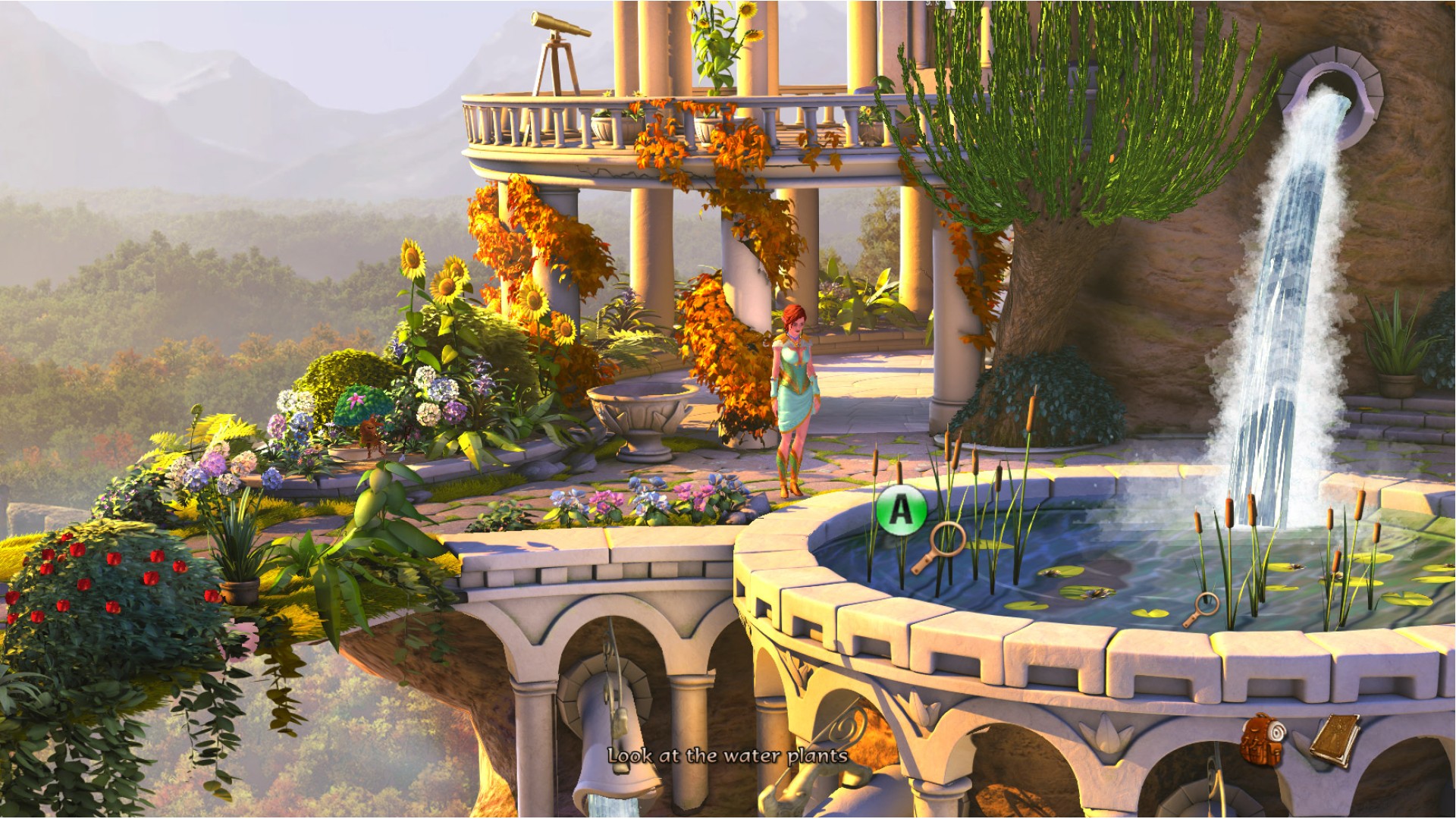
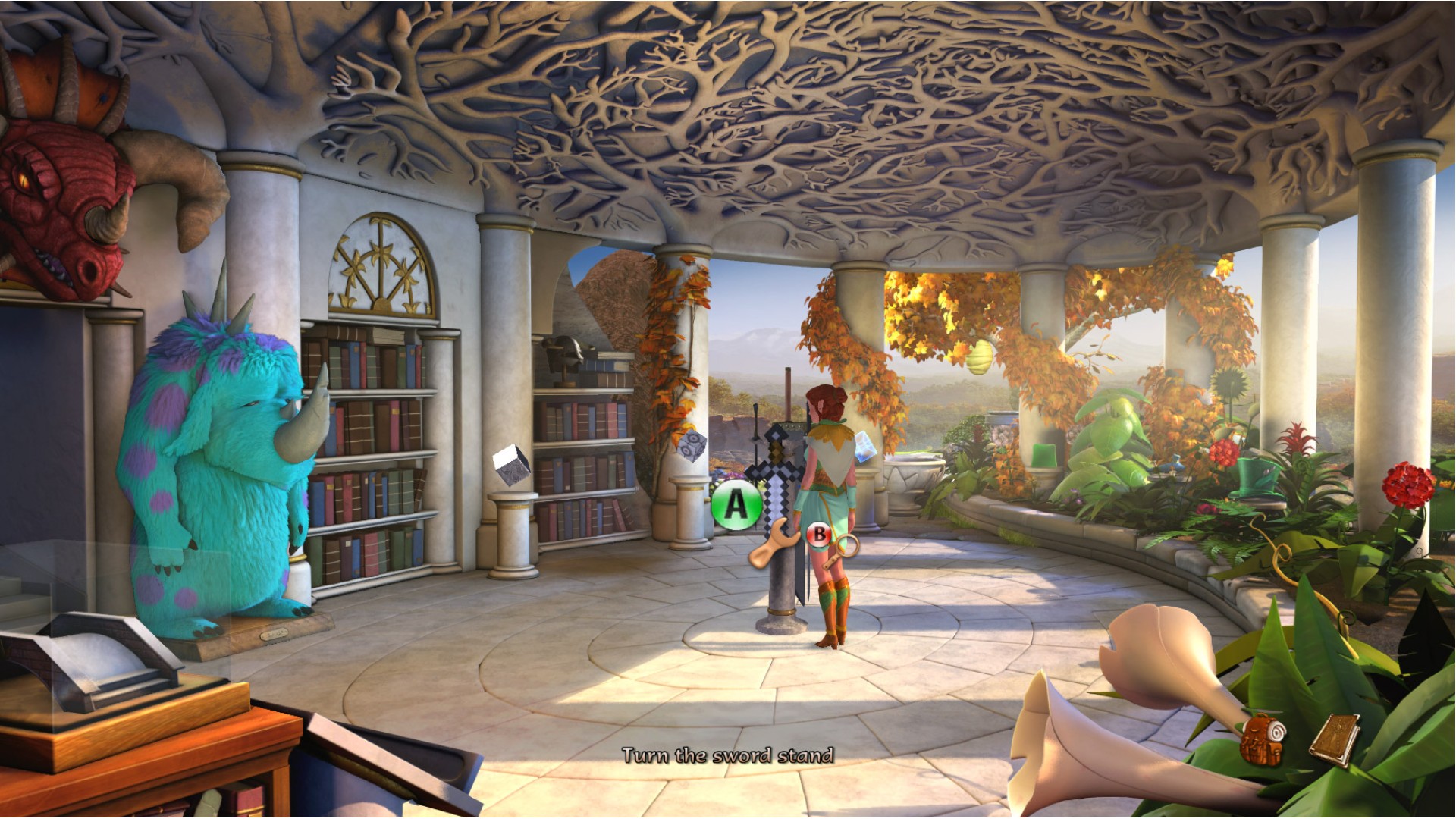
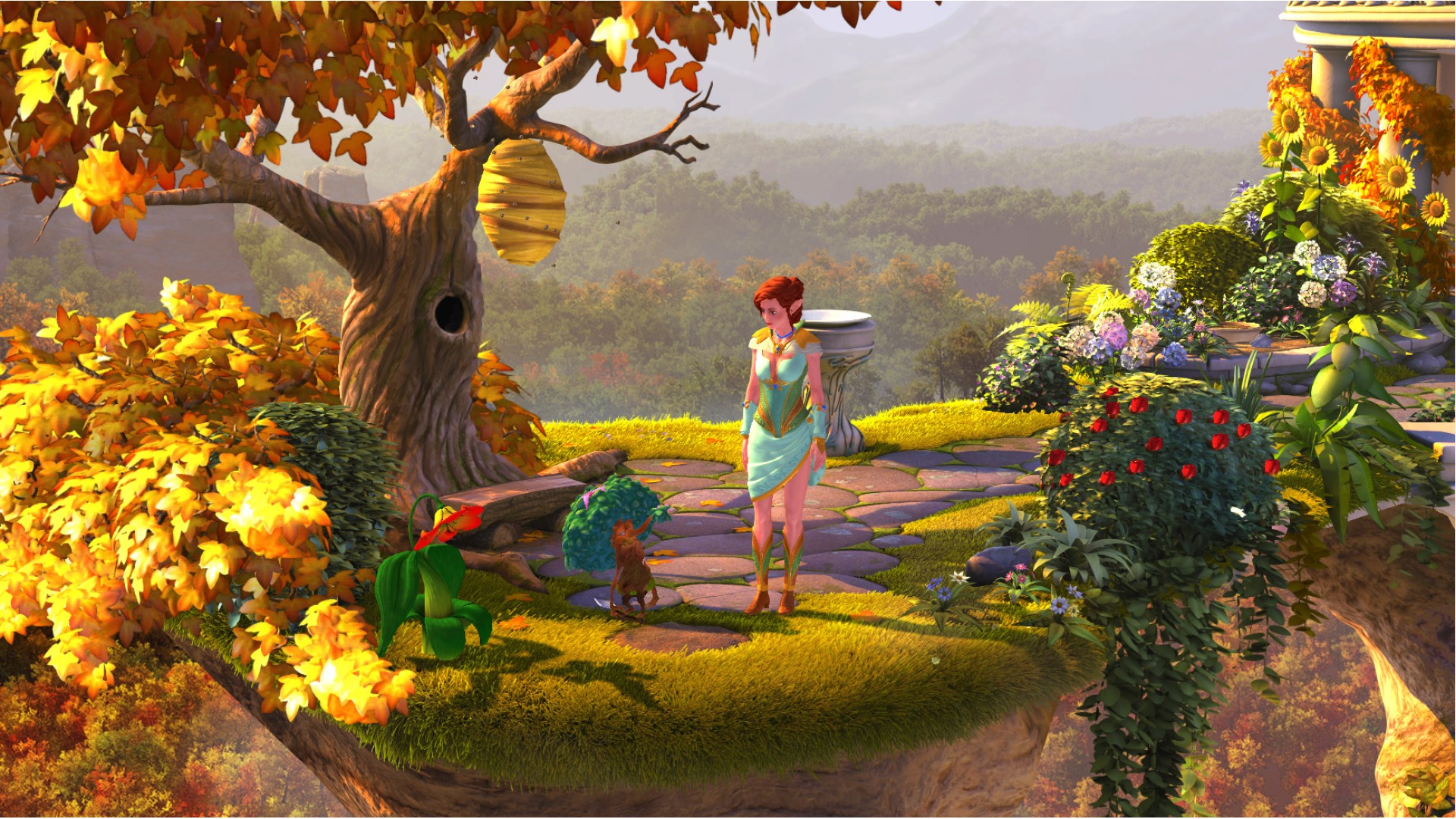
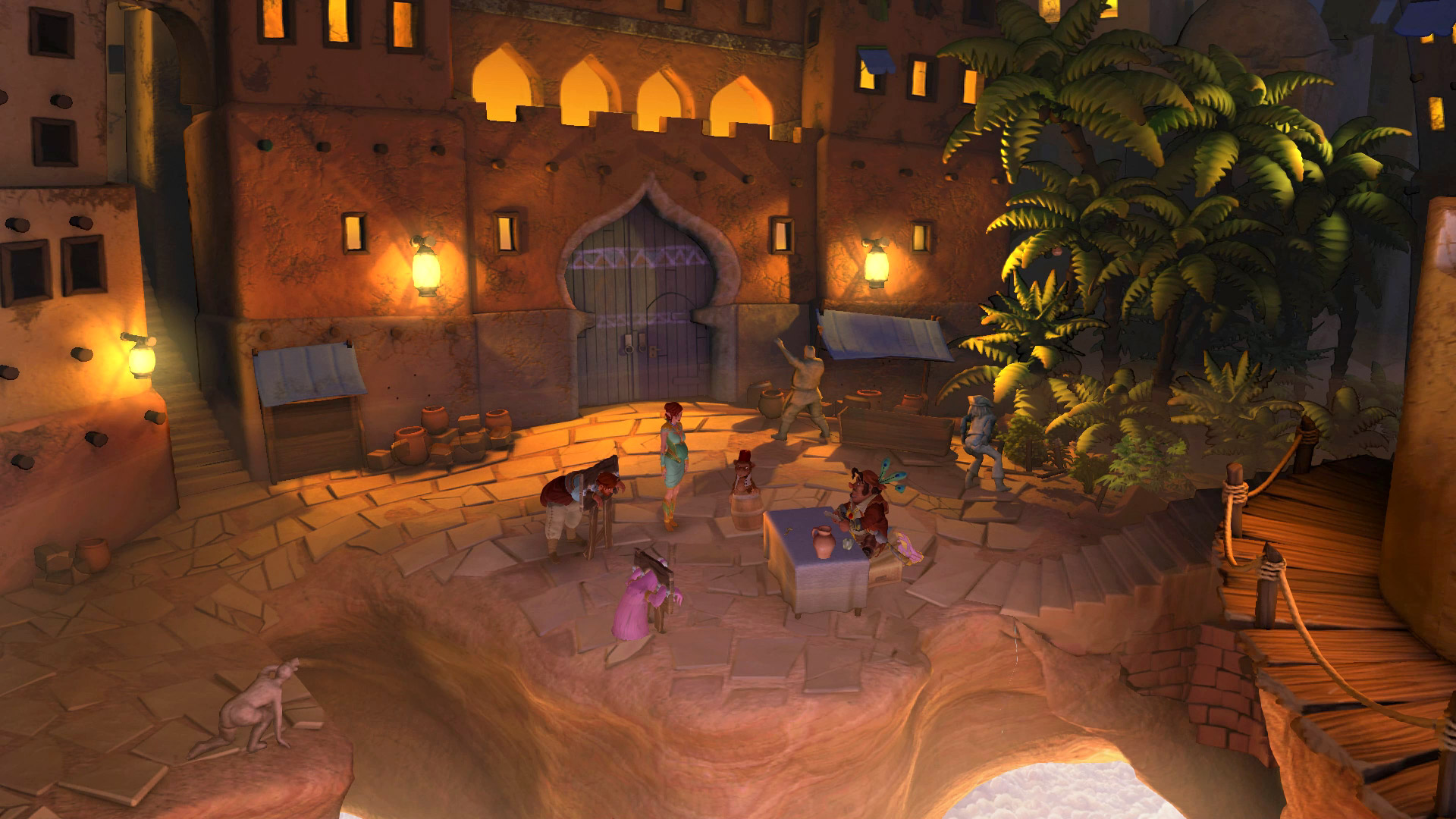
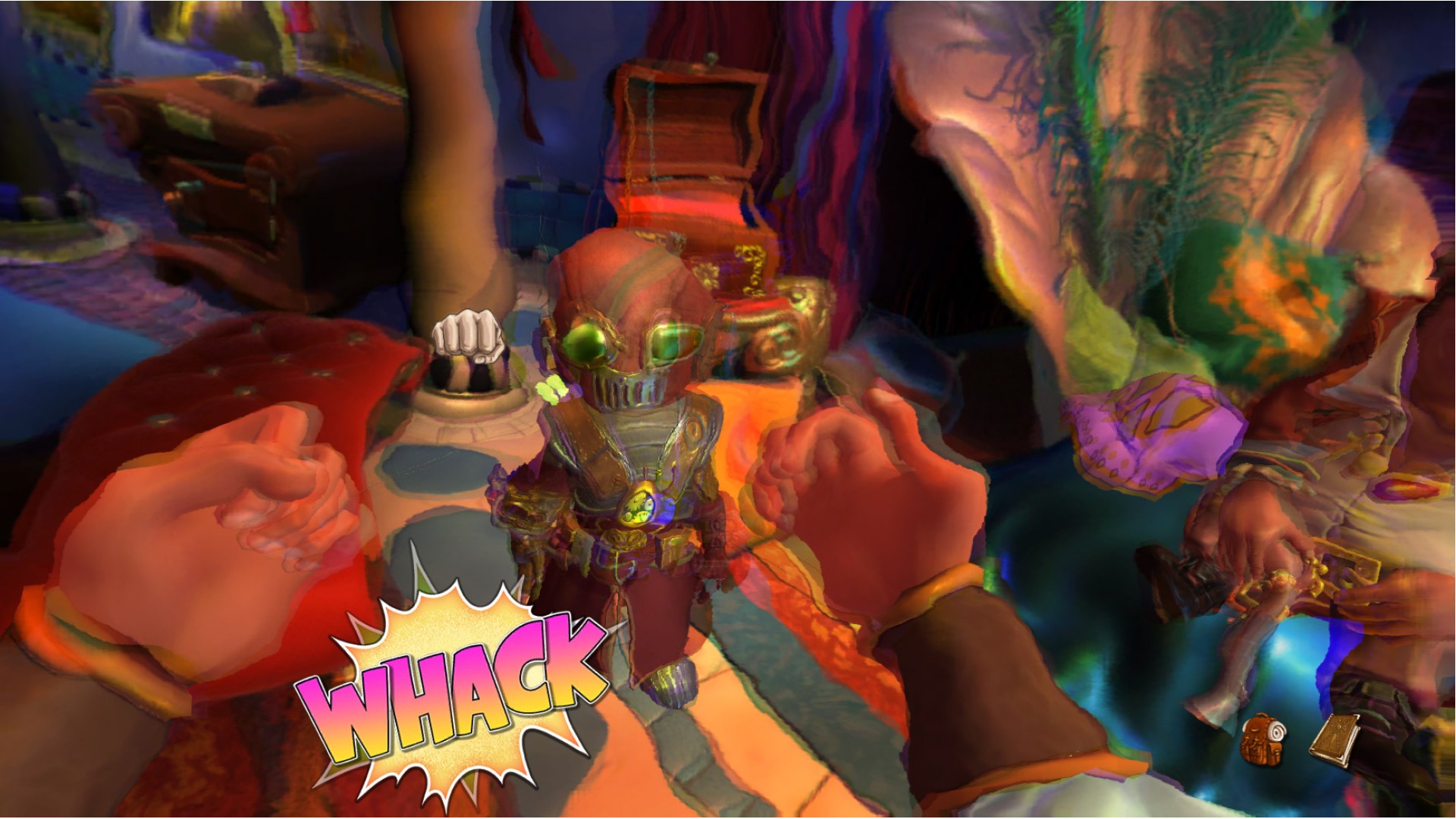
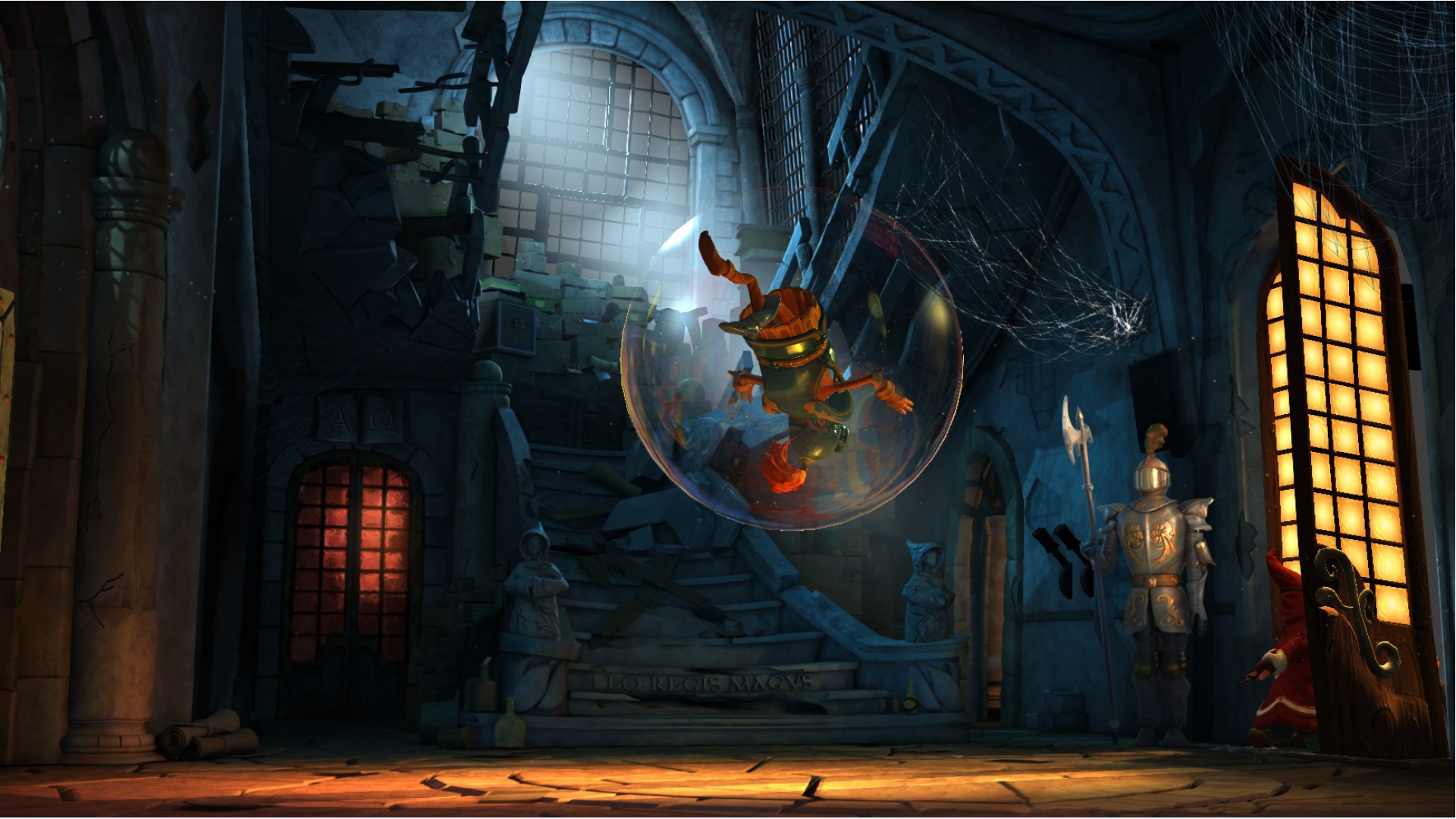
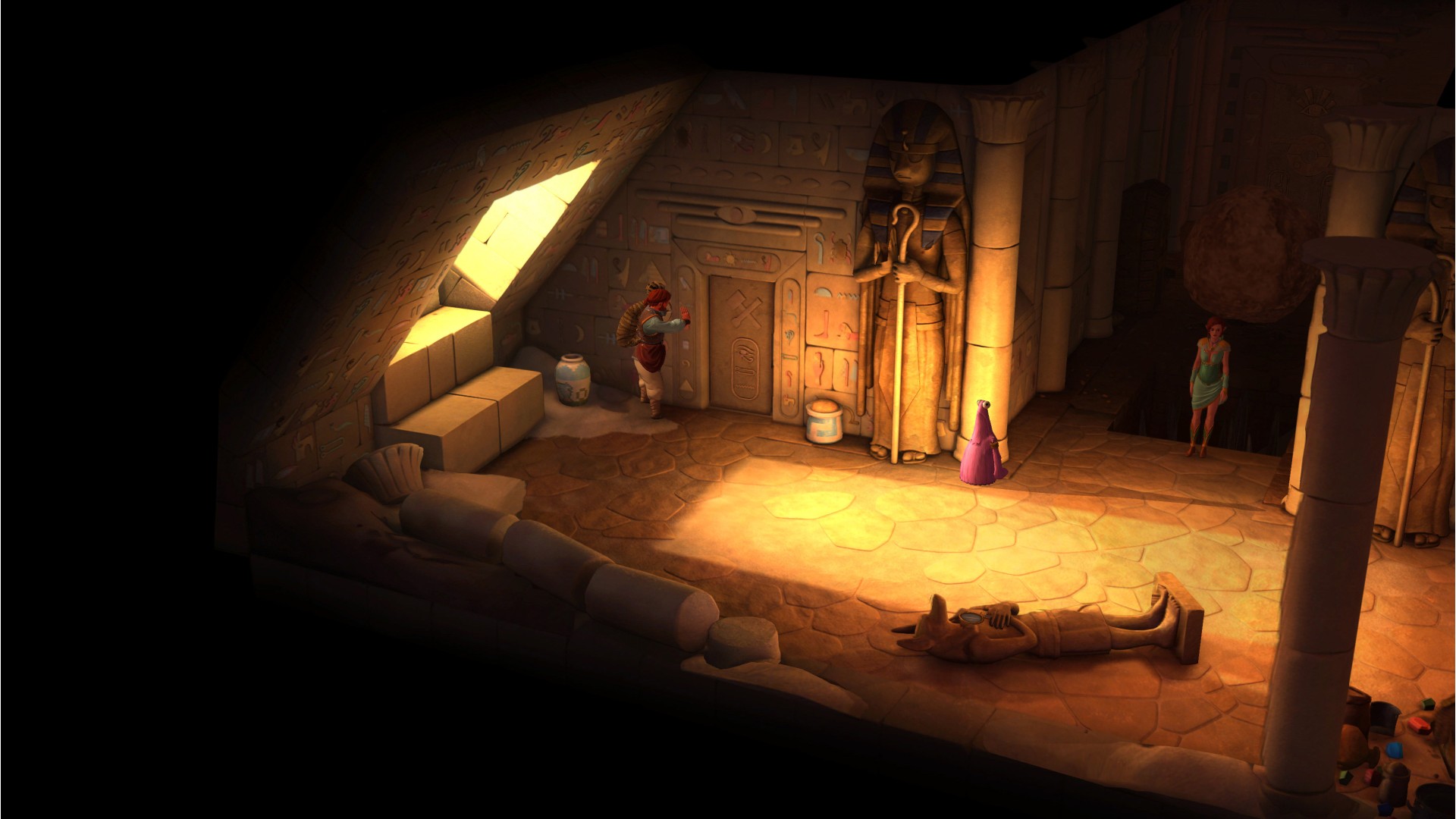
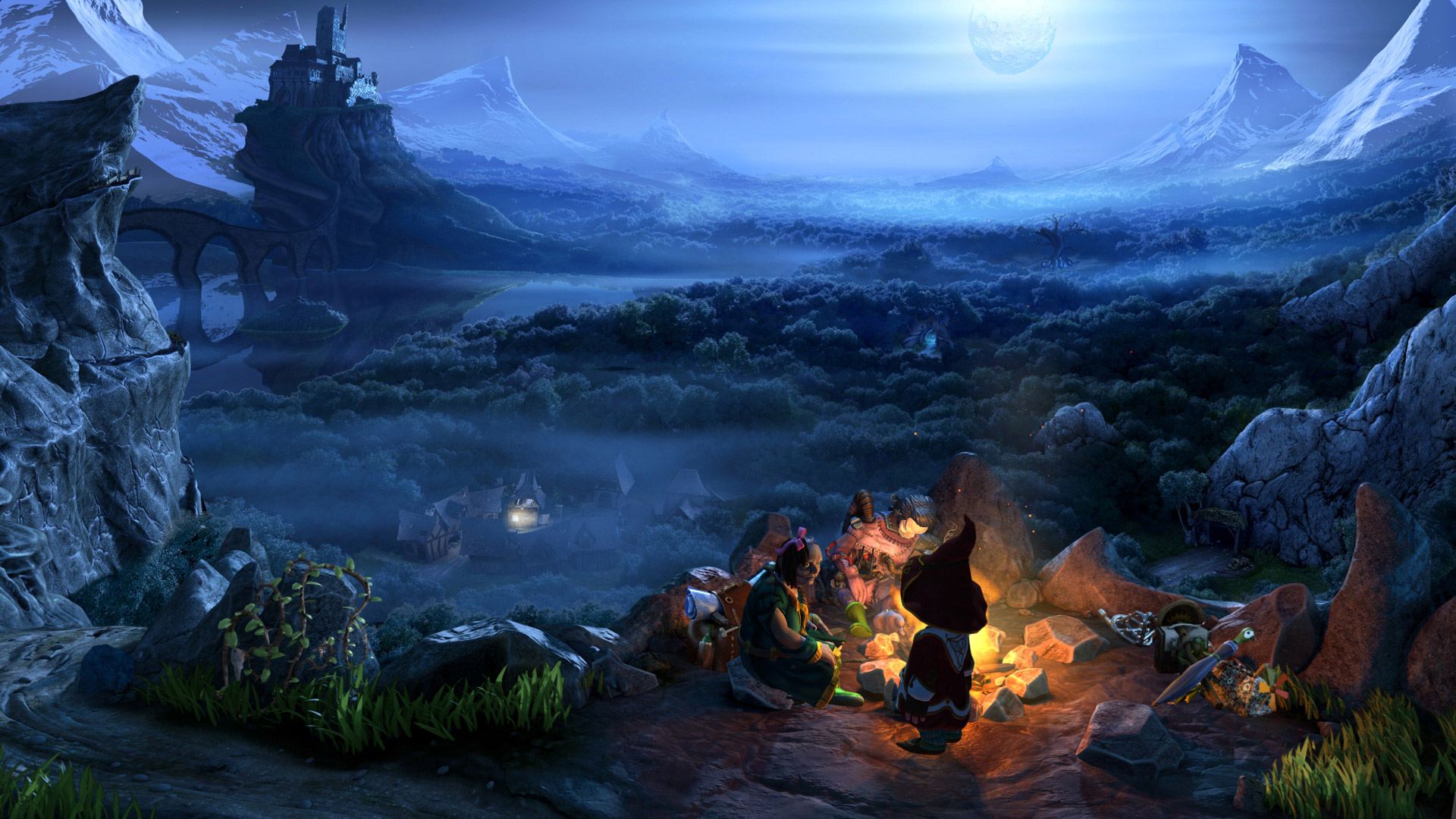
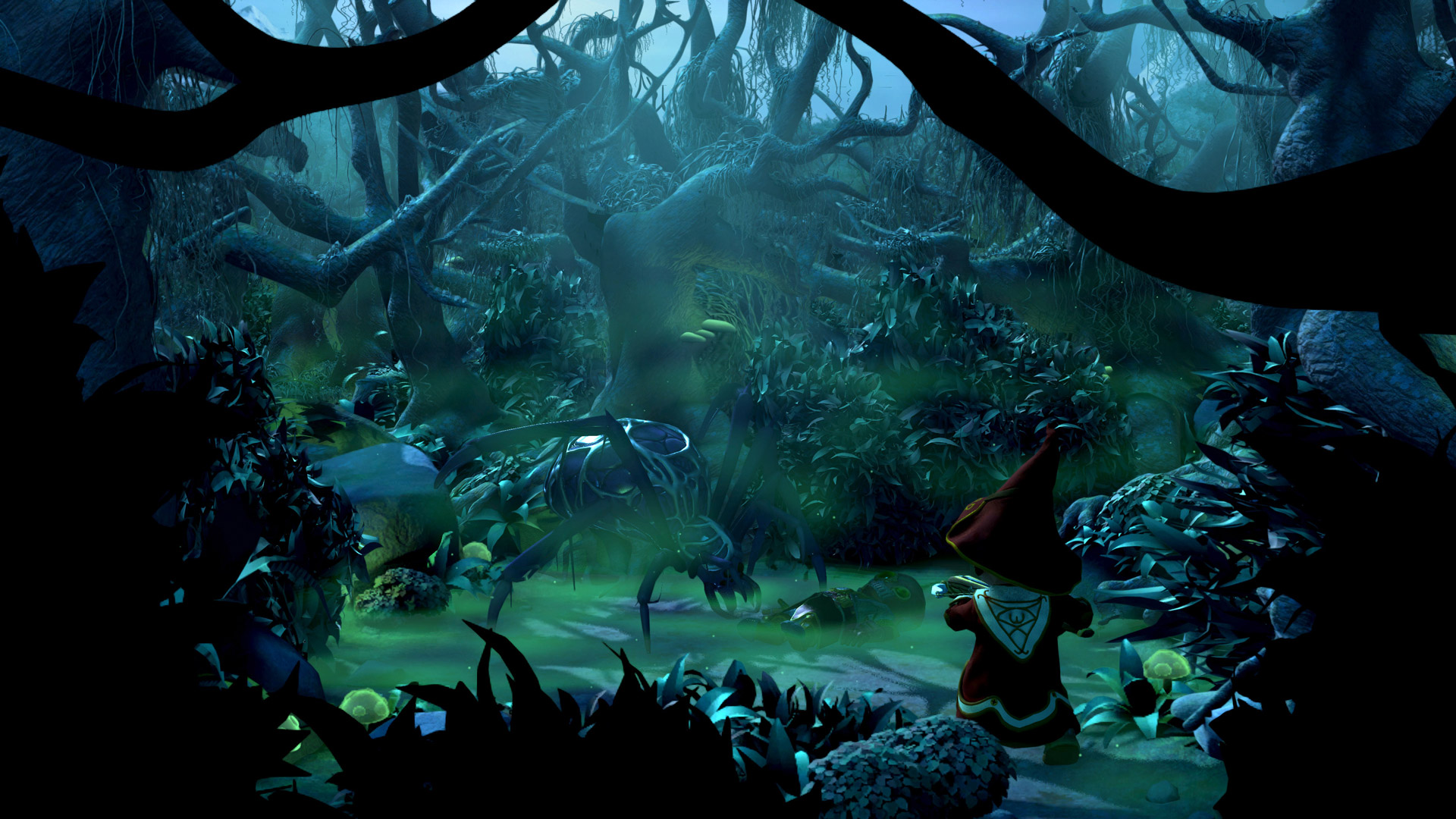
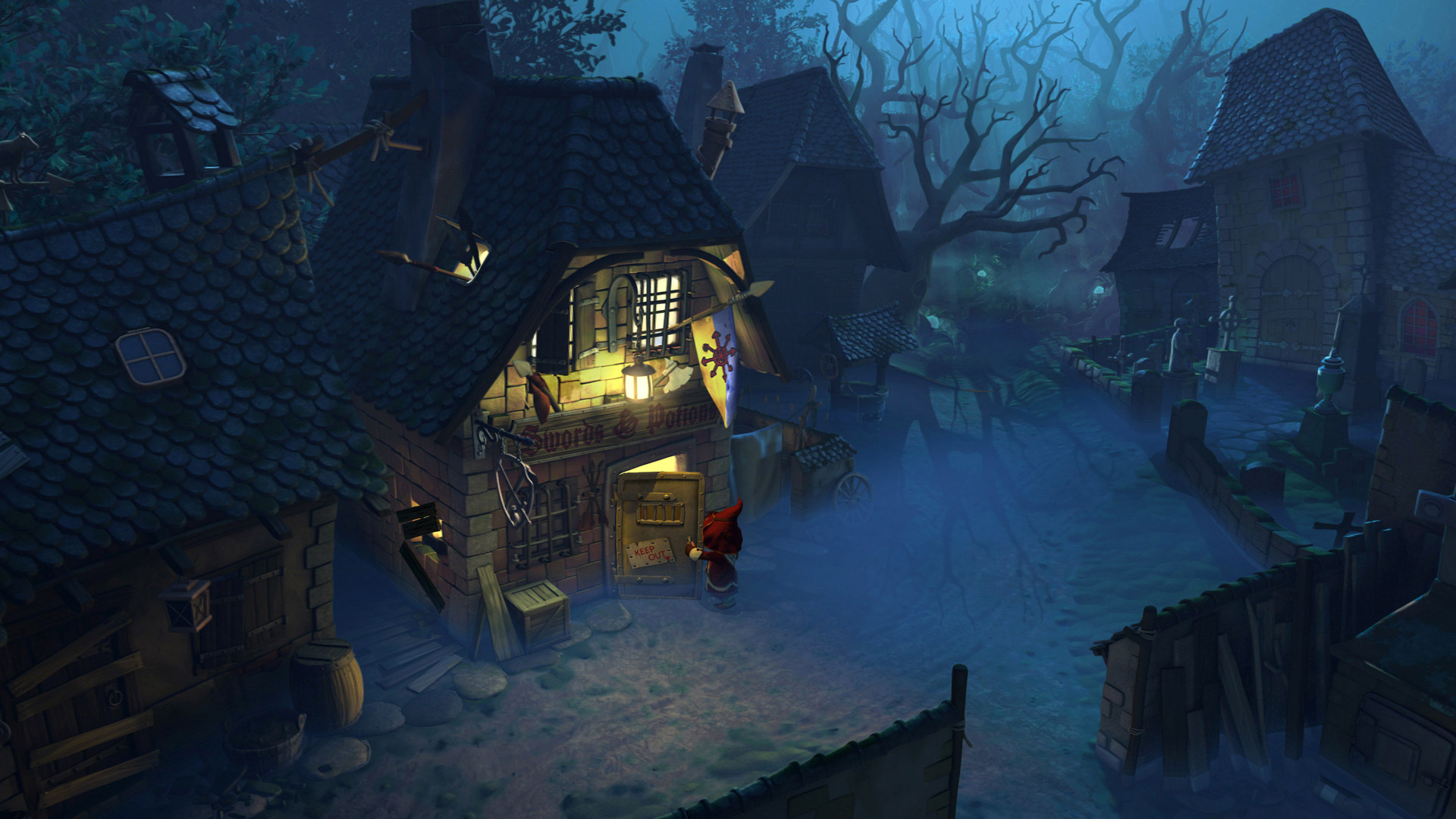
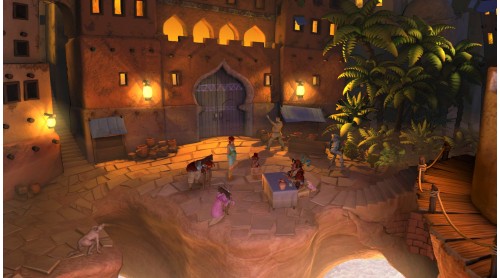
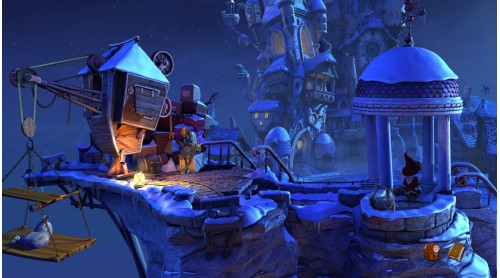
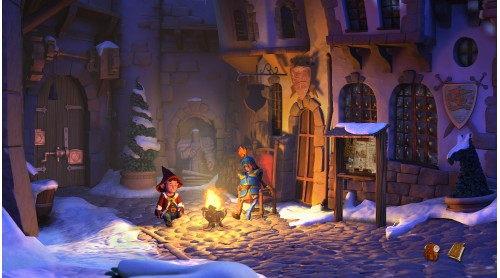
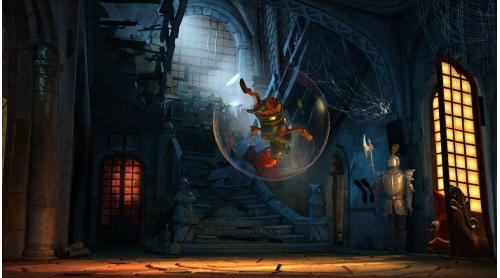
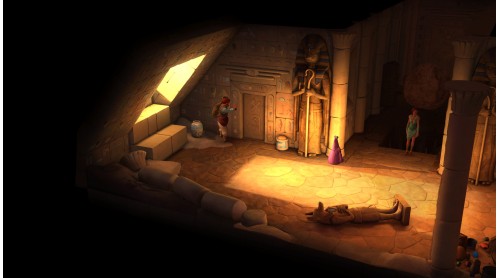
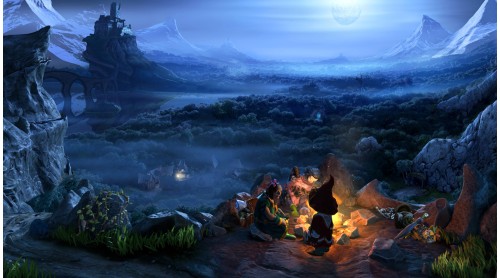
Legend foretold it. Prophecies predicted it. Chosen ones chose to believe in it. Now the adventure saga continues. A sequel is coming. Join Wilbur, Ivo, Nate and Critter in another classic point-and-click adventure in the wicked world of Aventásia. Help them fulfill their destiny. A destiny as yet unwritten.
THE TALE
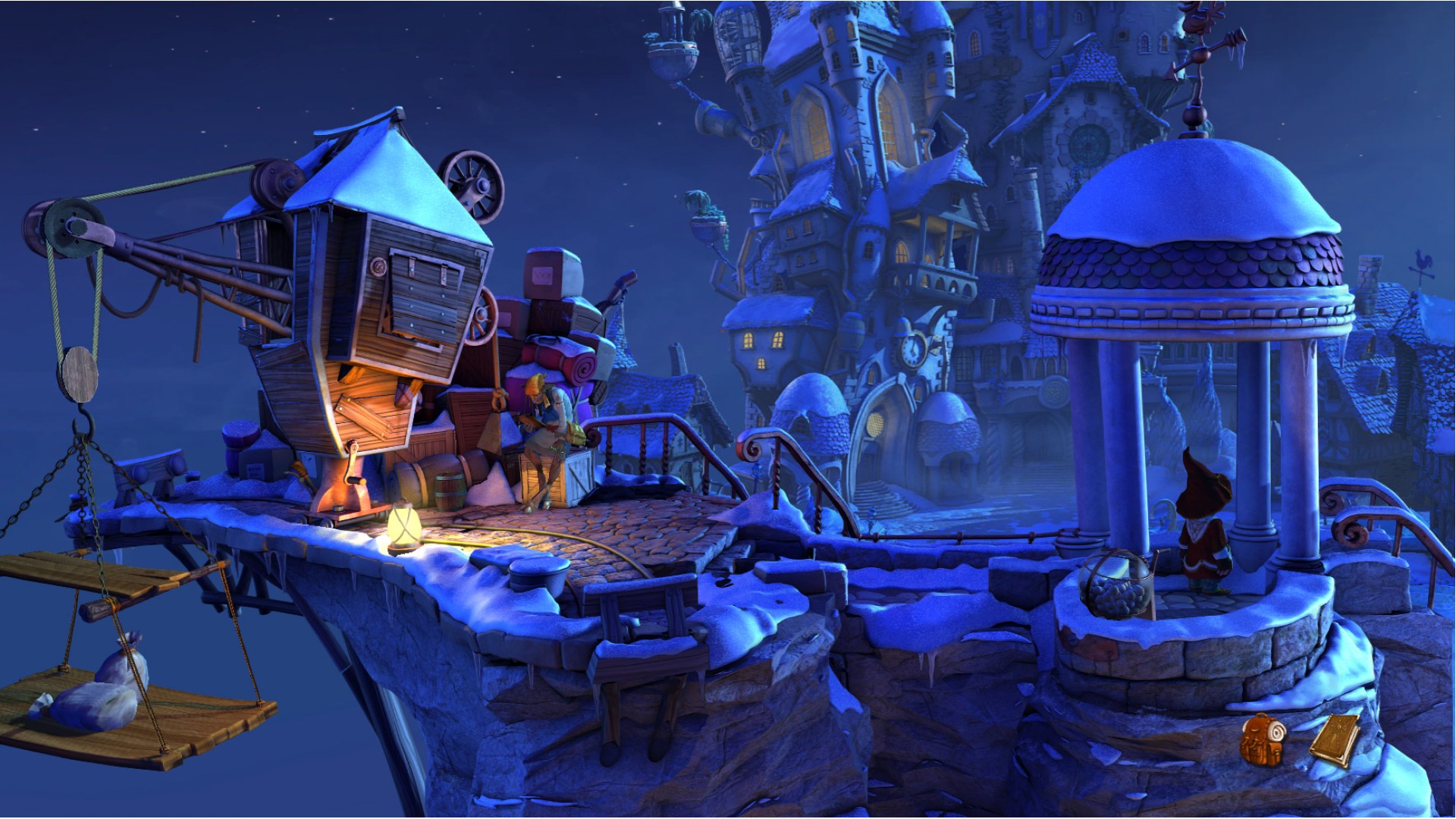
A few years have passed since our heroes heroically defeated the arch-witch Mortroga. And their lives, like the lives of most people in Aventásia, are still in turmoil. The War of the Two Towers is over, but the wounds it left upon the land are still bleeding.
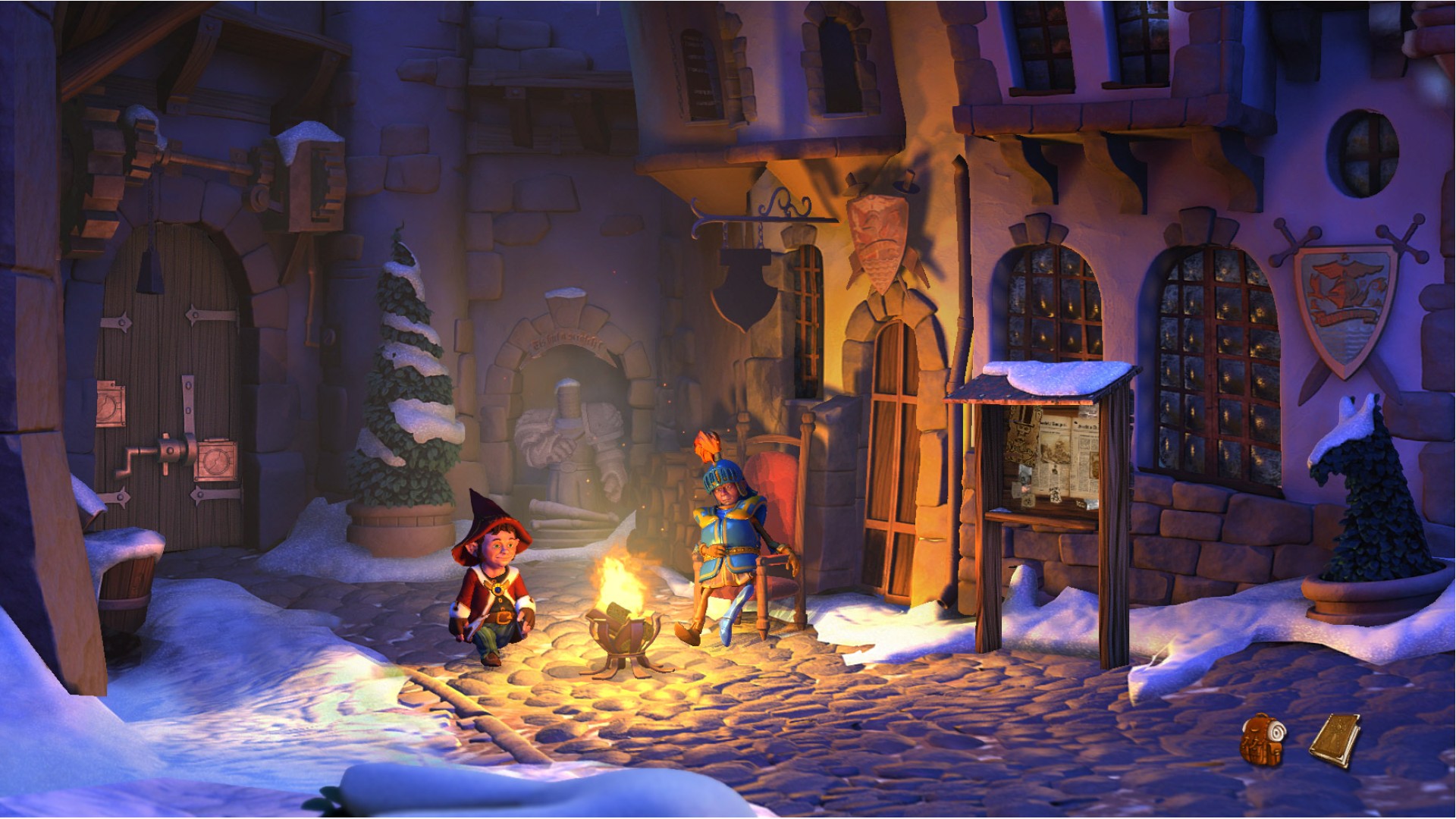
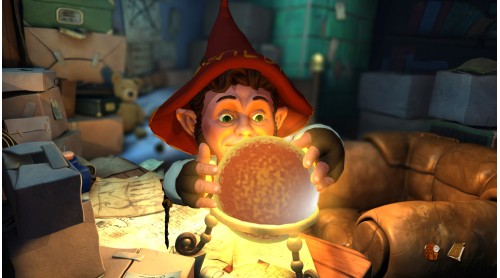
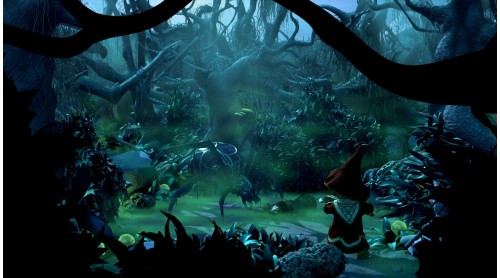
The gnome Wilbur Weathervane is struggling with his new job as a teacher at the reopened School for Wizardry and Witchcraft. His magic wand is having a mind of its own and an assassination plot against the arch-mage overshadows the first democratic elections in Seastone.
Faced with political intrigues that threaten the delicate balance of peace, Wilbur is in dire need of his old friends. But the elf princess Ivo and the adventurer Nate have, after a brief romantic interlude, gone their separate ways.
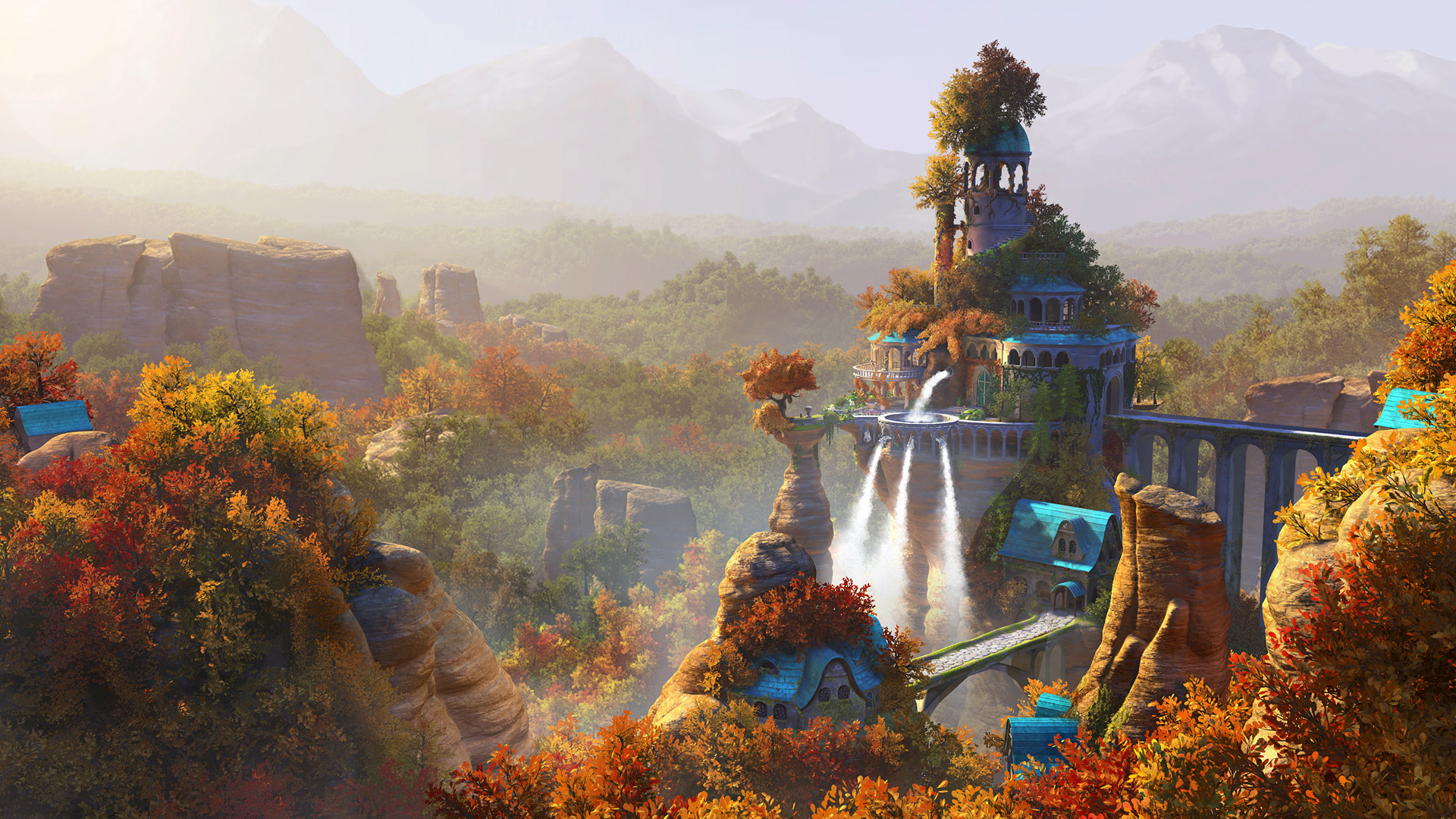
Ivo has returned to her gilded cage in the elf kingdom, overprotected by her controlling mother.
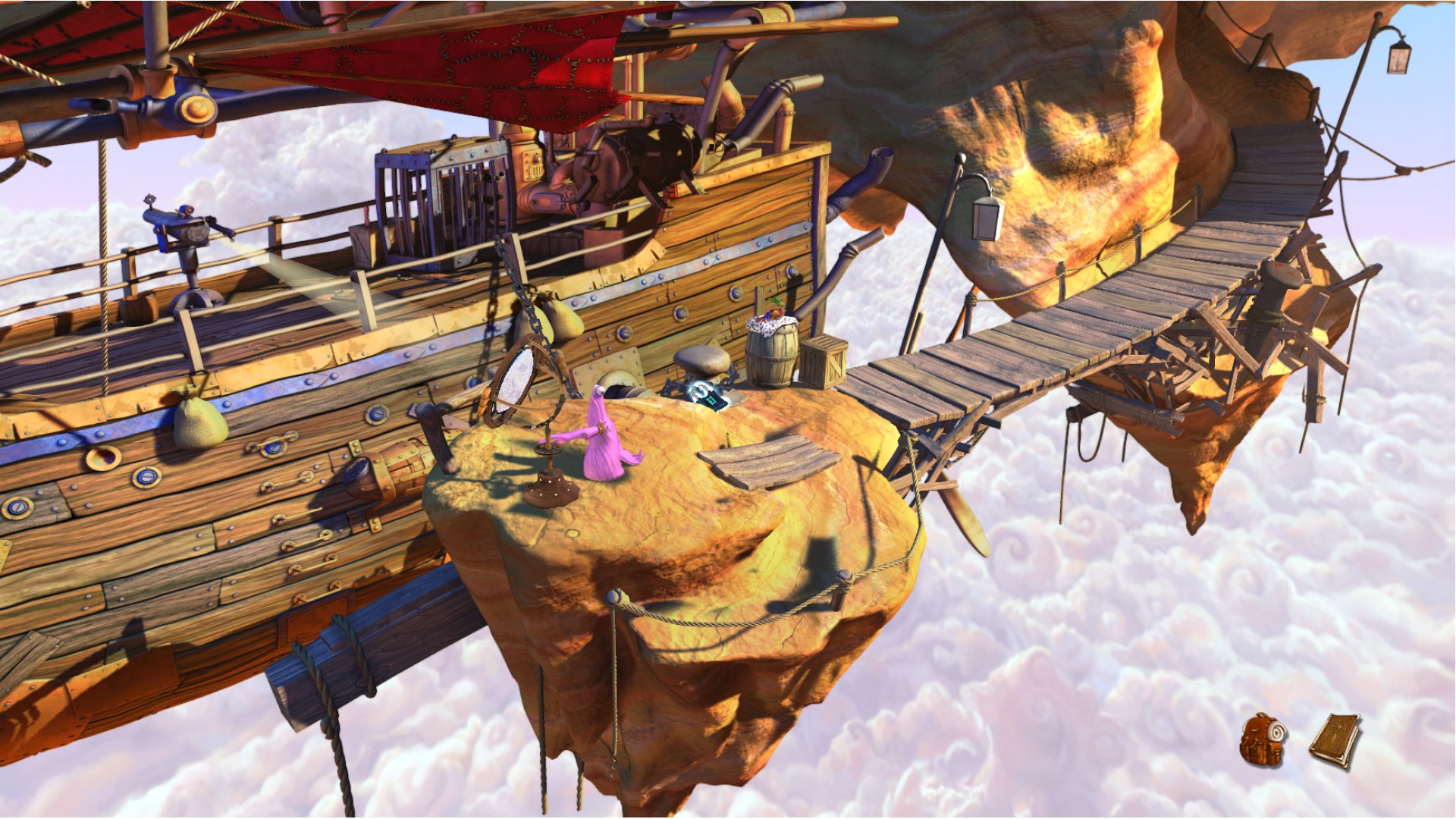
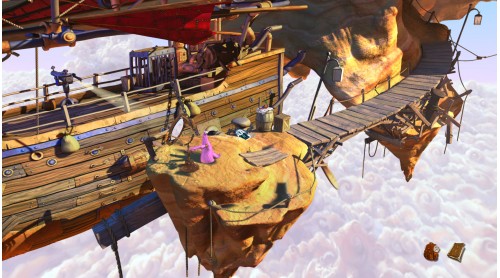
Nate along with his trusty companion Critter has been taken prisoner on the flying island of his arch-enemy the Red Pirate.
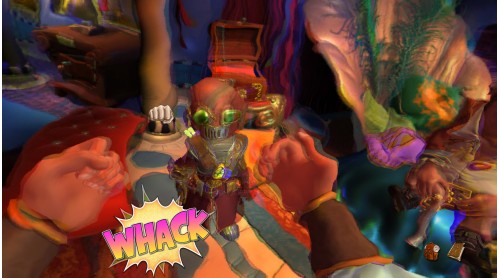
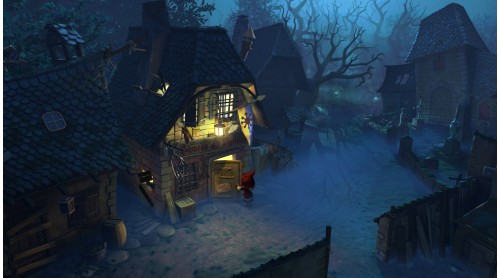
But fate does not rest. A darkness has fallen upon the land, or rather, a pinkness. A magic force is turning mighty beasts into fluffy plush puppies and towering castles into oversized dollhouses. Every world needs its heroes. However unlikely they may seem.
KEY FEATURES
Kickstarter-powered Extra Features
Thanks to the support of our fans on Kickstarter, The Book of Unwritten Tales 2 will be an even bigger and better adventure. Here’s what the backers of our Kickstarter-campaign helped achieve:


How to activate your Steam key?
1. Open your Steam client. (If you don't have a Steam Client, you can install from here https://store.steampowered.com/about/)
2. Sign in to your Steam account. (If you don't have a Steam Account, you can create from here https://store.steampowered.com/join/)
3. Click “ADD A GAME” button which is at the bottom of the Steam Client.
4. Now select "Activate a product on Steam..."
5. Write or copy-paste your Steam key which you purchased from Gamesforpc.
6. Now your game is in your library.
7. Find your game in your library, select and click install to start your download.