Description
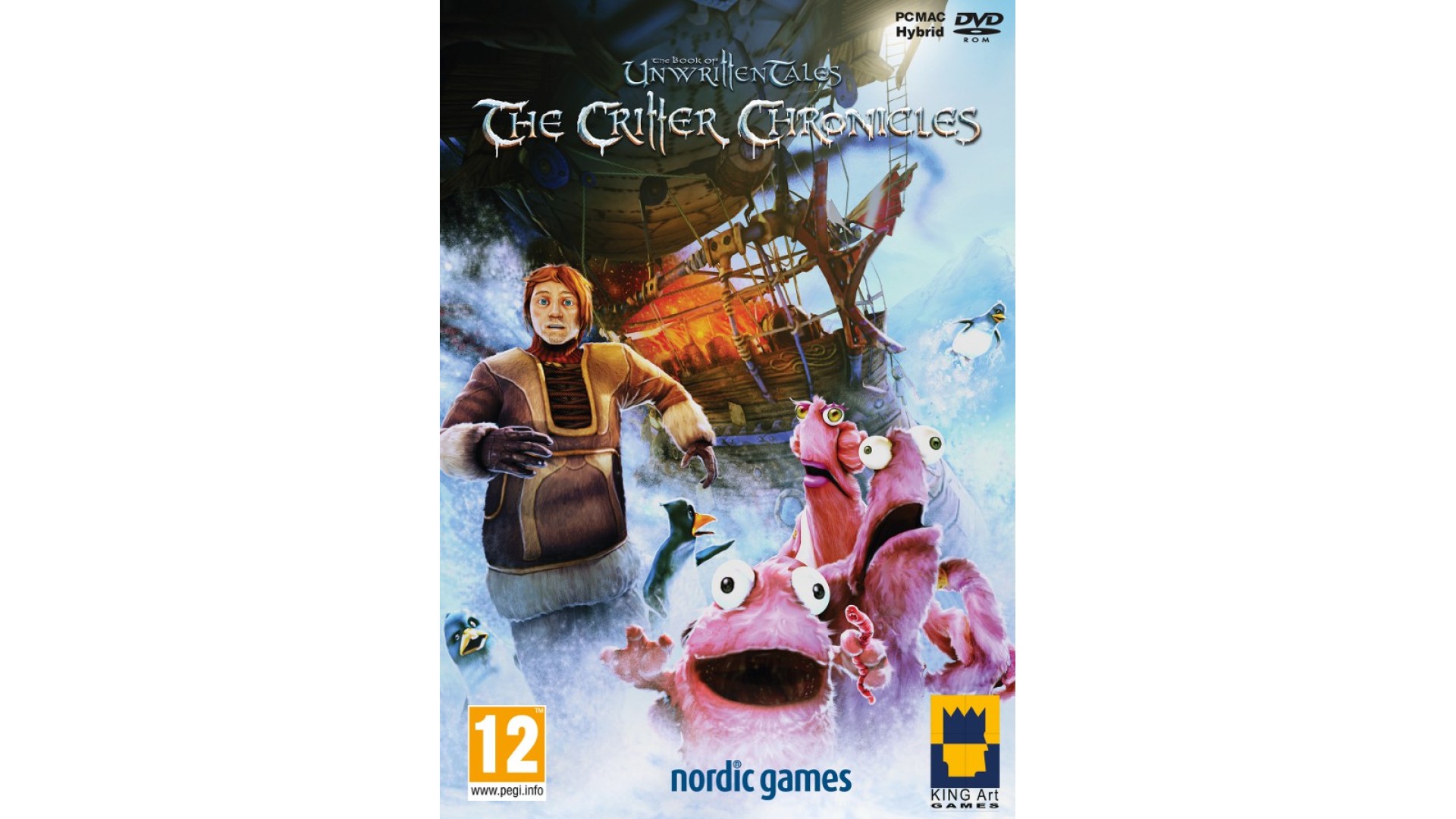
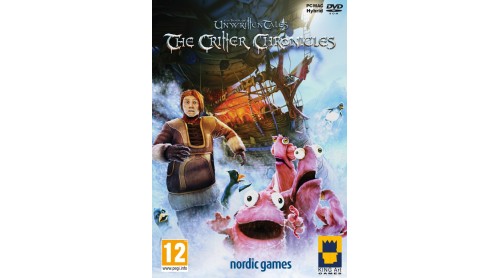
The stand-alone add-on to “The Book of Unwritten Tales”! Warning: This is not a sequel, it is a prequel, and it is a stand-alone addon In case it hasn’t been mentioned.
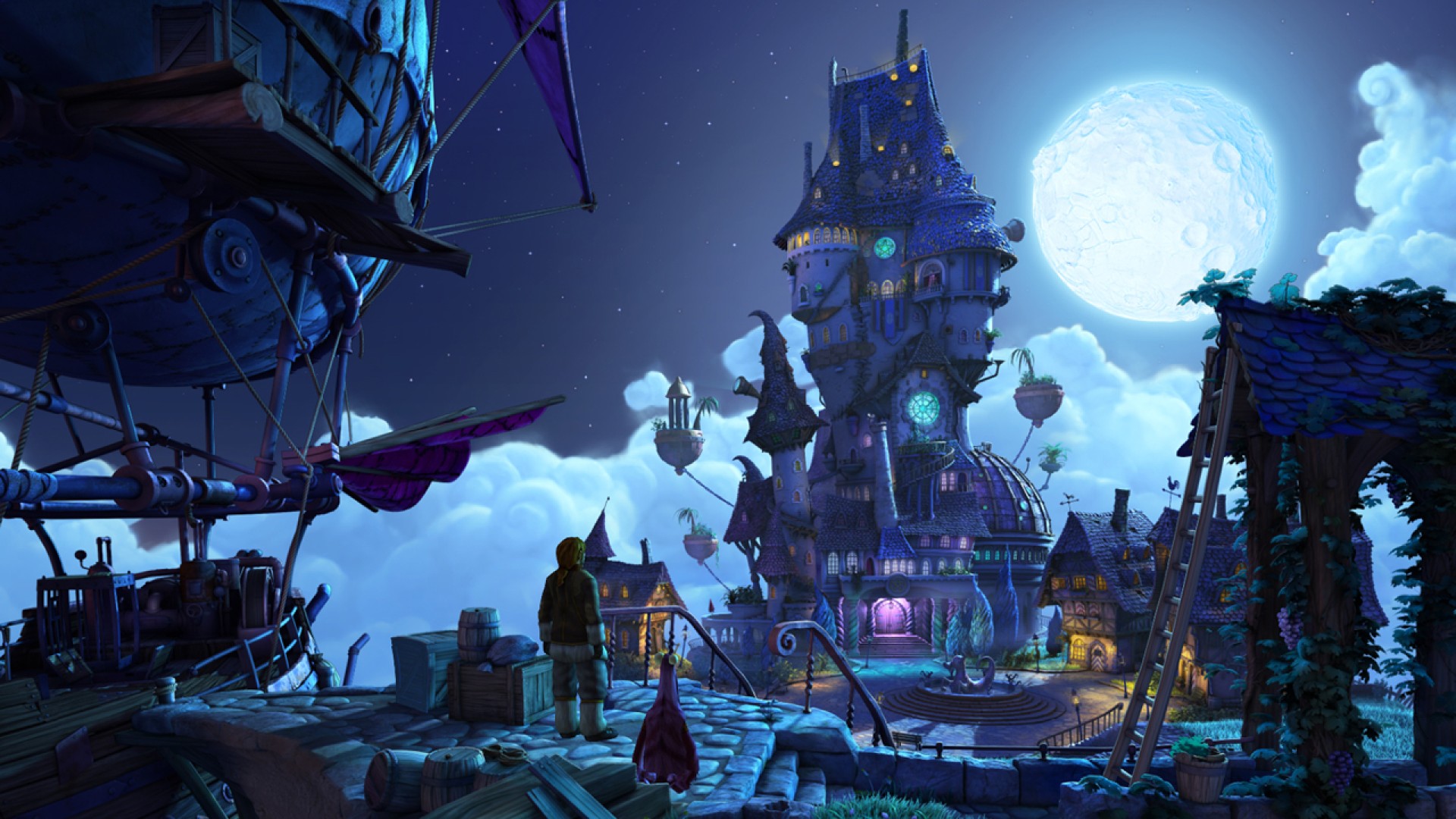
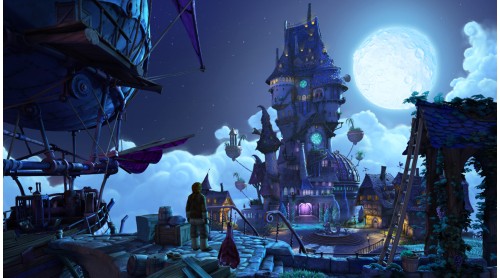
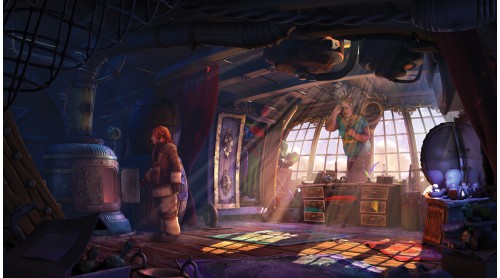
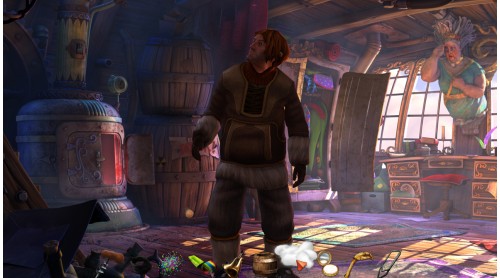
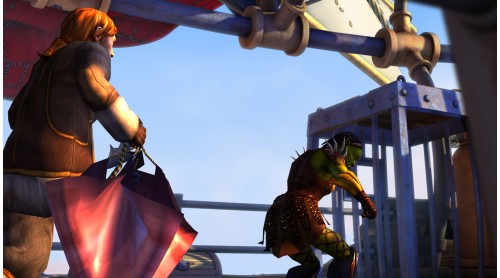
The Critter Chronicles tell the story of how adventurer Nate Bonnett and Critter, his hairy sidekick, first met, all set before their appearance in Wilbur’s and Ivo’s adventure in The Book of Unwritten Tales. Enjoy a thrilling and hilarious point-and-click adventure in the fantasy world of Aventasia. Travel from the Northlands to the Mage’s Tower of Seastone and experience a story that offers tremendous fun for seasoned players of “The Book of Unwritten Tales” and newcomers alike.
Immerse yourself in the prequel to the most successful adventure of the year 2009!
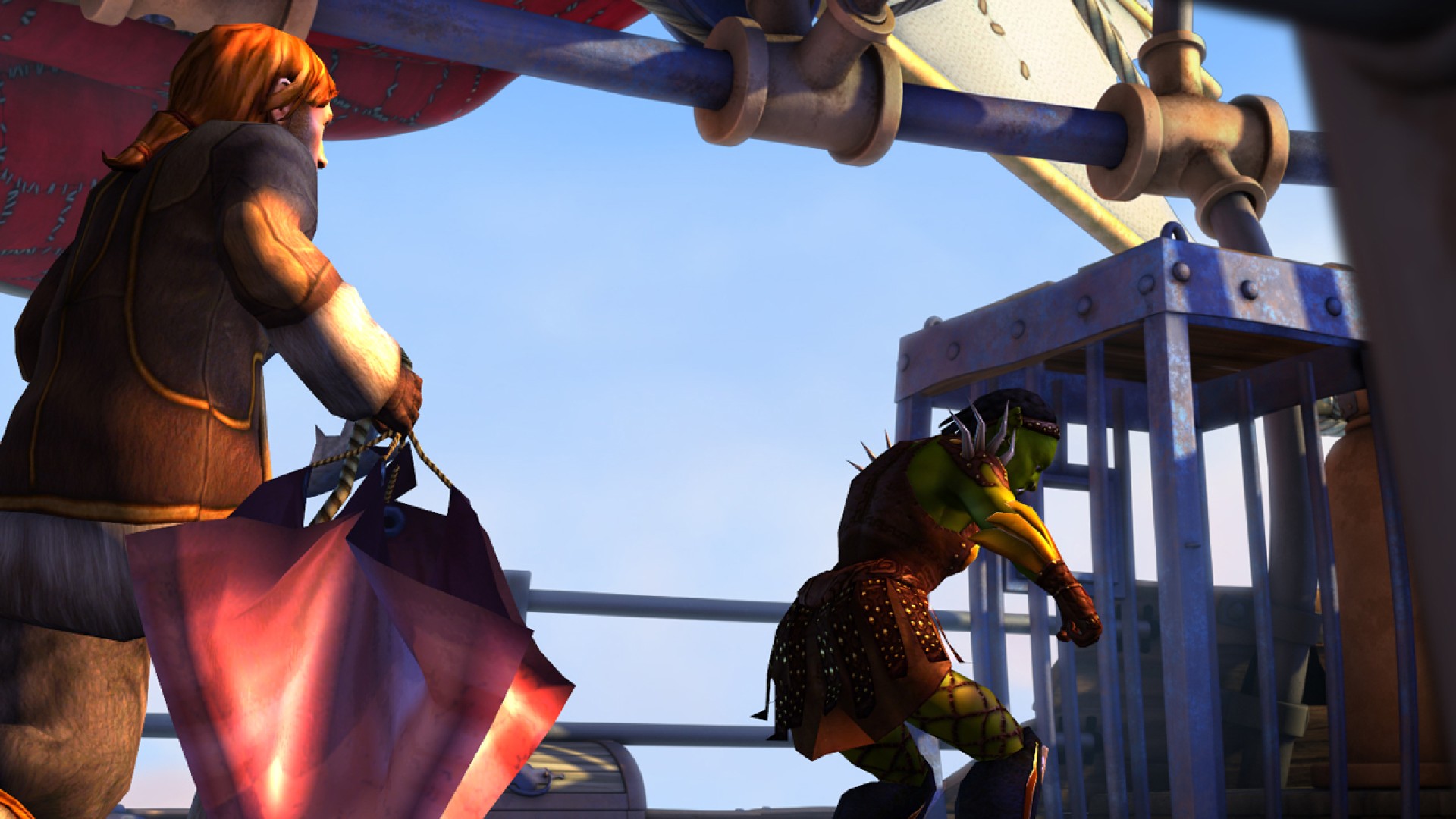
- Play as both Nate and Critter: You and you alone decide with whom you
want to spend more time.
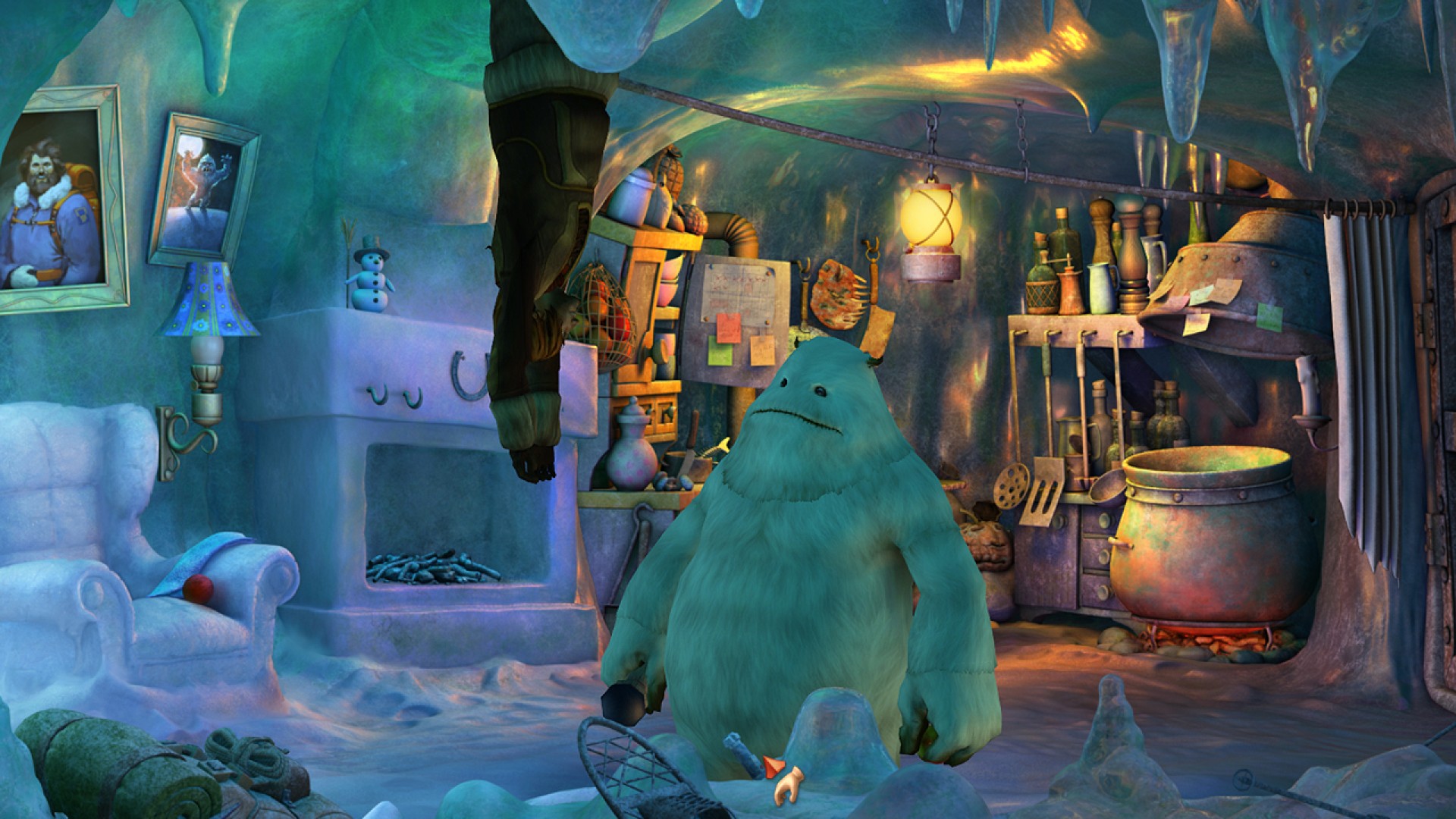
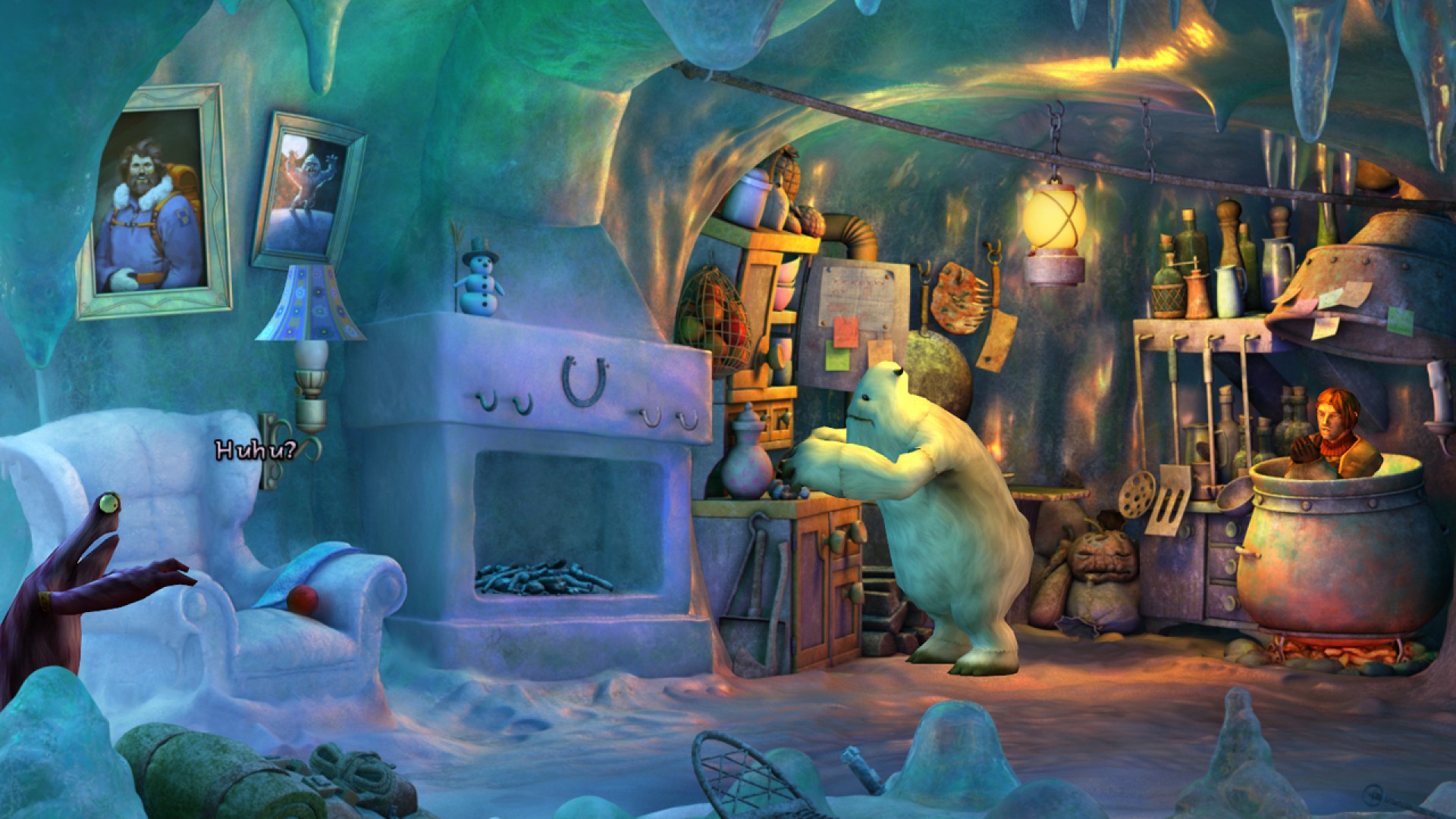
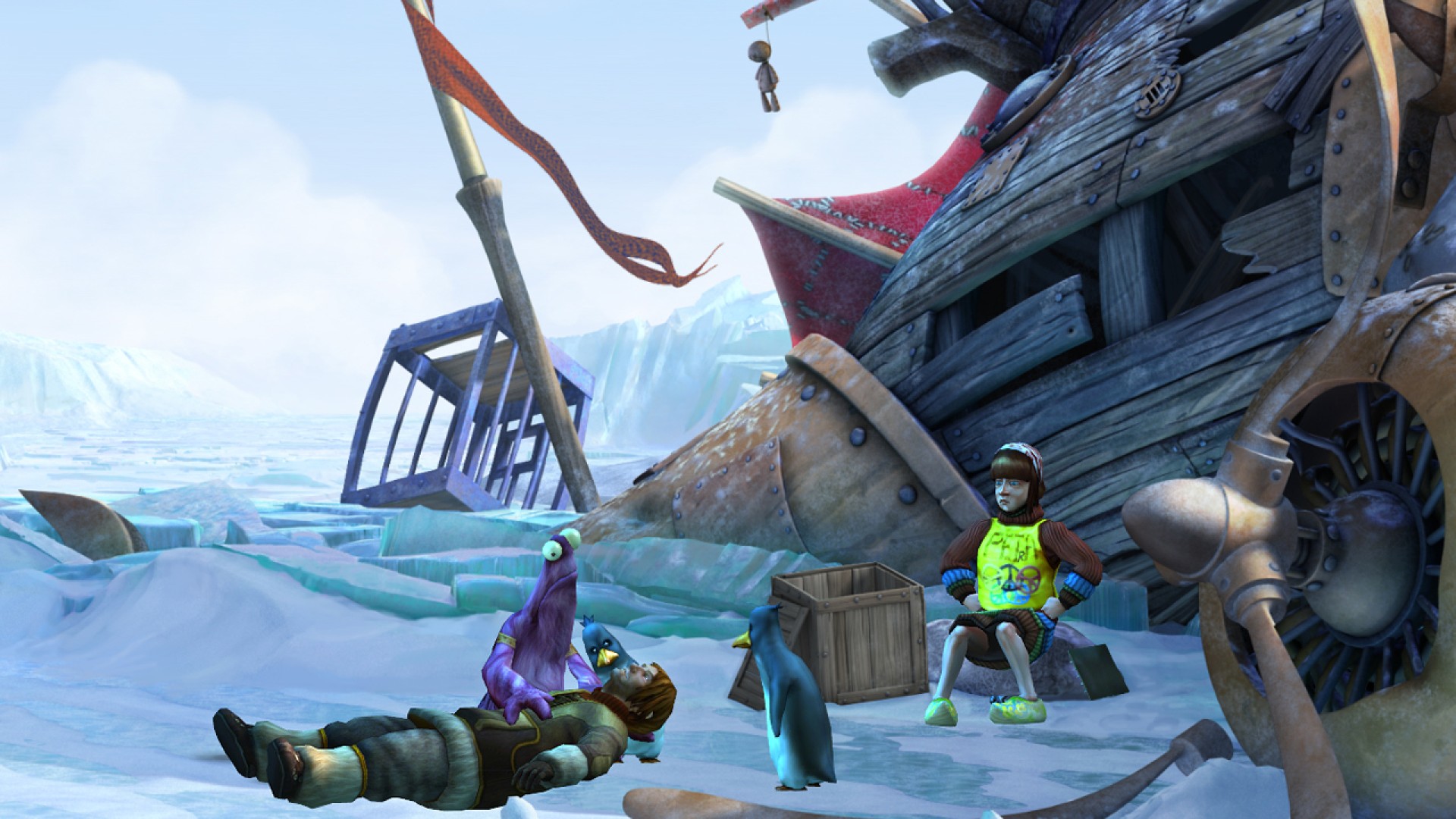
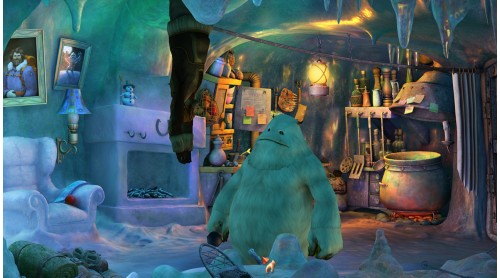
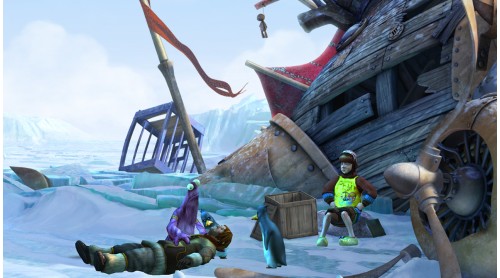
- Meet new characters such as animal rights activist Petra, a schizophrenic Yeti, and the “Critters”.
- Choose between two levels of difficulty: “Normal” (approximately the same difficulty as BOUT) and “Hard” (for true veteran adventurers).
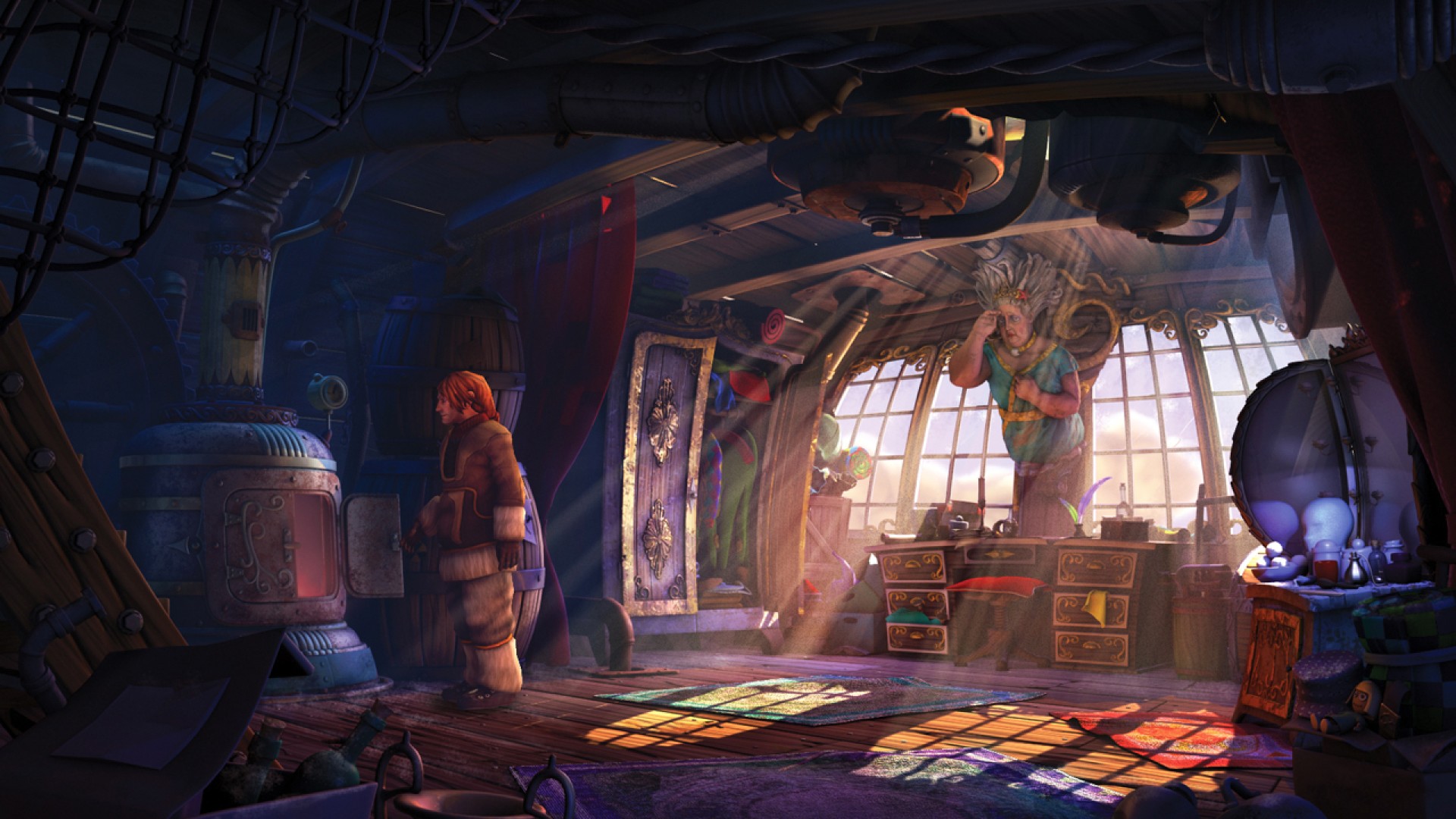
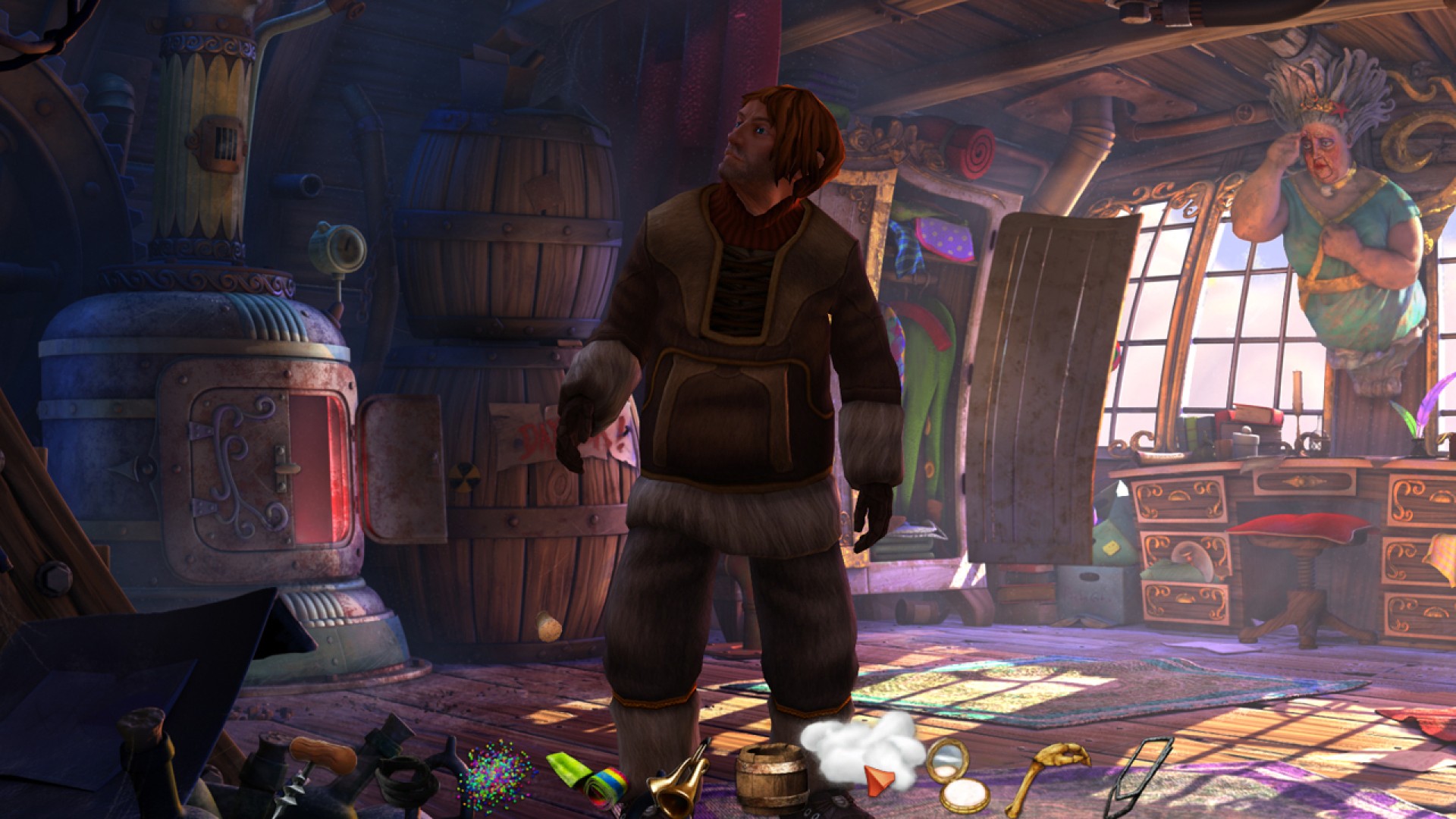
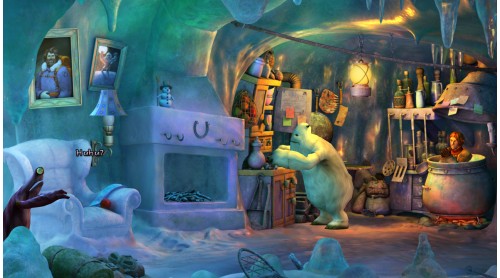
- Enjoy high-resolution backgrounds, improved animations and sounds!
- Real-time lightning of 3d-models and objects (including volumetric lighing)
- Soft raytraced shadows of real-time objects on the backgrounds
- Support of all screen resolutions up to 1920x1200 and wide-screen support
- IMproved animations with facial animation and lip movement
- Watch a beautiful and emotional tale unfold in about 10-12 hours of playing time
THE BOOK OF UNWRITTEN TALES & Critter Chronicles/Vieh Chroniken © 2012 KING Art GmbH. All rights reserved. Published & Distributed by Nordic Games GmbH, Austria. All other brands, product names and logos are trademarks or registered trademarks of their respective owners. All rights reserved. Any unauthorized copying, hiring, lending or reproduction in whole or part is prohibited.
 Steam
Steam  Windows

How to activate your Steam key?
1. Open your Steam client. (If you don't have a Steam Client, you can install from here https://store.steampowered.com/about/)
2. Sign in to your Steam account. (If you don't have a Steam Account, you can create from here https://store.steampowered.com/join/)
3. Click “ADD A GAME” button which is at the bottom of the Steam Client.
4. Now select "Activate a product on Steam..."
5. Write or copy-paste your Steam key which you purchased from Gamesforpc.
6. Now your game is in your library.
7. Find your game in your library, select and click install to start your download.