 Steam
Steam  Windows
 | Release Date | 01.01.1970 | |
| Publisher | THQ Nordic GmbH | |
| PEGI Rating | + 12 | |
| Operating Systems | Windows | |
| Genres | Simulation |
9.99€
2.00€
Added to Cart
9.99€
2.00€
Added to Wishlist
9.99€
2.00€
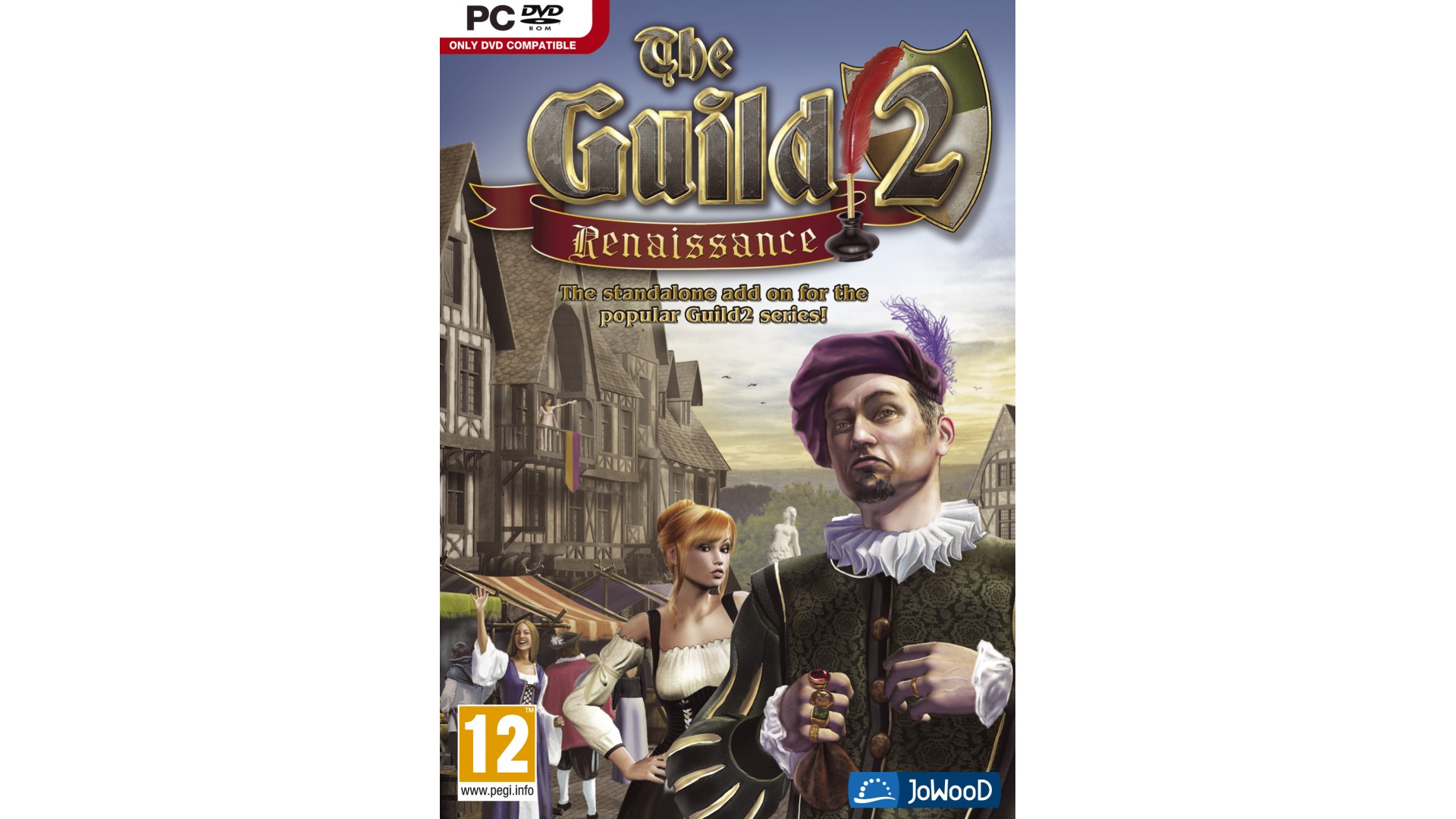
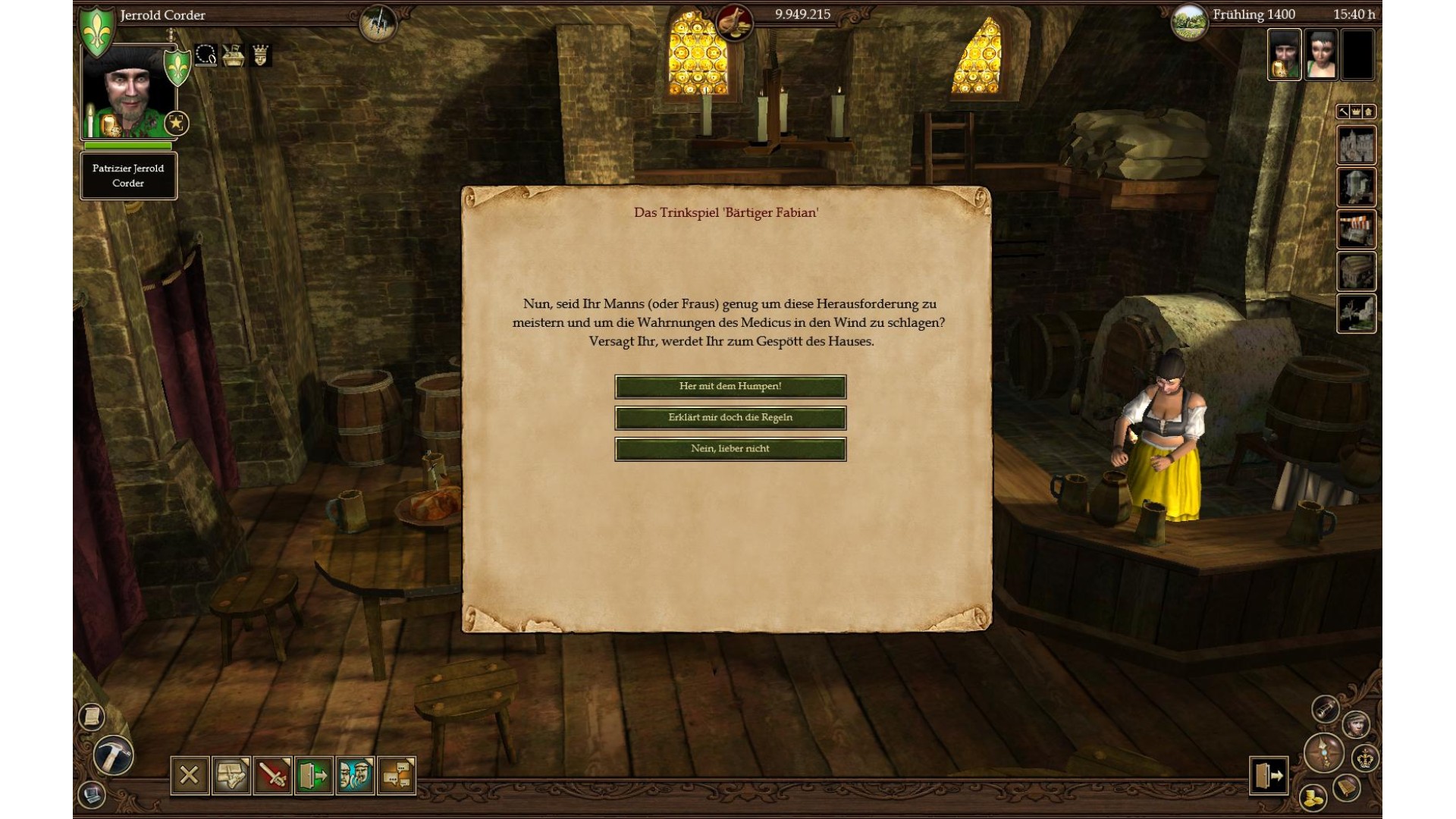
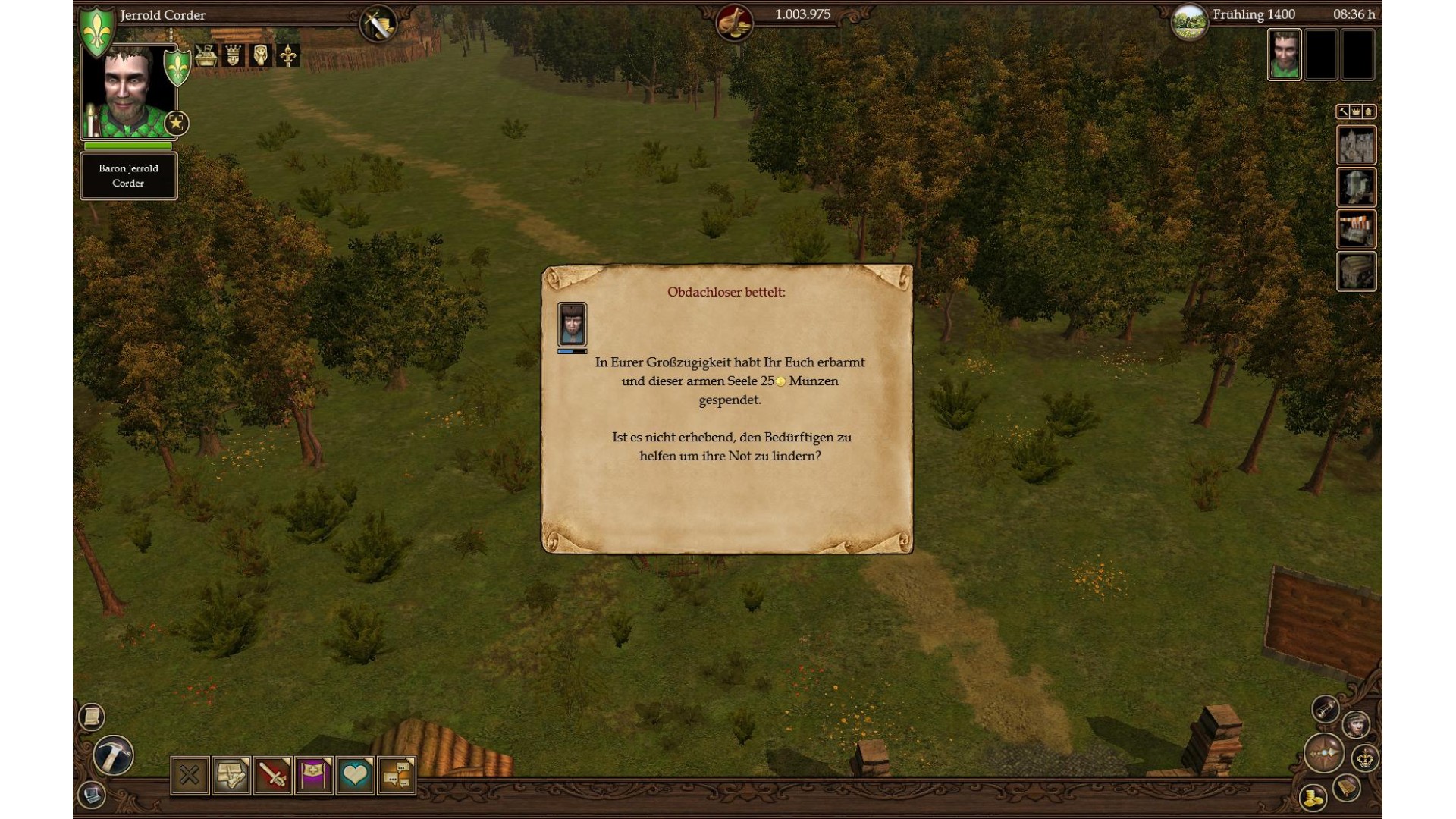
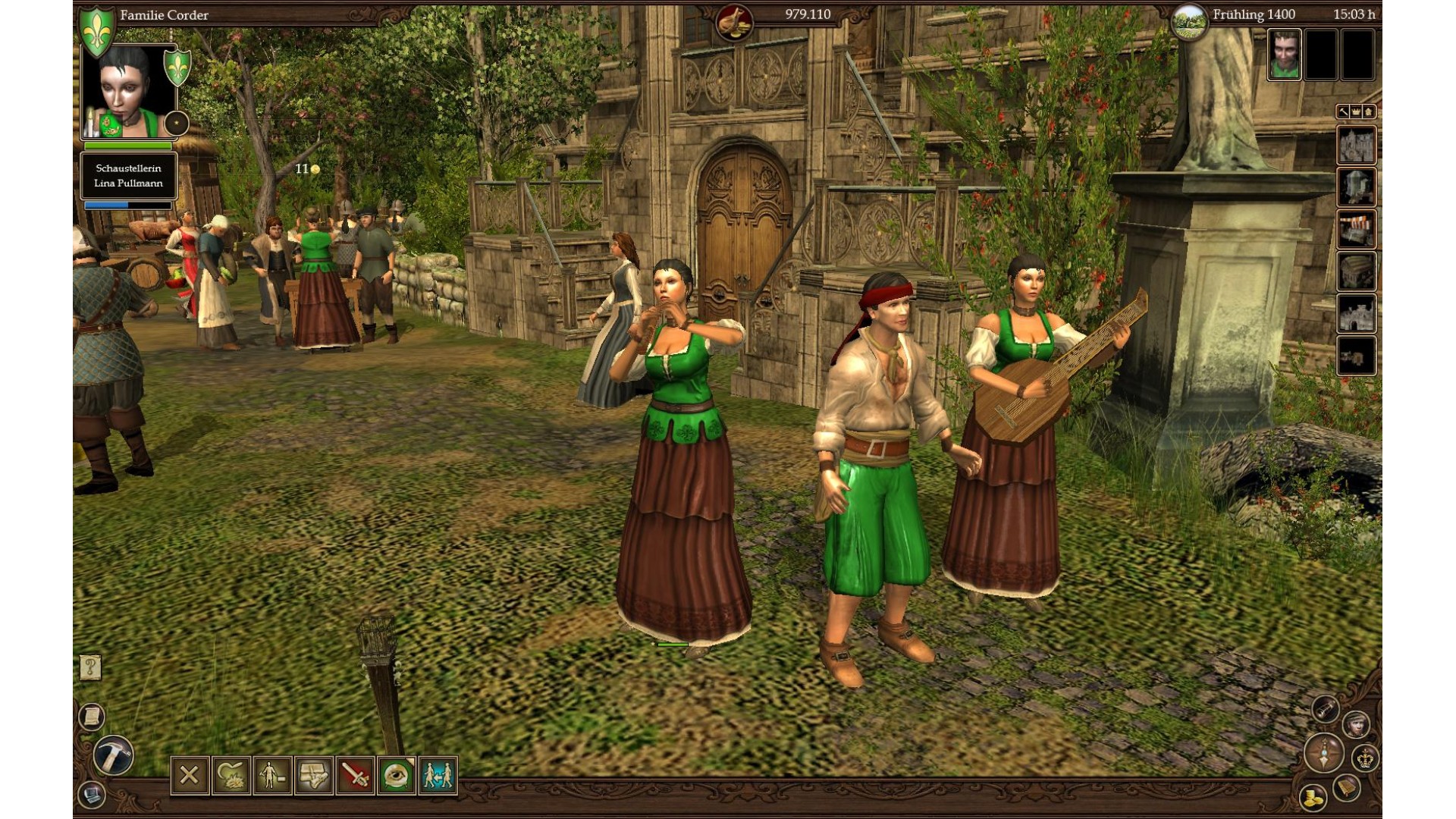
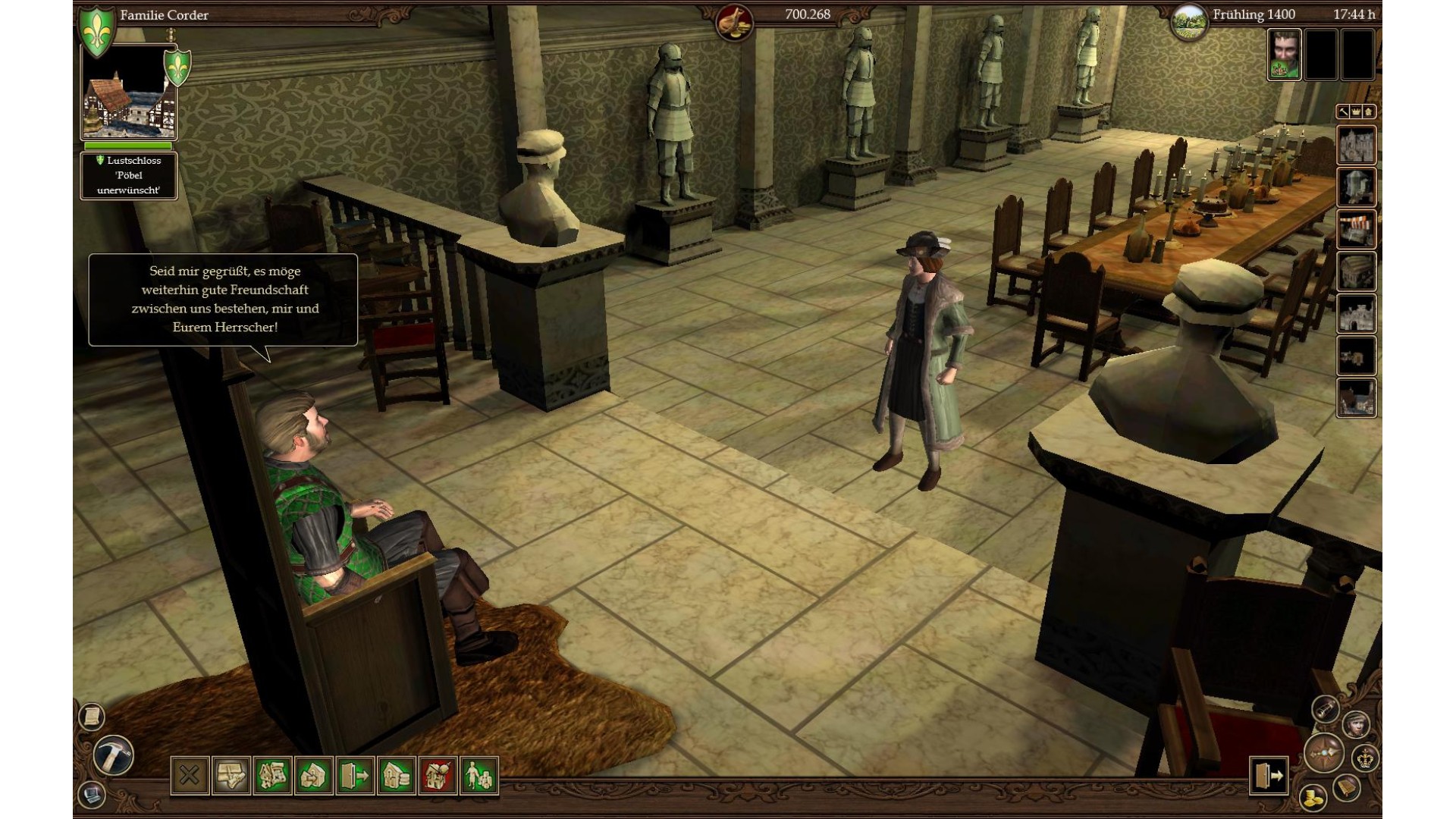
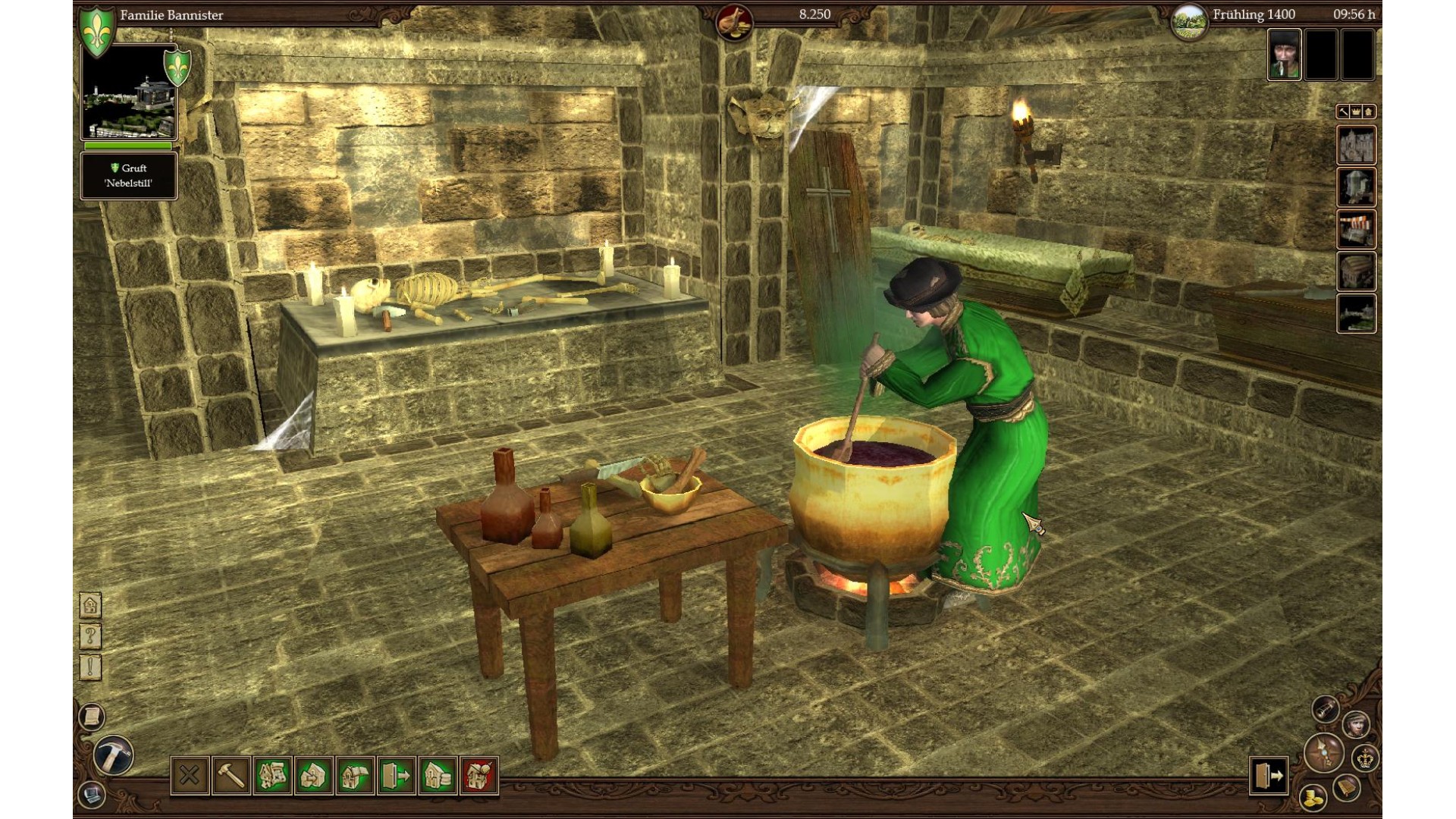
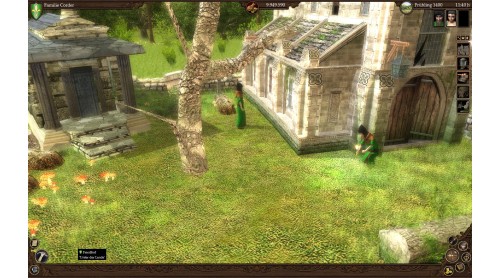
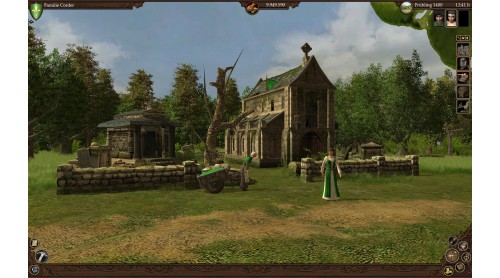
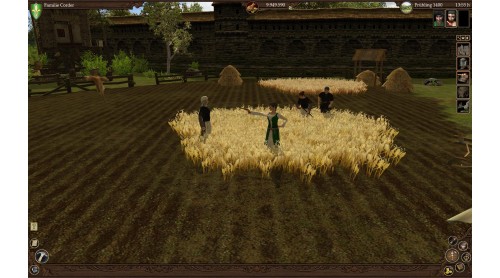
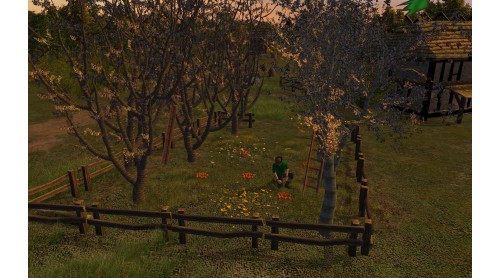
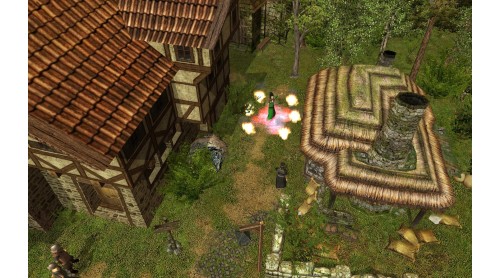
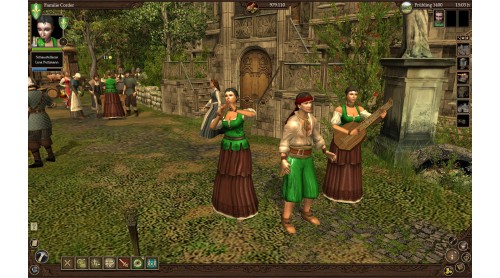
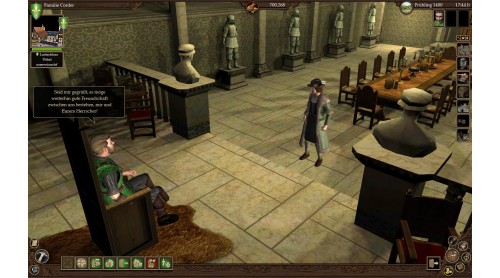
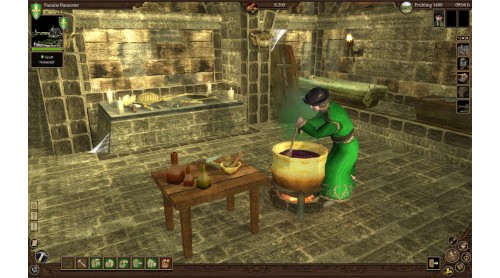
For centuries Europe has been dominated by the church and nobility. On the shoulders of ordinary people the servants of god and the noble families justified their power and wealth. This was the incontrovertible, divine world order. A truly dark era…
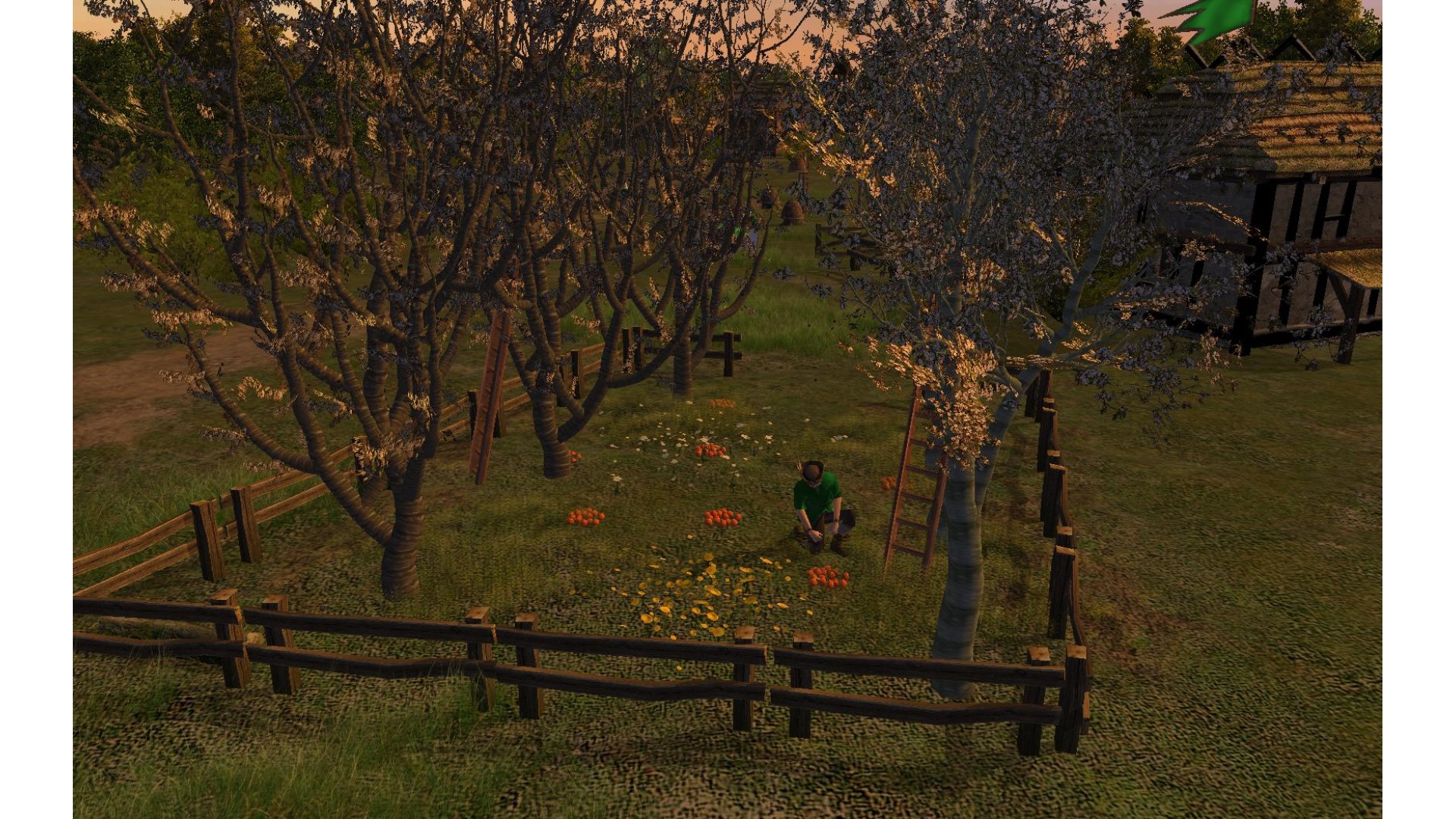
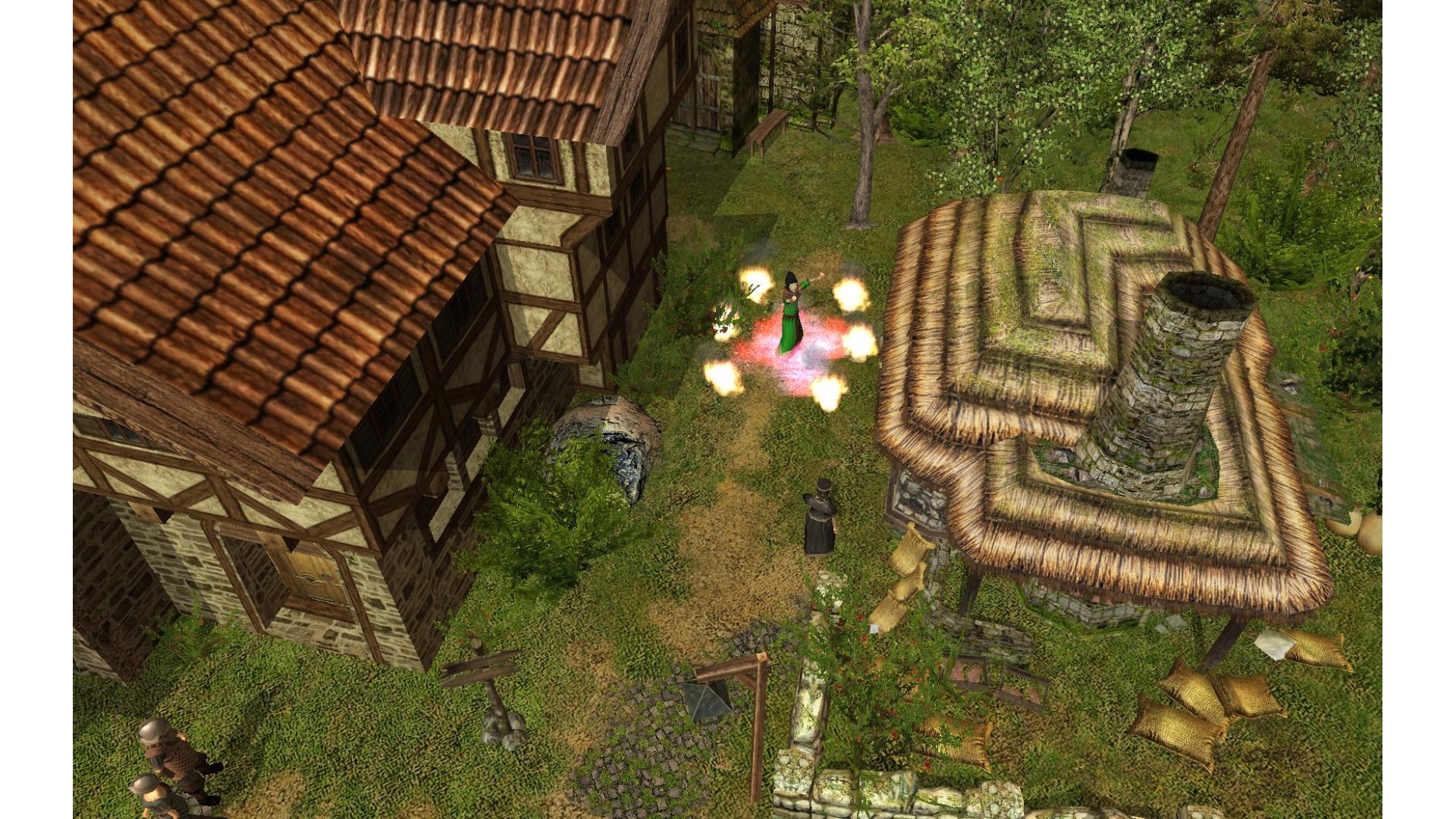
In the 14th Century the world order is beginning to transform itself. Due to trade and commerce an increasing middle class obtains more and more power and wealth. Entire towns purchase their freedom and more privileges from the nobility. Reading and writing is no longer the domain of the nobility and the clergy and the invention of printing information may eventually be spread everywhere. This is the beginning of the renaissance...
Features


How to activate your Steam key?
1. Open your Steam client. (If you don't have a Steam Client, you can install from here https://store.steampowered.com/about/)
2. Sign in to your Steam account. (If you don't have a Steam Account, you can create from here https://store.steampowered.com/join/)
3. Click “ADD A GAME” button which is at the bottom of the Steam Client.
4. Now select "Activate a product on Steam..."
5. Write or copy-paste your Steam key which you purchased from Gamesforpc.
6. Now your game is in your library.
7. Find your game in your library, select and click install to start your download.