





 Steam
Steam  Windows
 | Release Date | 06.11.2025 | |
| Publisher | Channel37 Ltd | |
| PEGI Rating | + 12 | |
| Operating Systems | Windows | |
| Genres | Action, Simulation, Adventure, indie |
29.99€
23.99€
Added to Cart
29.99€
23.99€
Added to Wishlist
29.99€
23.99€

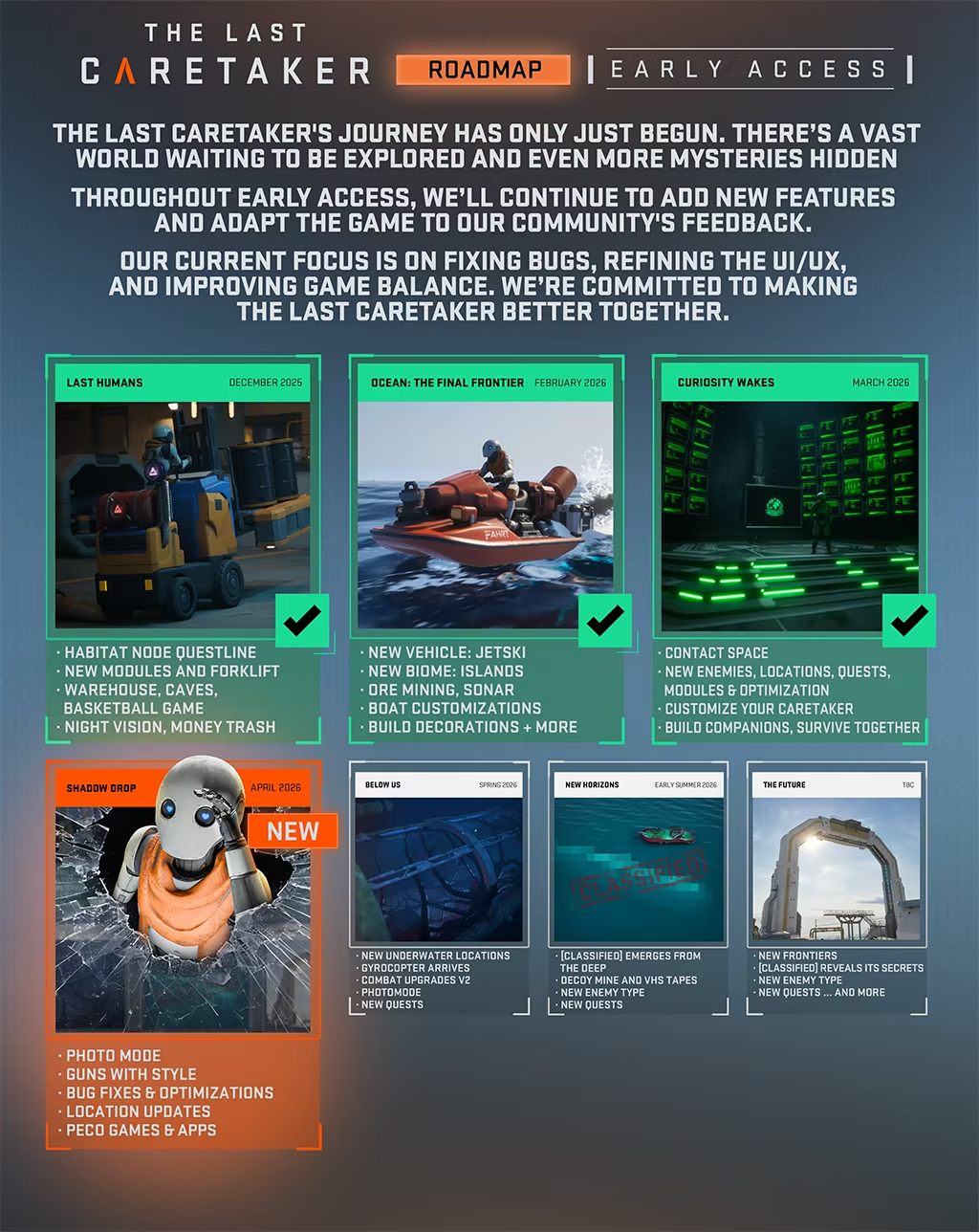
Early Access Game
Get instant access and start playing; get involved with this game as it develops.
The world you knew is gone.
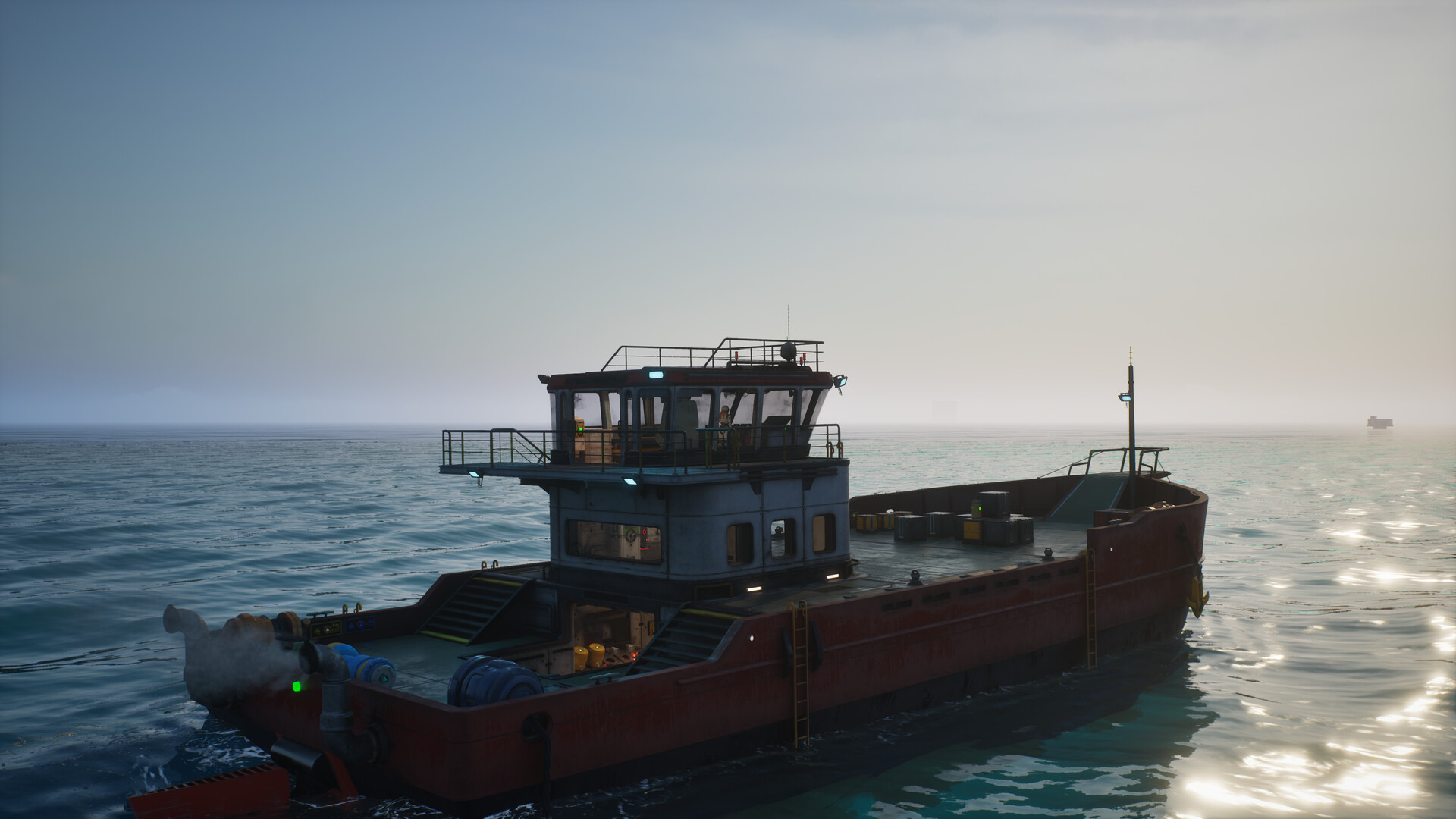
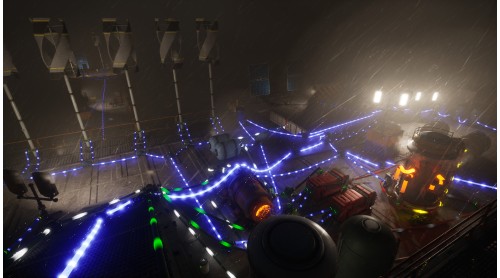
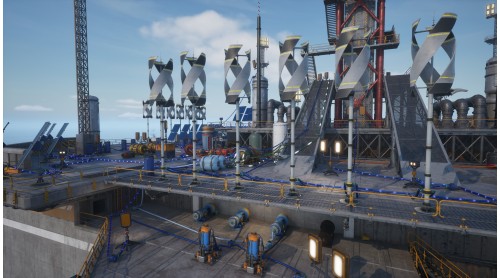
You awaken as the last active Caretaker, a machine built for one purpose: save humanity. Across a vast ocean covering the ruins of Earth, you must recover human seeds, restore the Lazarus Complex, and prepare the next generation for launch into orbit.
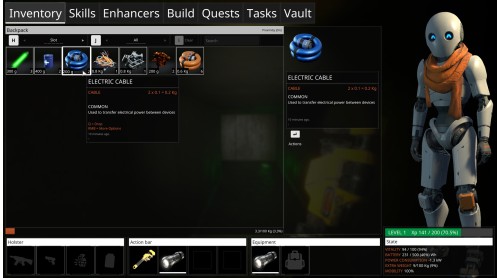
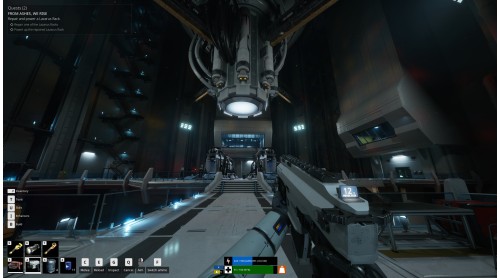
The Last Caretaker is a first-person survival-crafting game about systems, choices, and purpose. Every resource matters. Every structure has a reason to exist. Every success gives humanity one more chance.
Recover human seeds and return them to the Lazarus Complex. Manage their growth, restore memory data, and prepare them for life beyond Earth.
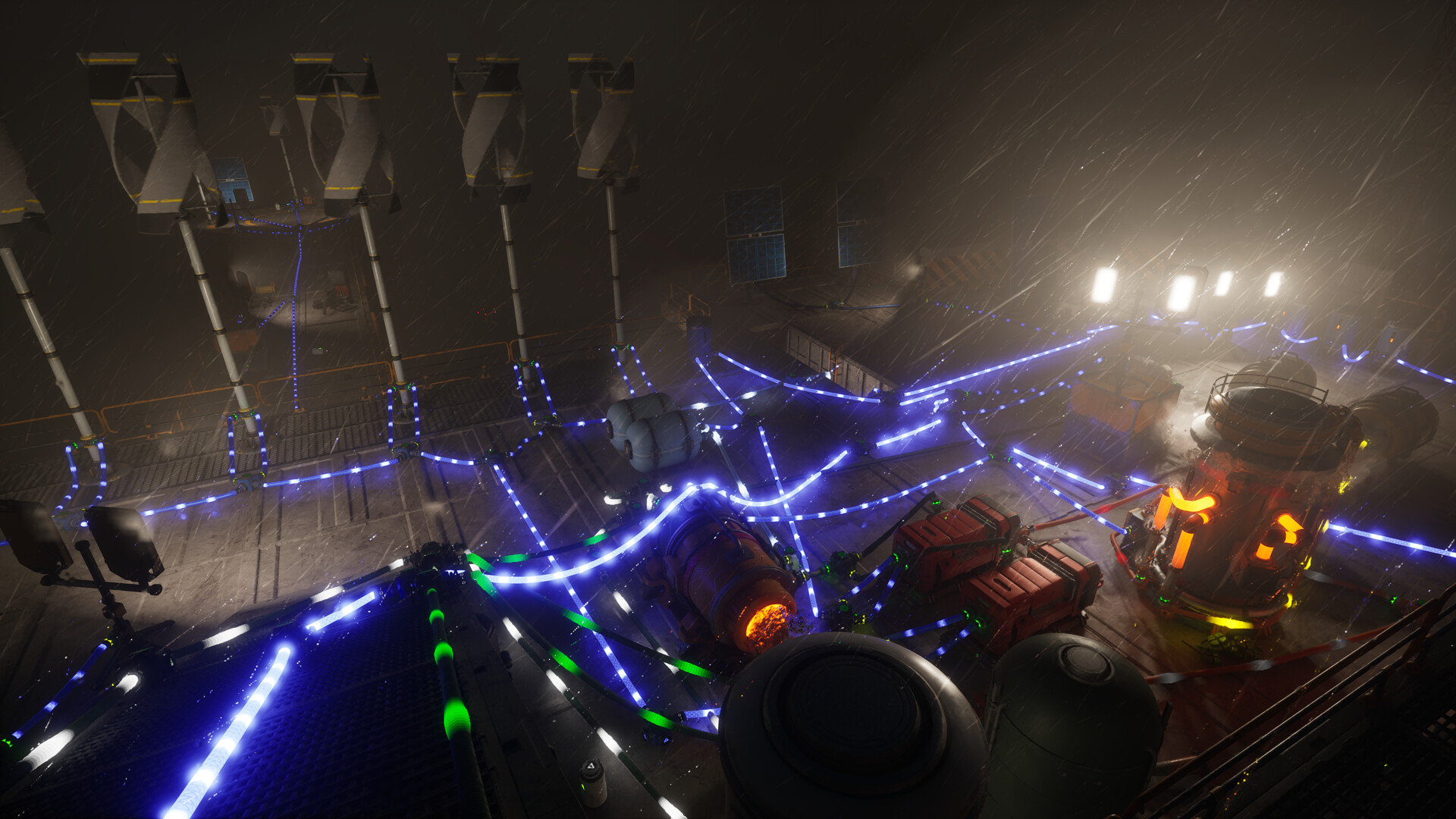
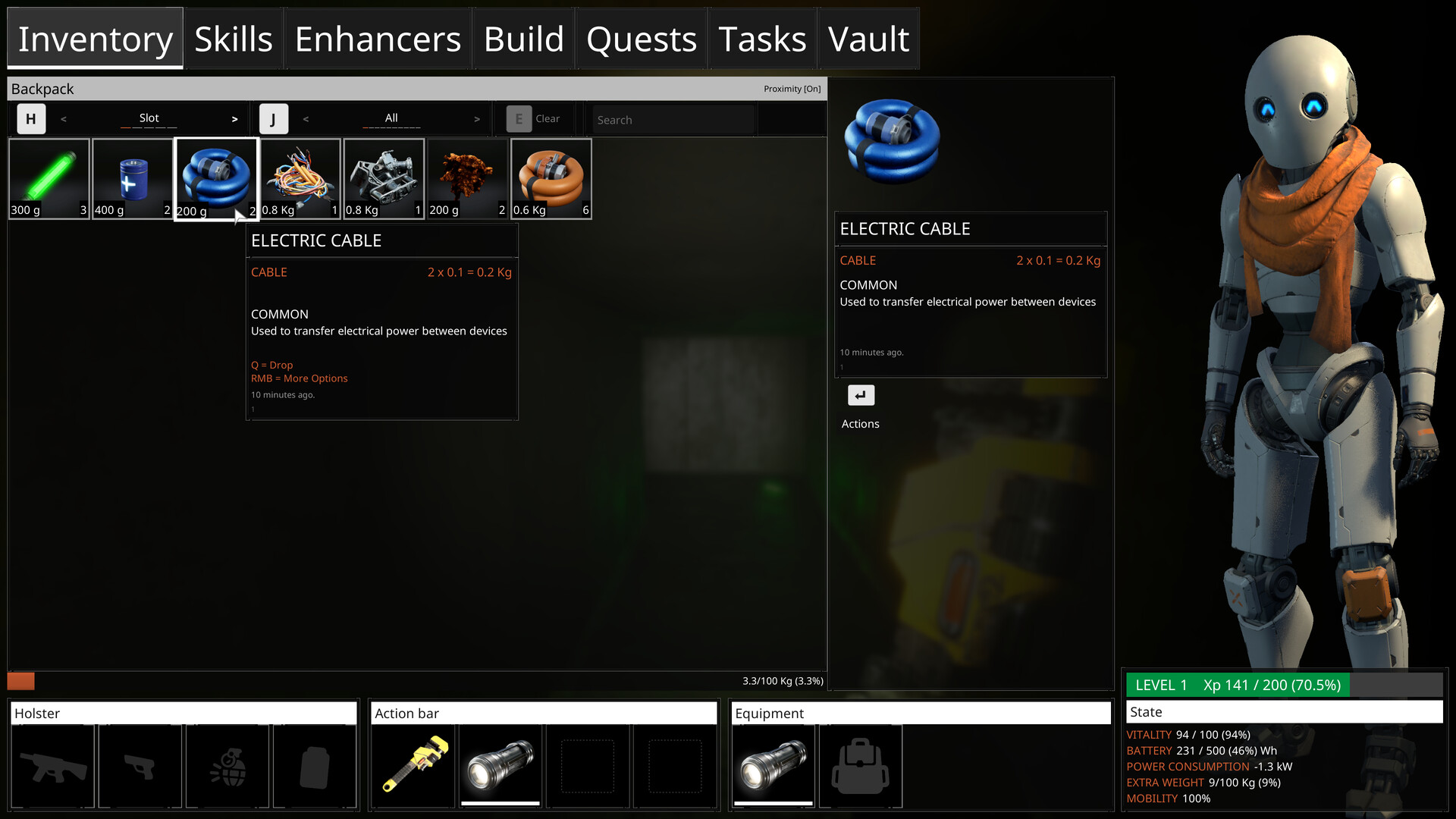
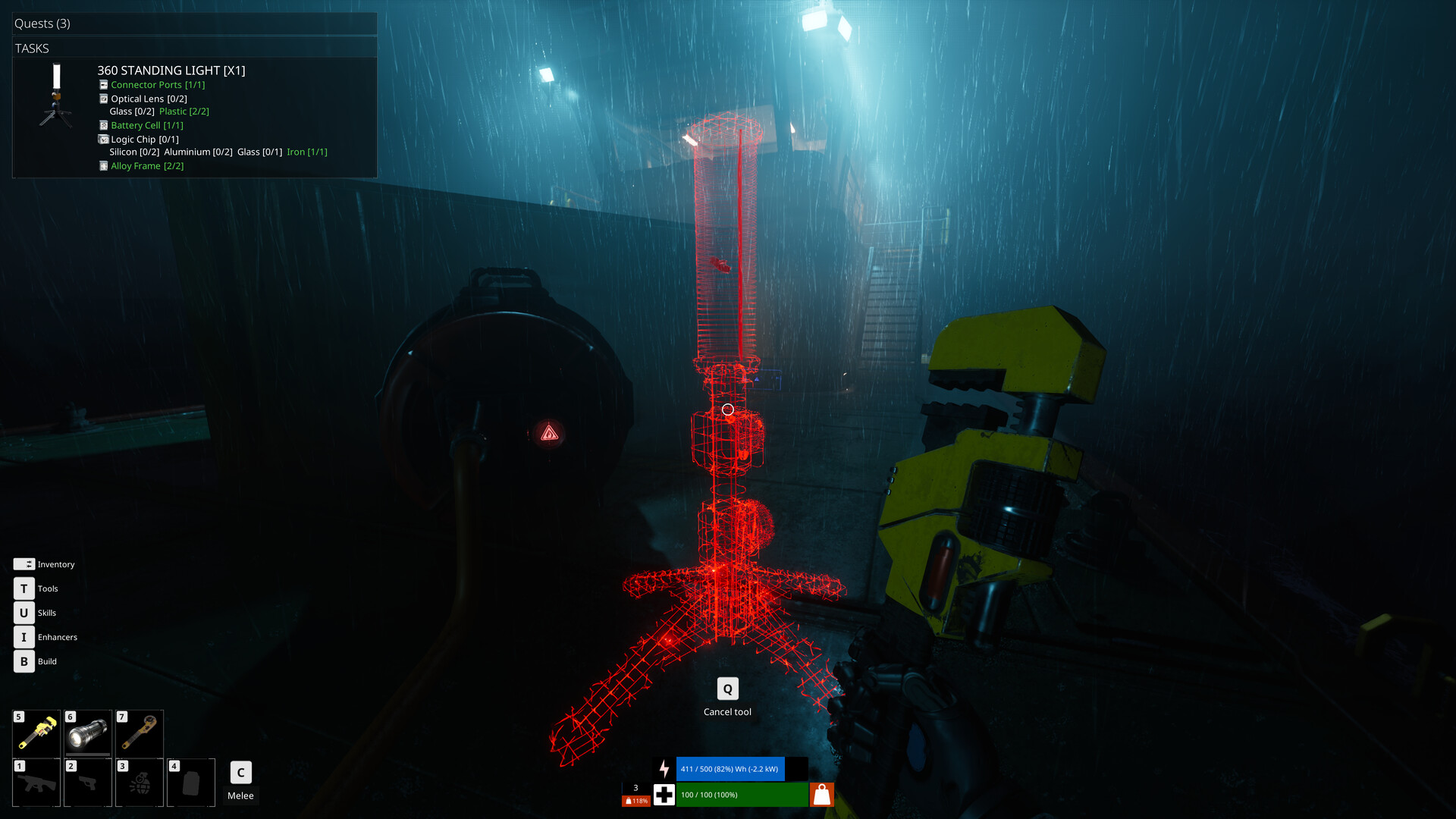
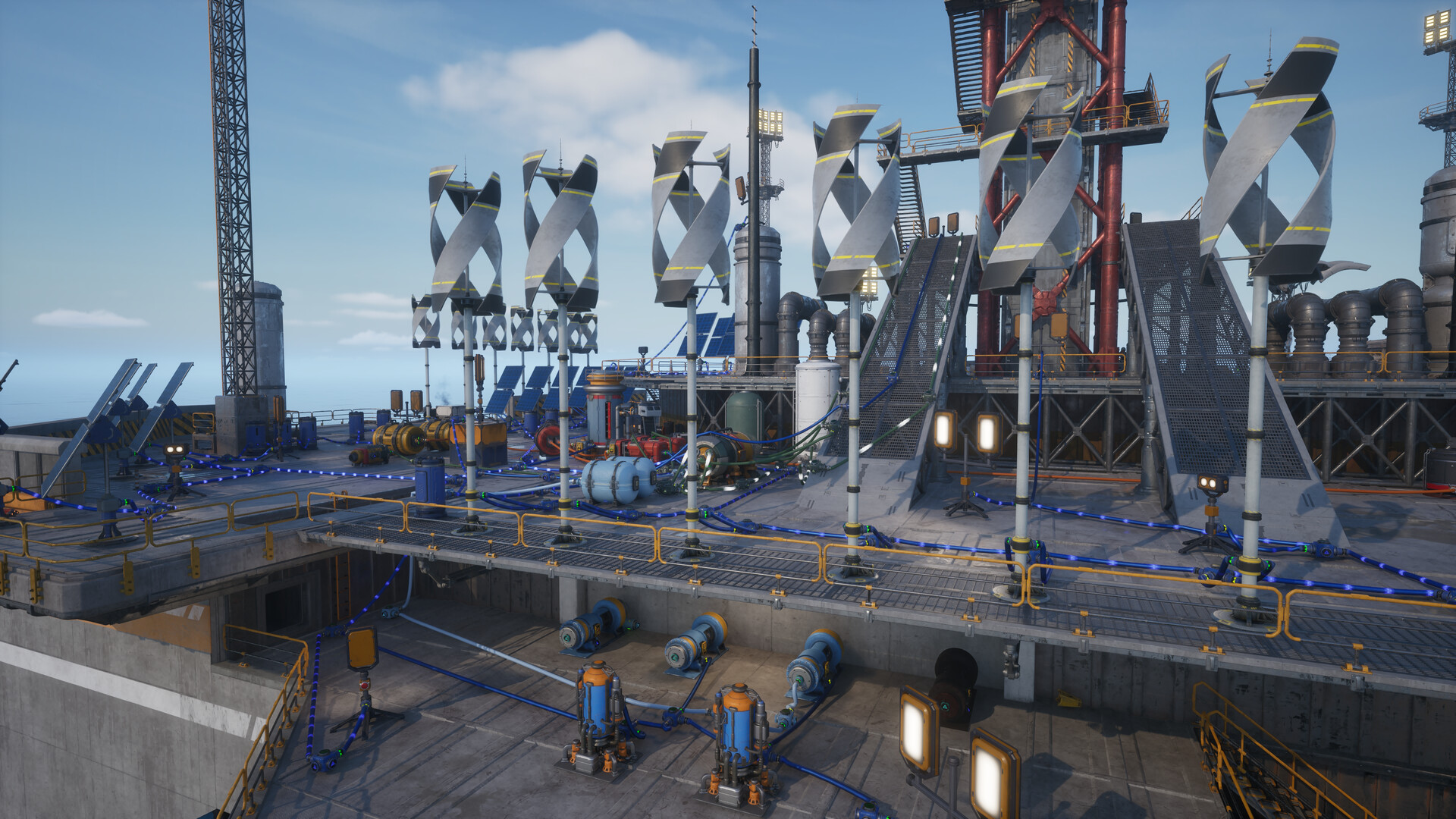
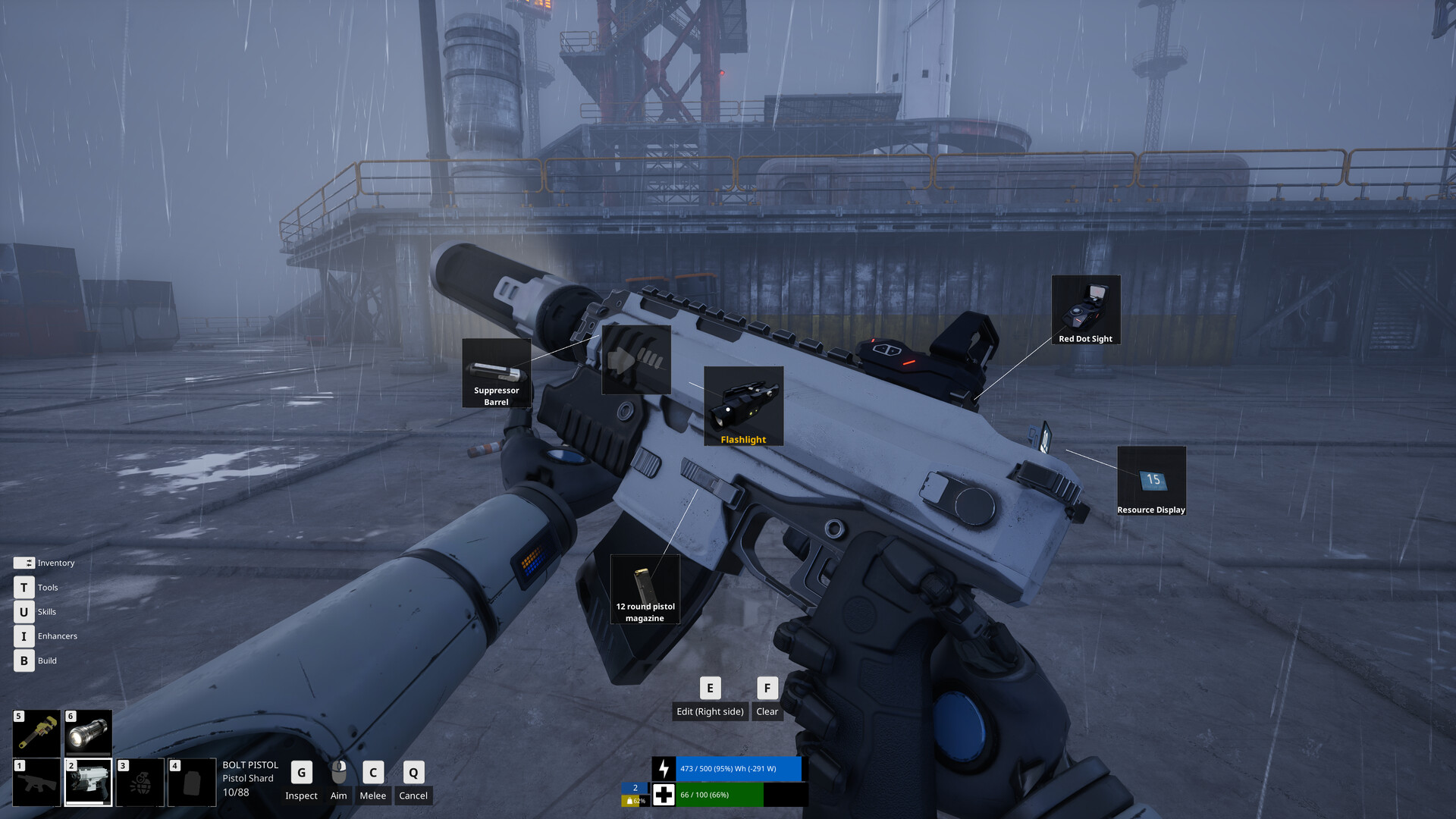
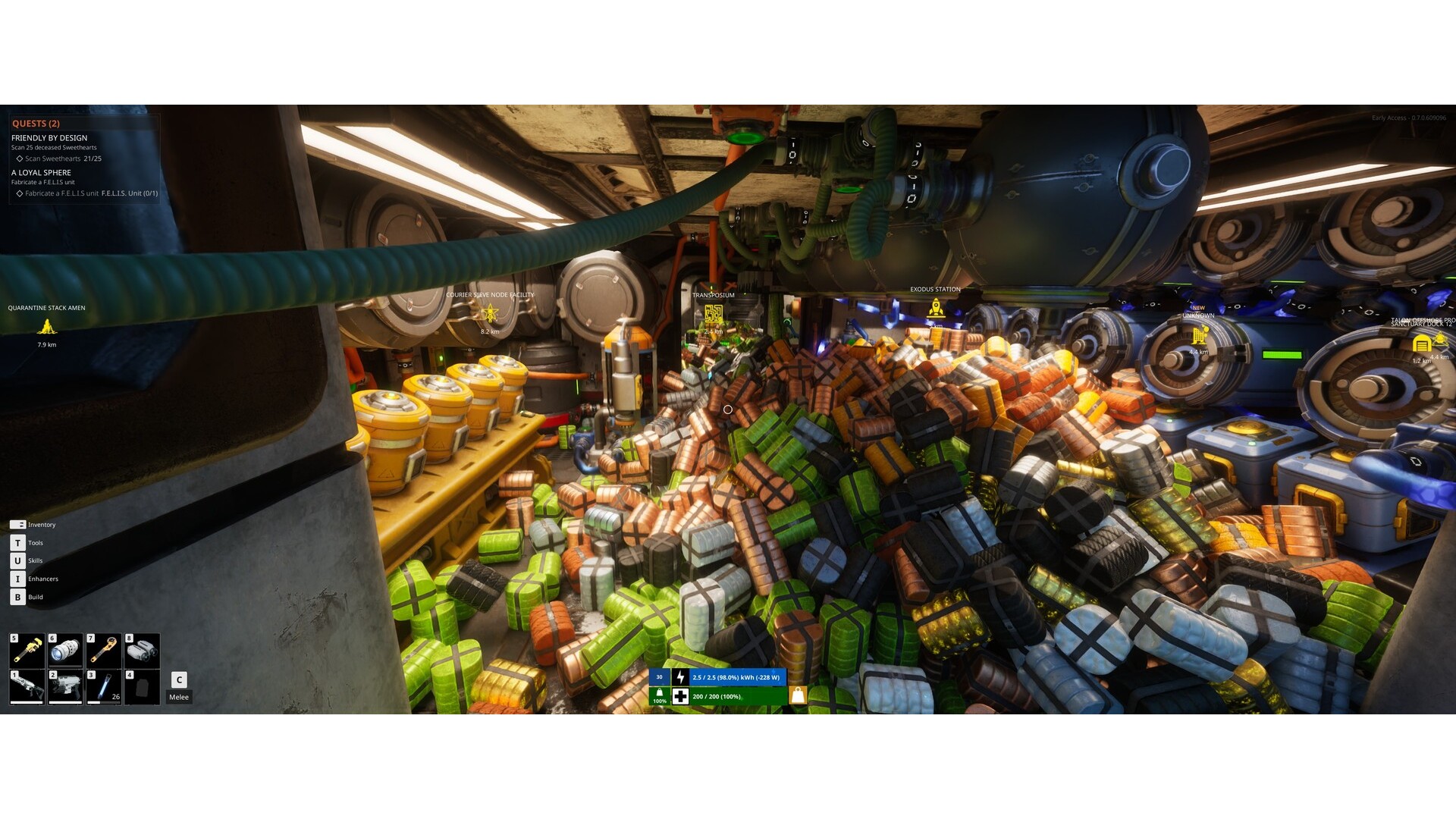
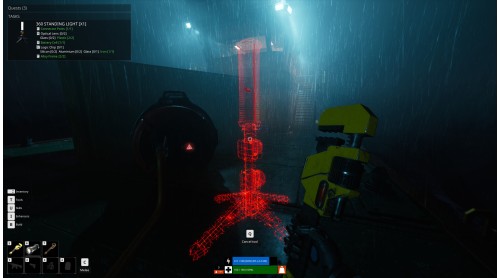
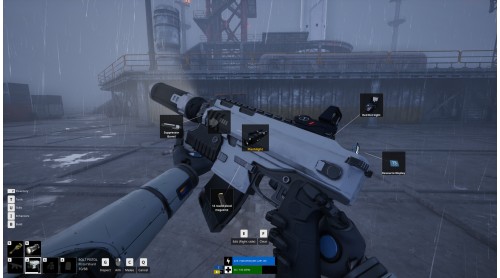
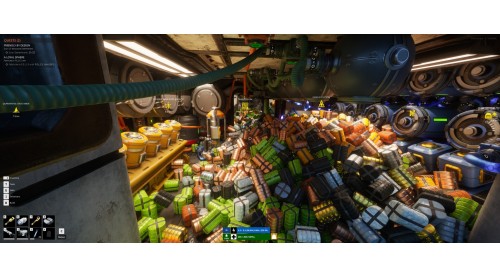
Scavenge abandoned facilities, dismantle wreckage, and recycle materials into tools, weapons, power networks, and essential modules. Restore the machinery needed to keep the mission alive.
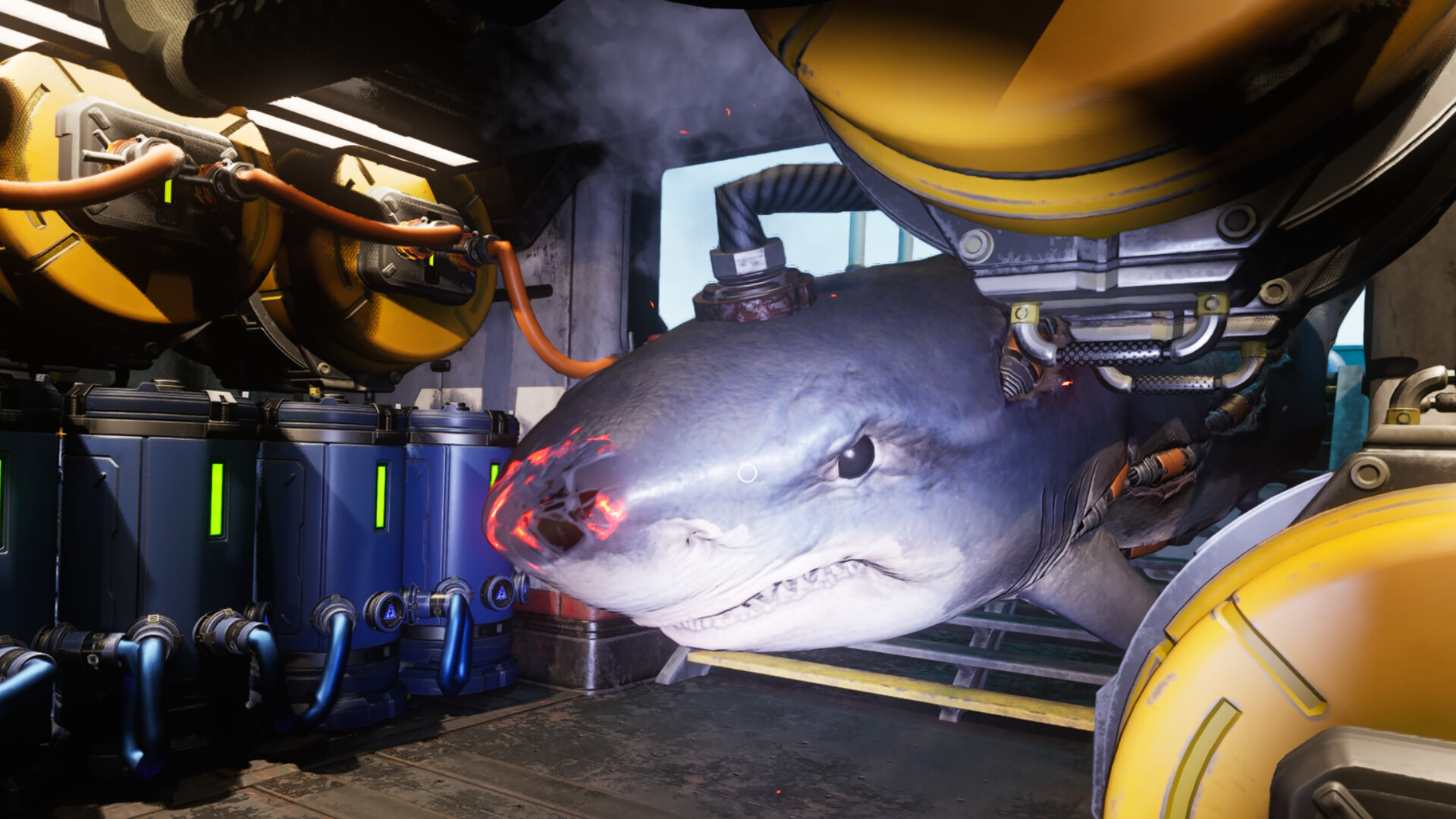
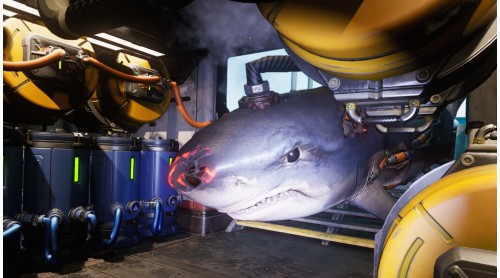
Rogue machines, hostile systems and the world itself will push back. Repair and maintain, upgrade your equipment, and protect what remains.
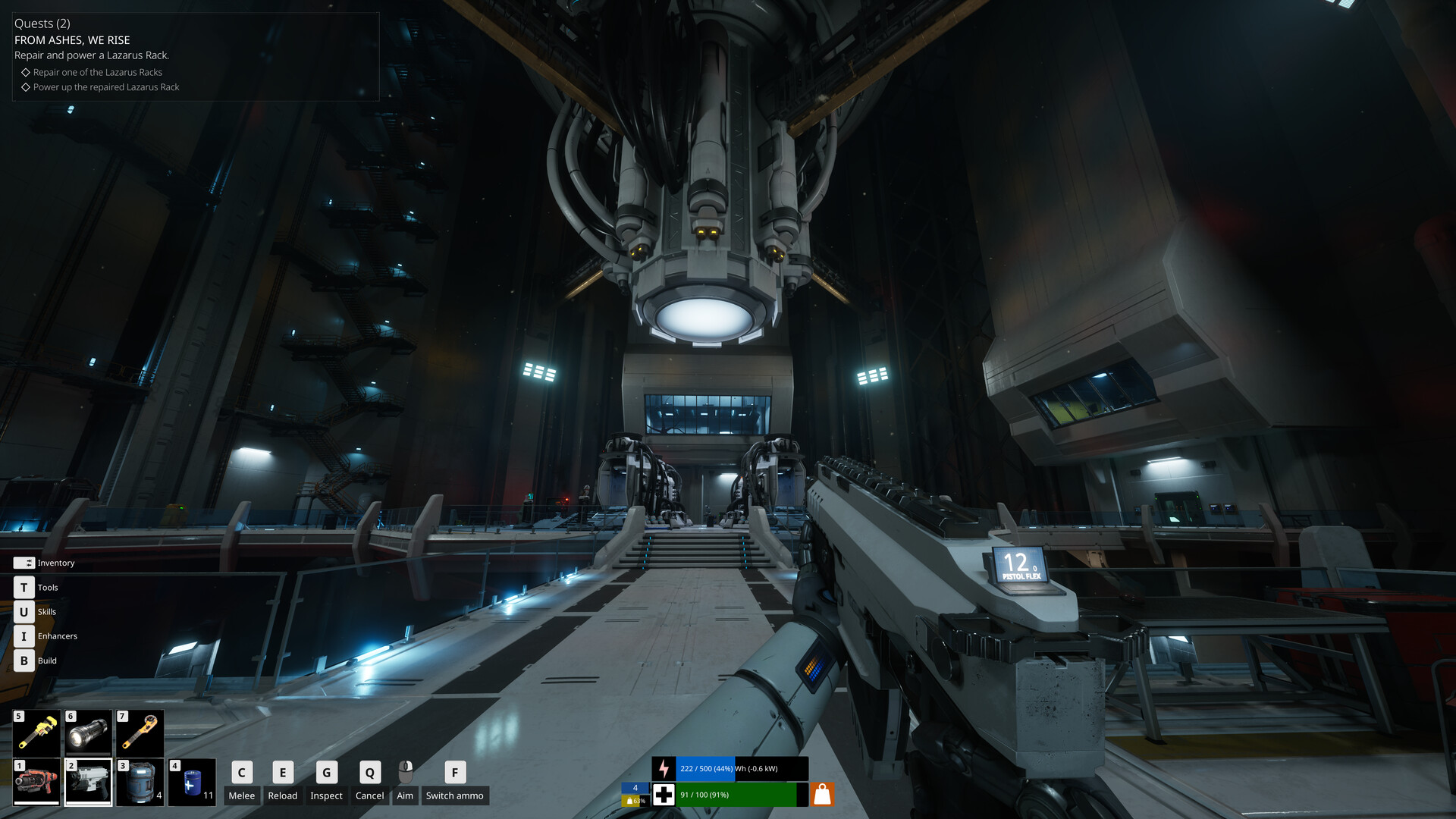
Restore ancient launch infrastructure, chart the ocean, gather resources and memories, and send the humans you raised into orbit. The mission is not survival for its own sake. It is a continuation.
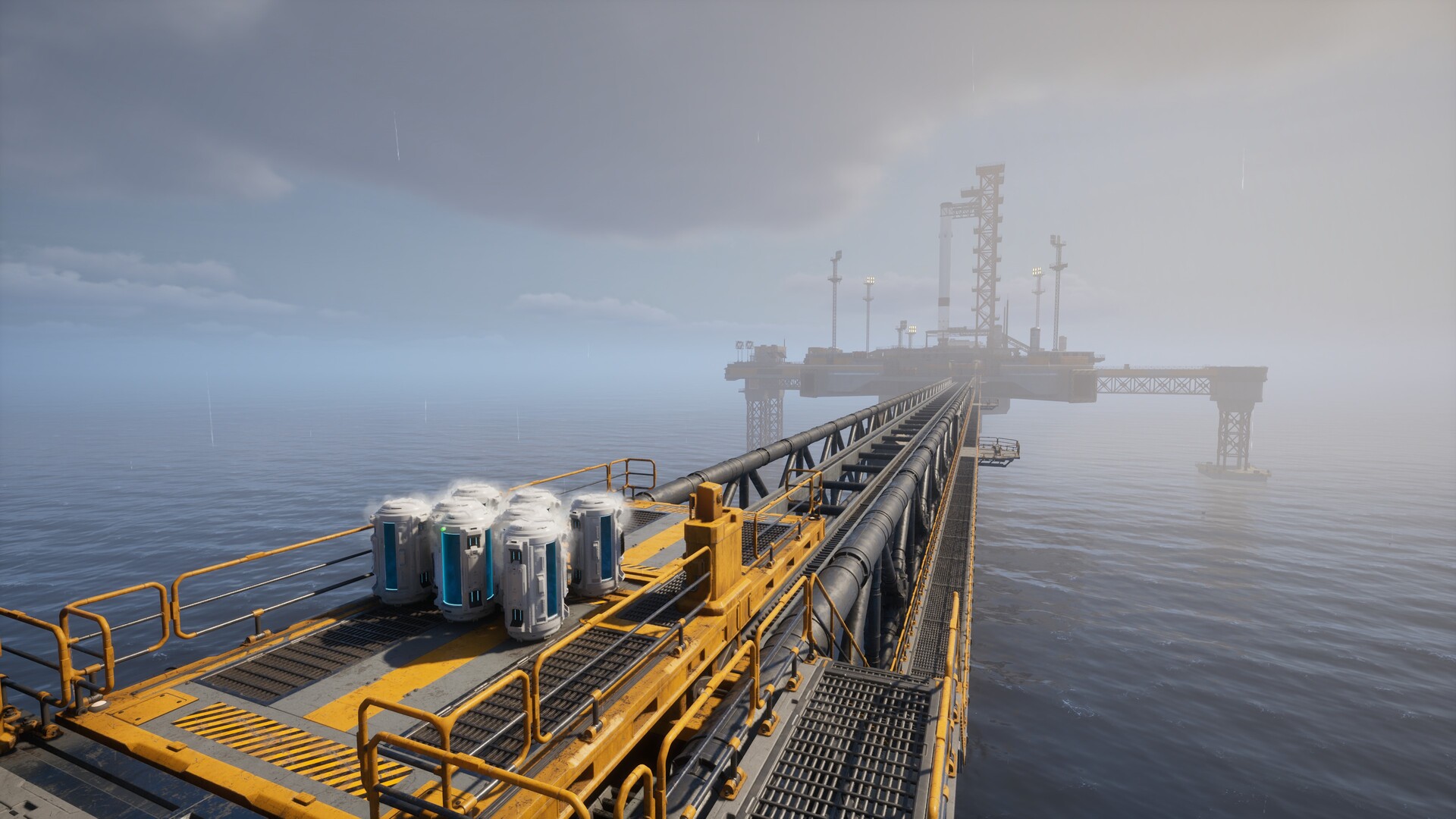
Explore silent Sanctuary docks, Refuel Outposts, Underwater cities, and long-forgotten Seed Vaults. The story is uncovered through places, logs, memories, and the remains of a civilization that tried to outlive its own world.
The Last Caretaker is developed and published by Channel37 Ltd. Copyright © Channel37 Ltd 2025. "The Last Caretaker" is a trademark of Channel37 Ltd. All rights reserved.


How to activate your Steam key?
1. Open your Steam client. (If you don't have a Steam Client, you can install from here https://store.steampowered.com/about/)
2. Sign in to your Steam account. (If you don't have a Steam Account, you can create from here https://store.steampowered.com/join/)
3. Click “ADD A GAME” button which is at the bottom of the Steam Client.
4. Now select "Activate a product on Steam..."
5. Write or copy-paste your Steam key which you purchased from Gamesforpc.
6. Now your game is in your library.
7. Find your game in your library, select and click install to start your download.