 Steam
 Windows
| Release Date | 02.08.2022 |
| Publisher | DreadXP |
| Operating Systems | Windows |
| Genres | Simulation, Adventure, indie |
20.99€
Added to Cart
20.99€
Added to Wishlist
20.99€
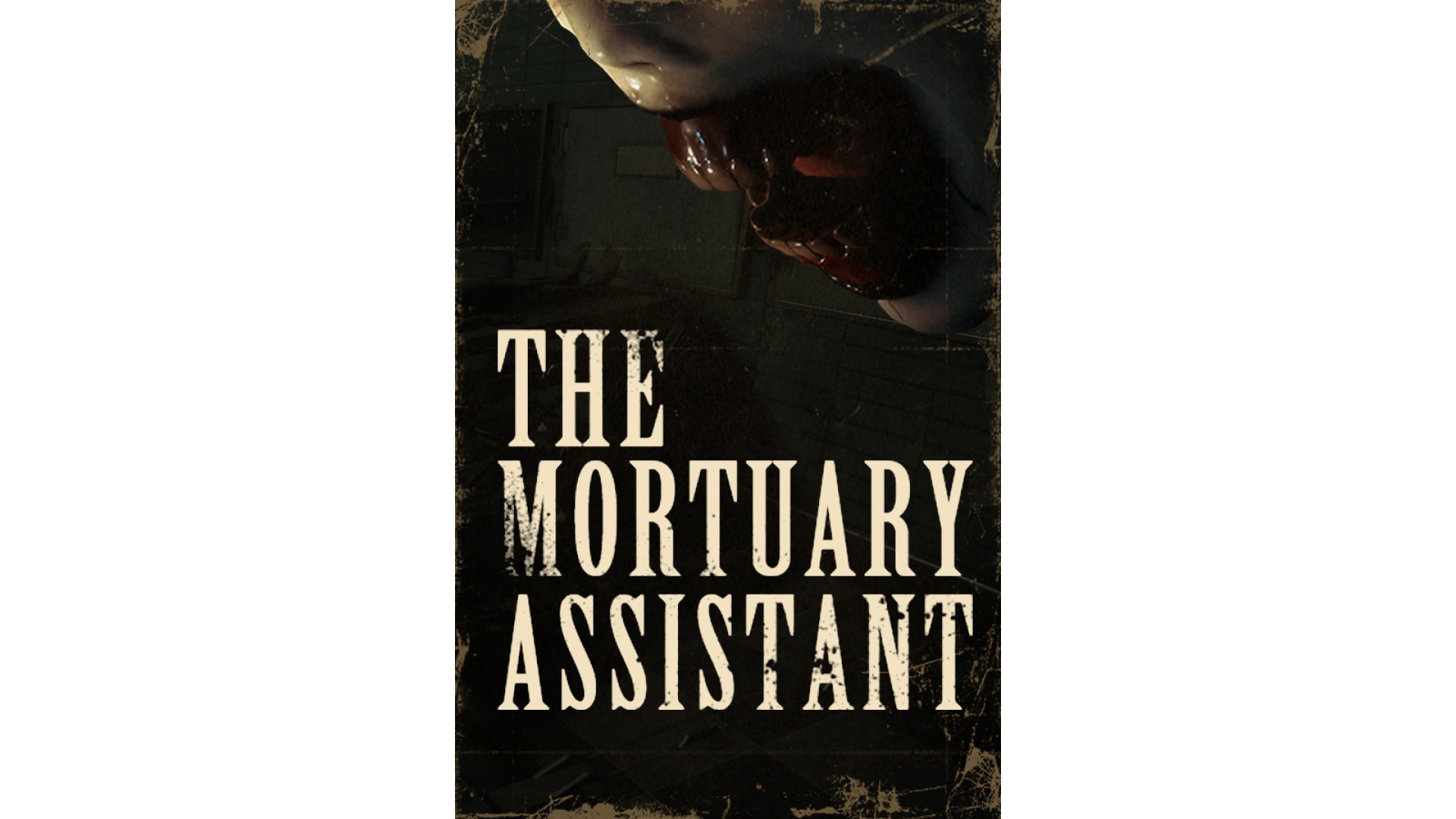
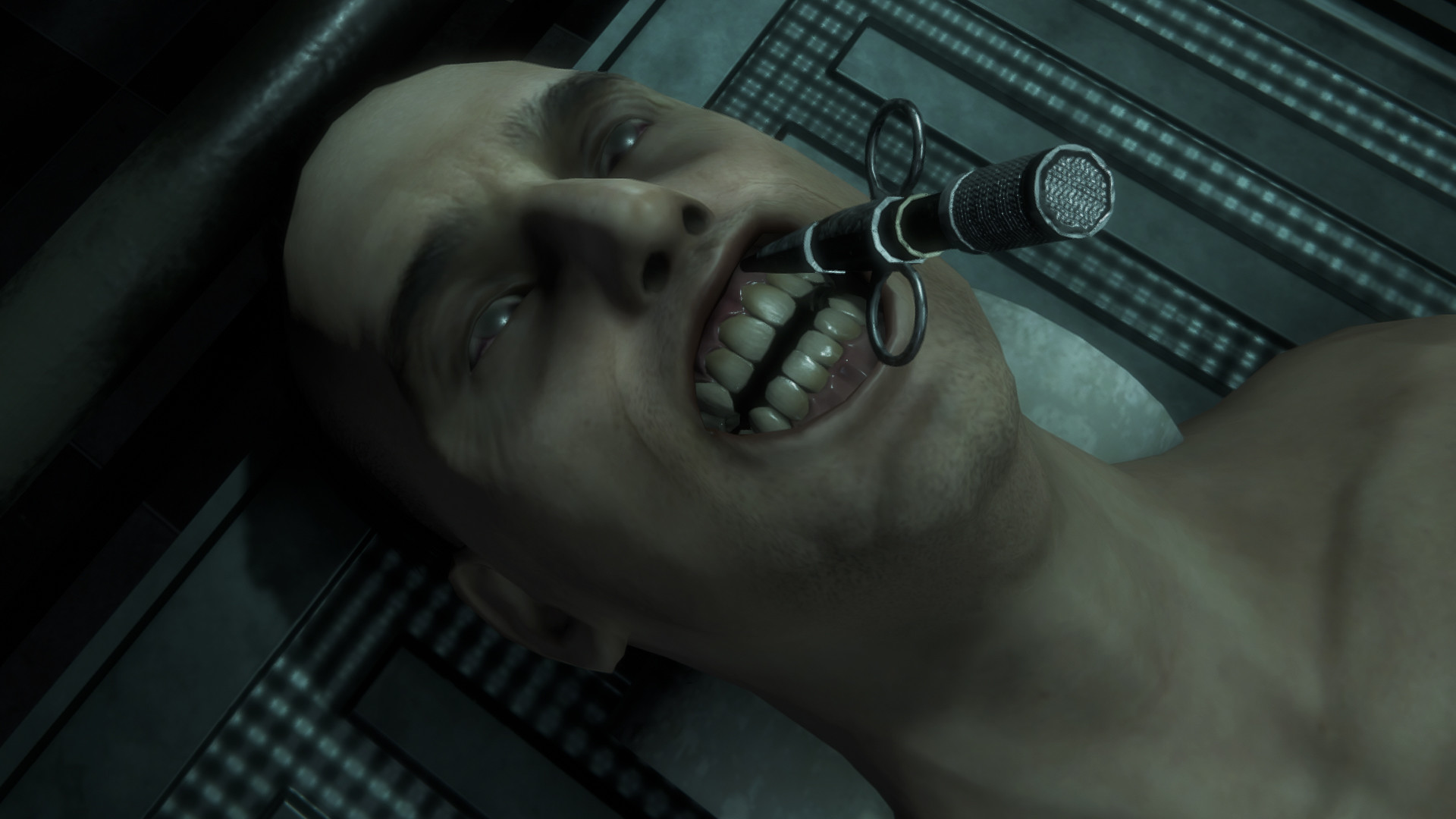
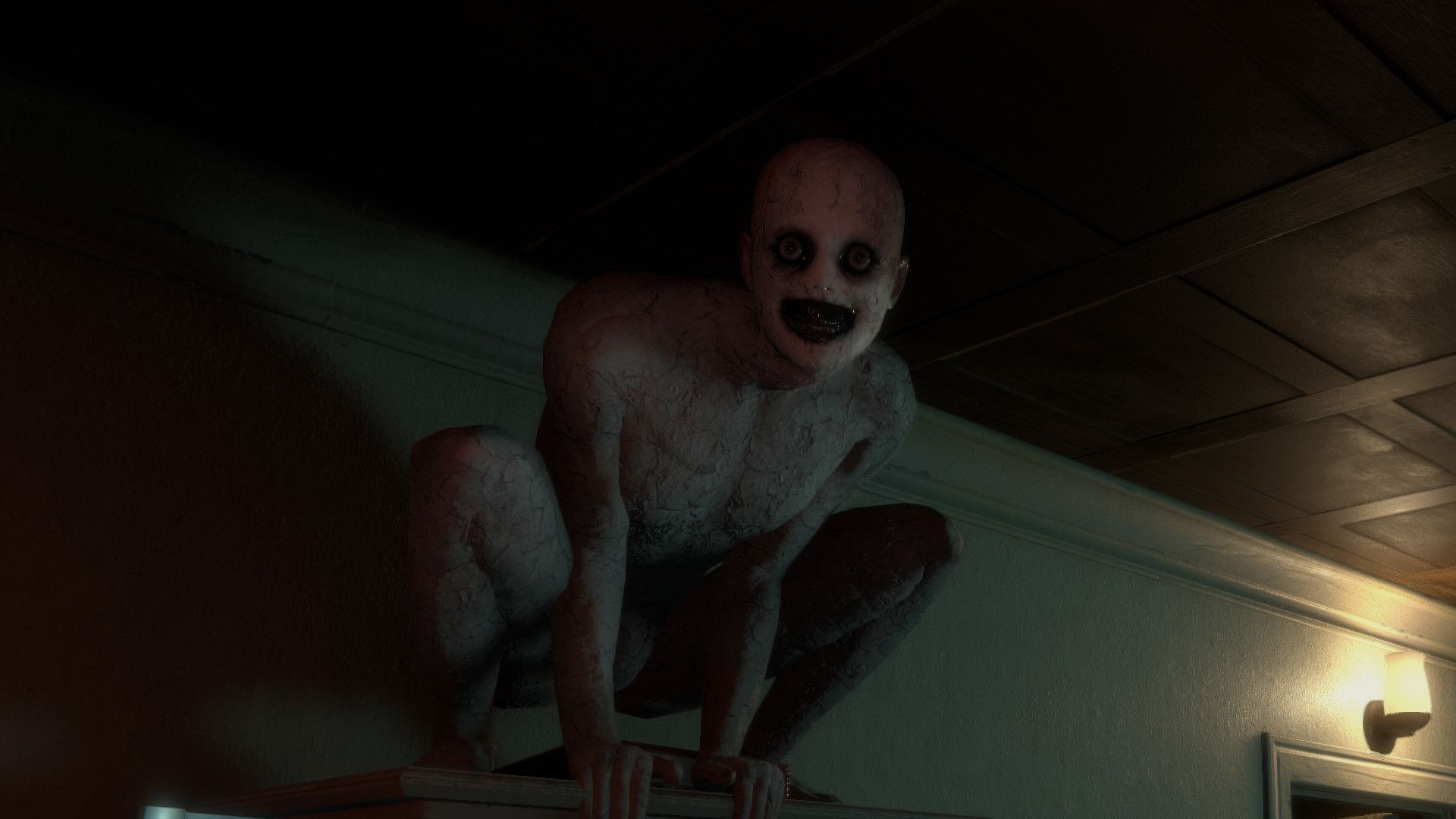
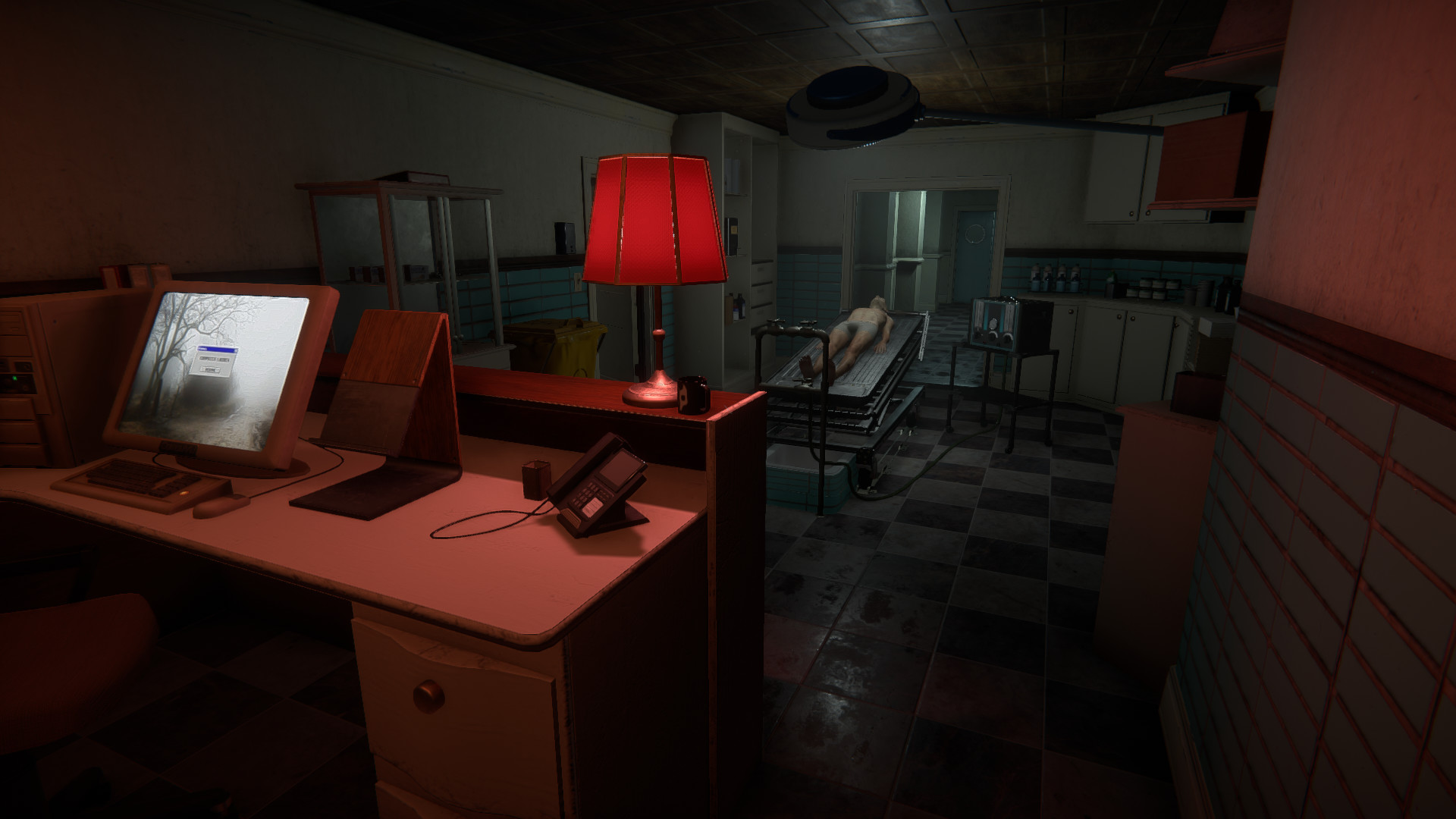
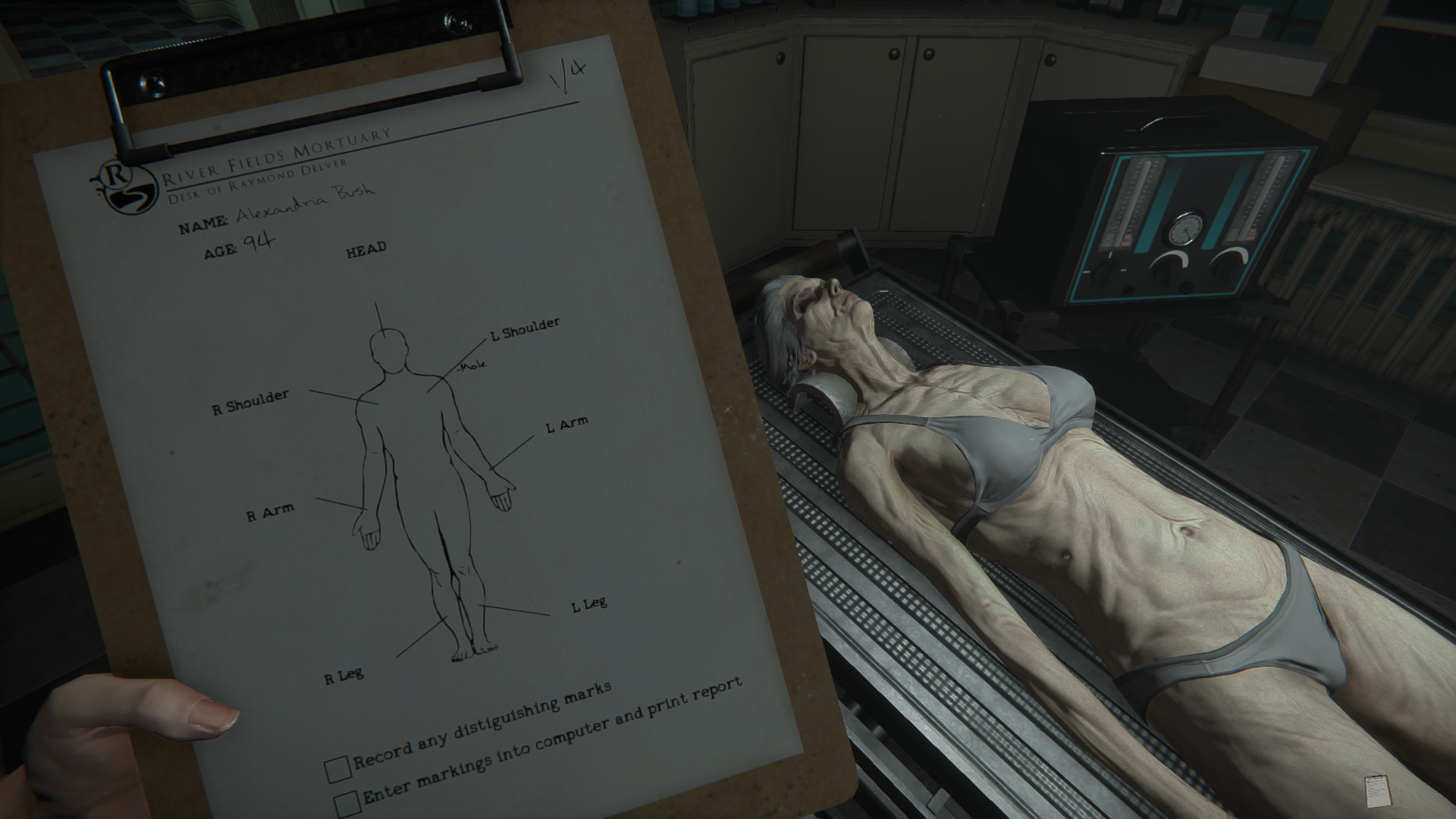
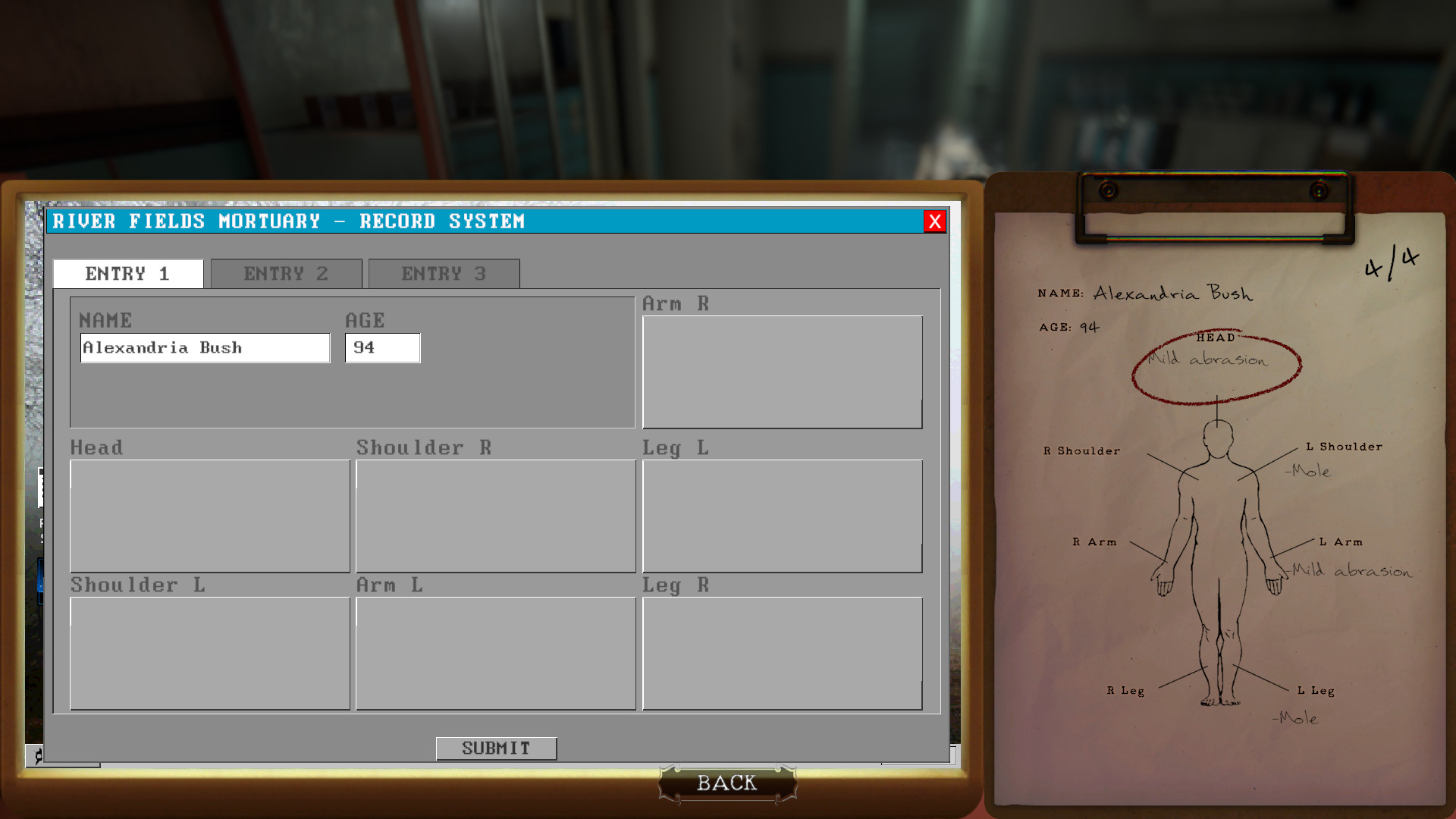
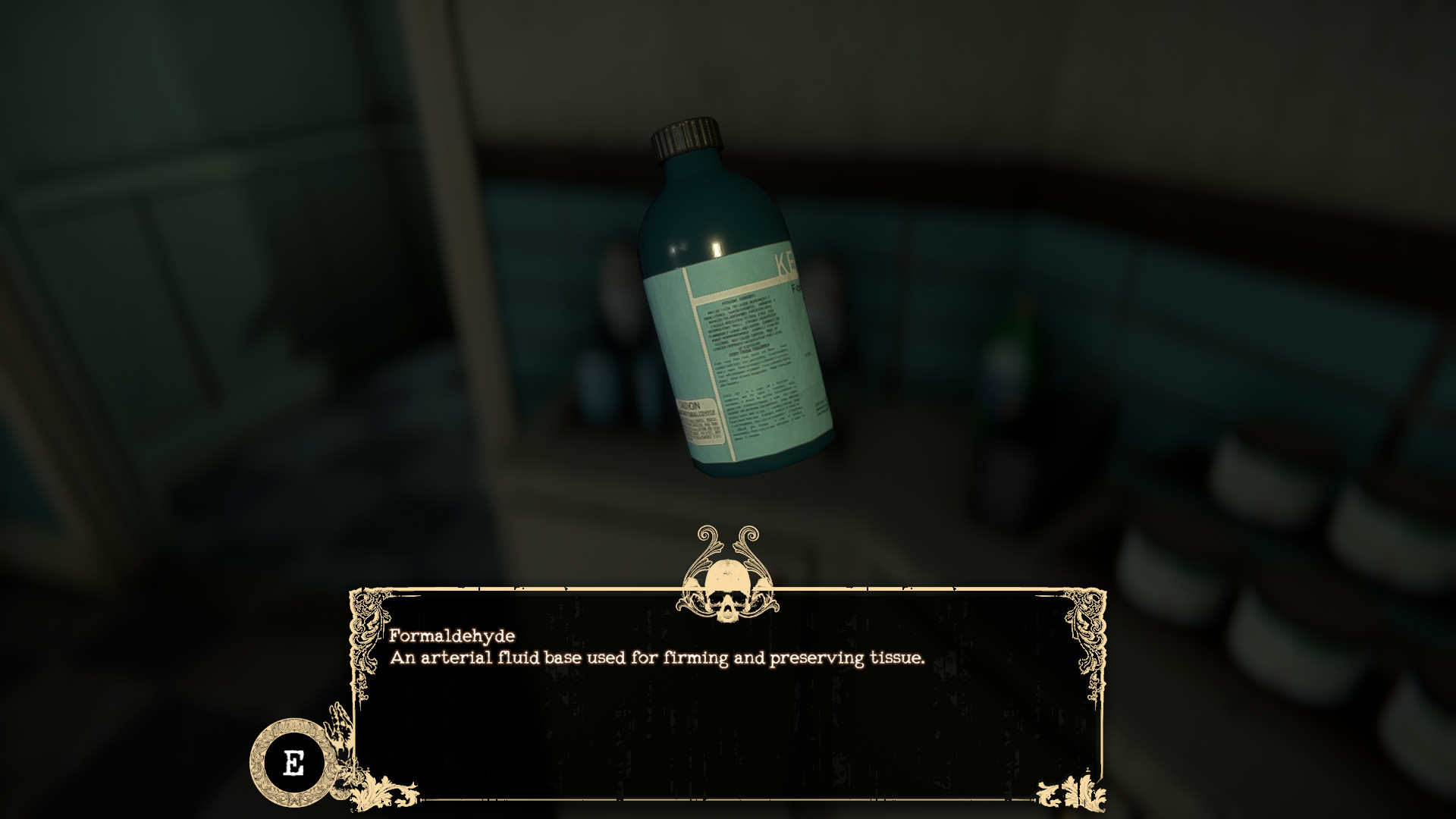
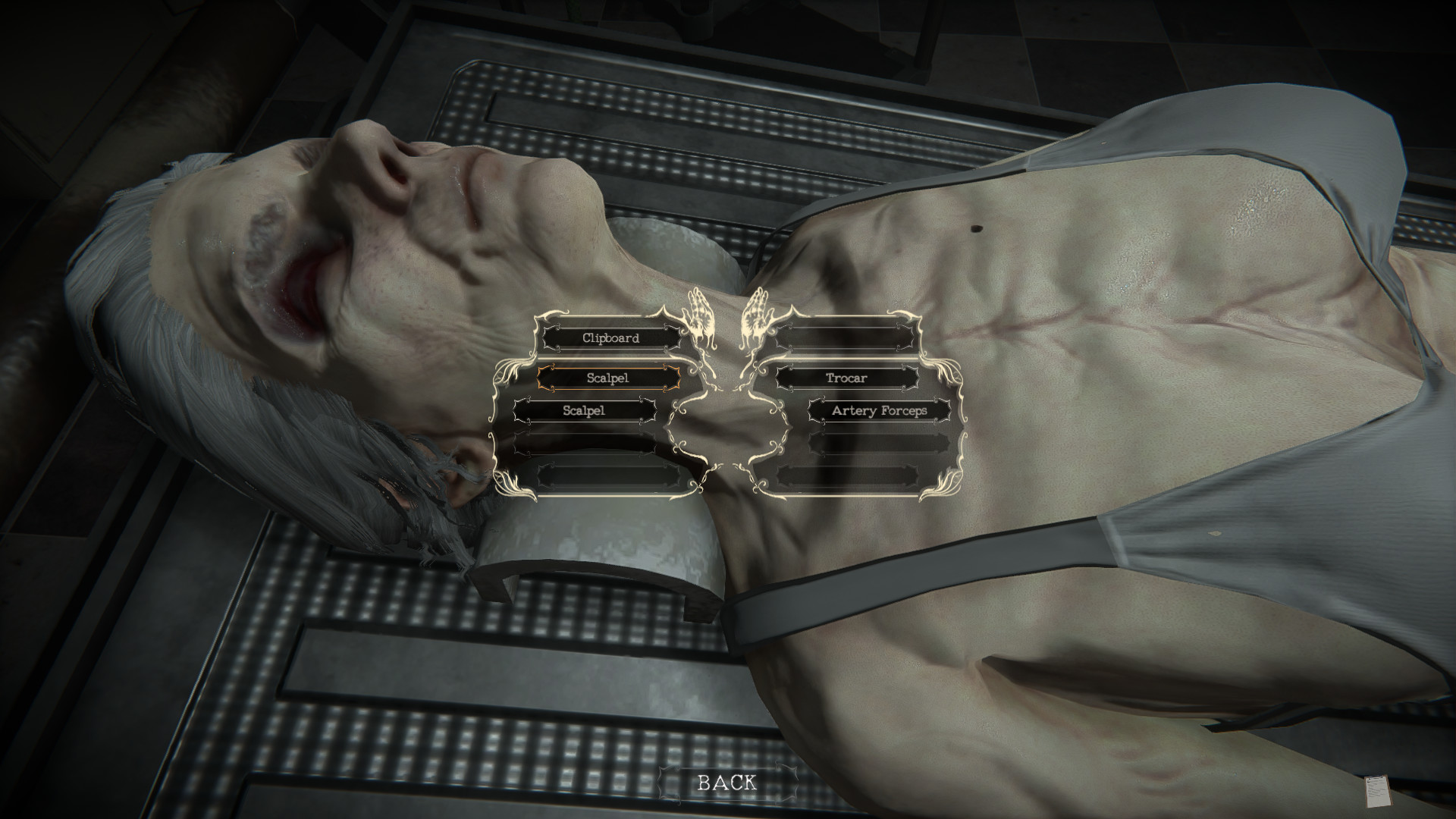
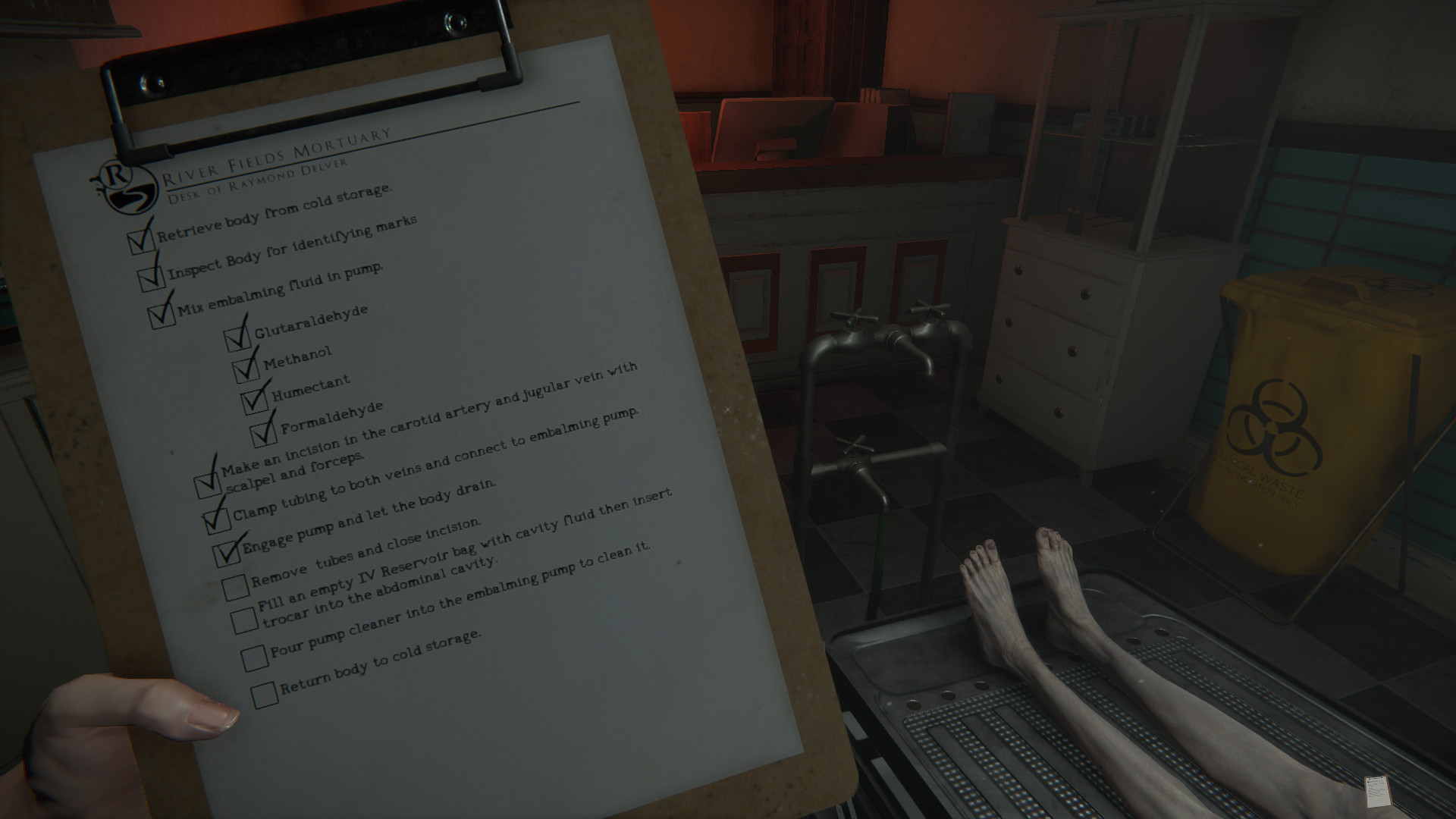
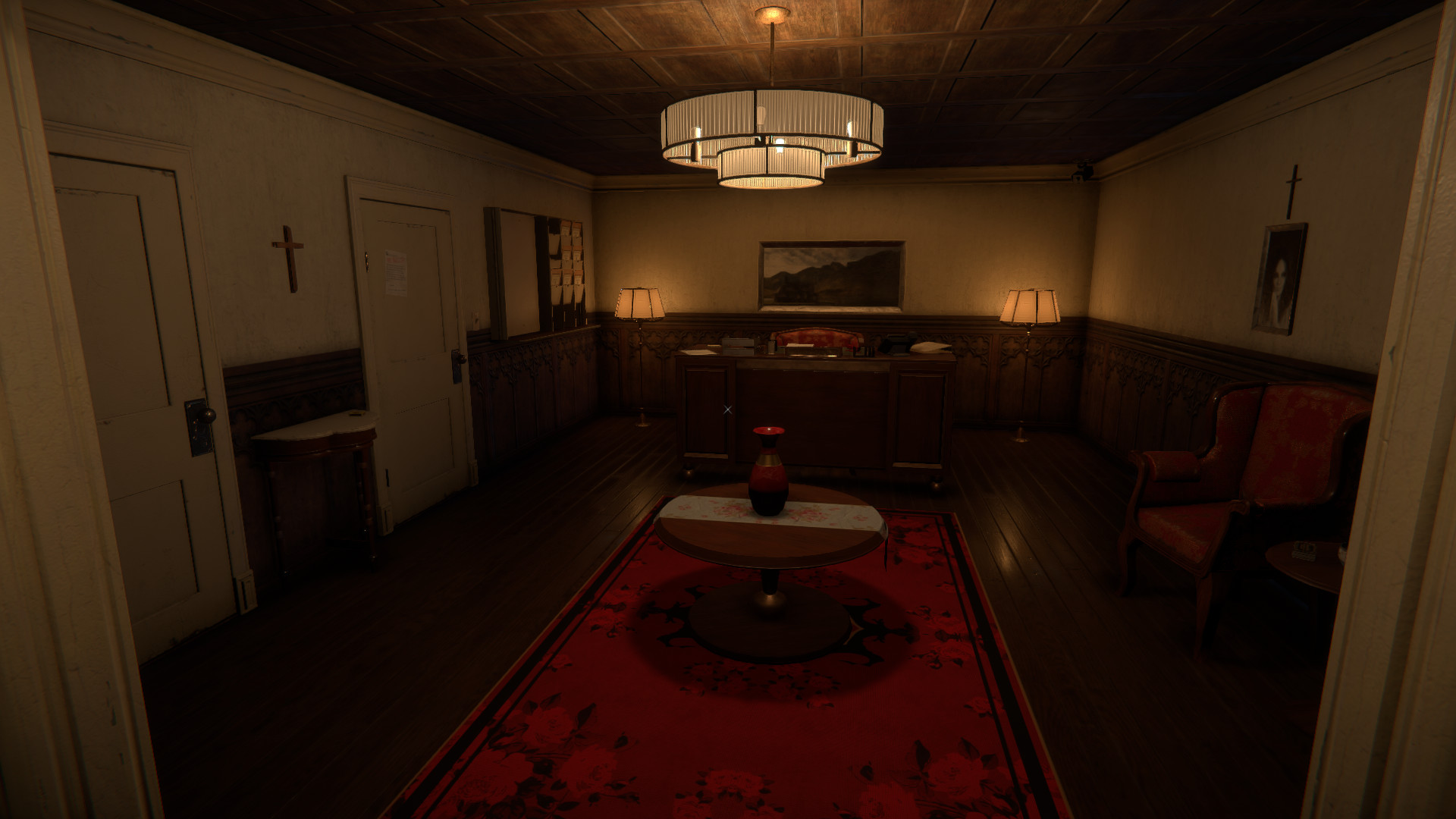
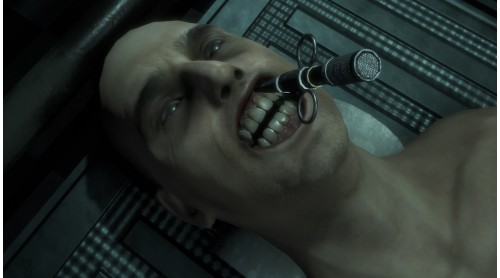
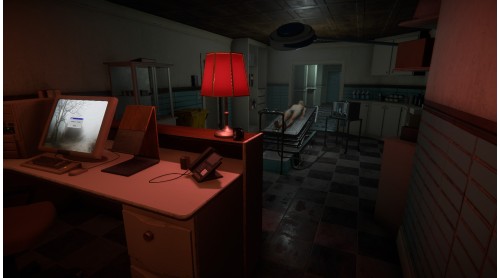
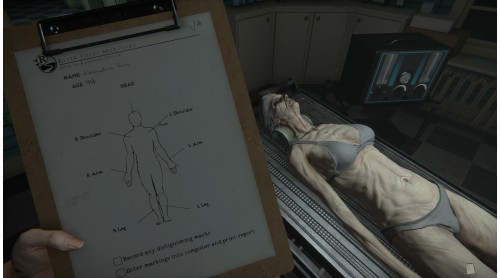
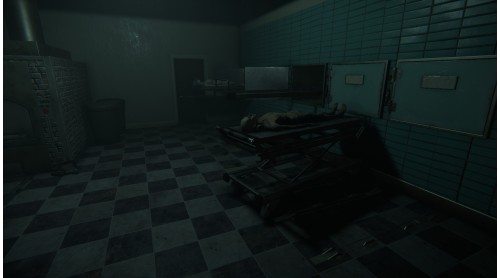
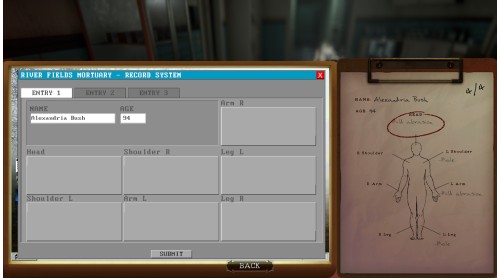
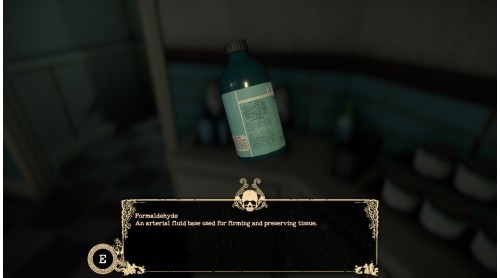
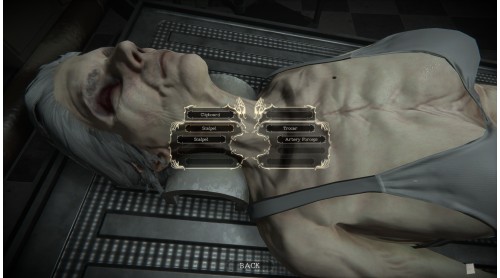
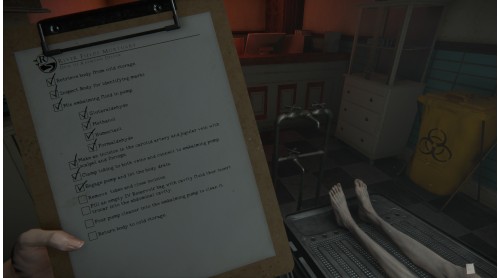
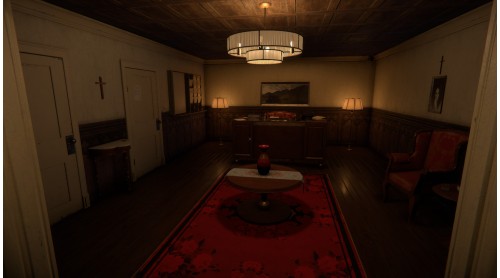
Having completed your degree in mortuary sciences, you have taken on an apprenticeship at River Fields Mortuary. Over the past several months you have logged many hours aiding the Mortician in daily tasks along with learning the ins and outs of the embalming process as well as how to properly handle and care for the deceased.
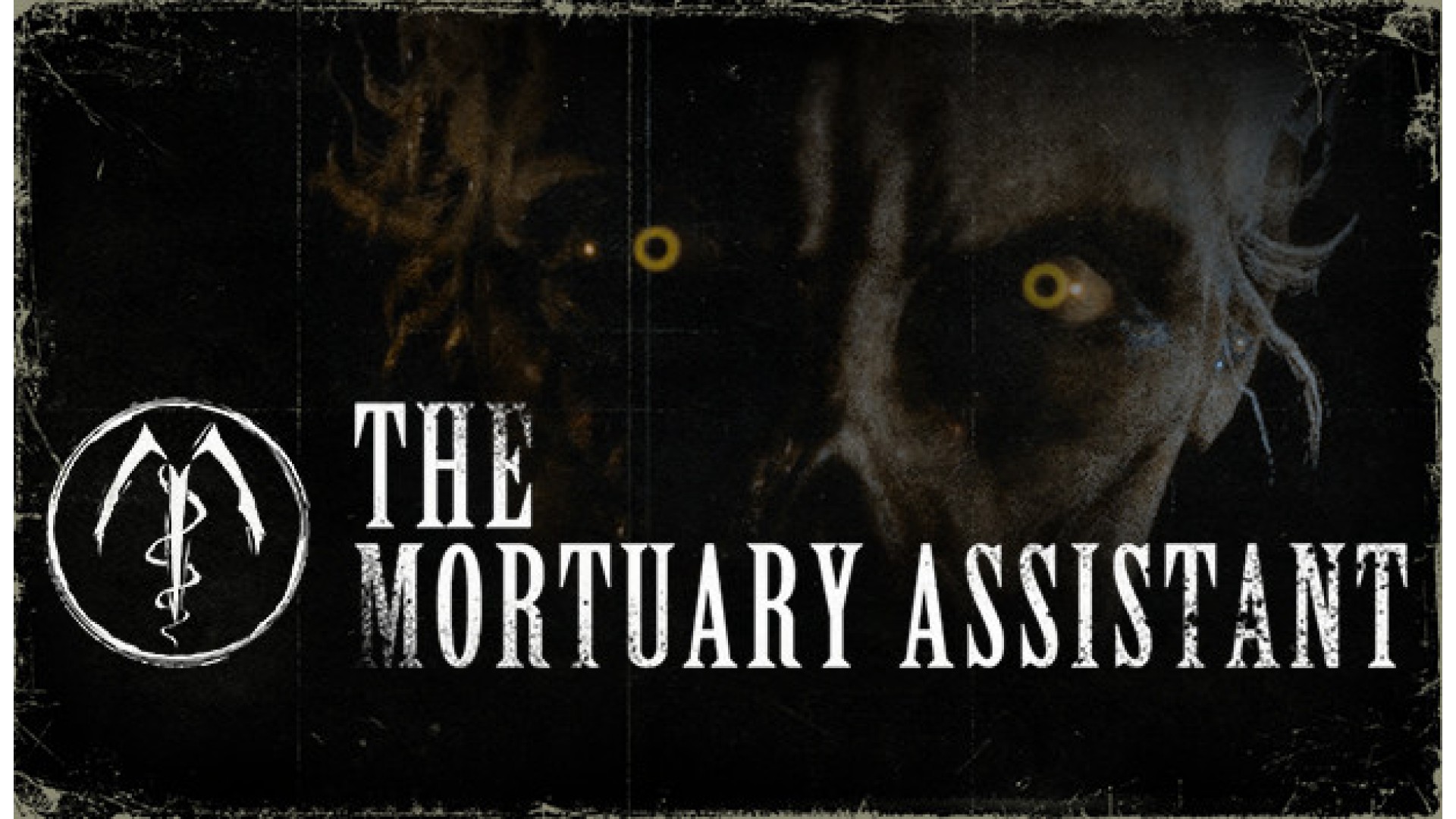
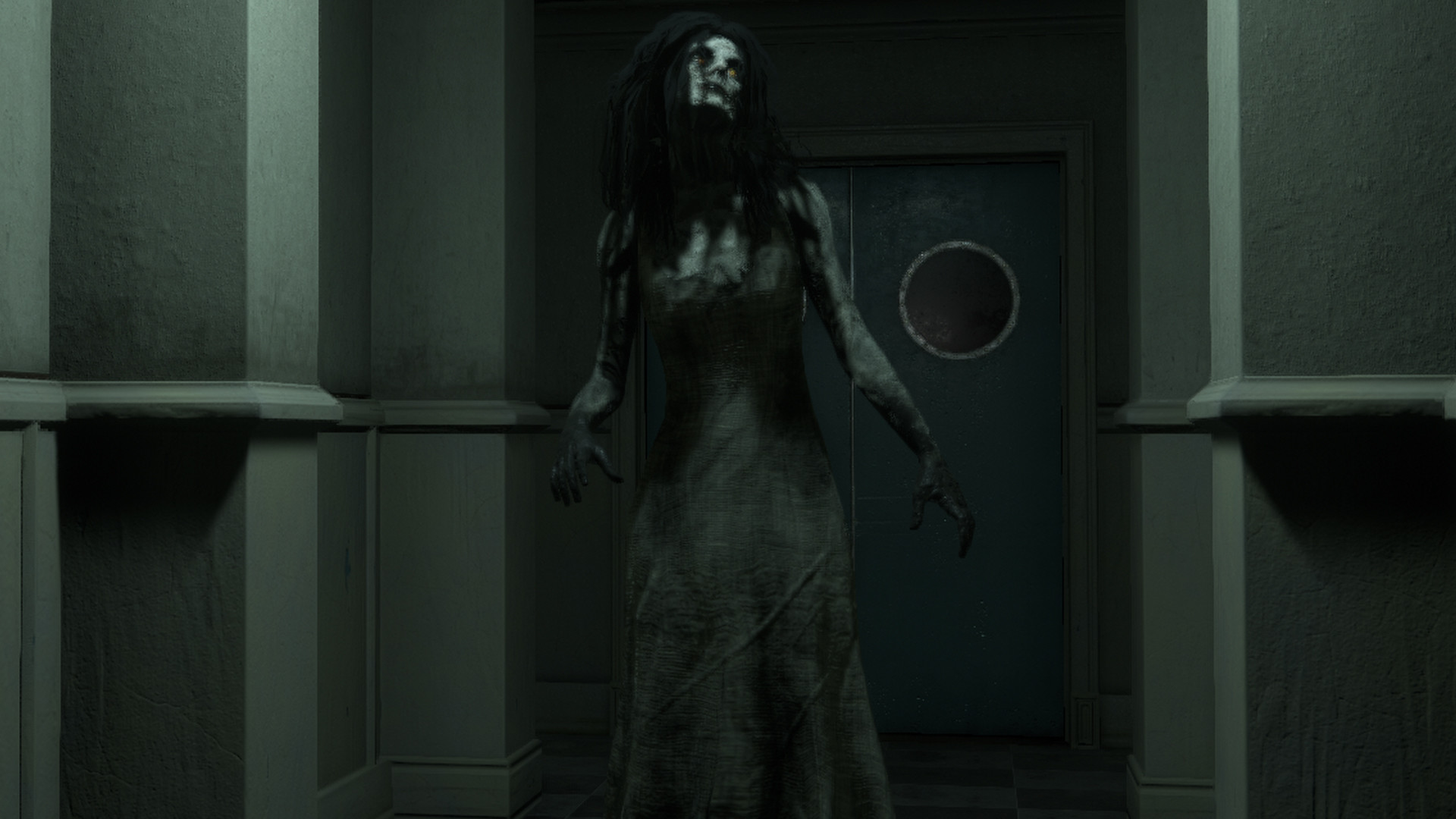
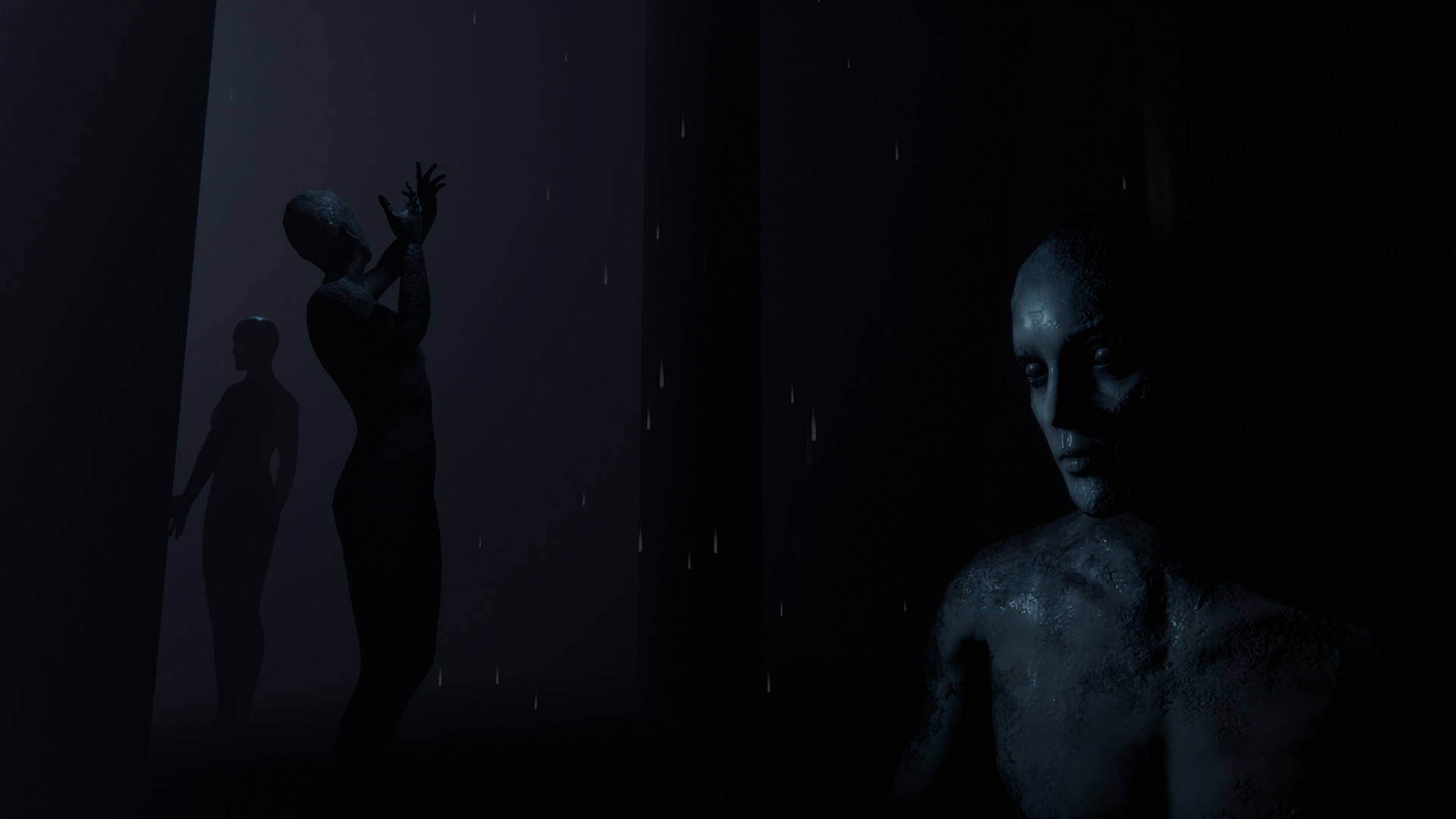
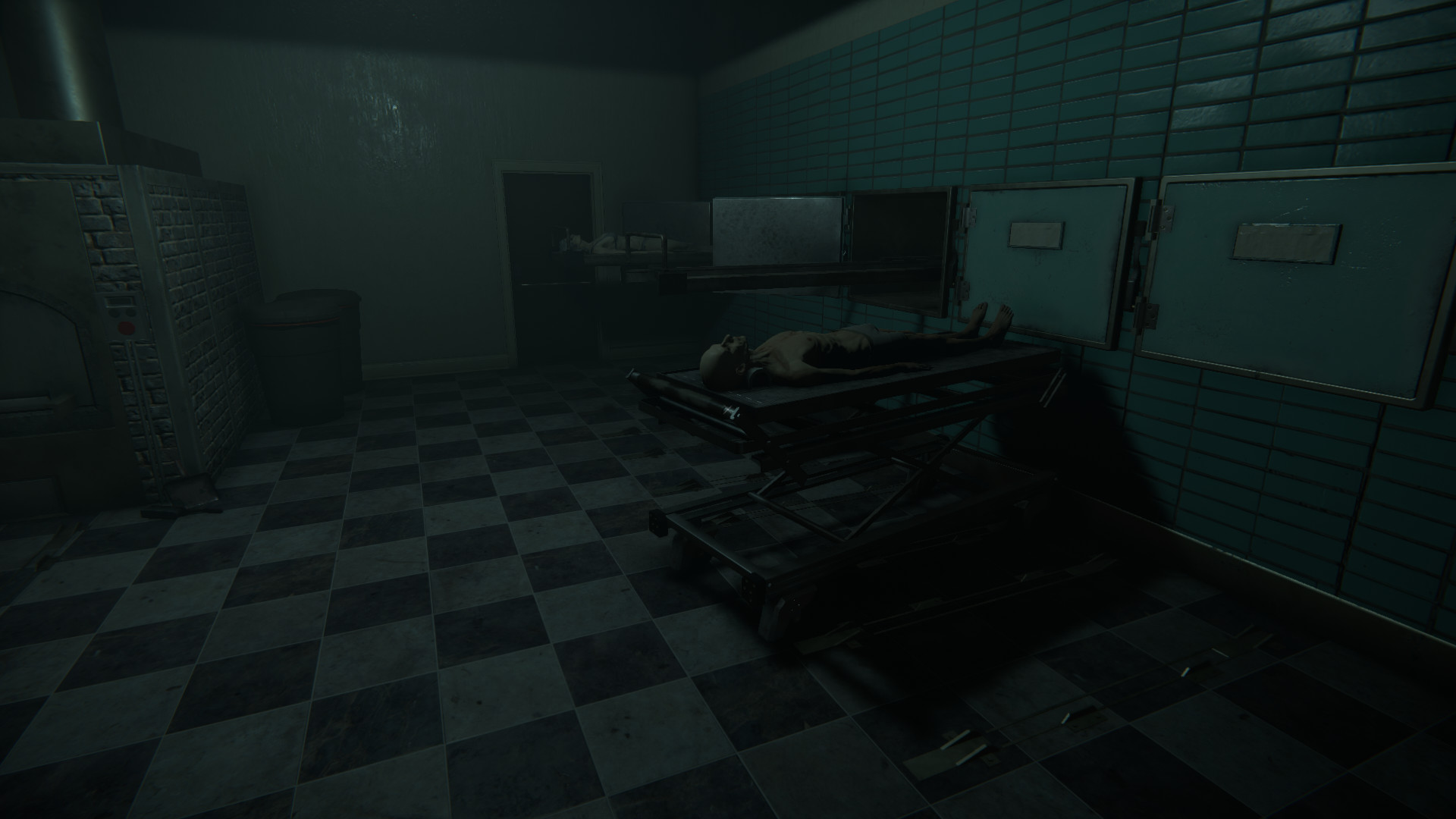
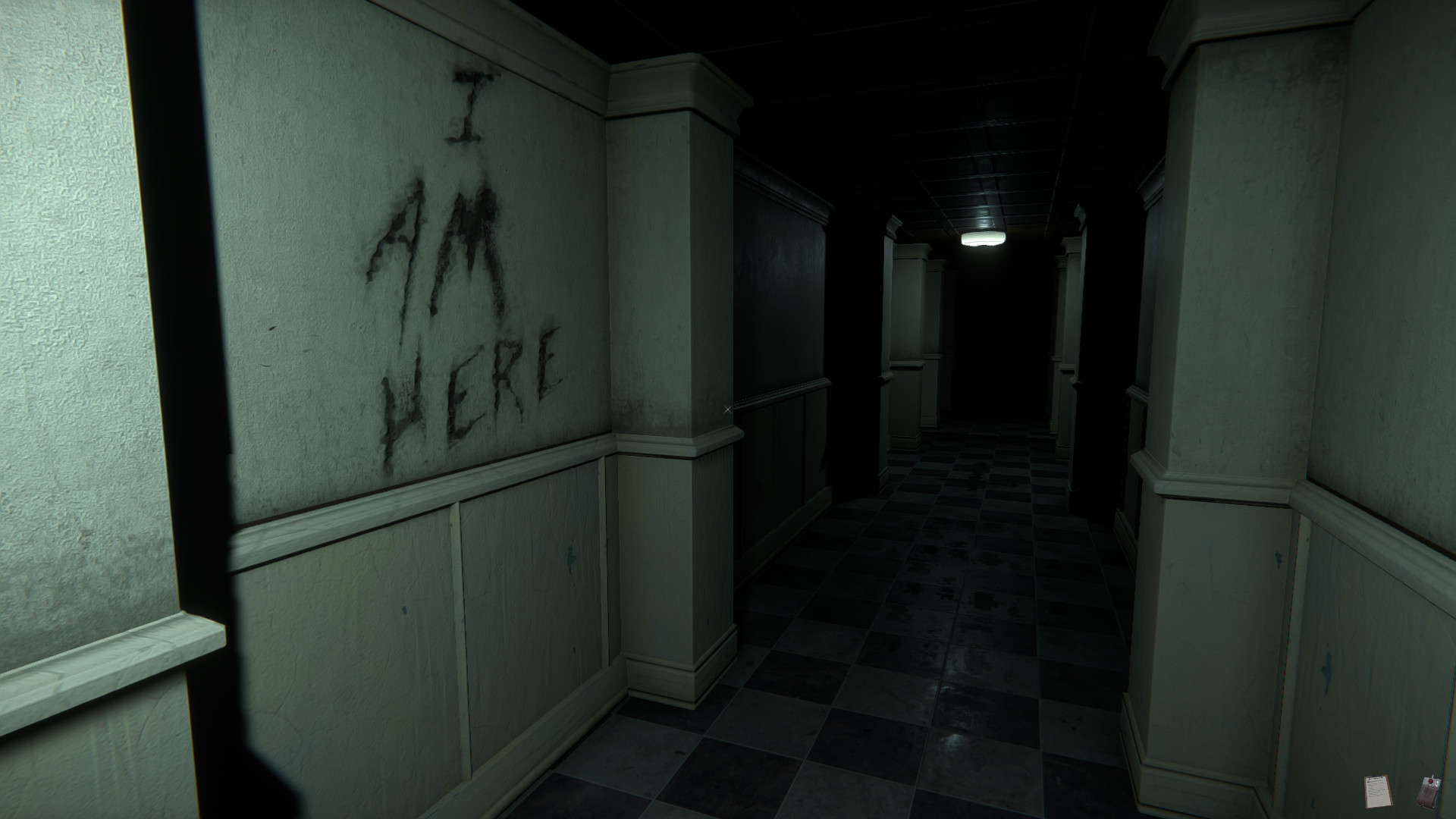
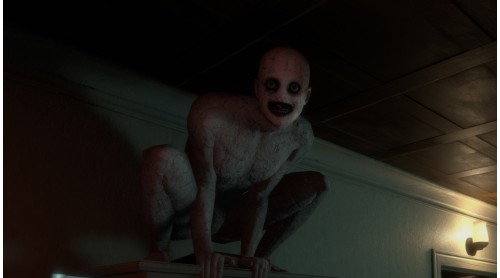
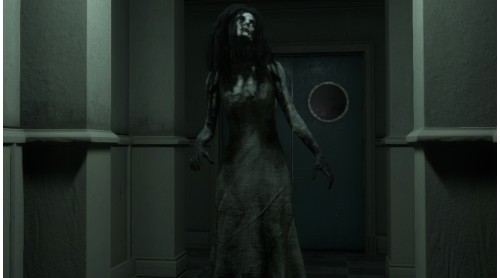
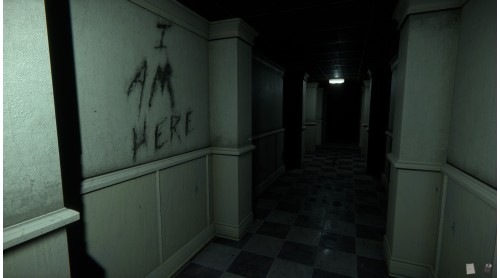
Late one night, you are called into work to handle some embalmings. Death doesn’t keep day time hours. But there is something different about these bodies because there is something different about you. The phone rings with the Mortician on the other end. The rumors are true, and you can not leave.
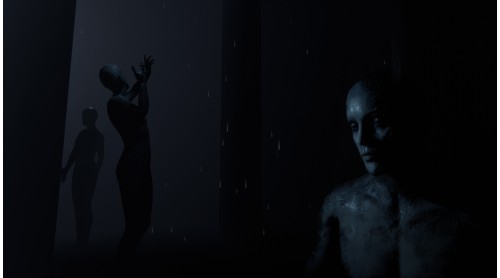
Perform embalmings, handle the various jobs around the mortuary, and exorcise demonic forces. All in a day’s work.


How to activate your Steam key?
1. Open your Steam client. (If you don't have a Steam Client, you can install from here https://store.steampowered.com/about/)
2. Sign in to your Steam account. (If you don't have a Steam Account, you can create from here https://store.steampowered.com/join/)
3. Click “ADD A GAME” button which is at the bottom of the Steam Client.
4. Now select "Activate a product on Steam..."
5. Write or copy-paste your Steam key which you purchased from Gamesforpc.
6. Now your game is in your library.
7. Find your game in your library, select and click install to start your download.