




















 Steam
Steam  Windows
 | Release Date | 08.04.2026 |
| Publisher | Daedalic Entertainment |
| Operating Systems | Windows |
| Genres | Action, Adventure, indie |
29.99€
20.99€
Added to Cart
29.99€
20.99€
Added to Wishlist
29.99€
20.99€
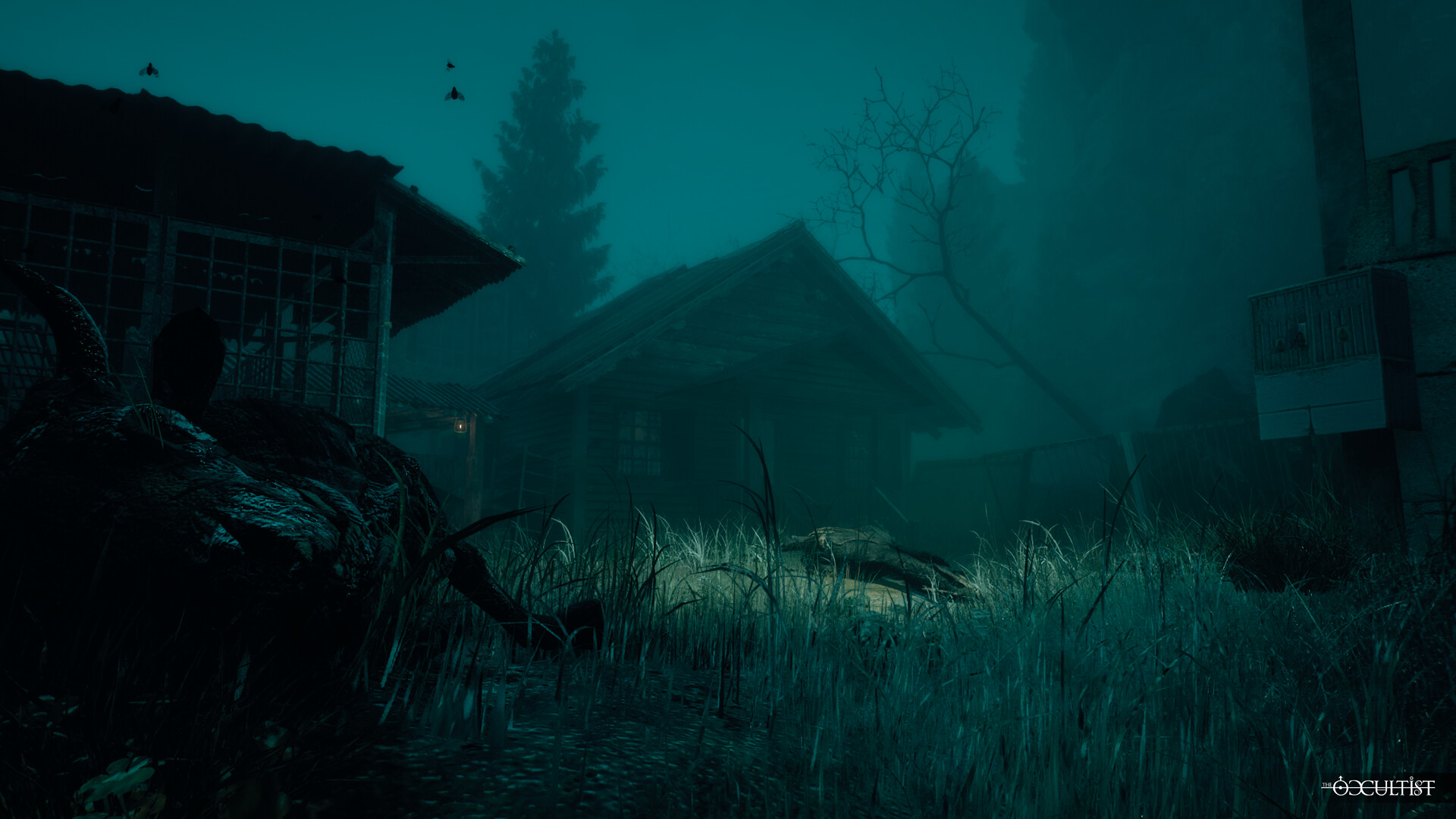
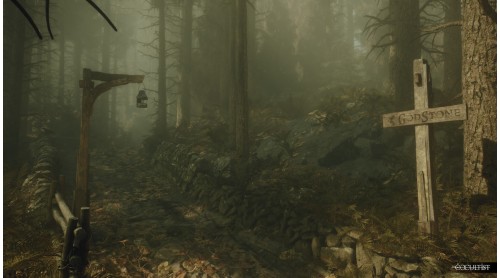
The Occultist is a first-person narrative thriller. You play as Alan Rebels, a paranormal investigator who travels to an abandoned British island after his father's disappearance. Explore Godstone island, face supernatural entities, and uncover long-buried occult rituals.
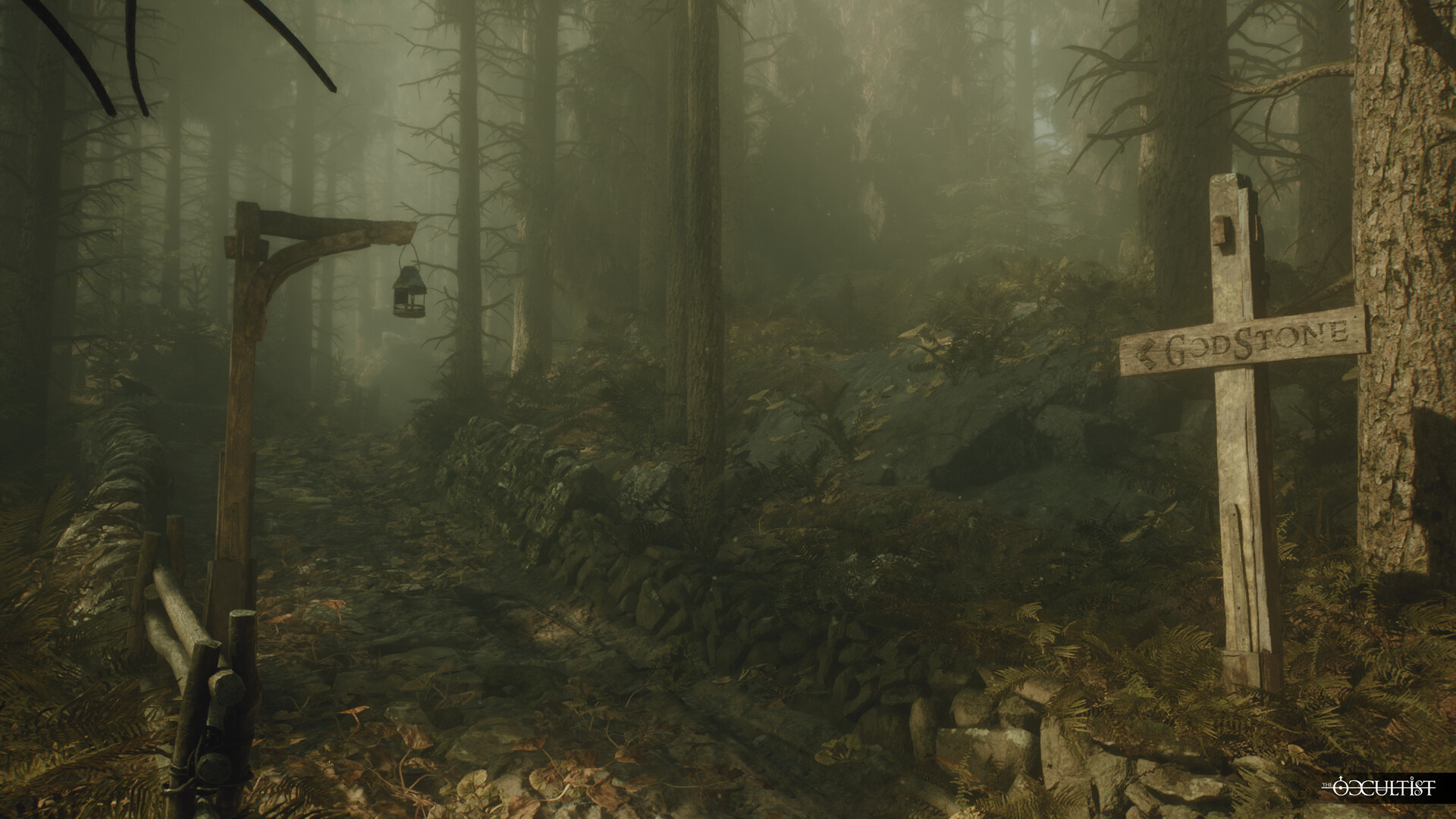
In The Occultist, paranormal investigator Alan Rebels travels to the mysterious island of Godstone to determine the cause of the sudden disappearance of his father. Even though he mentioned the island repeatedly over the decades, all that Alan really knows is that his father was born and spent his early years there.
However, Alan does not travel alone. He carries with him his mystical pendulum, an object of unknown origin that accompanied him on all his past paranormal investigations. As he explores the foggy streets and maddening buildings, apparently being the only things that remain on the mysterious island of Godstone, it becomes clear: This will be a case unlike any other.
Godstone was inhabited until 1950 by an infamous, macabre cult that performed disturbing experiments and cruel rituals. No one has ever set foot on the island since - until today. Using his paranormal talents, Alan must interact with the ominous souls that seem to remain in the foreboding streets and buildings left on Godstone; or avoid them at all cost, should they be wrathful.
Being a paranormal investigator, none of this is new to Alan Rebels. The mysterious Godstone however and his search for answers to his father’s disappearance put Alan’s skills to the test. More than any investigation before, Godstone shakes Alan’s convictions of what is possible in the world of the occult. Maybe Godstone hides a curse that can be lifted… but should it be?
© 2026 Daedalic Entertainment GmbH and Daloar. All rights reserved.
Daedalic and the Daedalic logo are trademarks of Daedalic Entertainment GmbH, Germany.


How to activate your Steam key?
1. Open your Steam client. (If you don't have a Steam Client, you can install from here https://store.steampowered.com/about/)
2. Sign in to your Steam account. (If you don't have a Steam Account, you can create from here https://store.steampowered.com/join/)
3. Click “ADD A GAME” button which is at the bottom of the Steam Client.
4. Now select "Activate a product on Steam..."
5. Write or copy-paste your Steam key which you purchased from Gamesforpc.
6. Now your game is in your library.
7. Find your game in your library, select and click install to start your download.