 Steam
| Release Date | 13.11.2017 | |
| Publisher | Microsoft | |
| PEGI Rating | + 12 | |
| Genres | Simulation |
39.99€
Added to Cart
39.99€
Added to Wishlist
39.99€
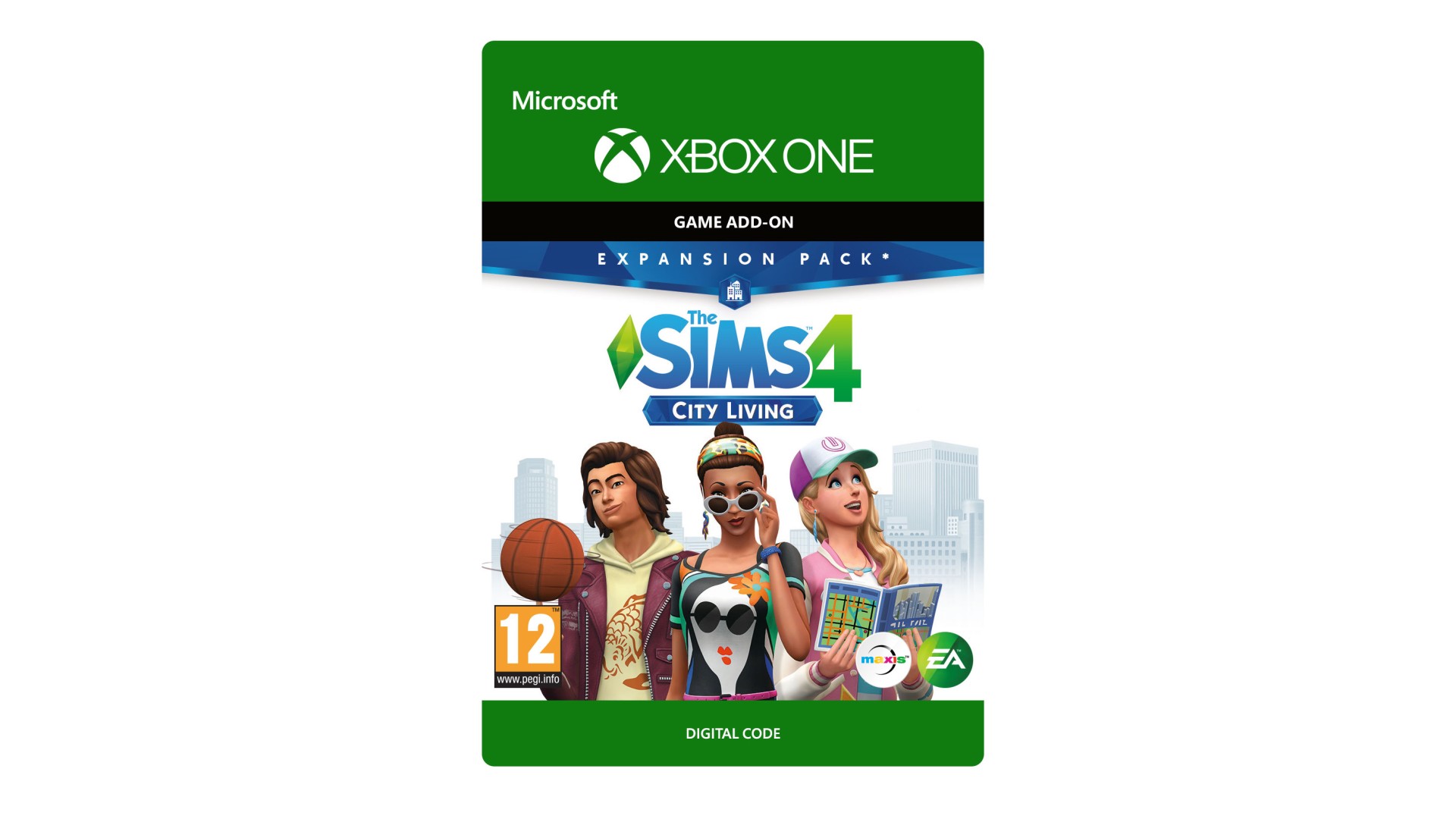
THE SIMS™ 4 CITY LIVING*
Take your Sims to the city and explore everything it has to offer, from bustling action outside to unique situations that come only with apartment living. Fulfill your Sims’ dreams in the diverse city of San Myshuno, and discover new neighborhoods and festivals. Experience the charm and challenges that come with your Sims’ first apartment, then work your way up the penthouse of your Sims’ dreams.
*REQUIRES THE SIMS 4 GAME (SOLD SEPARATELY) AND ALL GAME UPDATES TO PLAY.
Electronic Arts Inc. 209 Redwood Shores Parkway, Redwood City, CA 94065.The Sims 4 materials © 2017 Electronic Arts Inc. EA, the EA logo, Maxis, the Maxis logo, The Sims and The Sims plumbob design are trademarks of Electronic Arts Inc.


How to activate your Steam key?
1. Open your Steam client. (If you don't have a Steam Client, you can install from here https://store.steampowered.com/about/)
2. Sign in to your Steam account. (If you don't have a Steam Account, you can create from here https://store.steampowered.com/join/)
3. Click “ADD A GAME” button which is at the bottom of the Steam Client.
4. Now select "Activate a product on Steam..."
5. Write or copy-paste your Steam key which you purchased from Gamesforpc.
6. Now your game is in your library.
7. Find your game in your library, select and click install to start your download.