 Steam
| Release Date | 08.01.2018 | |
| Publisher | Microsoft | |
| PEGI Rating | + 12 | |
| Genres | Simulation |
19.99€
Added to Cart
19.99€
Added to Wishlist
19.99€
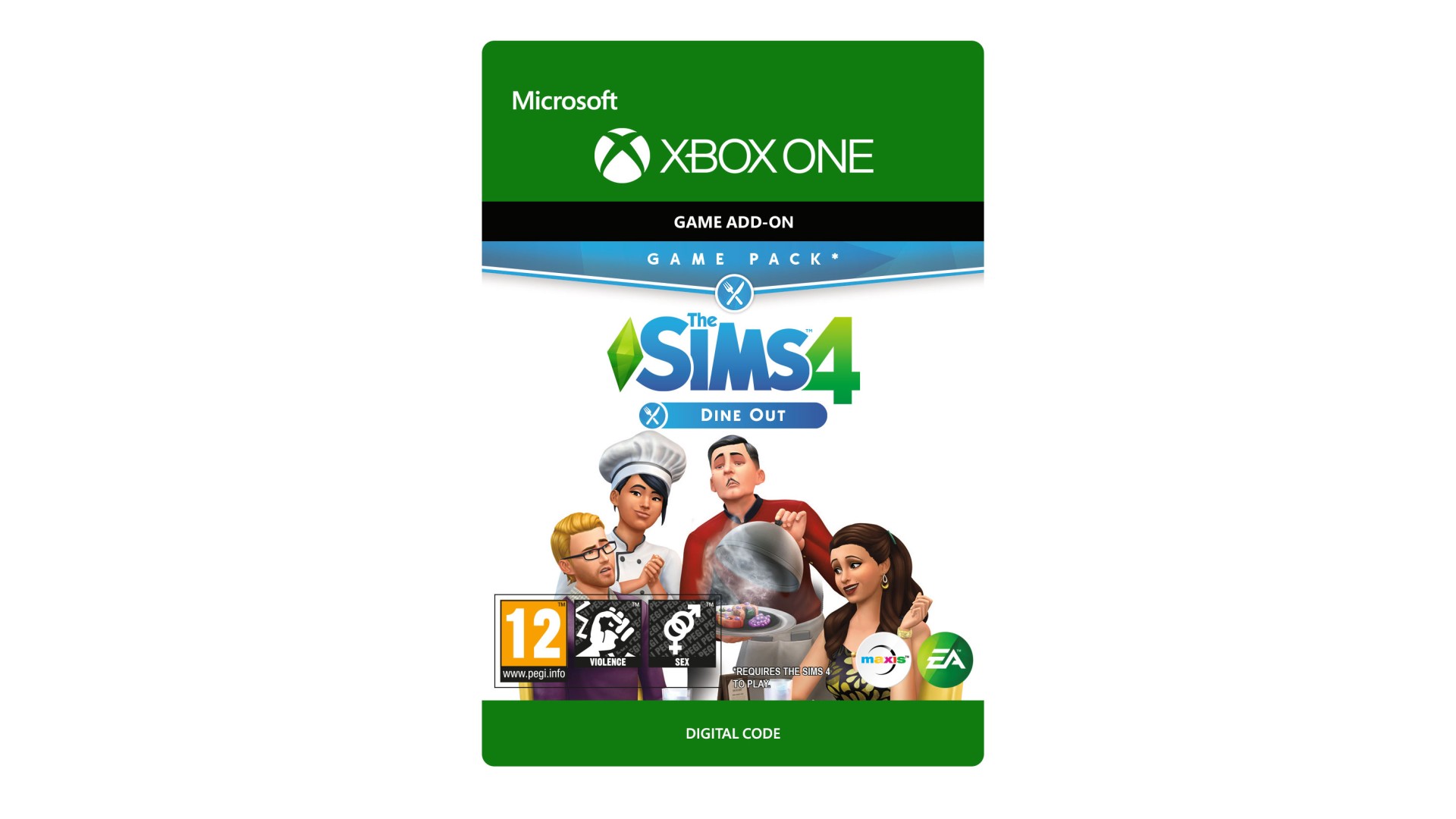
THE SIMS™ 4 DINE OUT*
Own a restaurant and take your Sims out to eat with The Sims 4 Dine Out. Create and manage a variety of restaurants, hire staff, and set the perfect menu to earn a profit and expand your business. Dine out with Sims to enjoy all-new experimental cuisine and spend quality time with friends and family.
*REQUIRES THE SIMS 4 (SOLD SEPARATELY) AND ALL GAME UPDATES TO PLAY.
The Sims 4 materials © 2017 Electronic Arts Inc. EA, the EA logo, Maxis, the Maxis logo, The Sims and The Sims plumbob design are trademarks of Electronic Arts Inc.


How to activate your Steam key?
1. Open your Steam client. (If you don't have a Steam Client, you can install from here https://store.steampowered.com/about/)
2. Sign in to your Steam account. (If you don't have a Steam Account, you can create from here https://store.steampowered.com/join/)
3. Click “ADD A GAME” button which is at the bottom of the Steam Client.
4. Now select "Activate a product on Steam..."
5. Write or copy-paste your Steam key which you purchased from Gamesforpc.
6. Now your game is in your library.
7. Find your game in your library, select and click install to start your download.