 Steam
| Release Date | 03.12.2018 | |
| Publisher | Microsoft | |
| PEGI Rating | + 12 | |
| Genres | Simulation |
19.99€
Added to Cart
19.99€
Added to Wishlist
19.99€
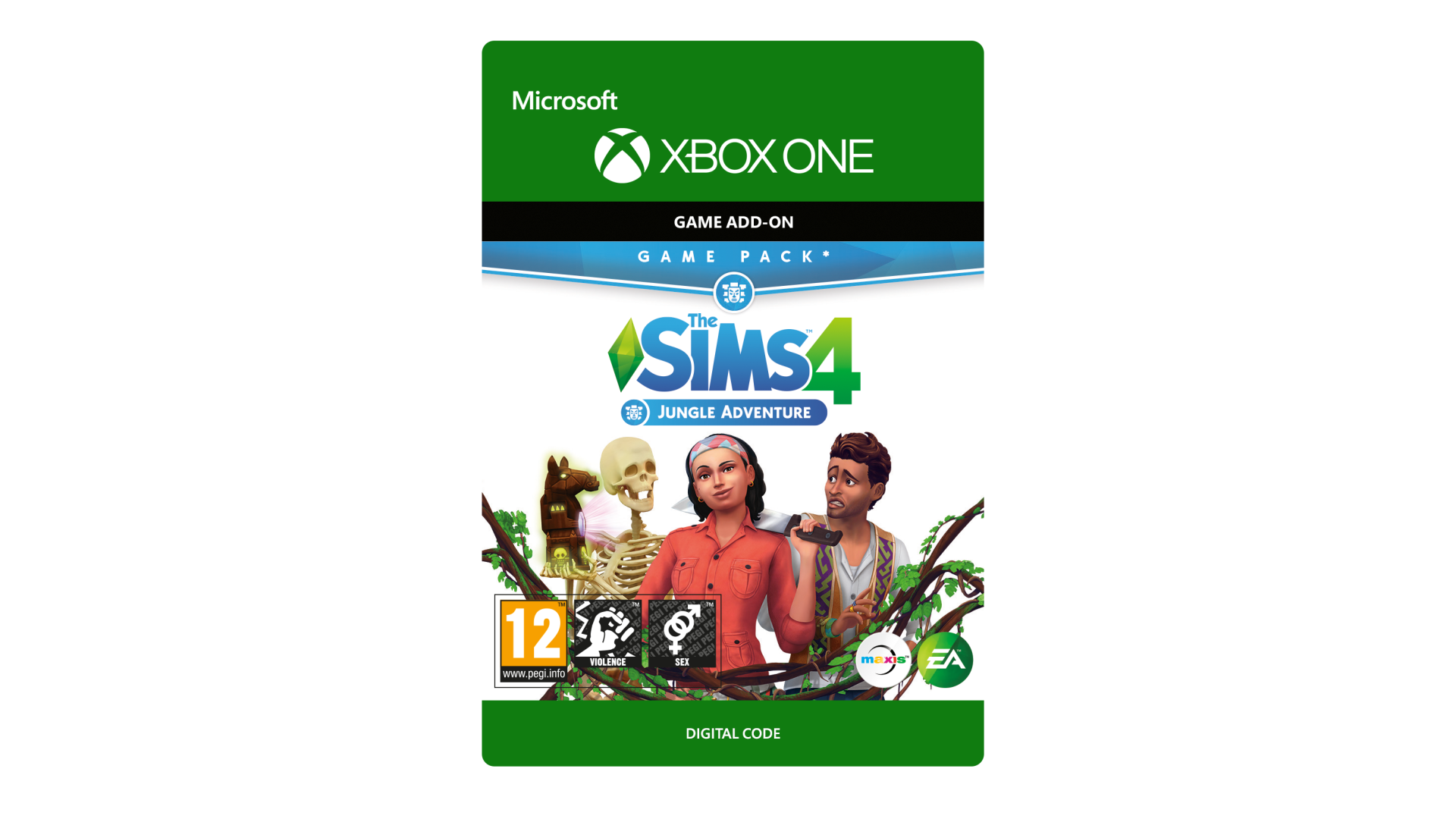
THE SIMS™ 4 JUNGLE ADVENTURE*
TAKE YOUR SIMS ON A MYSTERIOUS ADVENTURE INTO THE WILD AND DISCOVER A NEW CULTURE.
Venture to Selvadorada – Travel to Selvadorada a new destination where your Sims can befriend locals at the cantina or purchase essential survival gear. Your Sims can try traditional foods, dance to new music, practice native customs and shop for authentic décor!
Explore the Jungle – Sims gear up in hiking attire and prepare for danger as they trek deep into the jungle, revealing hidden pools, ancient artifact sites and ruins. Beware of natural dangers and obstacles, from deadly bees to poisonous spiders that will surely keep your Sims on their toes!
Discover a Hidden Temple – Your Sims will be pleasantly surprised with what they’ll find when they stumble upon a unique temple. Venture deep inside the mysterious rooms where Sims may find priceless relics, great treasures or doom!
*REQUIRES THE SIMS 4 GAME (SOLD SEPARATELY) AND ALL GAME UPDATES TO PLAY.
The Sims 4 materials © 2018 Electronic Arts Inc. EA, the EA logo, Maxis, the Maxis logo, The Sims and The Sims plumbob design are trademarks of Electronic Arts Inc.


How to activate your Steam key?
1. Open your Steam client. (If you don't have a Steam Client, you can install from here https://store.steampowered.com/about/)
2. Sign in to your Steam account. (If you don't have a Steam Account, you can create from here https://store.steampowered.com/join/)
3. Click “ADD A GAME” button which is at the bottom of the Steam Client.
4. Now select "Activate a product on Steam..."
5. Write or copy-paste your Steam key which you purchased from Gamesforpc.
6. Now your game is in your library.
7. Find your game in your library, select and click install to start your download.