 Steam
| Release Date | 18.06.2018 | |
| Publisher | Microsoft | |
| PEGI Rating | + 12 | |
| Genres | Simulation |
9.99€
Added to Cart
9.99€
Added to Wishlist
9.99€
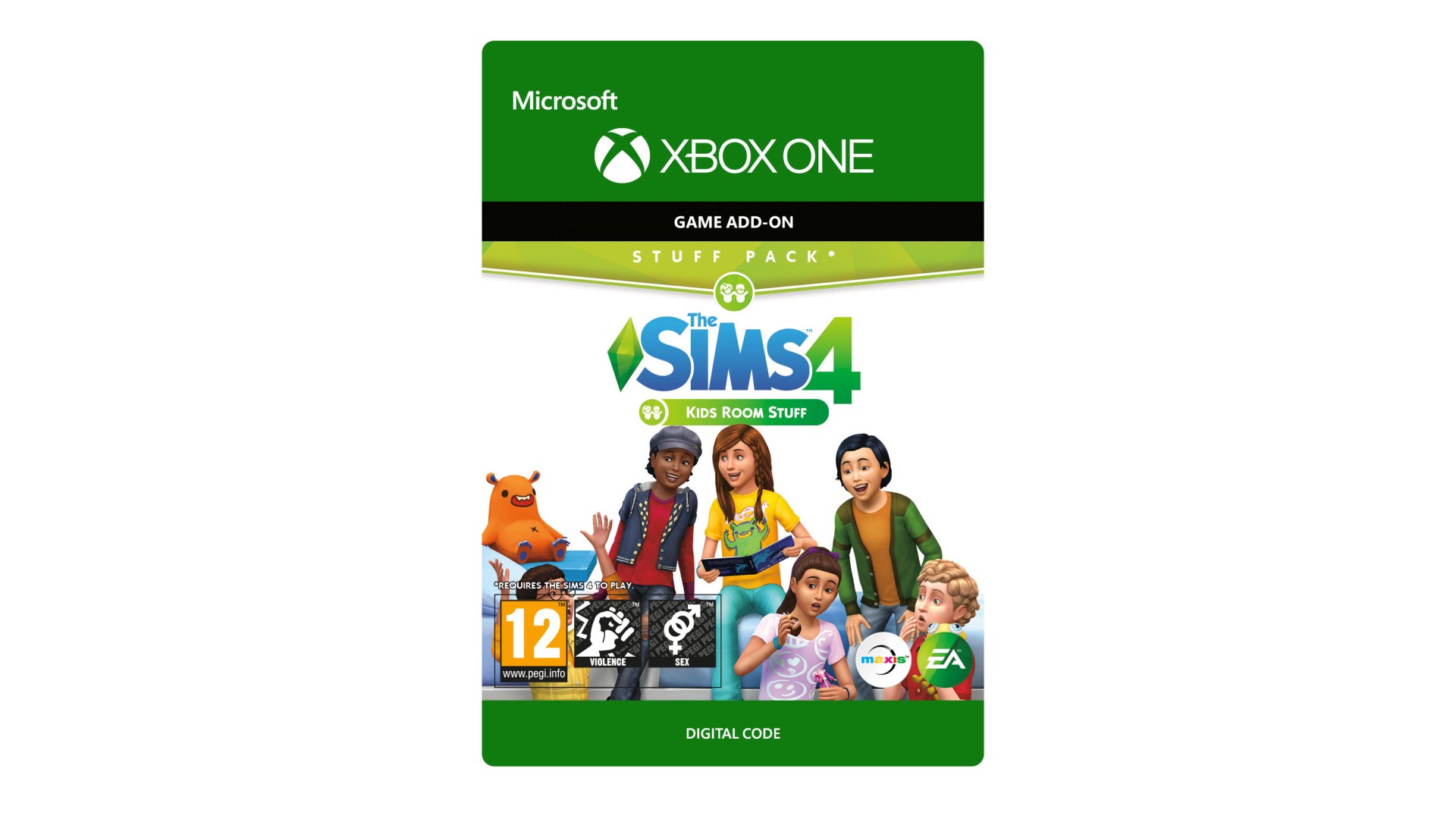
THE SIMS™ 4 KIDS ROOM STUFF*
Design and personalise kids’ bedrooms that spark the imagination of your Sims with The Sims™ 4 Kids Room Stuff.
Collect and trade monster cards, then bring them to life in the electronic battle station. Put on a puppet show to tell stories and entertain family and friends. Outfit your Sims in kids clothing that expresses their individual style.
*REQUIRES THE SIMS 4 GAME (SOLD SEPARATELY) AND ALL GAME UPDATES TO PLAY.
EA Swiss Sàrl, Place du Molard 8, 1204 Geneva, Switzerland.
The Sims 4 materials © 2018 Electronic Arts Inc. EA, the EA logo, Maxis, the Maxis logo, The Sims and The Sims plumbob design are trademarks of Electronic Arts Inc.


How to activate your Steam key?
1. Open your Steam client. (If you don't have a Steam Client, you can install from here https://store.steampowered.com/about/)
2. Sign in to your Steam account. (If you don't have a Steam Account, you can create from here https://store.steampowered.com/join/)
3. Click “ADD A GAME” button which is at the bottom of the Steam Client.
4. Now select "Activate a product on Steam..."
5. Write or copy-paste your Steam key which you purchased from Gamesforpc.
6. Now your game is in your library.
7. Find your game in your library, select and click install to start your download.