 Steam
| Release Date | 11.02.2019 | |
| Publisher | Microsoft | |
| PEGI Rating | + 12 | |
| Genres | Simulation |
9.99€
Added to Cart
9.99€
Added to Wishlist
9.99€
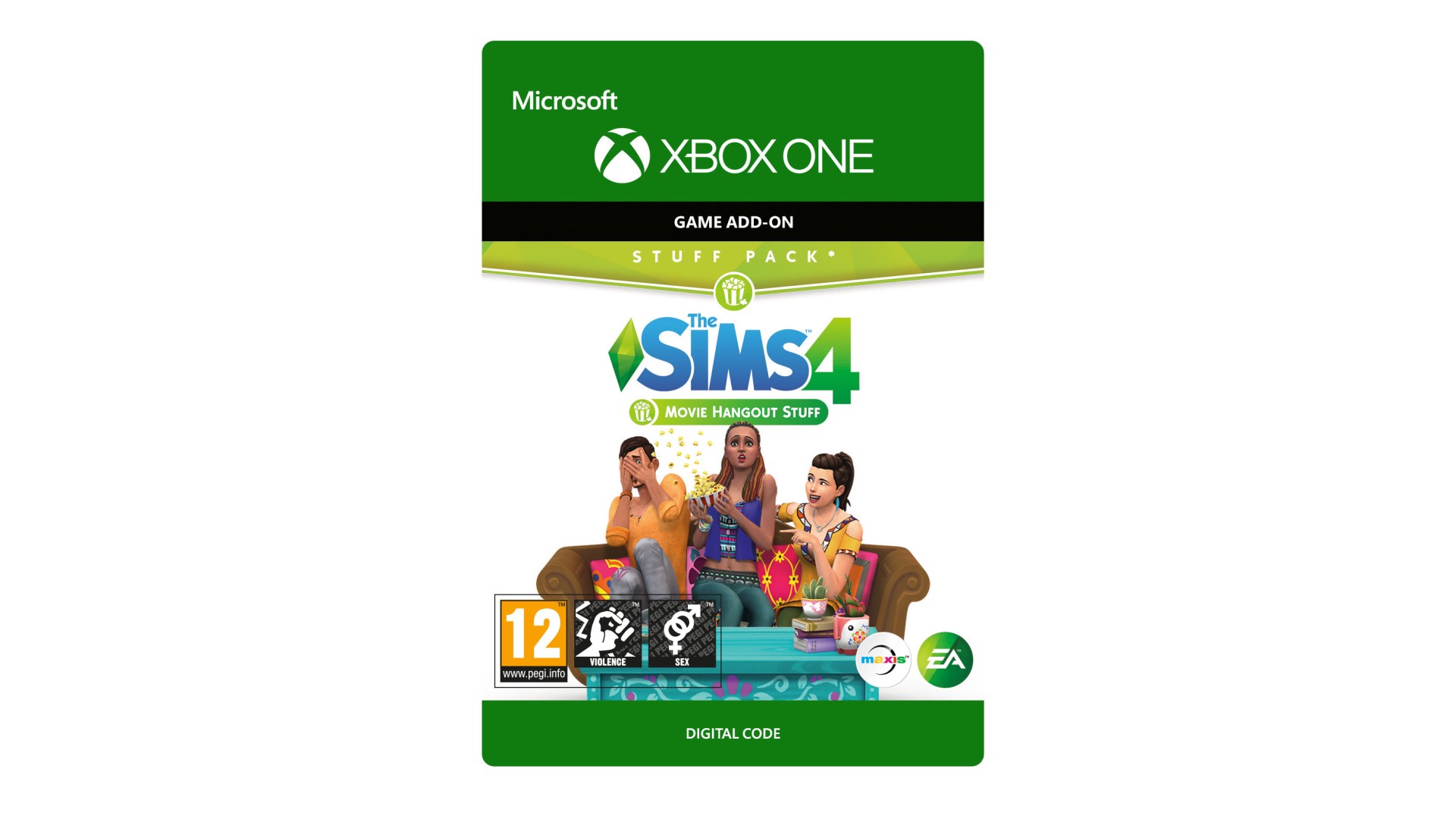
THE SIMS™ 4 MOVIE HANGOUT STUFF*
INVITE YOUR FRIENDS OVER FOR A MOVIE NIGHT AND HANGOUT IN CAREFREE STYLE WITH THE SIMS™ 4 MOVIE HANGOUT STUFF.
Gather Around the Projector Screen
Add a movie theater experience to your home and watch ten unique films from the comfort of your Sims couch or outdoors under the stars.
Get Poppin’ with the Popcorn Popper
Satisfy your Sims snack cravings with freshly popped kernels smothered in butter, cheddar, or sugary sweetness.
Set the Mood with Decorative Accents
Add a splash of color and flair to your Sims home with a collection of vivid décor and decorative lighting.
The Sims 4 materials © 2019 Electronic Arts Inc. EA, the EA logo, Maxis, the Maxis logo, The Sims and The Sims plumbob design are trademarks of Electronic Arts Inc.
*REQUIRES THE SIMS 4 GAME (SOLD SEPARATELY) AND ALL GAME UPDATES TO PLAY.


How to activate your Steam key?
1. Open your Steam client. (If you don't have a Steam Client, you can install from here https://store.steampowered.com/about/)
2. Sign in to your Steam account. (If you don't have a Steam Account, you can create from here https://store.steampowered.com/join/)
3. Click “ADD A GAME” button which is at the bottom of the Steam Client.
4. Now select "Activate a product on Steam..."
5. Write or copy-paste your Steam key which you purchased from Gamesforpc.
6. Now your game is in your library.
7. Find your game in your library, select and click install to start your download.