 Steam
| Release Date | 18.06.2018 | |
| Publisher | Microsoft | |
| PEGI Rating | + 12 | |
| Genres | Simulation |
19.99€
Added to Cart
19.99€
Added to Wishlist
19.99€
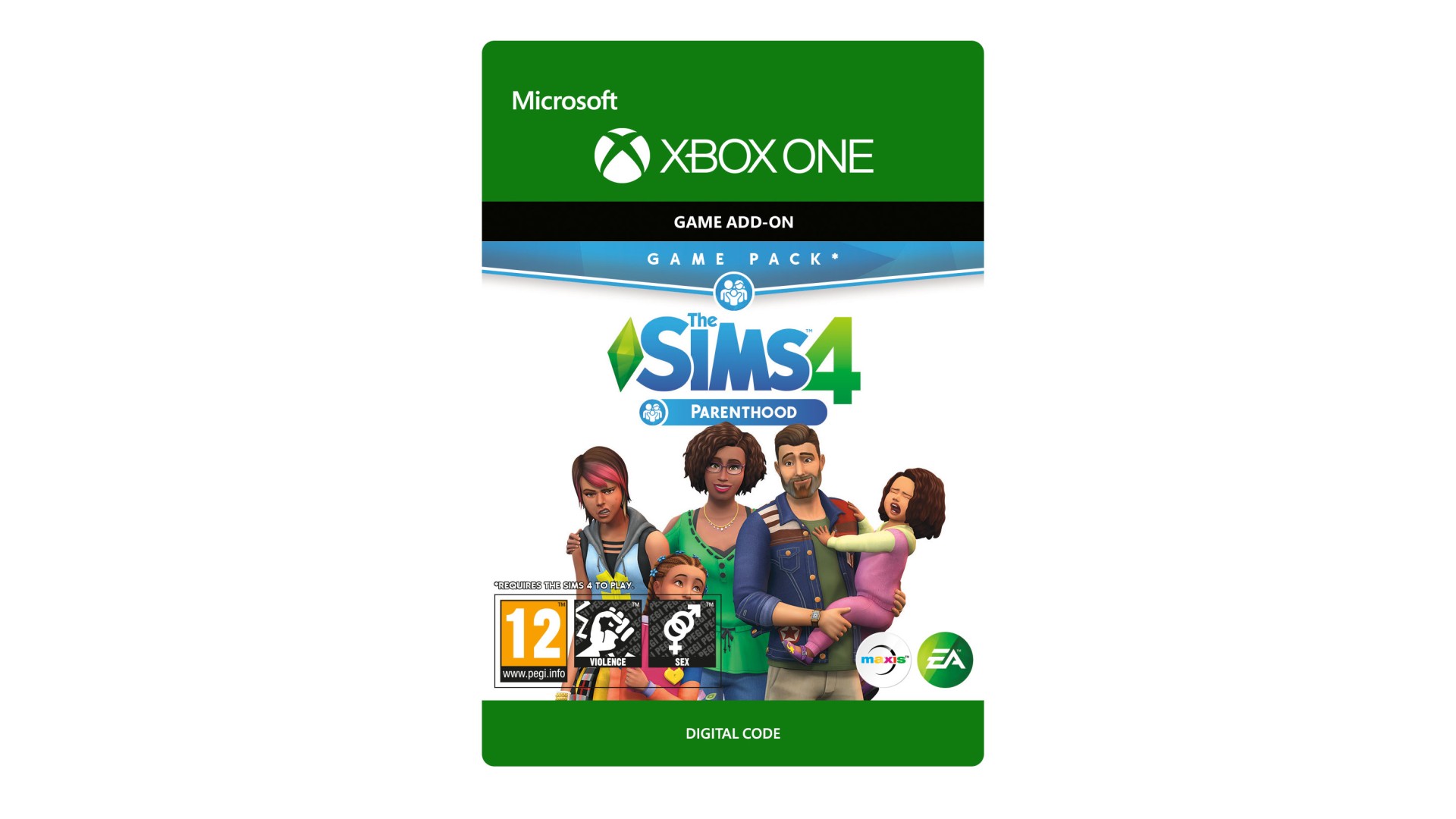
THE SIMS™ 4 PARENTHOOD*
Develop your Sim’s parenting skills to help shape their children’s lives into adulthood with The Sims 4 Parenthood.
Choose when to discipline or encourage child behaviours, teach life values, and leave a lasting impact on their future. Experience fun family activities and personalize your household with new home décor and family fashion.
*REQUIRES THE SIMS 4 GAME (SOLD SEPARATELY) AND ALL GAME UPDATES TO PLAY.
EA Swiss Sàrl, Place du Molard 8, 1204 Geneva, Switzerland.
The Sims 4 materials © 2018 Electronic Arts Inc. EA, the EA logo, Maxis, the Maxis logo, The Sims and The Sims plumbob design are trademarks of Electronic Arts Inc.


How to activate your Steam key?
1. Open your Steam client. (If you don't have a Steam Client, you can install from here https://store.steampowered.com/about/)
2. Sign in to your Steam account. (If you don't have a Steam Account, you can create from here https://store.steampowered.com/join/)
3. Click “ADD A GAME” button which is at the bottom of the Steam Client.
4. Now select "Activate a product on Steam..."
5. Write or copy-paste your Steam key which you purchased from Gamesforpc.
6. Now your game is in your library.
7. Find your game in your library, select and click install to start your download.