 Xbox Series X|S
| Release Date | 07.09.2020 | |
| Publisher | Microsoft | |
| PEGI Rating | + 12 | |
| Genres | Simulation |
19.99€
Added to Cart
19.99€
Added to Wishlist
19.99€
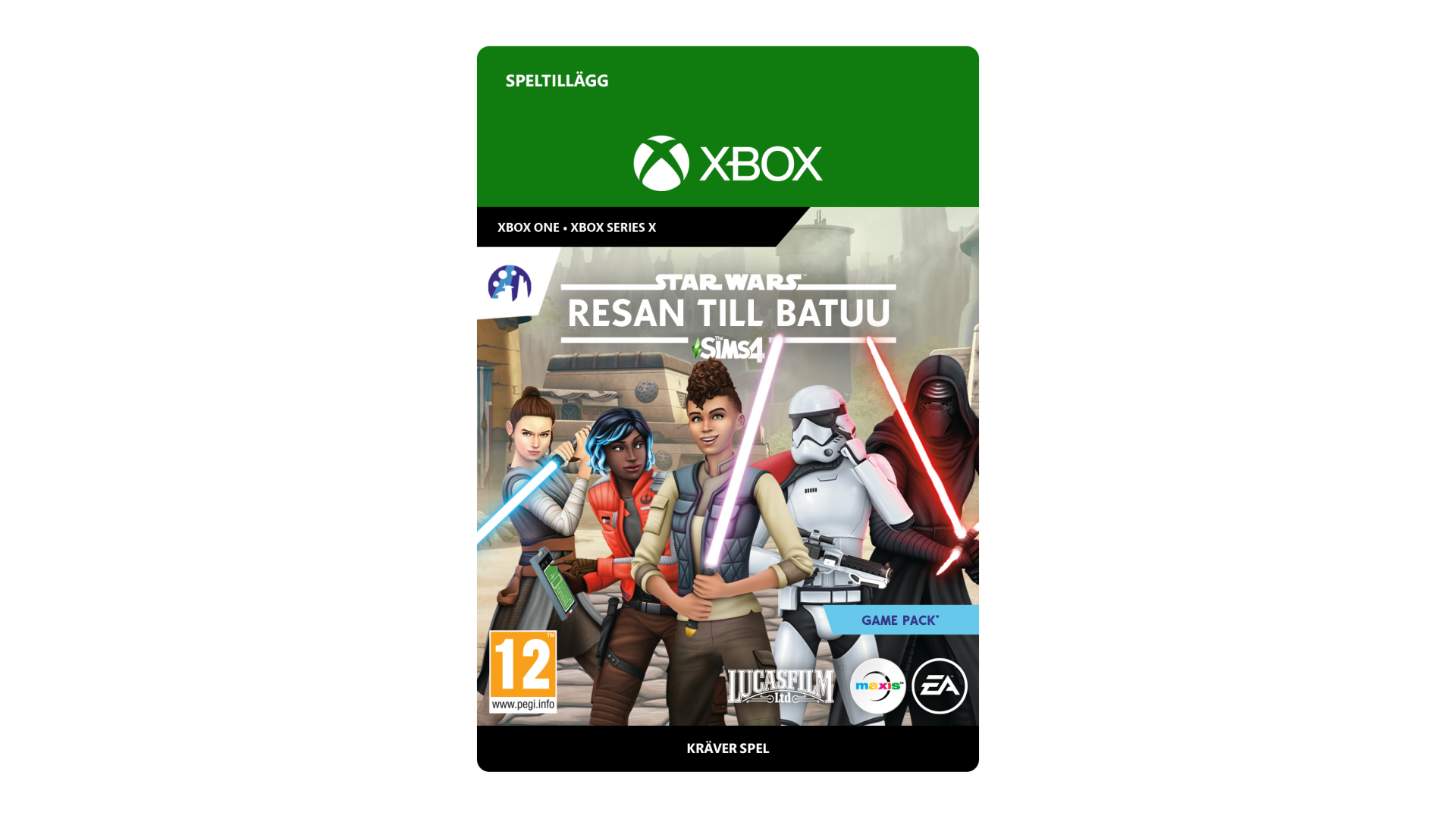
Create your Sim’s unique Star Wars™ story as you explore the remote world of Batuu in The Sims™ 4 Star Wars™: Journey to Batuu.
*REQUIRES THE SIMS 4 GAME (SOLD SEPARATELY) AND ALL GAME UPDATES TO PLAY.
The Sims 4 materials © 2020 Electronic Arts Inc. EA, the EA logo, Maxis, the Maxis logo, The Sims and The Sims plumbob design are trademarks of Electronic Arts Inc. STAR WARS © & TM 2020 Lucasfilm Ltd. All rights reserved.


How to activate your Xbox key on your console?
1. Turn on yourXbox Series X|S and sign in with the Microsoft account you want the game on.
2. Press the Xbox button on your controller and open the Store.
3. Press the View button on your controller and select "Redeem".
4. Enter the 25-character code you purchased from Gamesforpc and confirm.
5. The game is now in your library. Go to "My games & apps" and install it.
Prefer the web?
1. Go to https://www.microsoft.com/redeem and sign in with the same Microsoft account you use on your Xbox.
2. Enter your 25-character code and confirm.
3. On your Xbox, find the game in "My games & apps" > "Full library" and install it.