





 Steam
 Windows
| Release Date | 16.11.2026 |
| Publisher | Caketown Interactive |
| Operating Systems | Windows |
| Genres | Strategy |
9.99€
6.99€
Added to Cart
9.99€
6.99€
Added to Wishlist
9.99€
6.99€

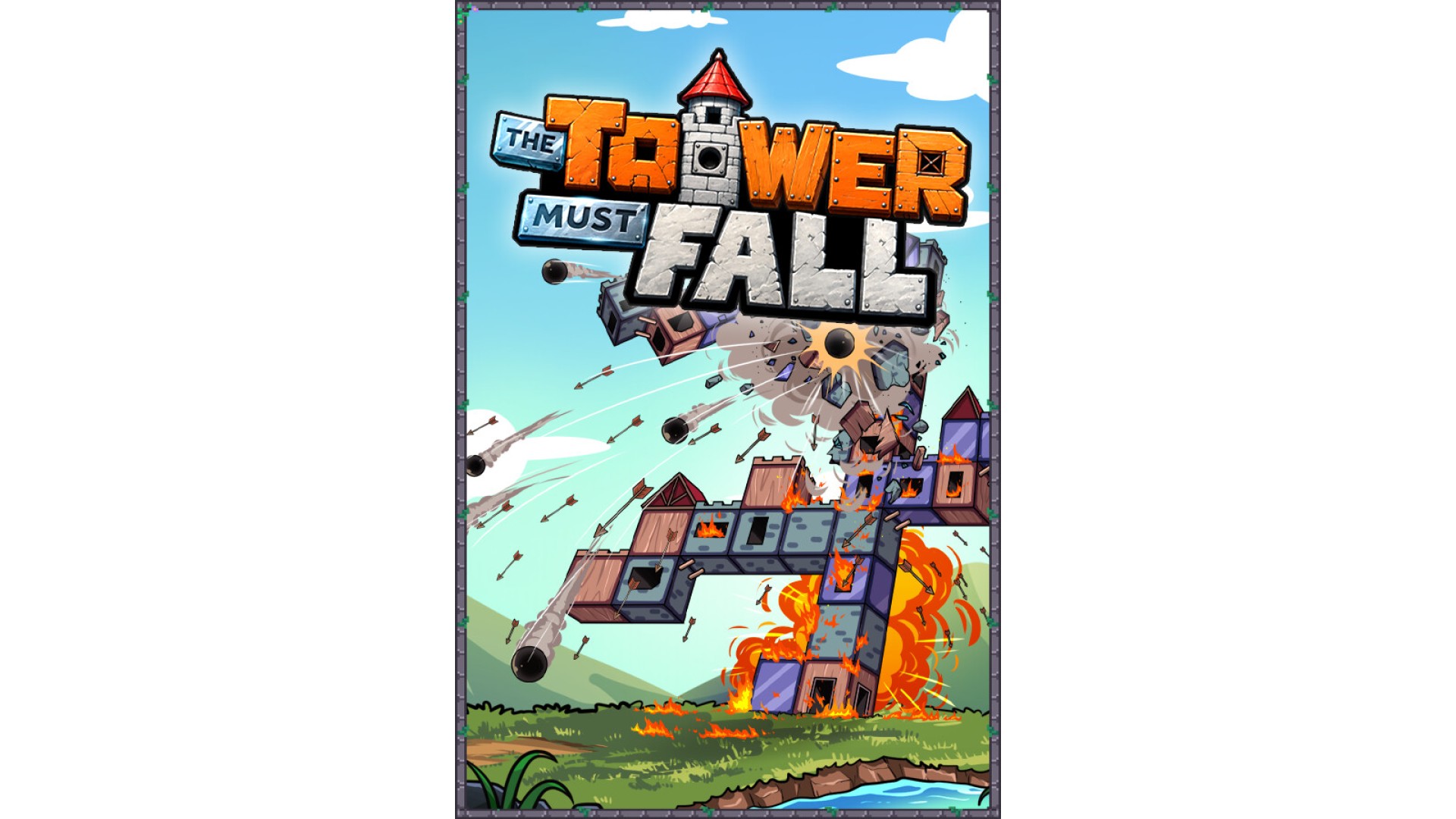
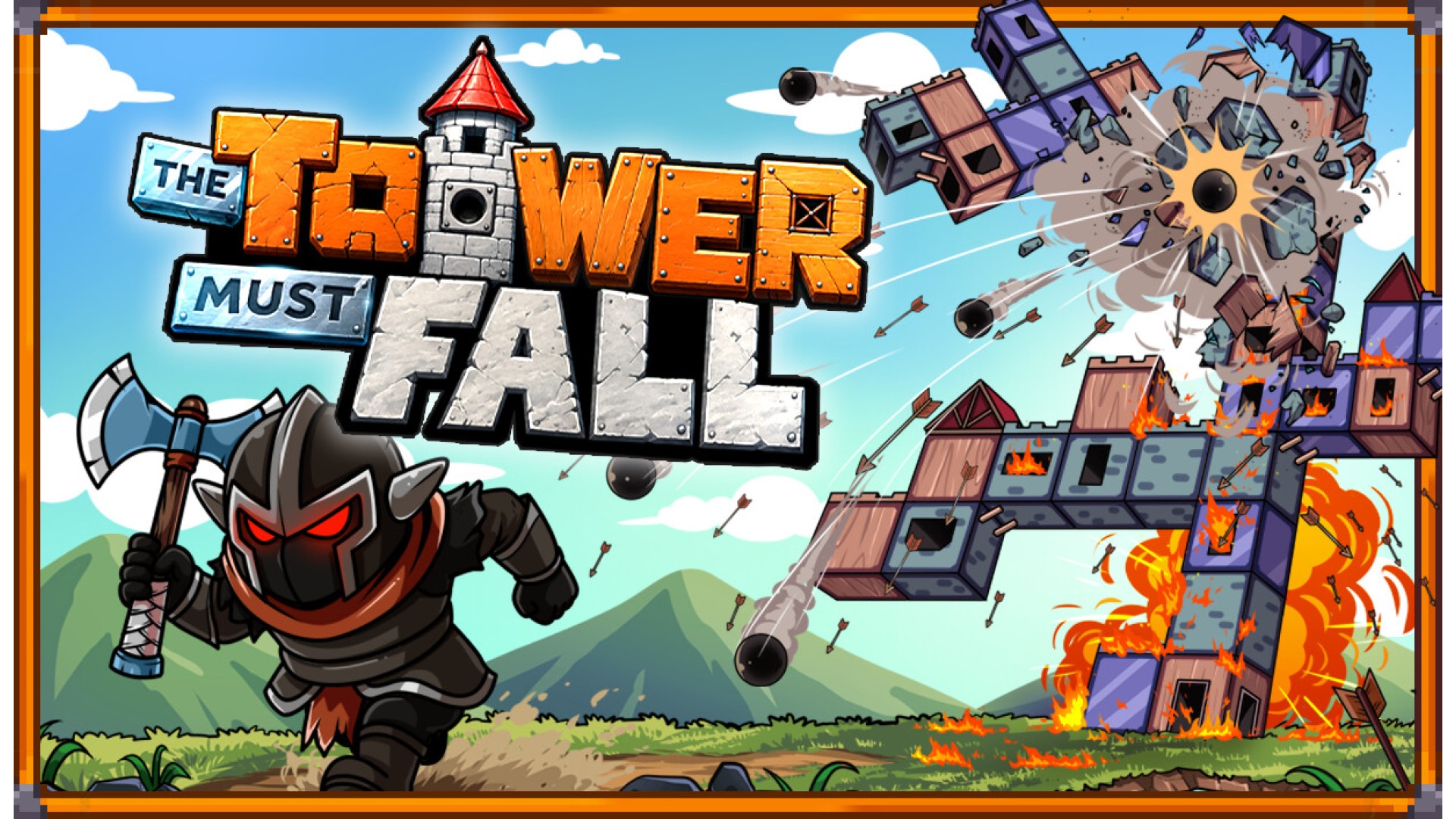
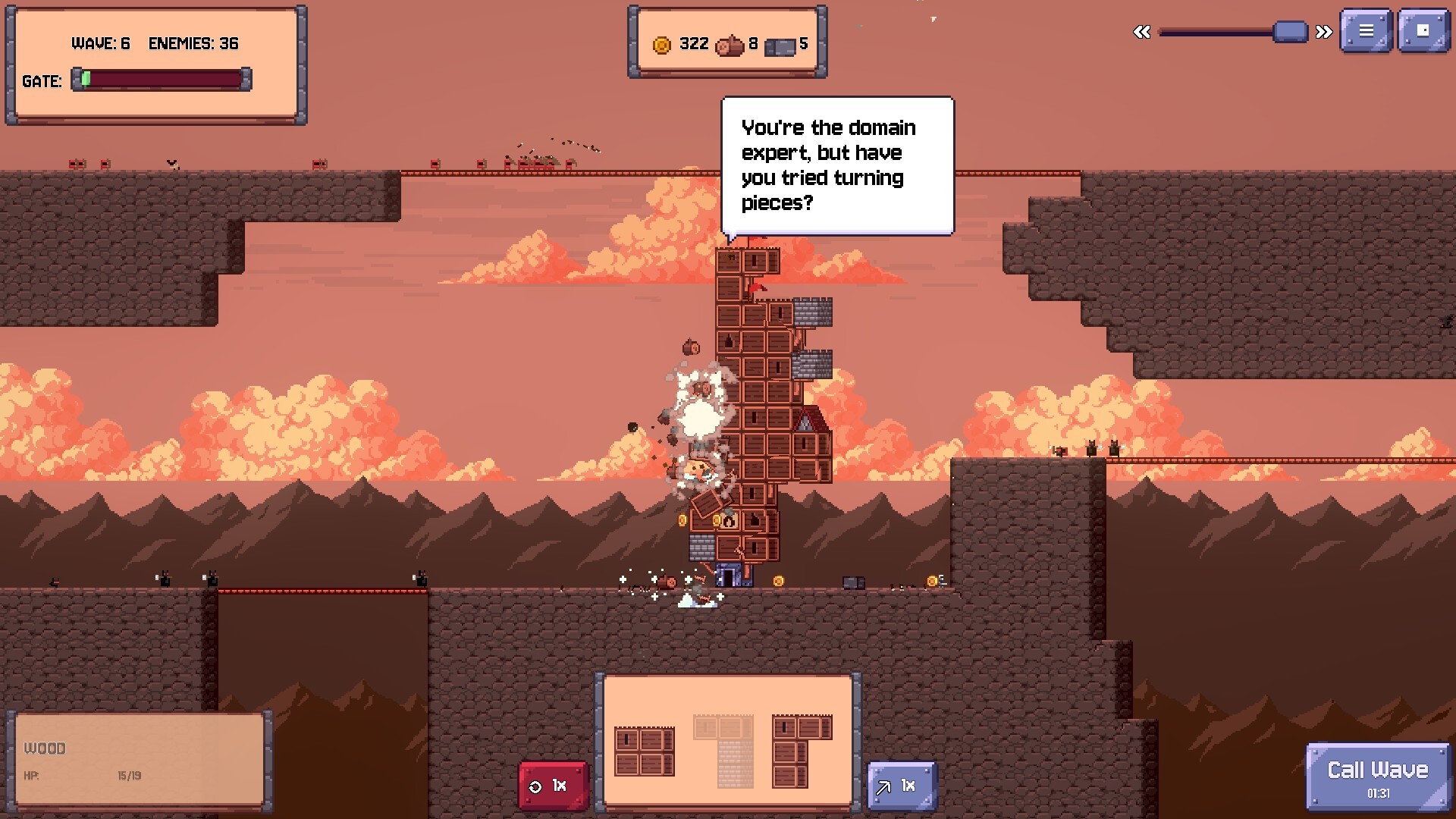
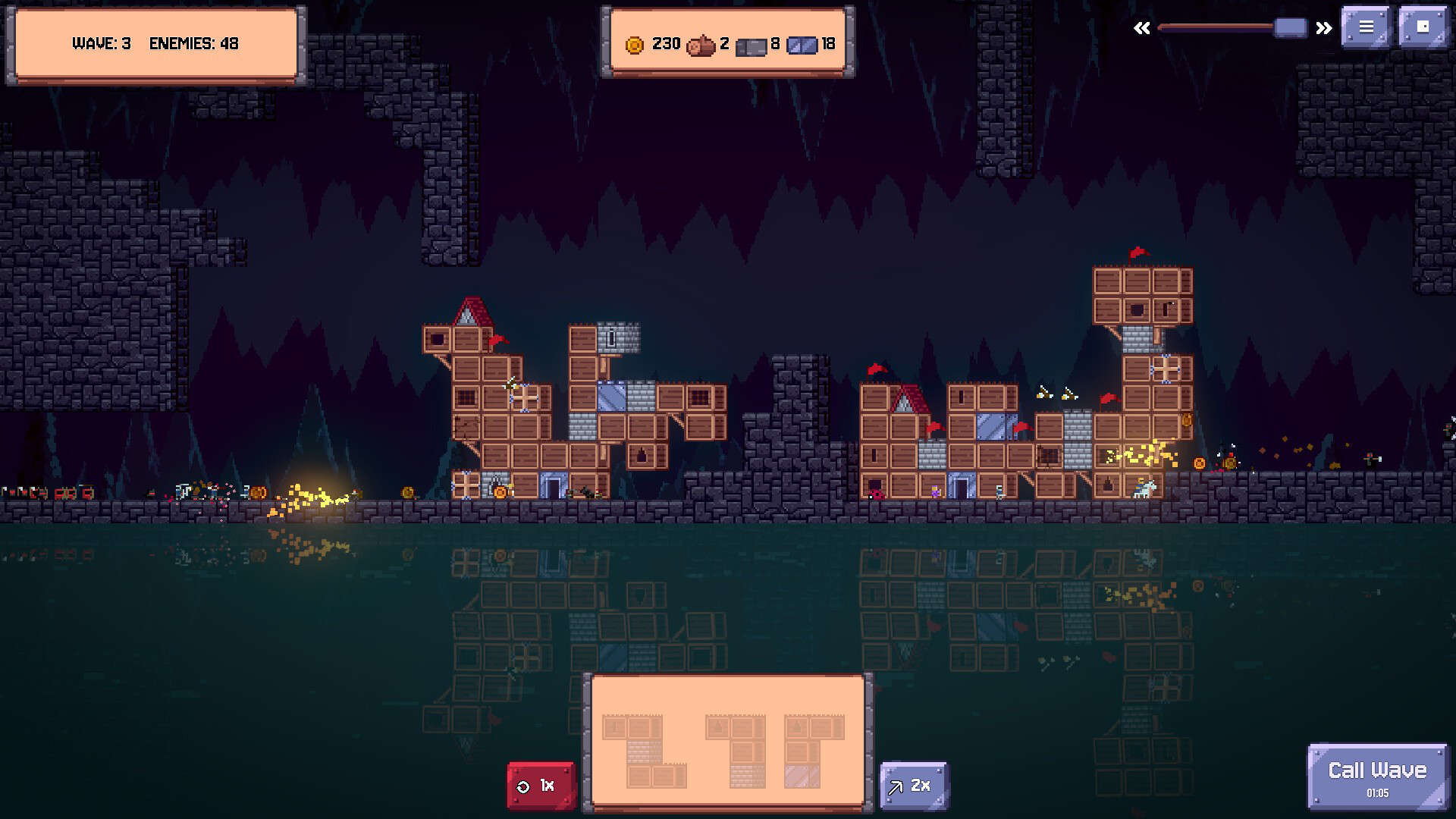
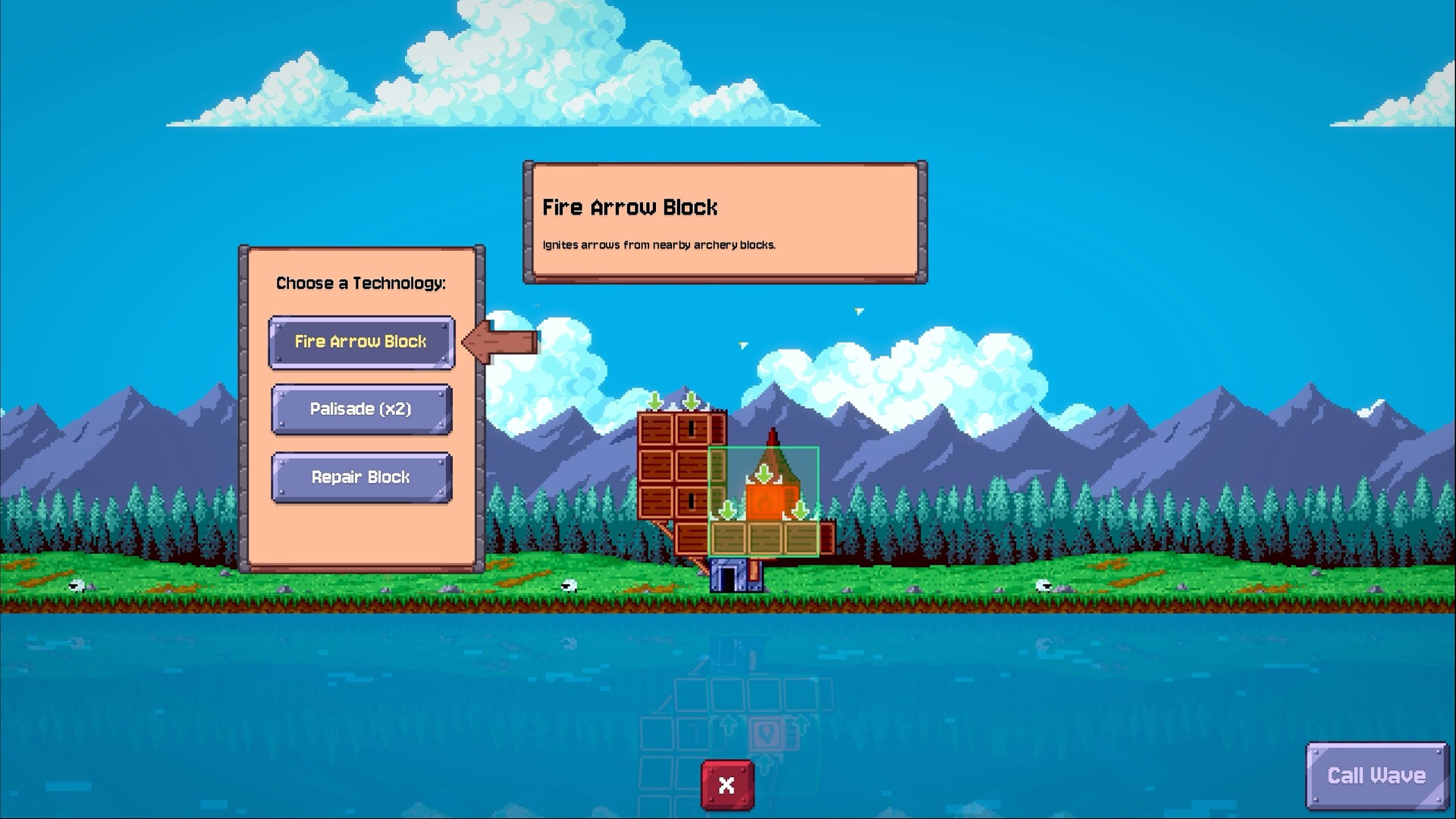
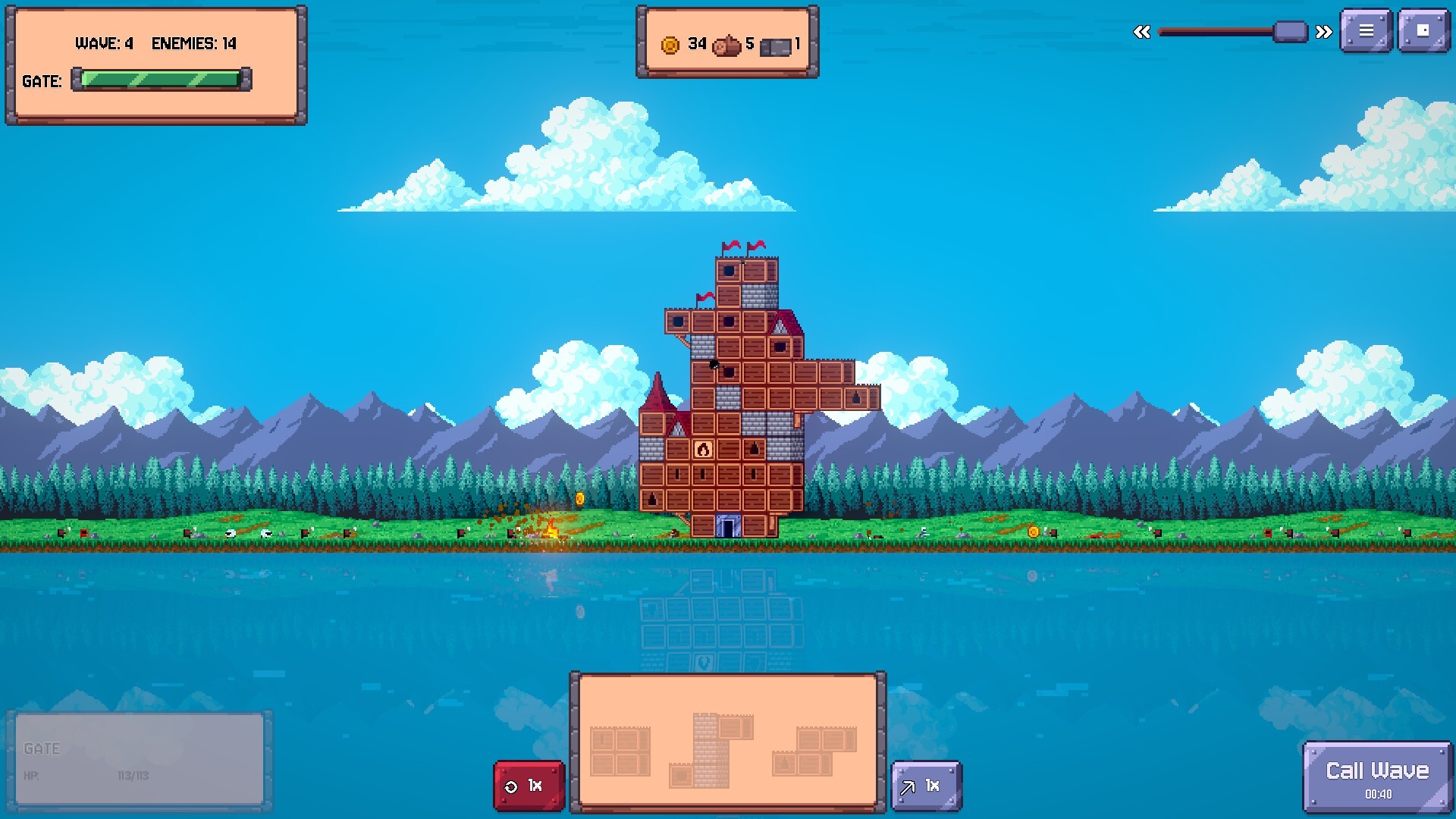
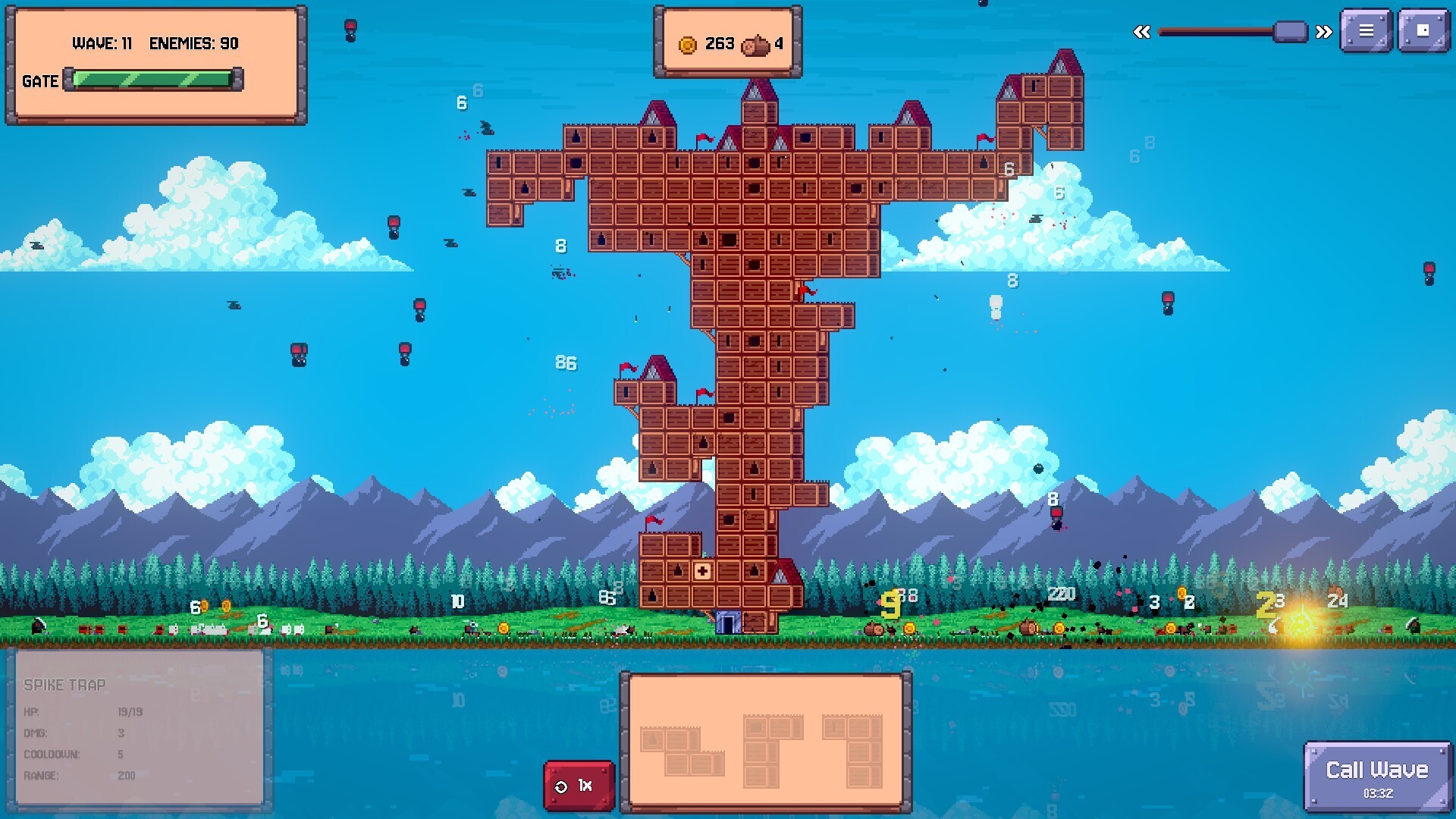
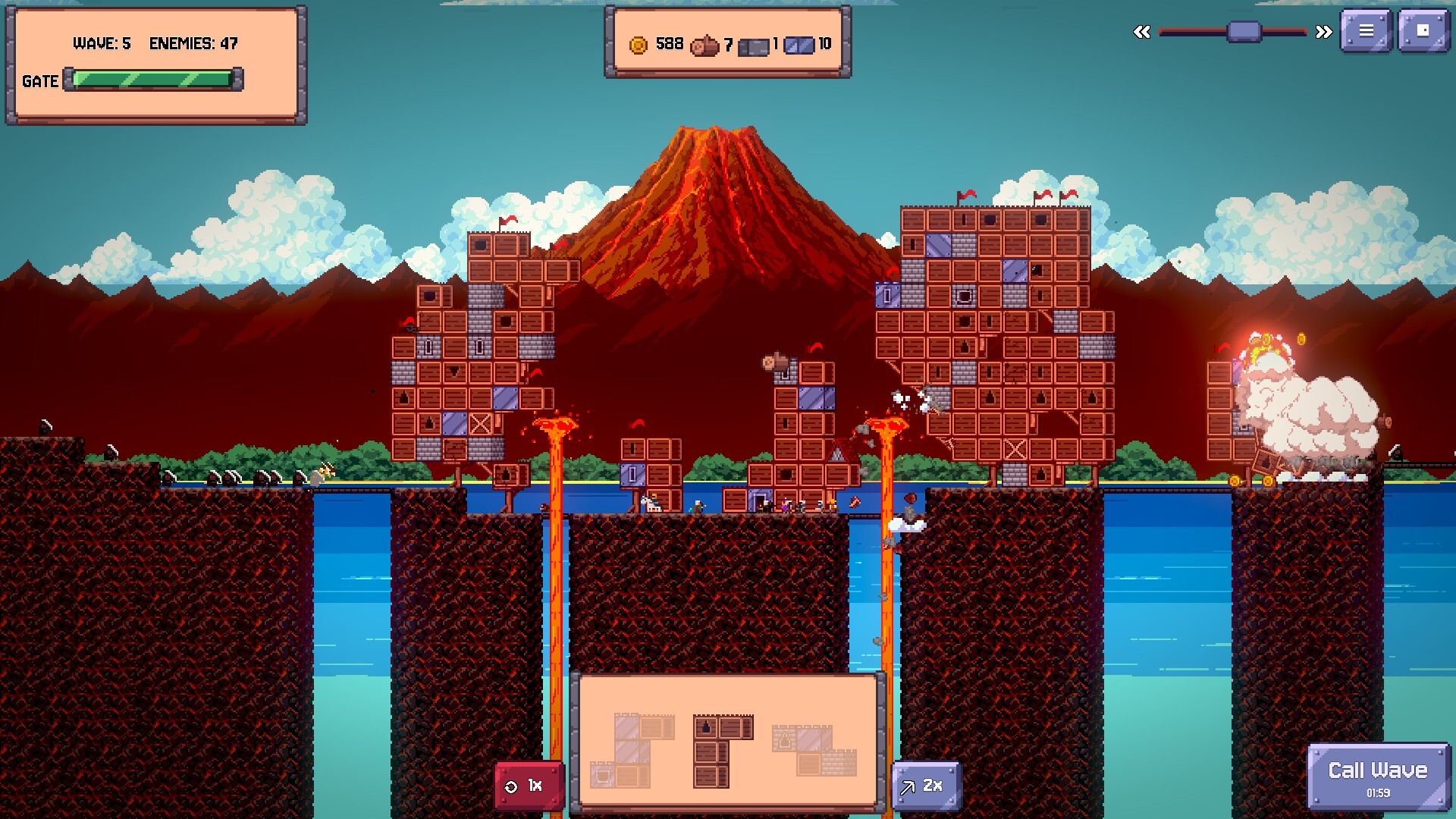
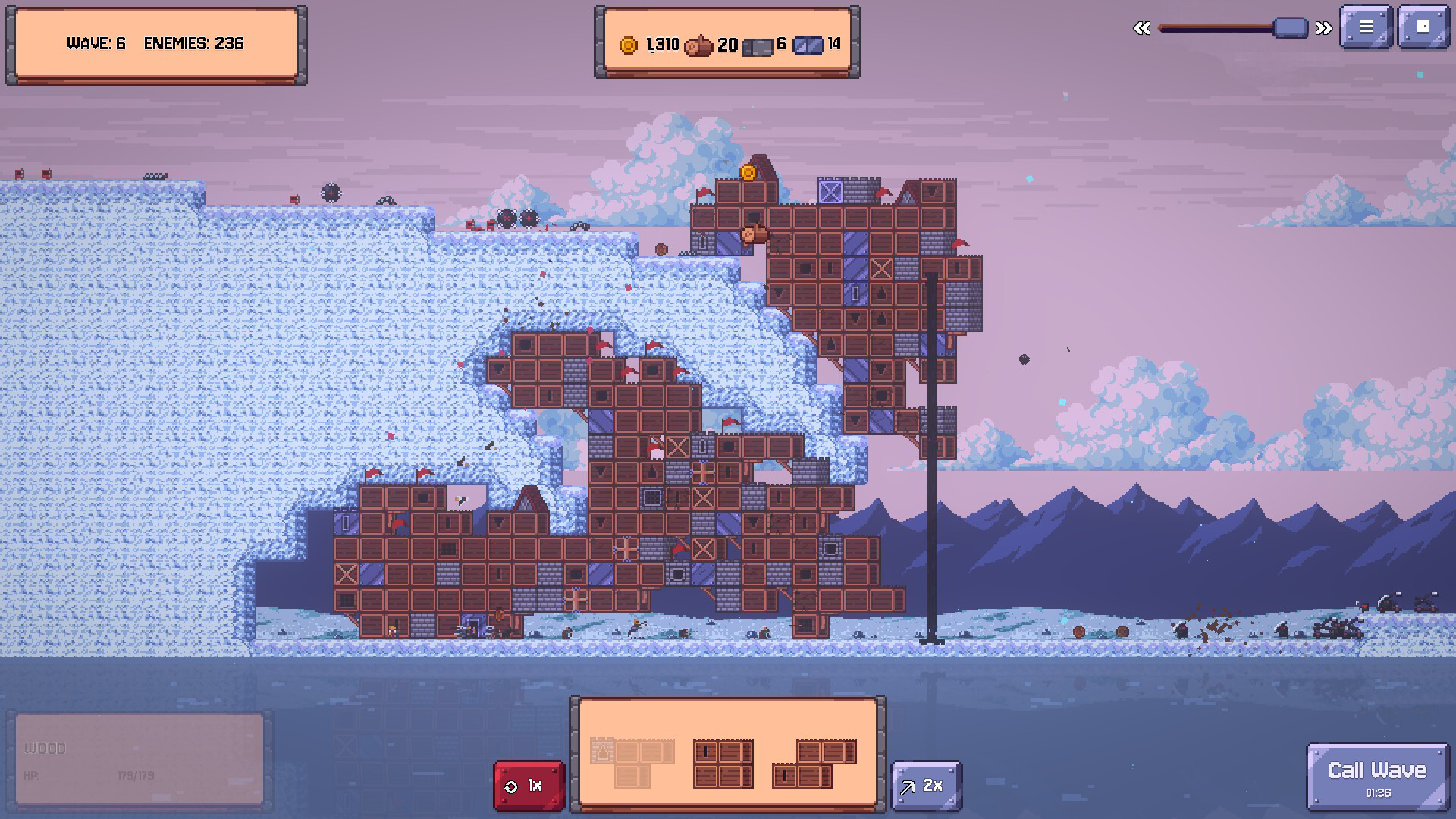
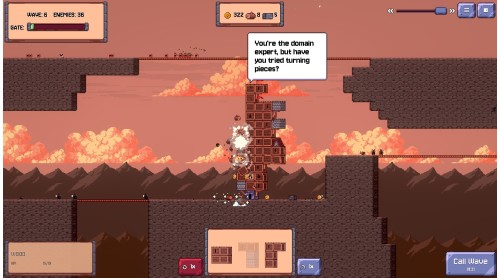
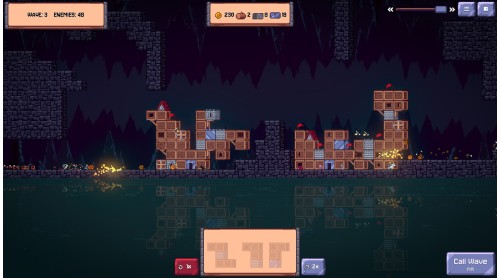
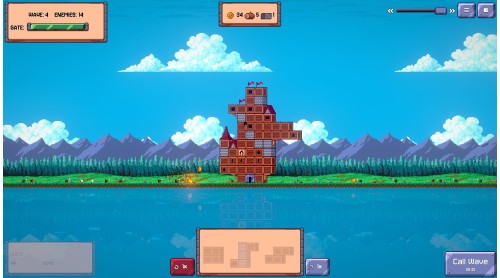
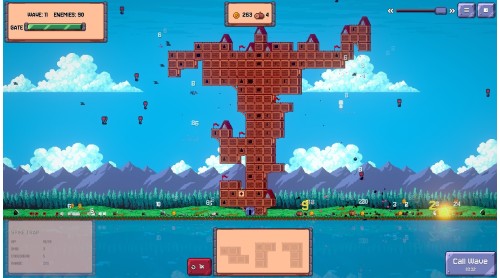
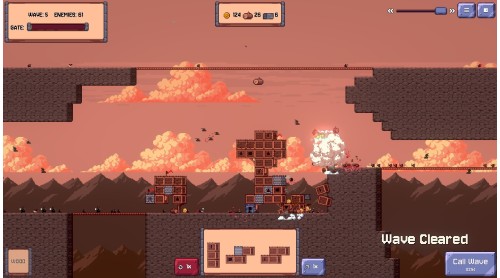
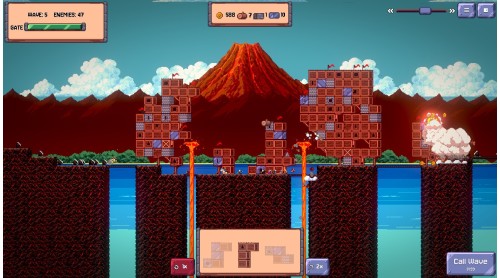
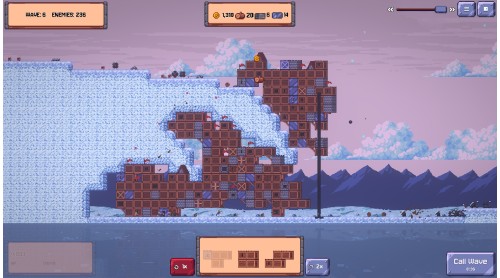
Stack modular tower pieces to create strange and unstable defences. Every run produces a different tower, each with its own strengths and weaknesses. Sometimes, designs that shouldn't work... somehow do.

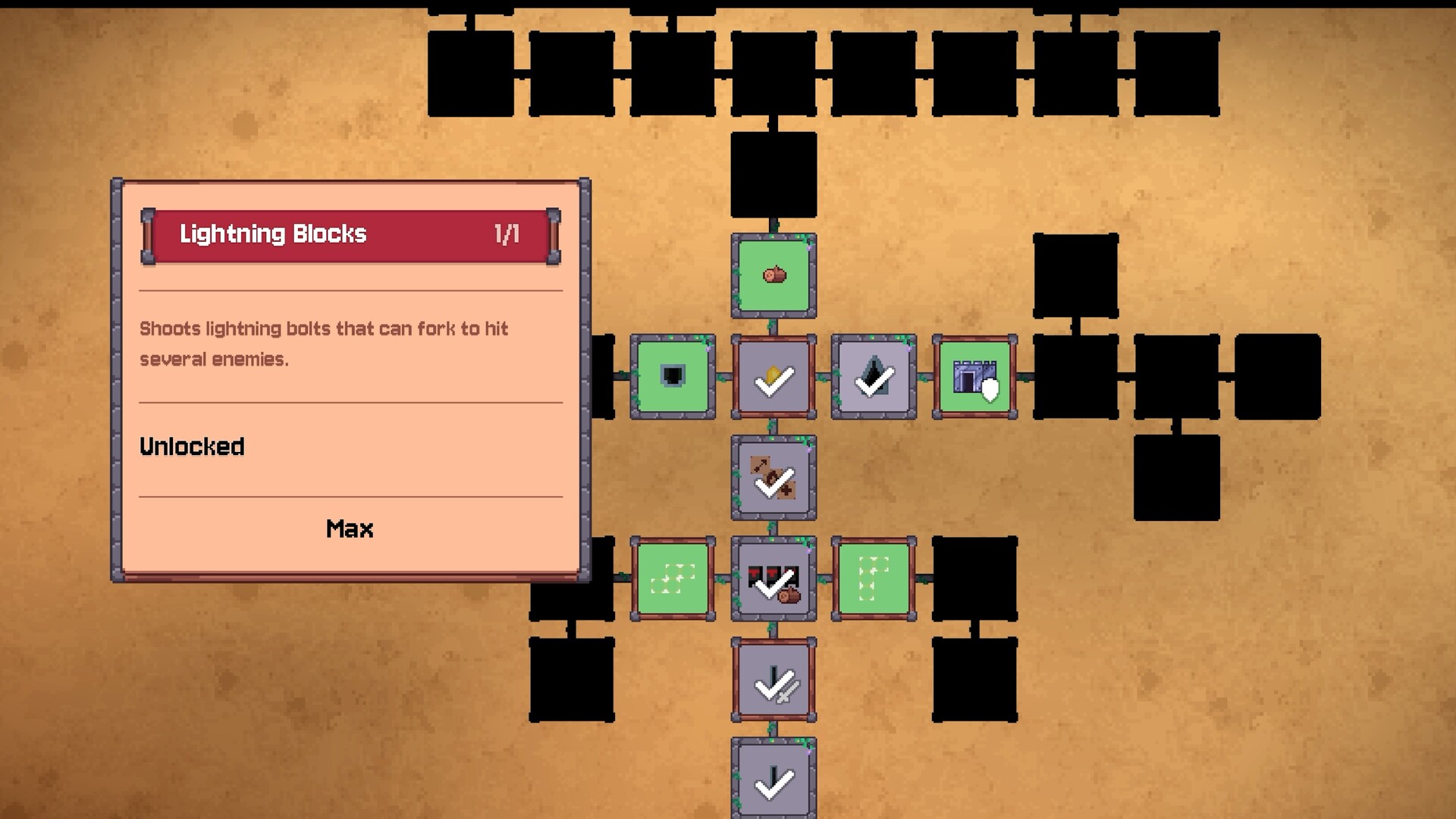
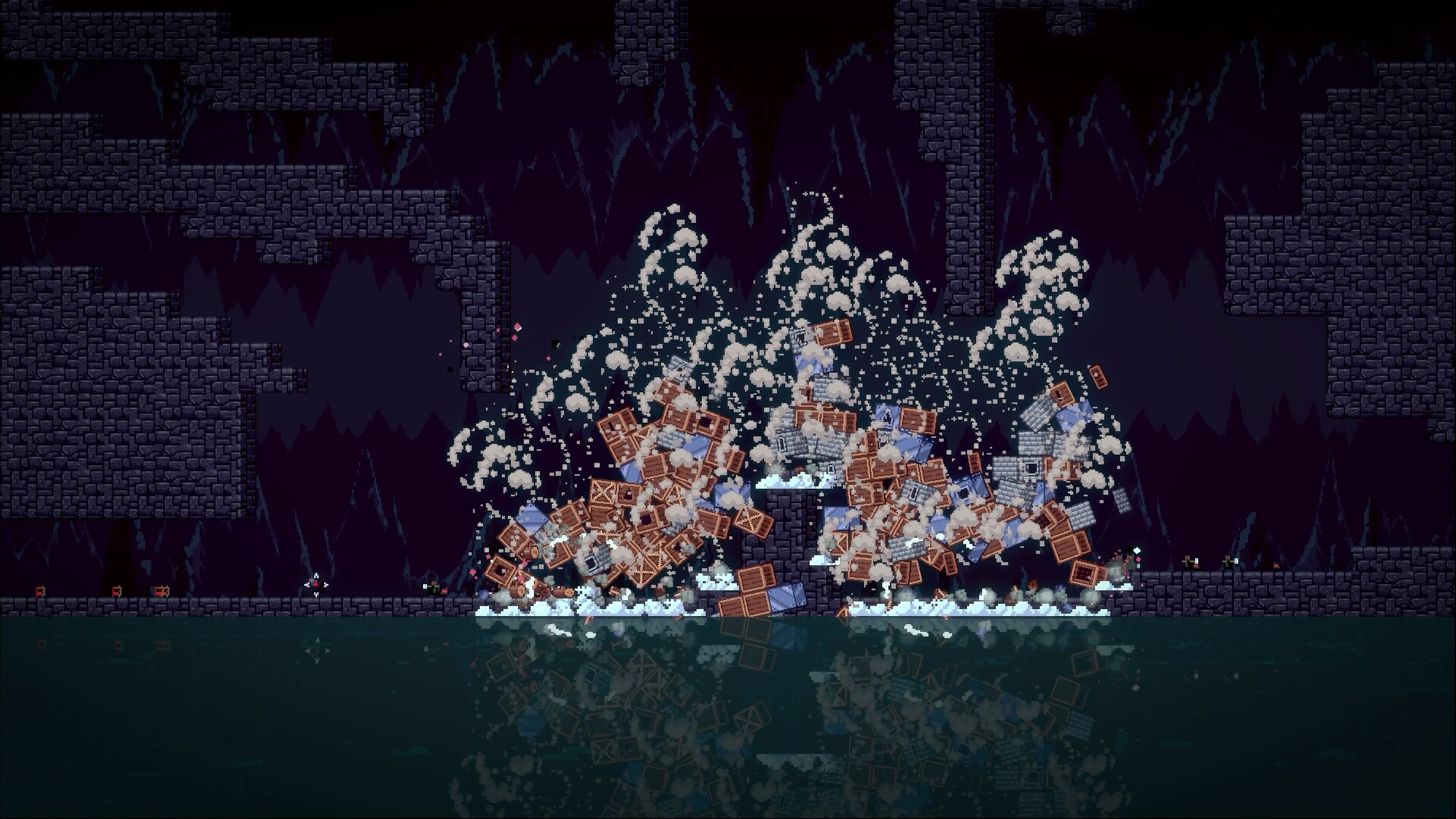
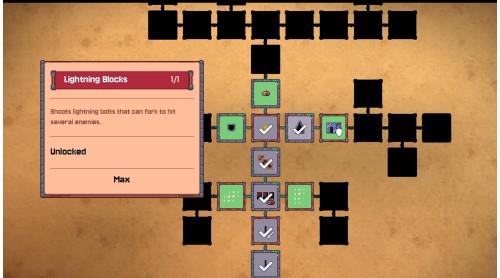
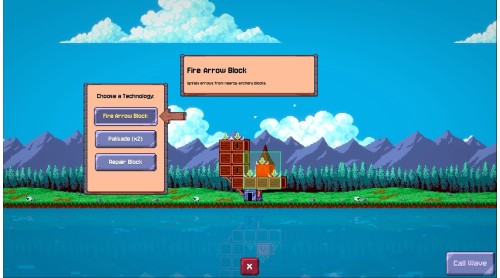
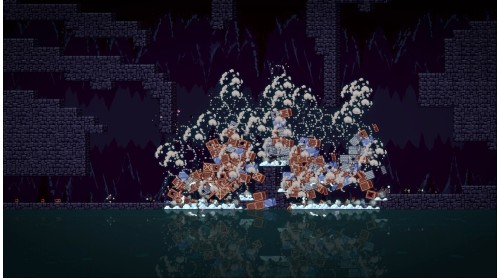
The enemy won't let up, throwing wave after wave at you. The tower will fall, but as it crumbles you'll be able to unlock dozens of new materials, weapons, resource upgrades and perks for your next attempt.

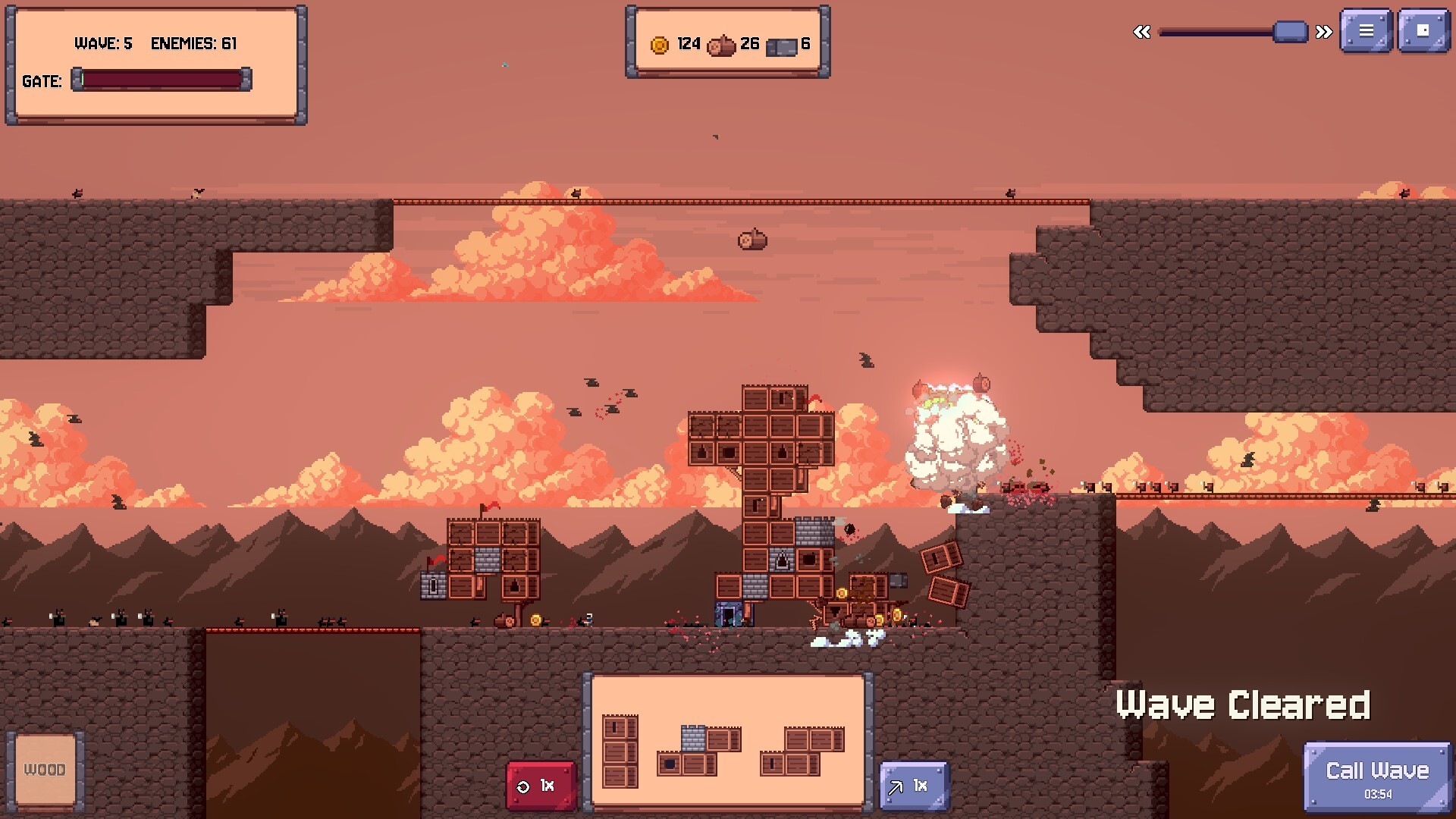
Just when you think you've found the perfect strategy, new enemies and fearsome bosses force you back to the drawing board. The bigger your toolbox grows, the more strategic your engineering needs to become.

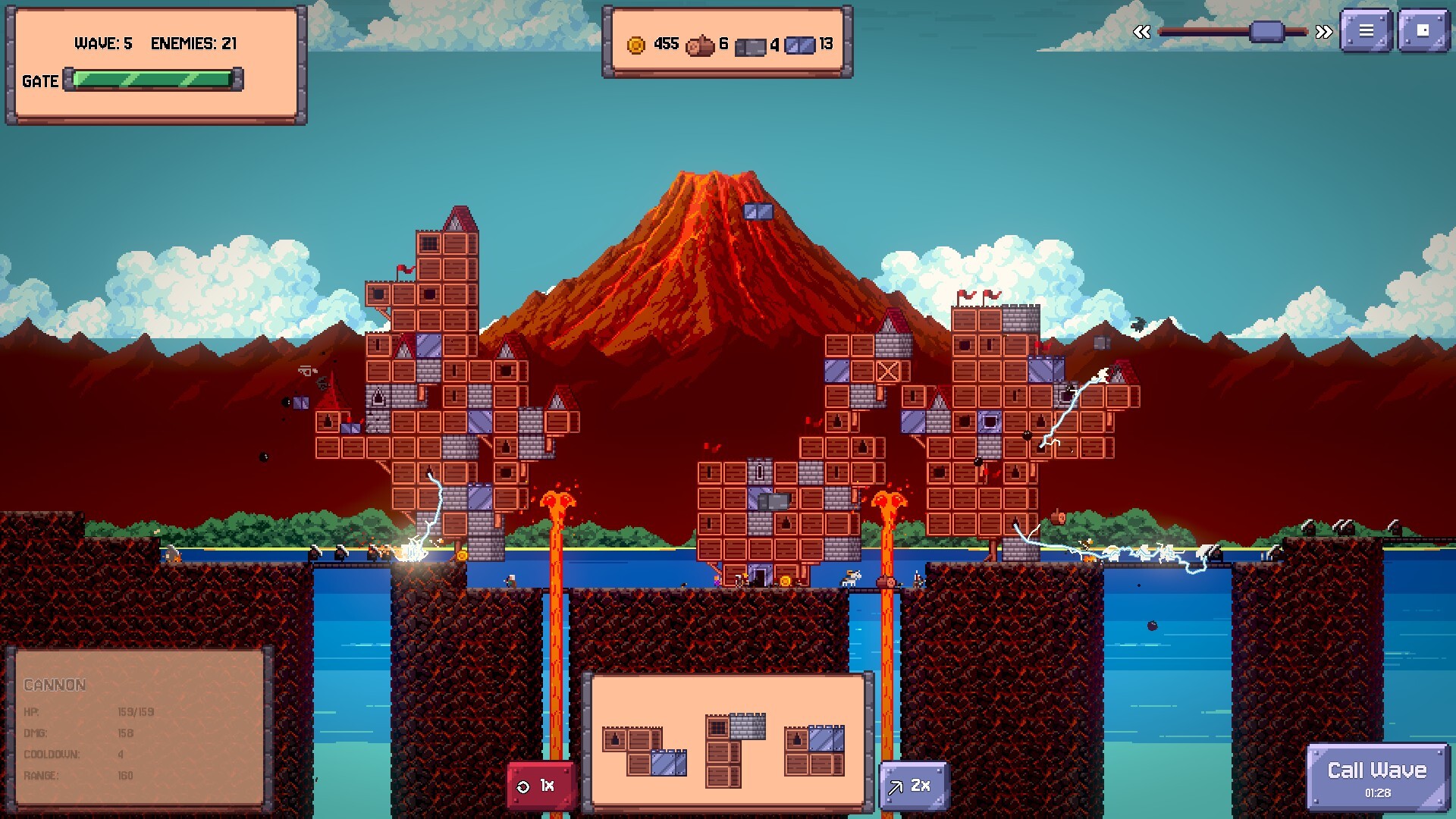
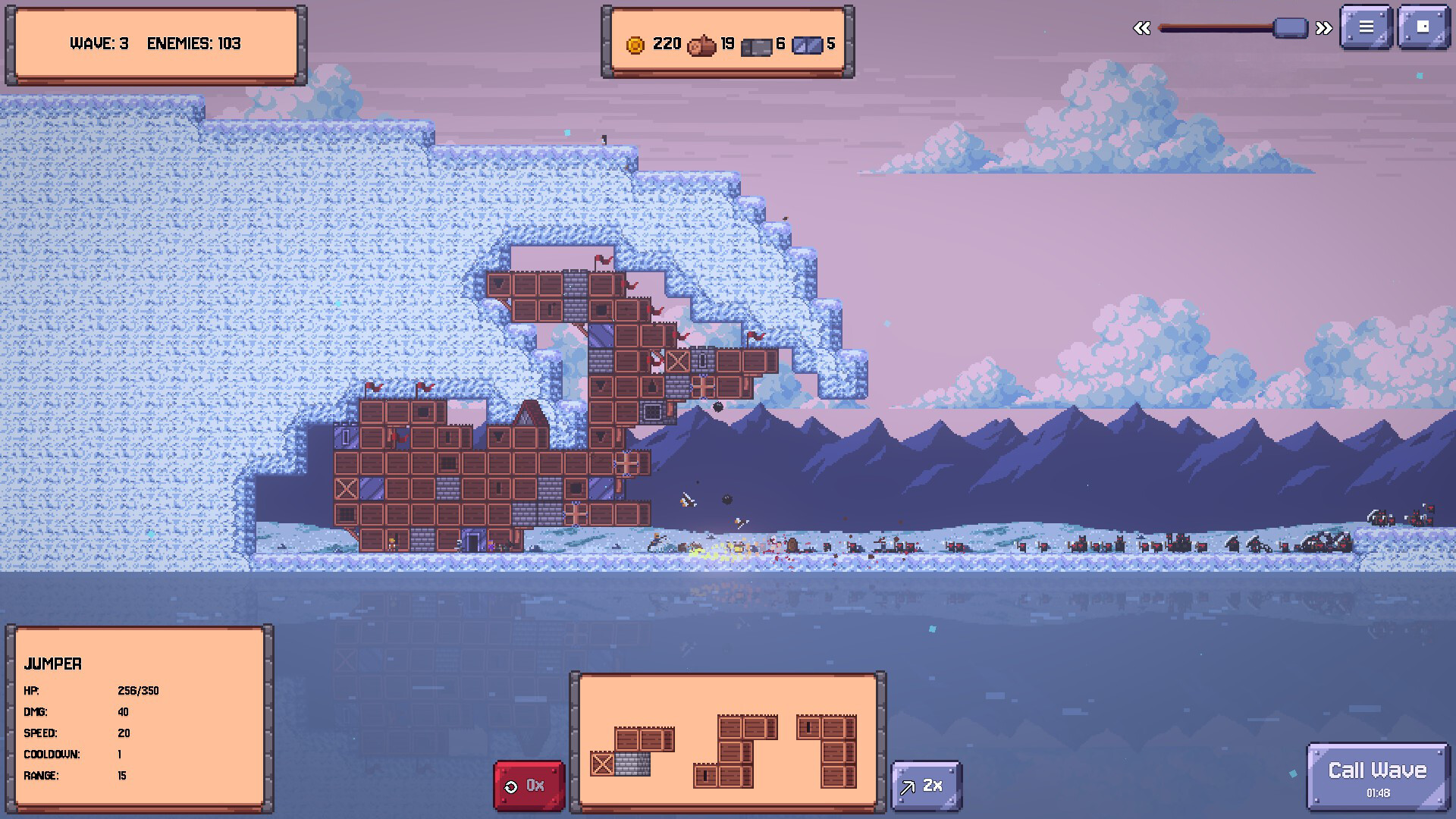
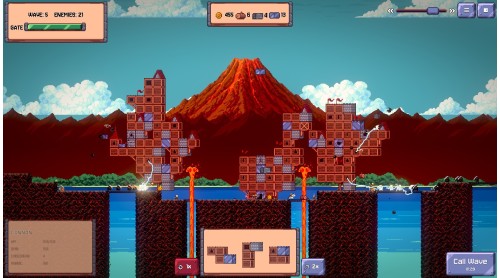
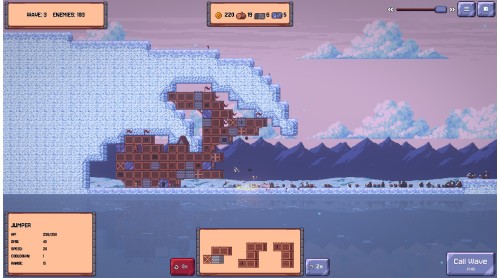
New biomes mean new terrain, new enemies, and plenty of new ways for your carefully engineered tower to come crashing down.
But remember, there is no perfect tower, because they all must fall!


How to activate your Steam key?
1. Open your Steam client. (If you don't have a Steam Client, you can install from here https://store.steampowered.com/about/)
2. Sign in to your Steam account. (If you don't have a Steam Account, you can create from here https://store.steampowered.com/join/)
3. Click “ADD A GAME” button which is at the bottom of the Steam Client.
4. Now select "Activate a product on Steam..."
5. Write or copy-paste your Steam key which you purchased from Gamesforpc.
6. Now your game is in your library.
7. Find your game in your library, select and click install to start your download.