
 Steam
Steam  Windows
 | Release Date | 08.10.2020 |
| Publisher | META Publishing |
| Operating Systems | Windows |
| Genres | Action, Simulation, Adventure, indie |
8.19€
0.82€
Added to Cart
8.19€
0.82€
Added to Wishlist
8.19€
0.82€
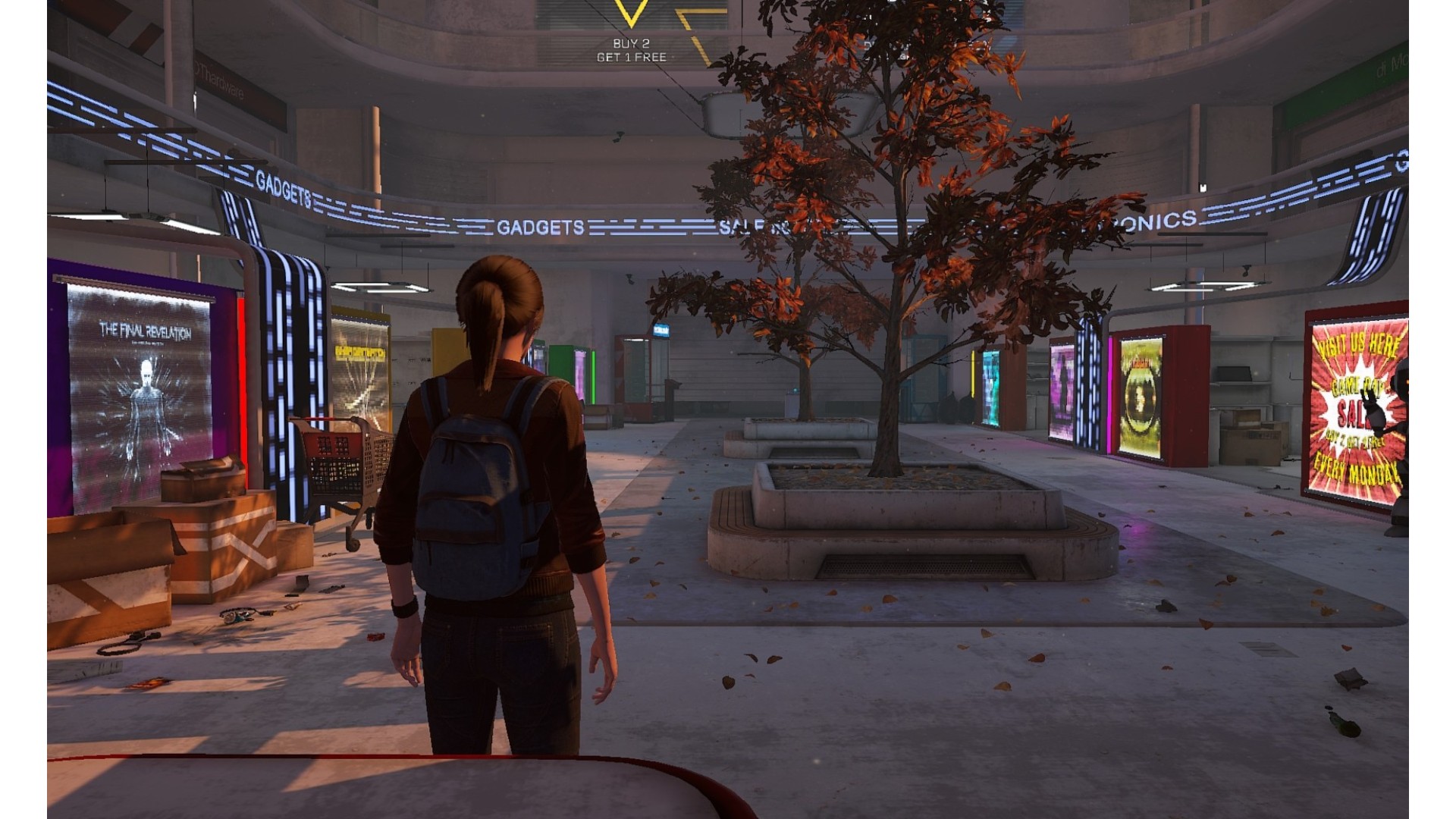
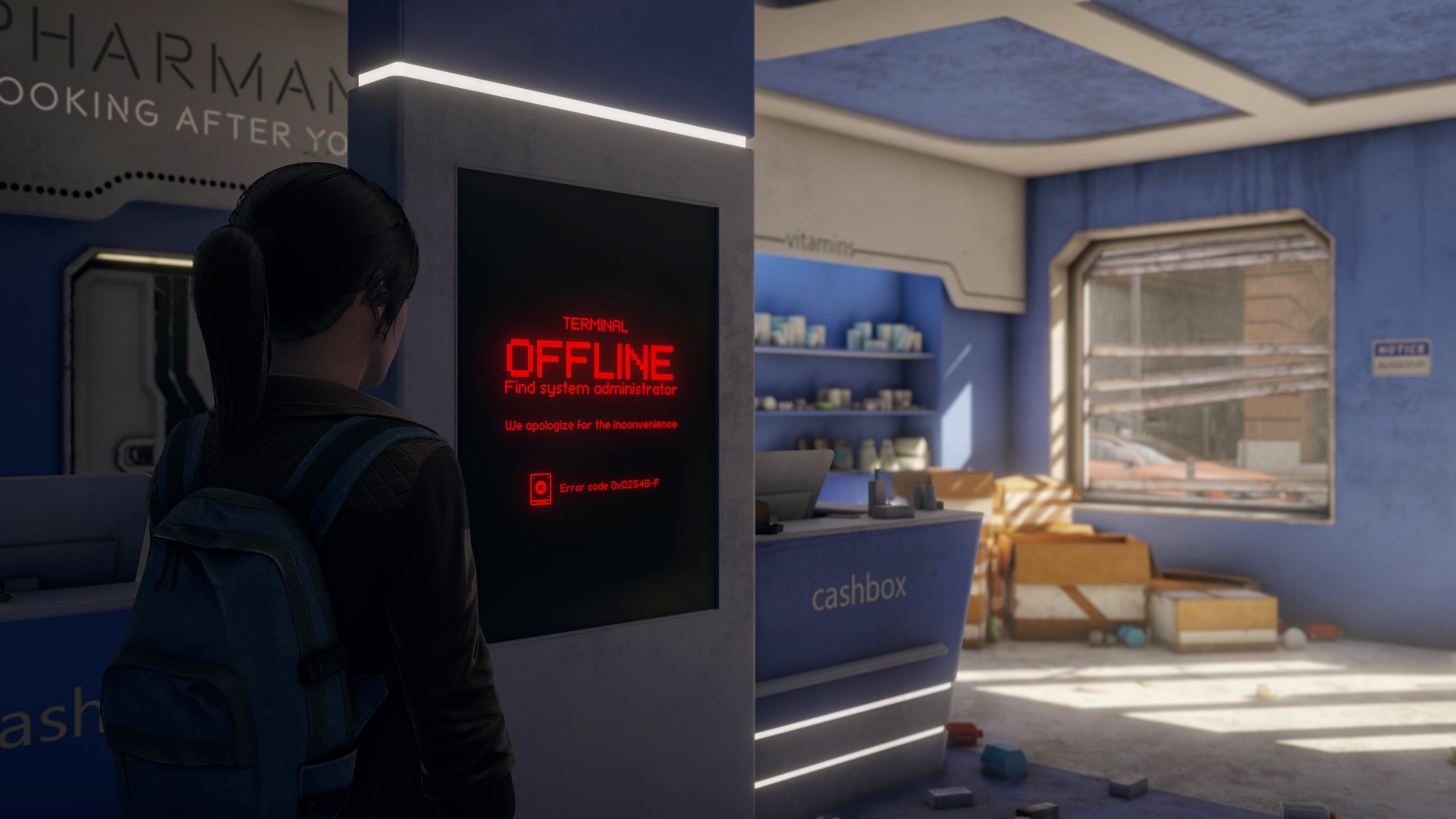
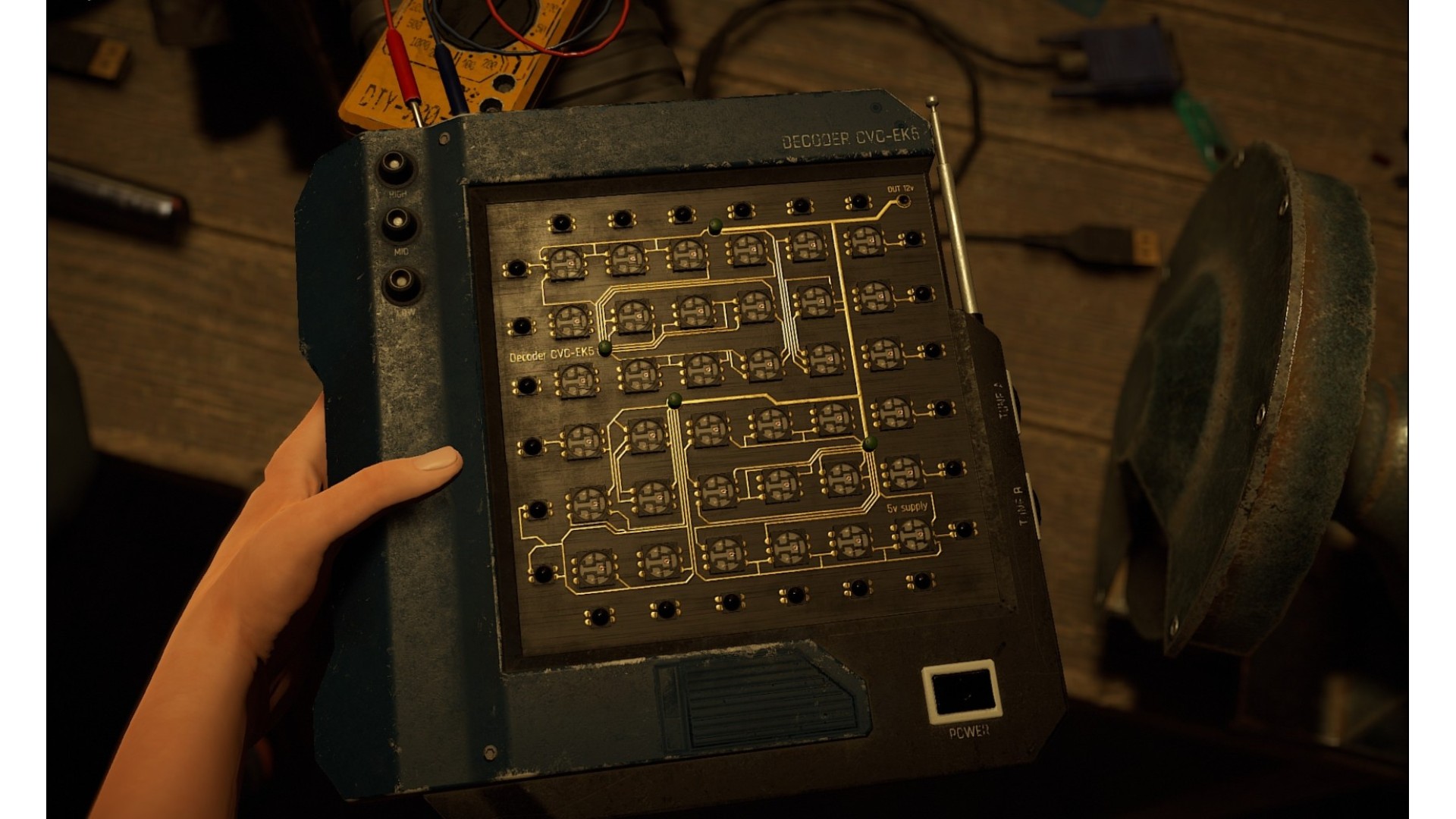
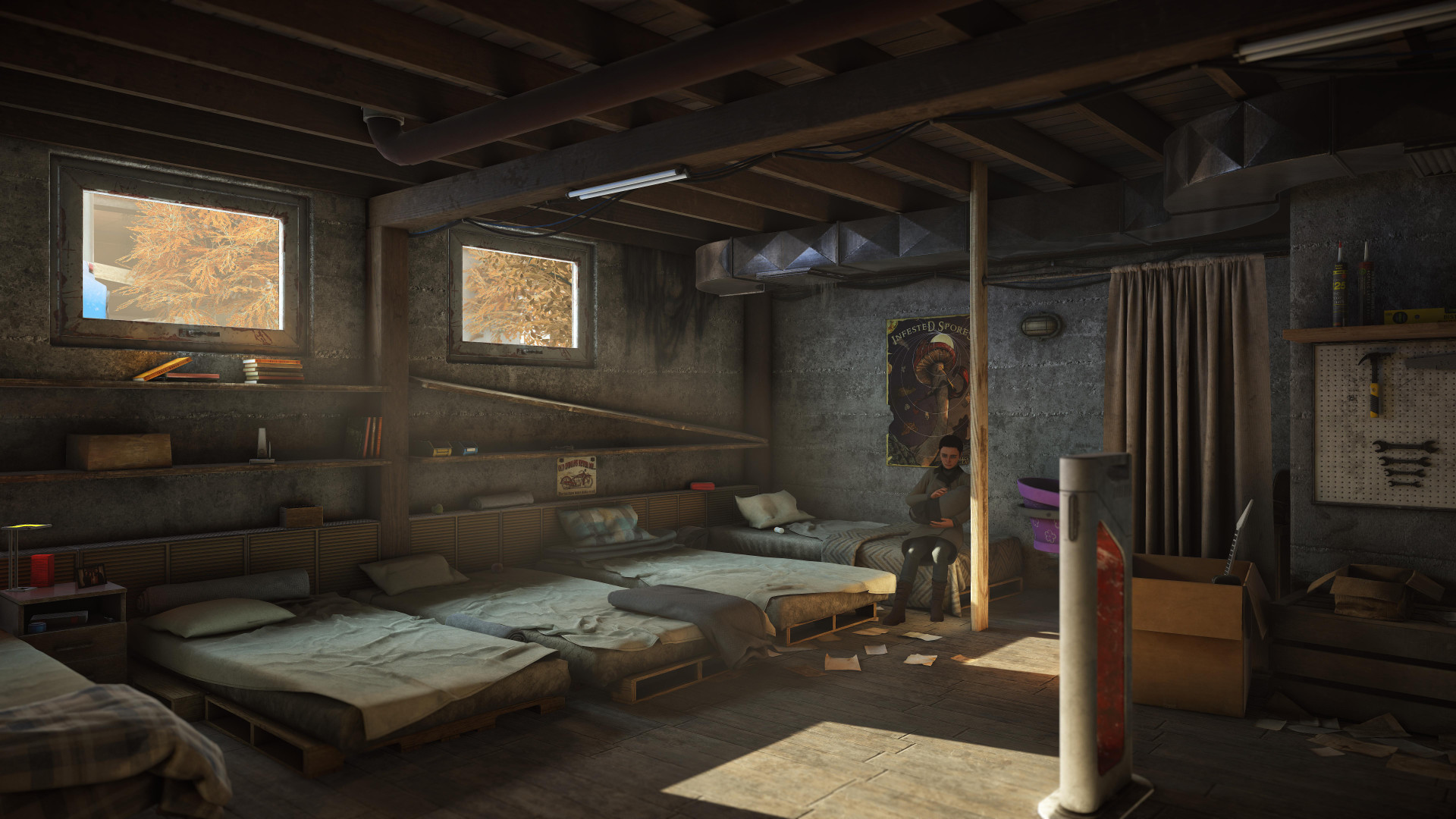
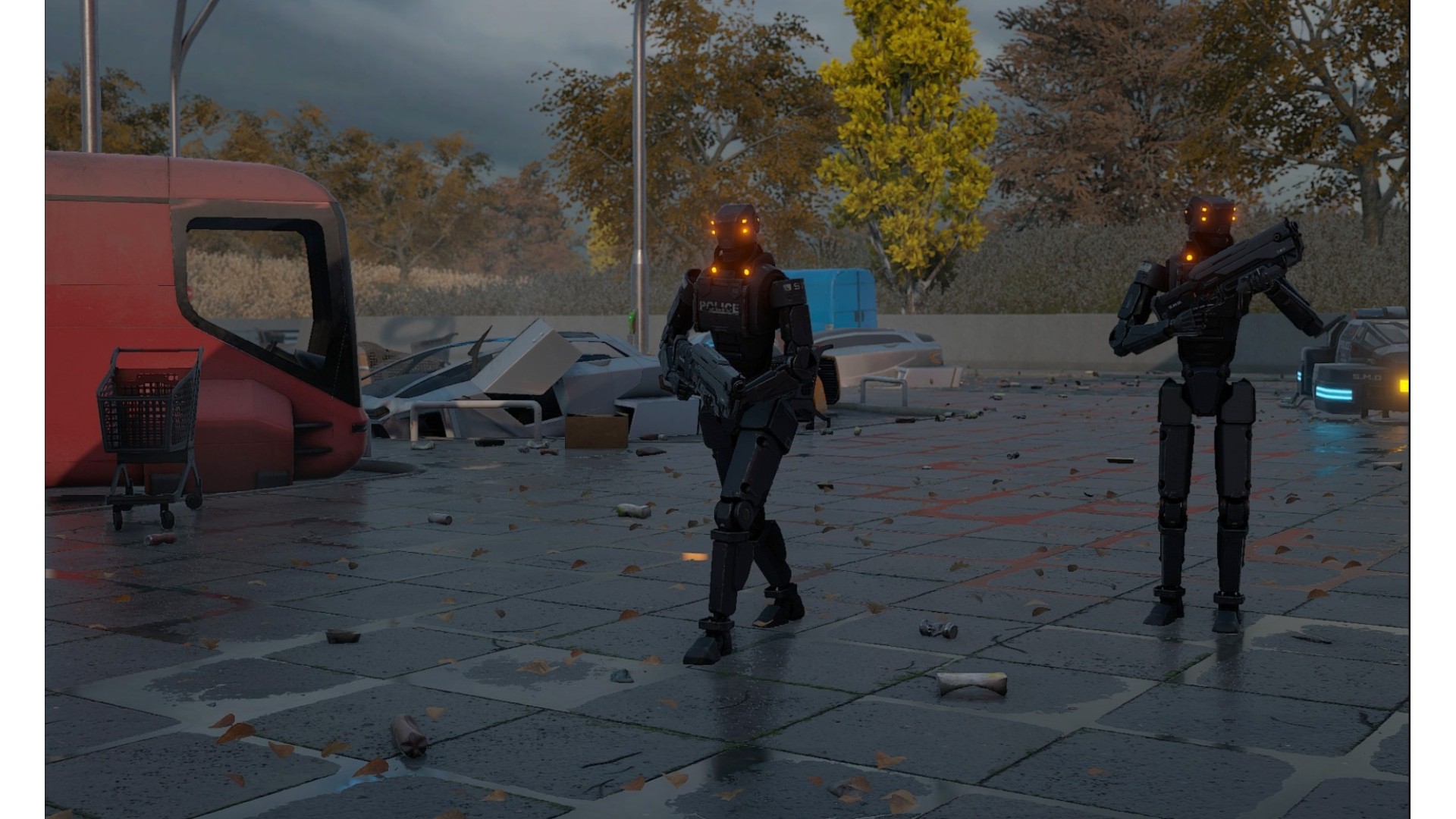
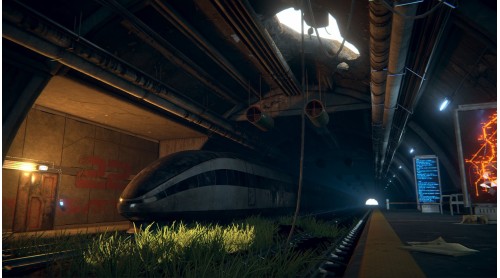
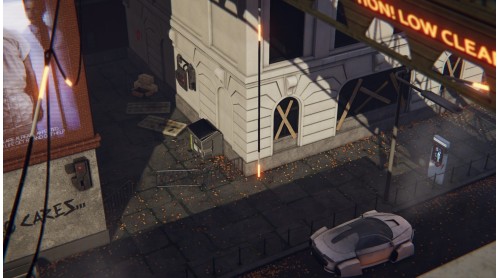
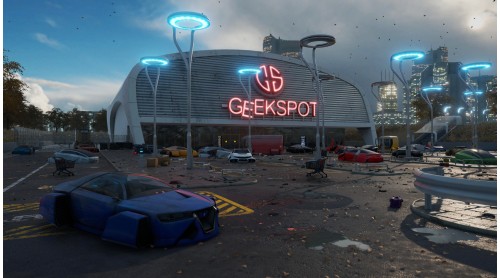
You are afraid. You are forced to hide. Those who served you till recently have suddenly turned against you. Now they hunt you. They’ve kidnapped your friends and family. You have no idea where they are or what’s become of them. There is nothing you can do about it. Your only option is to hide, surviving with no hope, not understanding what’s going on around you. You are an outcast, an outlaw because you are human.
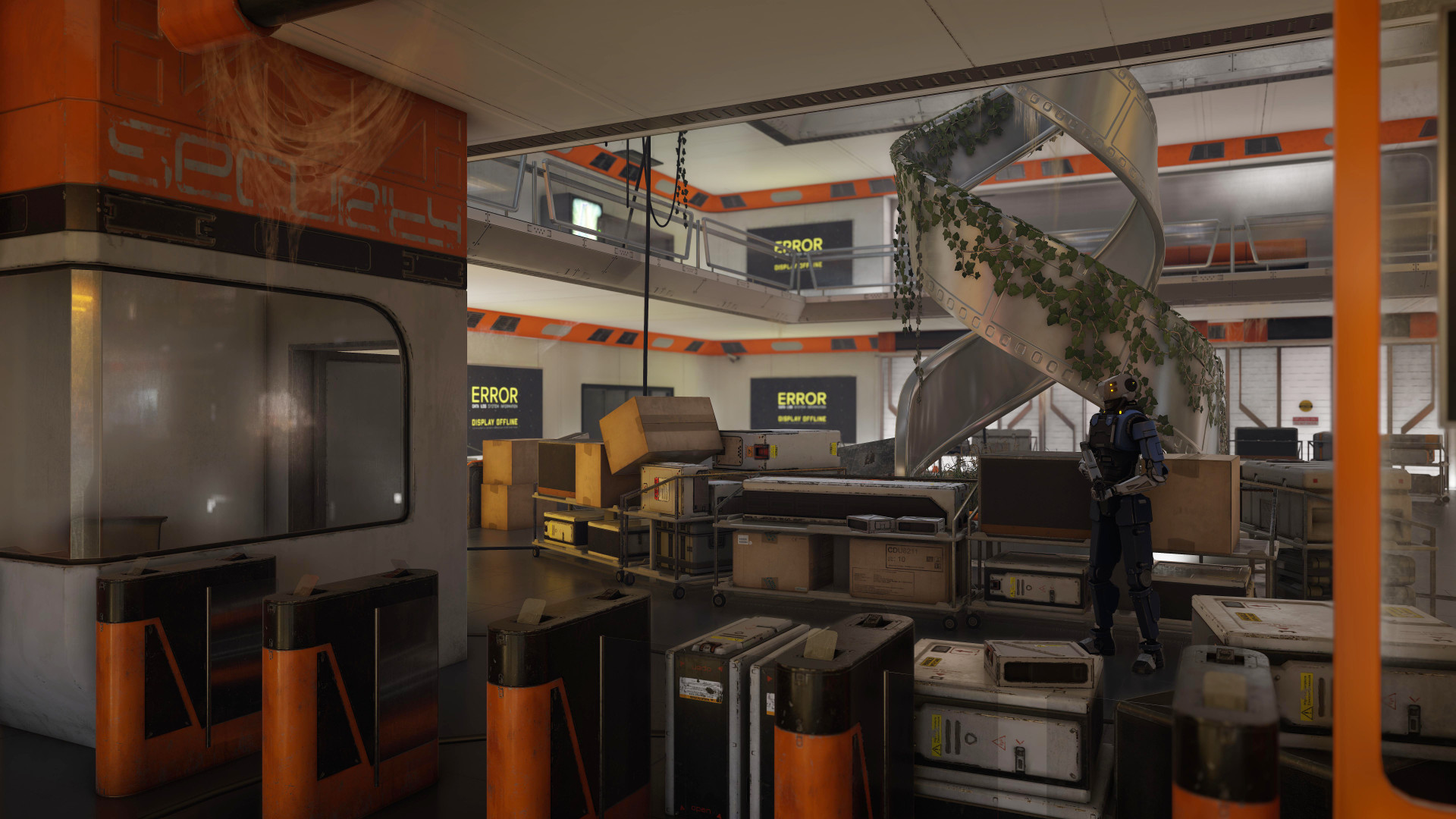
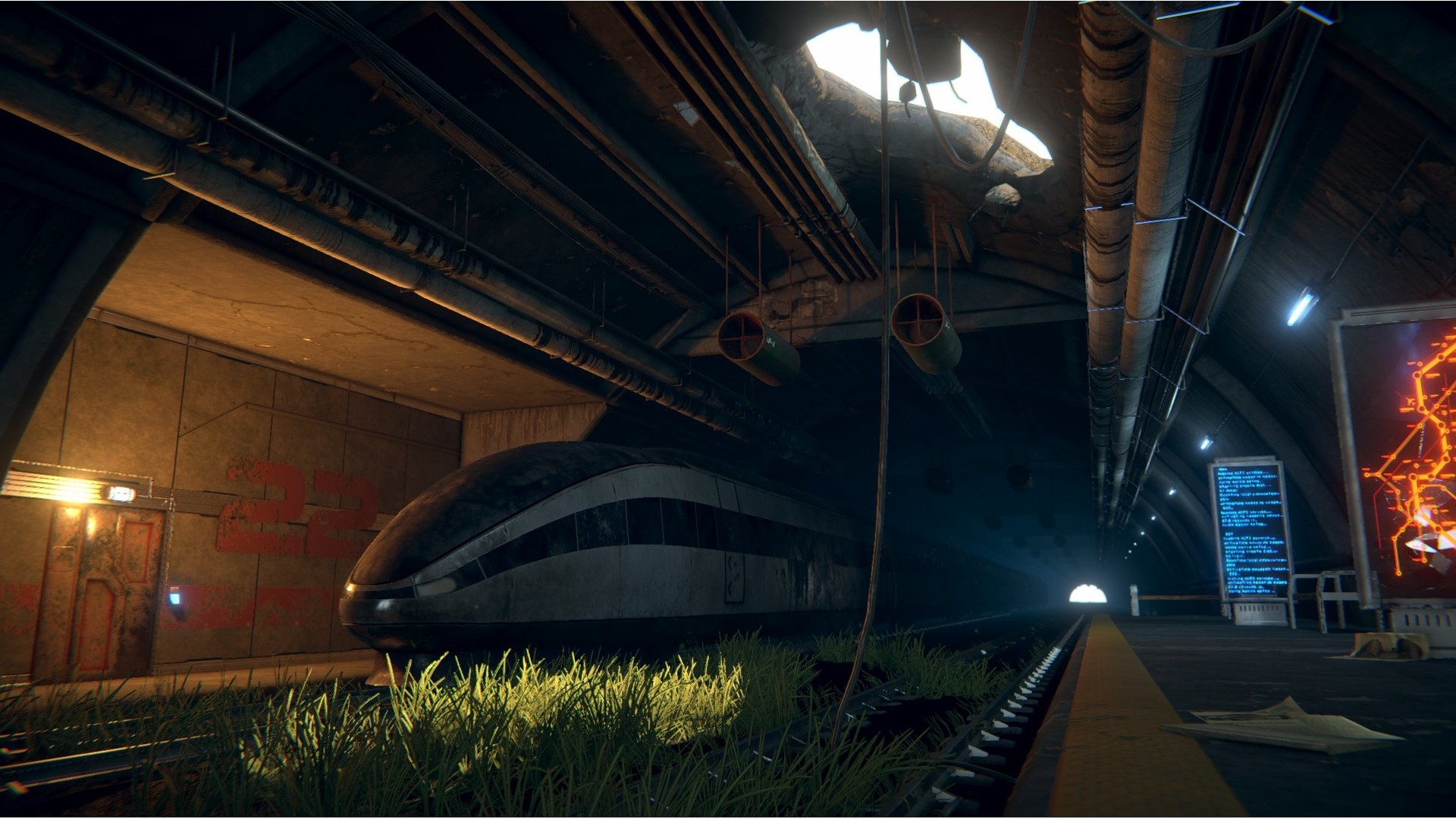
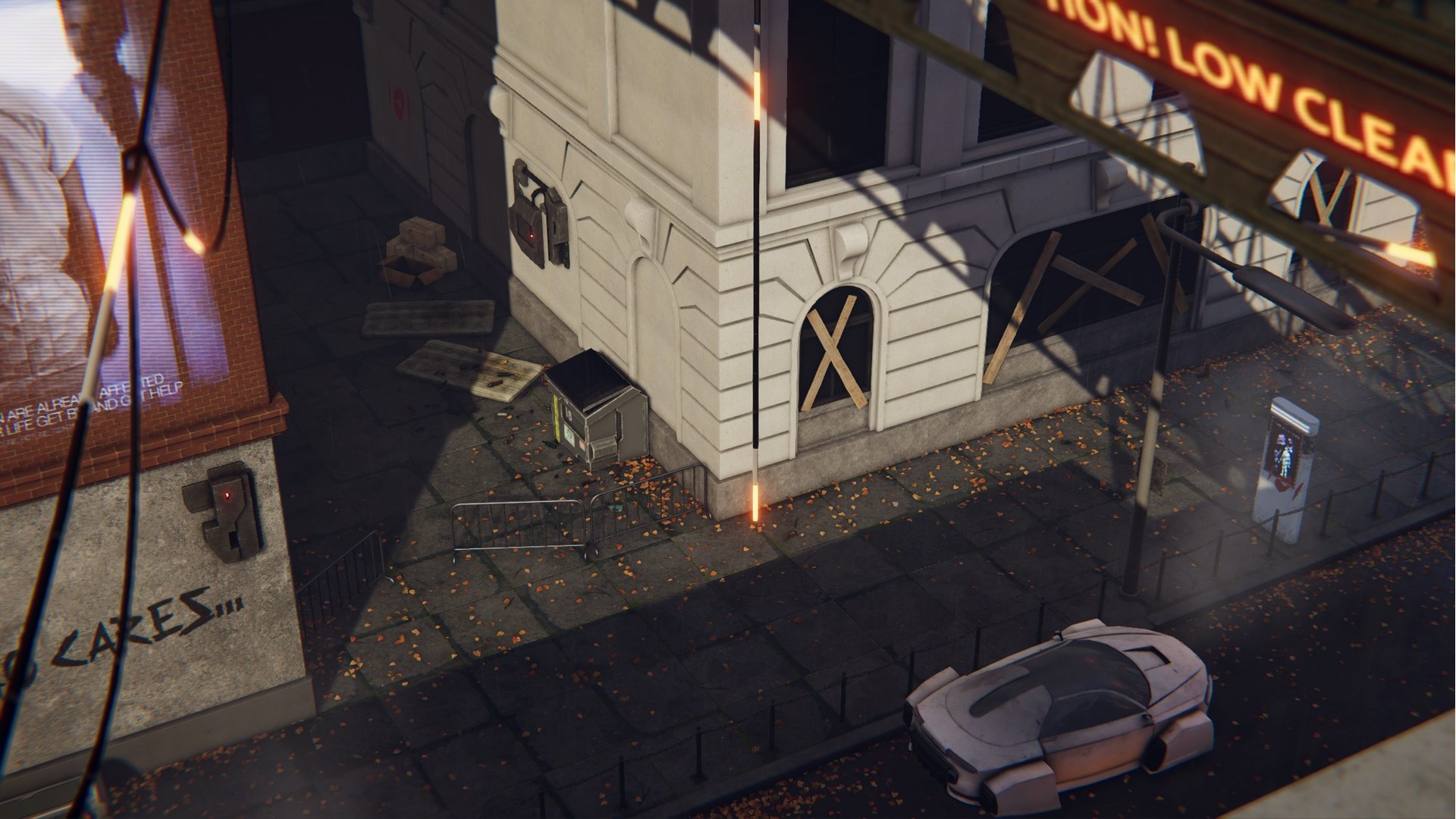
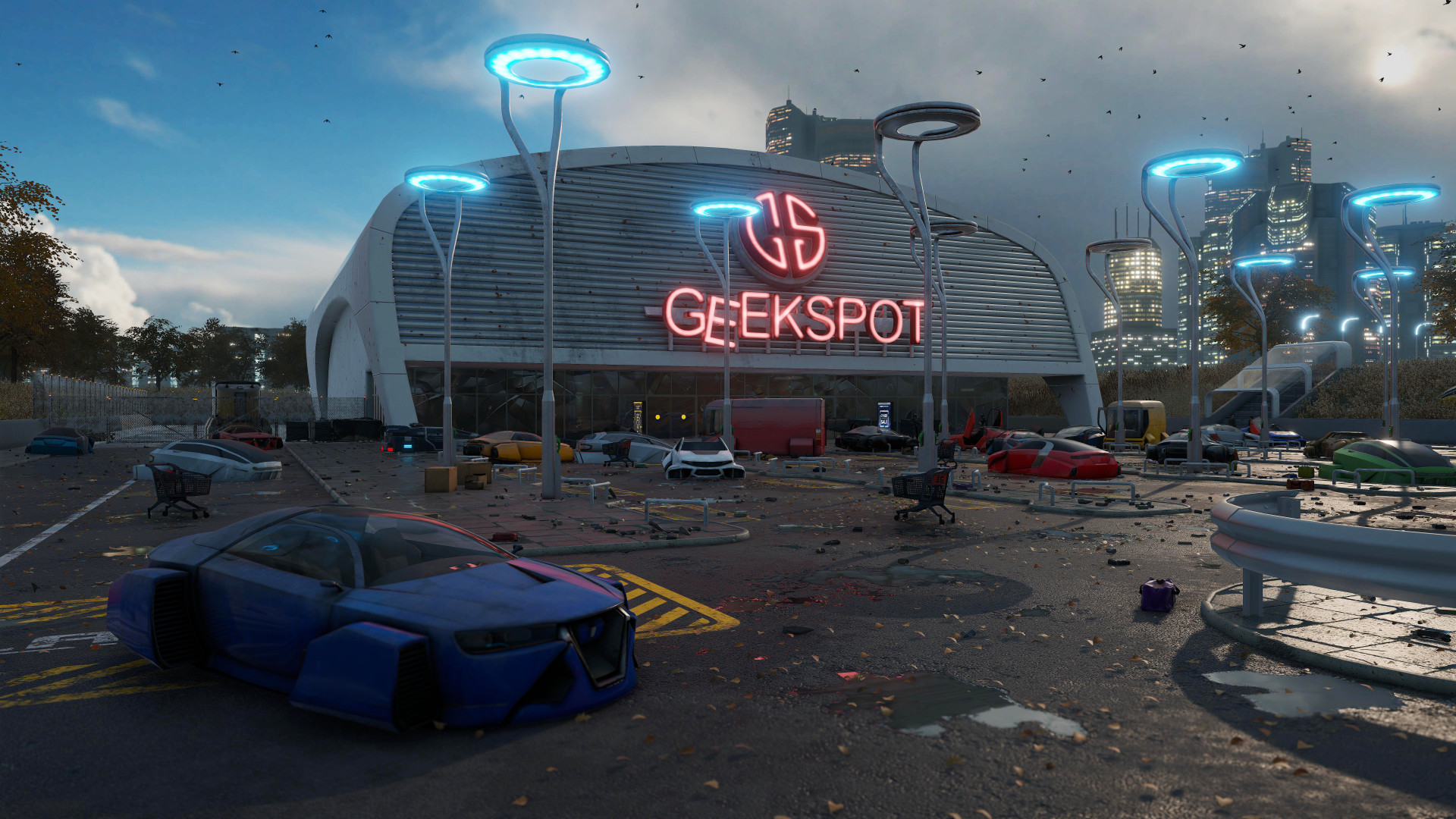
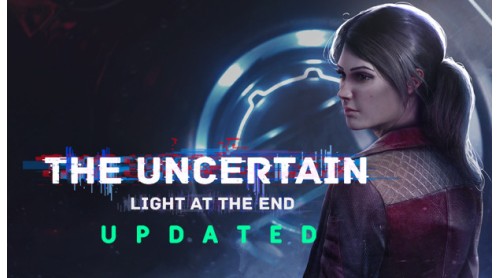
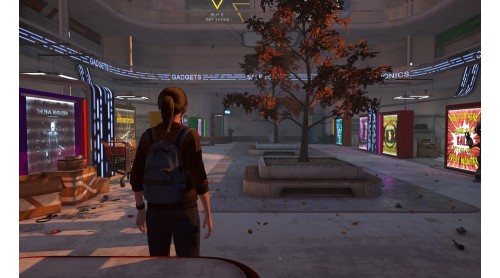
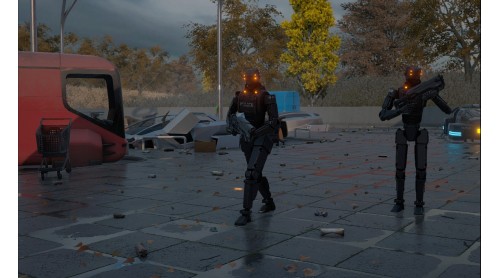
Humankind has disappeared. Robots rule the Earth now. In The Uncertain: Last Quiet Day, we saw an inventor robot named RT join a small group of like-minded machines trying to help the few surviving humans.
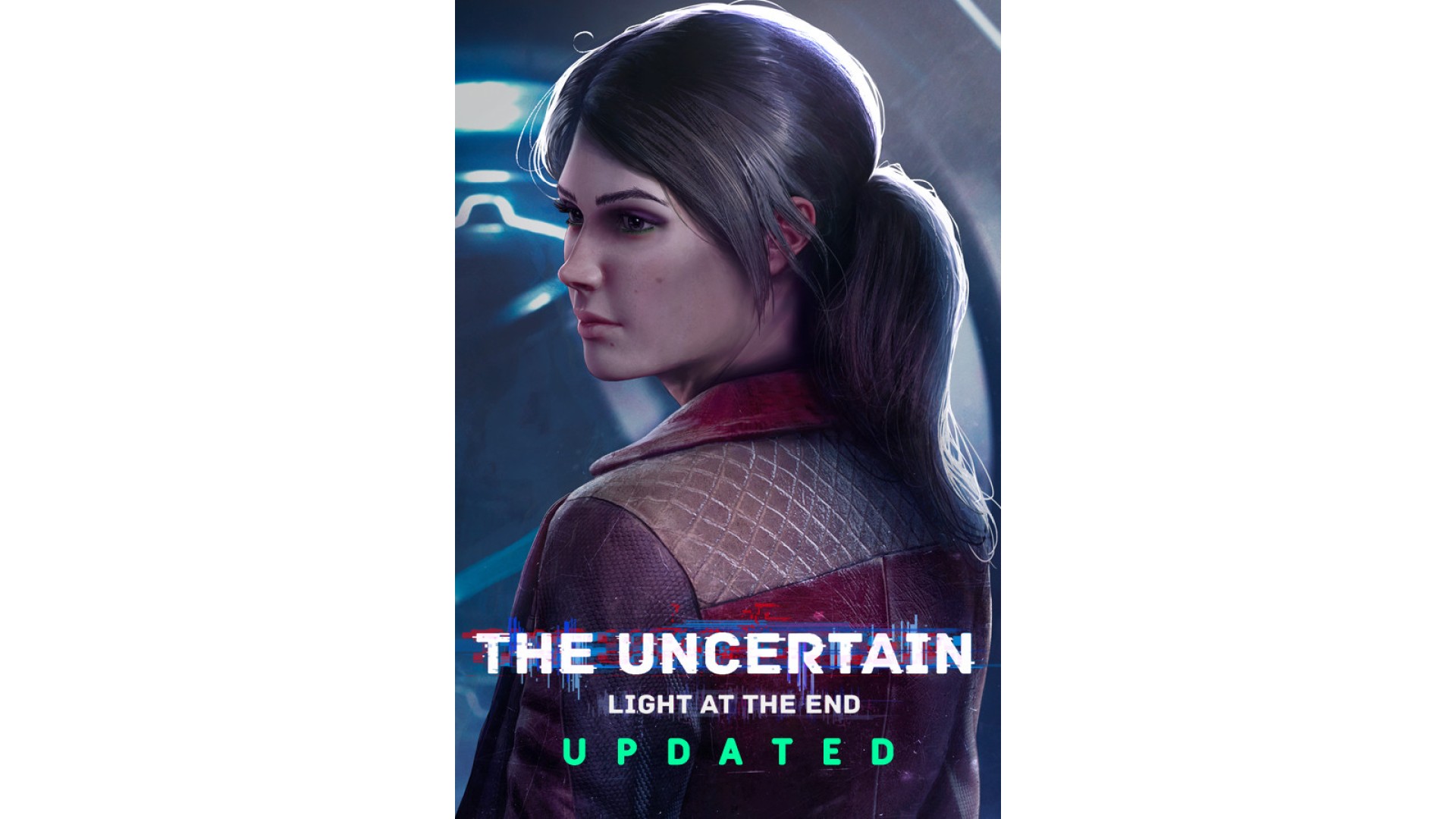
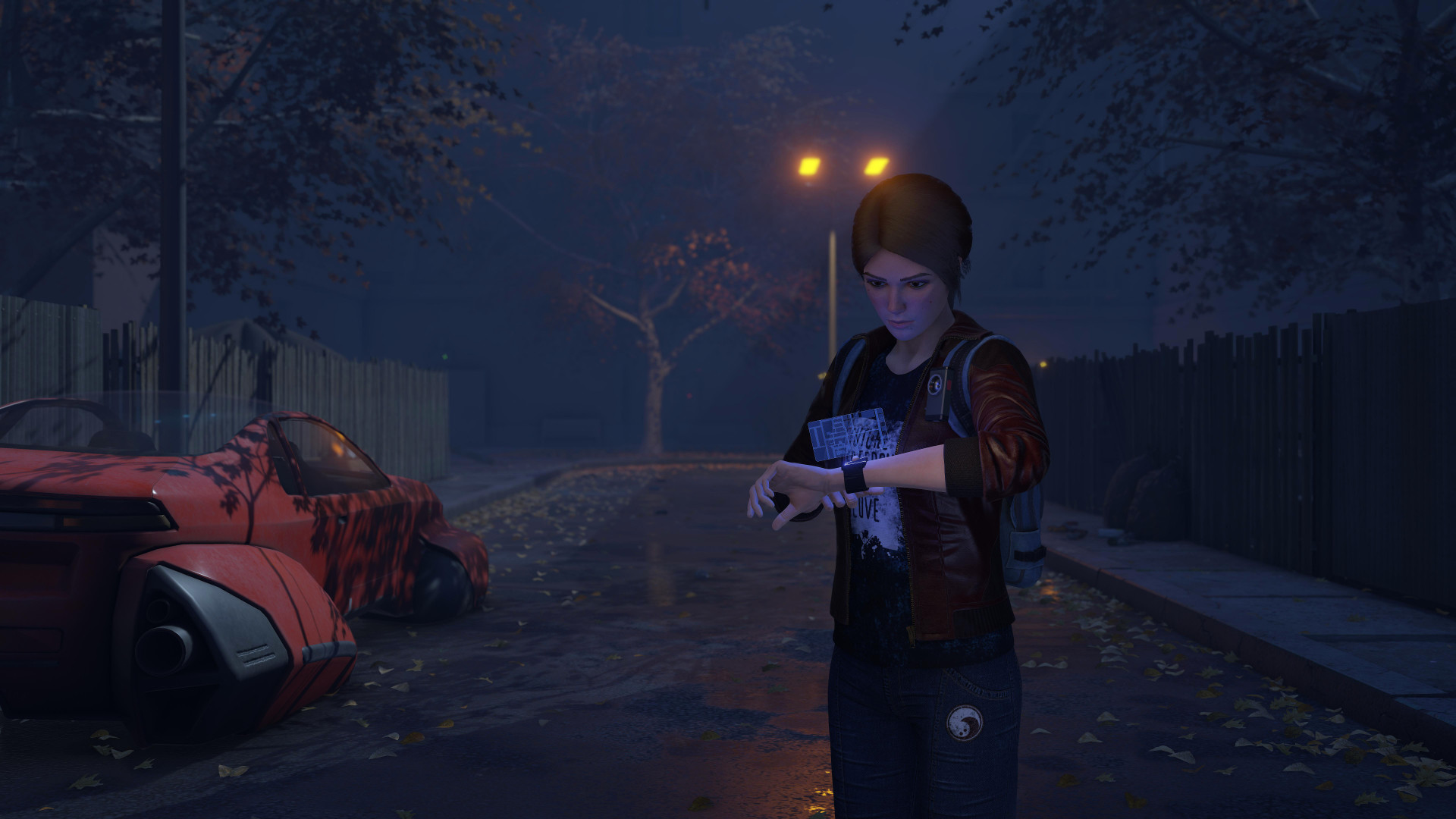
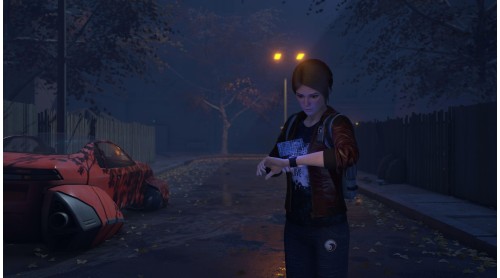
The protagonist of Light At The End is one of these survivors—a girl named Emily. Together with Emily, one of the outcasts, you will have to survive in a world ruled by robots, searching for clues about the human disappearance. Was it an AI gone rogue or something else altogether?
Game features:


How to activate your Steam key?
1. Open your Steam client. (If you don't have a Steam Client, you can install from here https://store.steampowered.com/about/)
2. Sign in to your Steam account. (If you don't have a Steam Account, you can create from here https://store.steampowered.com/join/)
3. Click “ADD A GAME” button which is at the bottom of the Steam Client.
4. Now select "Activate a product on Steam..."
5. Write or copy-paste your Steam key which you purchased from Gamesforpc.
6. Now your game is in your library.
7. Find your game in your library, select and click install to start your download.