








 Steam
Steam  Windows
  Mac
Mac  Linux
Linux | Release Date | 02.08.2016 |
| Operating Systems | Linux |
| Operating Systems | Mac OS |
| Publisher | THQ Nordic GmbH |
| Operating Systems | Windows |
| Genres | Strategy, Adventure, indie |
14.99€
Added to Cart
14.99€
Added to Wishlist
14.99€
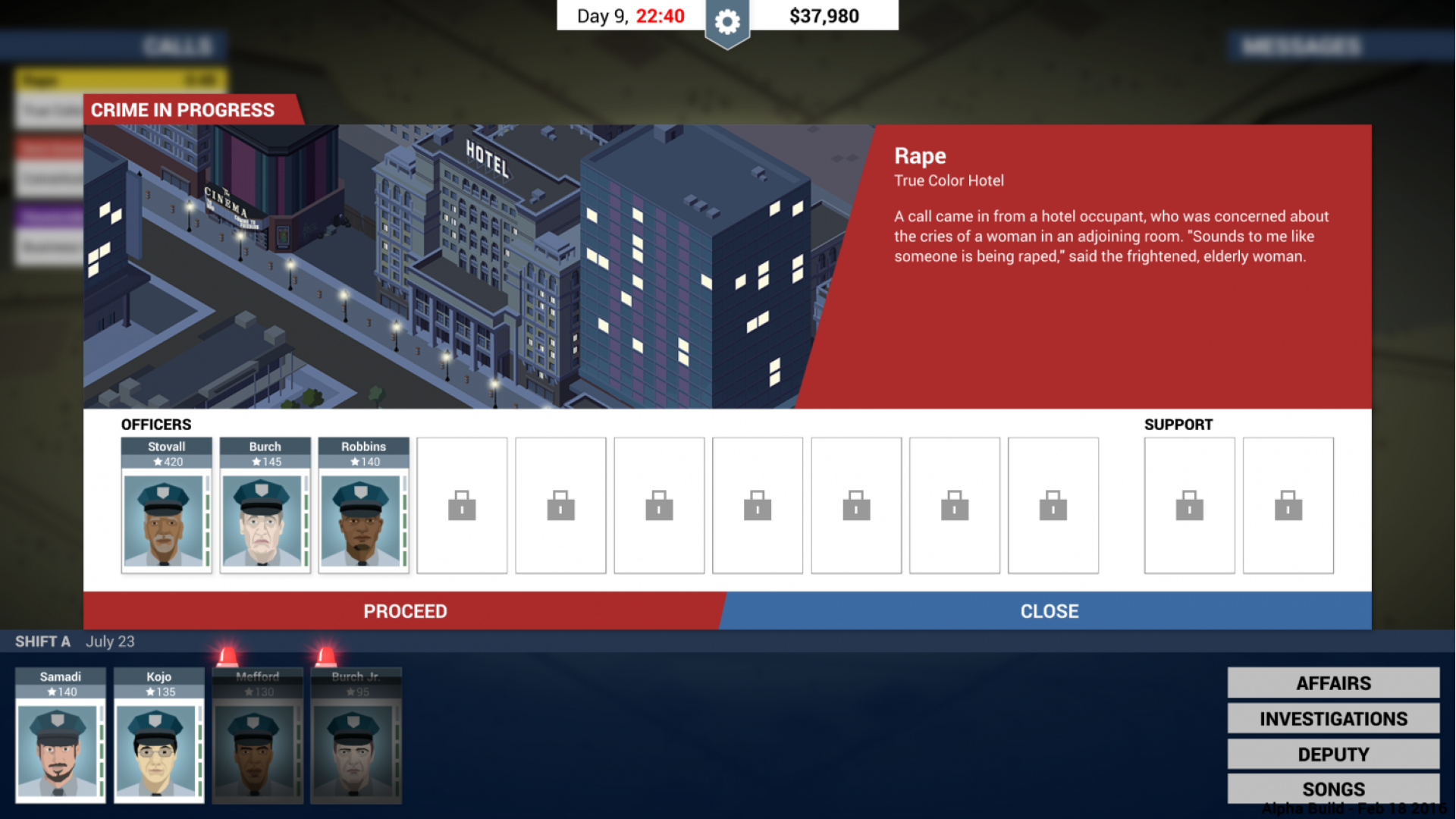
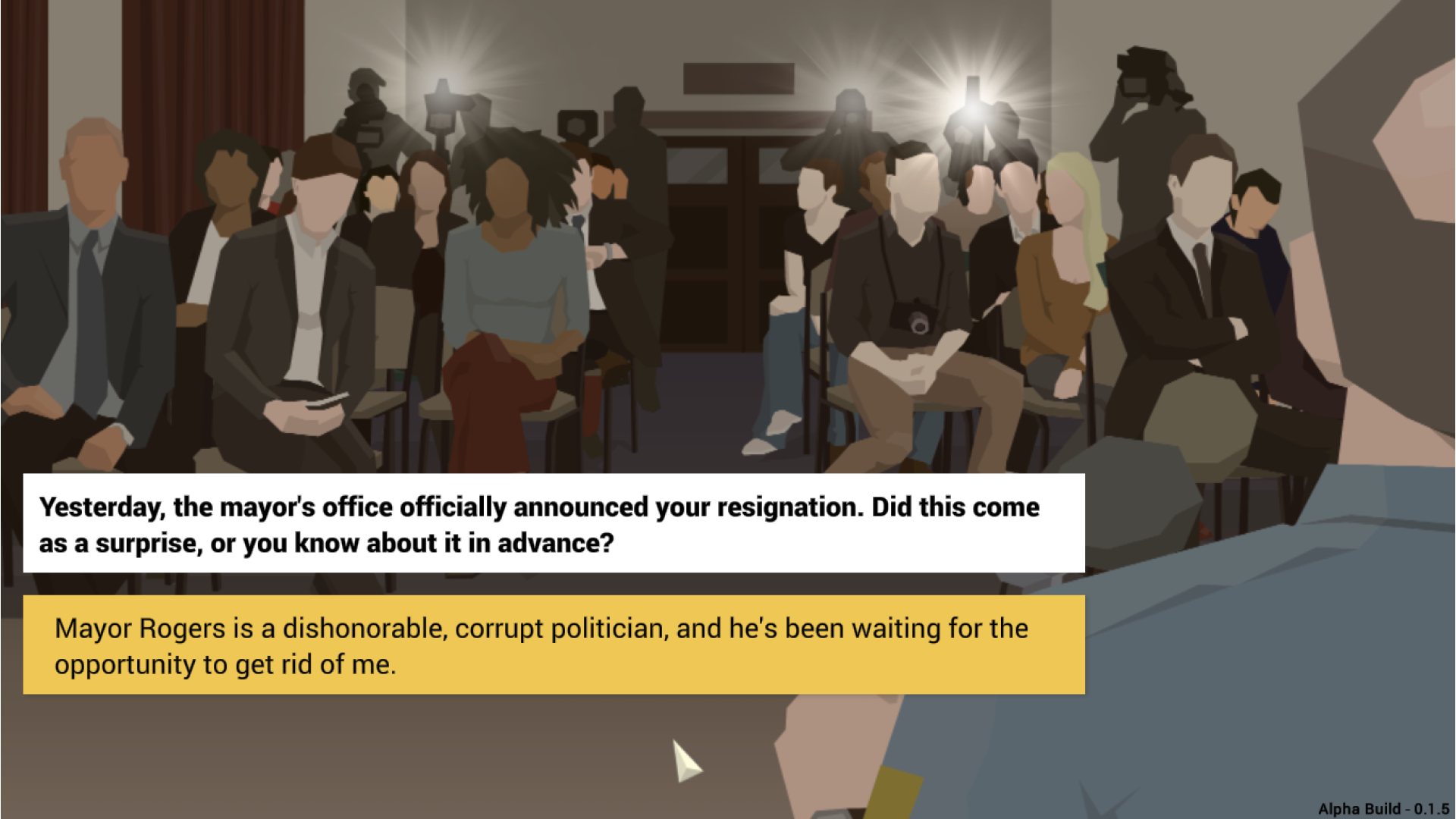
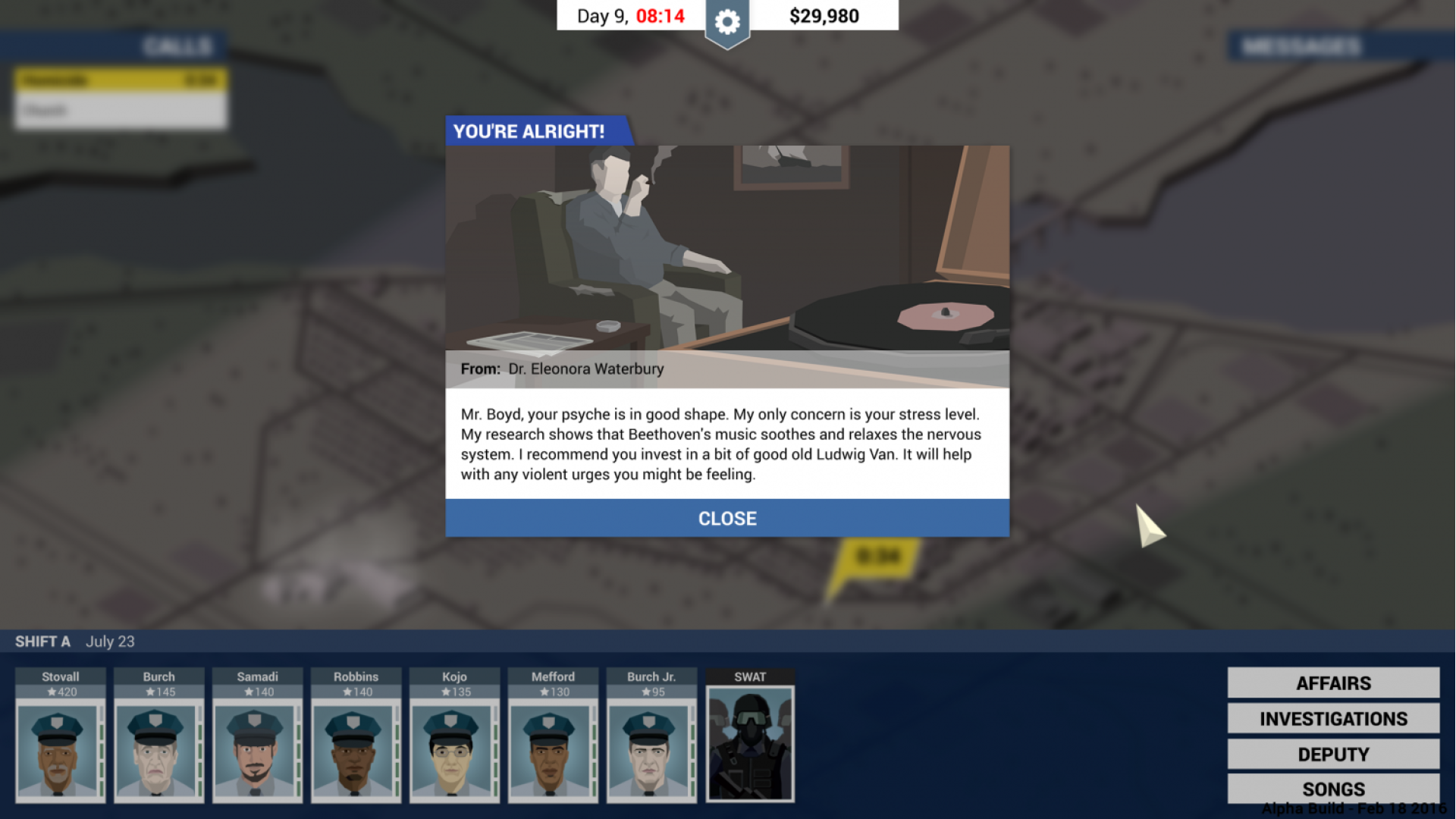
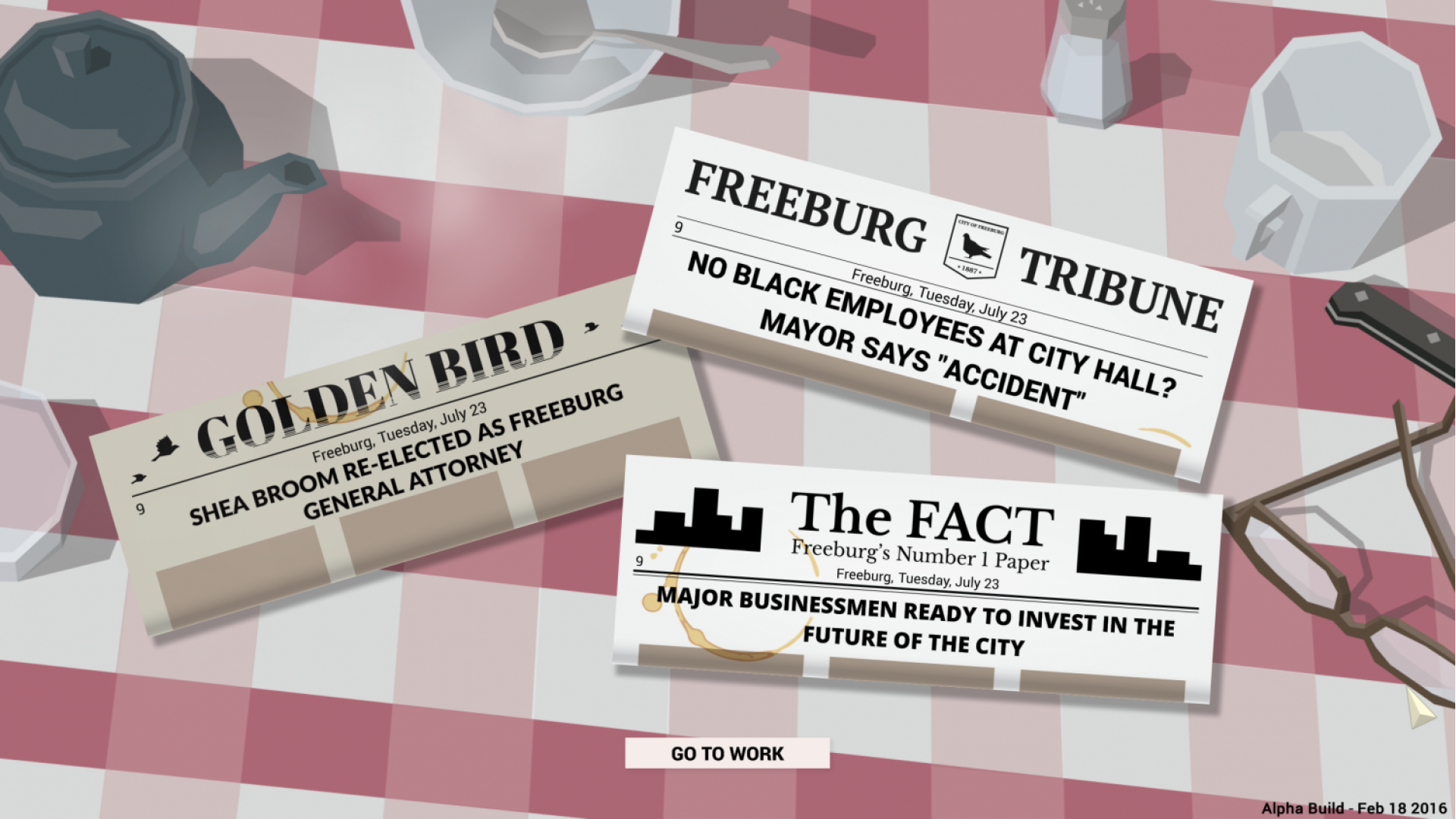
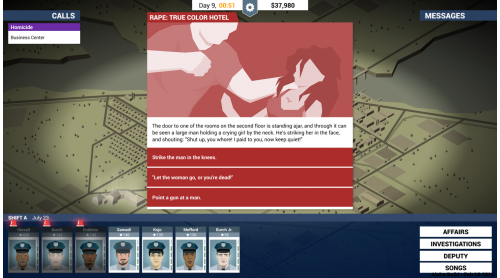
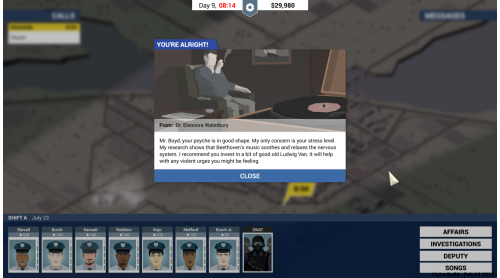
Dive into a deep story of corruption, crime and intrigue. Take the role of gritty Police Chief Jack Boyd, and come face to face with the ugly underbelly of Freeburg, a city spiraling the drain. Will Jack reach his retirement with a nice stack of bills, or will he end up broken ... or worse?
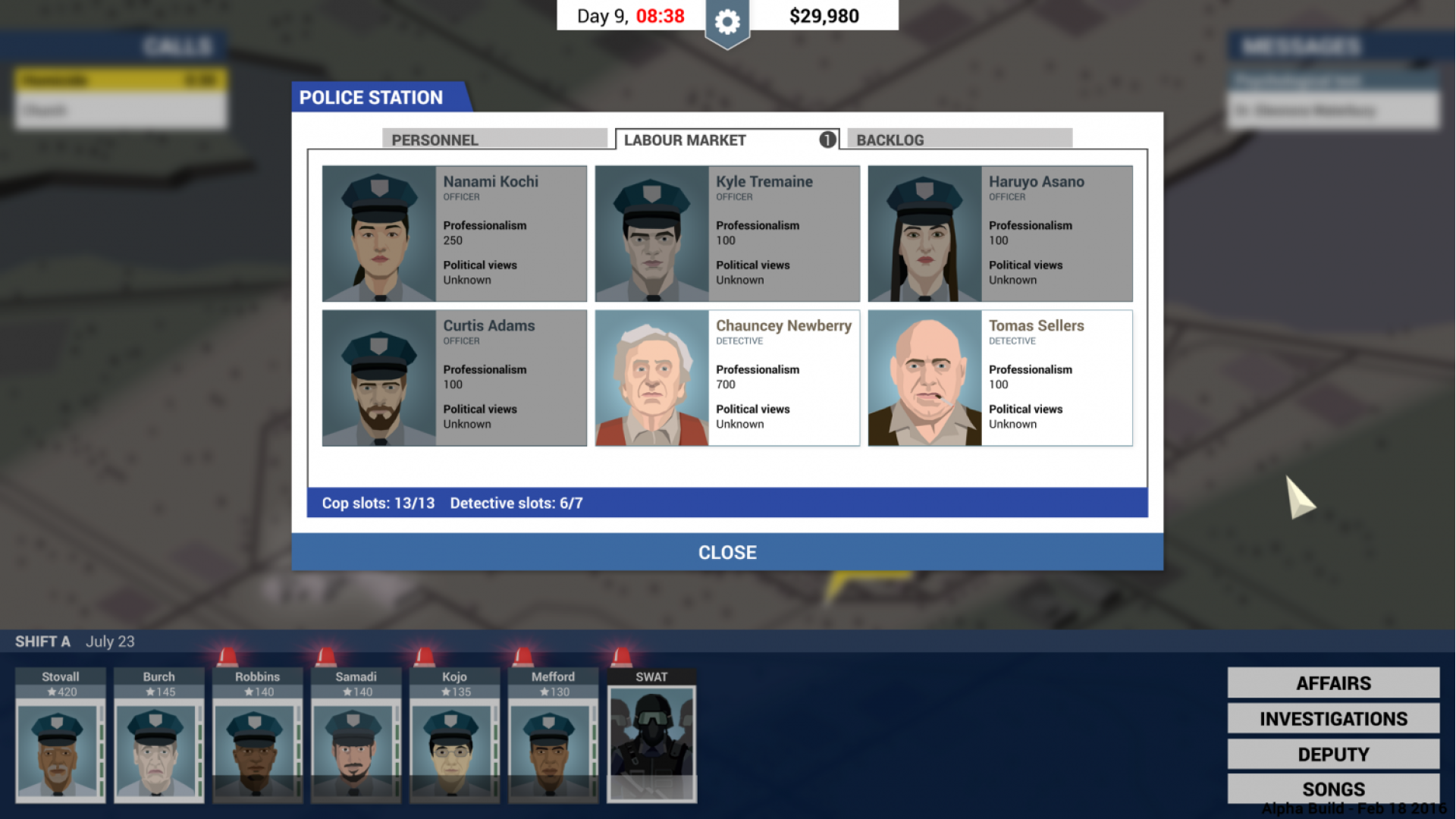
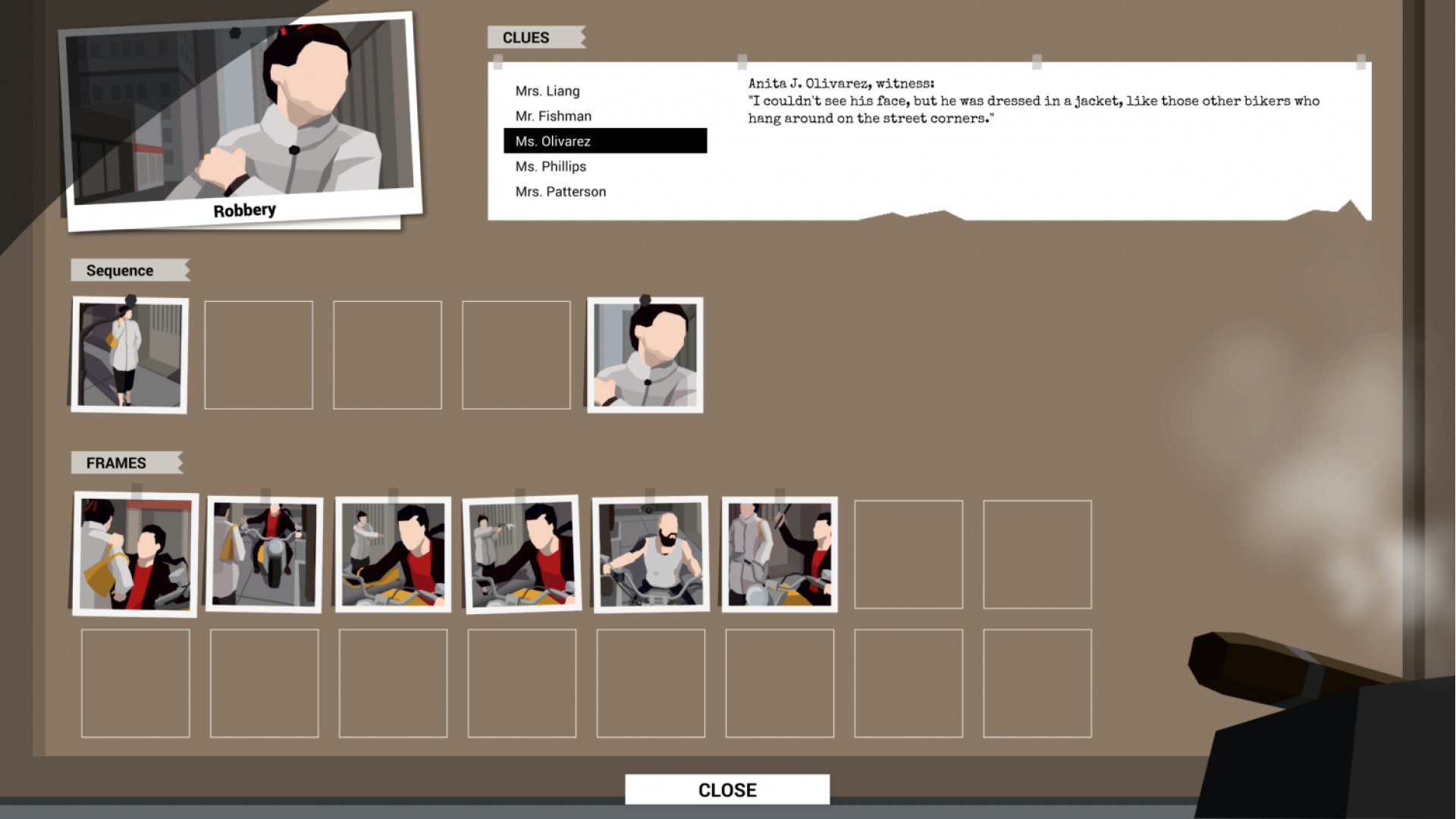
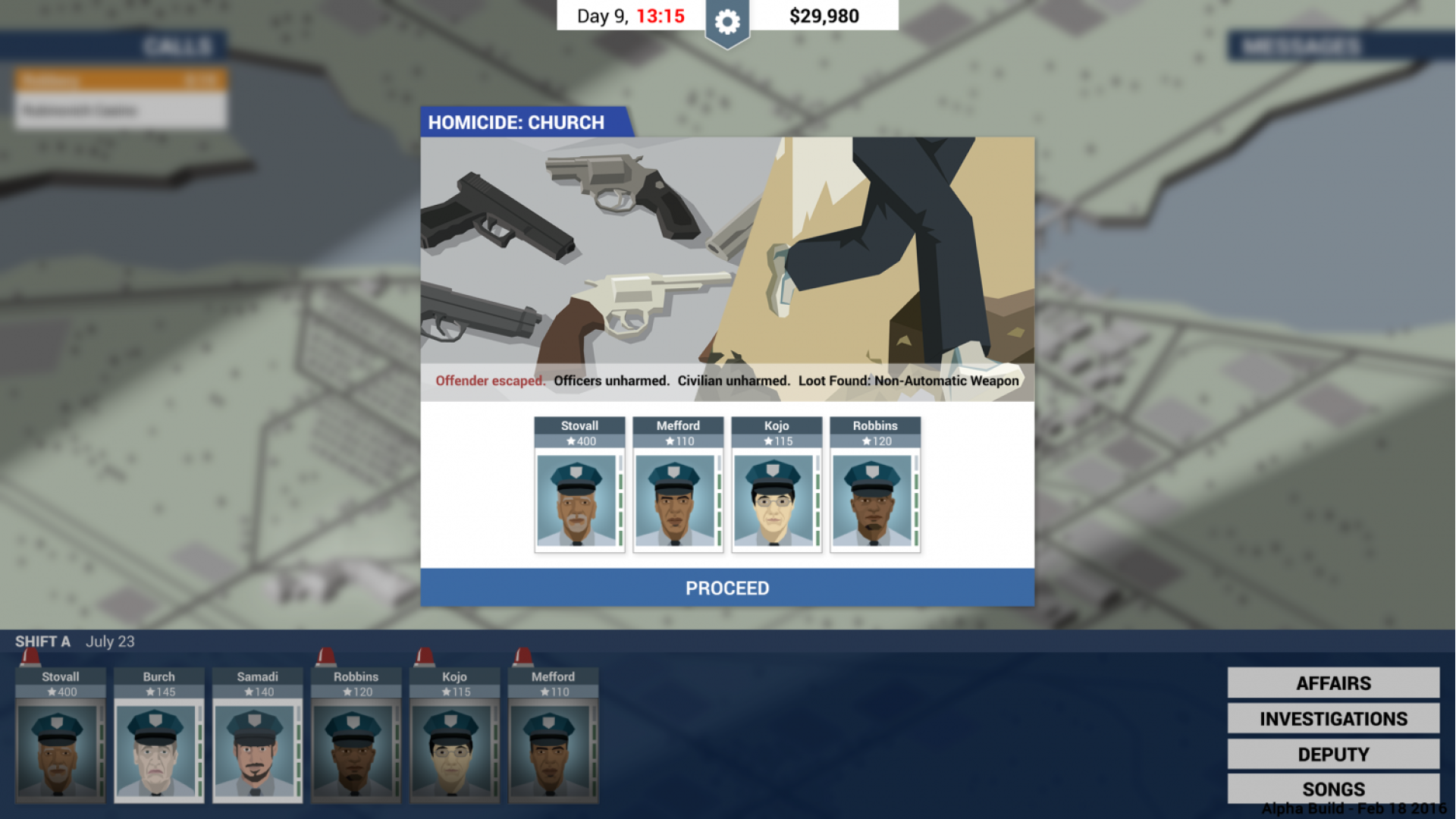
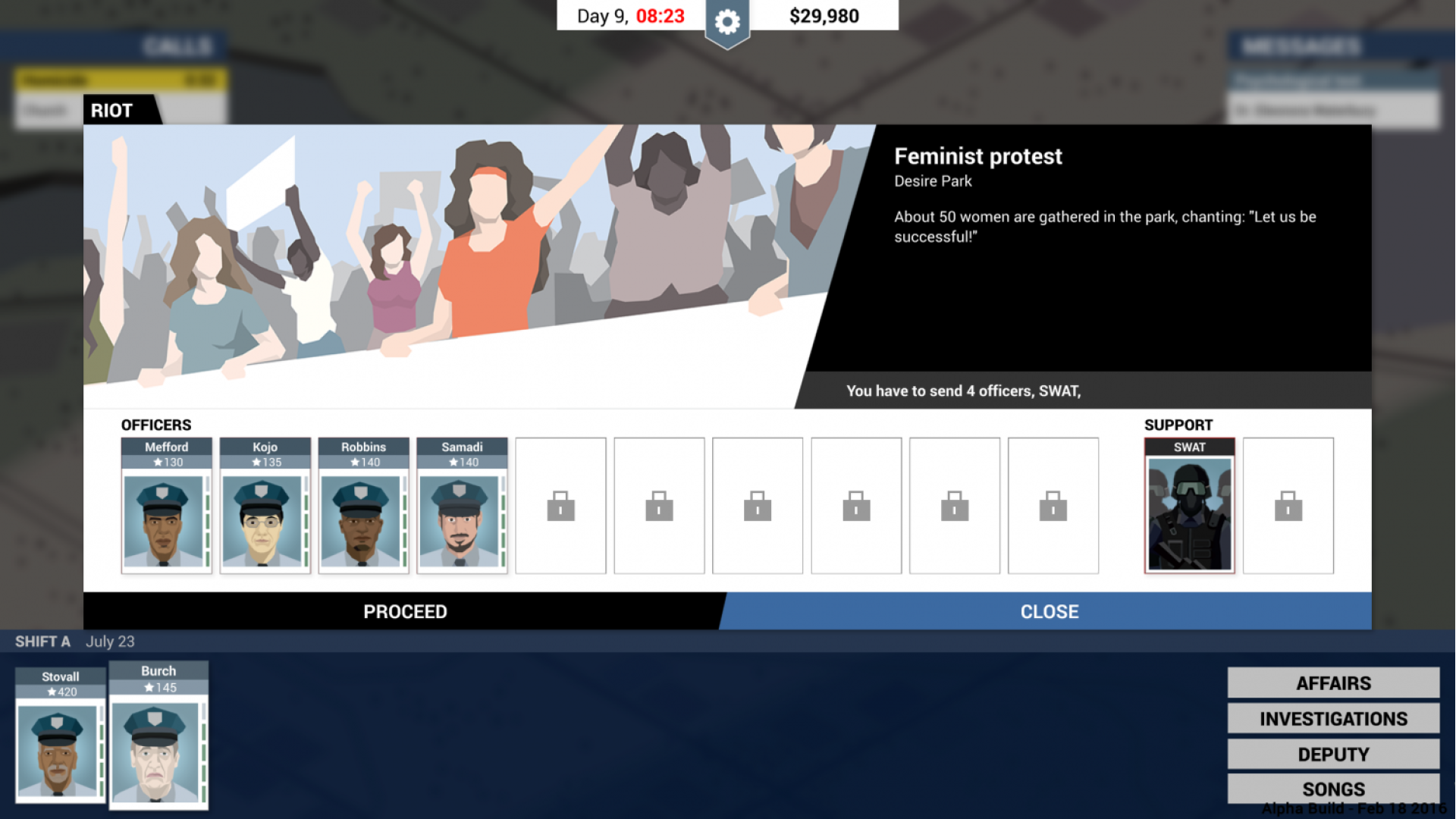
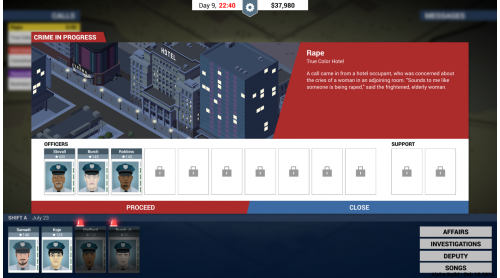
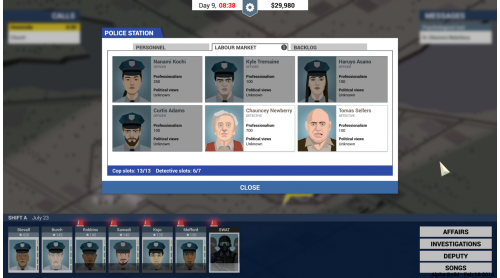
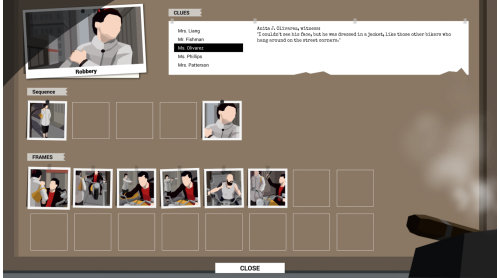
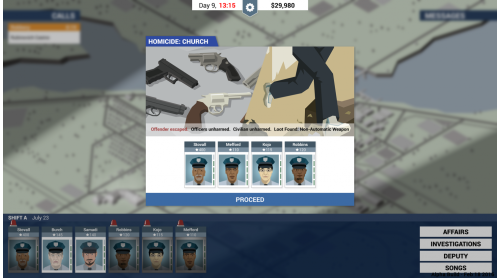
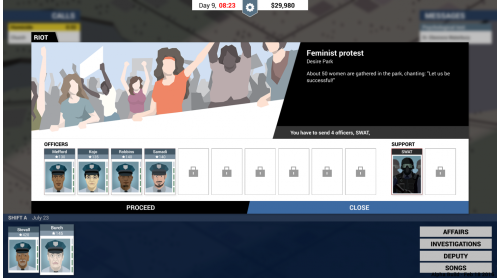
Manage your staff, respond to emergencies, and investigate crimes in a city on the brink of chaos. The mafia underworld maneuvers behind the scenes, sinking their claws ever deeper into the city, even as the mayor is ready to exploit every situation to his political advantage.
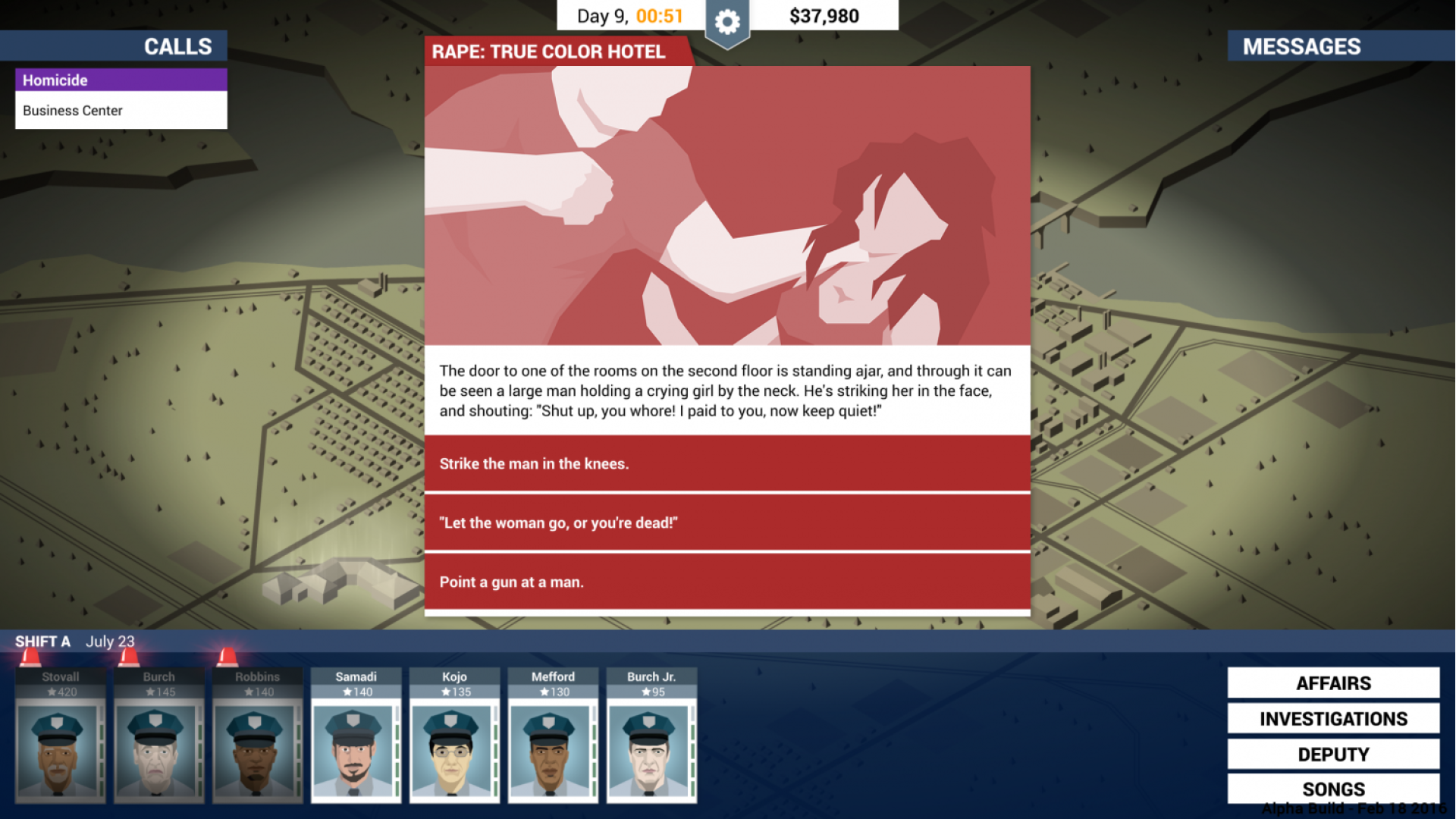
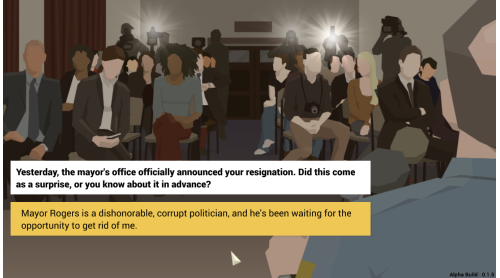
Choose your approach to each situation as it unfolds. Sometimes you’ll be responding to a developing crisis at a crime scene, or negotiating with Freeburg’s crime bosses. Sometimes you’ll find yourself dodging questions in the press room, or even the occasional cross-examination in the witness box. Can you keep this pressure cooker from exploding, at least for long enough to stash away a nice retirement nest egg?


How to activate your Steam key?
1. Open your Steam client. (If you don't have a Steam Client, you can install from here https://store.steampowered.com/about/)
2. Sign in to your Steam account. (If you don't have a Steam Account, you can create from here https://store.steampowered.com/join/)
3. Click “ADD A GAME” button which is at the bottom of the Steam Client.
4. Now select "Activate a product on Steam..."
5. Write or copy-paste your Steam key which you purchased from Gamesforpc.
6. Now your game is in your library.
7. Find your game in your library, select and click install to start your download.