 Steam
Steam  Windows
 14.99€
Added to Cart
14.99€
Added to Wishlist
14.99€
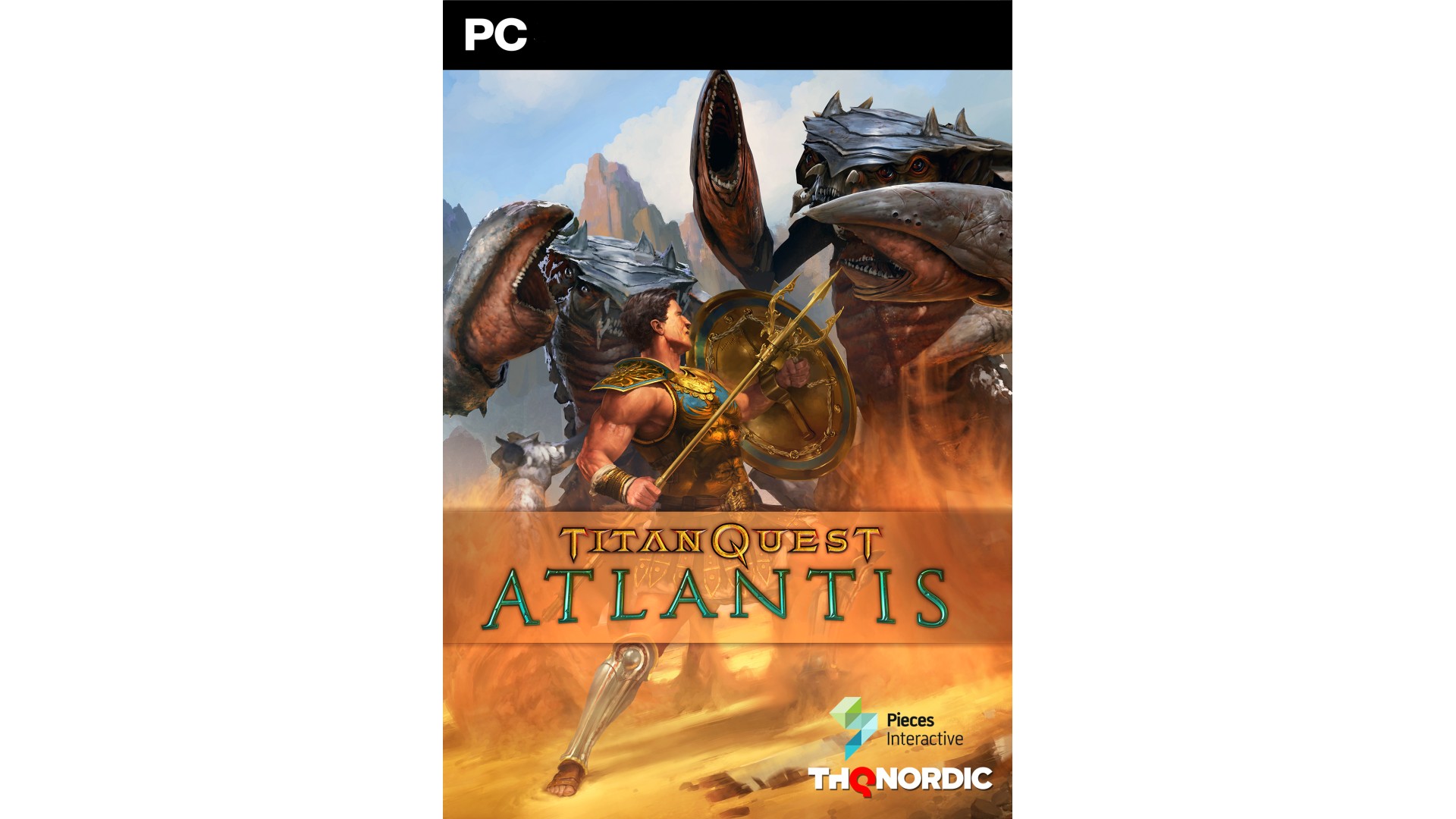
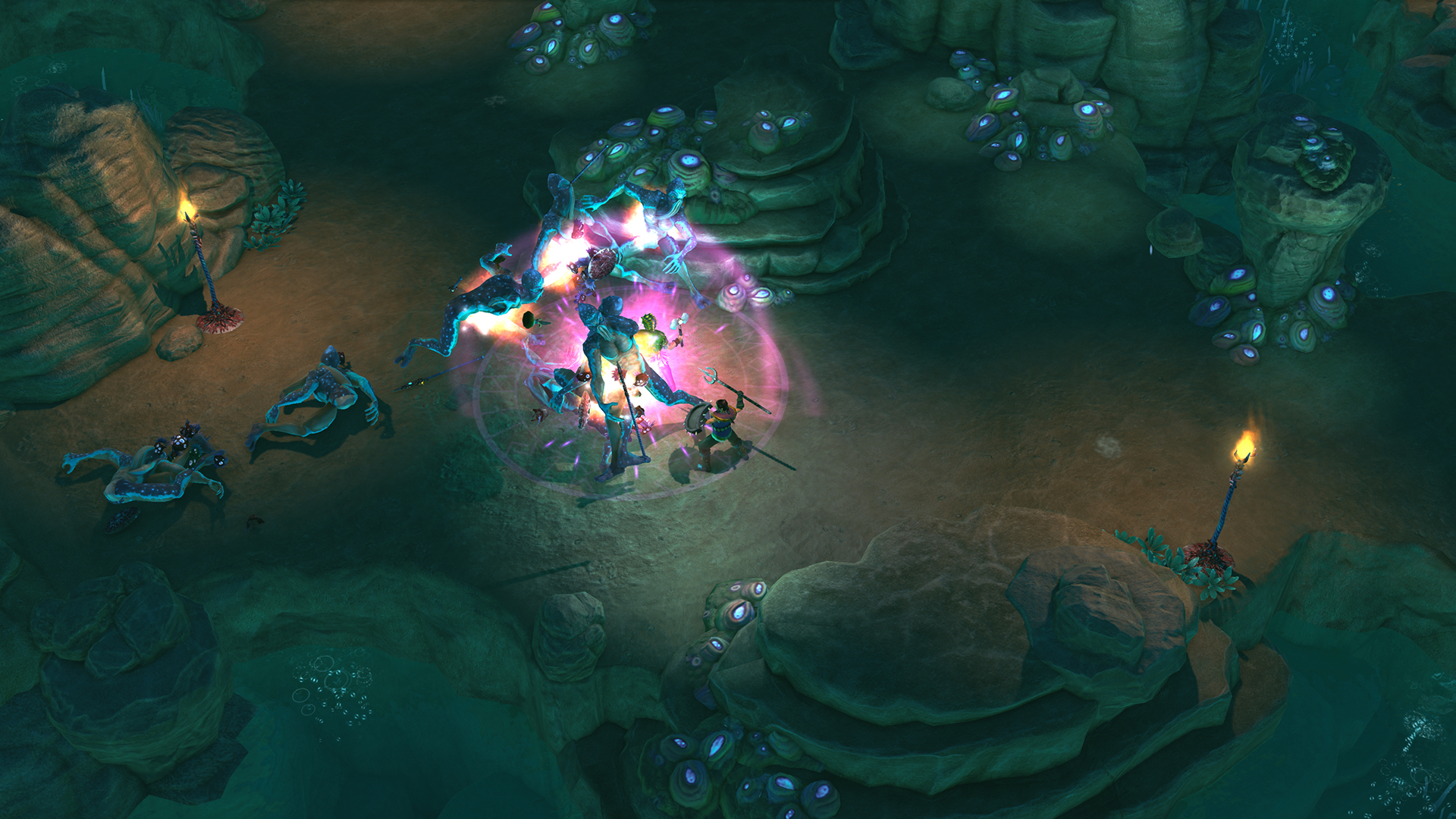
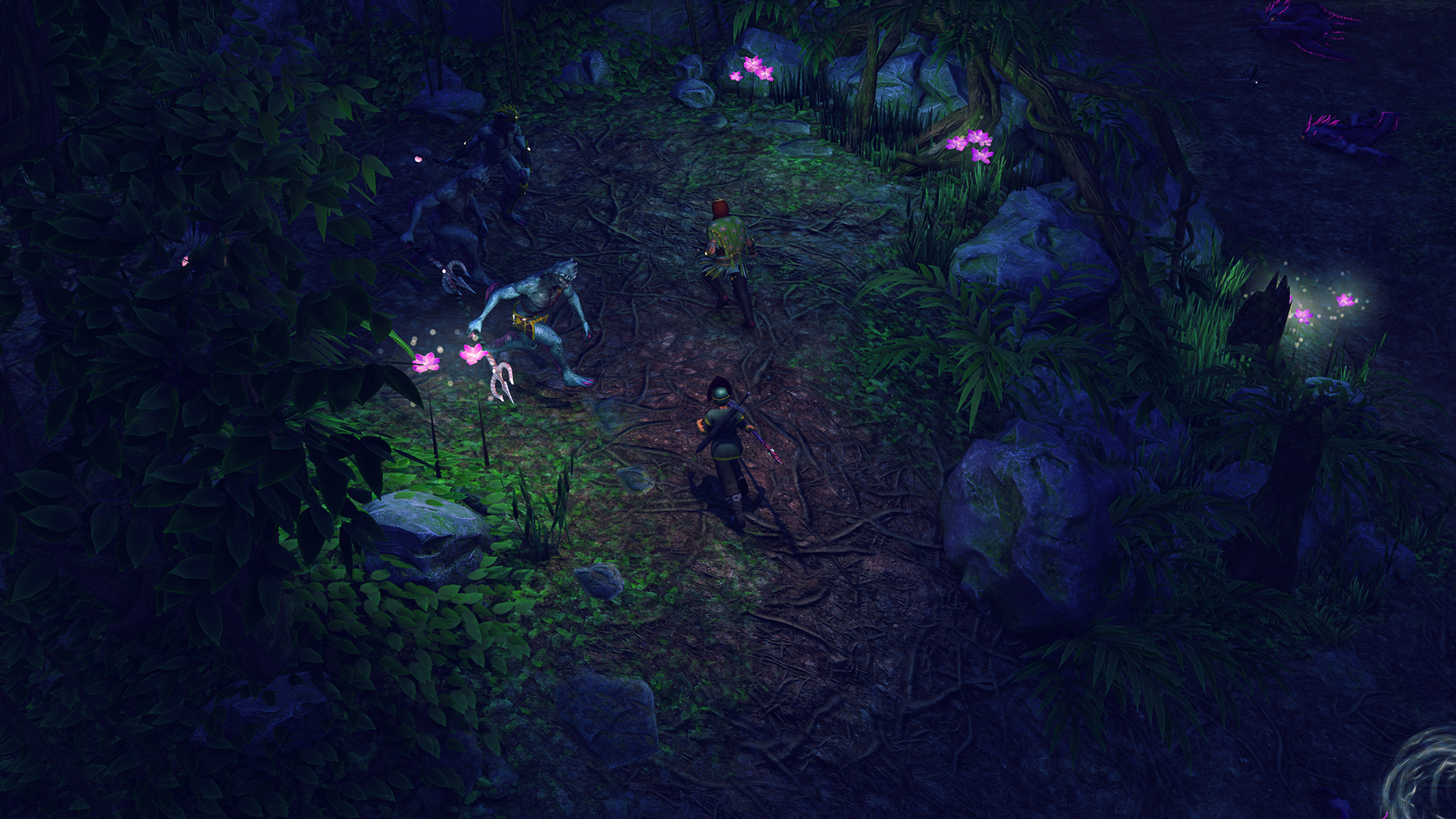
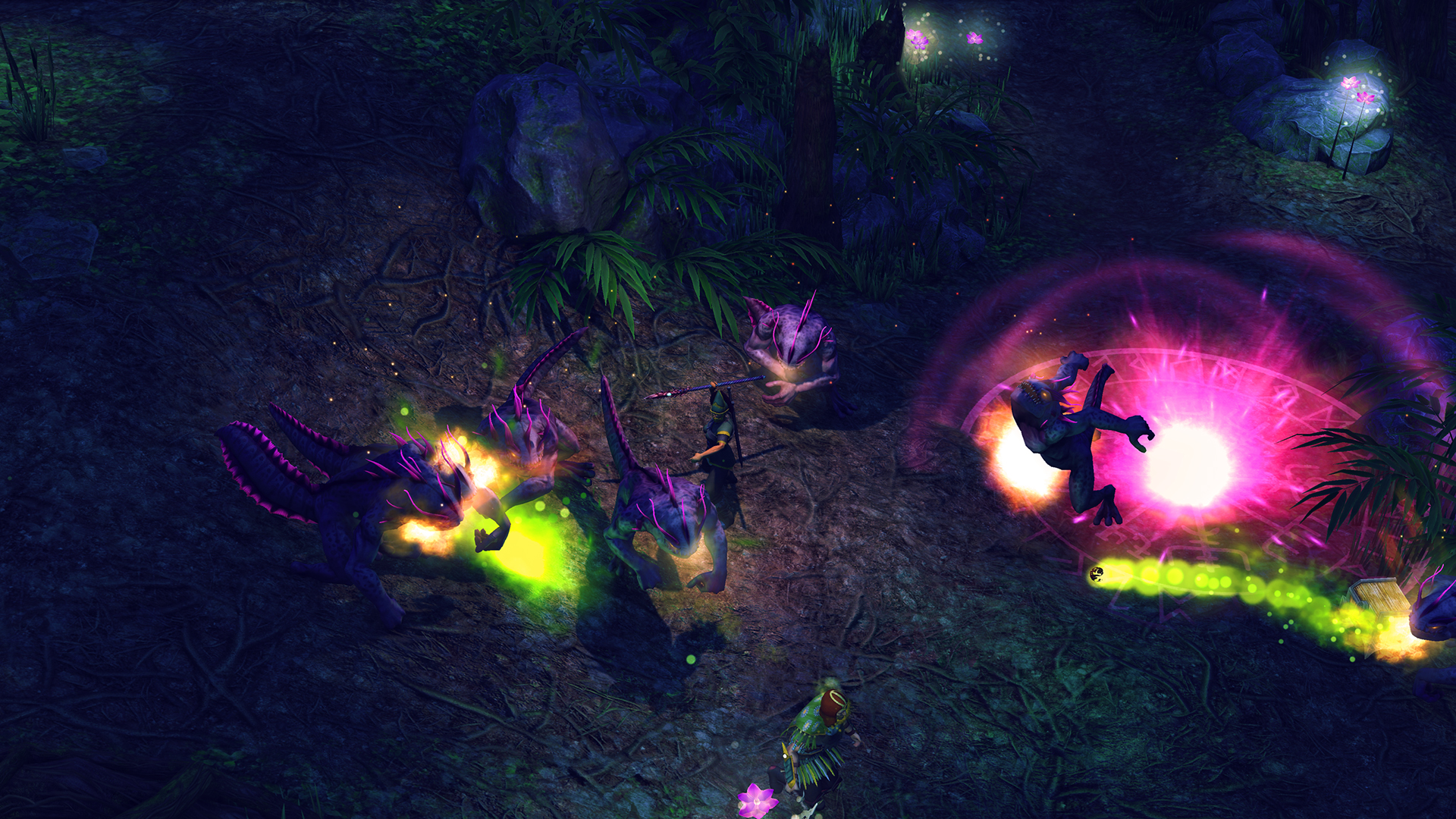
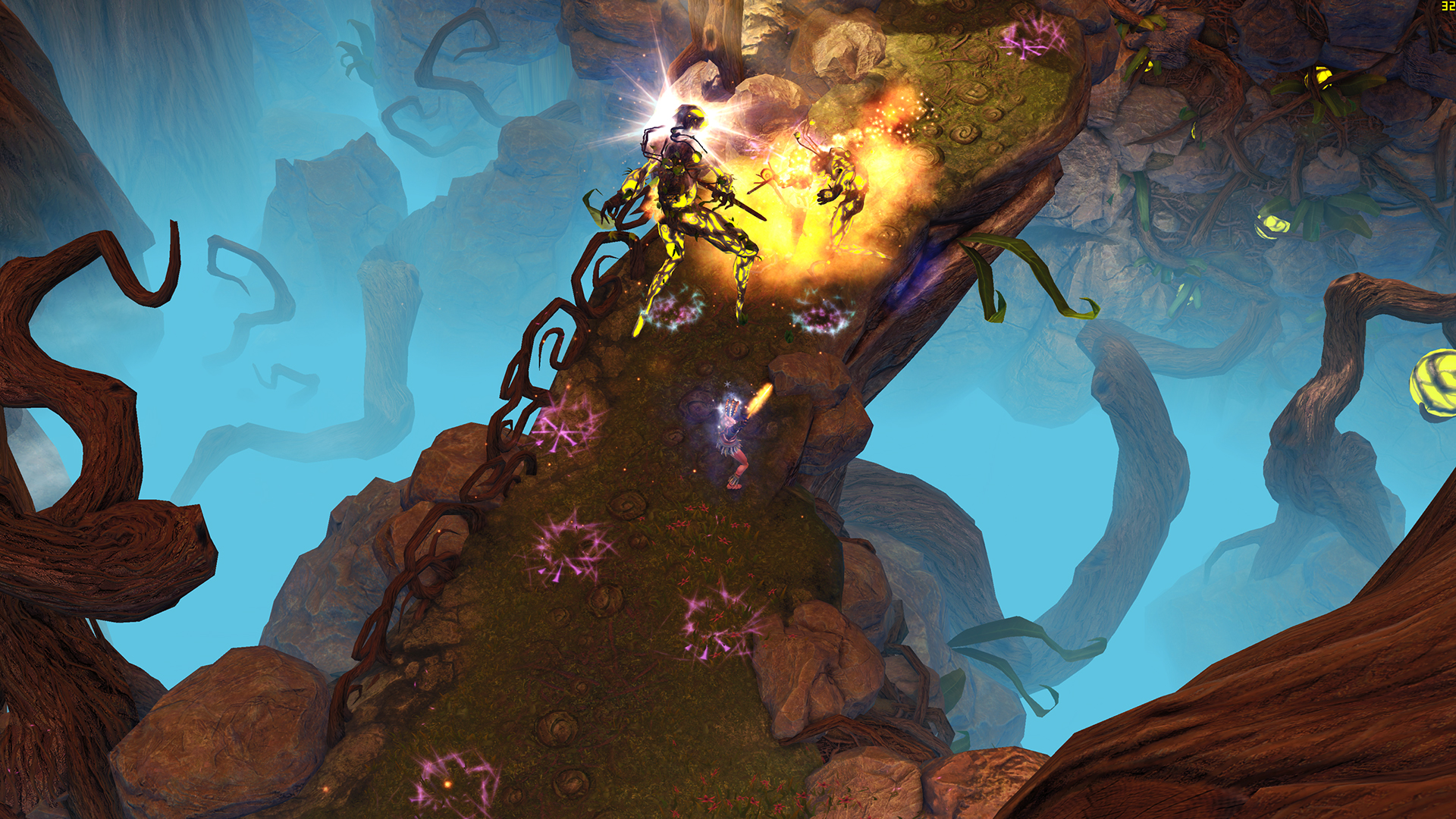
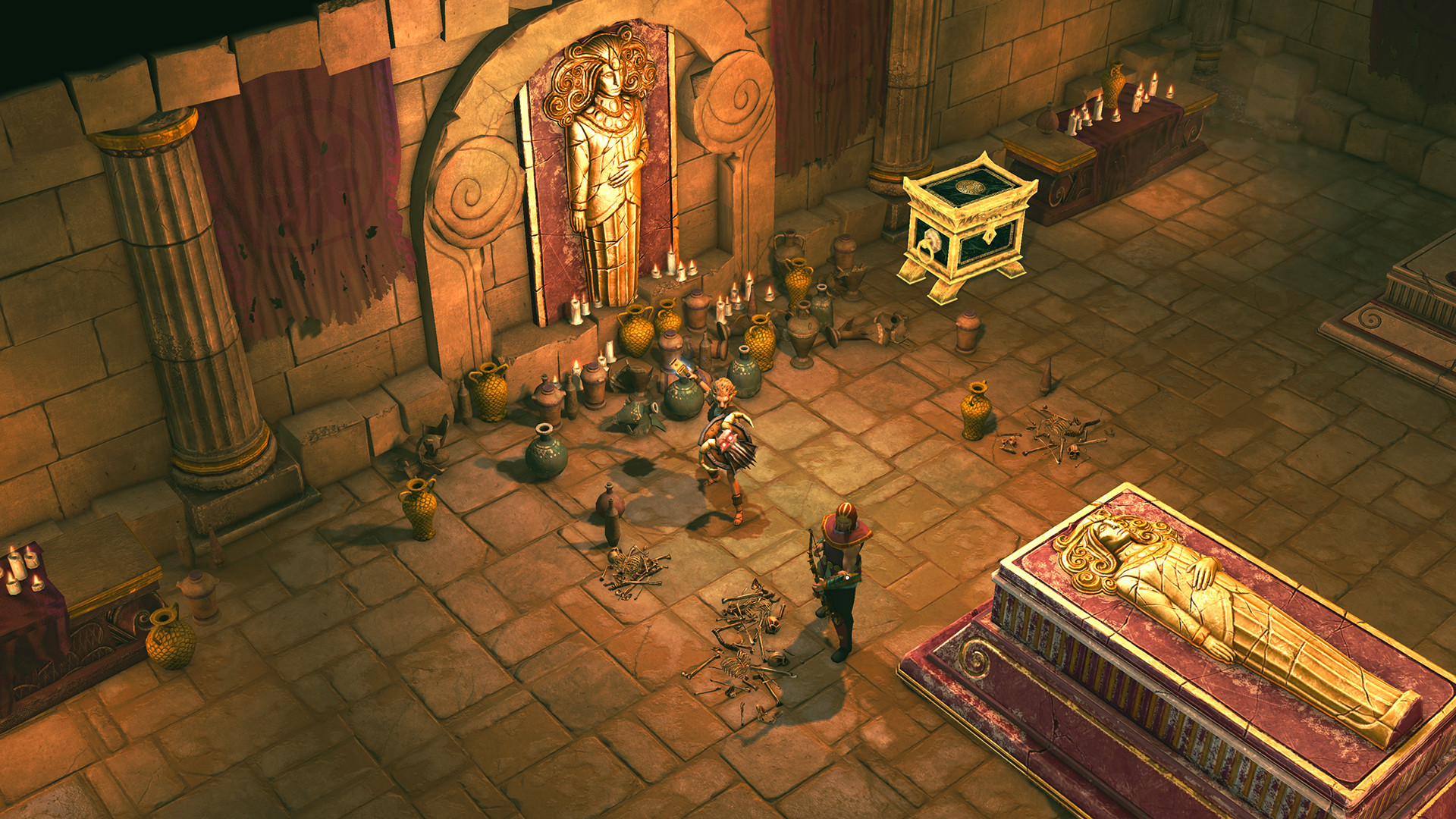
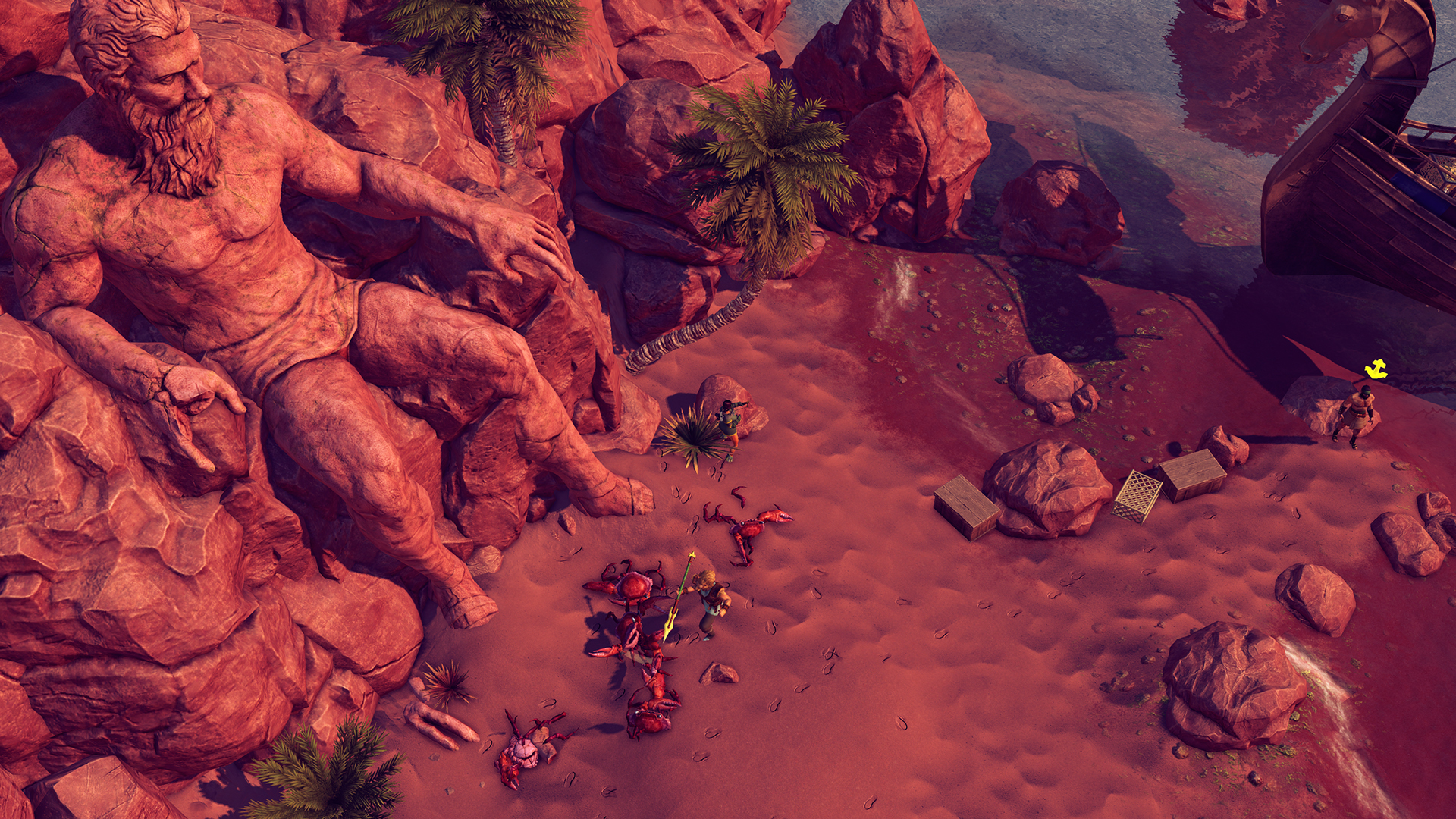
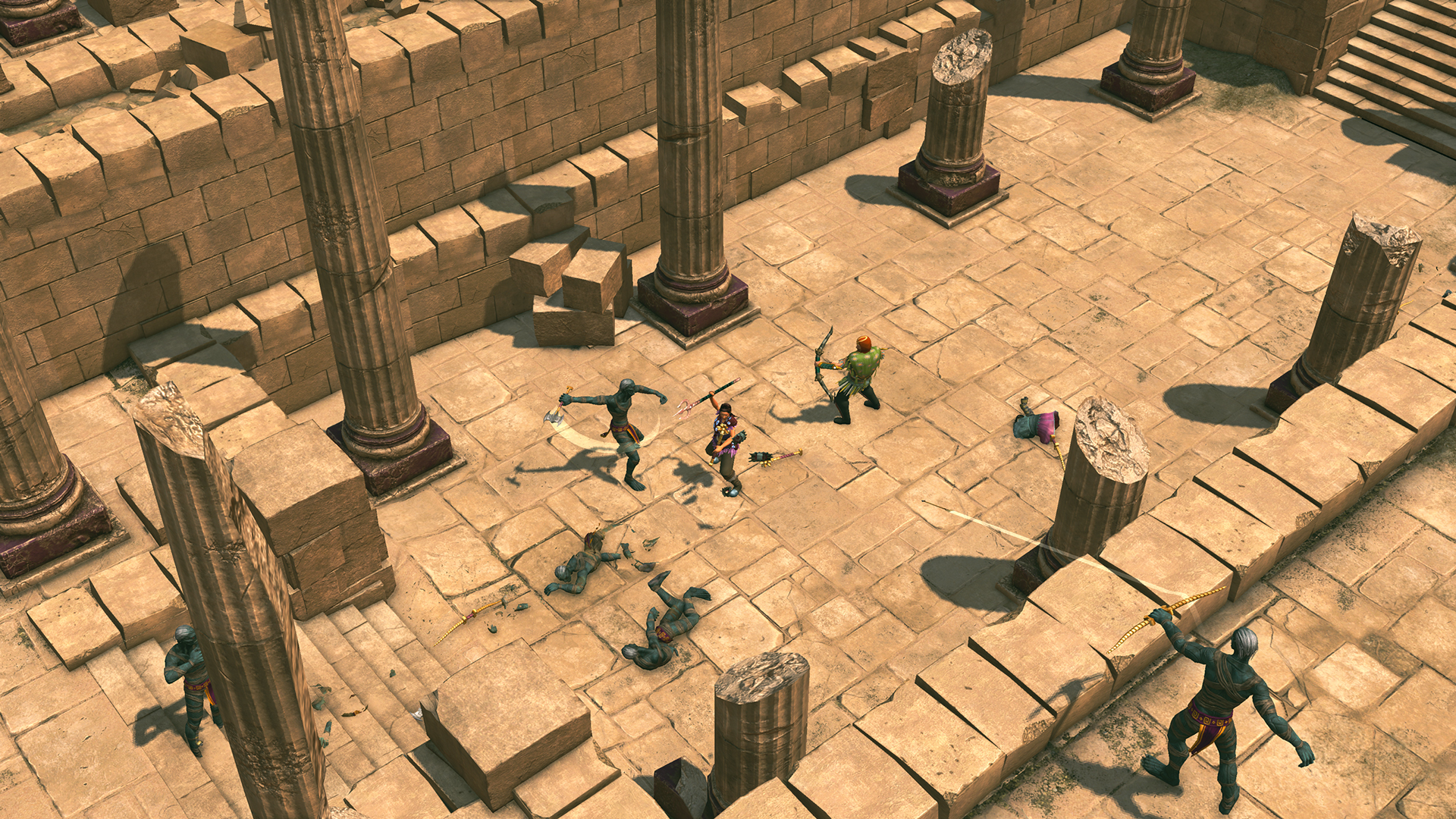
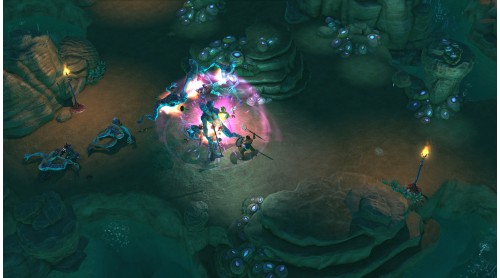
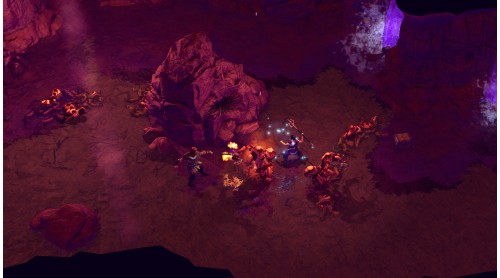
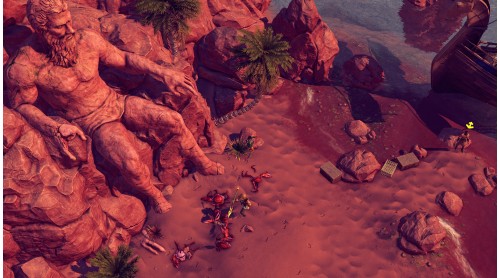
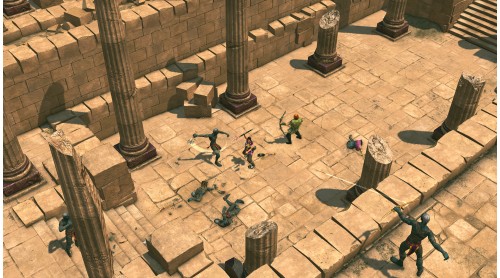
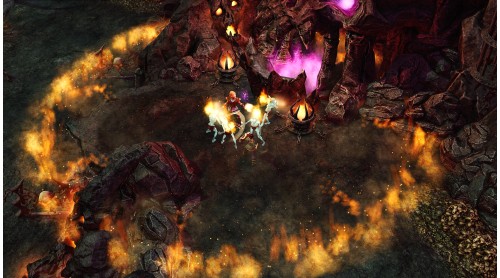
The Hero meets an explorer that is searching for the mythical kingdom of Atlantis, and together they set out on a journey across the western Mediterranean. The key lies in the legendary Diary of Herakles, rumored to be in the Phoenician City of Gadir, but their journey will take them beyond the edges of the known world...
Atlantis Quest
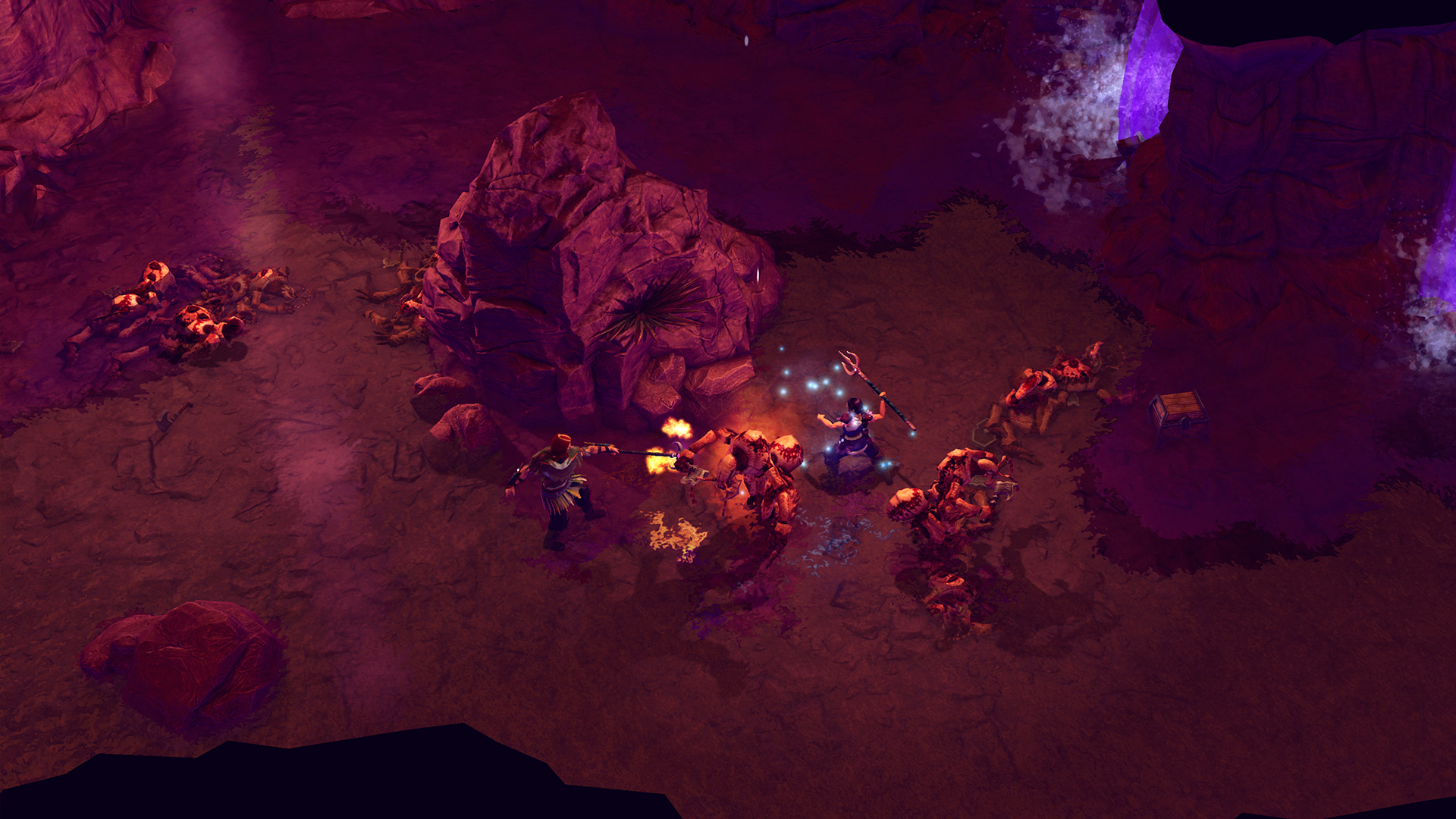
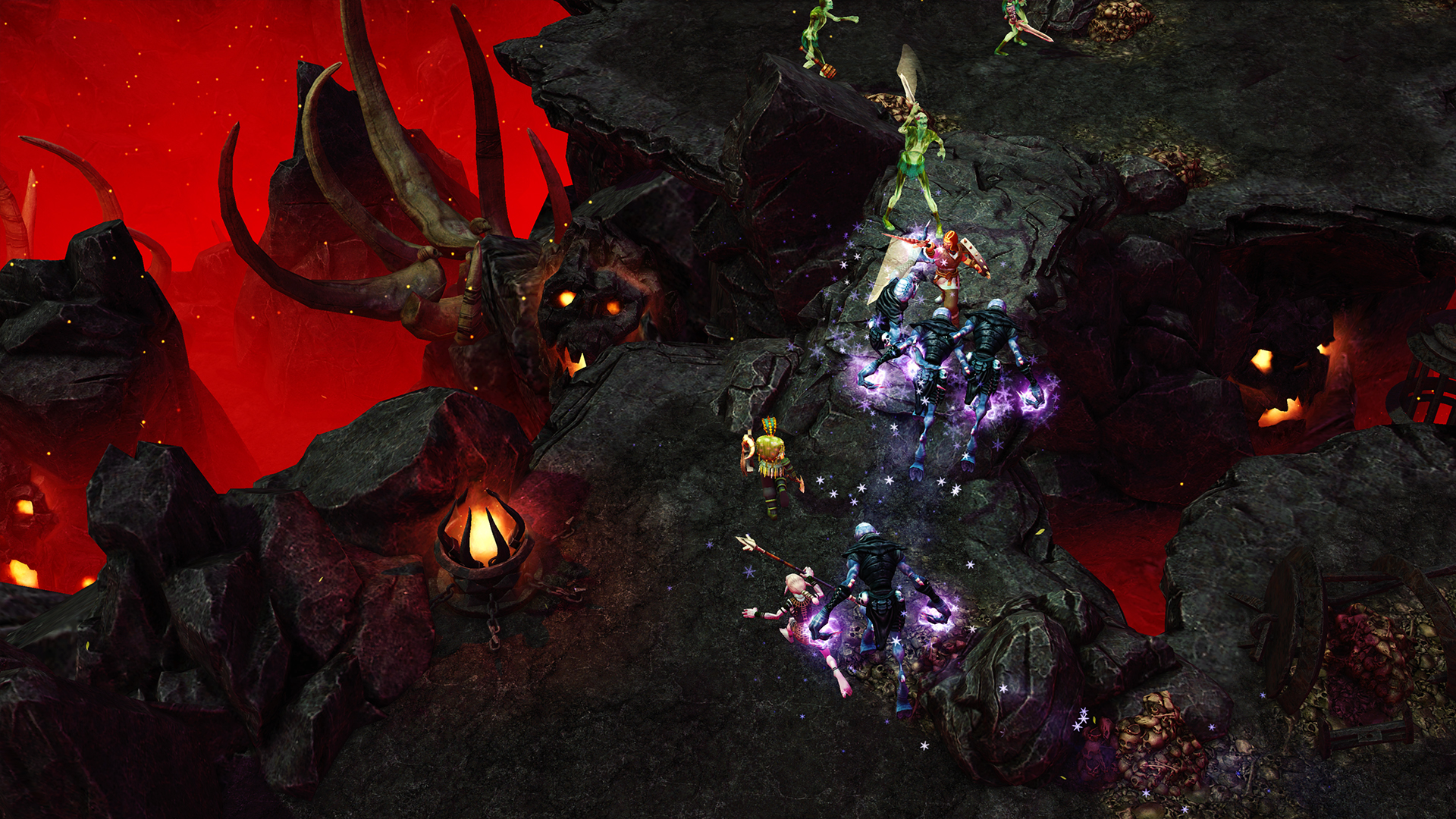
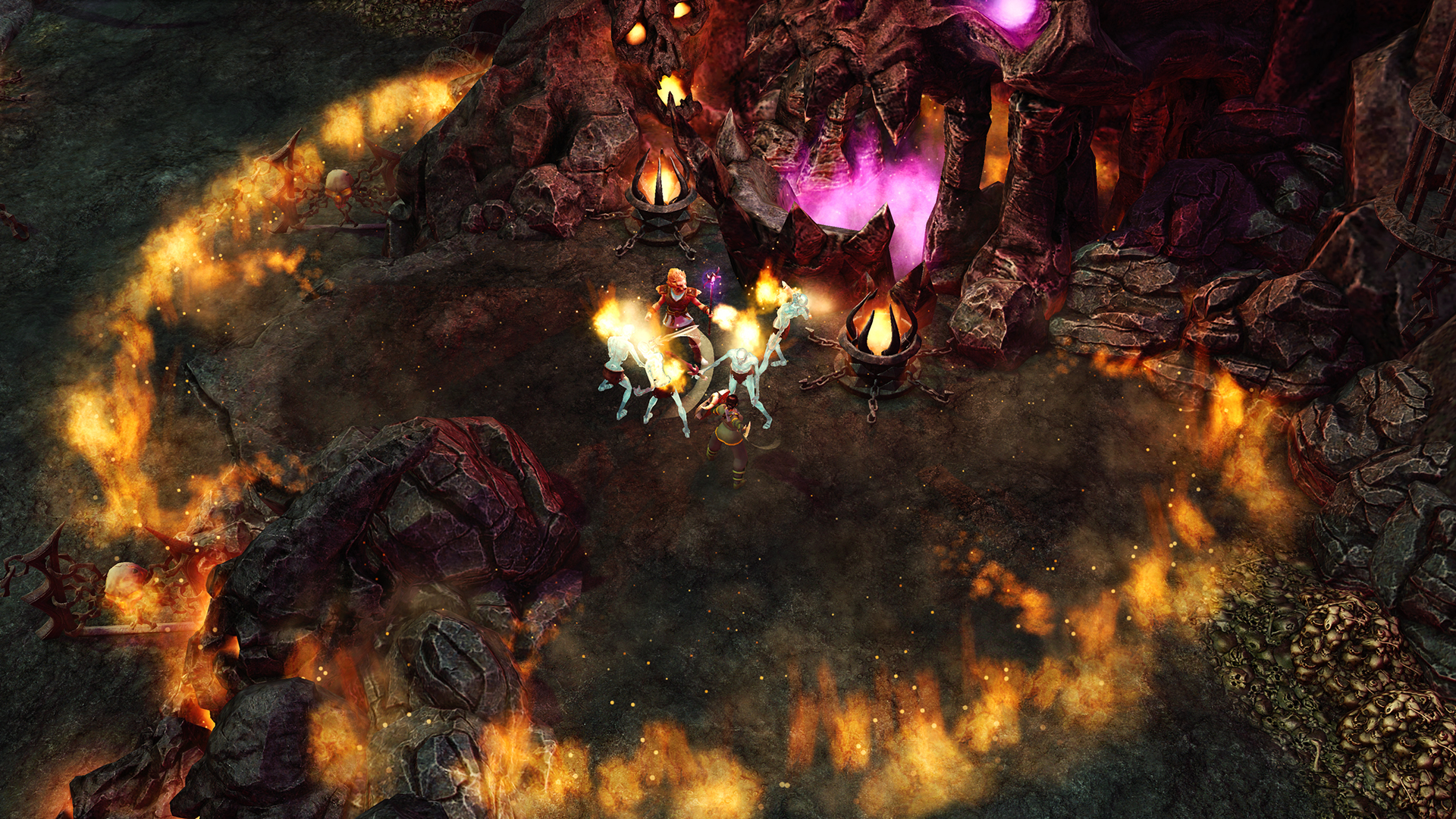
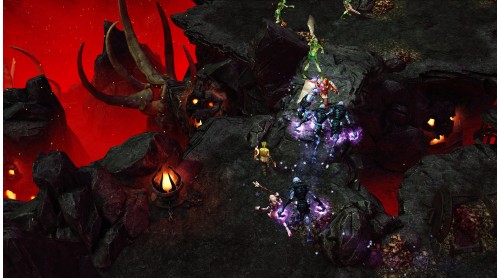
Tartarus Endless Mode
Expanded Masteries
Unlock a new tier of skills for each mastery
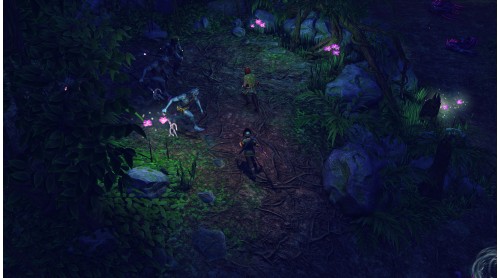
Visual Upgrades
Graphical upgrades such as SSAO and color grading
Quality of Life Improvements
Quick cast, easier storage and other long-awaited perks
Casino Merchant
Spend your excess in-game money on randomly generated loot
© 2019 THQ Nordic AB, Sweden. Developed by Pieces Interactive. Titan Quest, THQ and their respective logos are trademarks and/or registered trademarks of THQ Nordic AB. All rights reserved. All other trademarks, logos and copyrights are property of their respective owners


How to activate your Steam key?
1. Open your Steam client. (If you don't have a Steam Client, you can install from here https://store.steampowered.com/about/)
2. Sign in to your Steam account. (If you don't have a Steam Account, you can create from here https://store.steampowered.com/join/)
3. Click “ADD A GAME” button which is at the bottom of the Steam Client.
4. Now select "Activate a product on Steam..."
5. Write or copy-paste your Steam key which you purchased from Gamesforpc.
6. Now your game is in your library.
7. Find your game in your library, select and click install to start your download.