
 Steam
Steam  Windows
 | Release Date | 12.06.2025 |
| Publisher | Polden Publishing |
| Operating Systems | Windows |
| Genres | Simulation, Strategy, indie |
11.70€
Added to Cart
11.70€
Added to Wishlist
11.70€
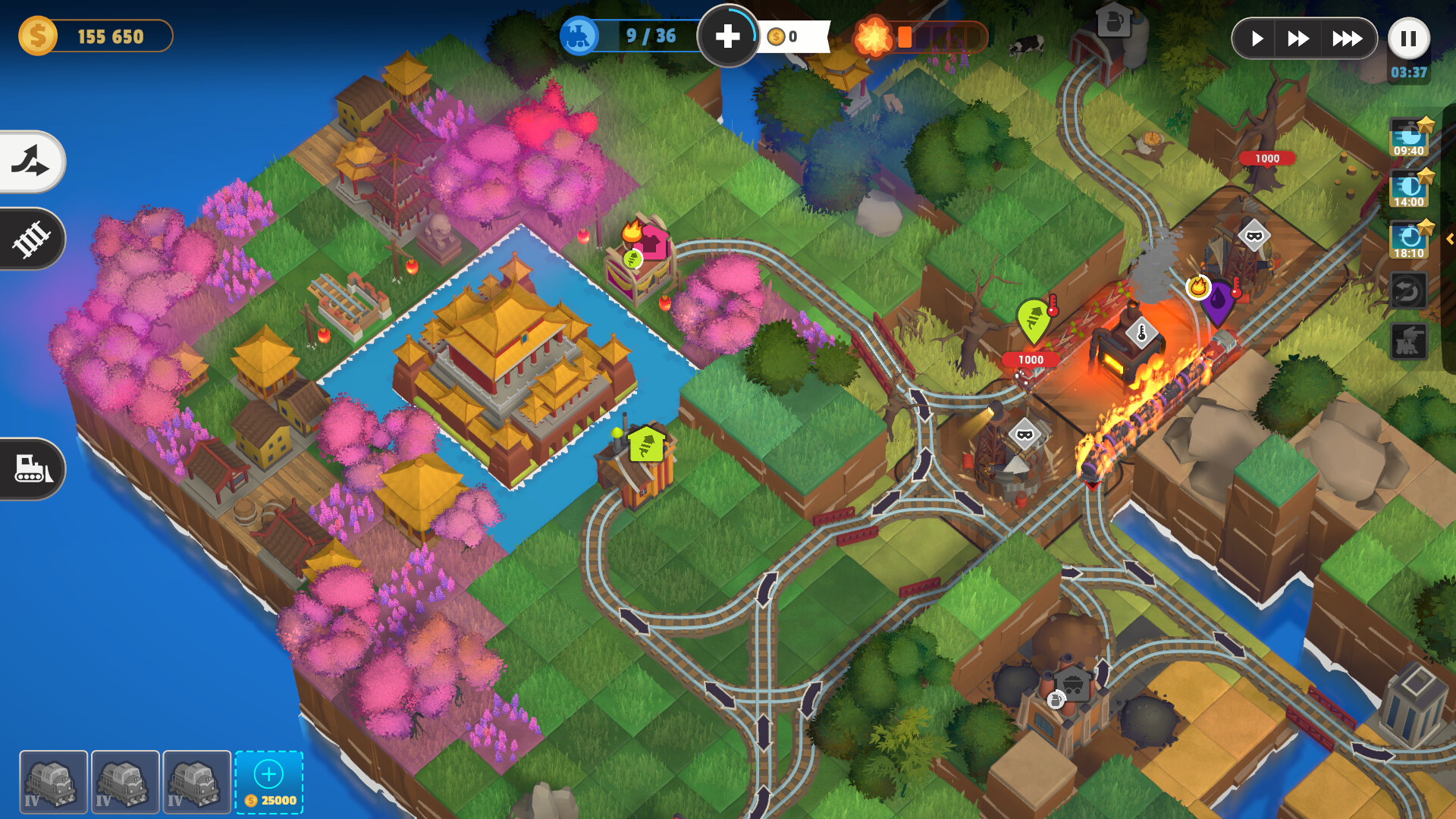
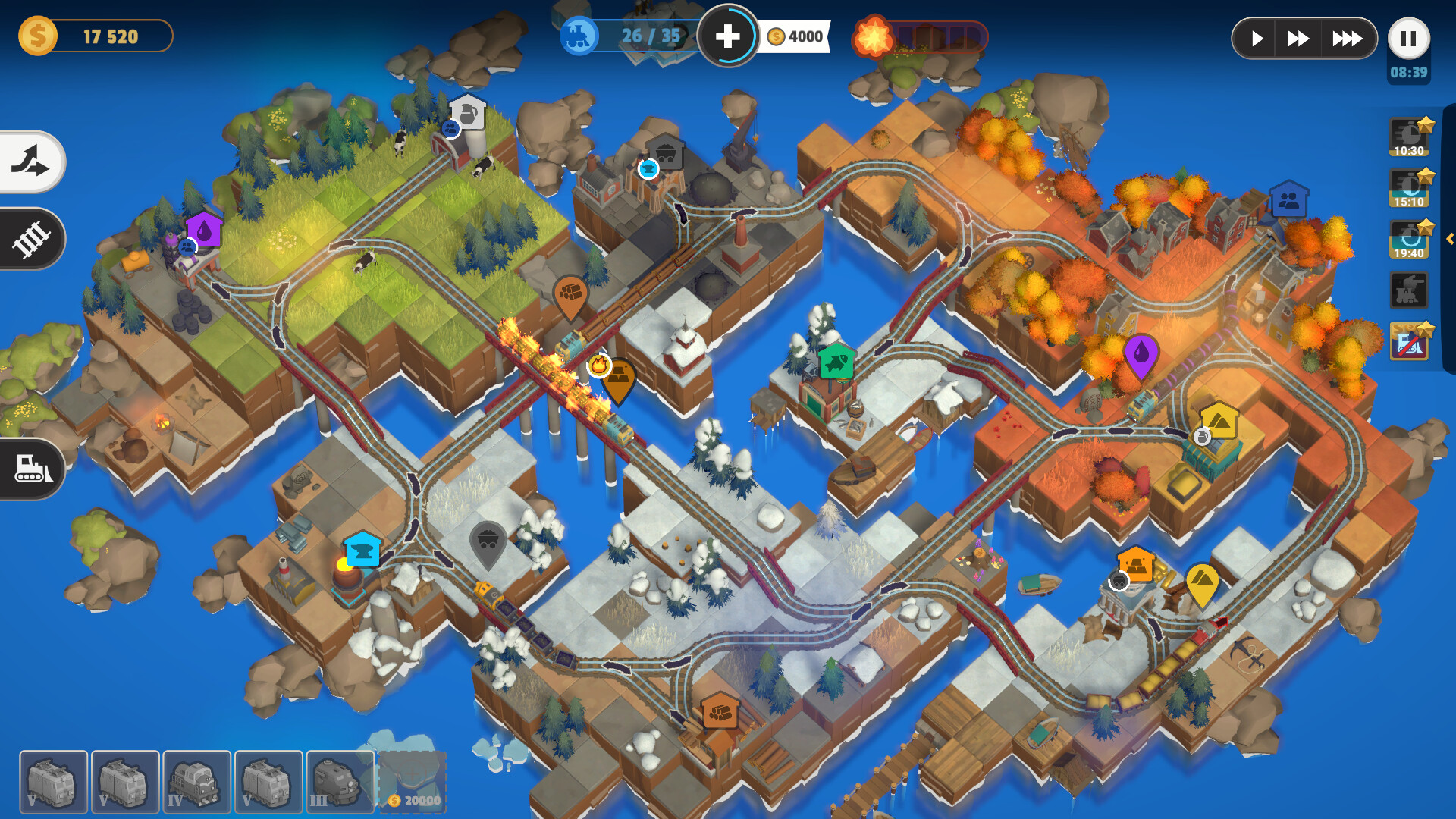
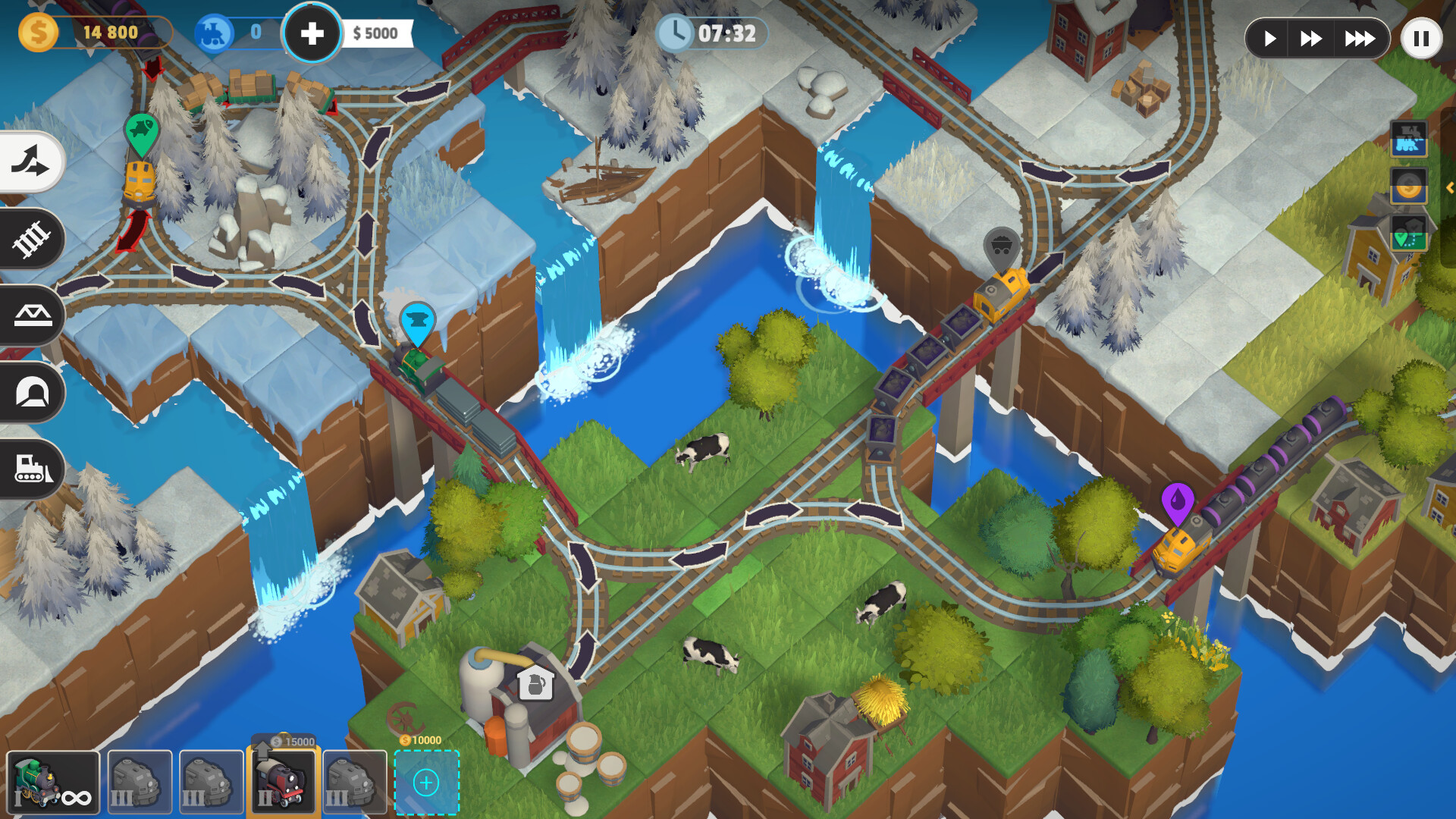
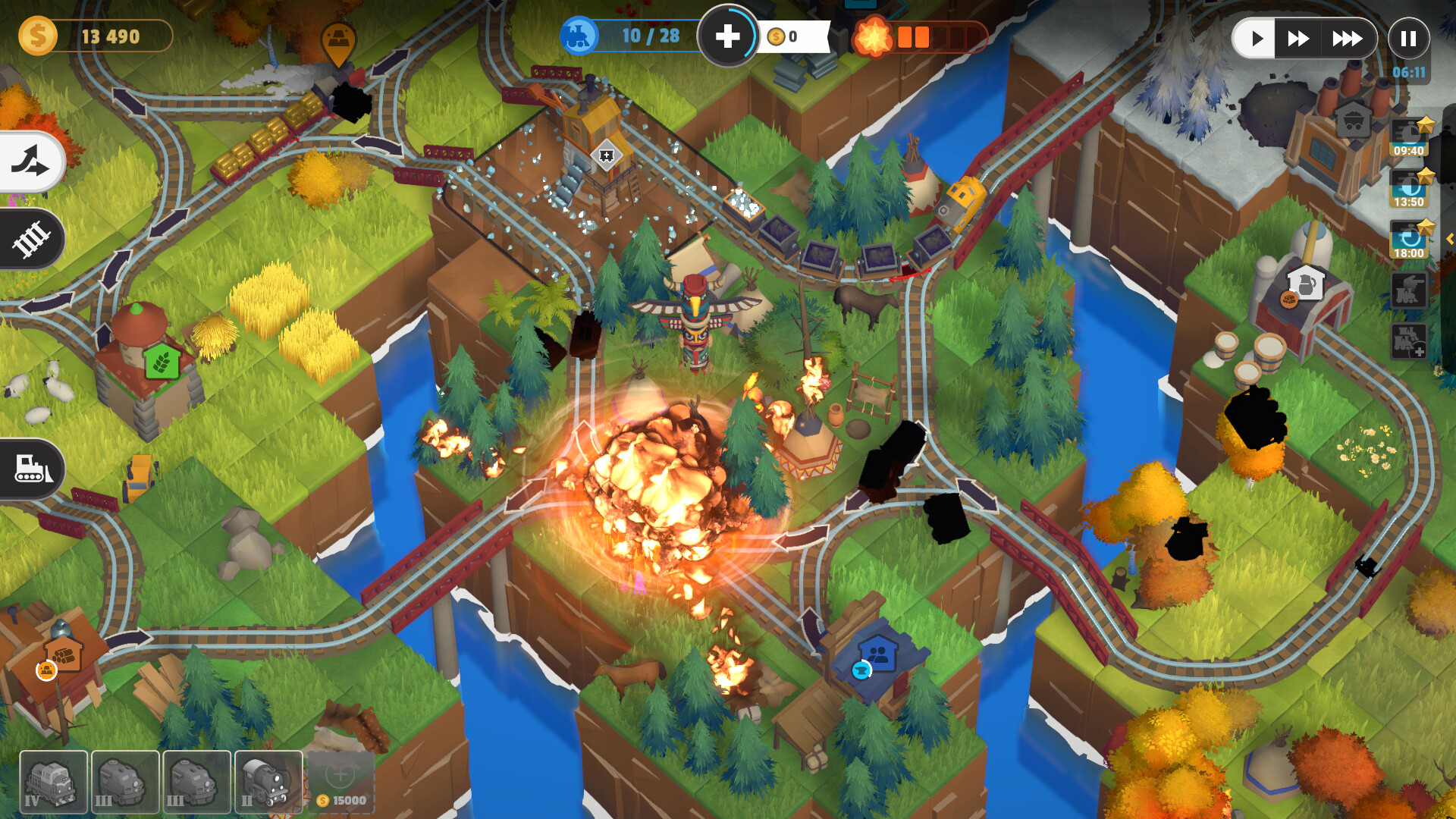
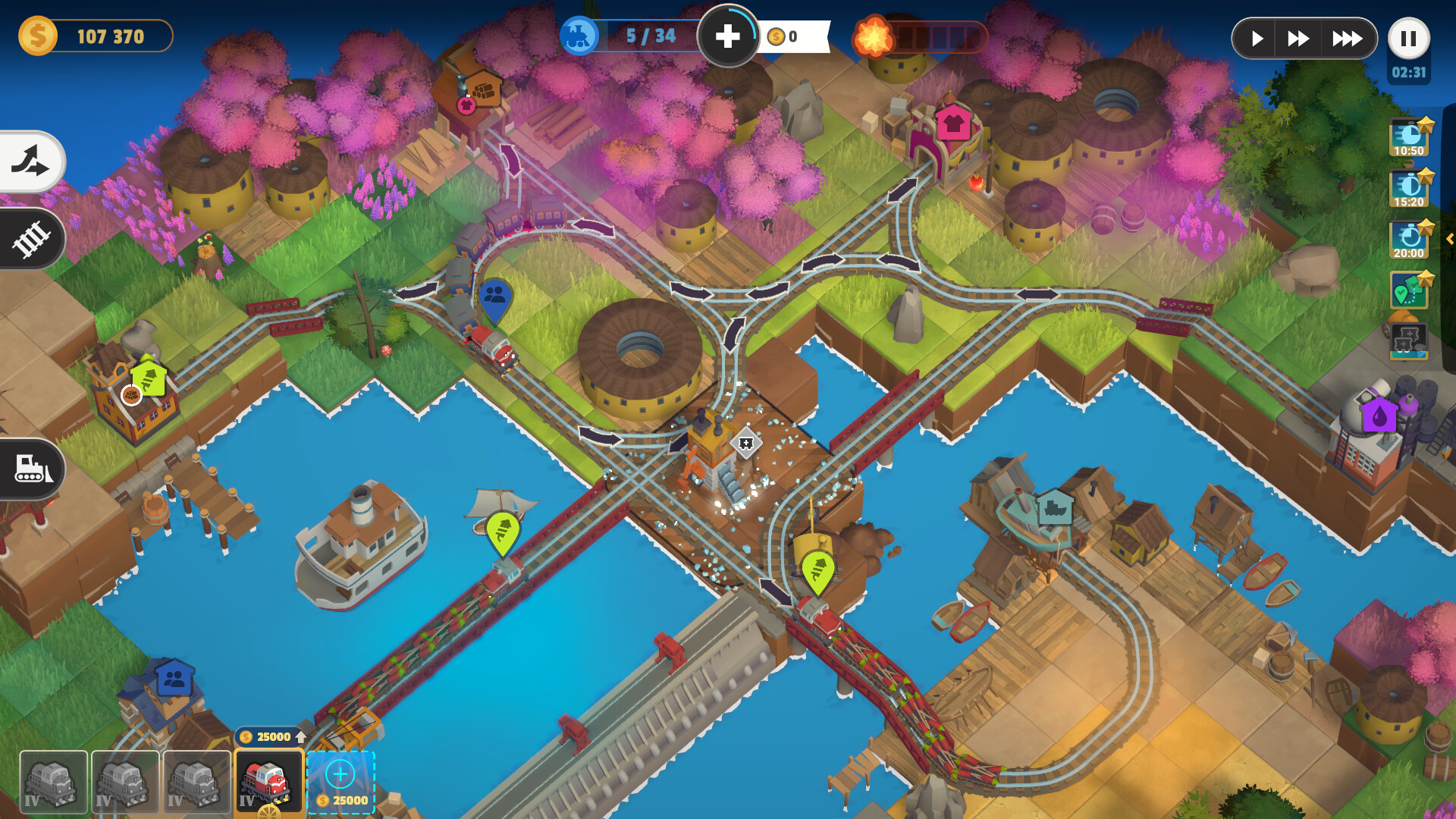
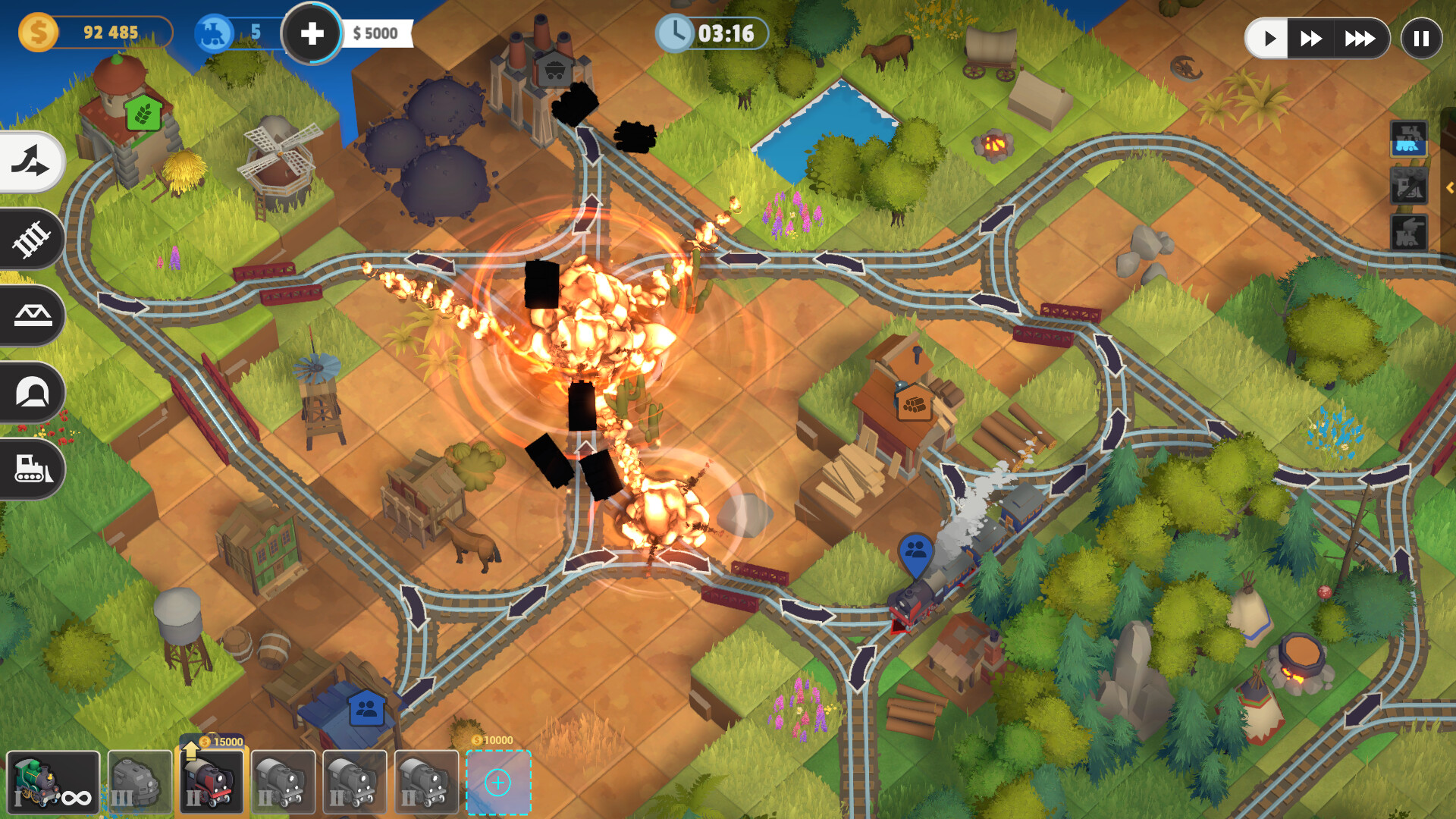
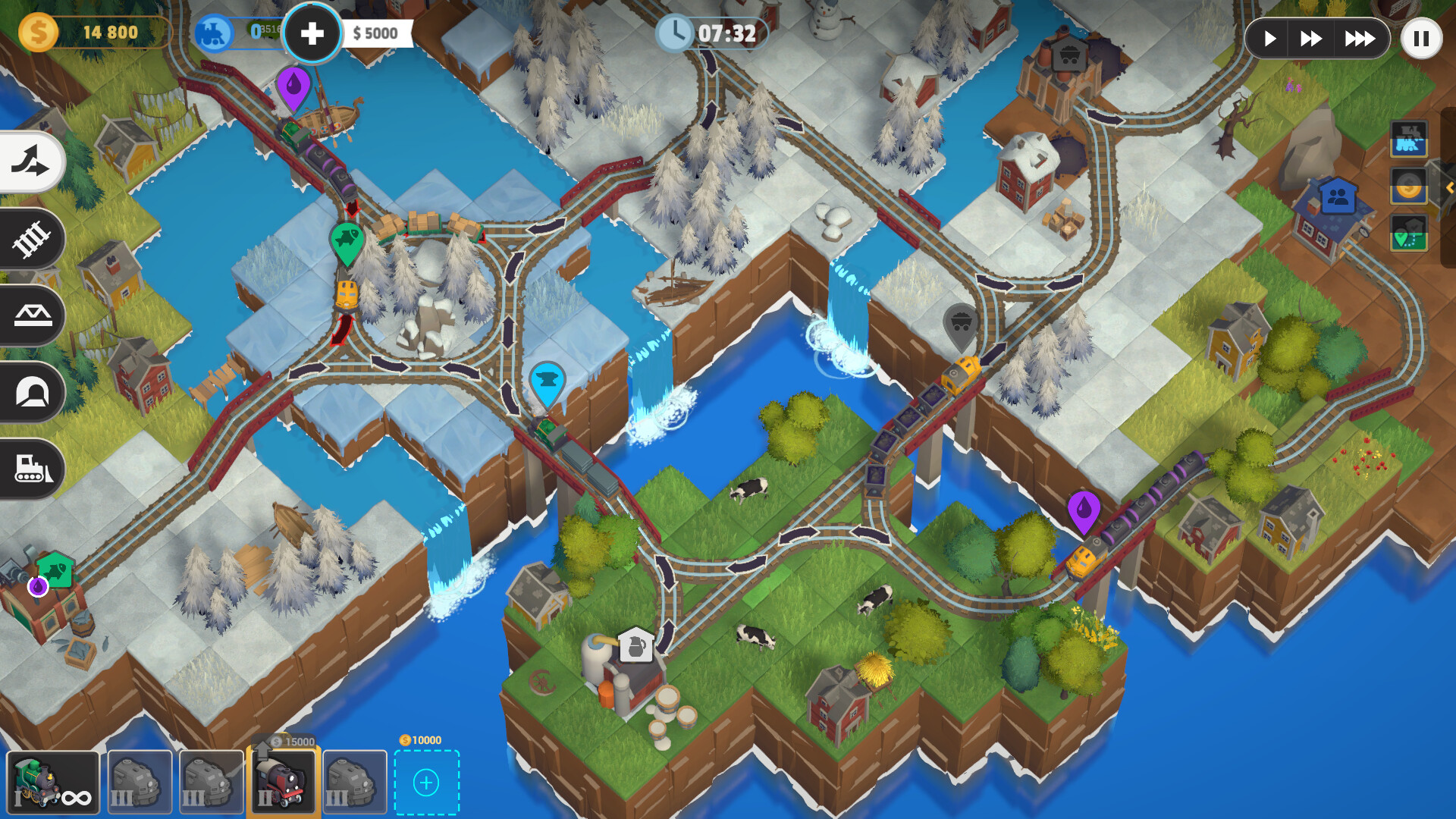
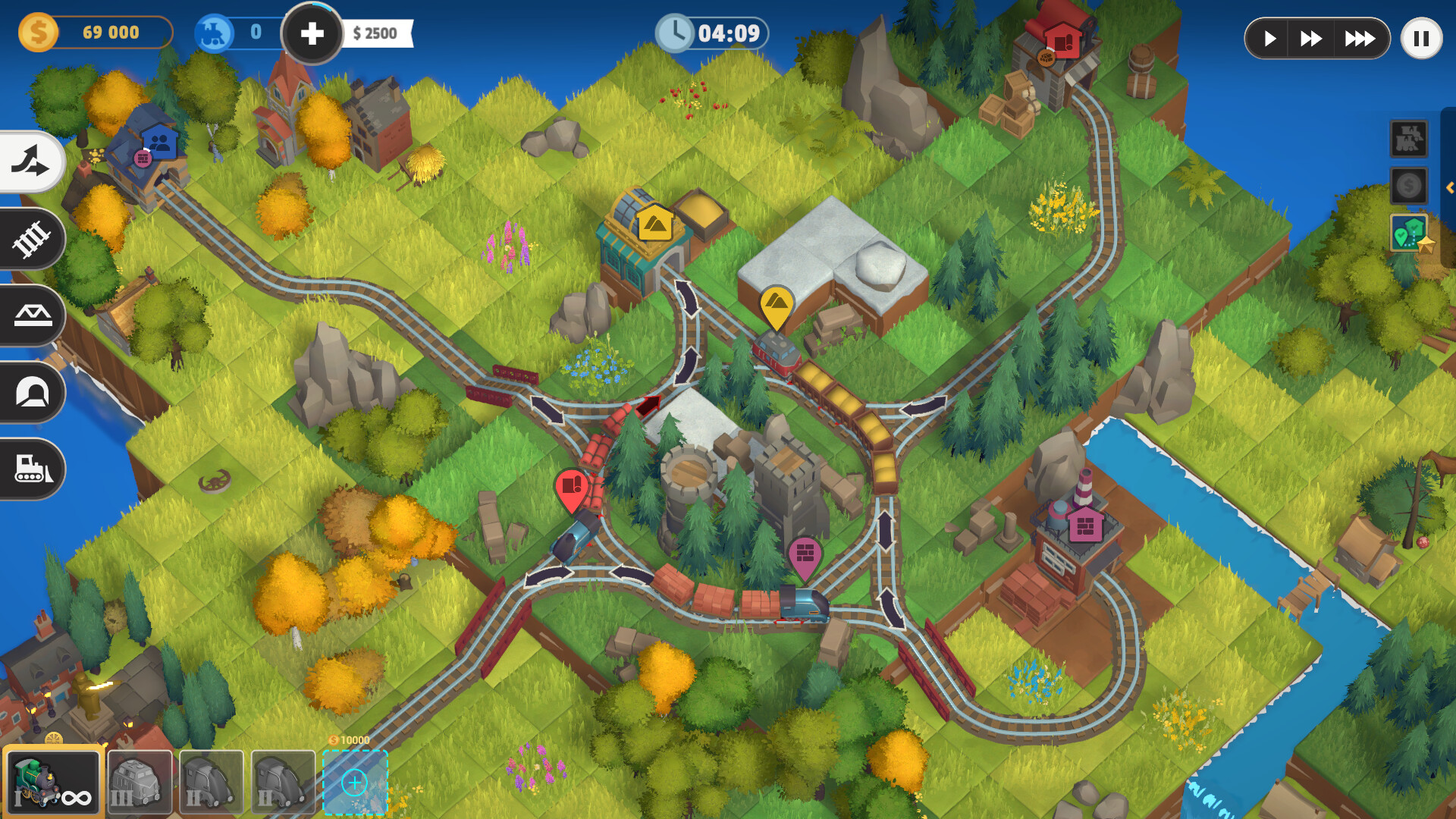
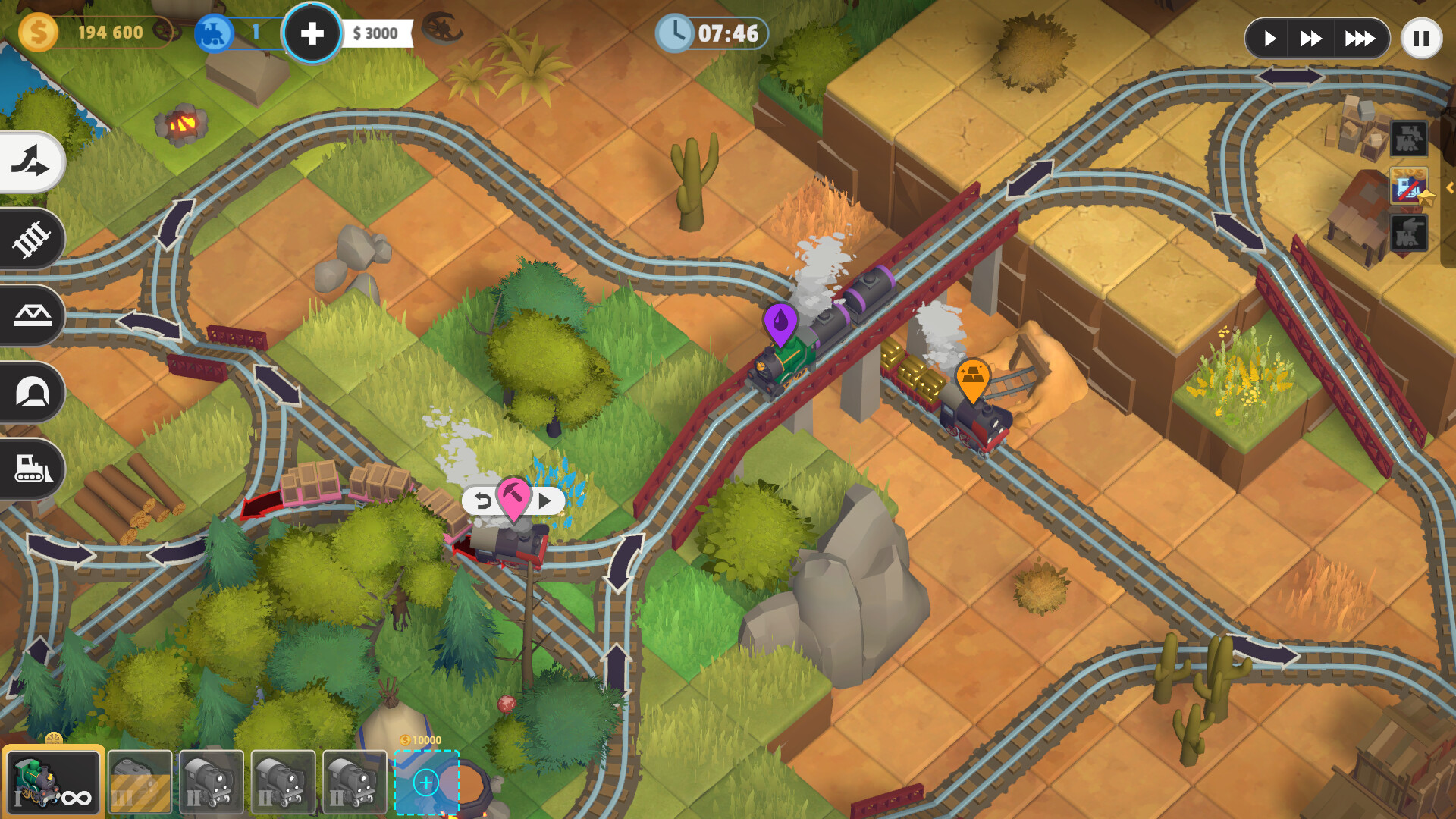
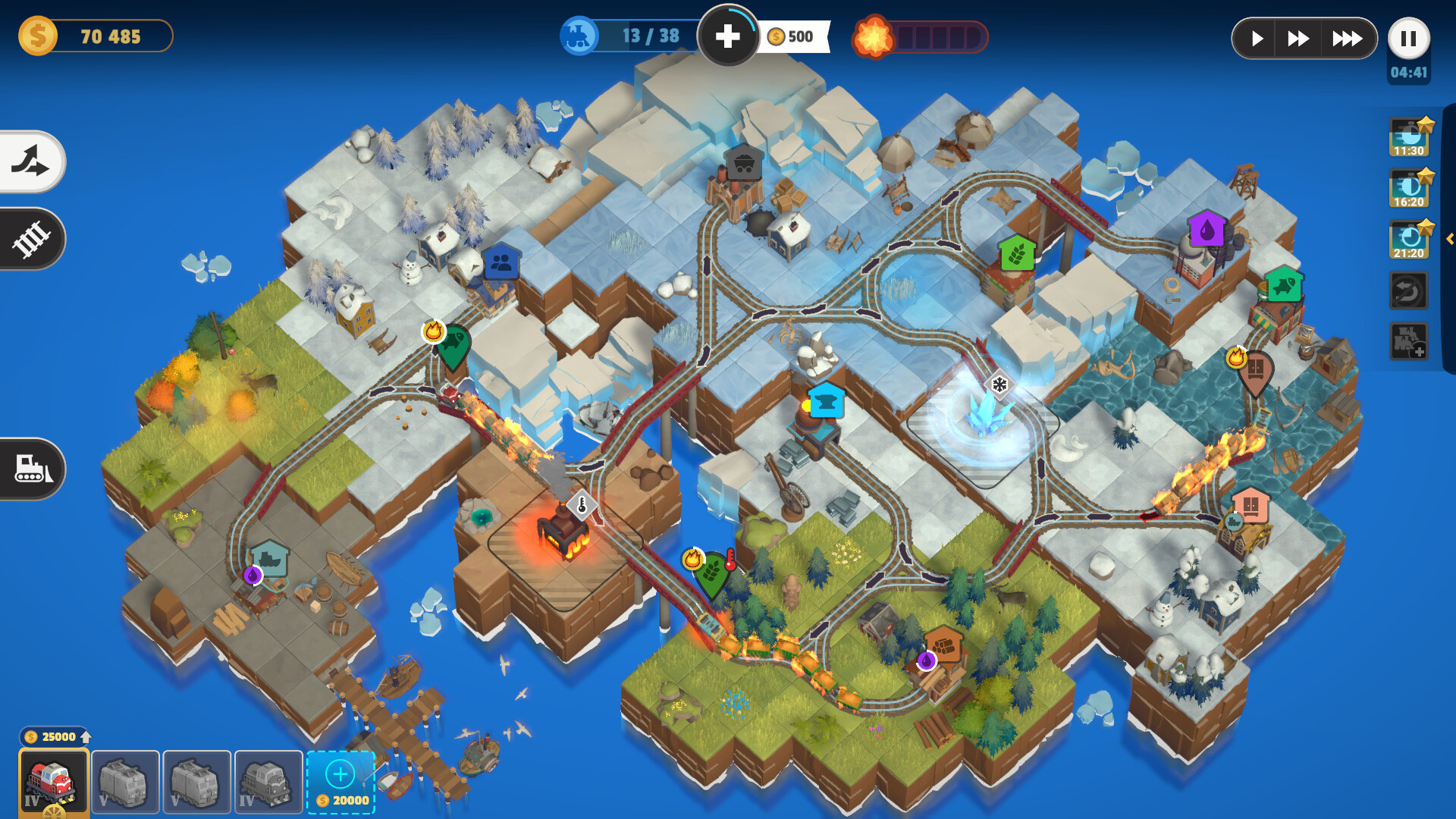
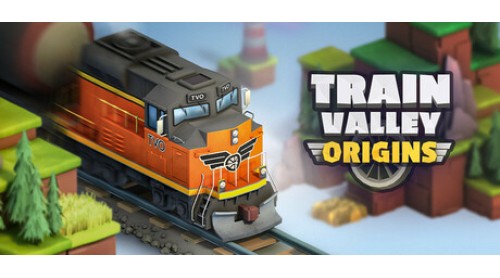
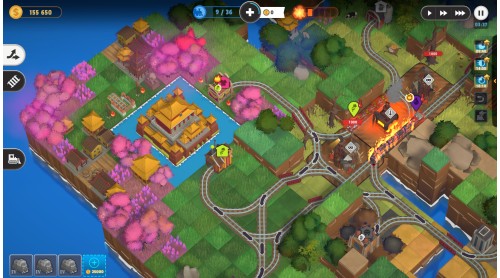
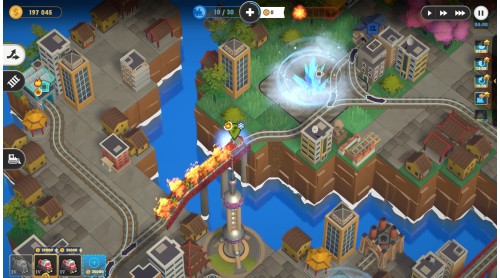
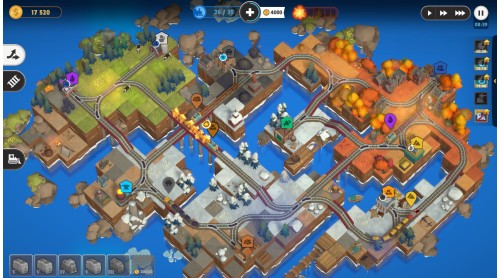
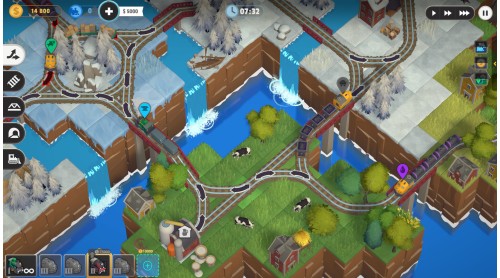
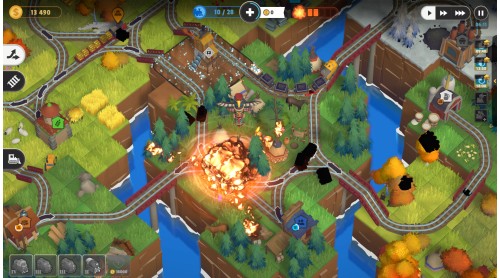
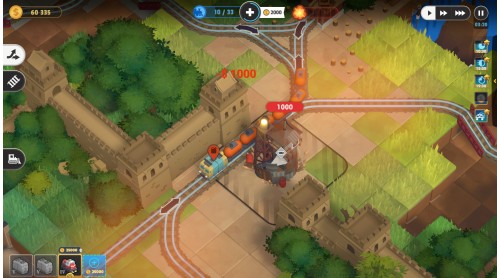
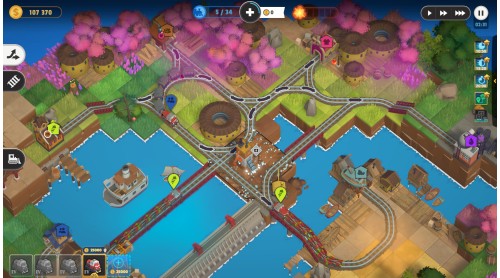
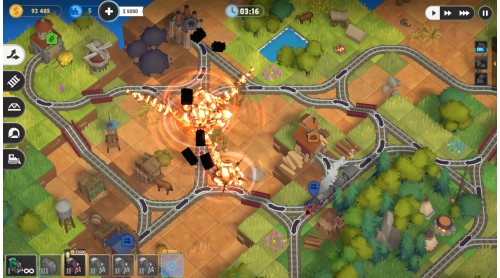
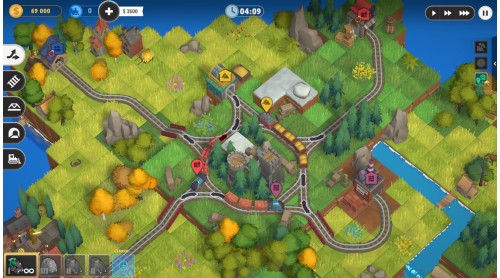
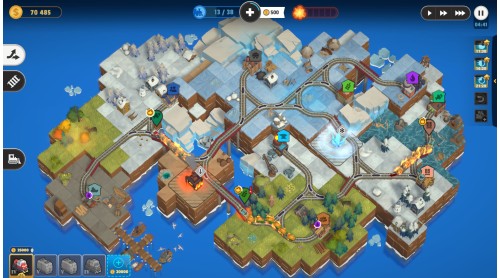
Choo-choo! Train Valley Origins welcomes you to a world of charming locomotives, intricate track layouts, and brain-teasing challenges. ????️????????❤️ Maintain traffic flow through increasingly complex levels, managing switches, optimizing railway networks, and ensuring your cargo reaches its destination on time, avoiding collisions.
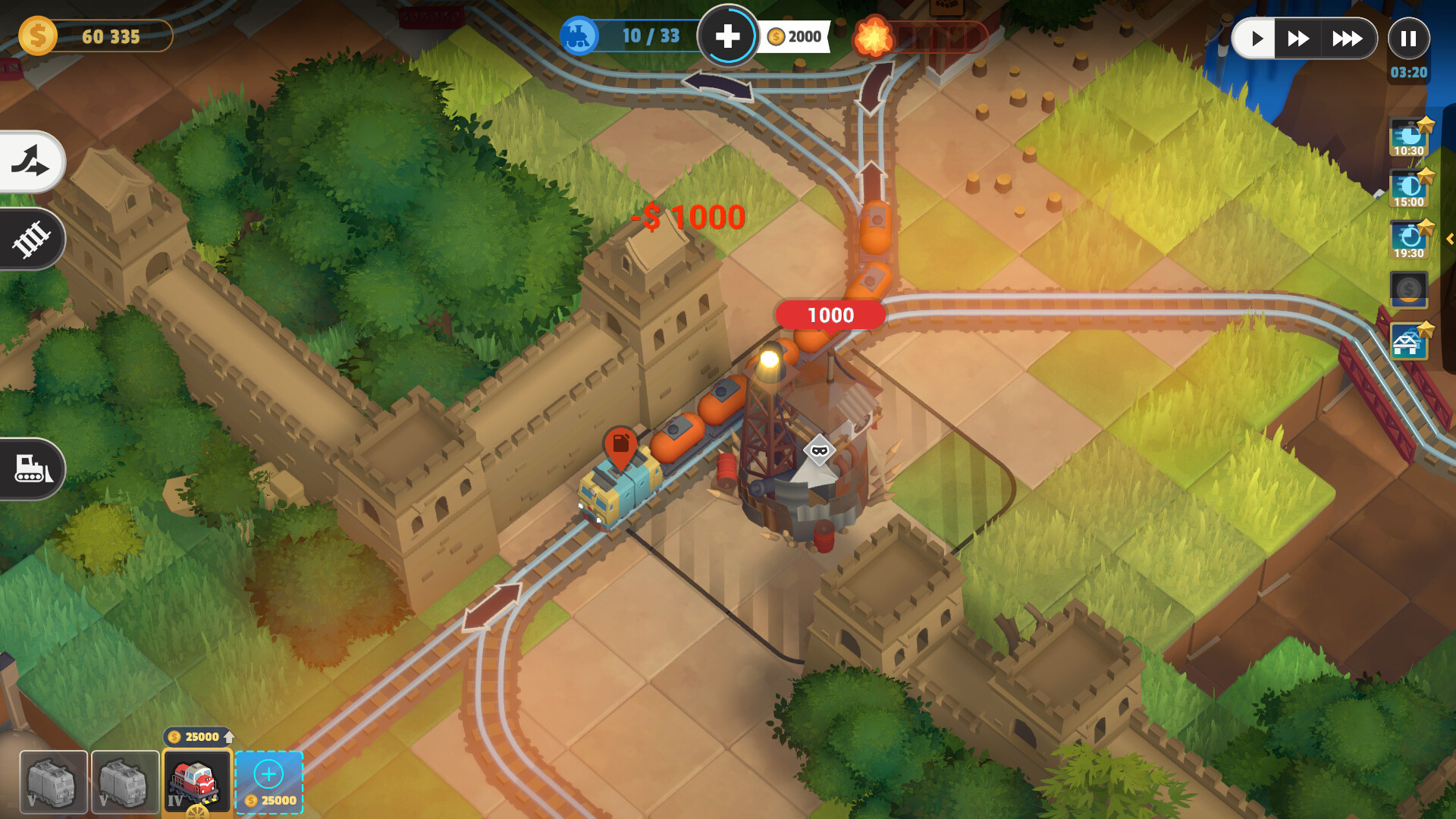
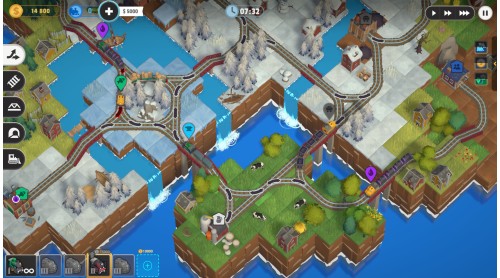
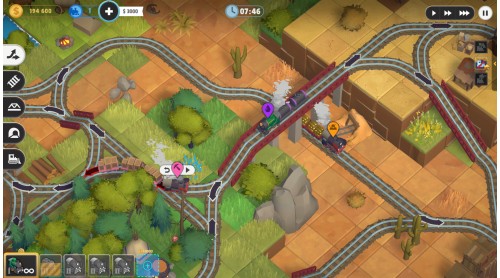
The game features four historical periods and locations from the Wild West to China and Norway.
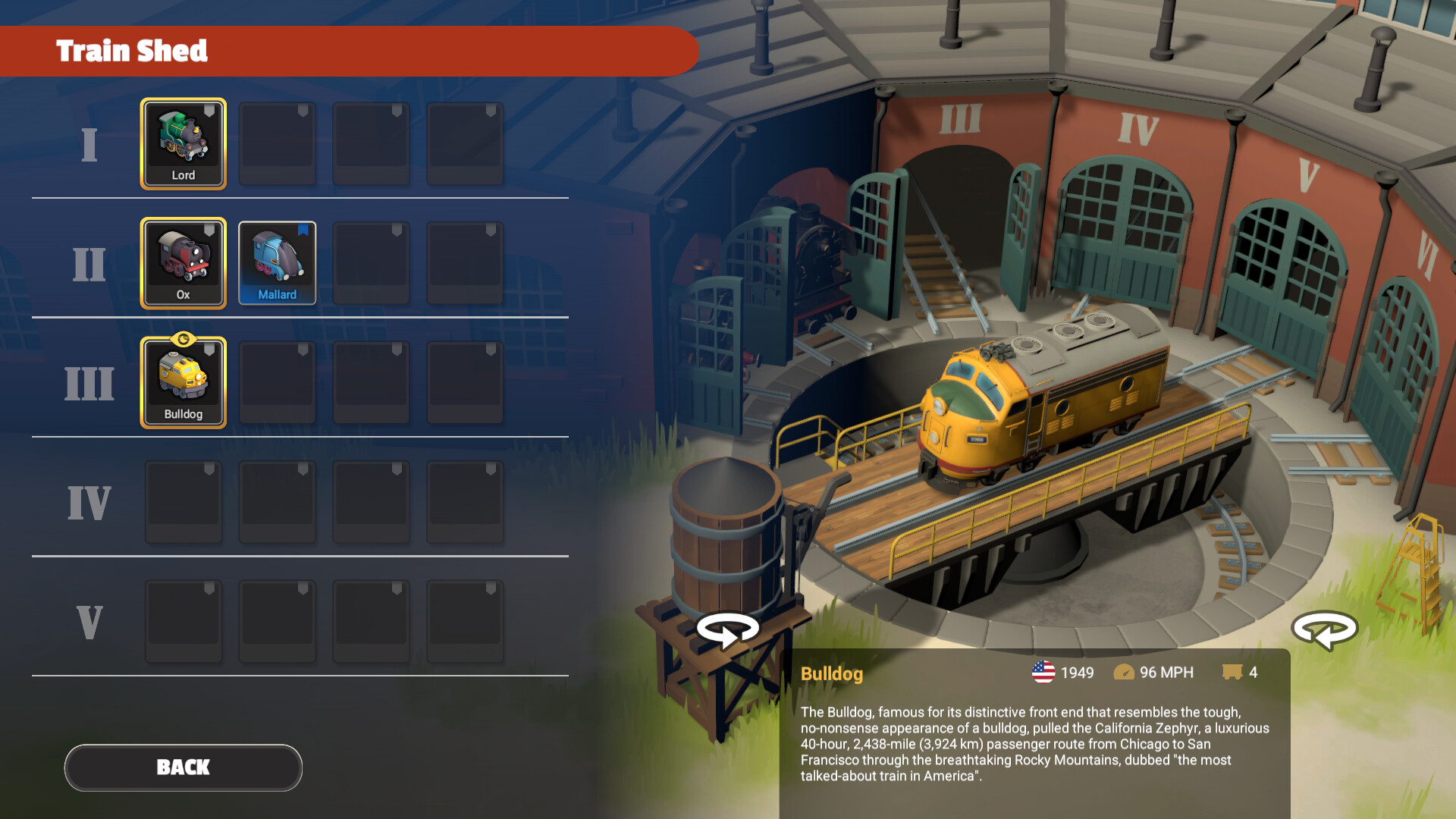
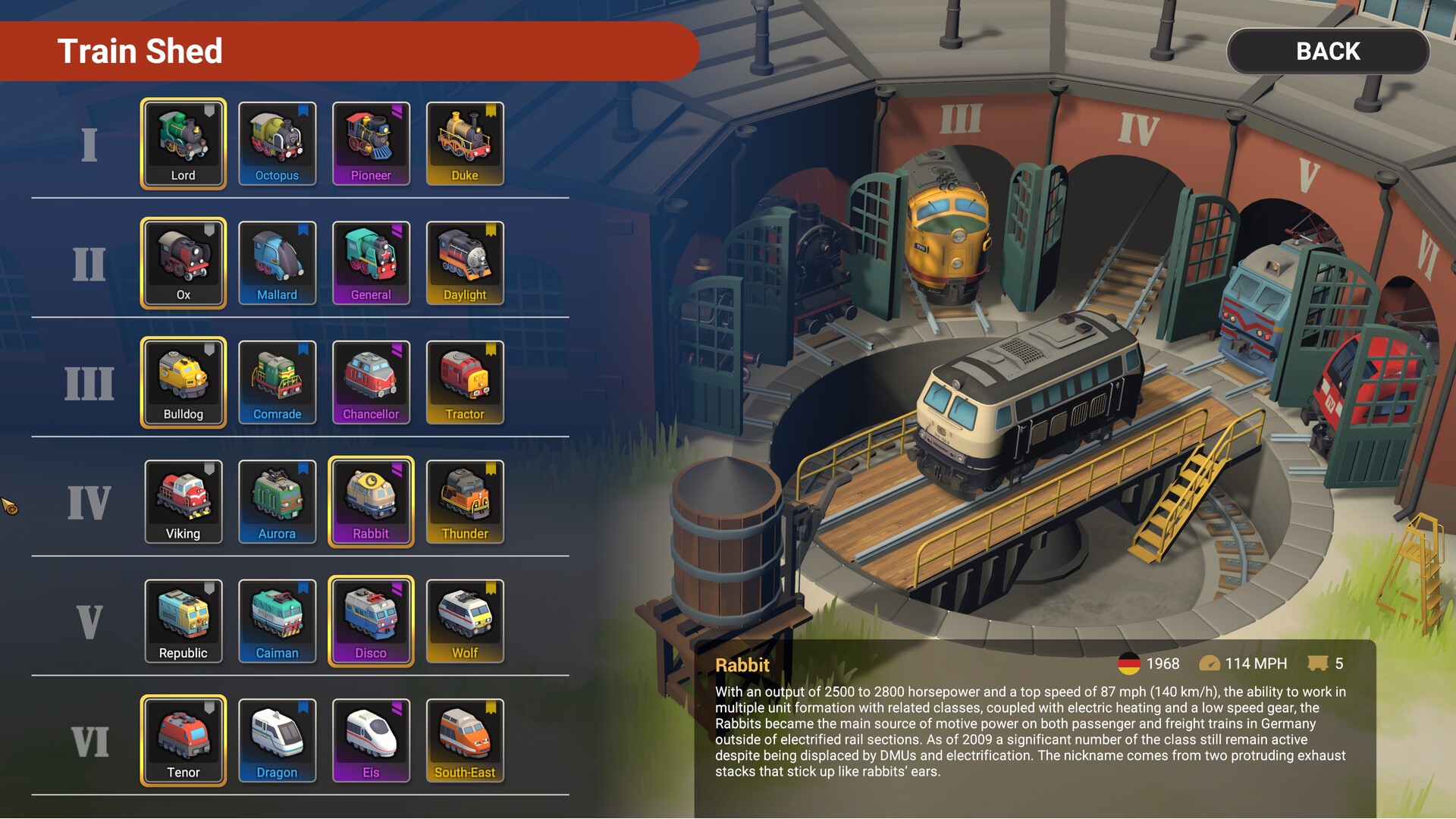
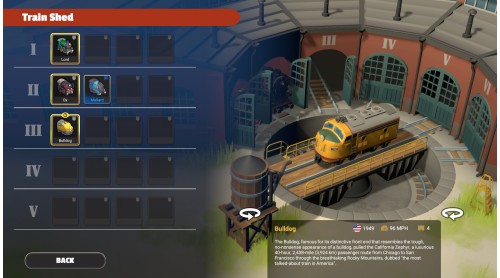
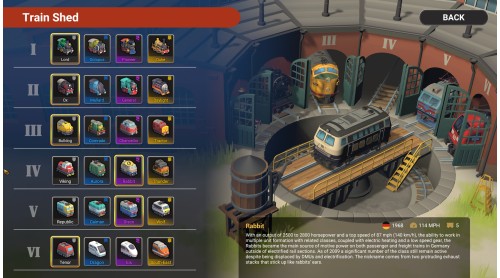
Unlock various locomotives, from steam engines to modern trains, as you play. Complete your collection and view it in the Shed!
With each level presenting a unique puzzle to solve, Train Valley offers a rewarding experience for players who love to think strategically and optimize for maximum efficiency.
Train Valley Origins captures the charm and challenge of the original game while adding exciting new features and vibrant, elegant graphics.
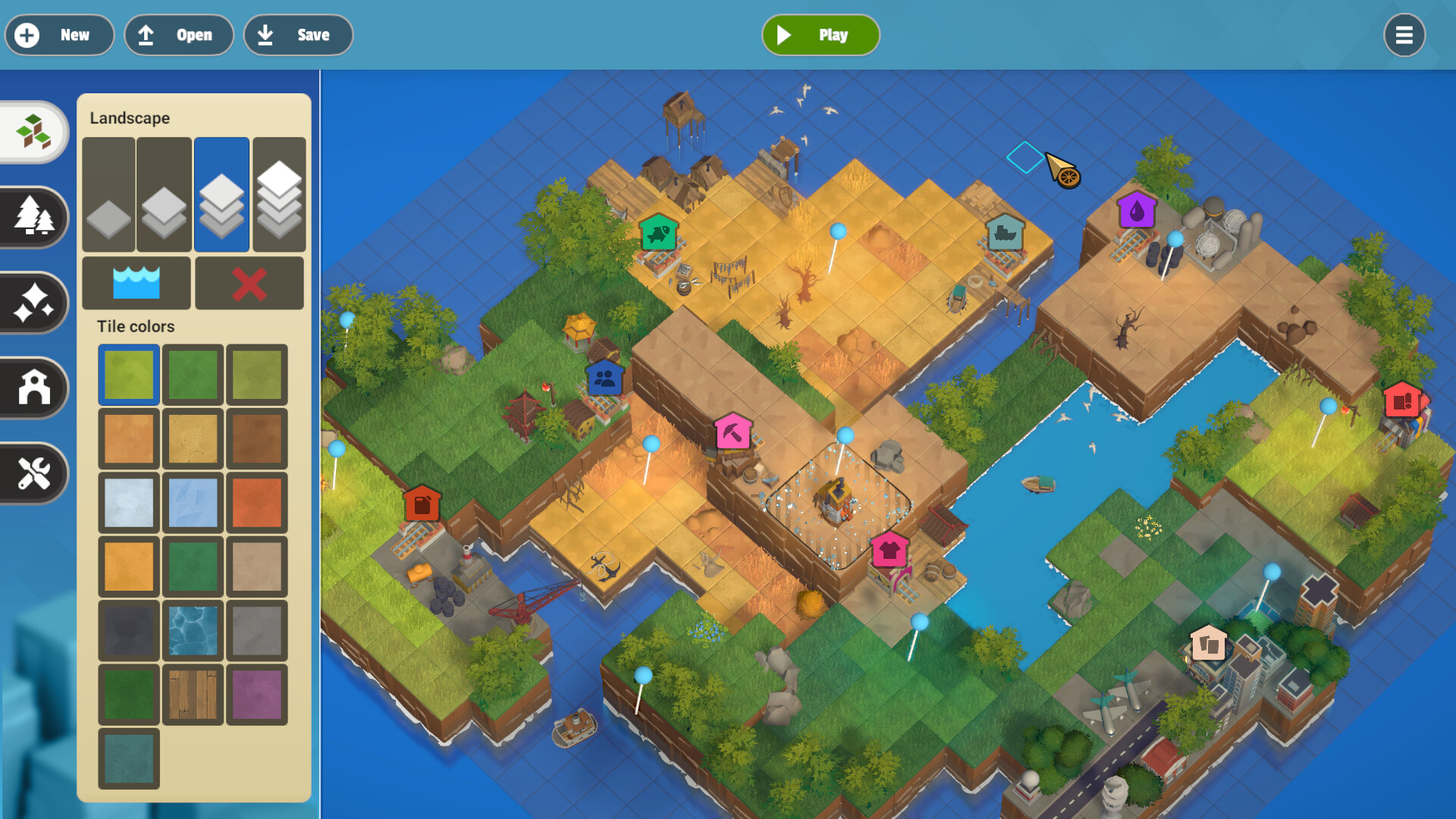
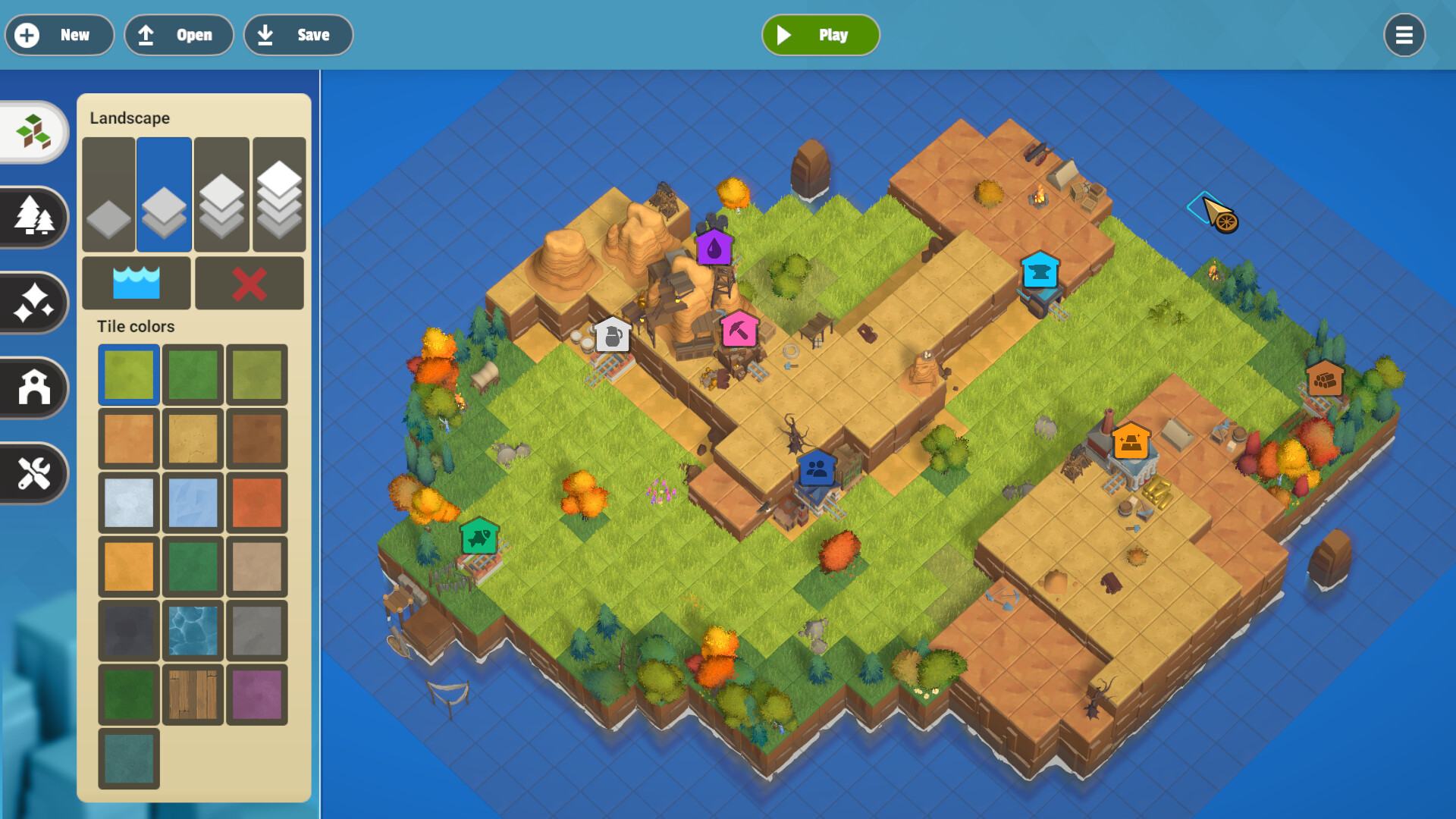
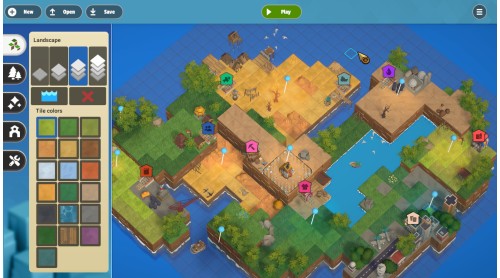
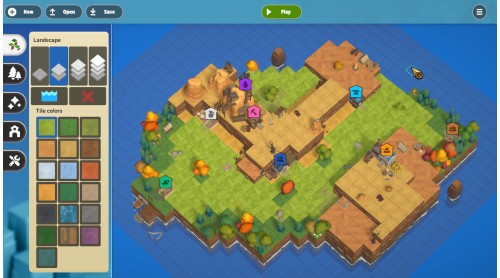
The built-in level editor is arriving in our first major update. Easy to use - start building your own puzzles in no time, and with Workshop support - share your creations with other players and download even more designs to try out.
Developed by Flazm and Published by Polden Publishing Ⓒ 2025. All rights reserved.


How to activate your Steam key?
1. Open your Steam client. (If you don't have a Steam Client, you can install from here https://store.steampowered.com/about/)
2. Sign in to your Steam account. (If you don't have a Steam Account, you can create from here https://store.steampowered.com/join/)
3. Click “ADD A GAME” button which is at the bottom of the Steam Client.
4. Now select "Activate a product on Steam..."
5. Write or copy-paste your Steam key which you purchased from Gamesforpc.
6. Now your game is in your library.
7. Find your game in your library, select and click install to start your download.