 Steam
Steam  Windows
  Mac
Mac  Linux
Linux | Release Date | 21.10.2025 | |
| Operating Systems | Linux | |
| Operating Systems | Mac OS | |
| Publisher | Paradox Interactive | |
| PEGI Rating | + 18 | |
| Operating Systems | Windows | |
| Genres | Action, rpg |
11.99€
Added to Cart
11.99€
Added to Wishlist
11.99€
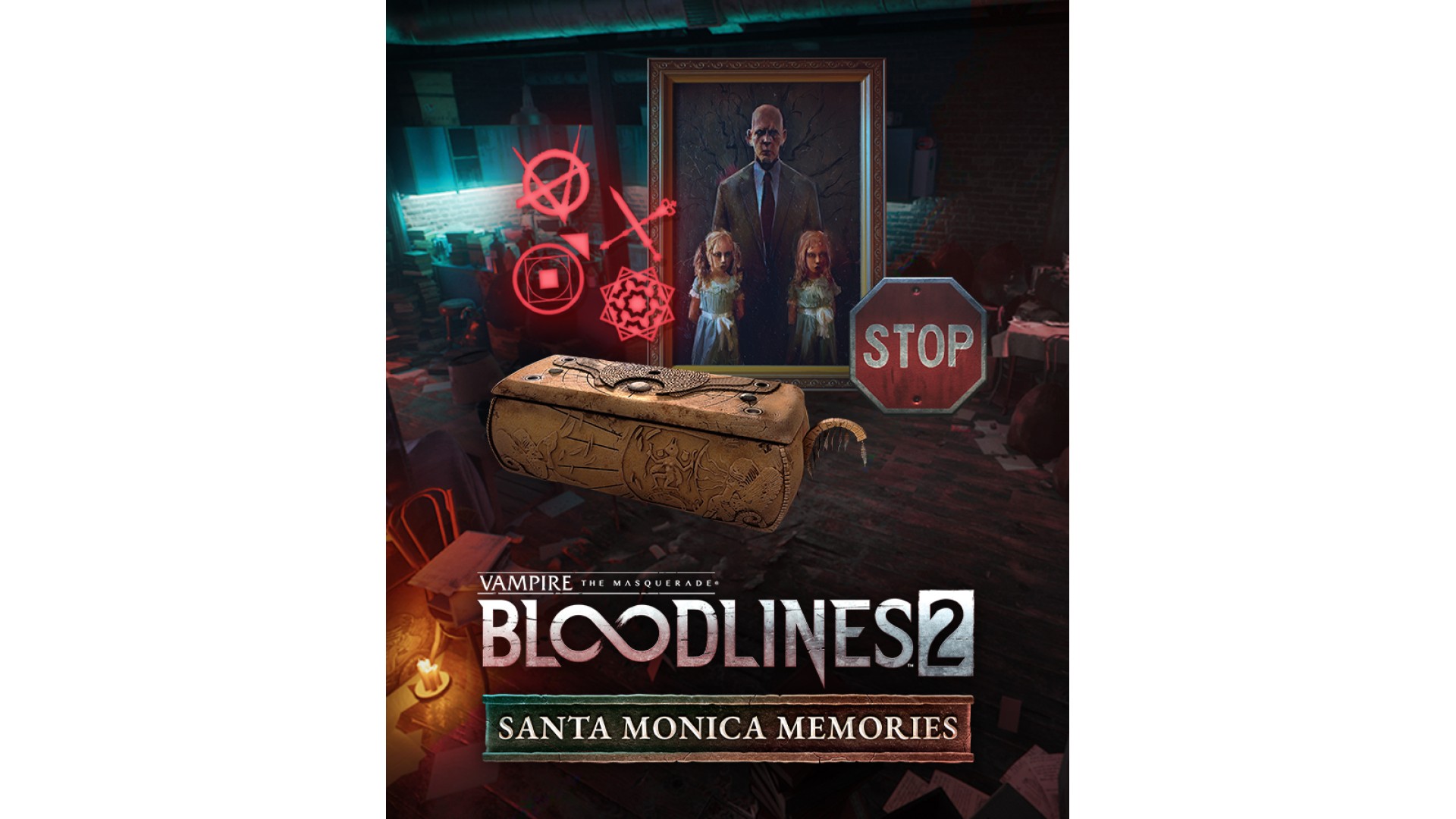
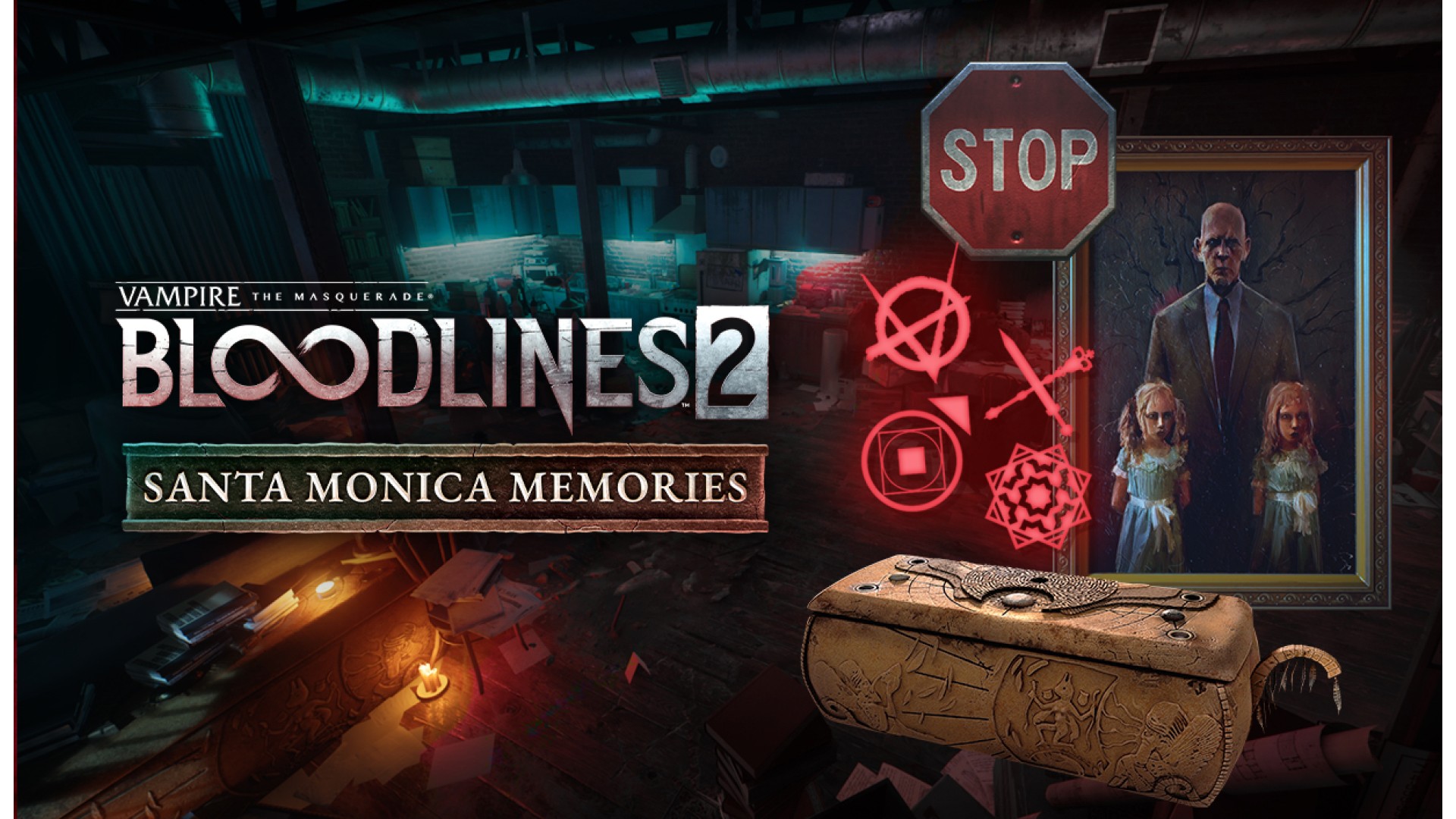
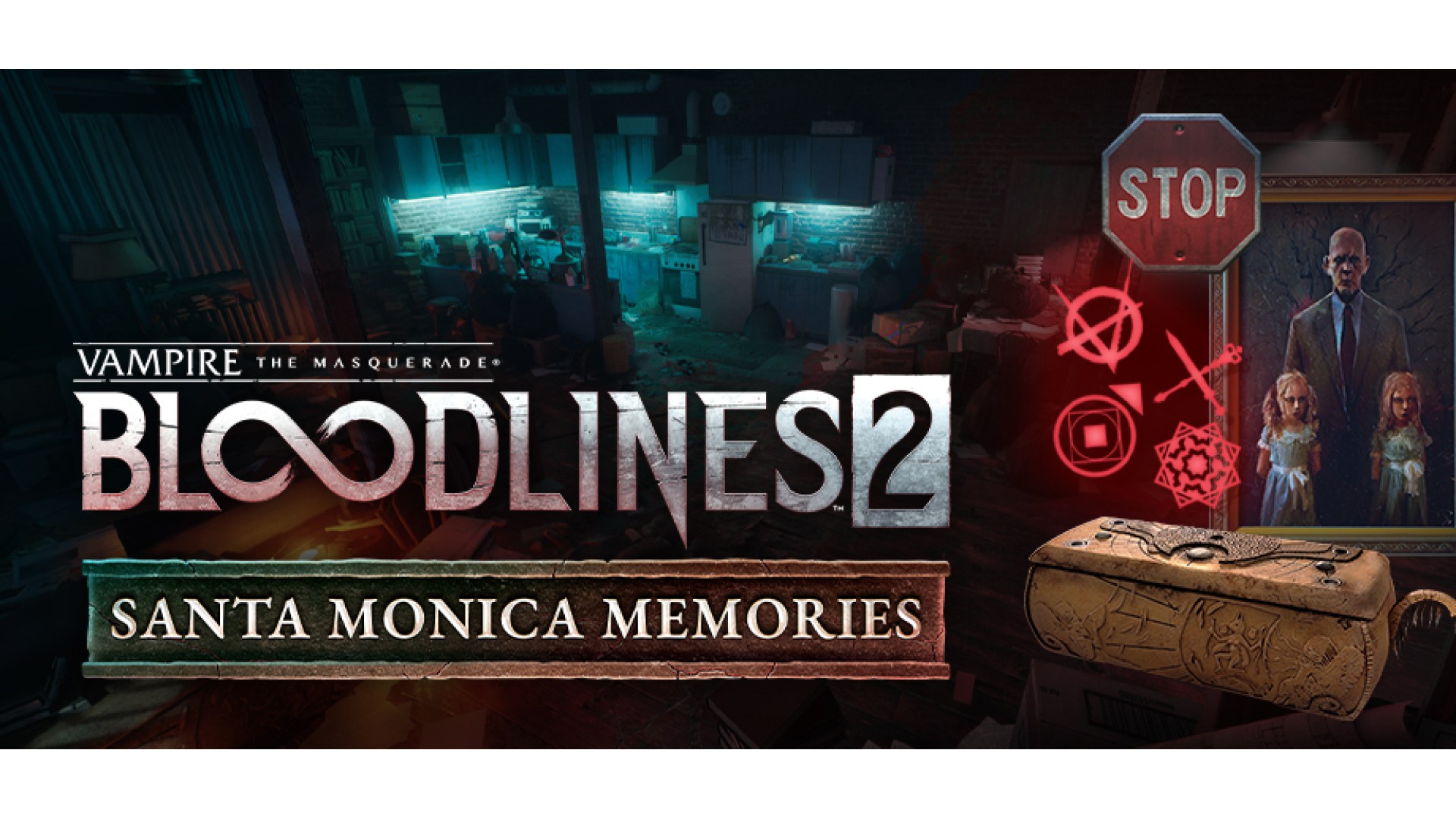
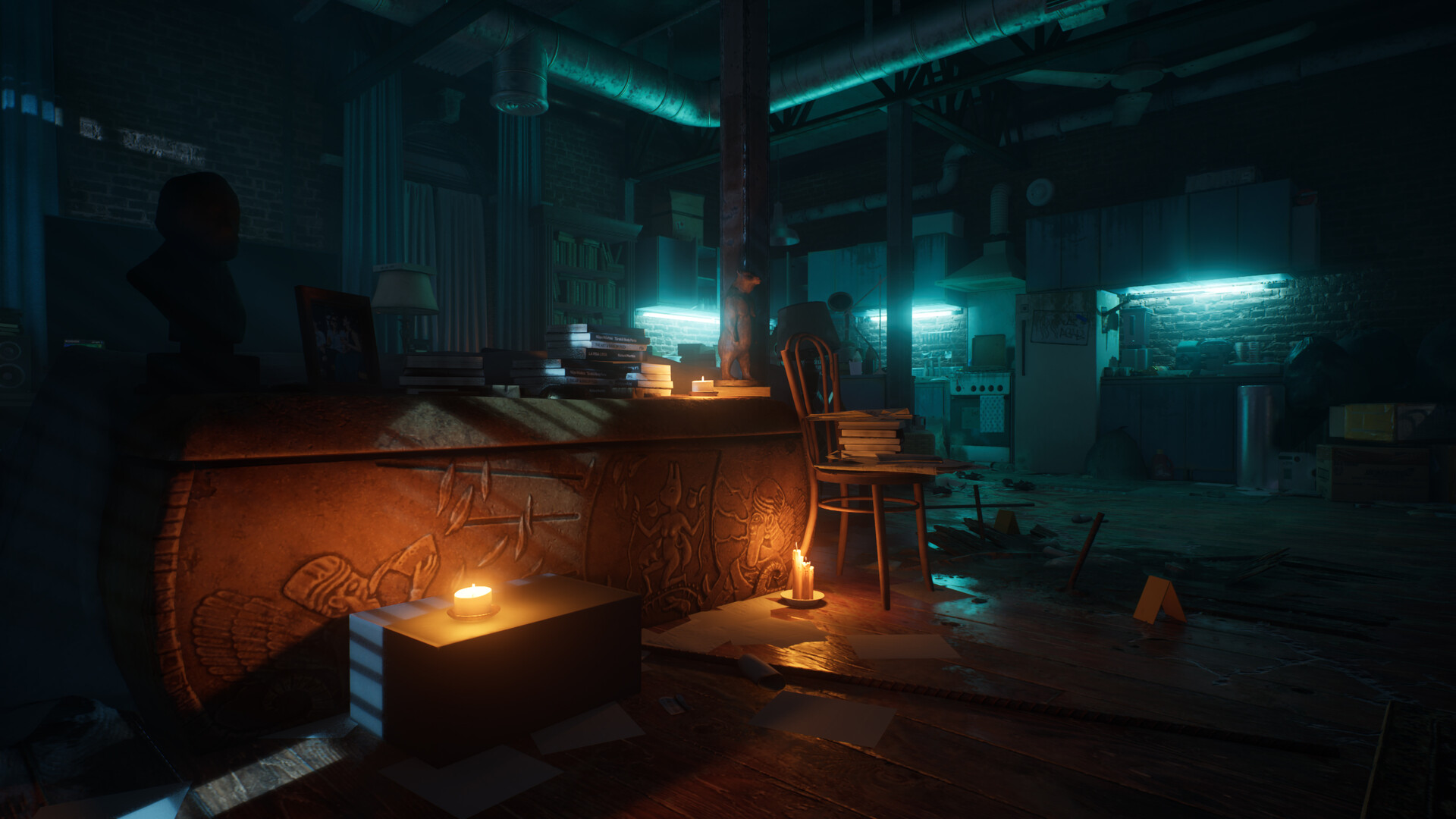
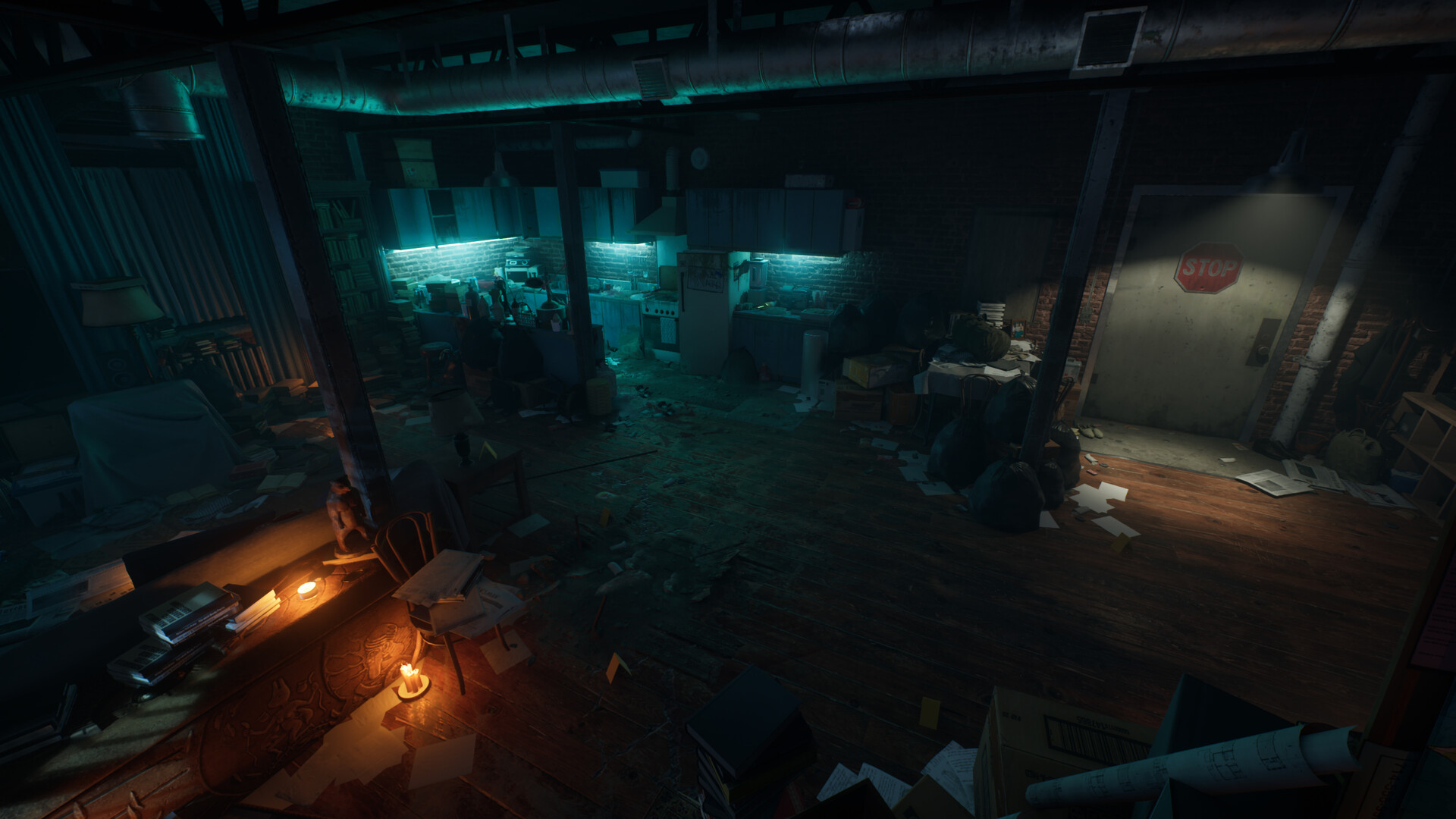
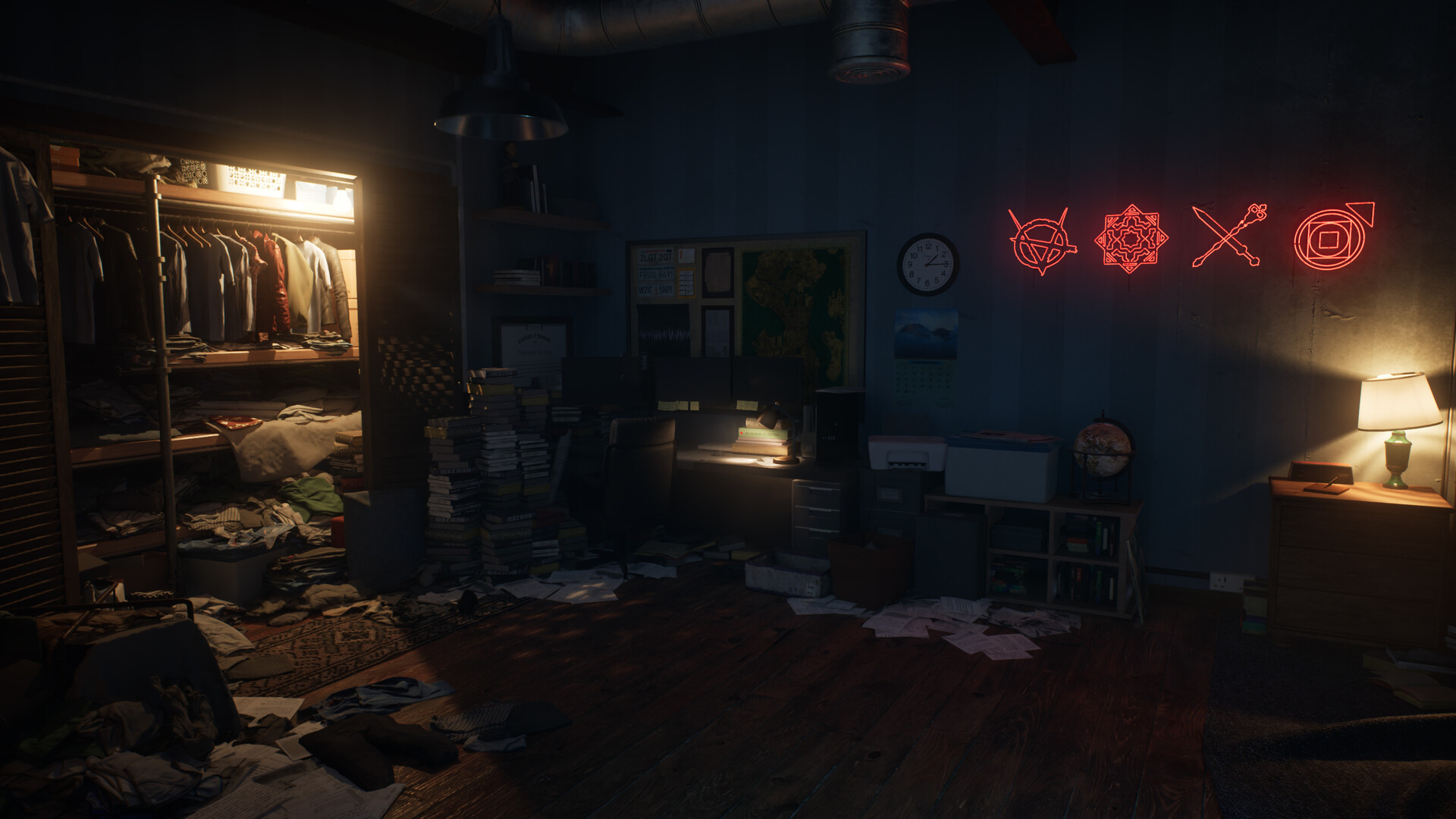
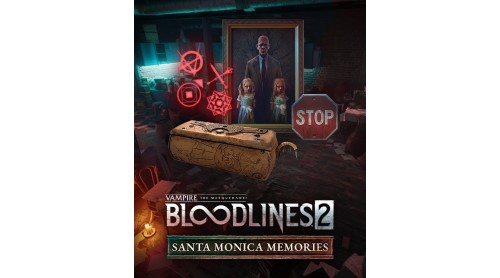
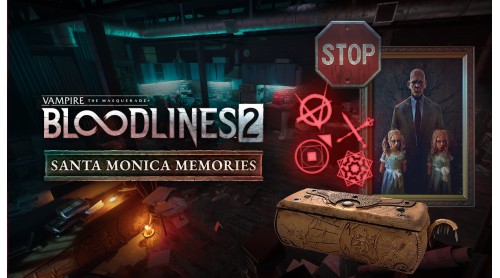
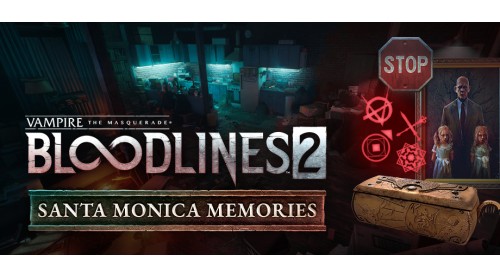
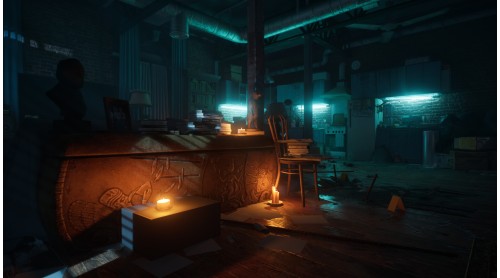
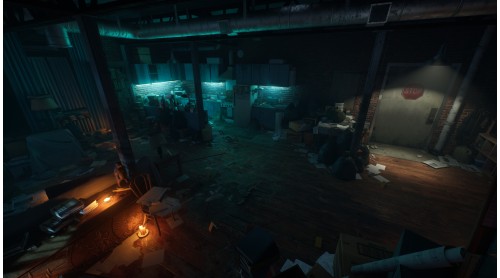
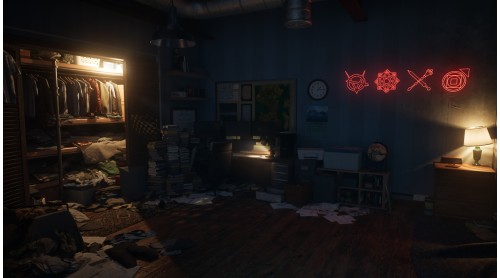
Vampire: The Masquerade - Bloodlines 2 - Santa Monica Memories lets you relive the nostalgia of the original Bloodlines. To decorate your haven, this cosmetic pack features iconic items, including a Stop Sign, Ankaran Sarcophagus, and Voerman Portrait. Additionally, with Santa Monica Memories, your haven will be adorned with a clan neon sign each time you complete the game as a new clan.
© 2025 Paradox Interactive AB. Vampire: The Masquerade - Bloodlines 2 is published by Paradox Interactive AB and developed by The Chinese Room. BLOODLINES, VAMPIRE: THE MASQUERADE, WHITE WOLF and PARADOX INTERACTIVE are trademarks and/or registered trademarks of Paradox Interactive AB in Europe, the U.S. and other countries. Any other trademark, logo and copyright is the property of its owner.


How to activate your Steam key?
1. Open your Steam client. (If you don't have a Steam Client, you can install from here https://store.steampowered.com/about/)
2. Sign in to your Steam account. (If you don't have a Steam Account, you can create from here https://store.steampowered.com/join/)
3. Click “ADD A GAME” button which is at the bottom of the Steam Client.
4. Now select "Activate a product on Steam..."
5. Write or copy-paste your Steam key which you purchased from Gamesforpc.
6. Now your game is in your library.
7. Find your game in your library, select and click install to start your download.