





 Steam
Steam  Windows
  Mac
Mac  Linux
Linux | Release Date | 26.03.2026 | |
| Operating Systems | Linux | |
| Operating Systems | Mac OS | |
| Publisher | Paradox Interactive AB | |
| PEGI Rating | + 12 | |
| Operating Systems | Windows | |
| Genres | Simulation, Strategy |
69.99€
35.00€
Added to Cart
69.99€
35.00€
Added to Wishlist
69.99€
35.00€
Victoria 3: New Player’s Choice
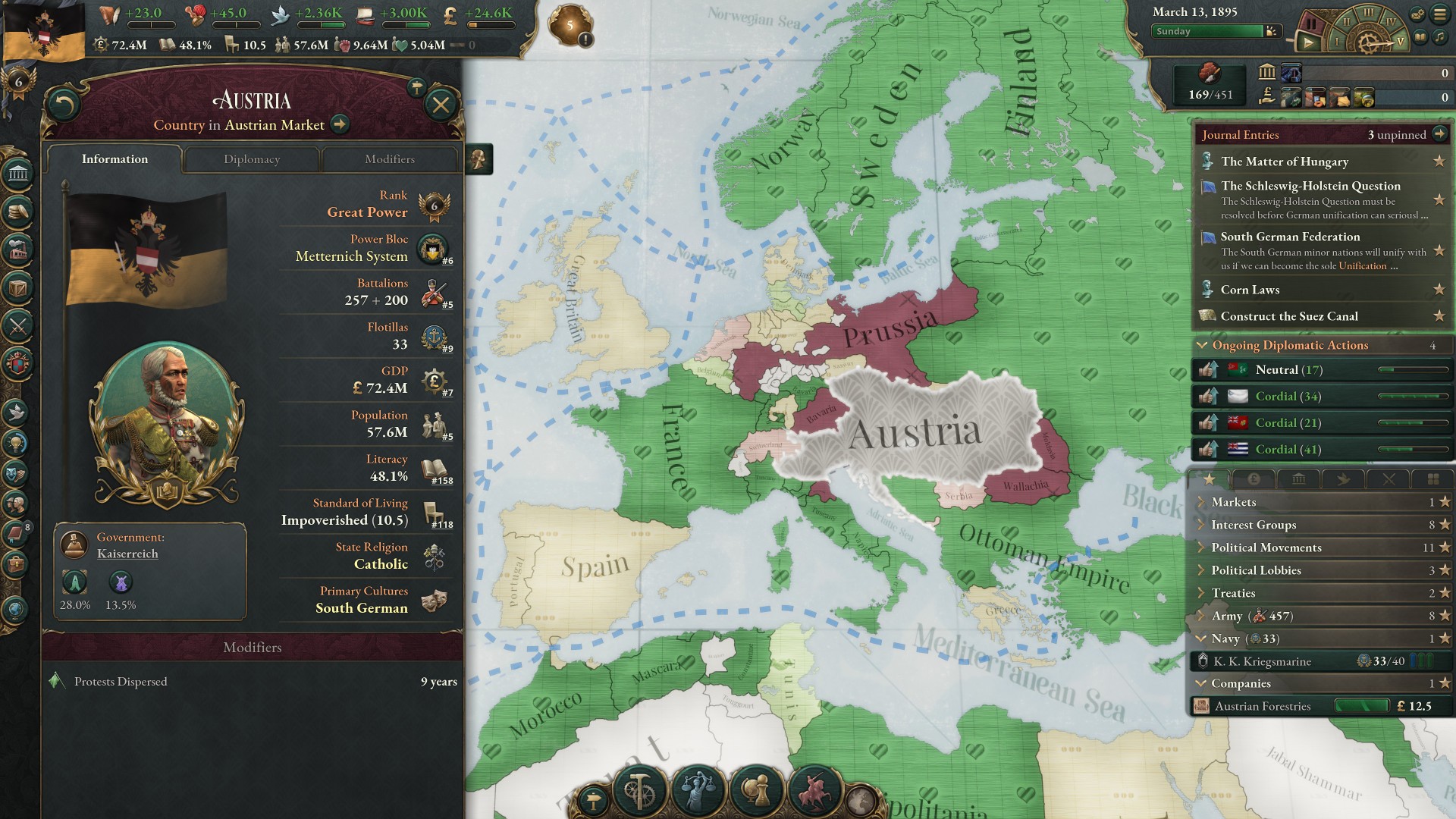
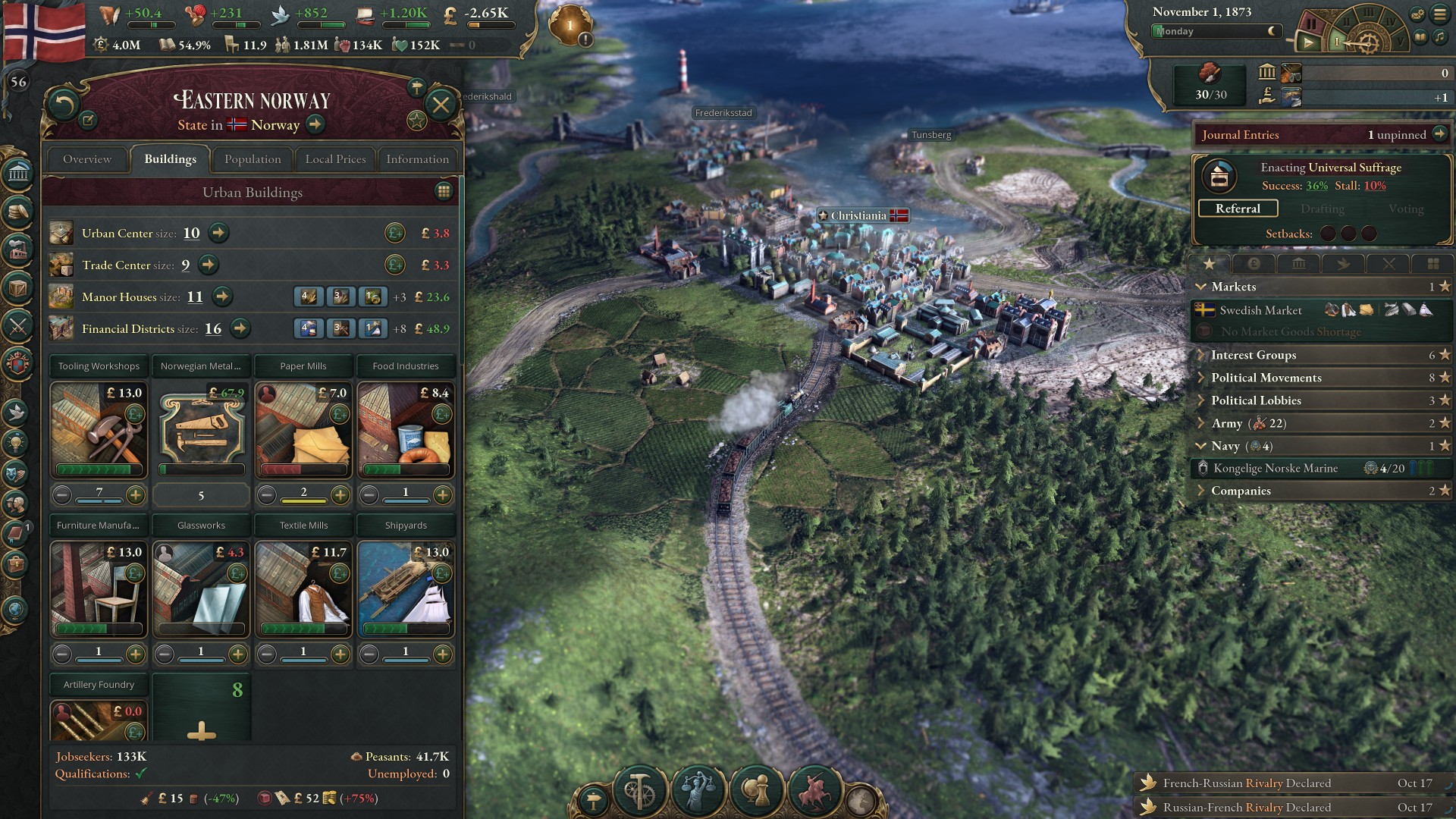
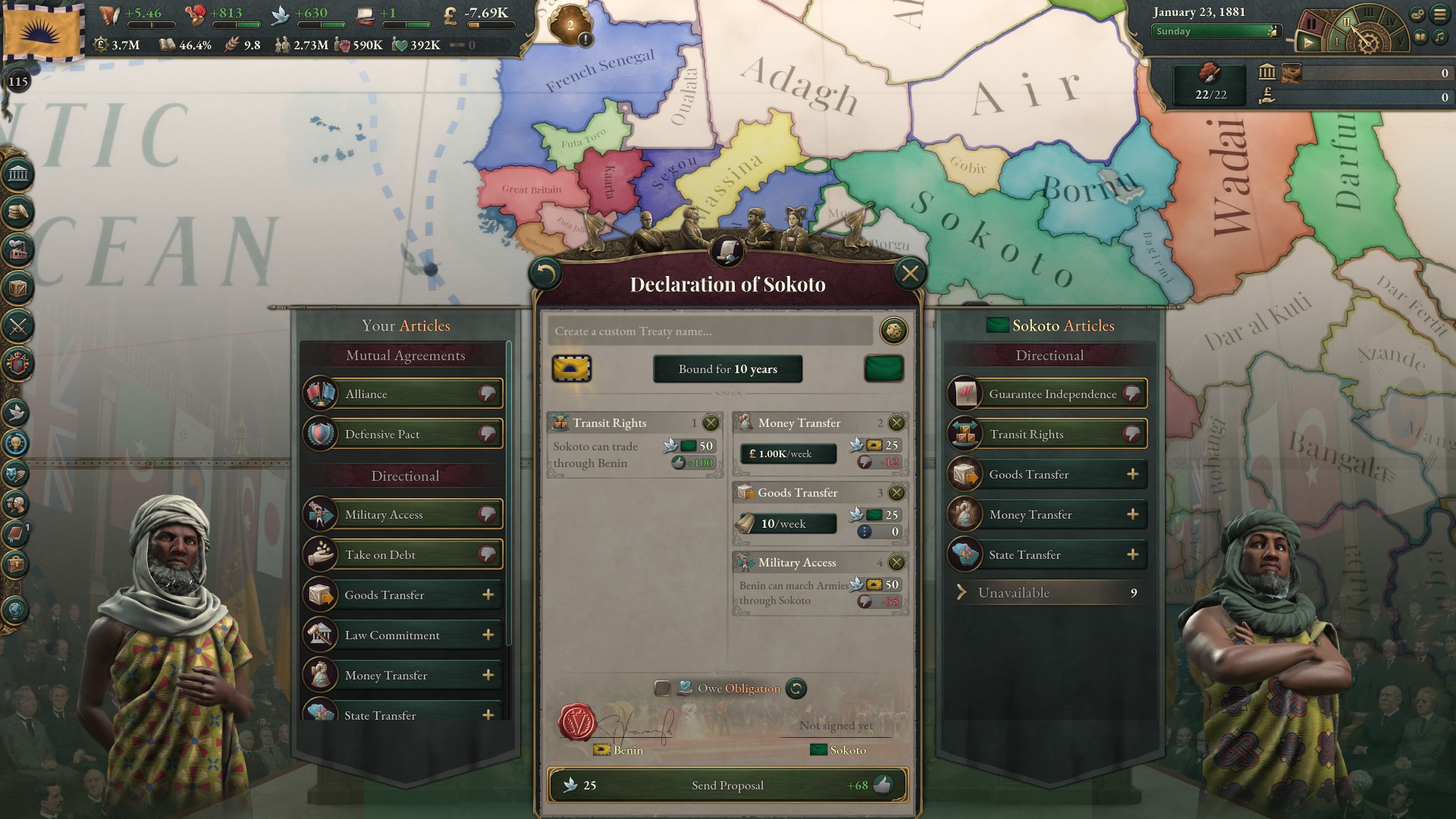
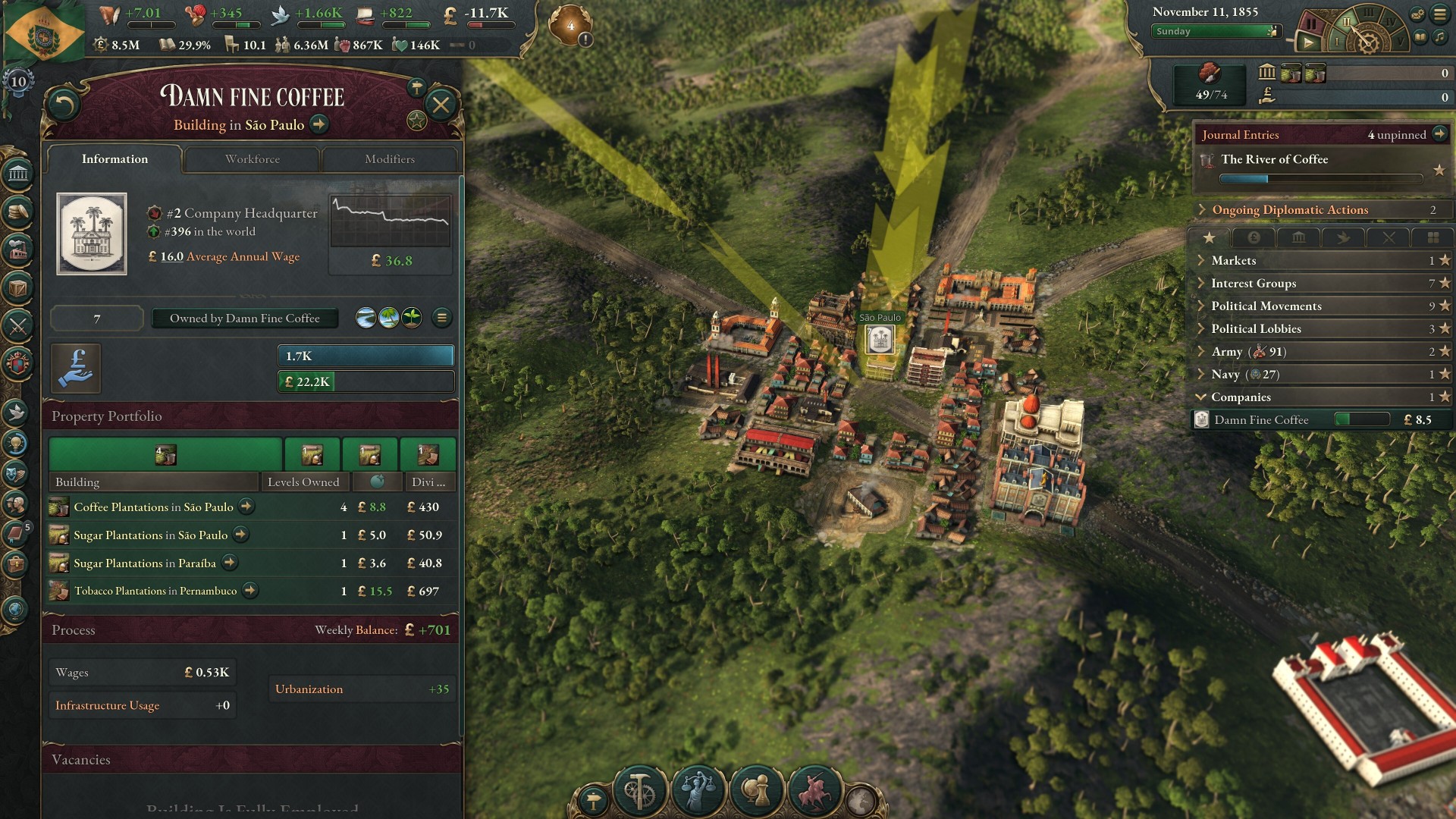
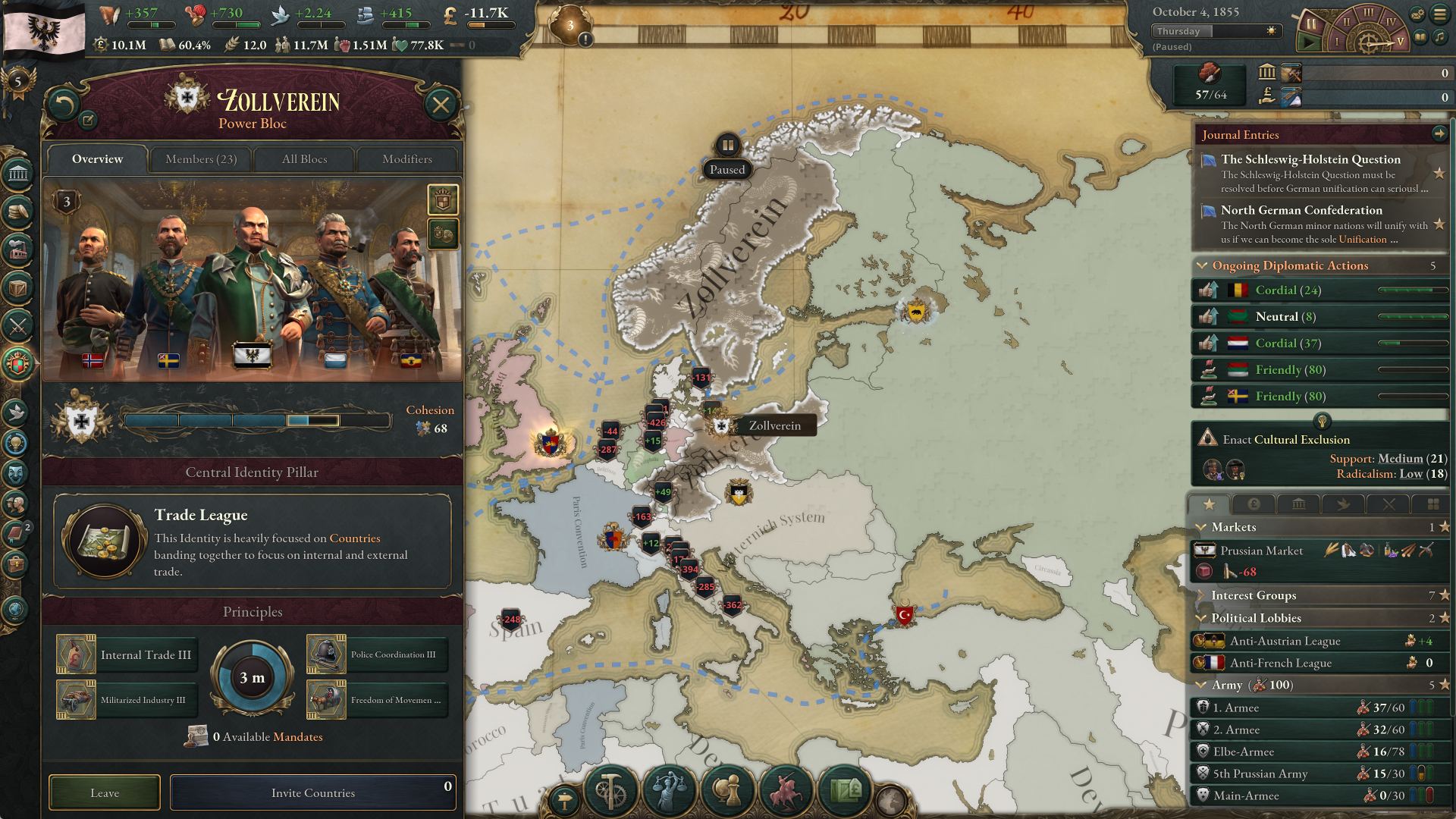
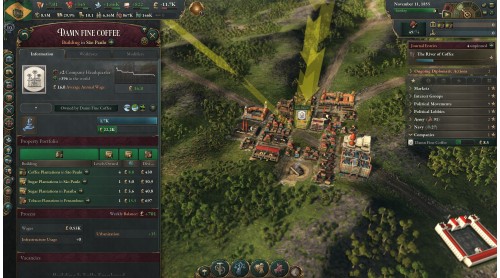
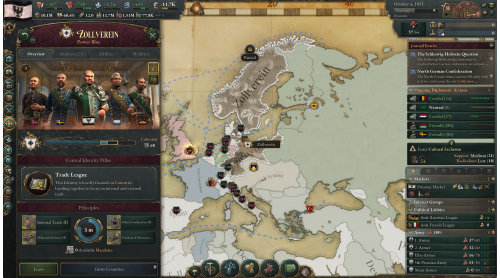
Dominate a century of rapid technological progress and social change with the best package for new players starting their adventure, with Victoria 3: New Player’s Choice! It is an ideal combination of titles to get you on your way to building your own empire under the Sun and shape a grand tomorrow.
The Victoria 3: New Player’s Choice gives newcomers to the game a robust starting point to begin their exploration of a detailed simulation of the world’s societies in the Victorian Age and beyond. Build a strong industrial base to satisfy the needs of your people, a robust political culture to advance your population's well-being, and an advanced military to fend off hungry rivals.
The Victoria 3: New Player’s Choice includes:
©2022-2025 and published by Paradox Interactive AB. VICTORIA and PARADOX INTERACTIVE are trademarks and/or registered trademarks of Paradox Interactive AB in Europe, the U.S., and other countries. Other trademarks, logos, and copyrights are the property of their respective owners.


How to activate your Steam key?
1. Open your Steam client. (If you don't have a Steam Client, you can install from here https://store.steampowered.com/about/)
2. Sign in to your Steam account. (If you don't have a Steam Account, you can create from here https://store.steampowered.com/join/)
3. Click “ADD A GAME” button which is at the bottom of the Steam Client.
4. Now select "Activate a product on Steam..."
5. Write or copy-paste your Steam key which you purchased from Gamesforpc.
6. Now your game is in your library.
7. Find your game in your library, select and click install to start your download.