 Steam
 Windows
 Mac
 Linux
| Release Date | 05.11.2026 | |
| Operating Systems | Linux | |
| Operating Systems | Mac OS | |
| Publisher | Paradox Interactive | |
| PEGI Rating | + 12 | |
| Operating Systems | Windows | |
| Genres | Simulation, Strategy |
14.99€
Added to Cart
14.99€
Added to Wishlist
14.99€
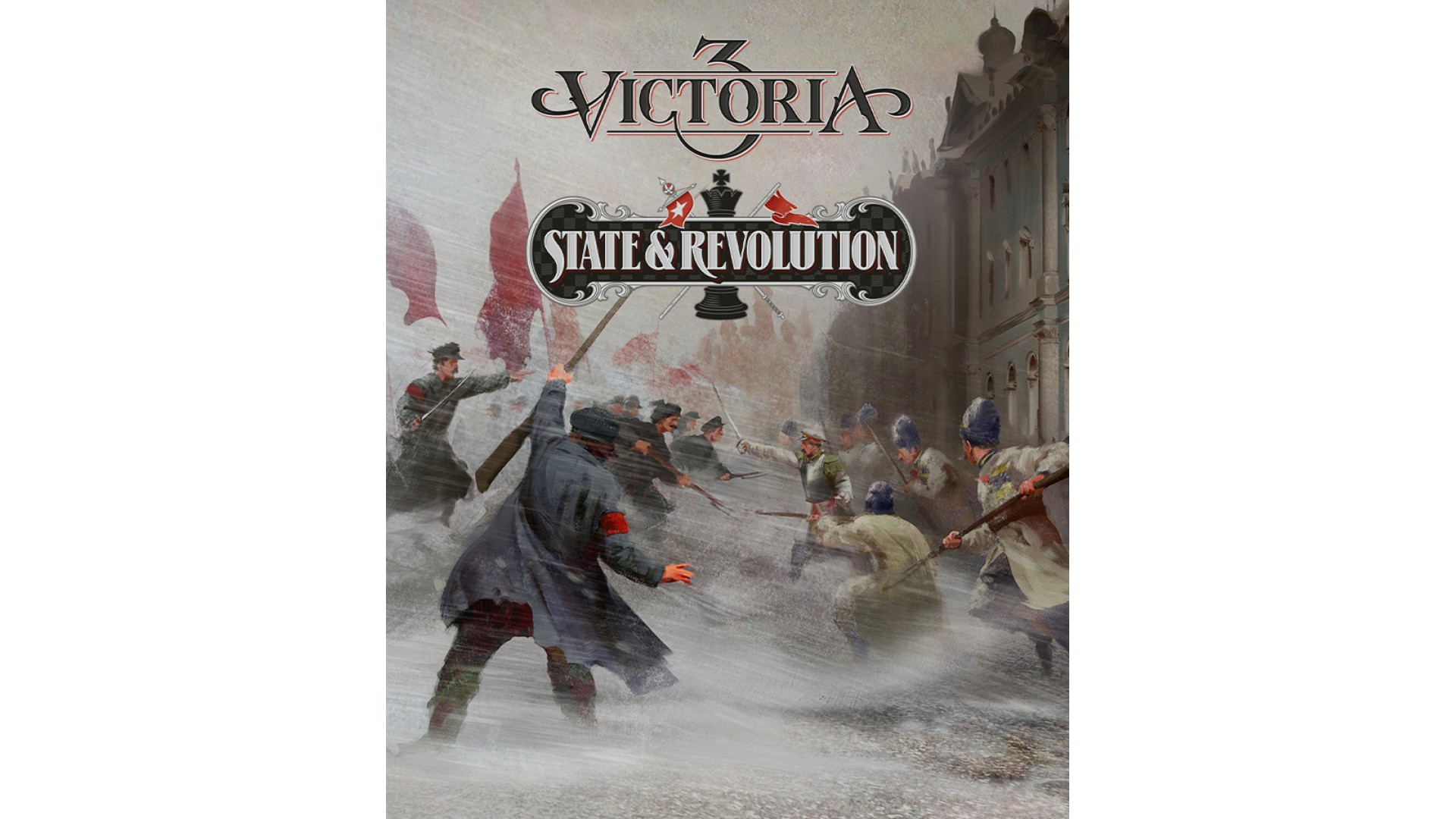
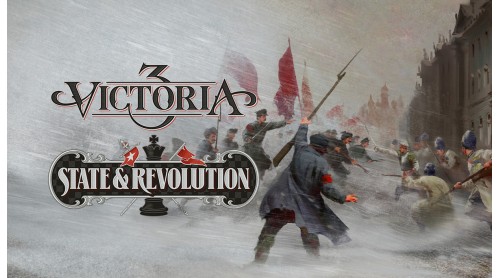
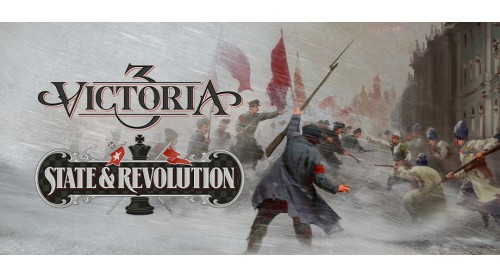
Steer the vast Russian Empire through an age of autocracy, revolution, and rebirth. Guide the ambitions of the Tsars, and suppress or unleash growing national aspirations.
Confront the spectre of epoch-defining civil war, and impose your post-revolutionary dreams in the aftermath.
Victoria 3: State and Revolution includes new content related to:
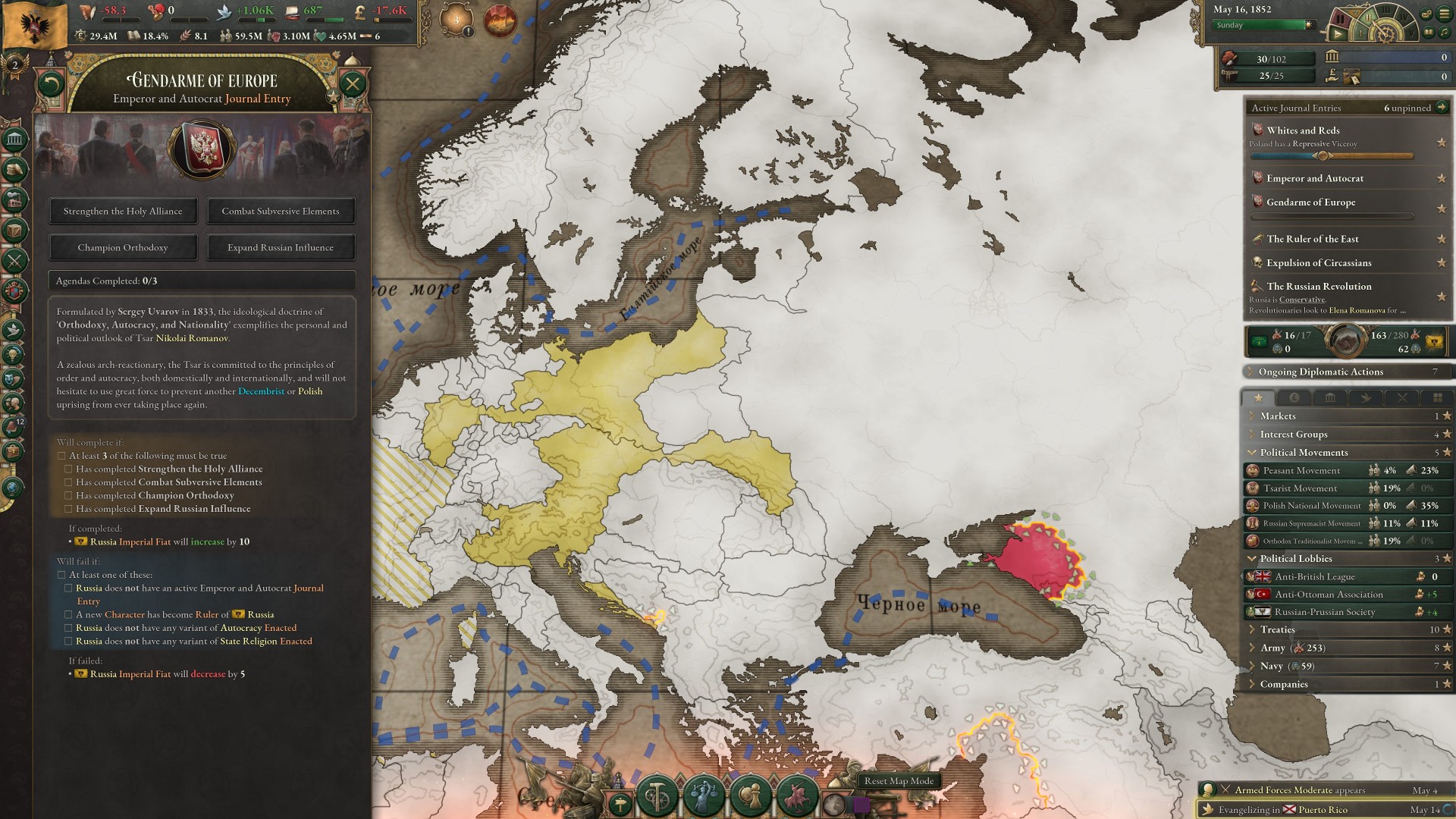
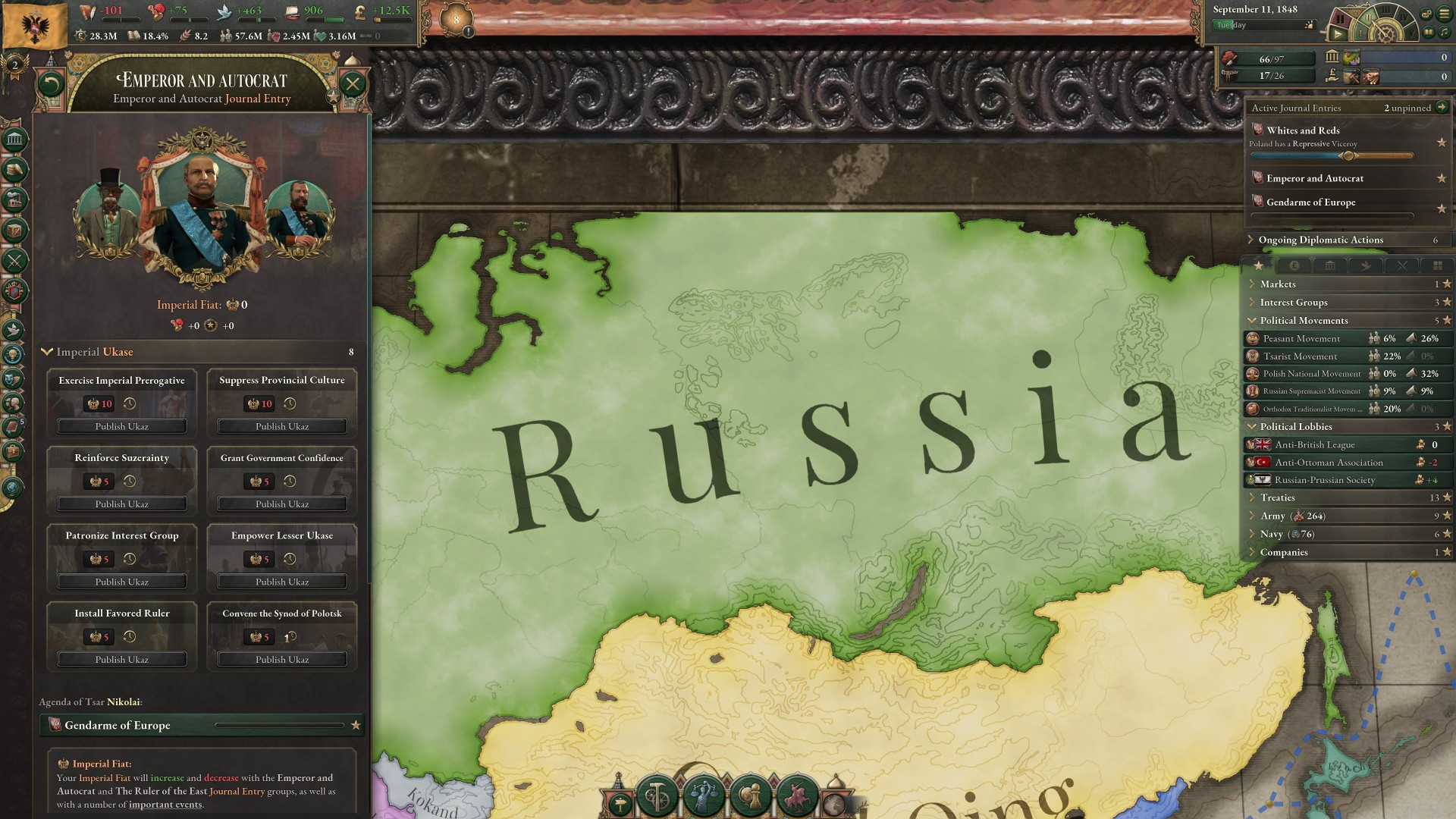
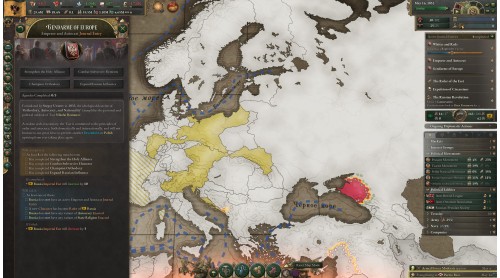
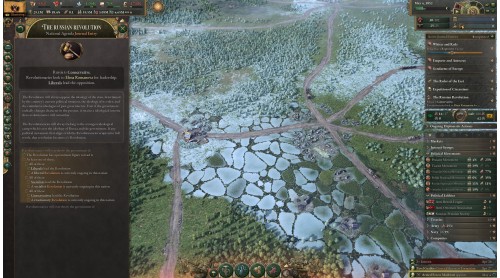
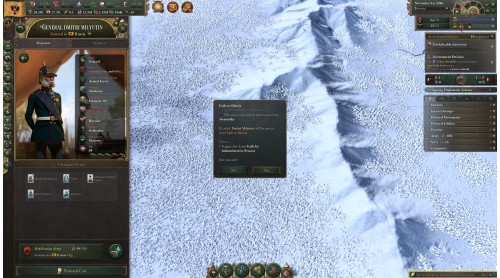
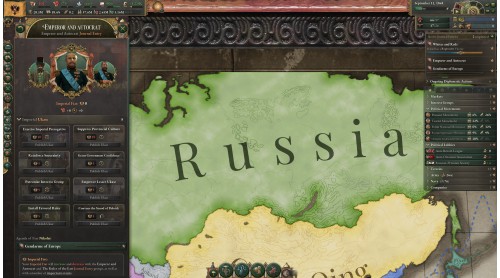
A dynamic Journal Entry that updates based on the Tsar in power. Make use of different actions depending on the Tsar’s traits and other factors in order to achieve their ambitions.
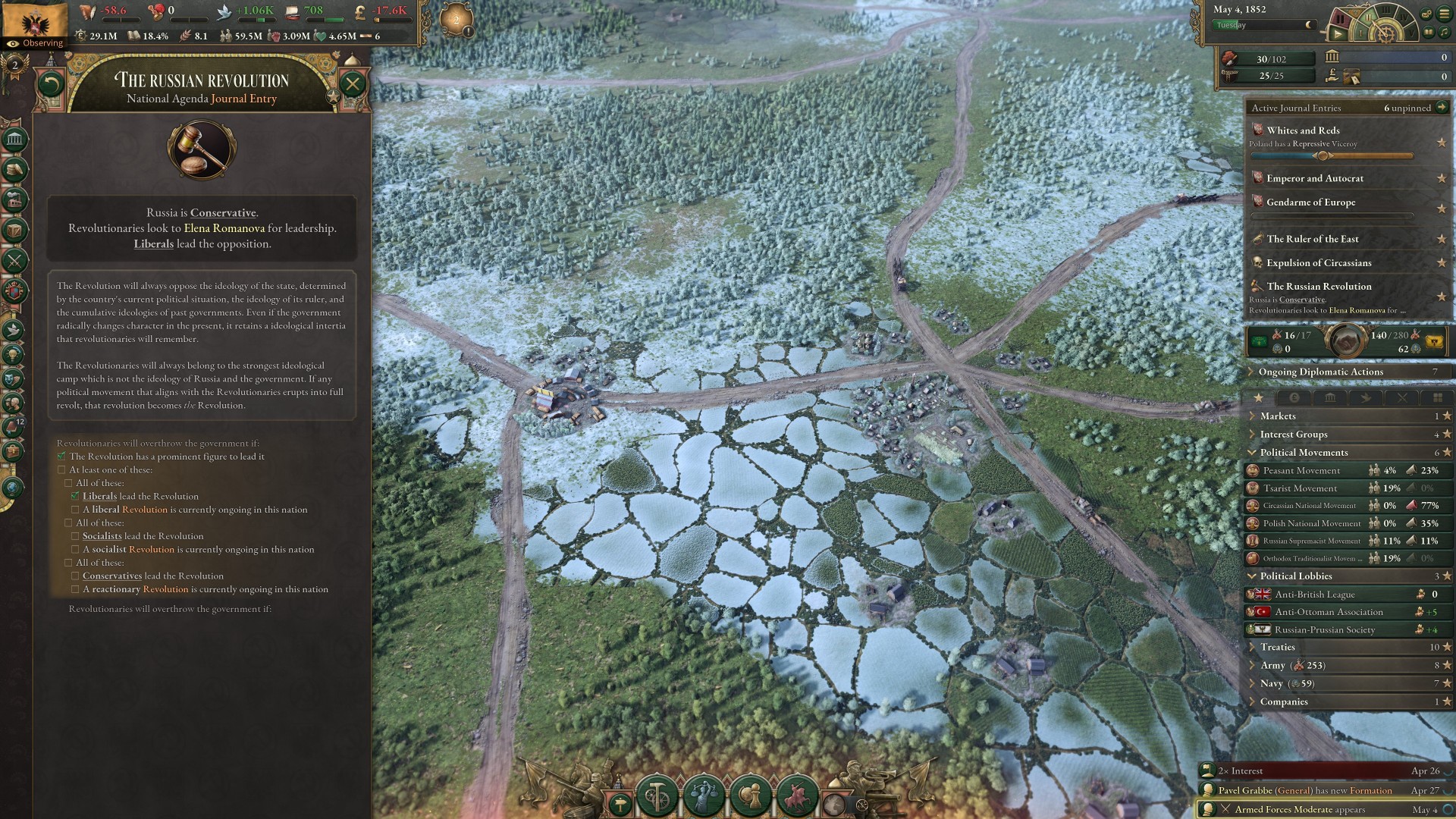
Deal with a flexible Russian revolution based on the Tsarist Governments, and the legacy of your predecessors.
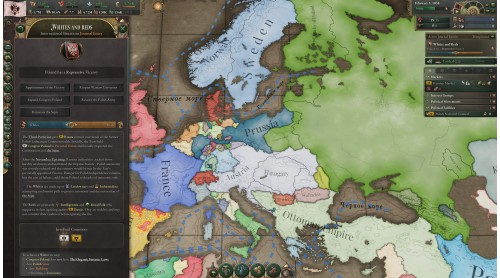
Fight through the Russian Civil War, following the collapse of the state.
Build up the post-revolutionary Russia depending on its outcome. Make way for a communist government, or bring about your designs for an altogether different post-revolutionary regime.
A new Journal Entry dealing with the pursuit of Russification.
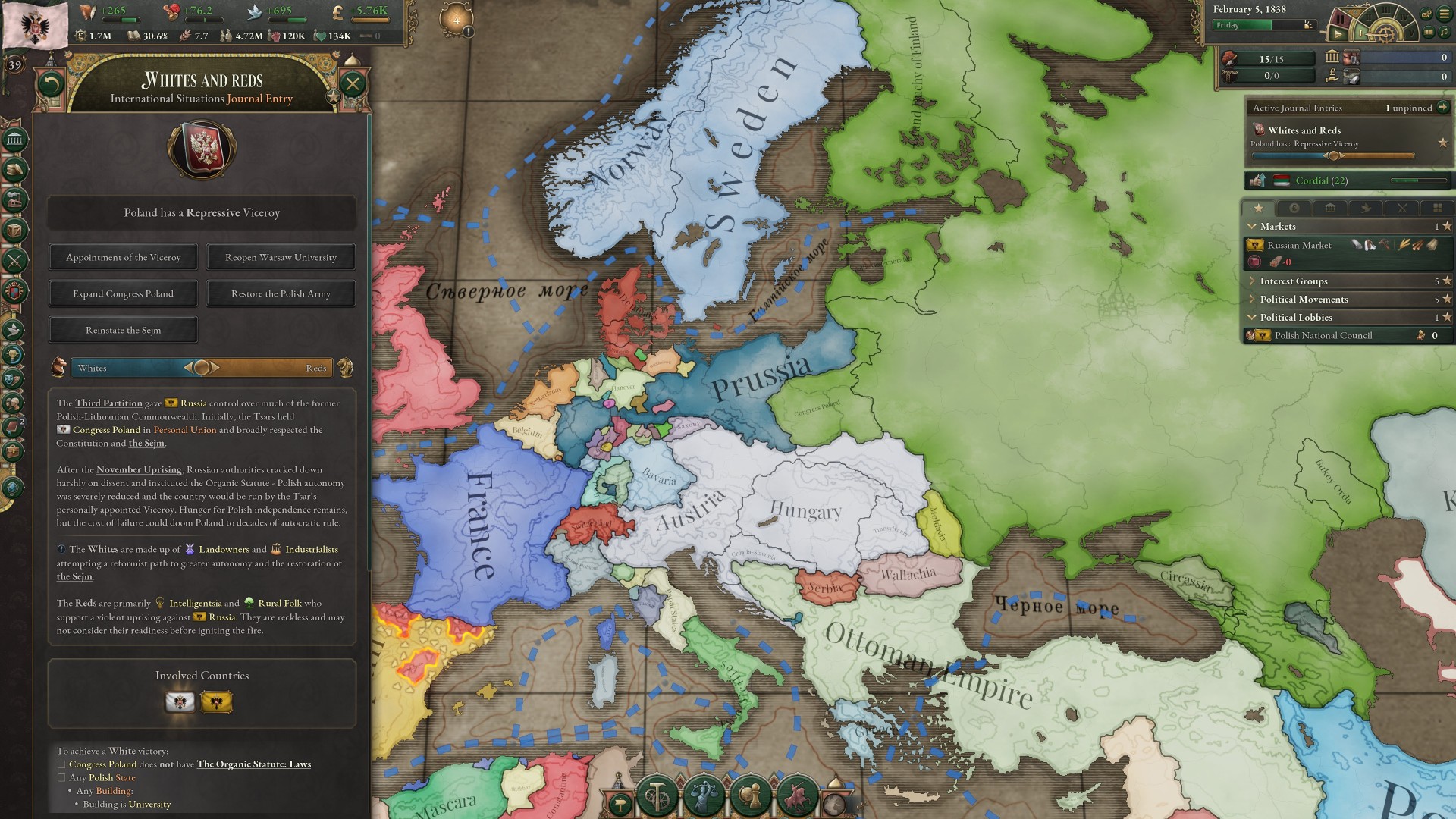
Narrative content for Poland and other nations vying for independence from Russia.
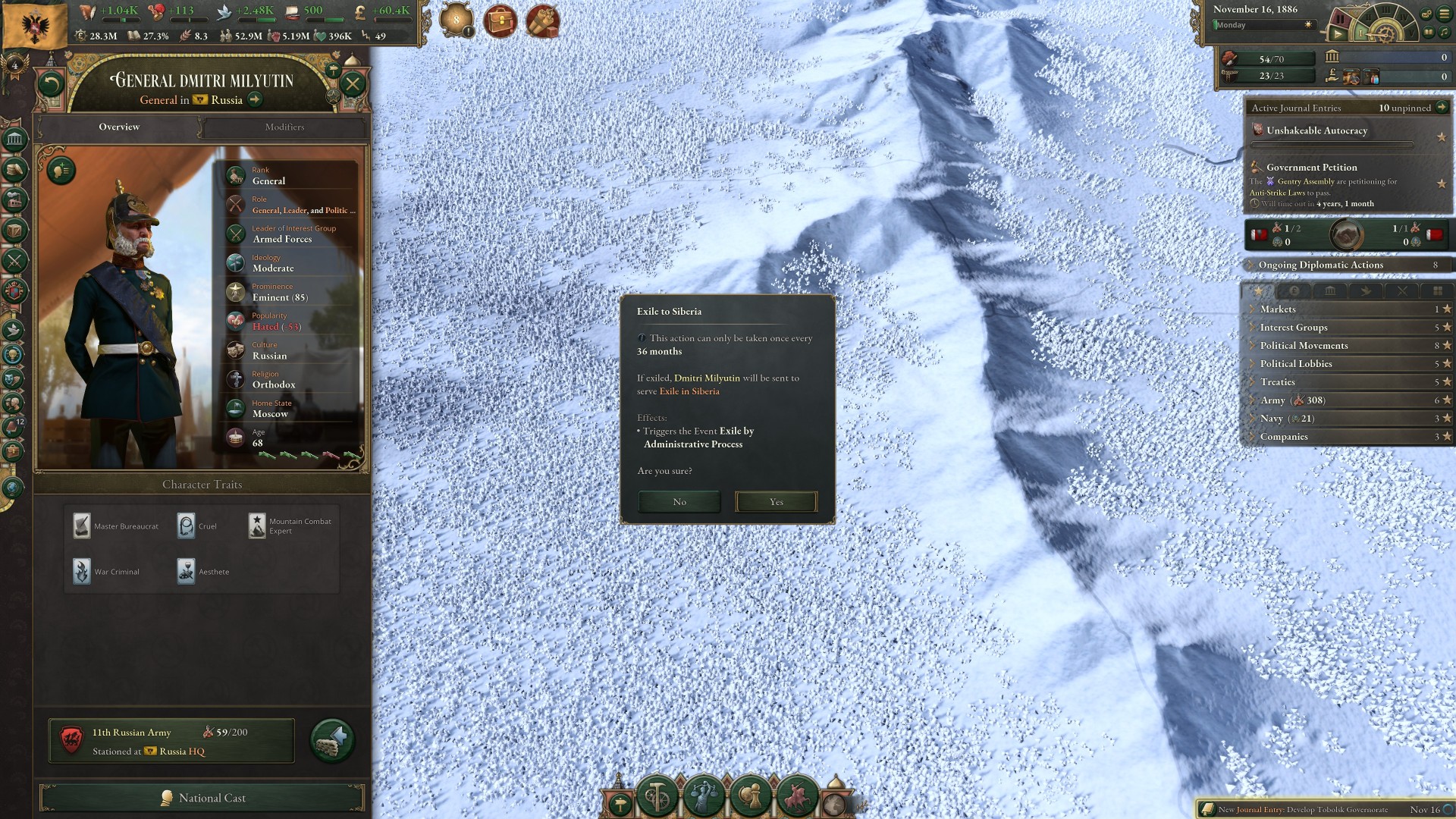
Exile unwanted dissidents to Siberia to ensure power stays with you – though the outcome may not always be what you expect.
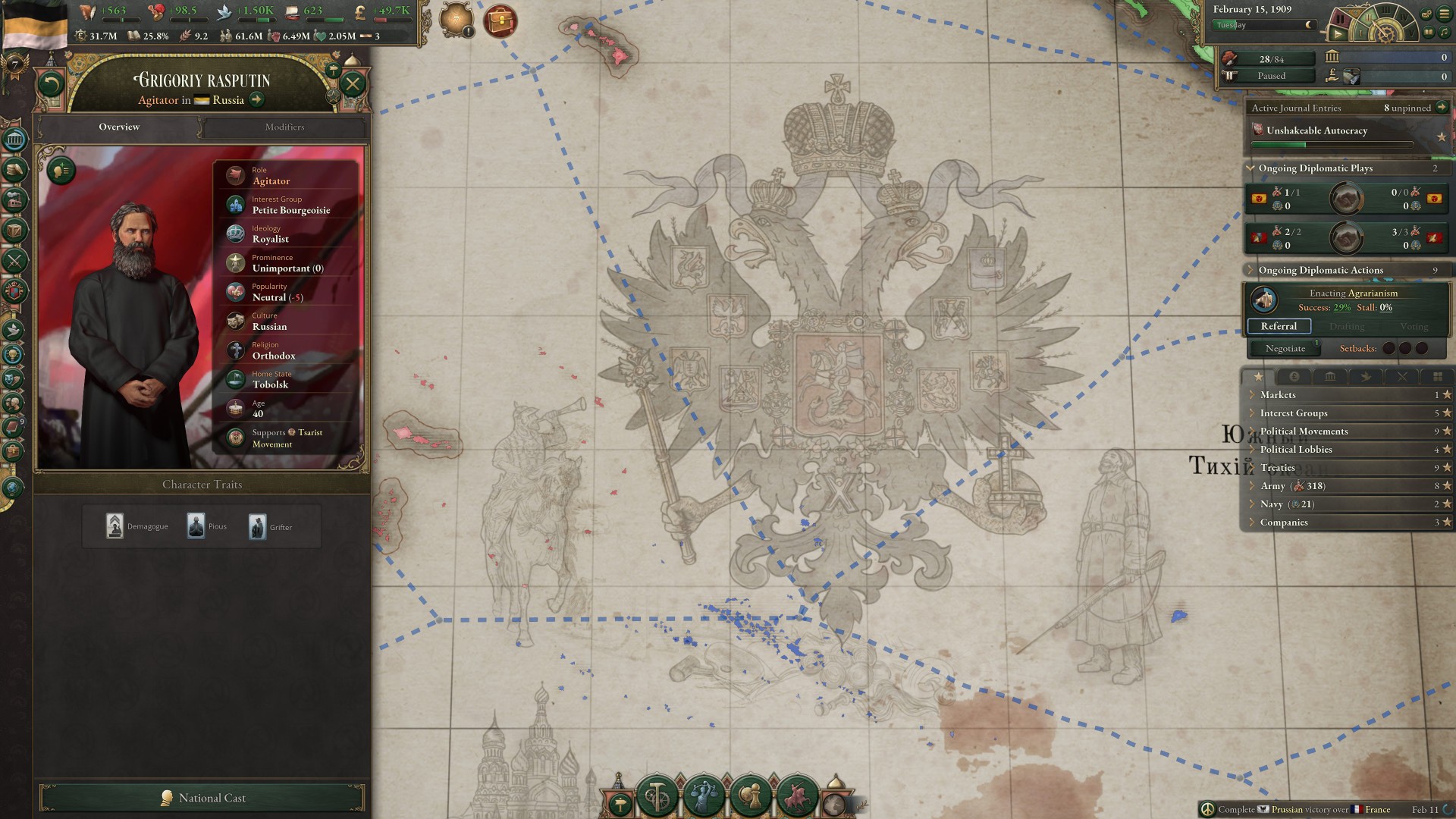
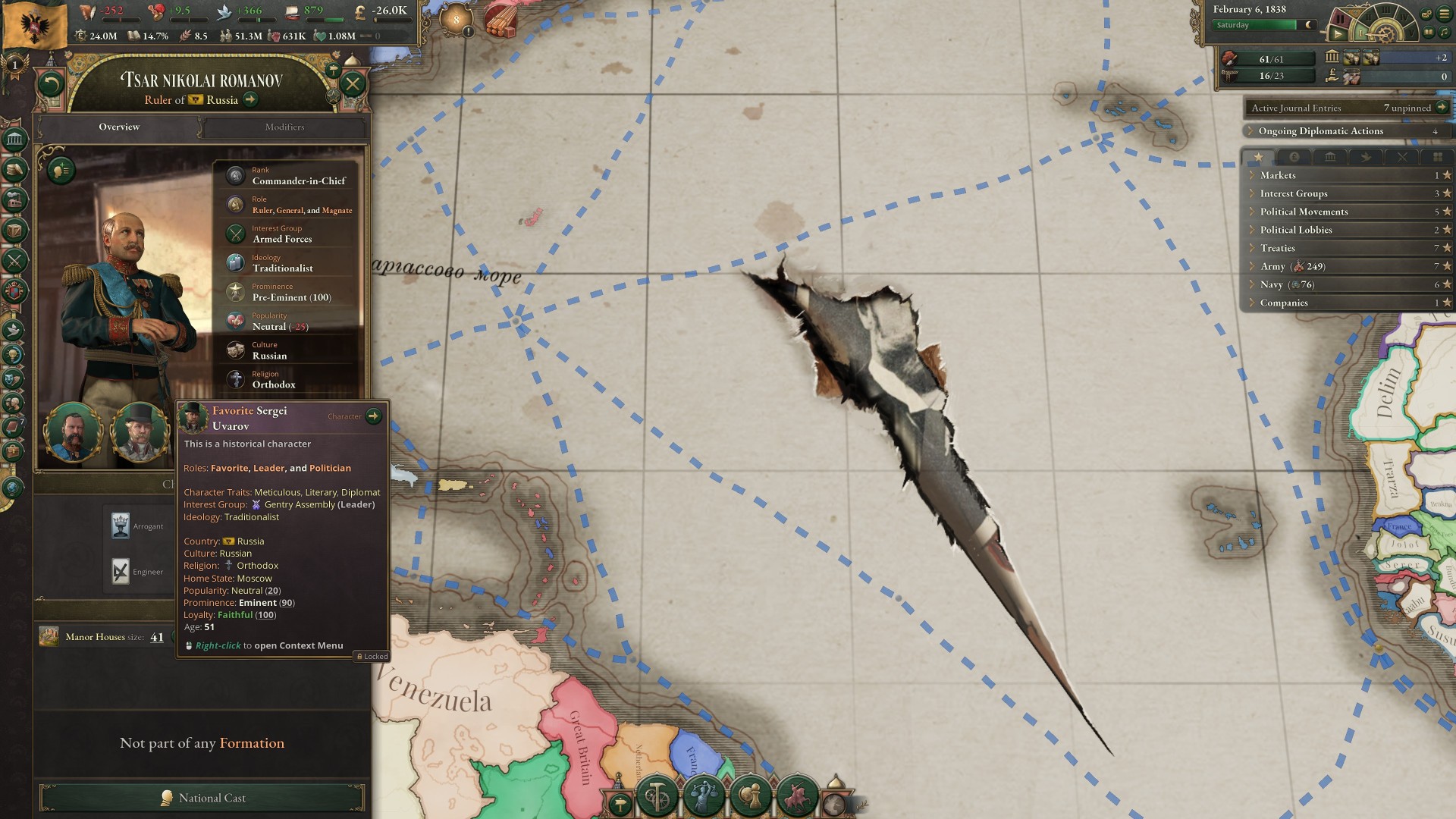
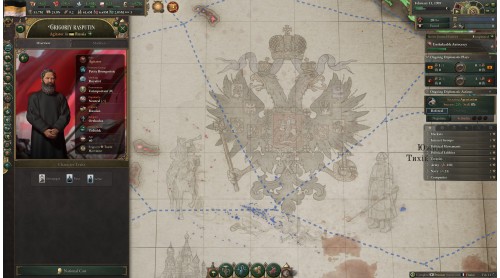
As an autocratic ruler, appoint favorites, adopt their ideological stances, and engage in narrative content around their newfound powers.
Experience Ukrainian and Belarusian cultural renaissances.
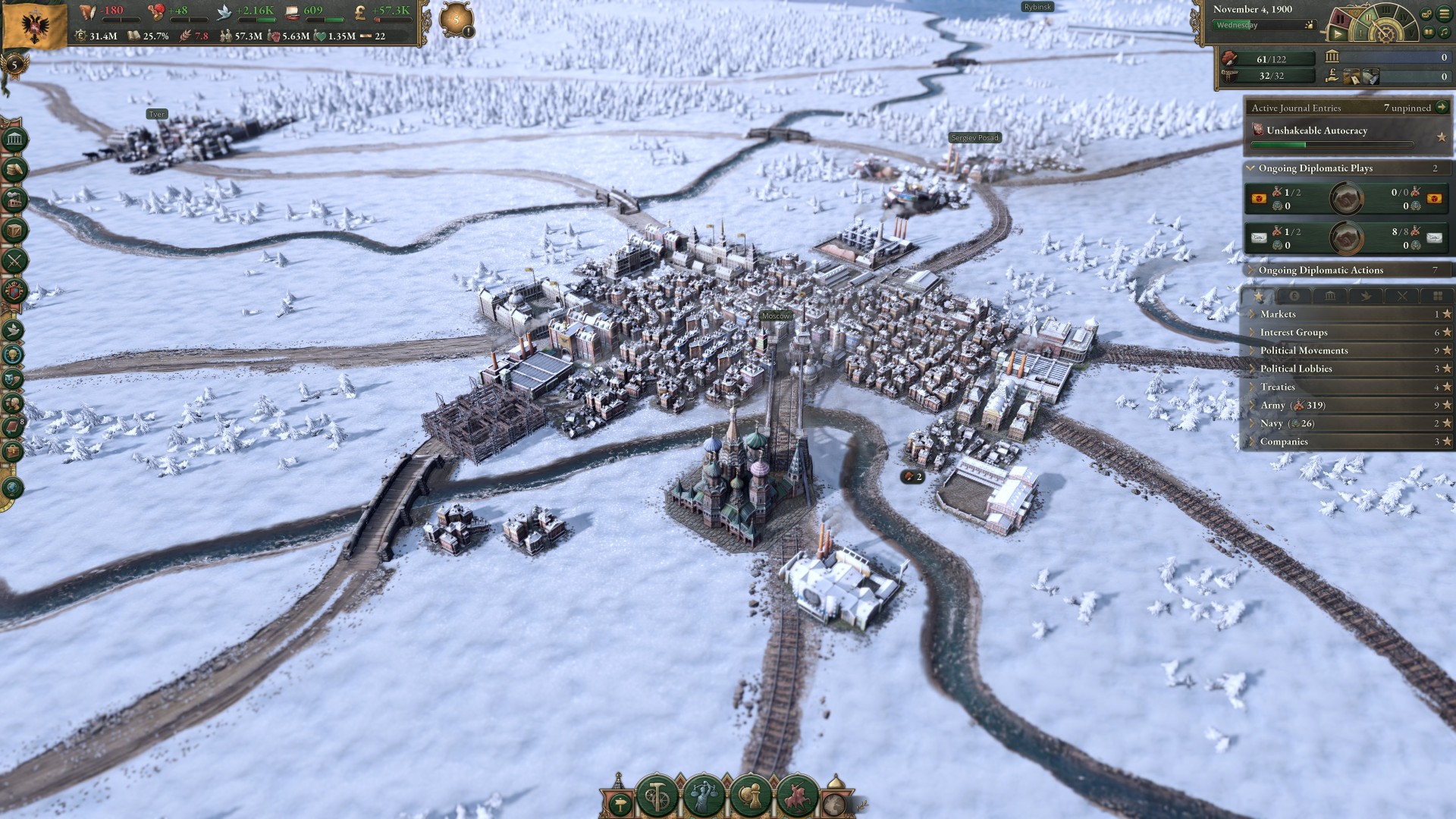
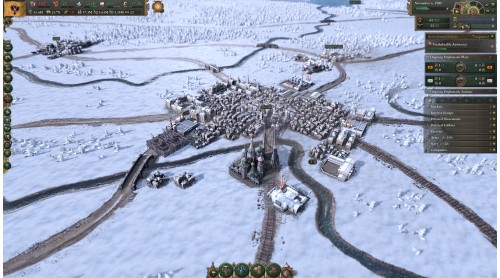
Visual effects for seasonal changes across the globe.
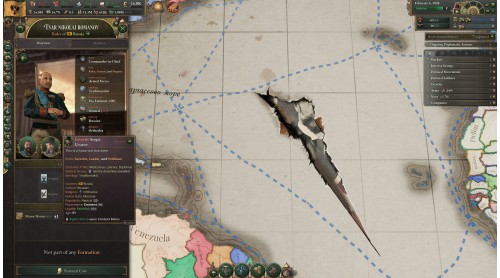
New historical characters.
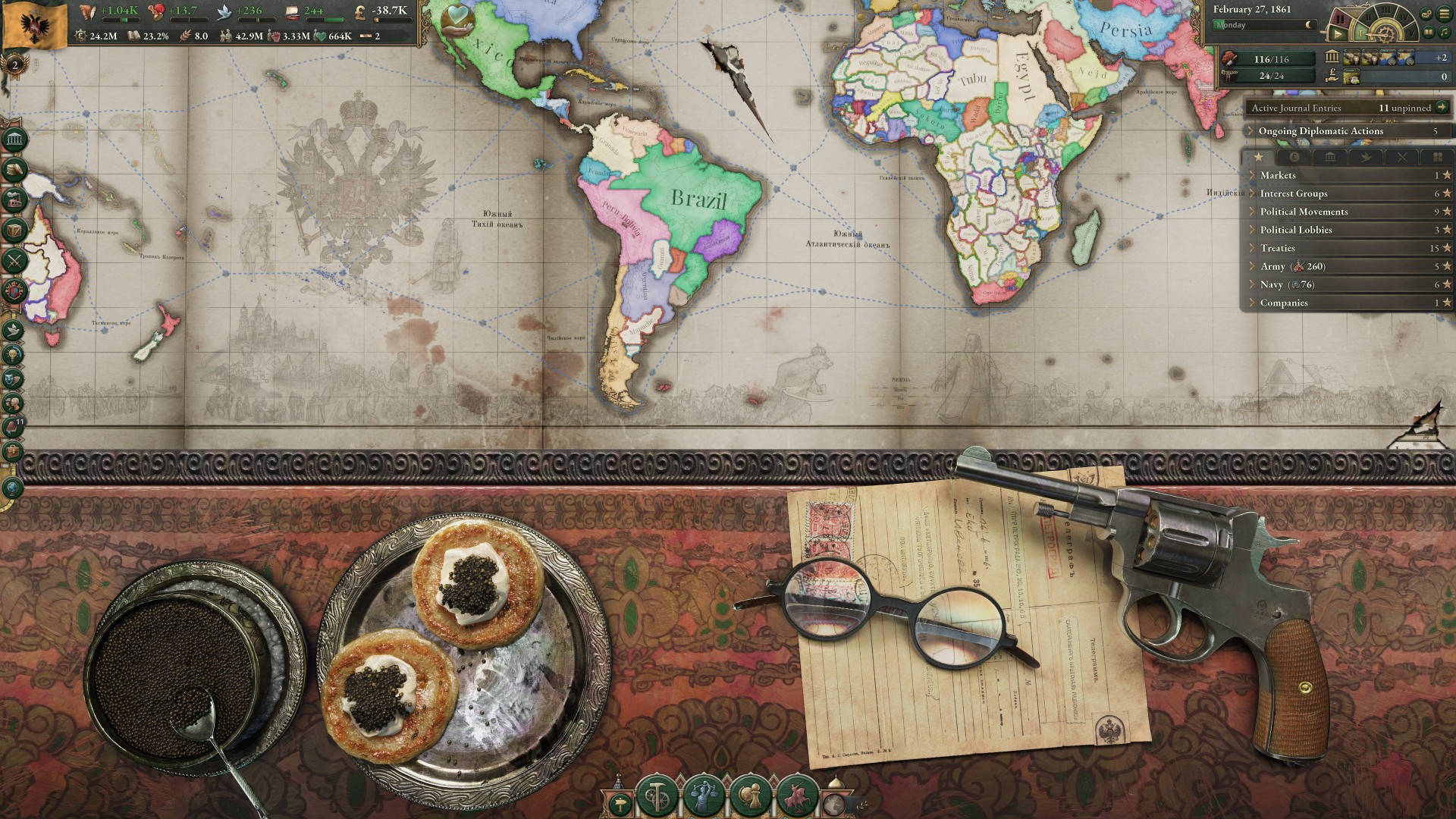
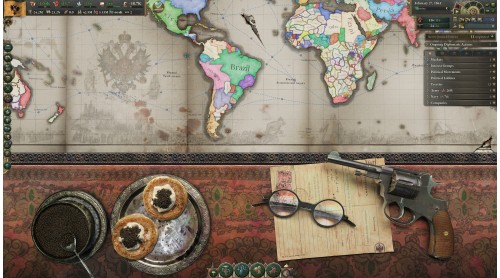
A new building style, character assets, interface and map skin, and table assets.
Music: New music themes inspired by Russian imperial and revolutionary ambitions.
*Journal Entries and Events tied to "The Great Game", introduced in Sphere of Influence expansion, will also become available to all State and Revolution owners.
©2026 and published by Paradox Interactive AB. VICTORIA and PARADOX INTERACTIVE are trademarks and/or registered trademarks of Paradox Interactive AB in Europe, the U.S., and other countries. Other trademarks, logos, and copyrights are the property of their respective owners.


How to activate your Steam key?
1. Open your Steam client. (If you don't have a Steam Client, you can install from here https://store.steampowered.com/about/)
2. Sign in to your Steam account. (If you don't have a Steam Account, you can create from here https://store.steampowered.com/join/)
3. Click “ADD A GAME” button which is at the bottom of the Steam Client.
4. Now select "Activate a product on Steam..."
5. Write or copy-paste your Steam key which you purchased from Gamesforpc.
6. Now your game is in your library.
7. Find your game in your library, select and click install to start your download.