 Steam
 Windows
| Release Date | 03.03.2023 | |
| Publisher | Koei Tecmo Europe | |
| PEGI Rating | + 16 | |
| Operating Systems | Windows | |
| Genres | Action, Adventure, rpg |
69.99€
Added to Cart
69.99€
Added to Wishlist
69.99€
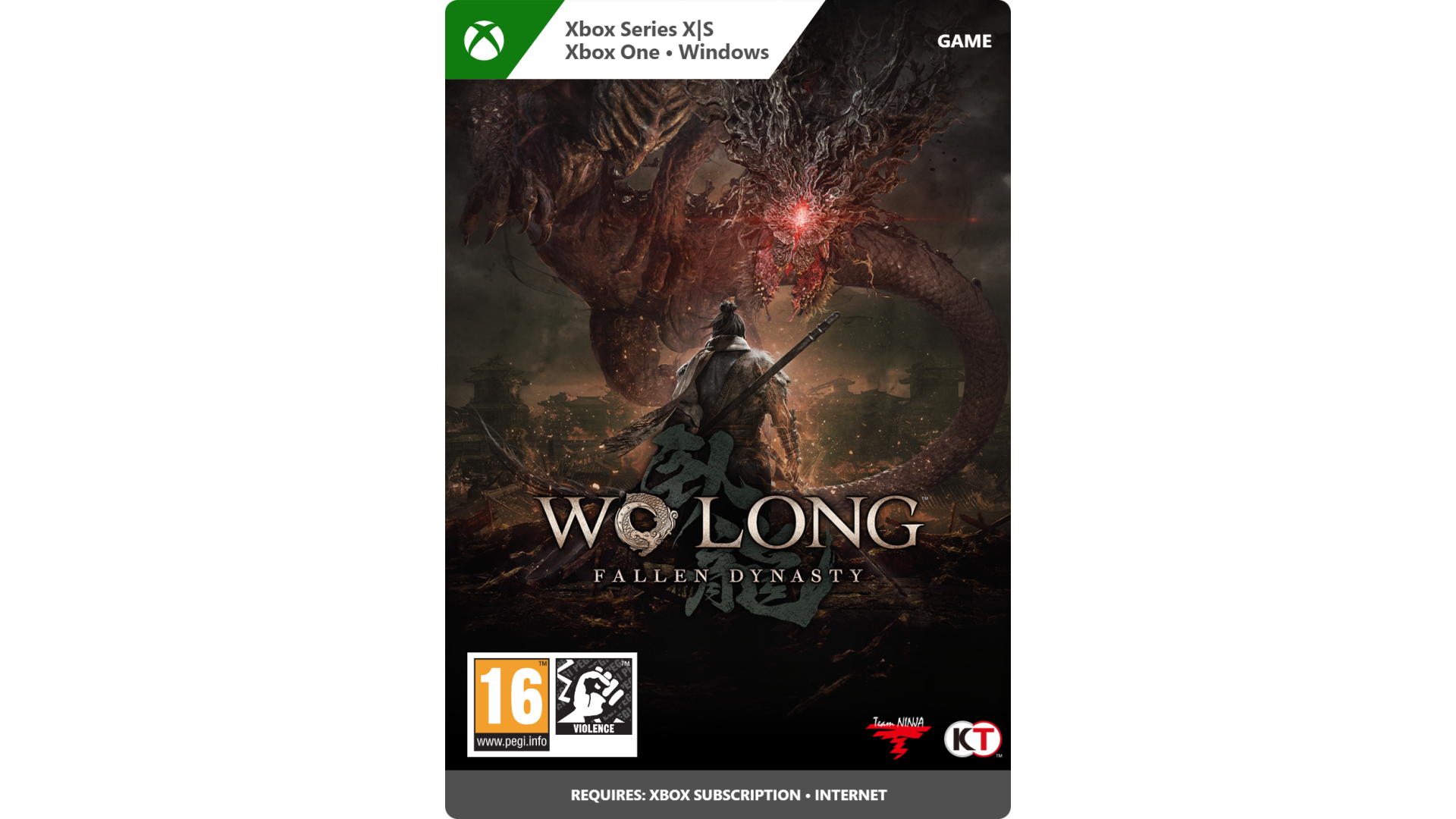
From the depths of darkness, a dragon soars.
A new dark fantasy Three Kingdoms action RPG, presented by Team NINJA.
184 AD, Later Han Dynasty China. The land is overcome by chaos and destruction. The imperial dynasty that prospered for many years is now about to collapse.
Wo Long: Fallen Dynasty is a dramatic, action-packed story of a nameless militia soldier fighting for survival in a dark fantasy version of the Later Han Dynasty where demons plague the Three Kingdoms. Players fight off deadly creatures and enemy soldiers using swordplay based on the Chinese martial arts, attempting to overcome the odds by awakening the true power from within.
Wo Long refers to a crouching dragon, and also refers to a hero or person of greatness who is not yet known. This is the story of officers, who will later become heroes, during their ‘unknown’ period, and also the story of a protagonist’s rise from being a ‘nobody’.
Note: You must have an internet connection in order to use various content.
Note: This is the standard edition of the game. The Digital Deluxe Edition is also available.
©KOEI TECMO GAMES CO., LTD. All rights reserved.


How to activate your Steam key?
1. Open your Steam client. (If you don't have a Steam Client, you can install from here https://store.steampowered.com/about/)
2. Sign in to your Steam account. (If you don't have a Steam Account, you can create from here https://store.steampowered.com/join/)
3. Click “ADD A GAME” button which is at the bottom of the Steam Client.
4. Now select "Activate a product on Steam..."
5. Write or copy-paste your Steam key which you purchased from Gamesforpc.
6. Now your game is in your library.
7. Find your game in your library, select and click install to start your download.