 Steam
| Release Date | 13.03.2026 | |
| Publisher | 2K | |
| PEGI Rating | + 16 | |
| Genres | Simulation, sport, fighting |
49.99€
Added to Cart
49.99€
Added to Wishlist
49.99€
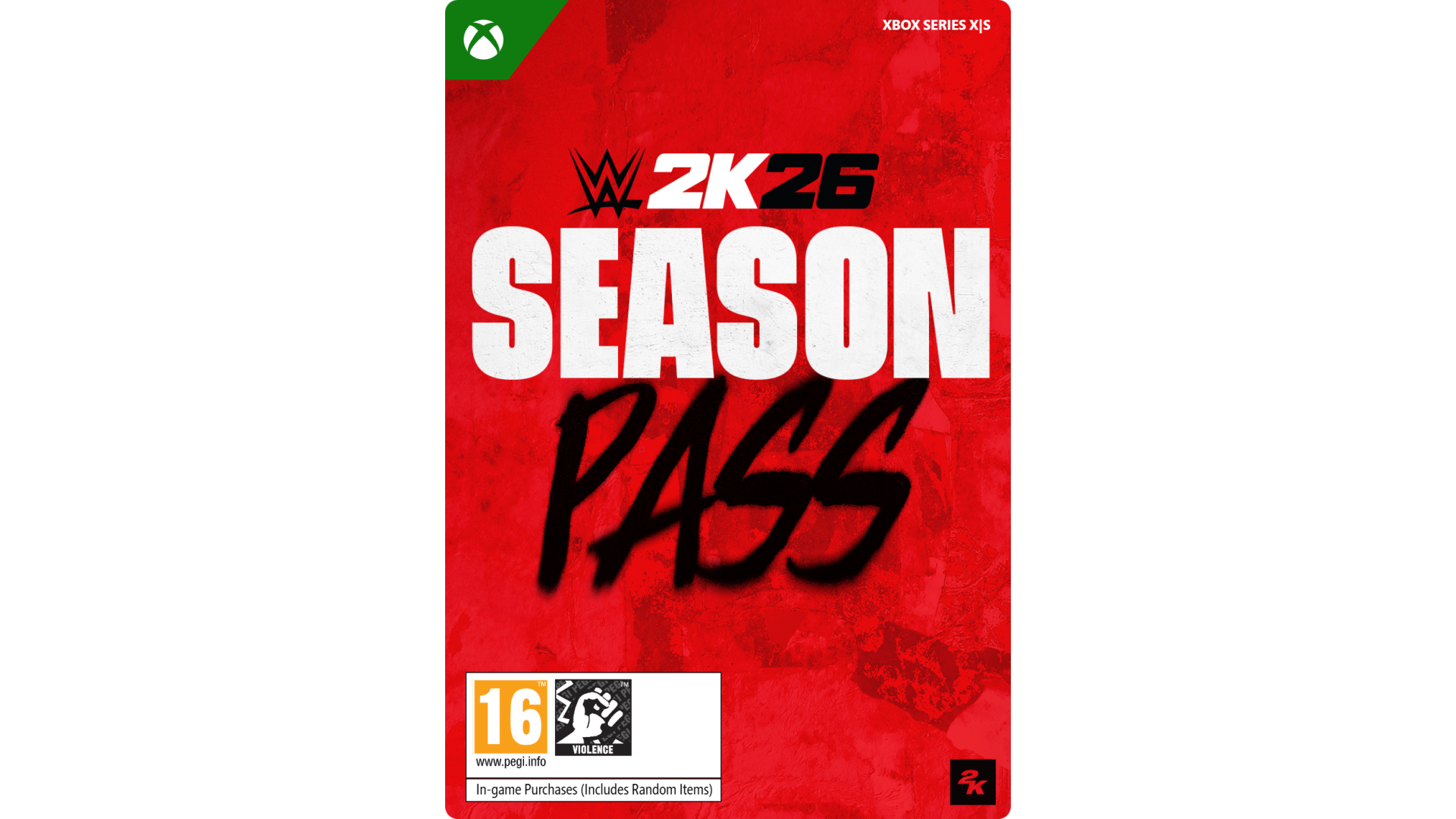
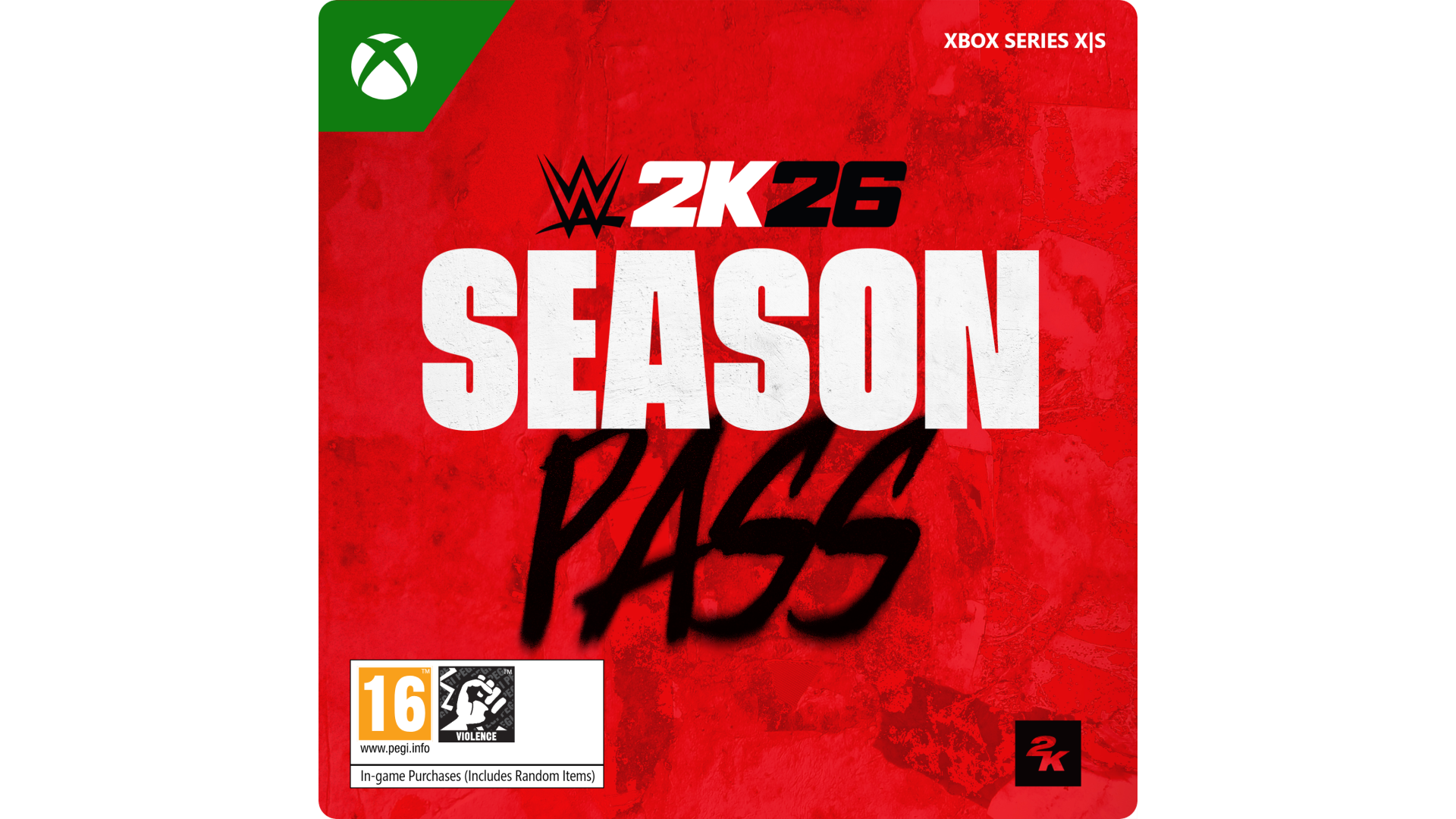
The WWE 2K26 Season Pass brings new content through 6 brand new Ringside Premium Passes, each featuring four brand-new playable Superstars, themed rewards, and limited-time challenges. Level up, unlock rewards, expand your roster, and progress at your own pace. Each Ringside Premium Pass also includes new Personas, MyFACTION contents, and more.
Certain features of the game, including online multiplayer, communication and other online features, may not be accessible by child accounts. A child means players under the age of 13, unless local laws specify differently.
Add-on content requires base game and Internet connection, and may also require online account registration (minimum age varies), to redeem and use. Base game sold separately. Certain limits apply to purchase, use and redemption. See Terms of Service (ToS) in game and at www.take2games.com/legal and www.take2games.com/privacy for details. Online console play may require separate paid platform subscription and account registration. For more information on the availability of online features and services visit https://bit.ly/2K-Online-Services-Status.
© 2014 – 2026 Take-Two Interactive Software, Inc. 2K and the 2K logo are trademarks of Take-Two Interactive Software, Inc. All Rights Reserved. ™ & © 2026 WWE. All Rights Reserved. All WWE programming, talent names, images, likenesses, slogans, wrestling moves, trademarks, logos and copyrights are the exclusive property of WWE and its subsidiaries. All other marks and trademarks are the property of their respective owners.


How to activate your Steam key?
1. Open your Steam client. (If you don't have a Steam Client, you can install from here https://store.steampowered.com/about/)
2. Sign in to your Steam account. (If you don't have a Steam Account, you can create from here https://store.steampowered.com/join/)
3. Click “ADD A GAME” button which is at the bottom of the Steam Client.
4. Now select "Activate a product on Steam..."
5. Write or copy-paste your Steam key which you purchased from Gamesforpc.
6. Now your game is in your library.
7. Find your game in your library, select and click install to start your download.