












 Steam
Steam  Windows
 | Release Date | 14.09.2018 | |
| Publisher | THQ Nordic GmbH | |
| PEGI Rating | + 3 | |
| Operating Systems | Windows | |
| Genres | Simulation |
16.79€
Added to Cart
16.79€
Added to Wishlist
16.79€
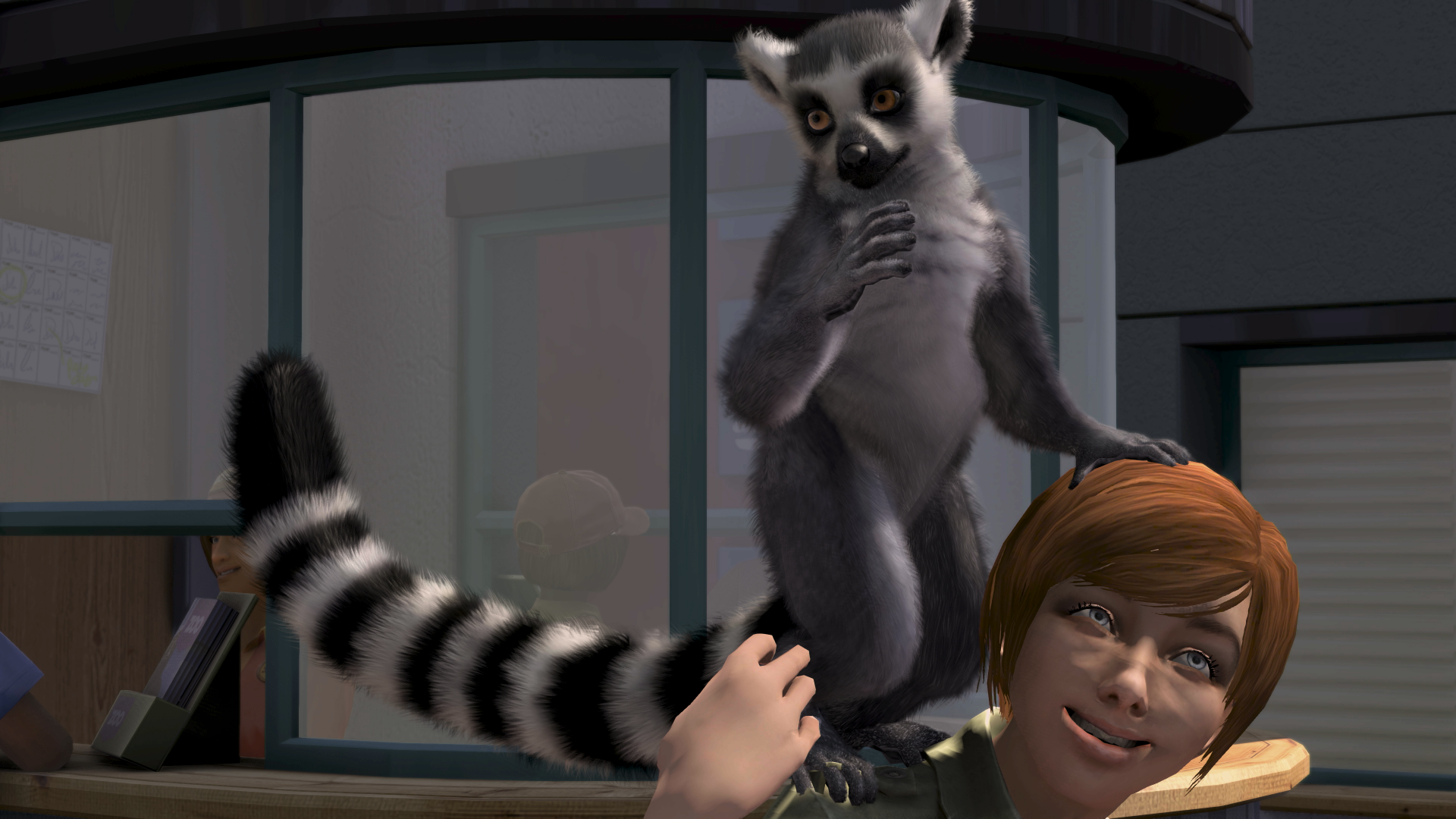
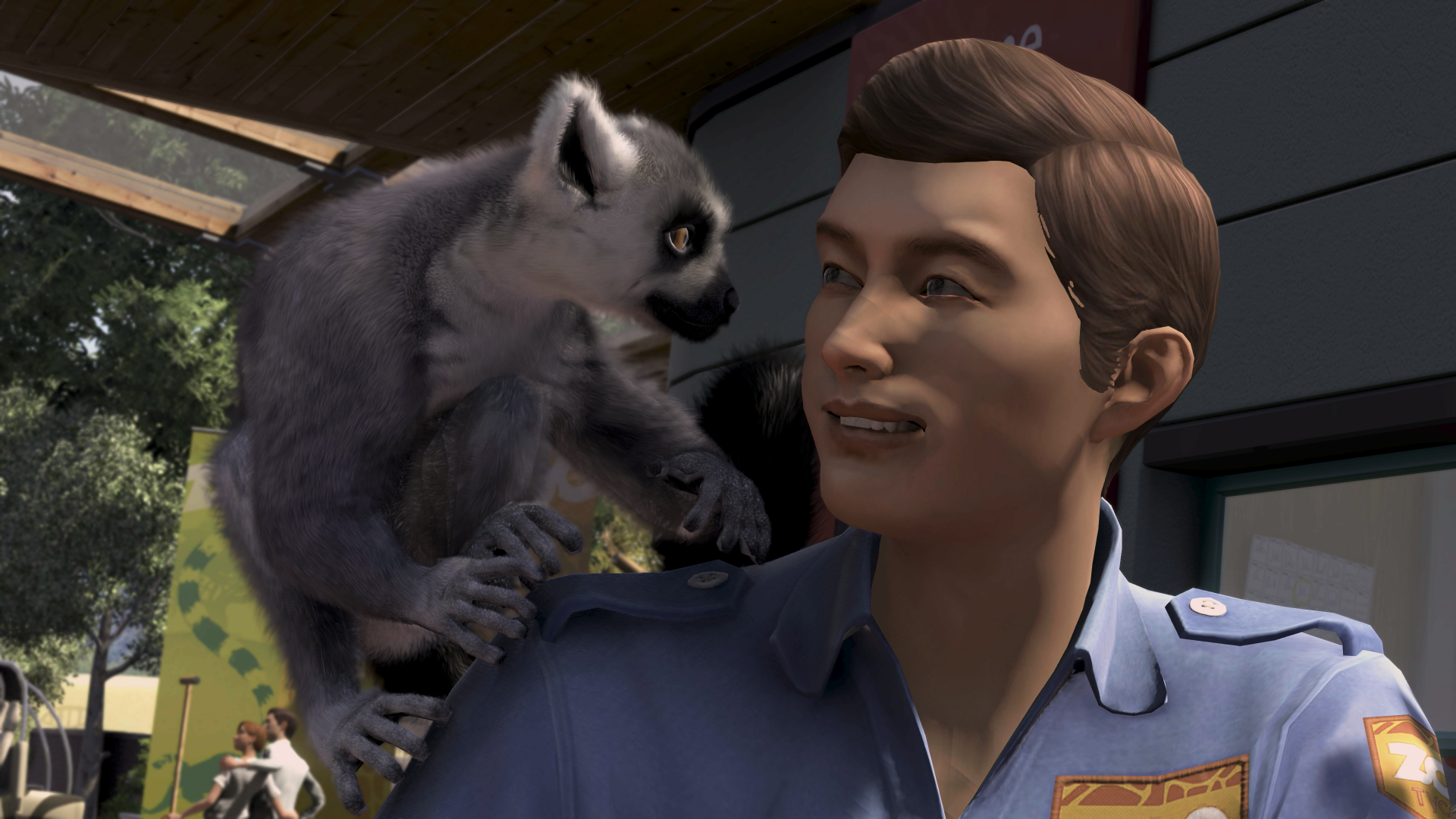
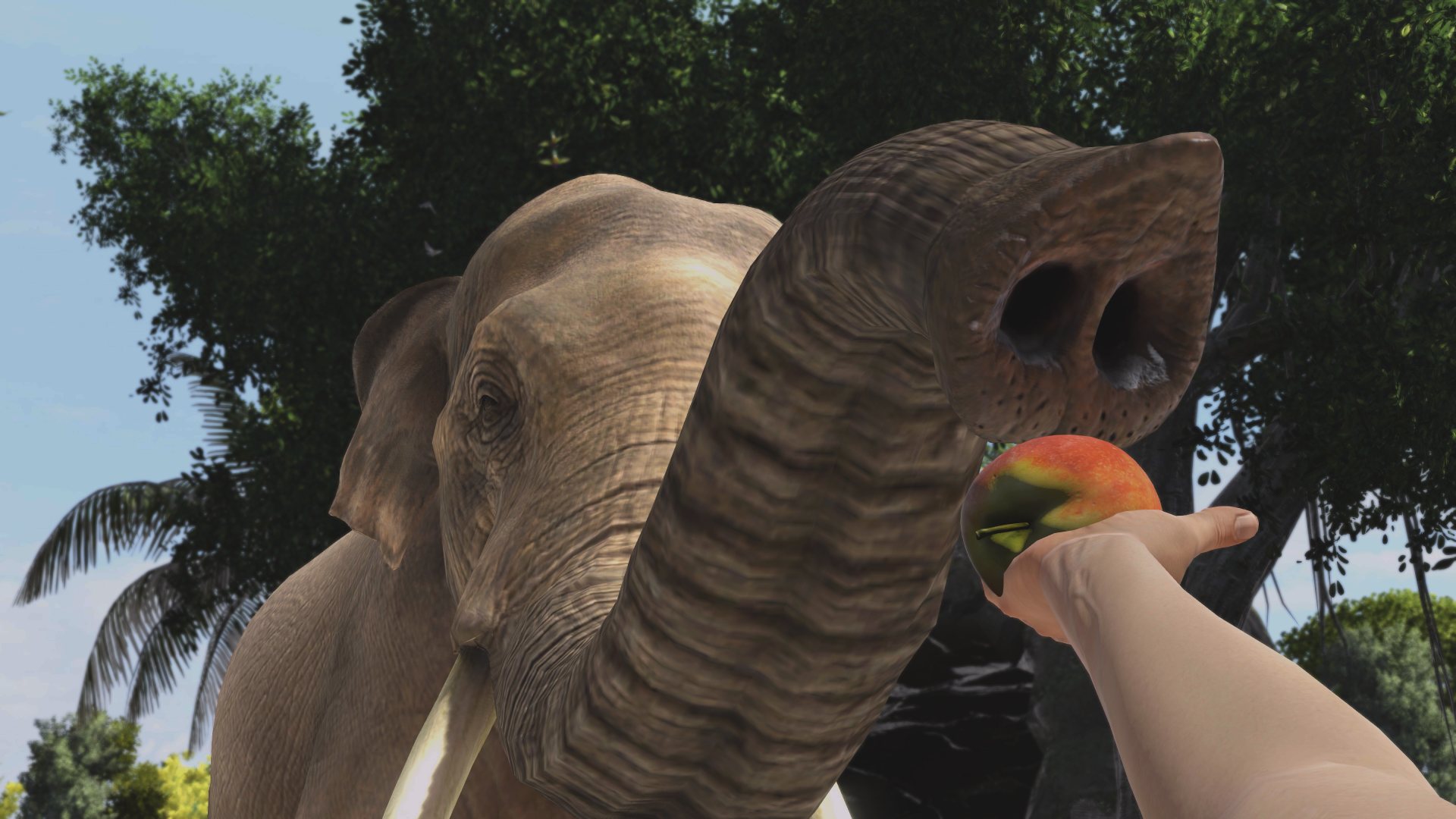
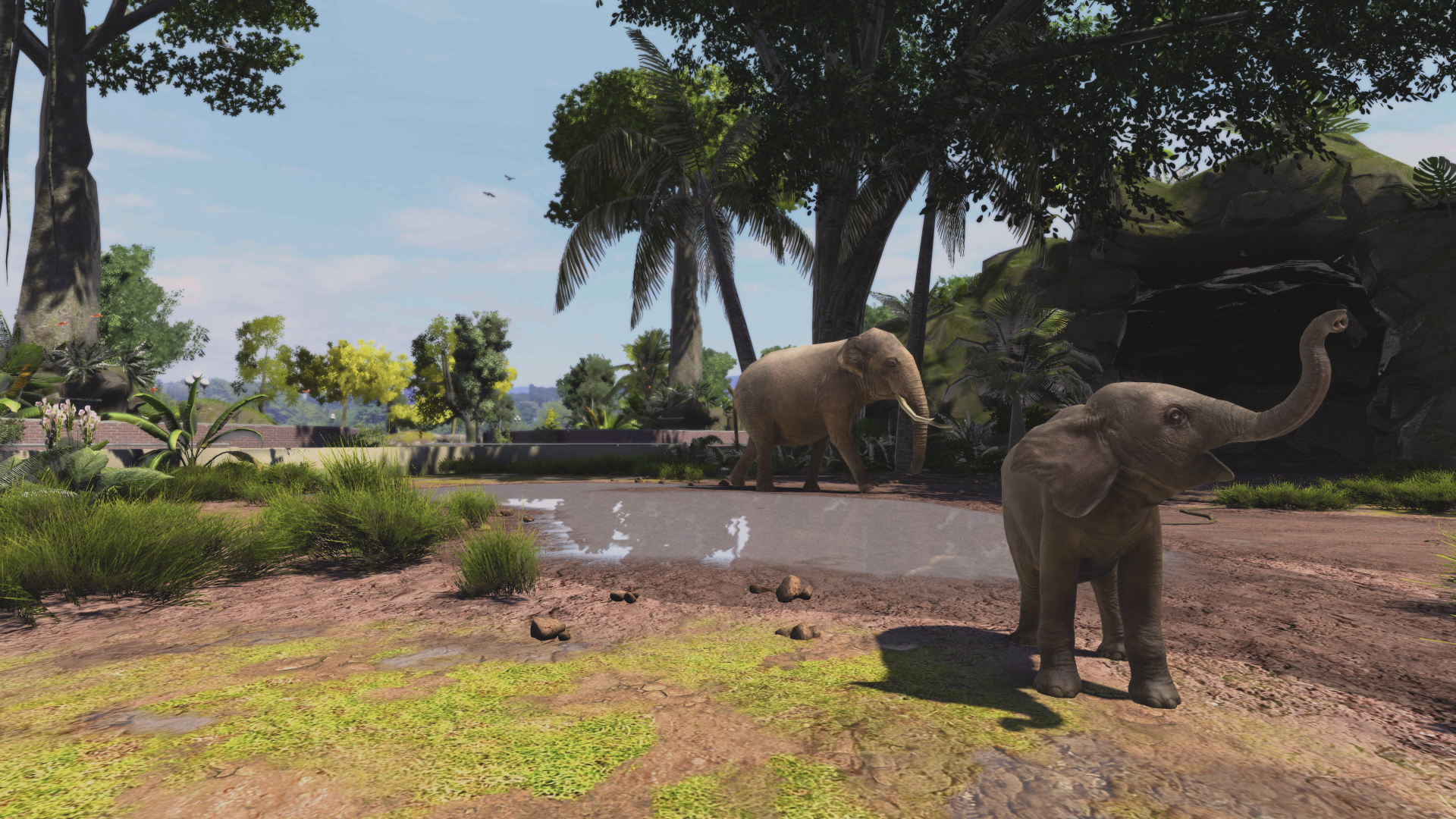
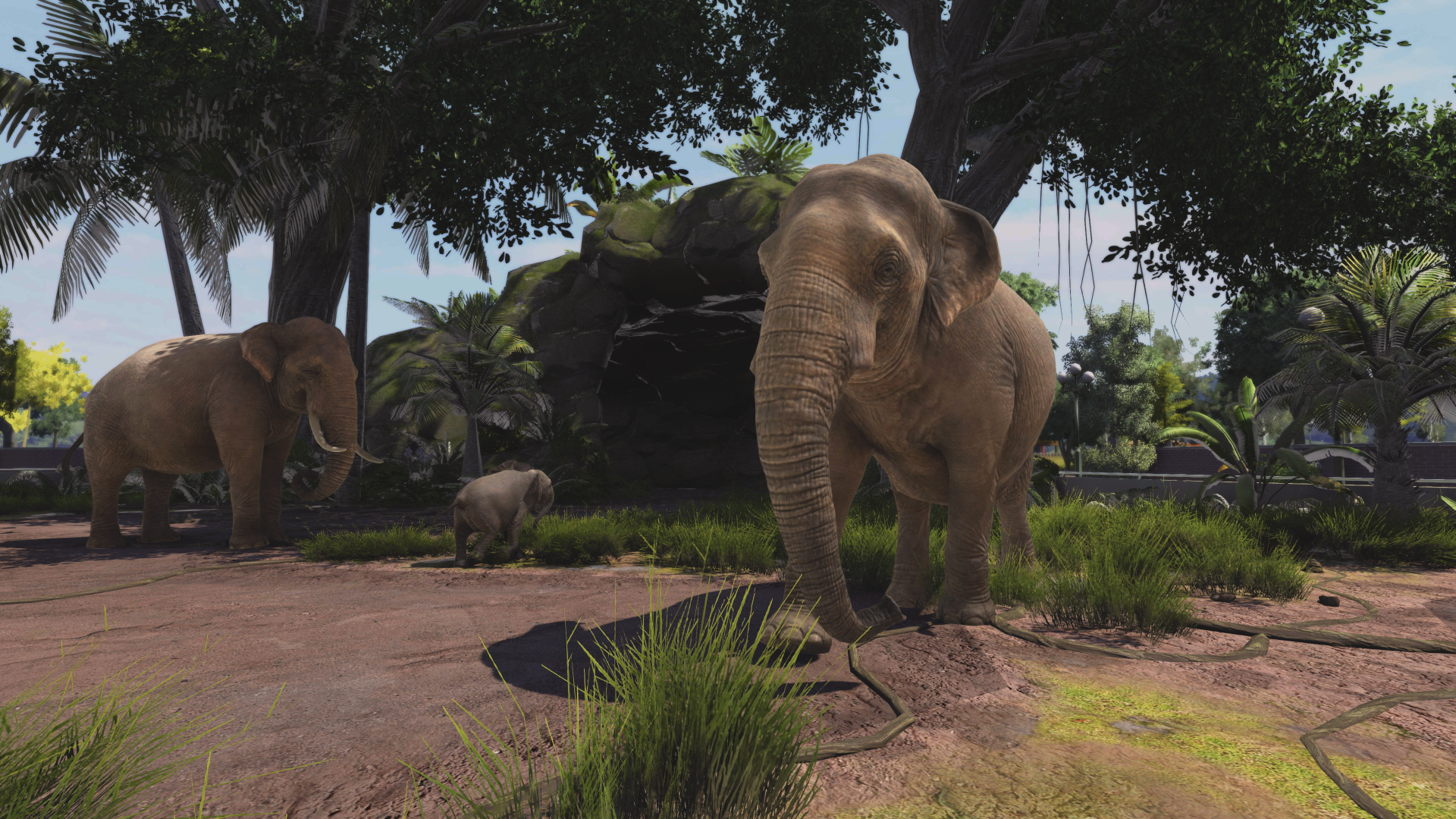
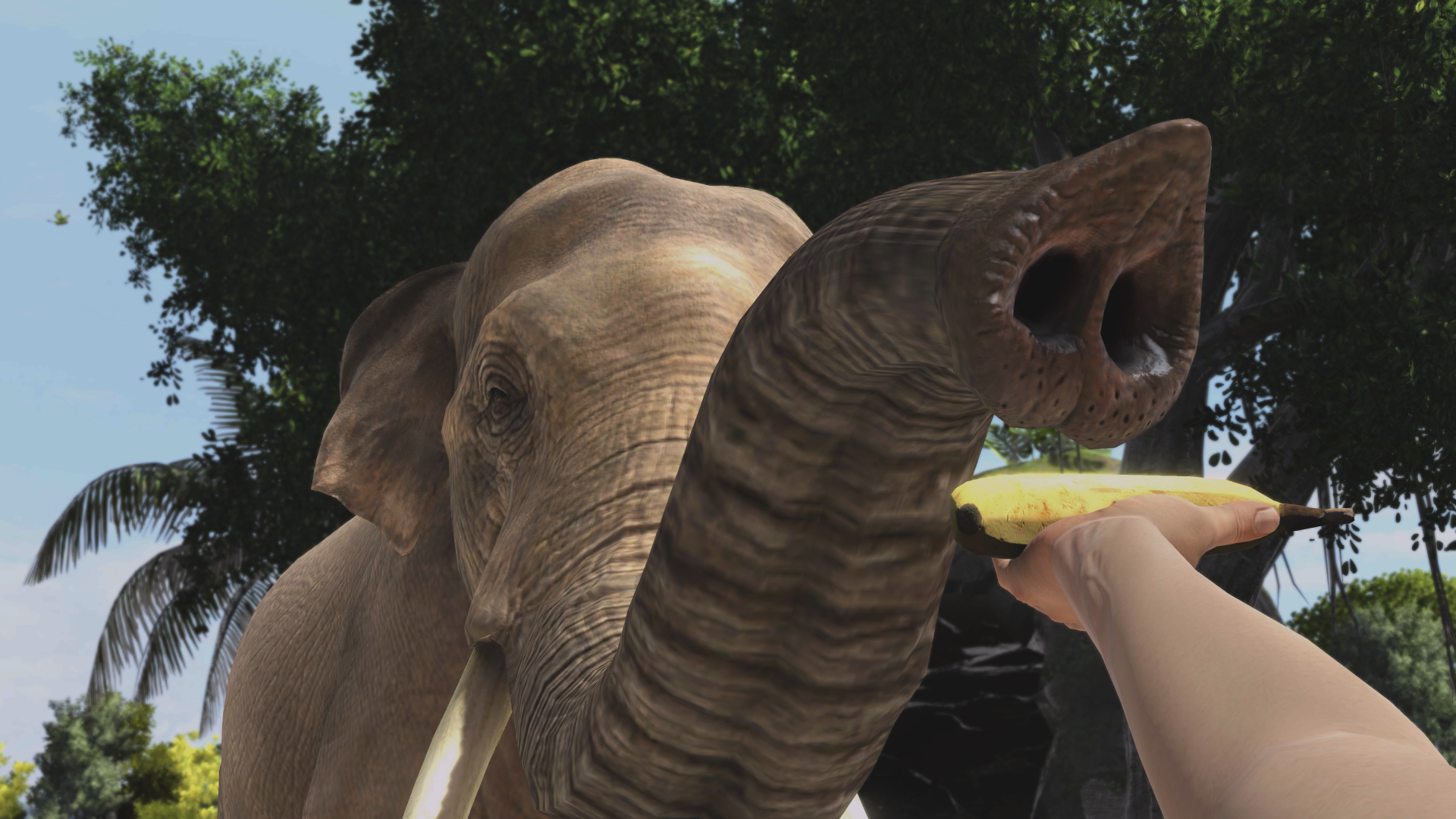
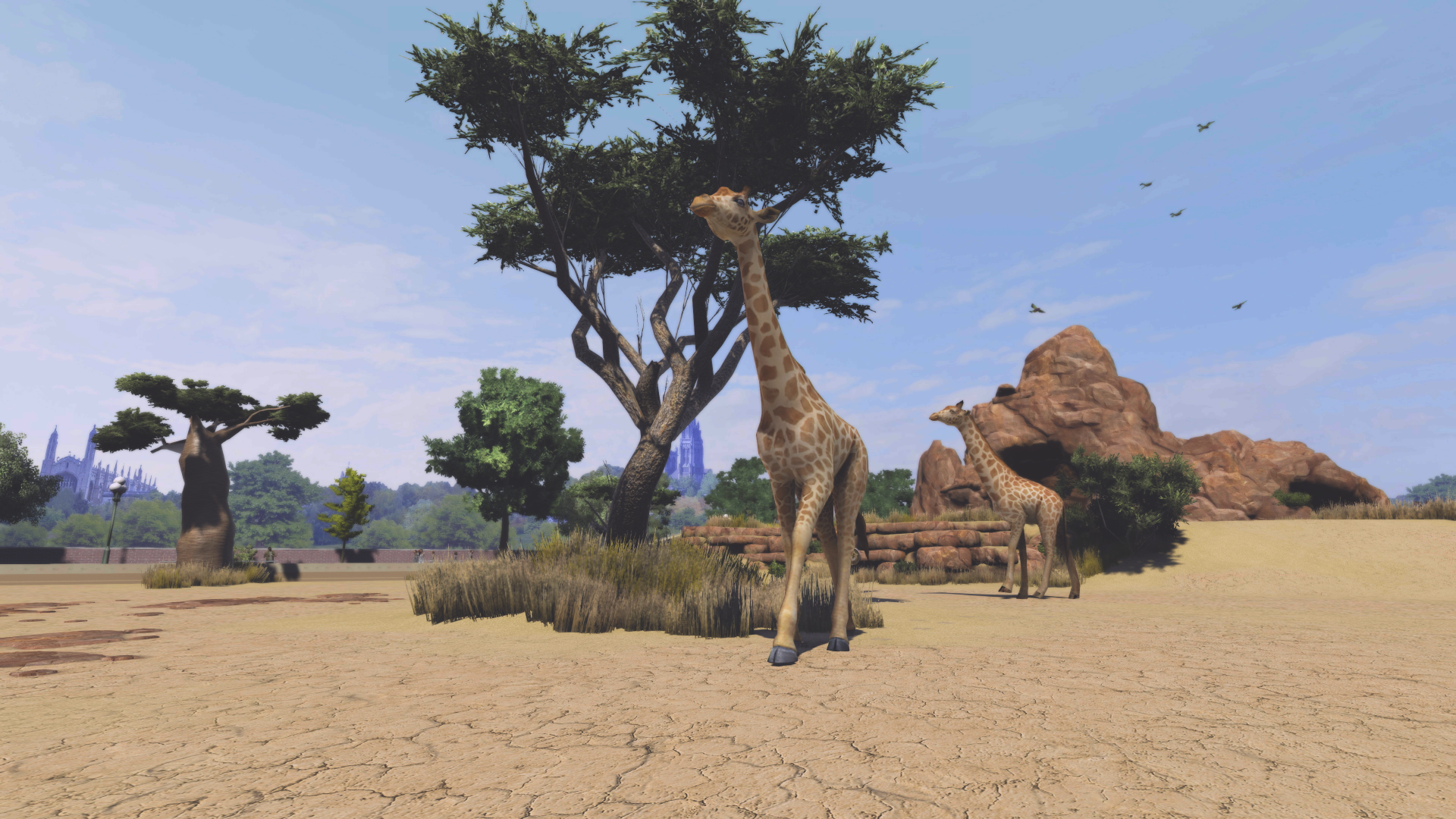
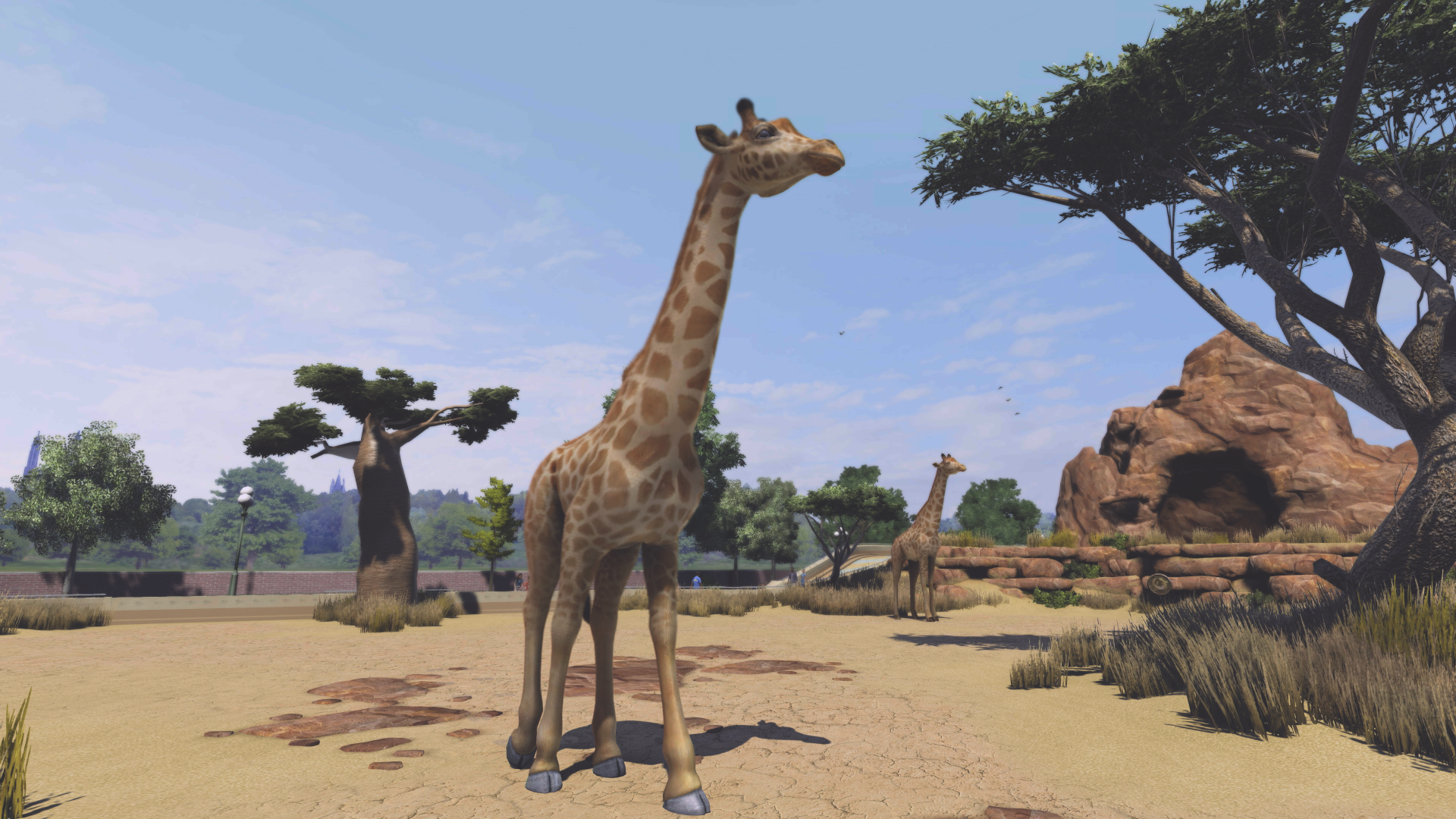
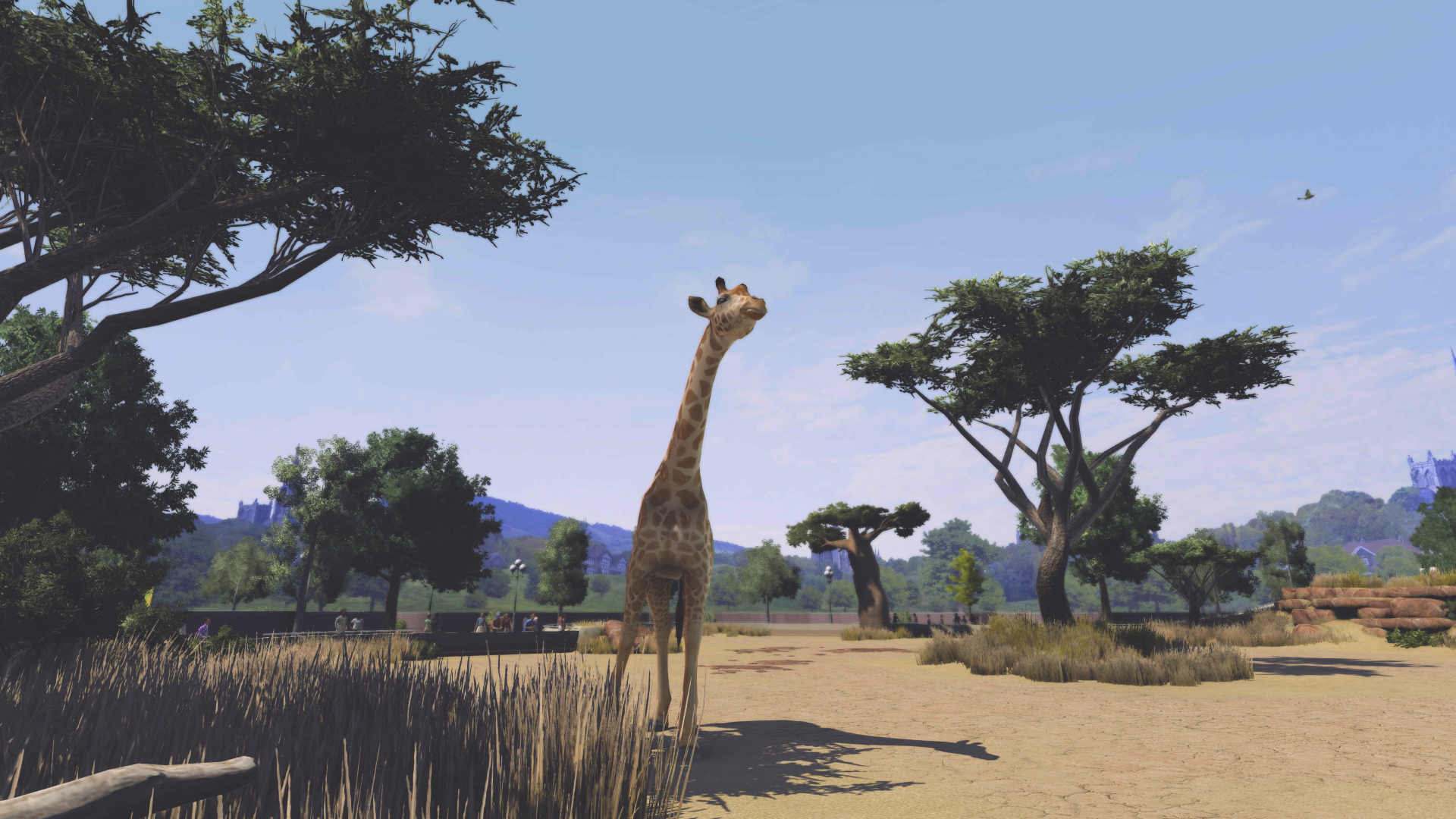
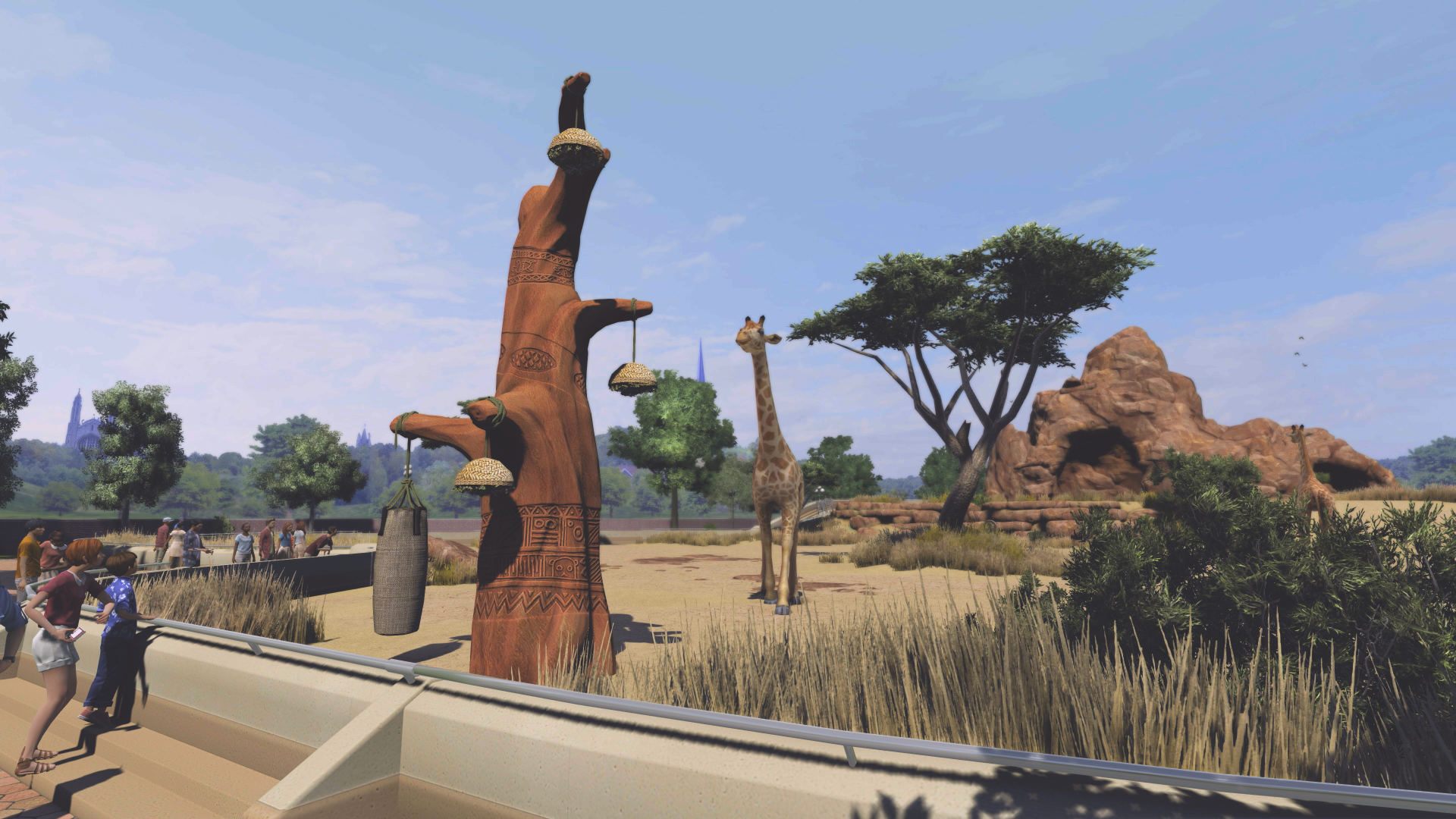
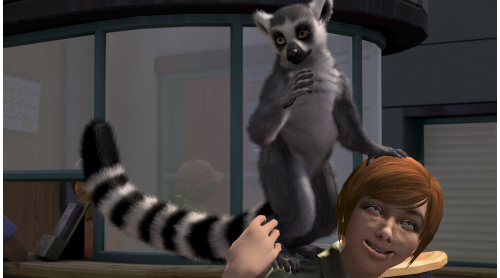
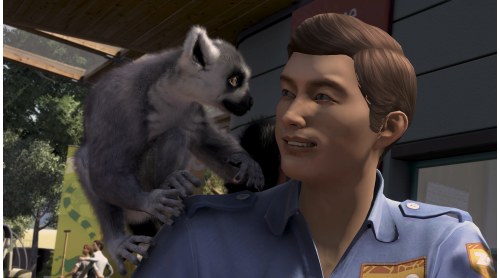
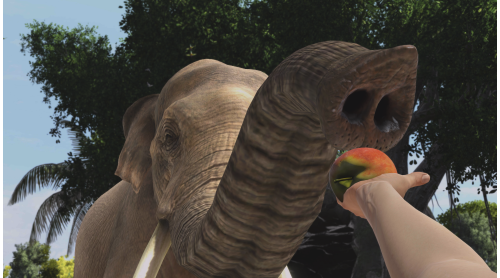
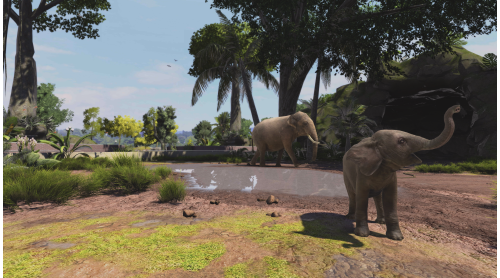
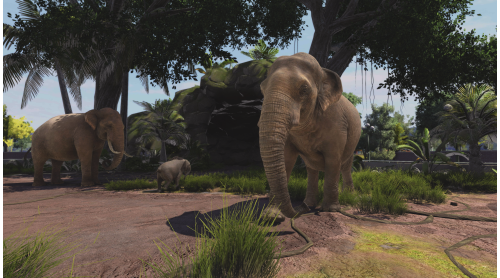
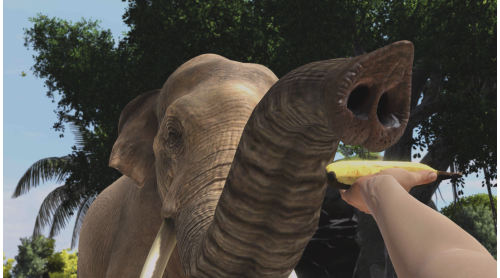
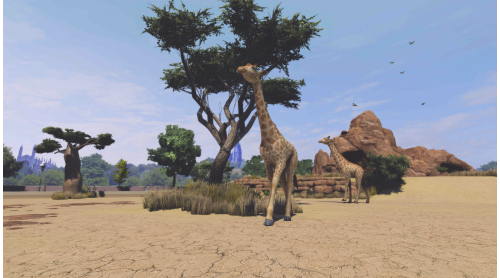
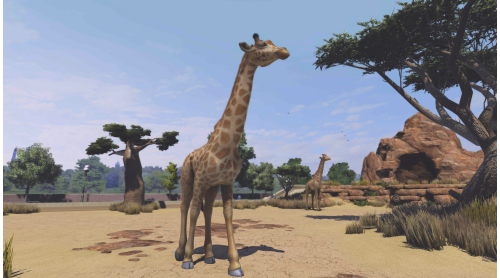
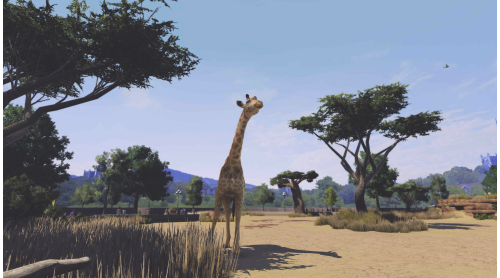
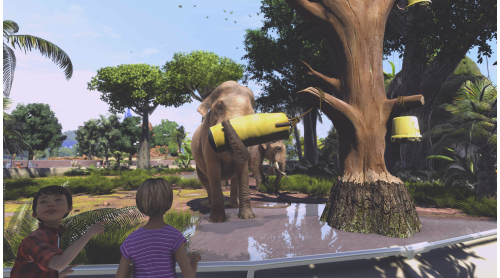
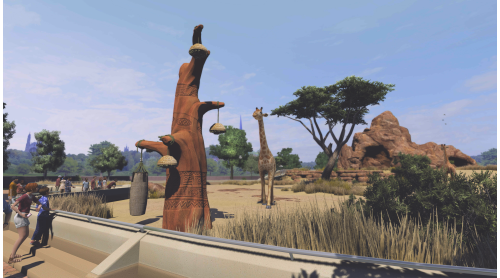
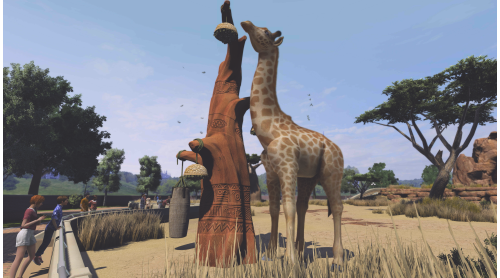
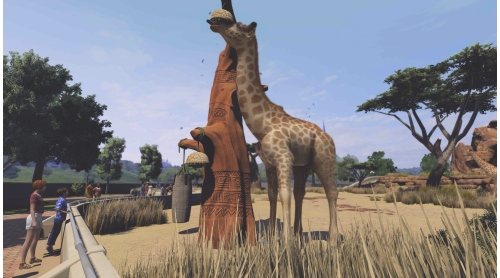
The wildly popular Zoo Tycoon series gets set to crank up the excitement, challenge, and fun of building the ultimate zoo. Let your imagination run wild with Zoo Tycoon: Ultimate Animal Collection! Choose from almost 200 visually stunning animals and the largest, most detailed selection of environments ever, then build, manage, and maintain your dream zoo alone or with up to four players. This zoo simulation will charm animal lovers of all ages.
© 2018 ASOBO STUDIO
Microsoft Studios © 2018 Microsoft Corporation


How to activate your Steam key?
1. Open your Steam client. (If you don't have a Steam Client, you can install from here https://store.steampowered.com/about/)
2. Sign in to your Steam account. (If you don't have a Steam Account, you can create from here https://store.steampowered.com/join/)
3. Click “ADD A GAME” button which is at the bottom of the Steam Client.
4. Now select "Activate a product on Steam..."
5. Write or copy-paste your Steam key which you purchased from Gamesforpc.
6. Now your game is in your library.
7. Find your game in your library, select and click install to start your download.