










 Steam
Steam  Windows
 | Release Date | 18.10.2023 |
| Publisher | Green Man Gaming Publishing |
| Operating Systems | Windows |
| Genres | Action, Simulation, Adventure, racing, casual |
21.50€
5.38€
Added to Cart
21.50€
5.38€
Added to Wishlist
21.50€
5.38€
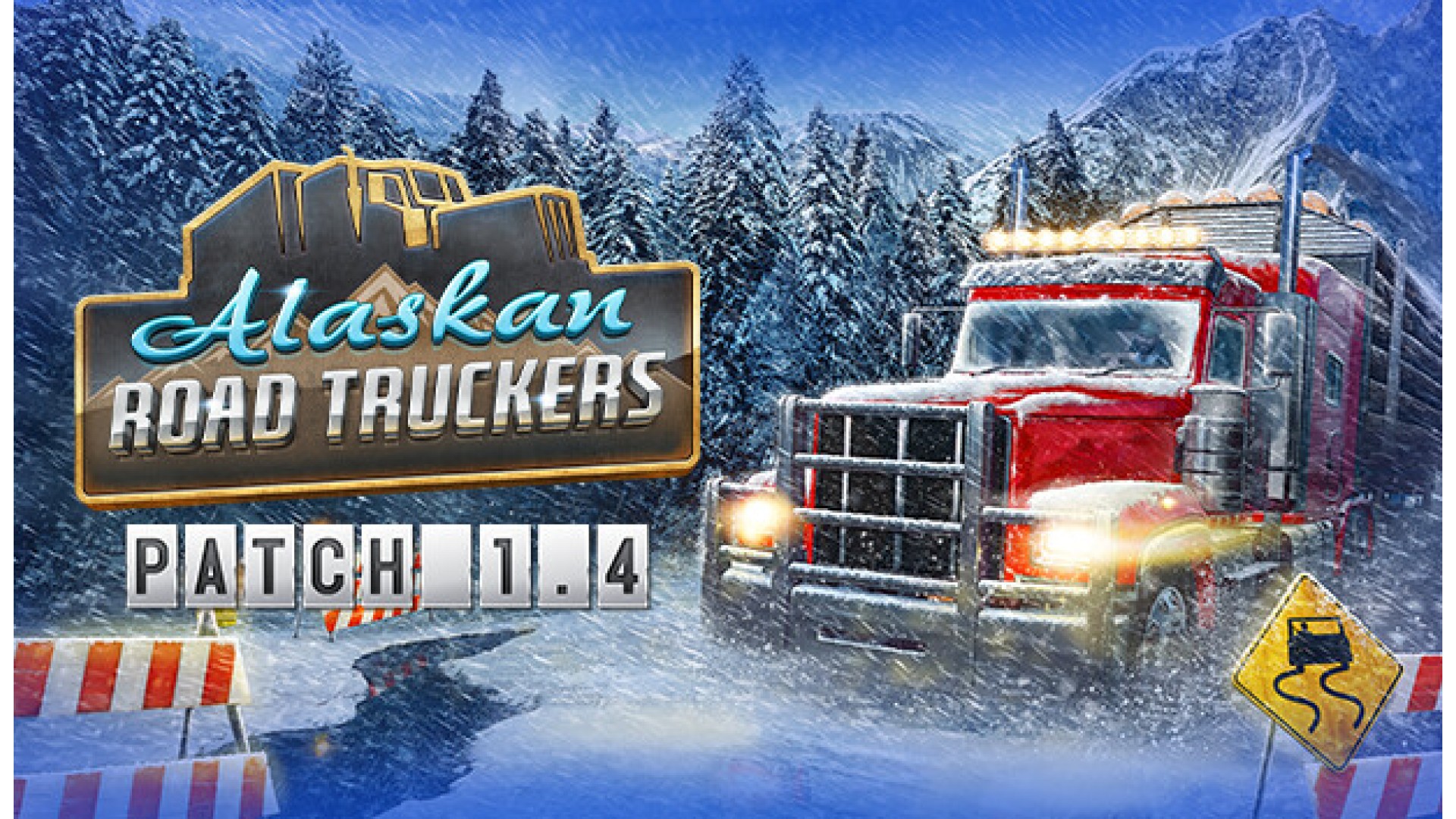
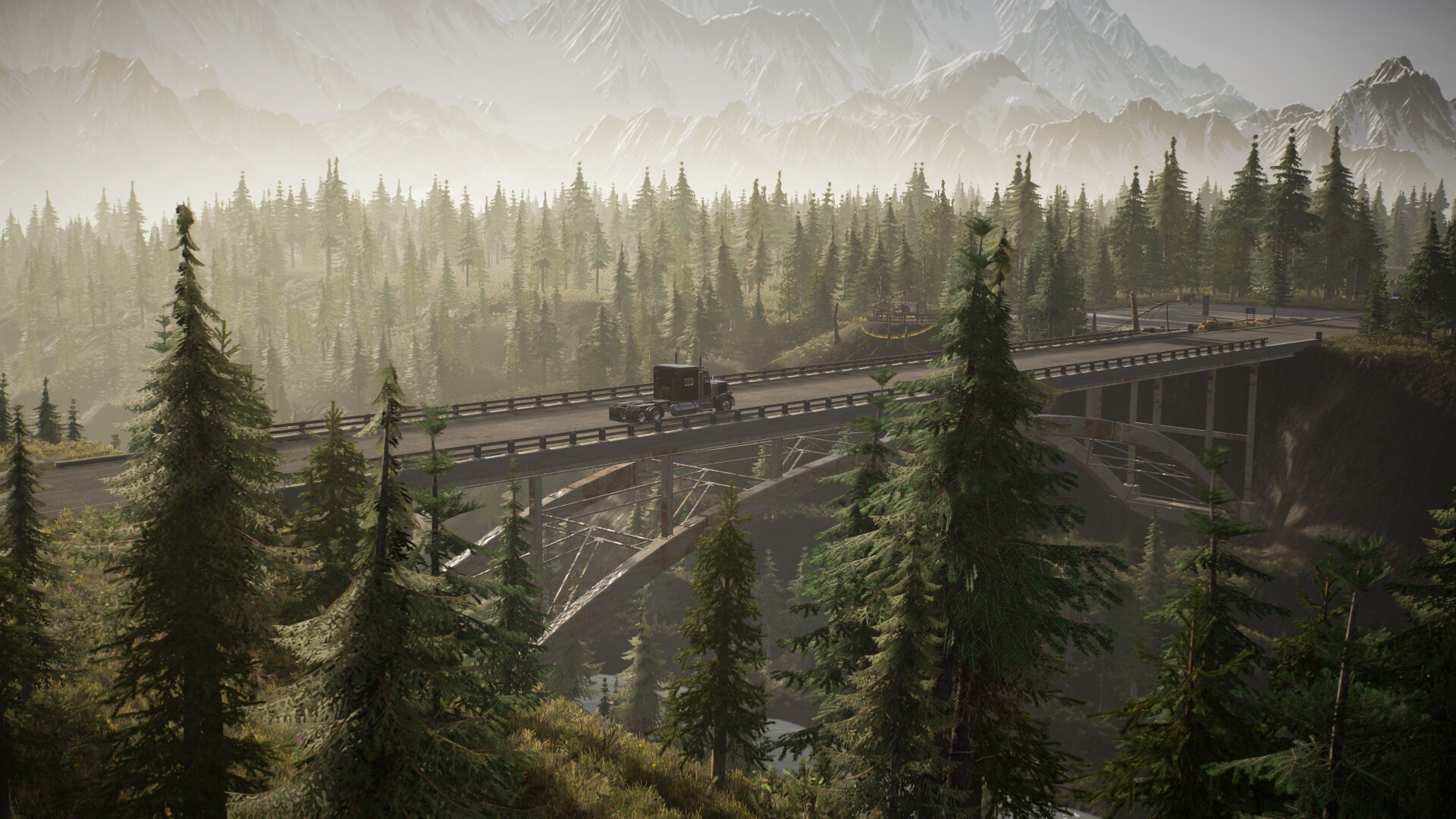
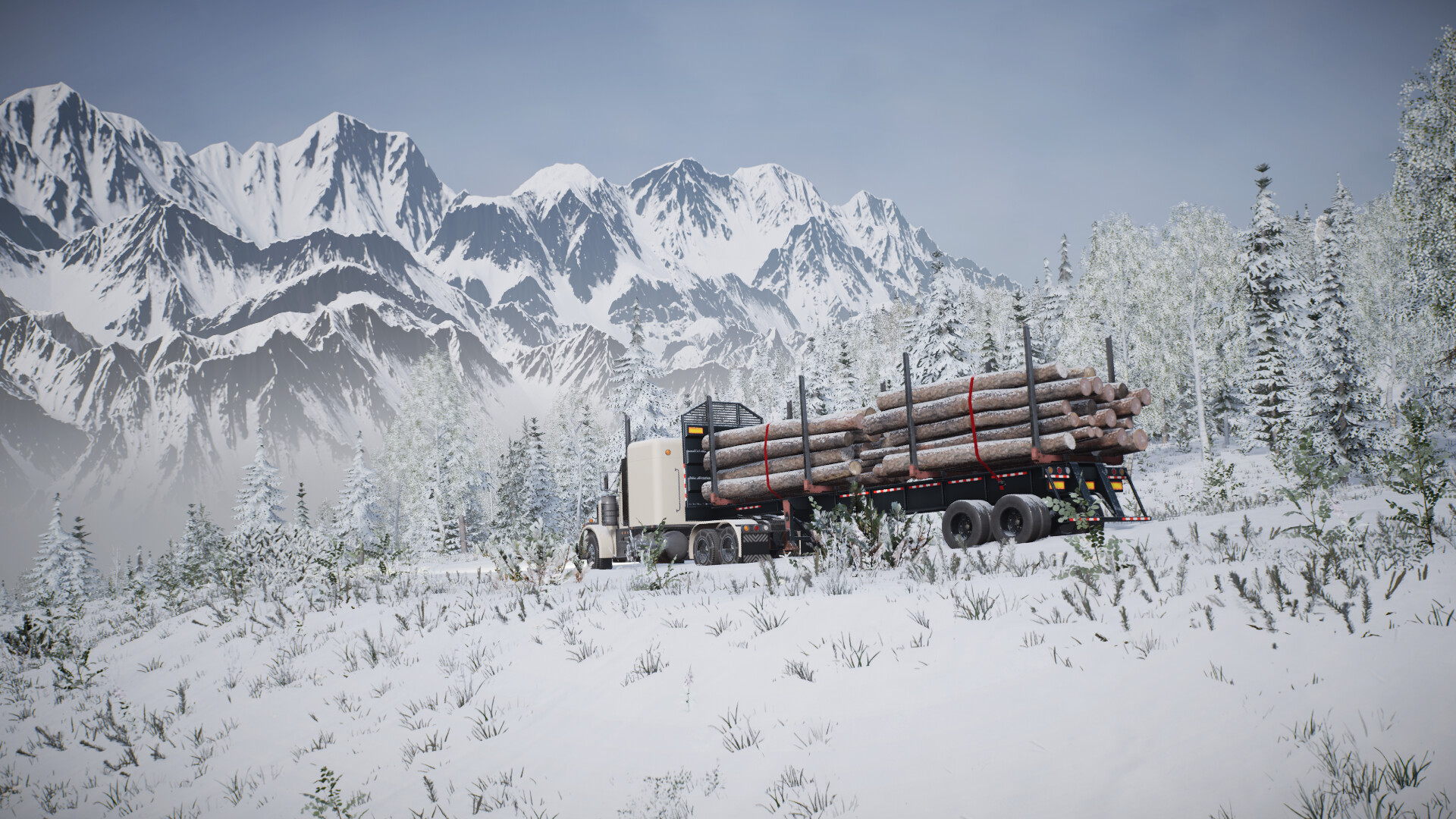
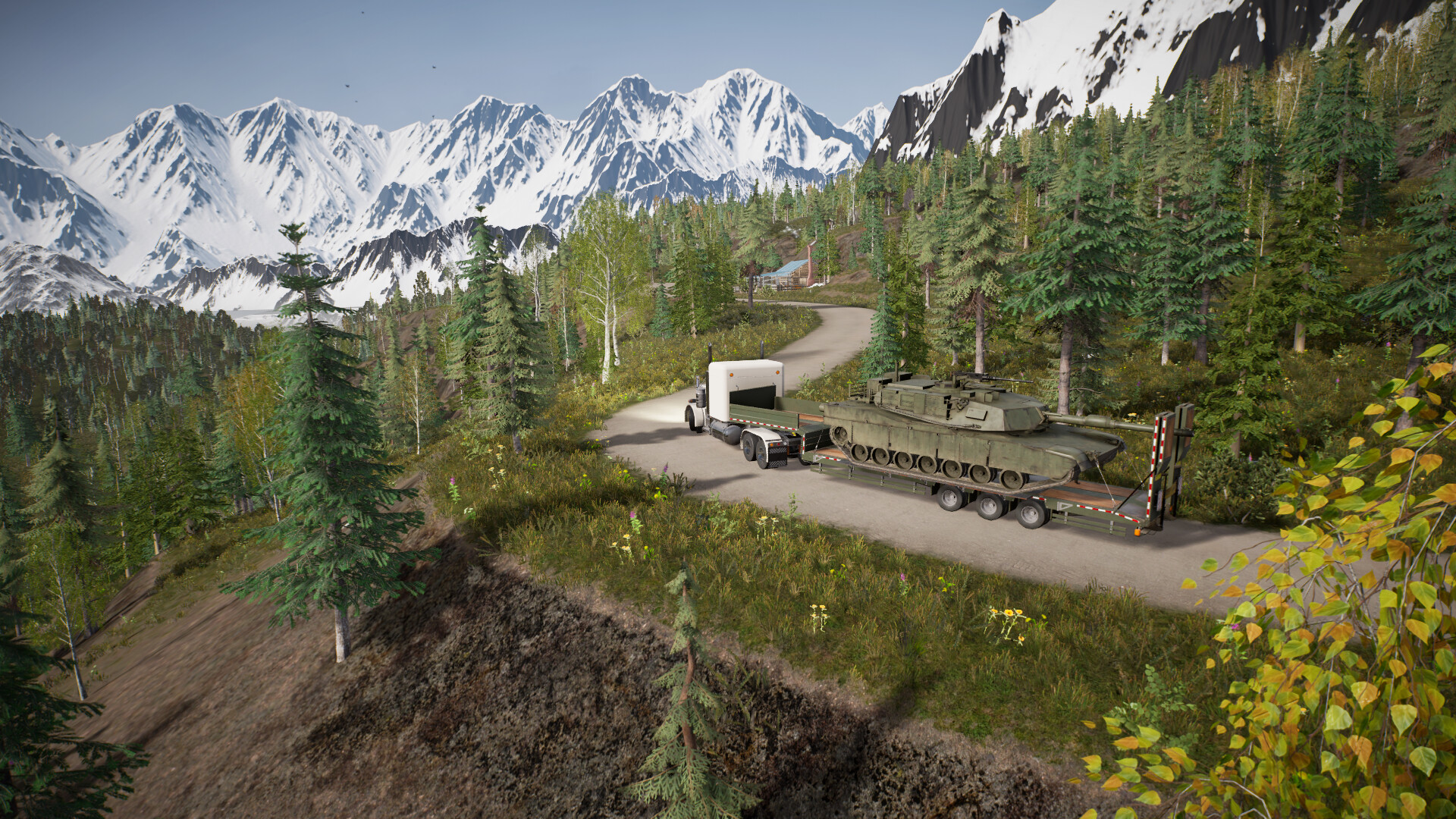
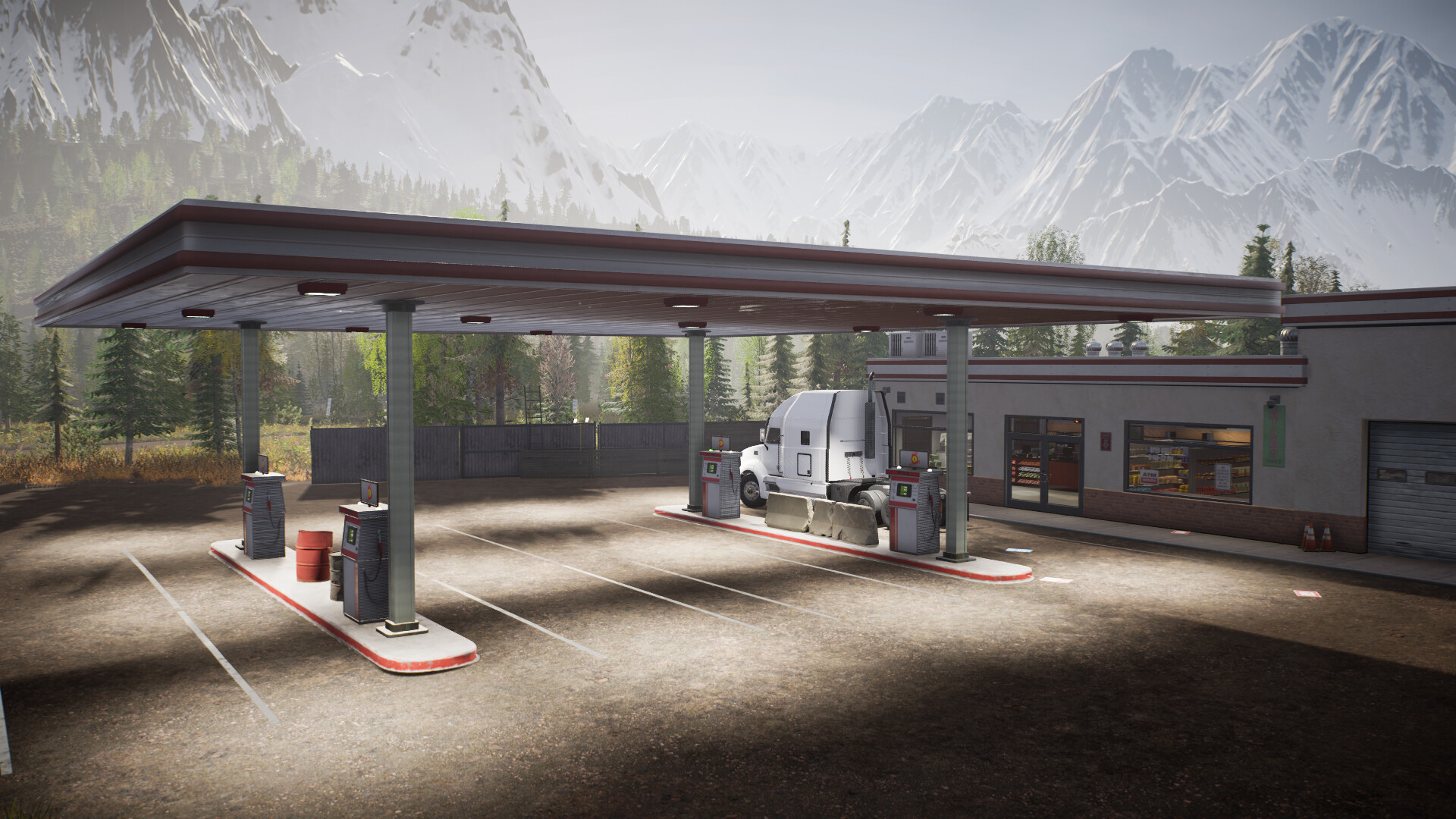
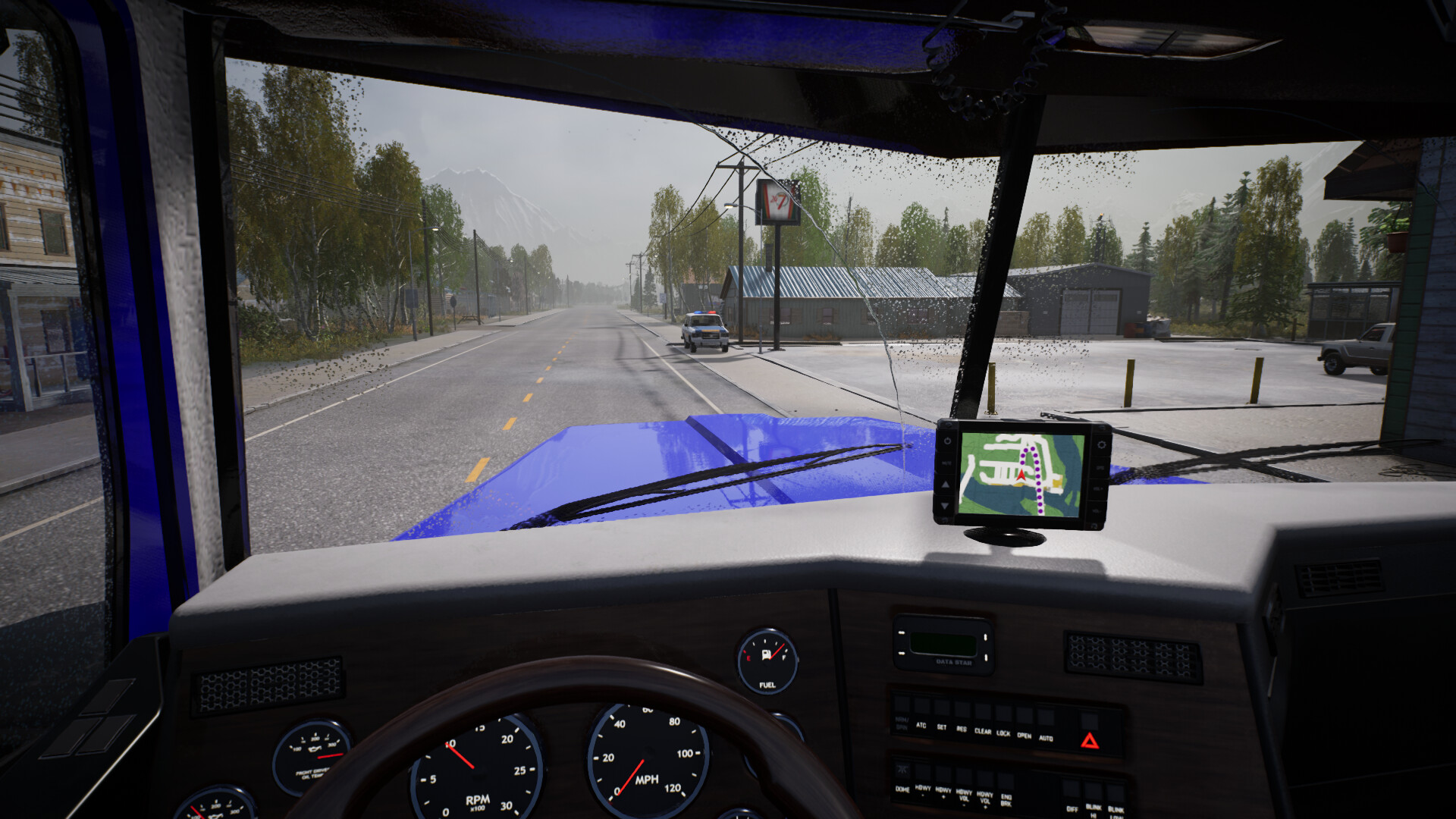
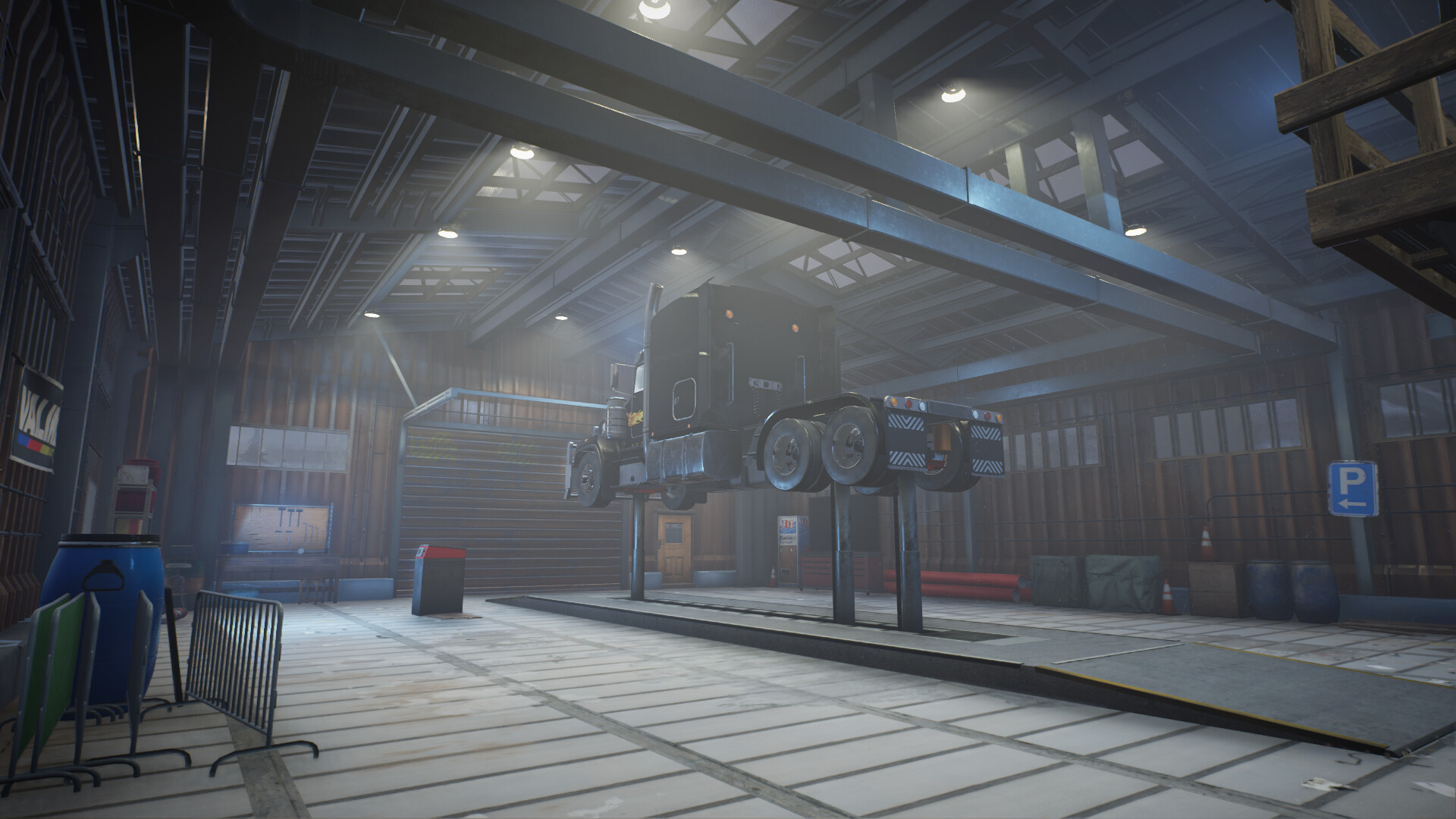
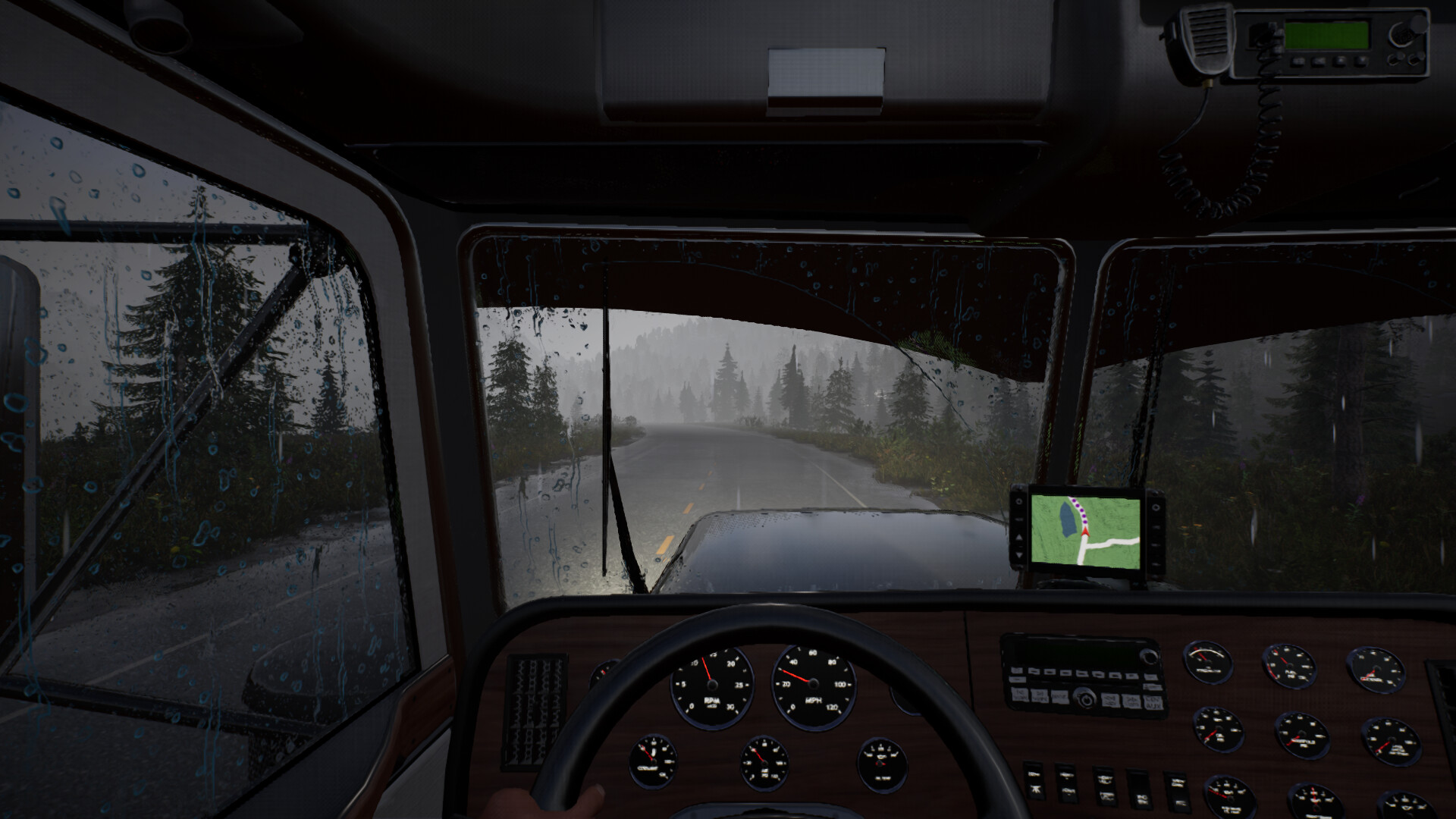
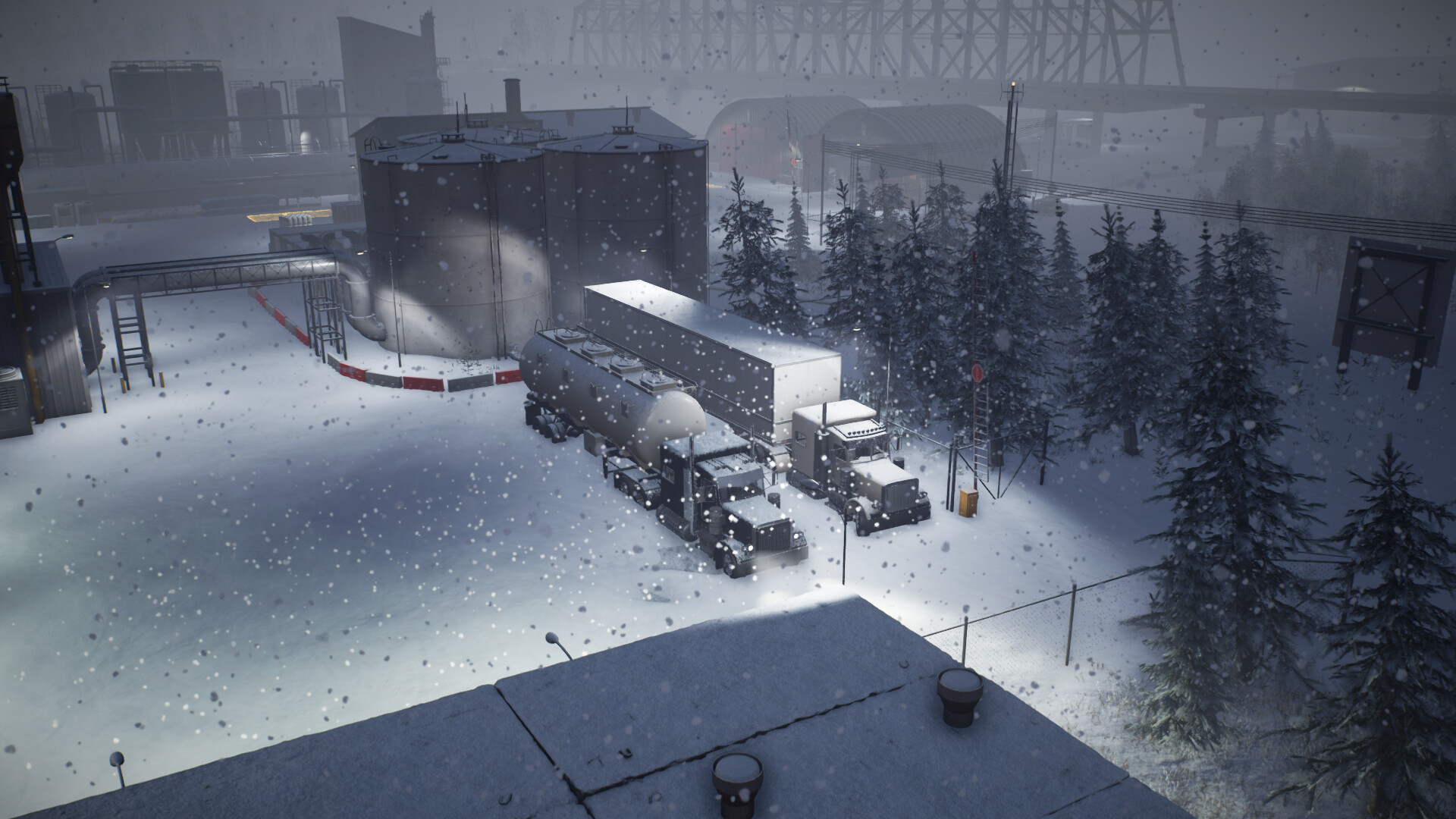
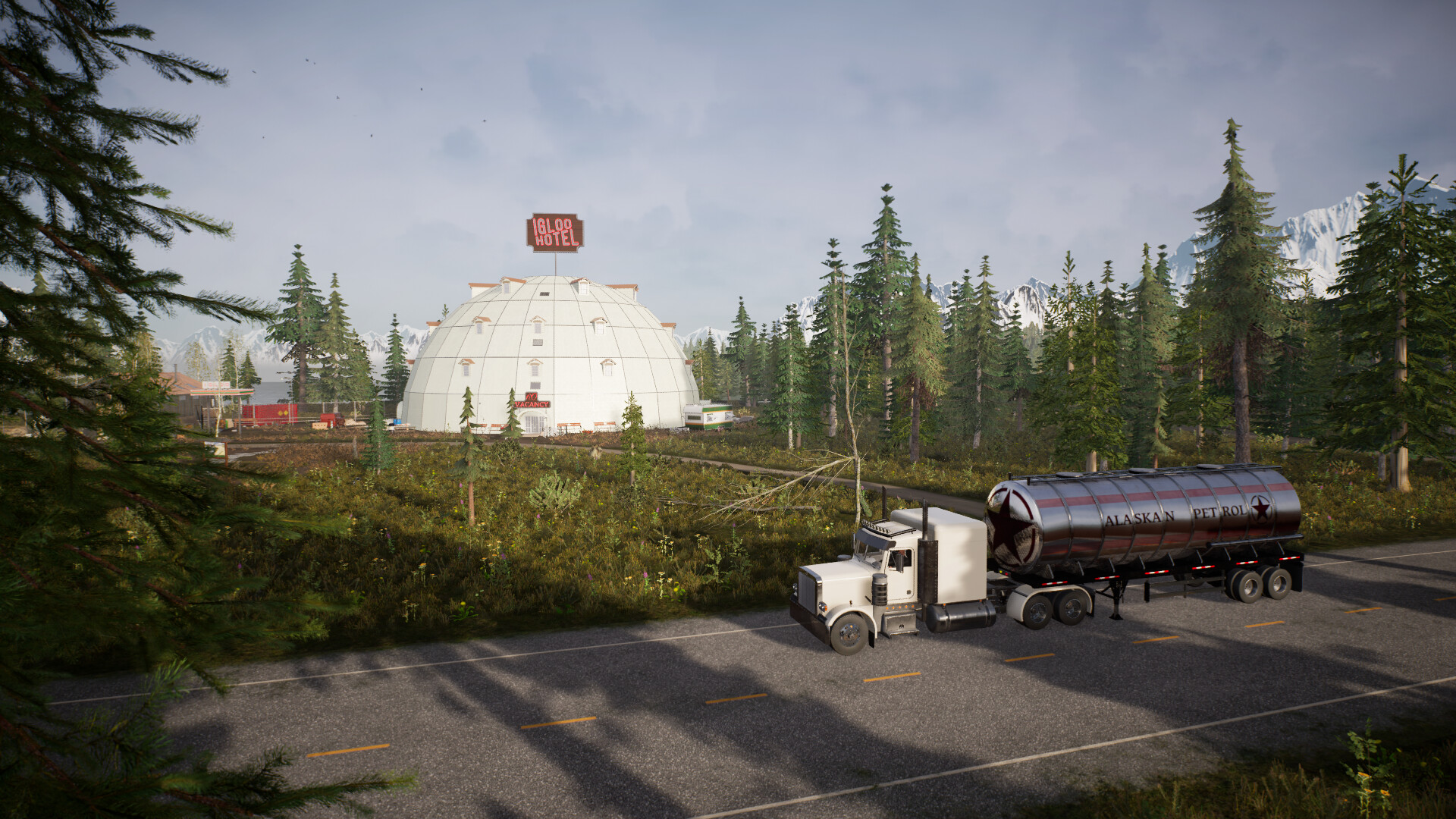
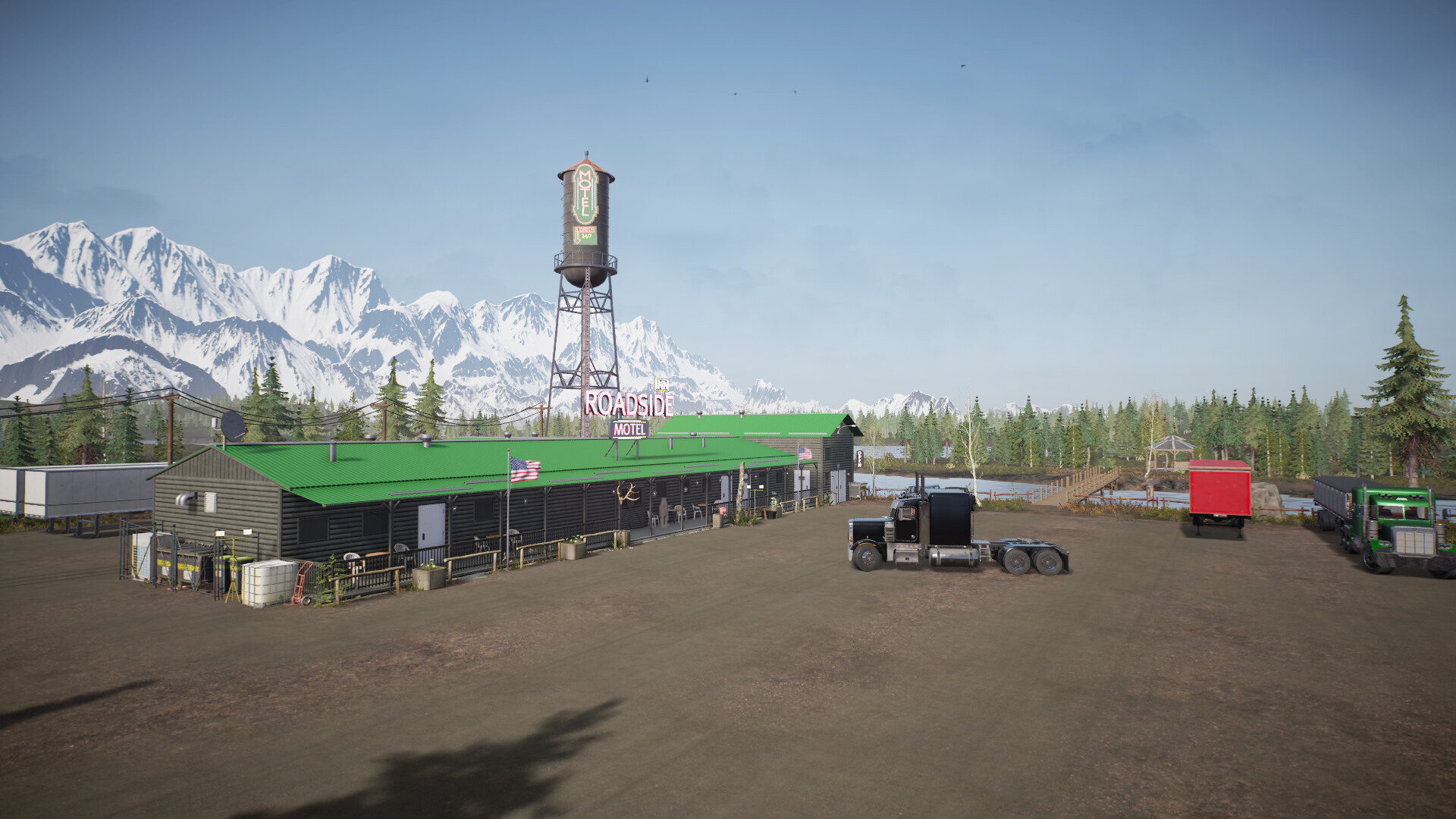
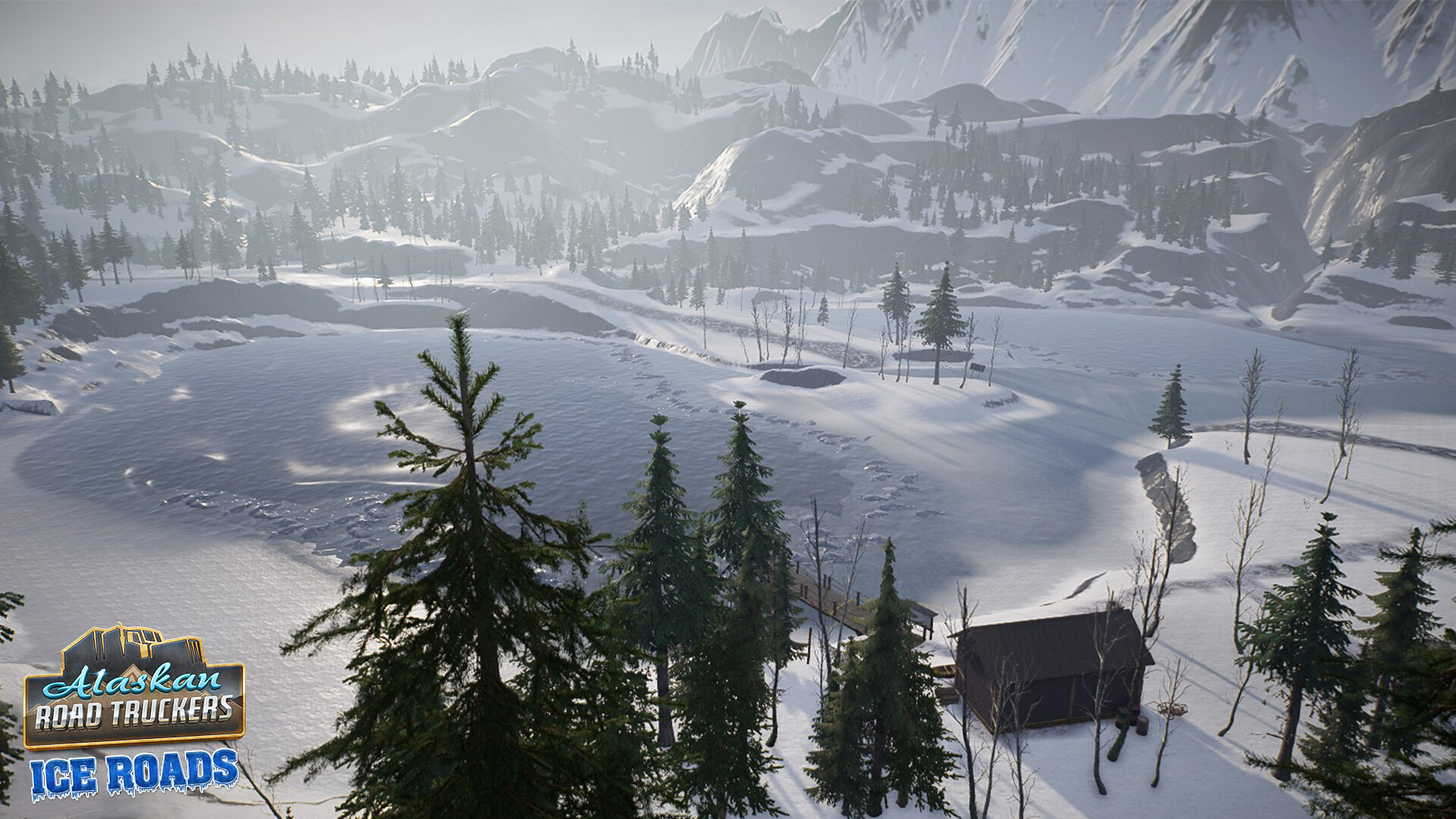
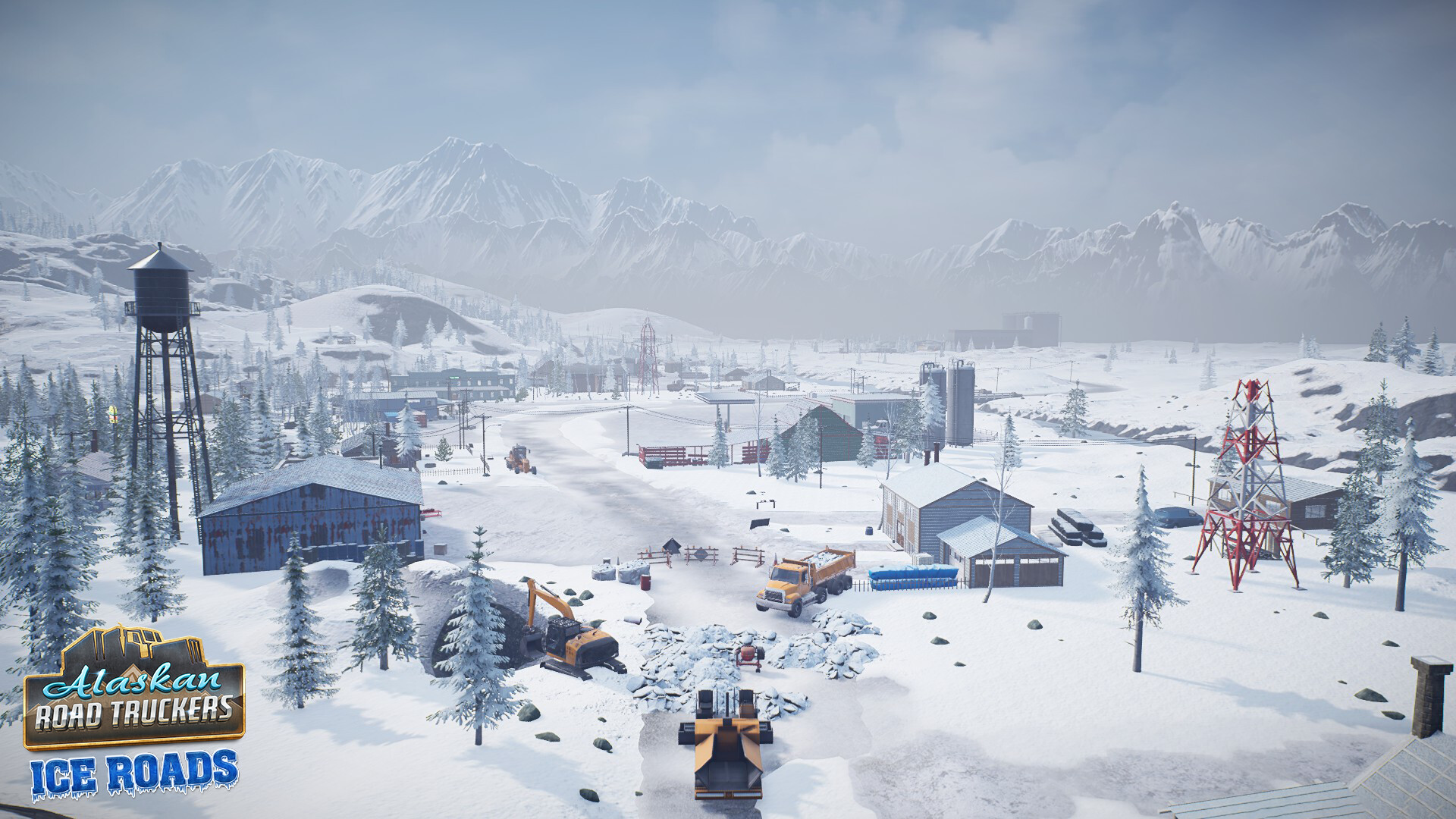
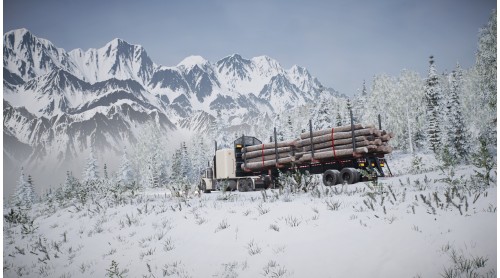
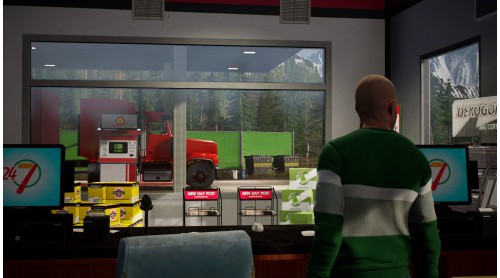
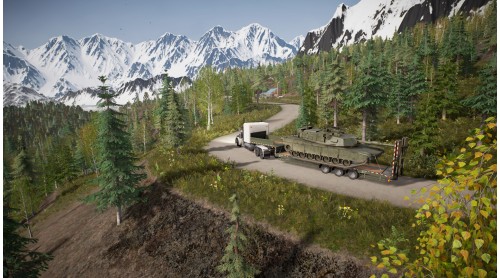
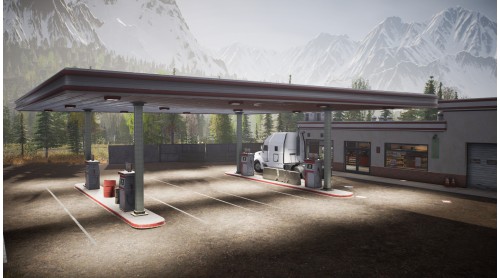
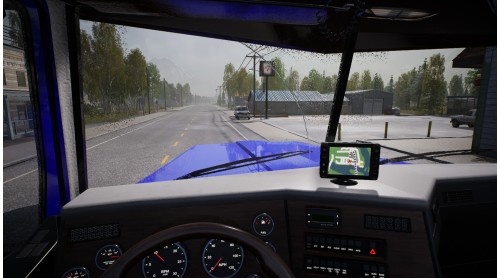
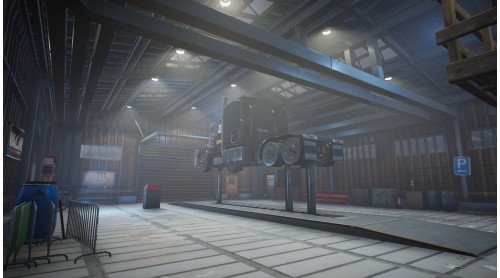
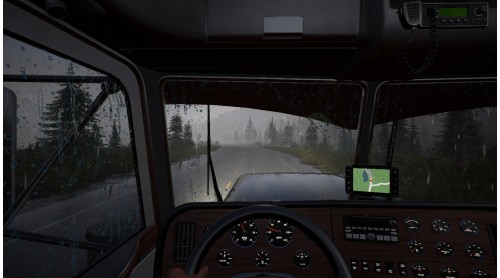
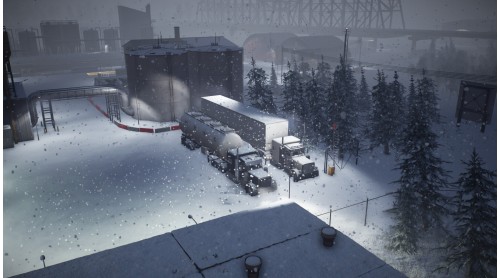
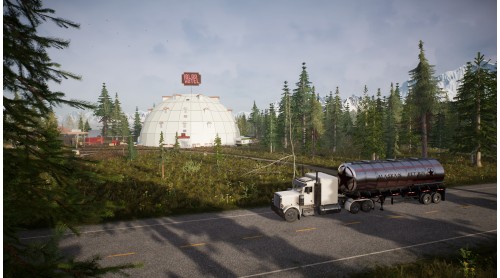
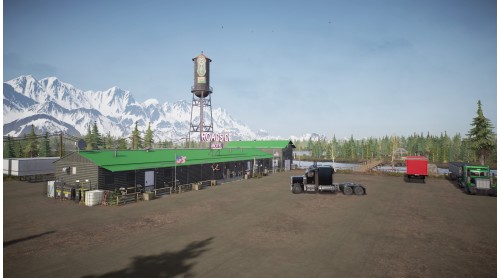
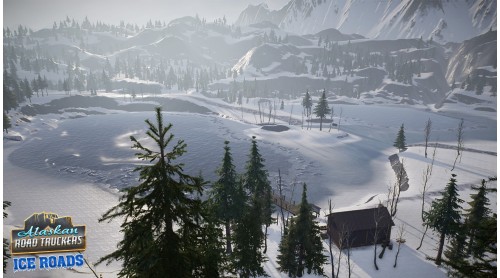
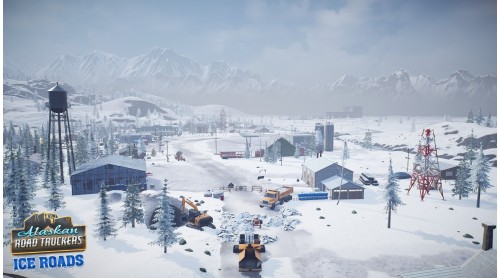
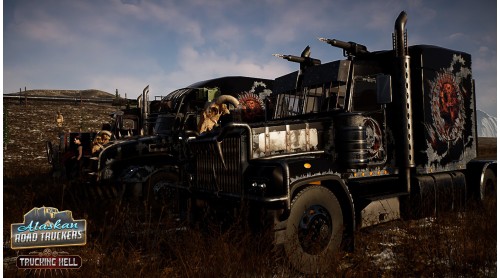
Live the thrill of a new kind of driving simulator and risk it all in the challenge to become an Alaskan trucking legend. Balance the risk vs reward of taking perilous routes to save time, perform roadside repairs on your rig and brave the dangerous conditions on foot in challenging survival-based gameplay.
© 2023 Road Studio. Published by Green Man Gaming and Movie Games. All Rights Reserved.


How to activate your Steam key?
1. Open your Steam client. (If you don't have a Steam Client, you can install from here https://store.steampowered.com/about/)
2. Sign in to your Steam account. (If you don't have a Steam Account, you can create from here https://store.steampowered.com/join/)
3. Click “ADD A GAME” button which is at the bottom of the Steam Client.
4. Now select "Activate a product on Steam..."
5. Write or copy-paste your Steam key which you purchased from Gamesforpc.
6. Now your game is in your library.
7. Find your game in your library, select and click install to start your download.