 Steam
Steam  Windows
 19.99€
Added to Cart
19.99€
Added to Wishlist
19.99€
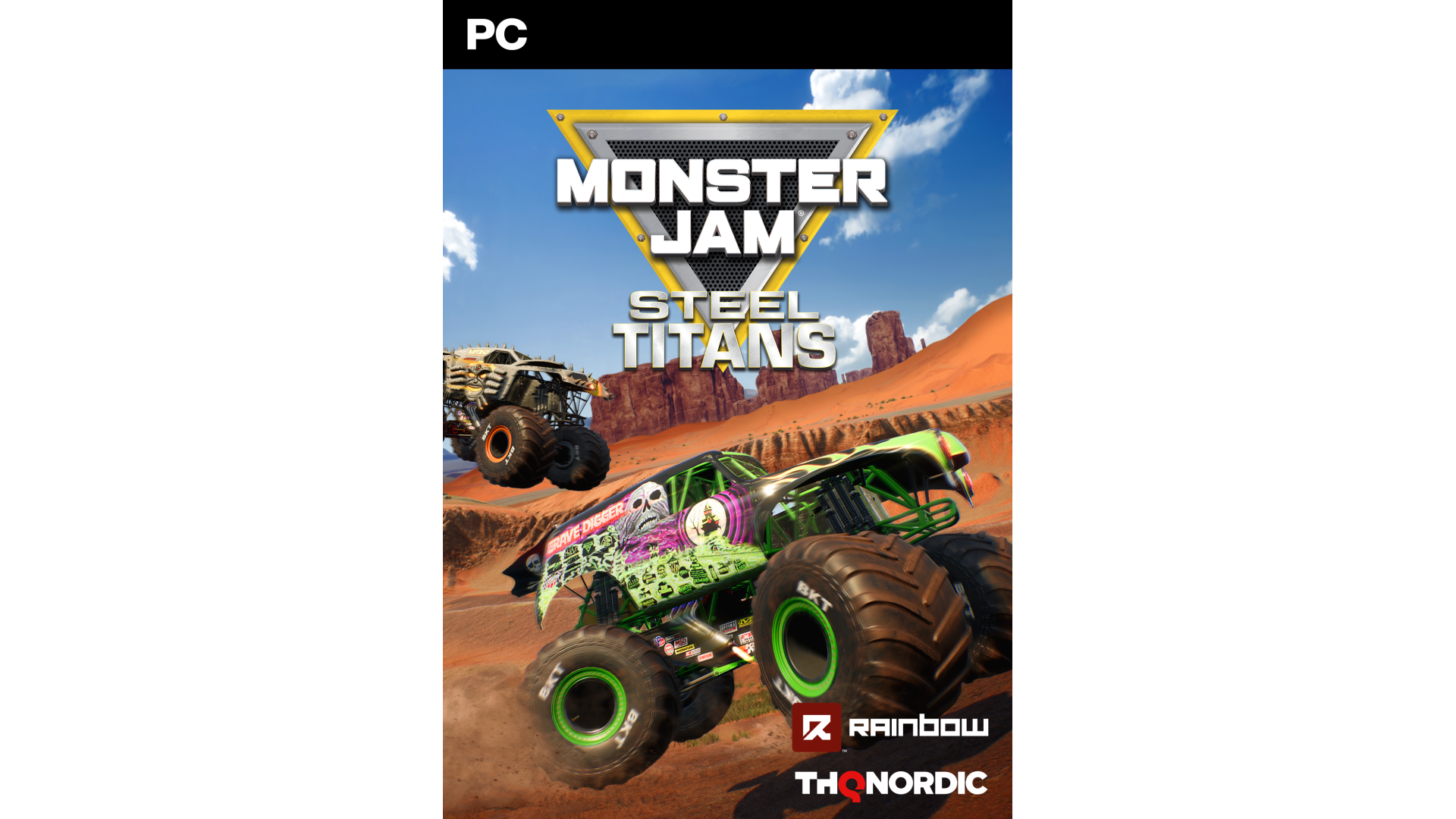
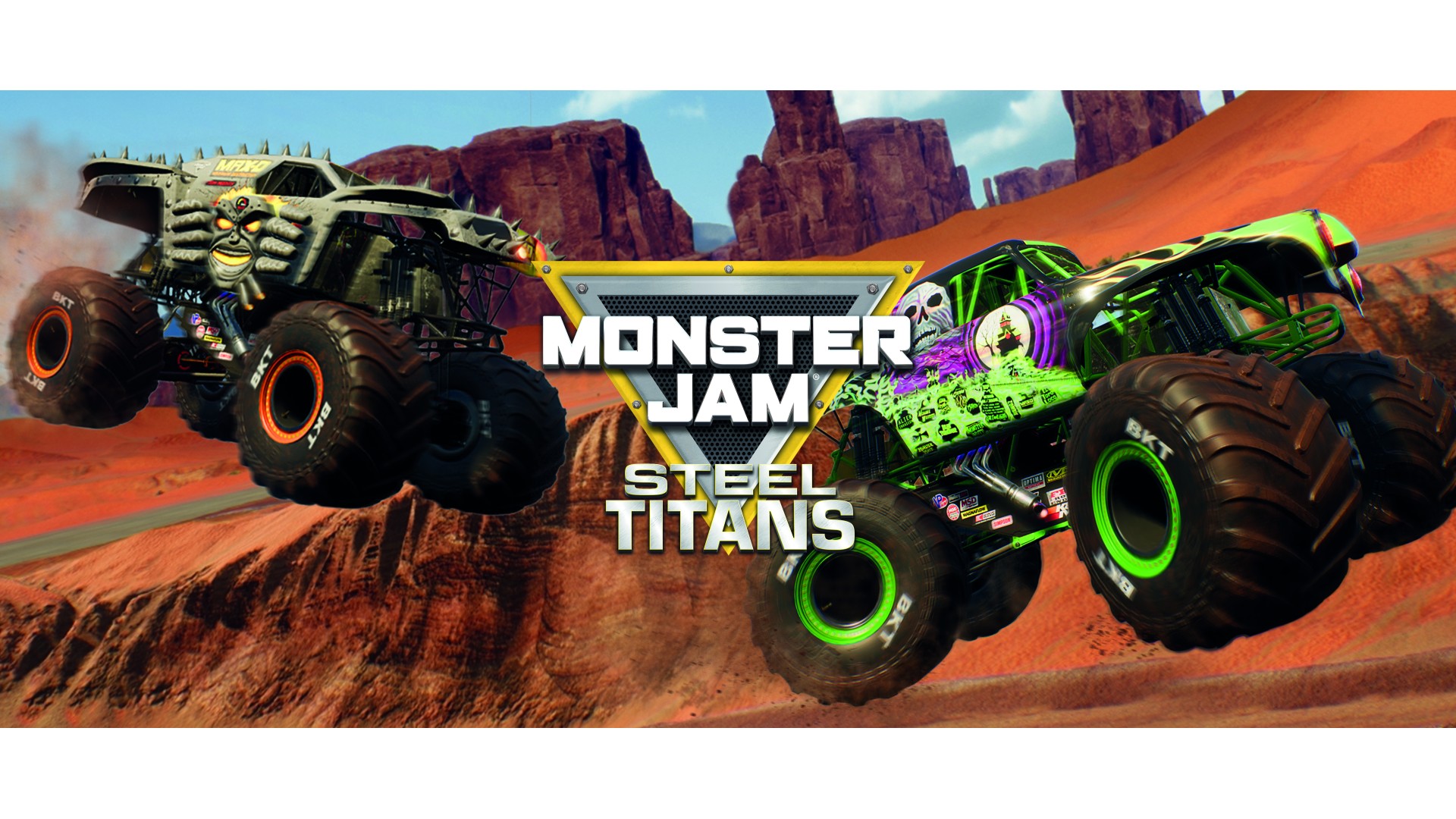
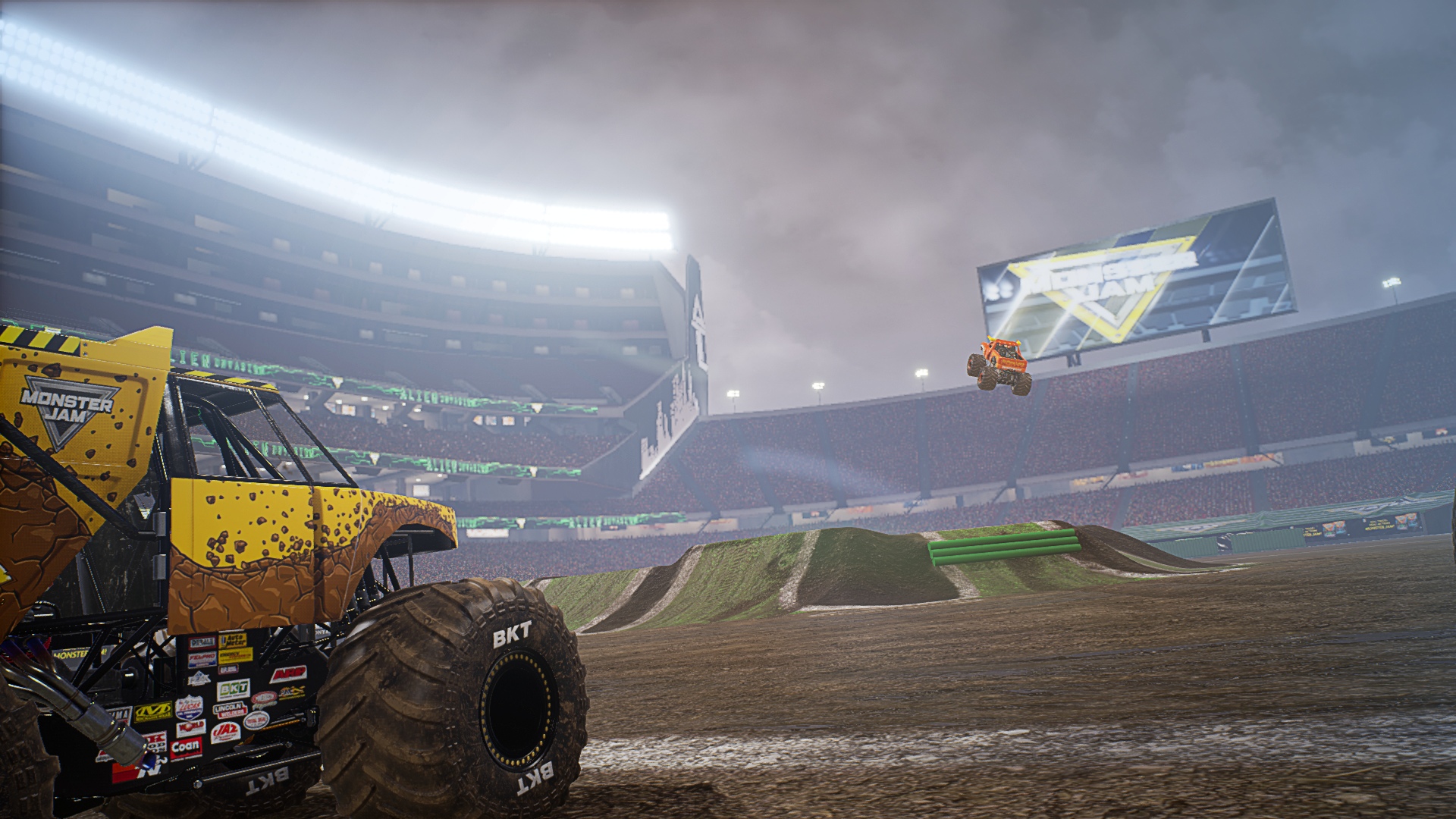
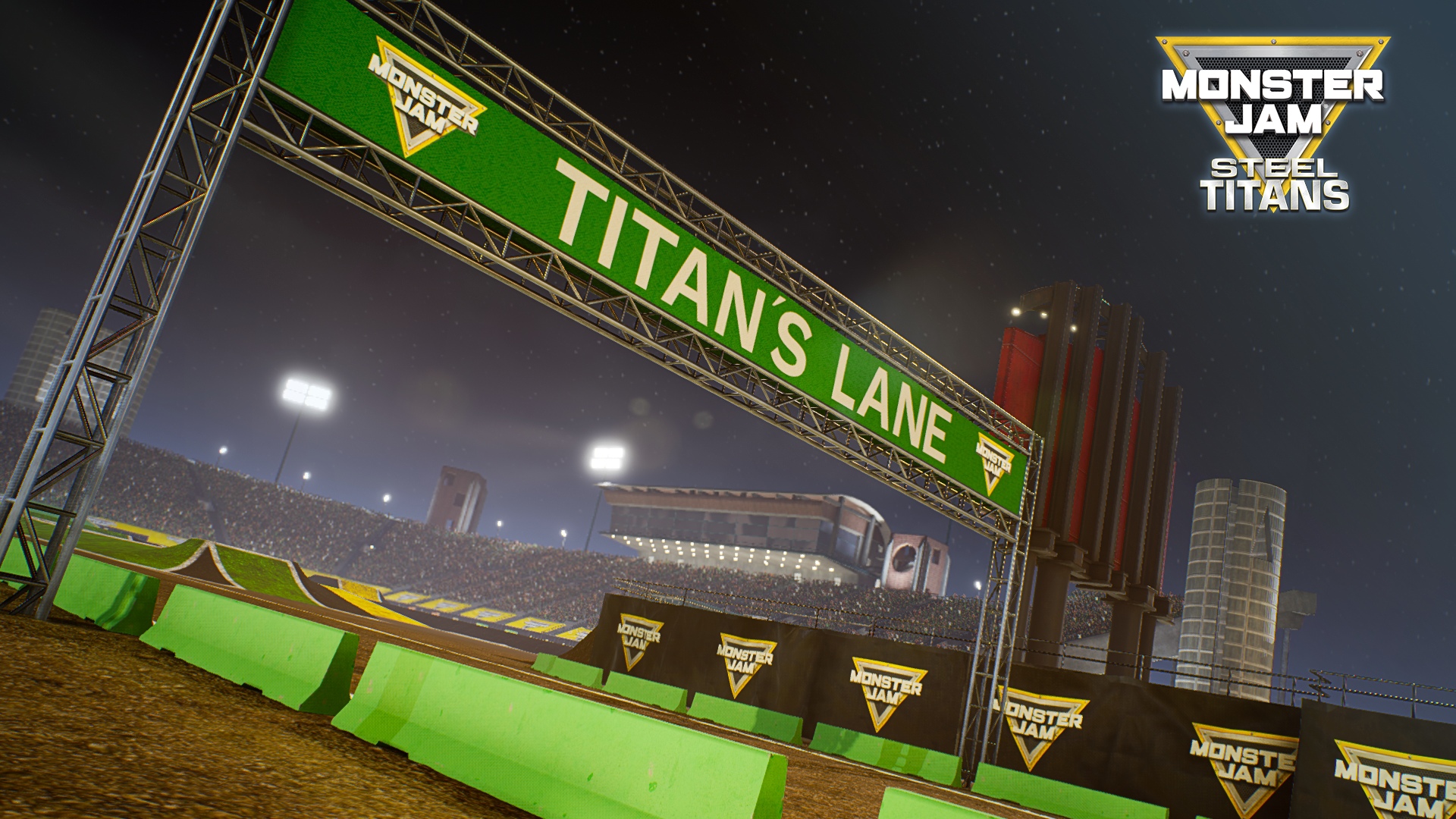
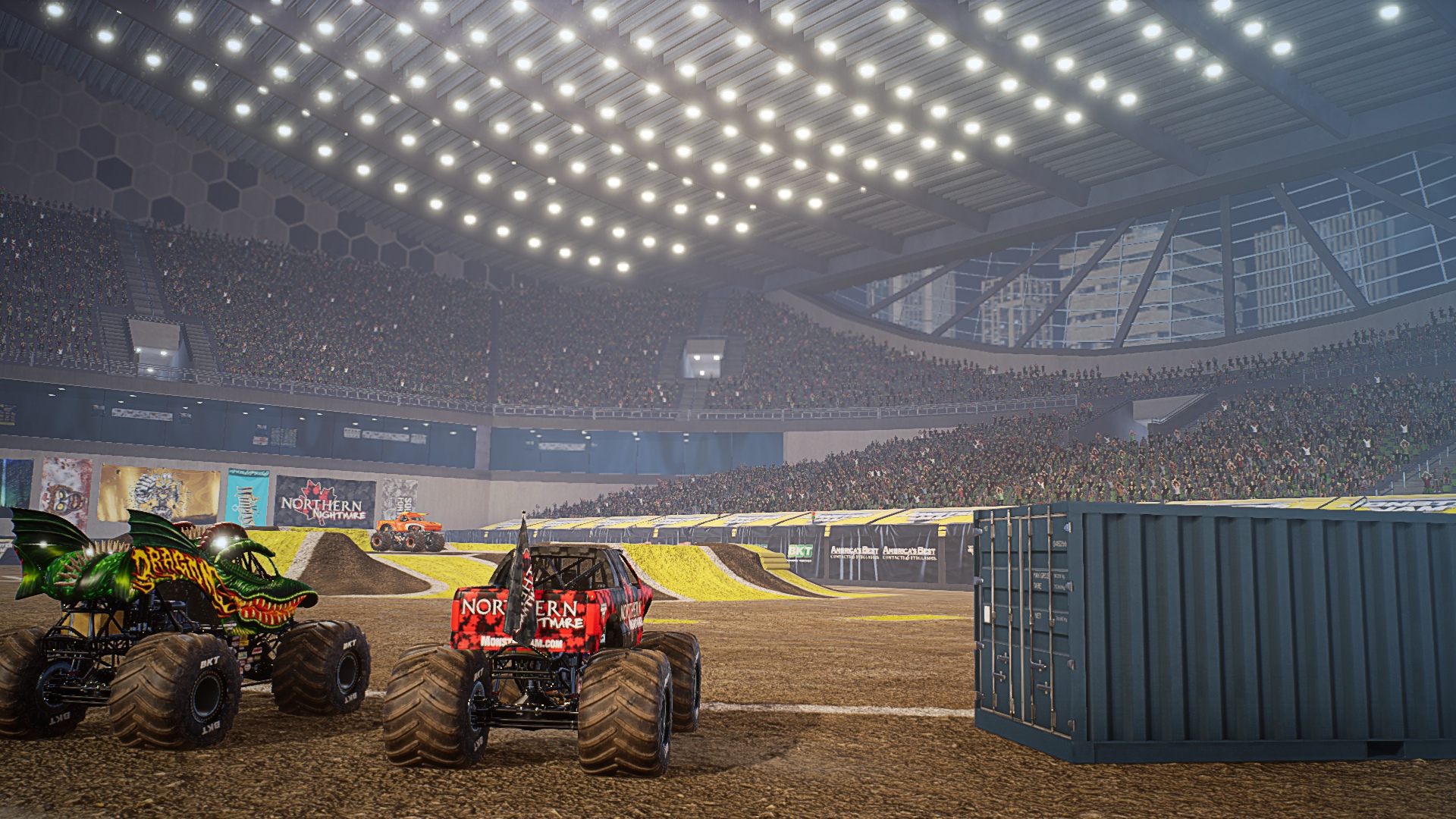
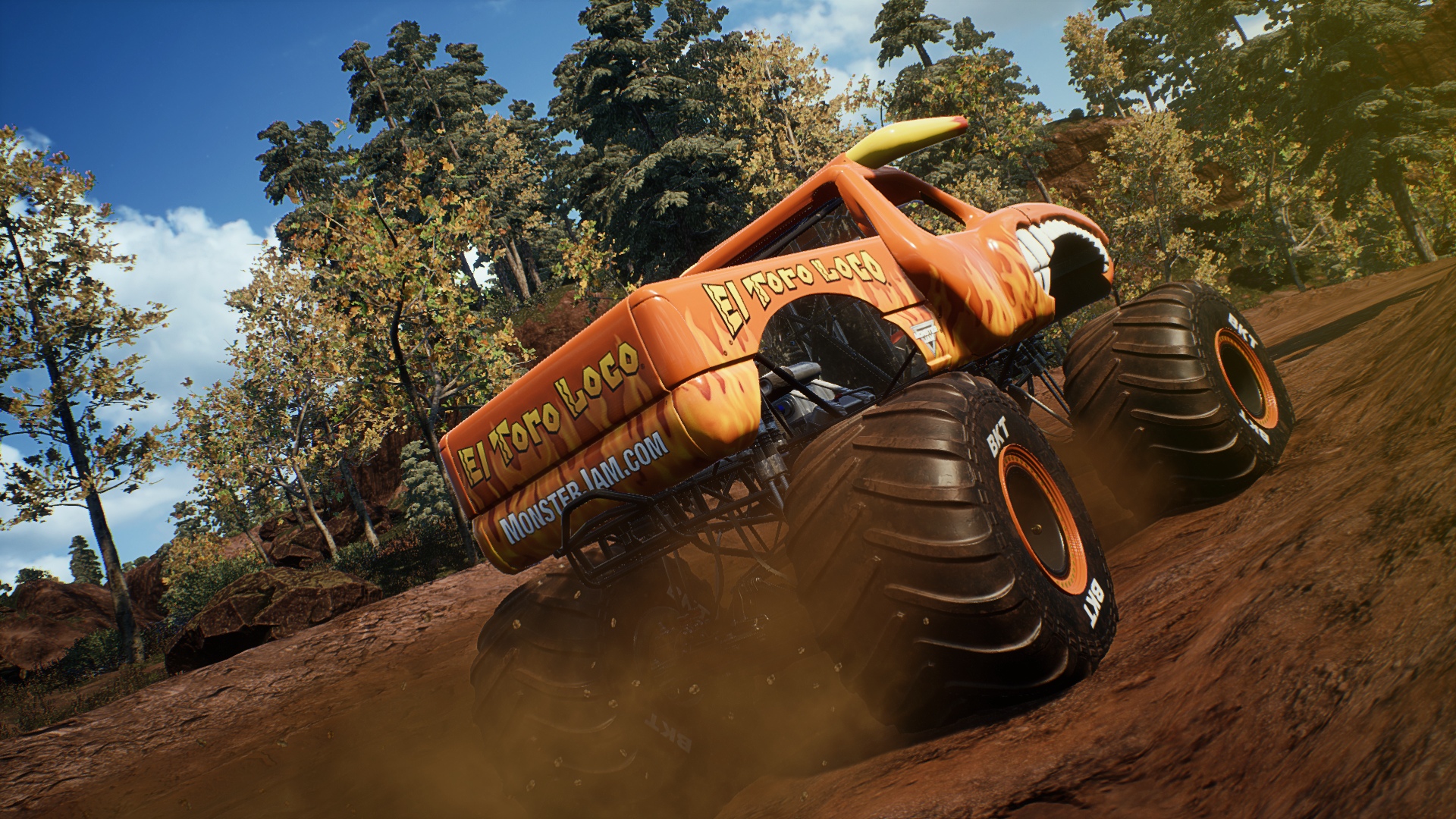
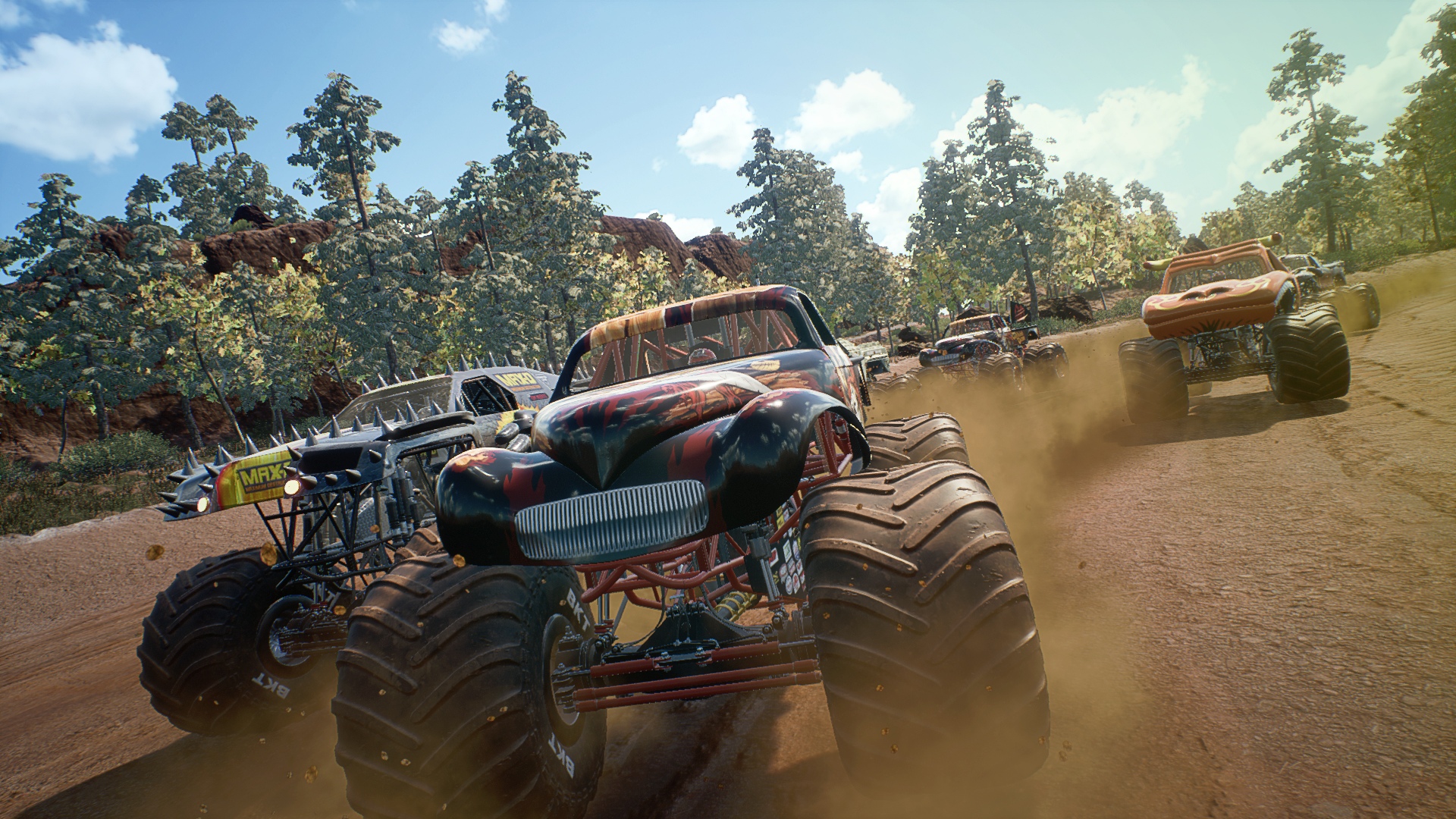
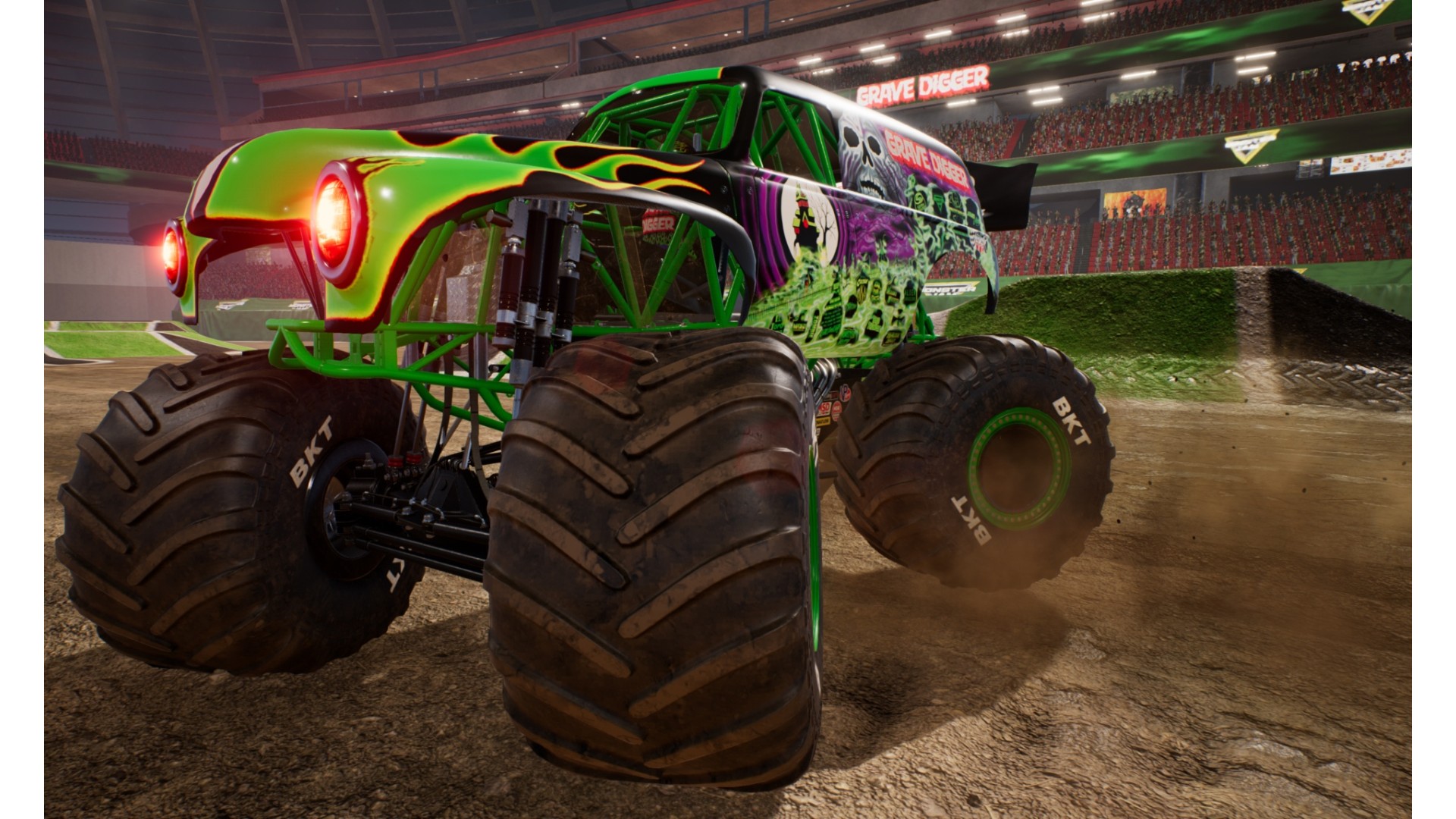
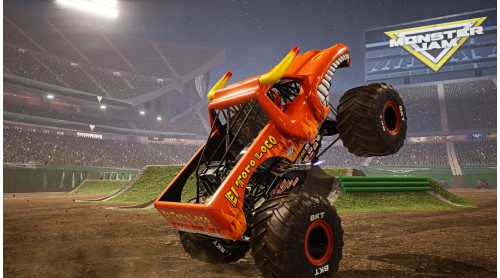
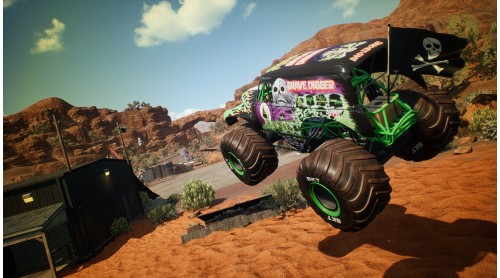
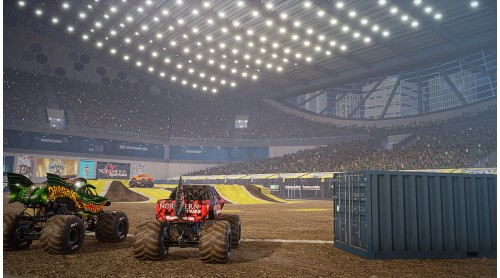
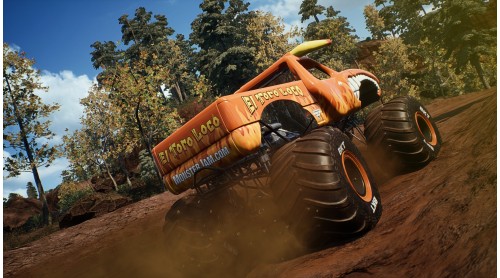
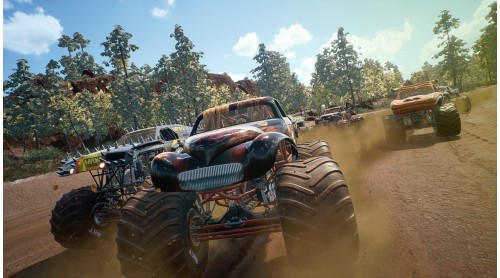
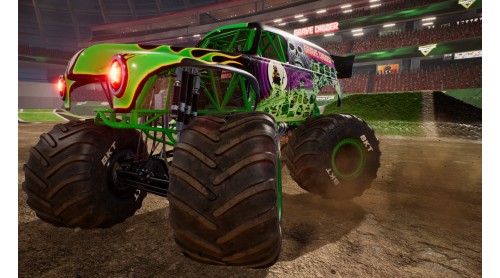
Real Trucks. Real Action. Monster Jam! Monster Jam Steel Titans delivers the complete Monster Jam experience for everybody to enjoy!
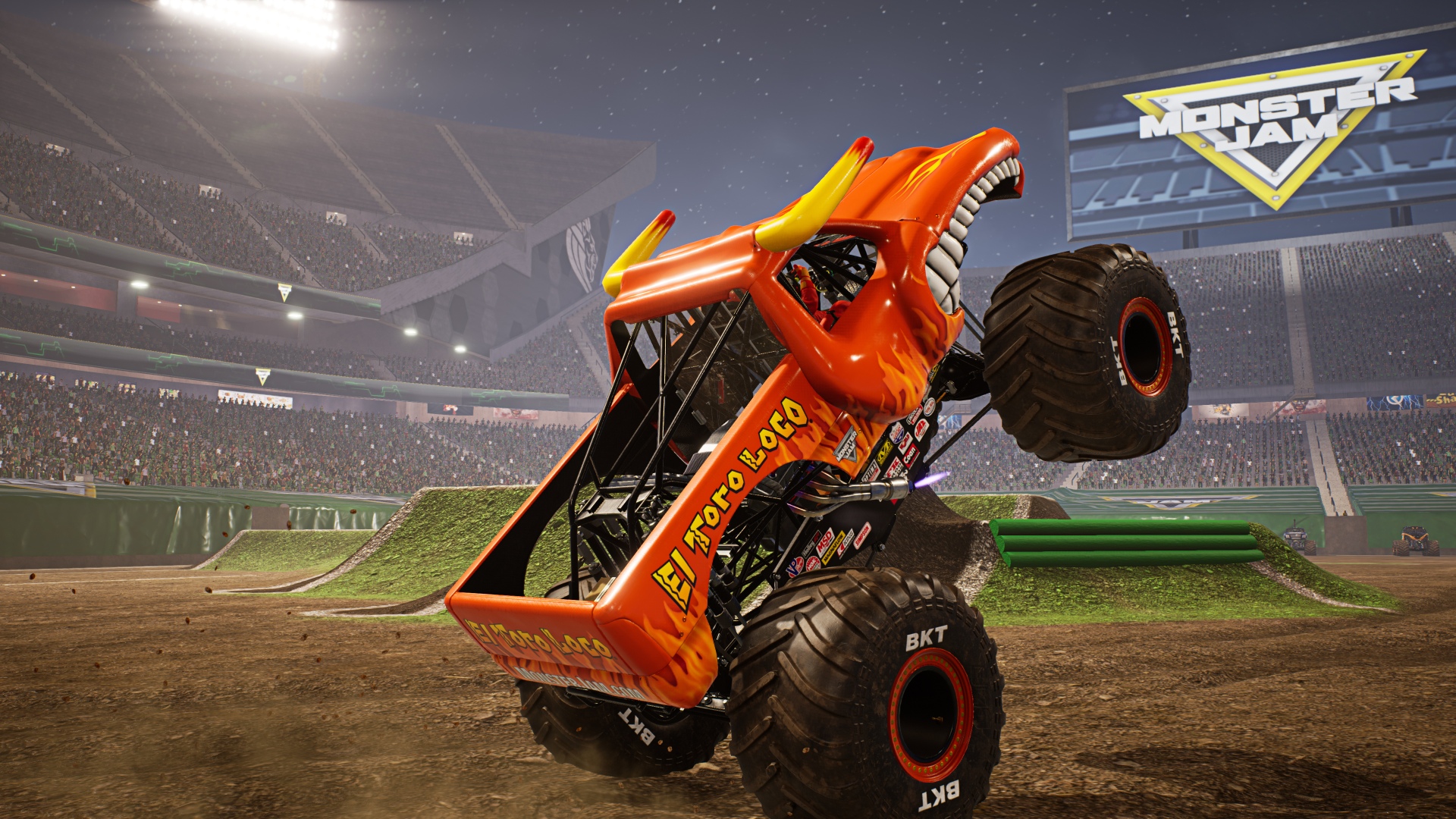
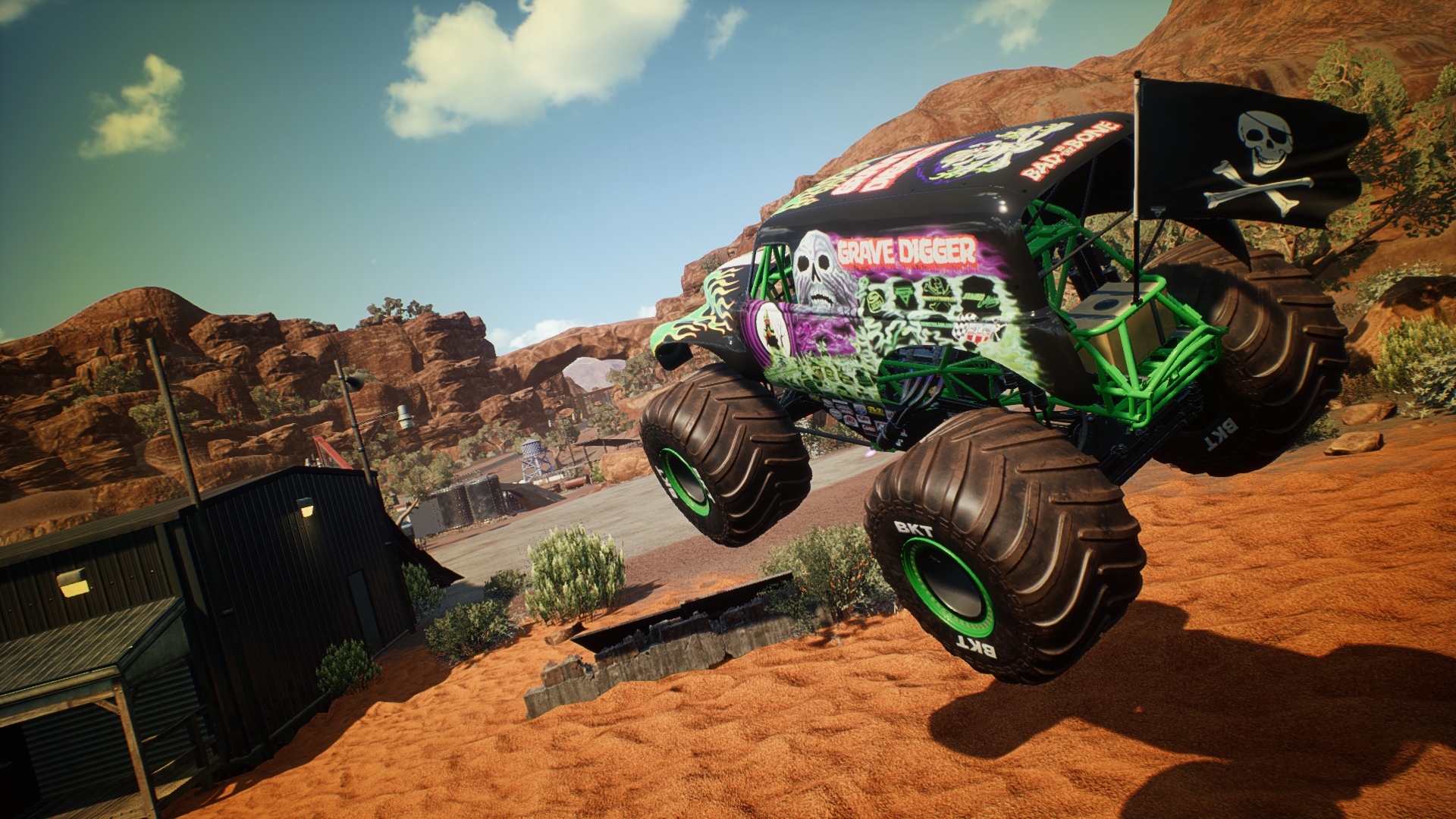
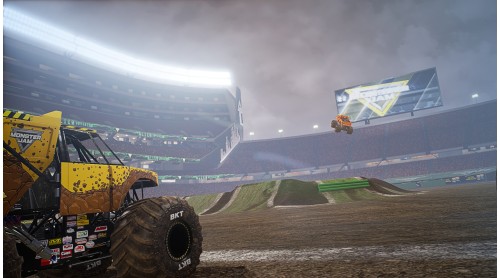
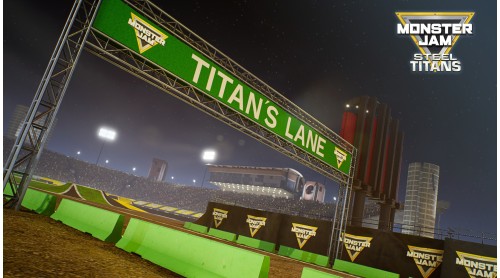
All the trucks, stunts, stadiums, racing and massive air in one game! Play in various game modes including Stadium and outdoor Racing, various Stunt Challenges and Destruction modes!
© 2019 Feld Motor Sports, Inc. MONSTER JAM®, GRAVE DIGGER®, MAXIMUM DESTRUCTION®, MAX-D™ are trademarks used under license by Feld Motor Sports, Inc. All rights reserved.
© 2019 THQ Nordic AB. Developed by Rainbow Studios. Published and Distributed by THQ Nordic GmbH respectively THQ Nordic Inc. THQ, THQ Nordic and Rainbow Studios are trademarks of THQ Nordic AB, Sweden. All rights reserved. All other trademarks, logos and copyrights are property of their respective owners.


How to activate your Steam key?
1. Open your Steam client. (If you don't have a Steam Client, you can install from here https://store.steampowered.com/about/)
2. Sign in to your Steam account. (If you don't have a Steam Account, you can create from here https://store.steampowered.com/join/)
3. Click “ADD A GAME” button which is at the bottom of the Steam Client.
4. Now select "Activate a product on Steam..."
5. Write or copy-paste your Steam key which you purchased from Gamesforpc.
6. Now your game is in your library.
7. Find your game in your library, select and click install to start your download.