 Steam
Steam  Windows
 | Release Date | 12.12.2024 |
| Publisher | Super Rare Originals |
| Operating Systems | Windows |
| Genres | Adventure, casual, indie |
17.99€
Added to Cart
17.99€
Added to Wishlist
17.99€
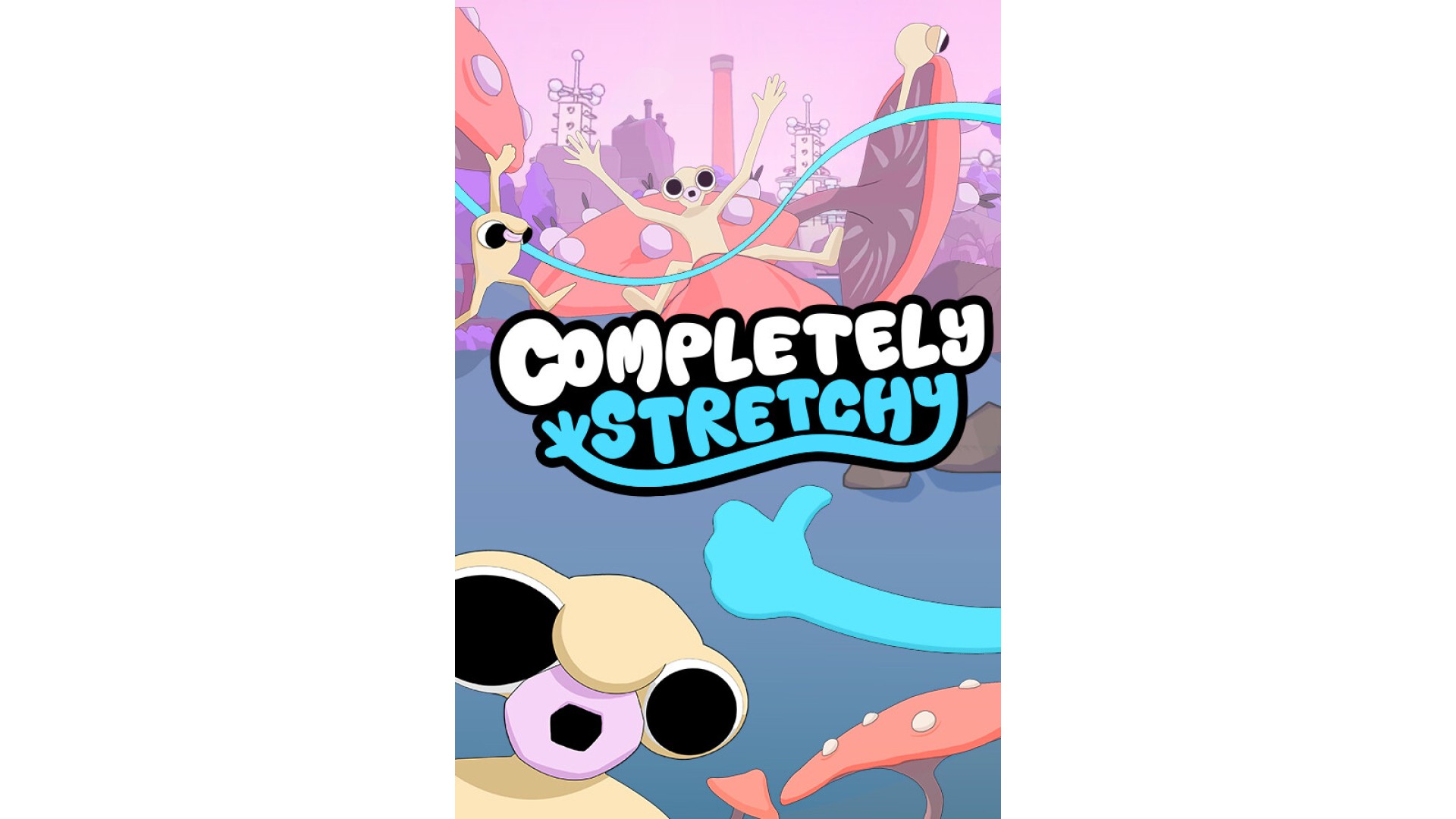
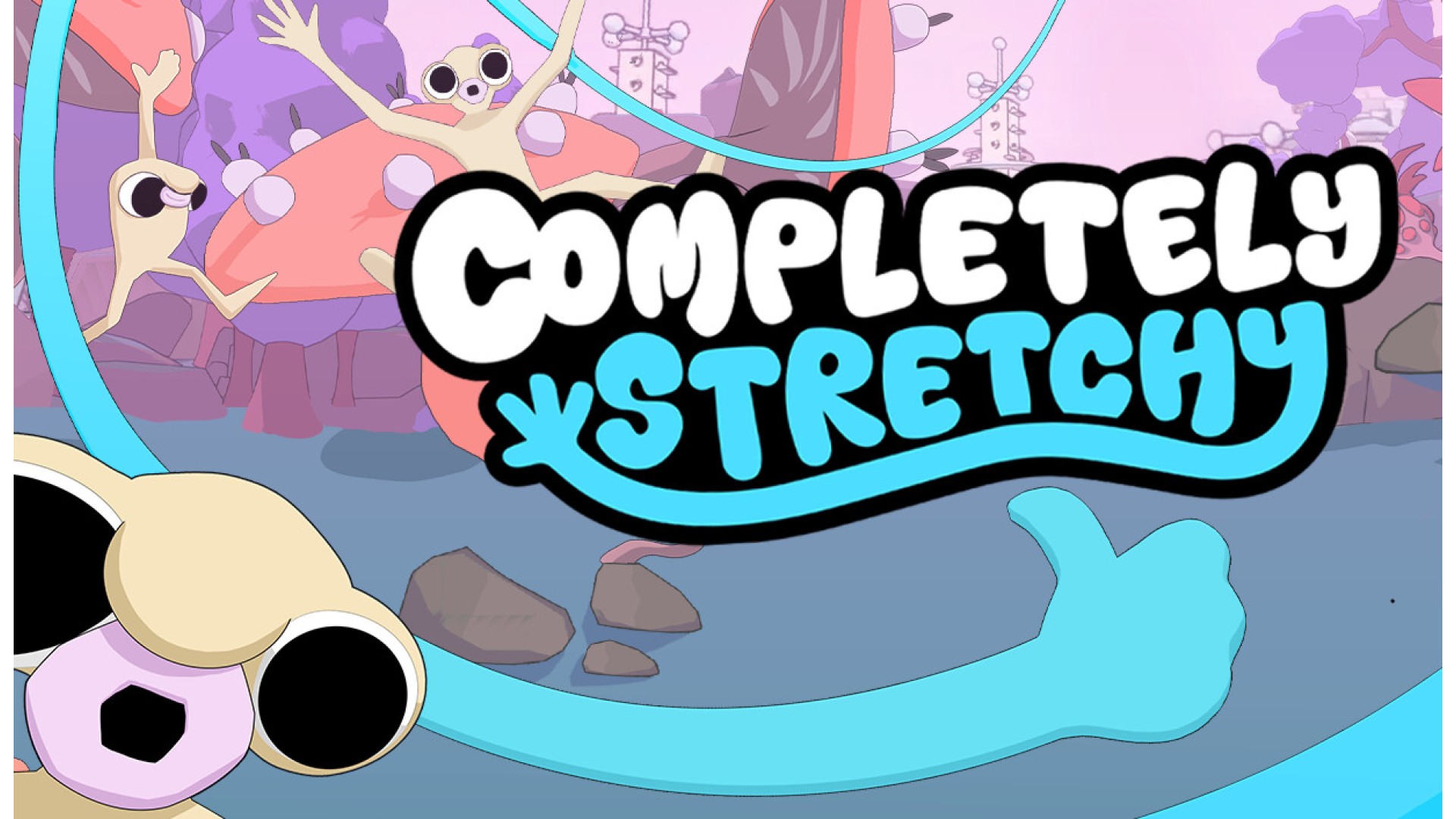
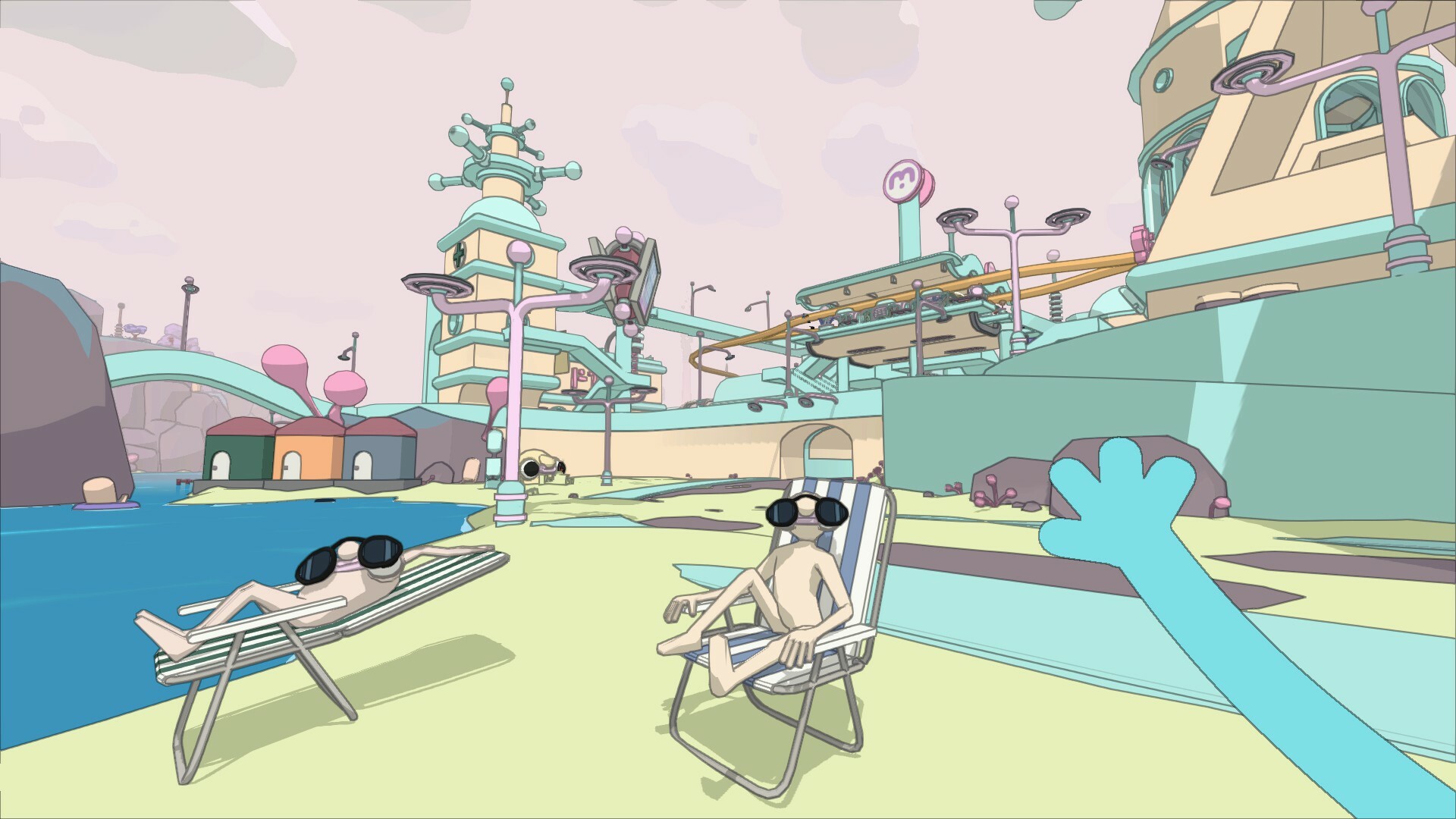
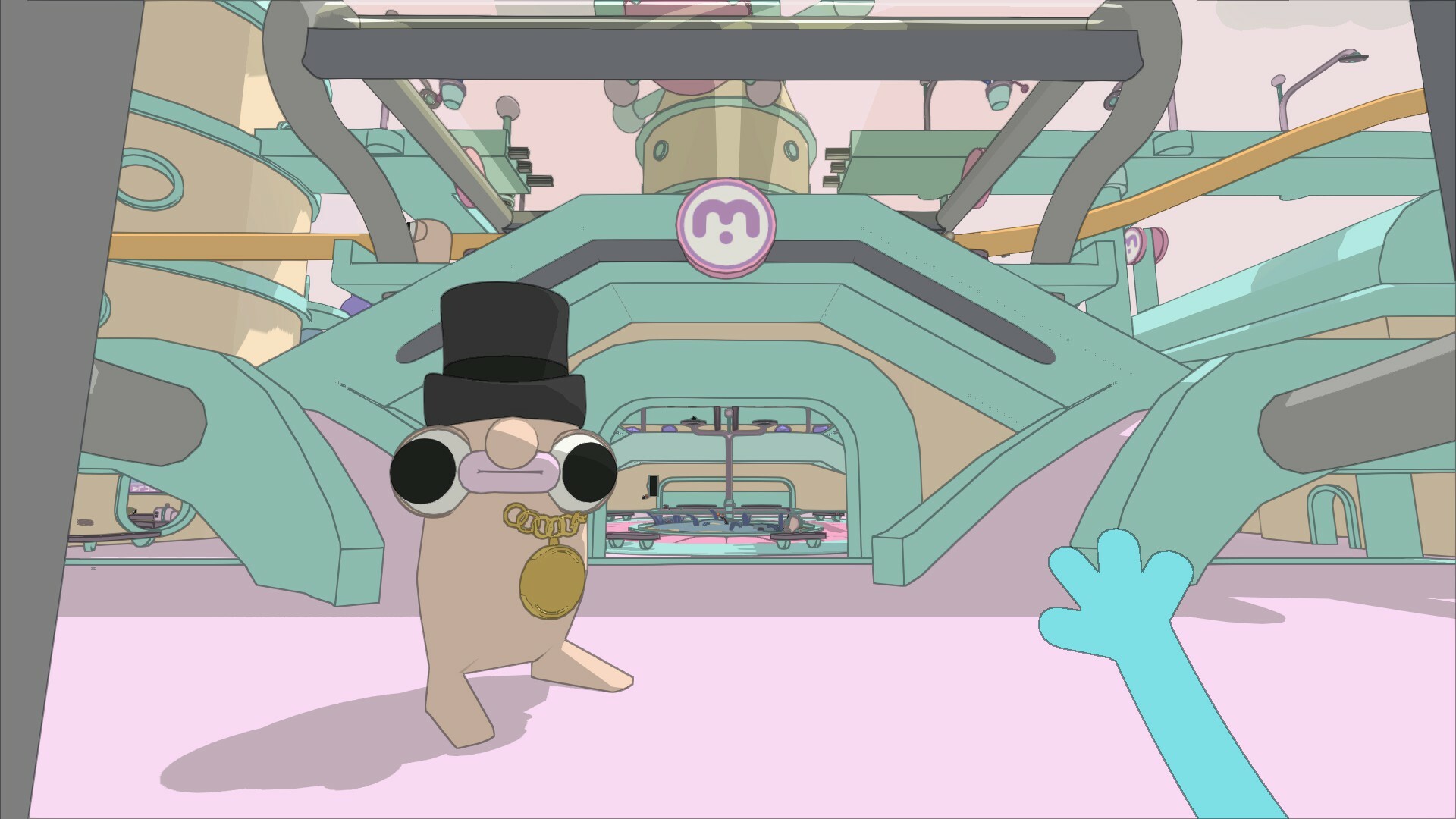
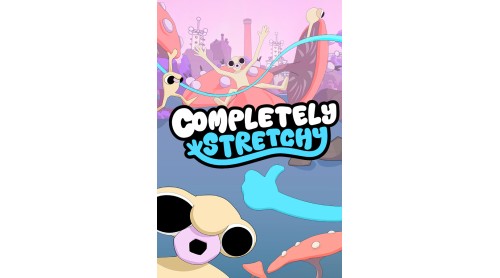
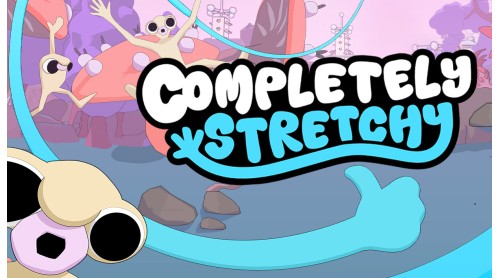
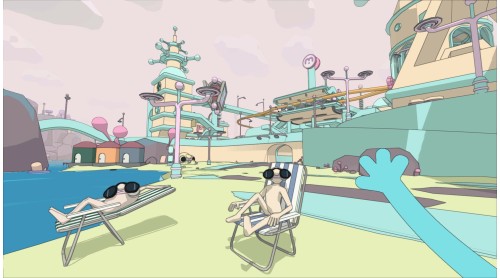
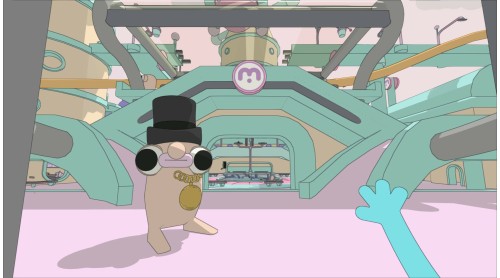
Completely Stretchy is a first-person exploration and 3D platformer set in the strange and wonderful Grombi Isles.
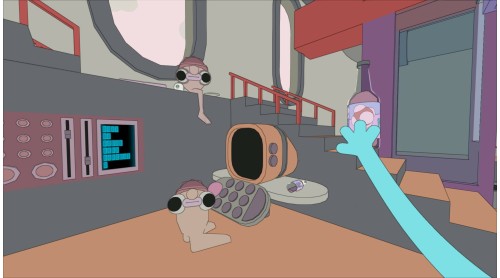
After you and Dr Grimble experience a rough day at the Elektro factory, you find yourself transformed - with a blue, stretchy, and sticky body!? Fellow denizens may be befuddled by your new look, and to make matters worse, the Elektros have escaped containment and are now scattered around the Isles!
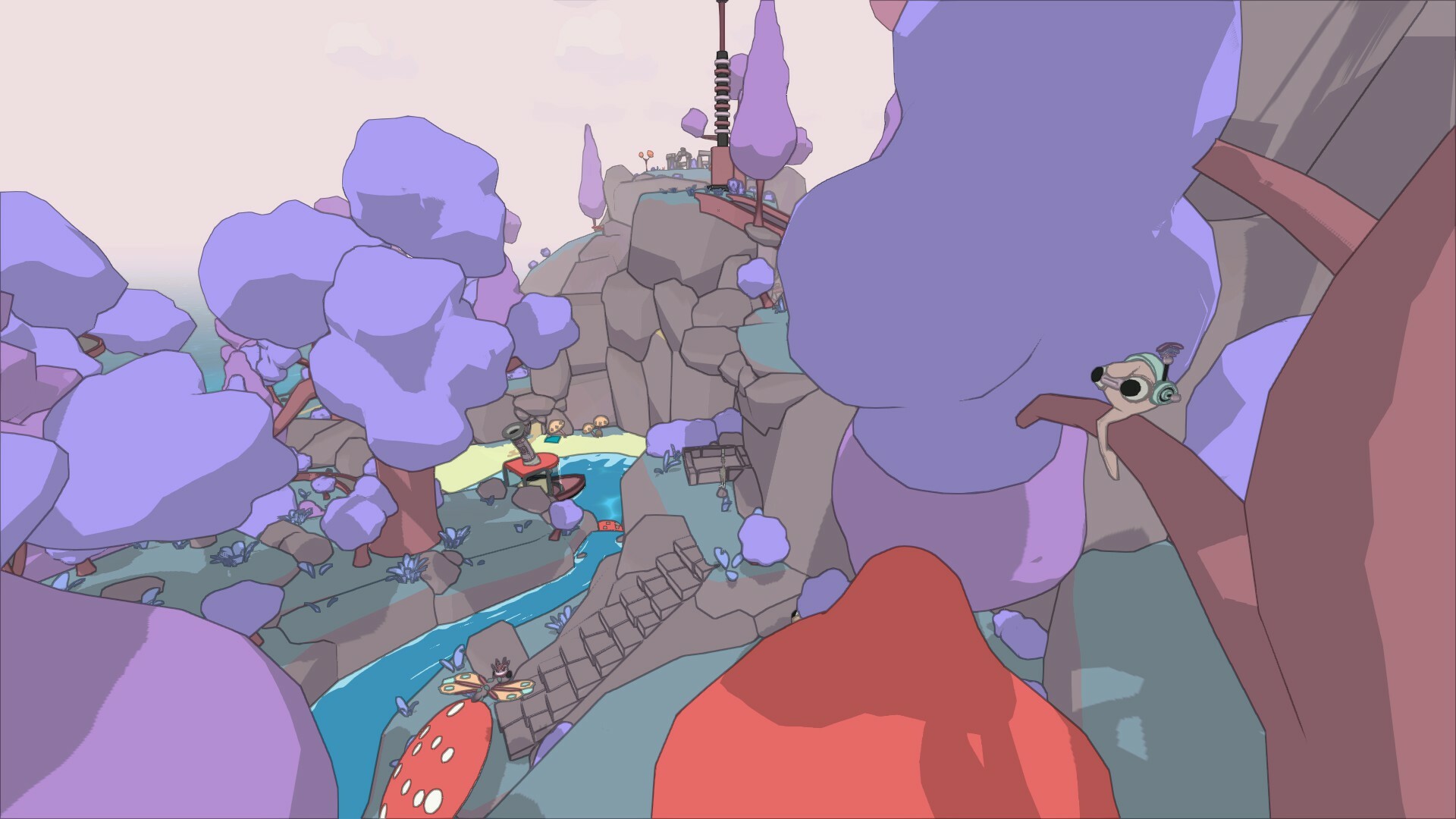
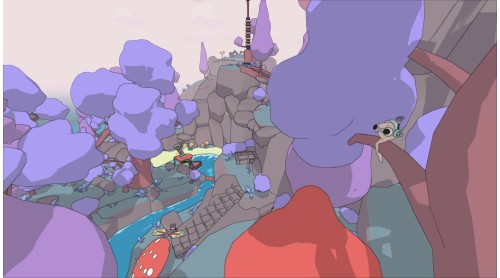
Harness your newfound stretchiness to climb, swing and stick across this bizarre world. Track down the hidden Elektros to restore power and unravel the mystery of what happened to you. Why are you so stretchy, and blue?
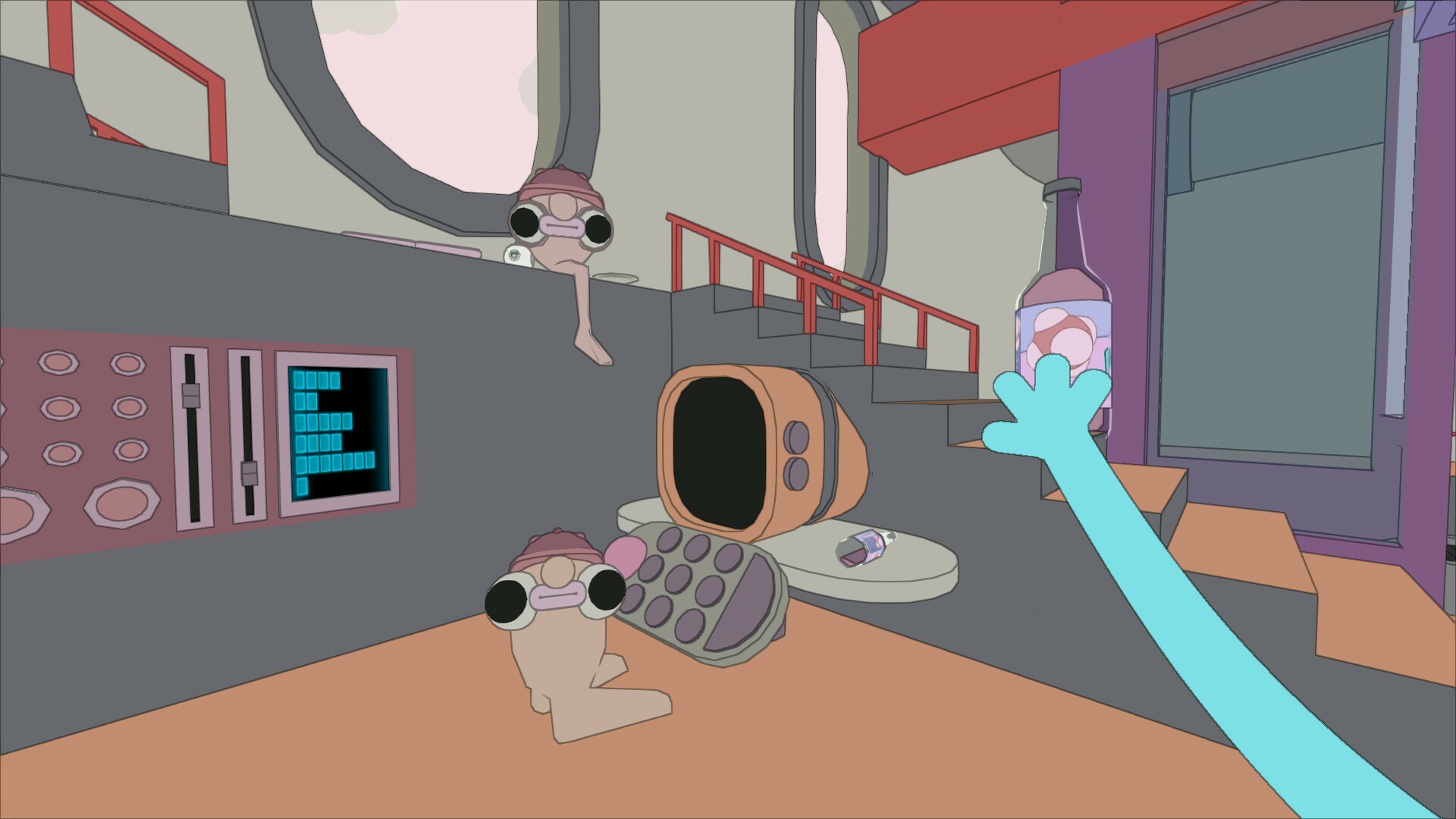
✨Swing, Climb and Stick: Use your hand to grab onto surfaces and swing across the world, finding hidden items to help you in your endeavours
Lend a Hand: Help the quirky and curious inhabitants of the Grombi isles (Scrimbli, Chunkos and more) and get your hand on some stretchy upgrades
Reach New Heights: Explore three different regions with unique quests, activities and secrets
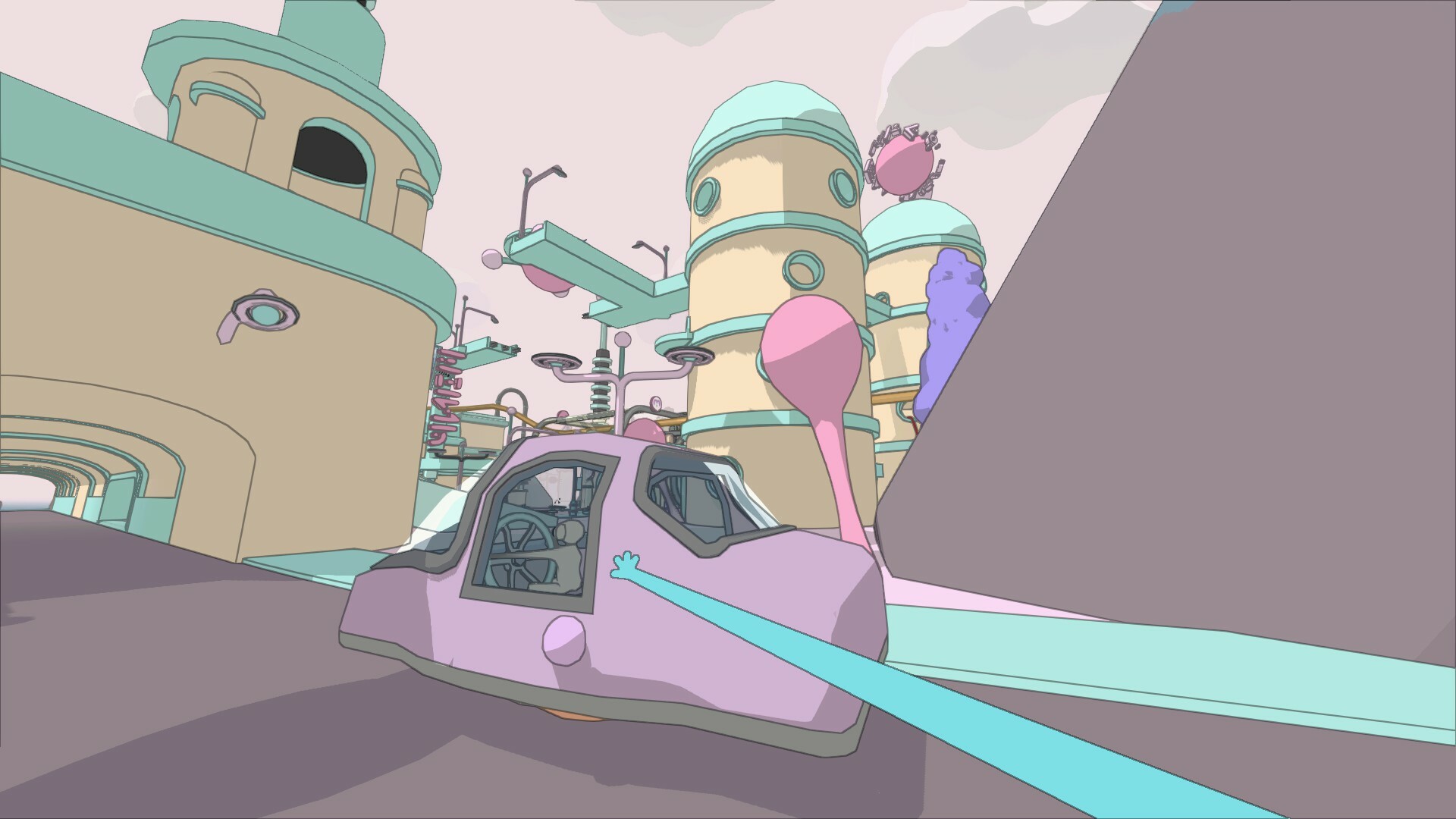
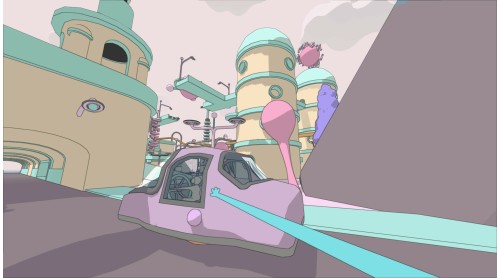
Hands-On Fun: Jump on a hoverbike, dunk a few baskets and discover all you can do
Sticky Situations: Talking to locals will help you understand more about this strange place
Completely Stretchy © Developed by Warp Digital and Dan Ferguson. Published by Super Rare Originals. All rights reserved.


How to activate your Steam key?
1. Open your Steam client. (If you don't have a Steam Client, you can install from here https://store.steampowered.com/about/)
2. Sign in to your Steam account. (If you don't have a Steam Account, you can create from here https://store.steampowered.com/join/)
3. Click “ADD A GAME” button which is at the bottom of the Steam Client.
4. Now select "Activate a product on Steam..."
5. Write or copy-paste your Steam key which you purchased from Gamesforpc.
6. Now your game is in your library.
7. Find your game in your library, select and click install to start your download.