 Steam
Steam  Windows
  Mac
Mac  Linux
Linux | Release Date | 13.10.2011 |
| Operating Systems | Linux |
| Operating Systems | Mac OS |
| Publisher | THQ Nordic GmbH |
| Operating Systems | Windows |
| Genres | Adventure, casual, rpg |
9.99€
Added to Cart
9.99€
Added to Wishlist
9.99€
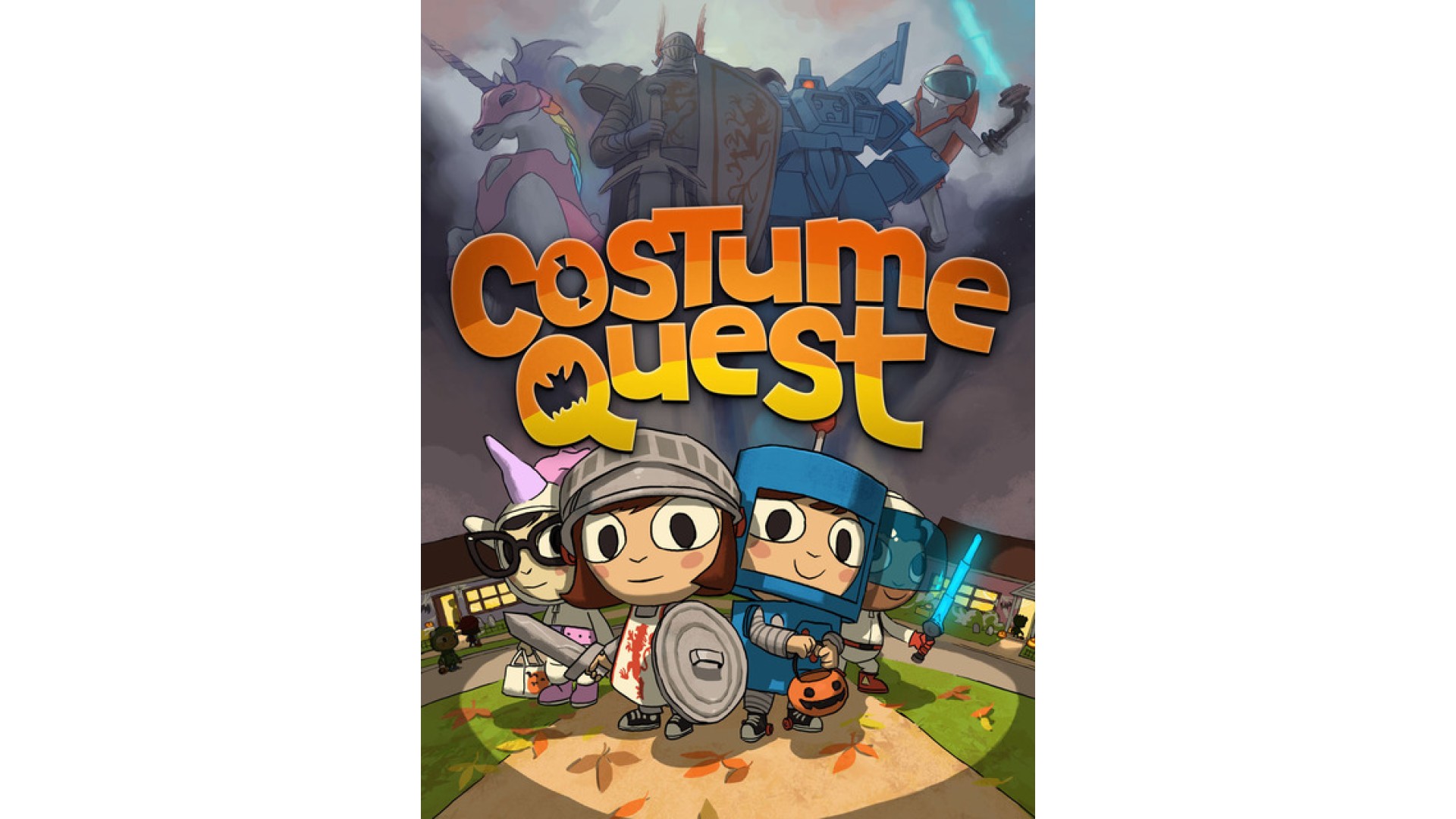
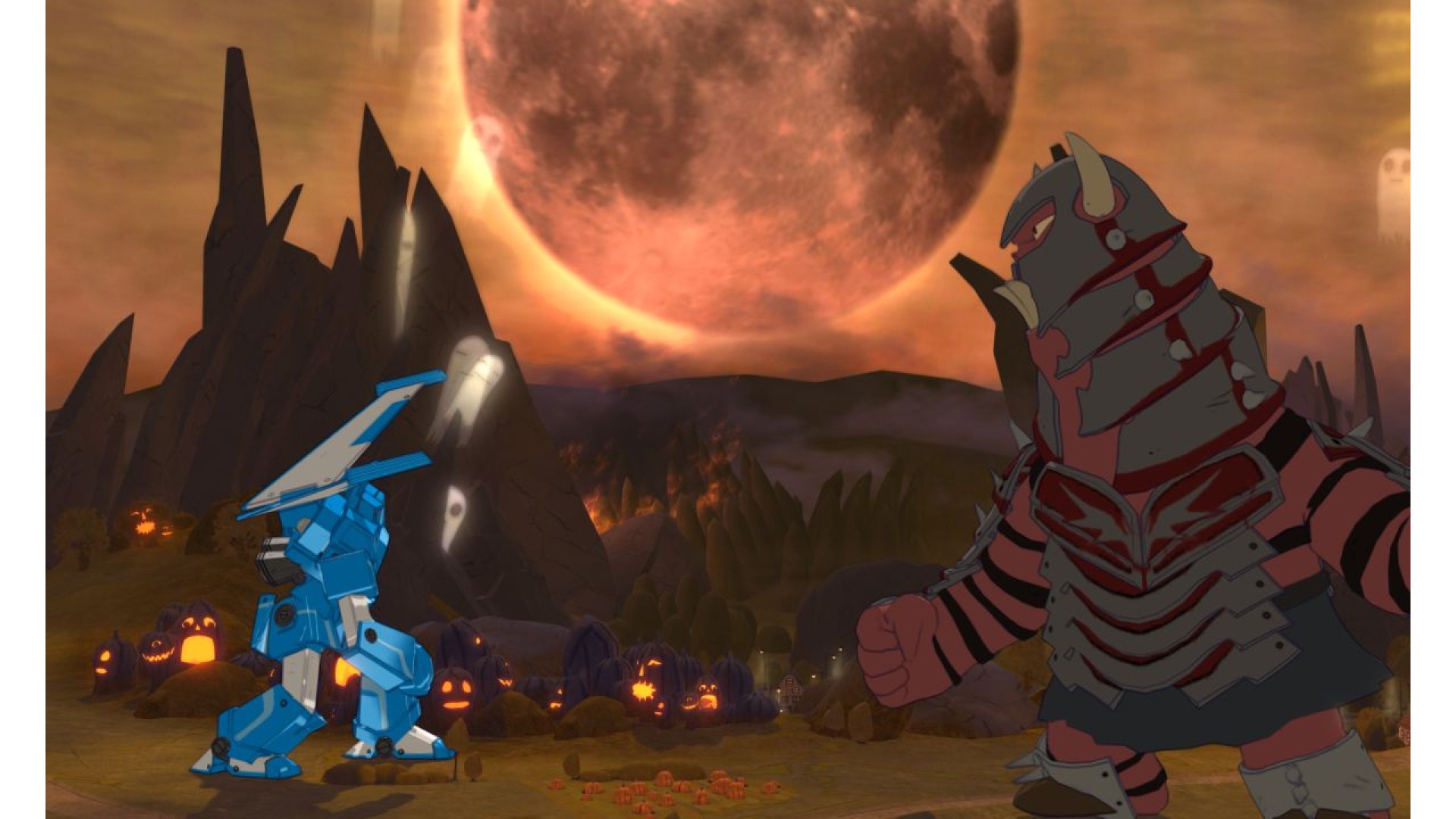
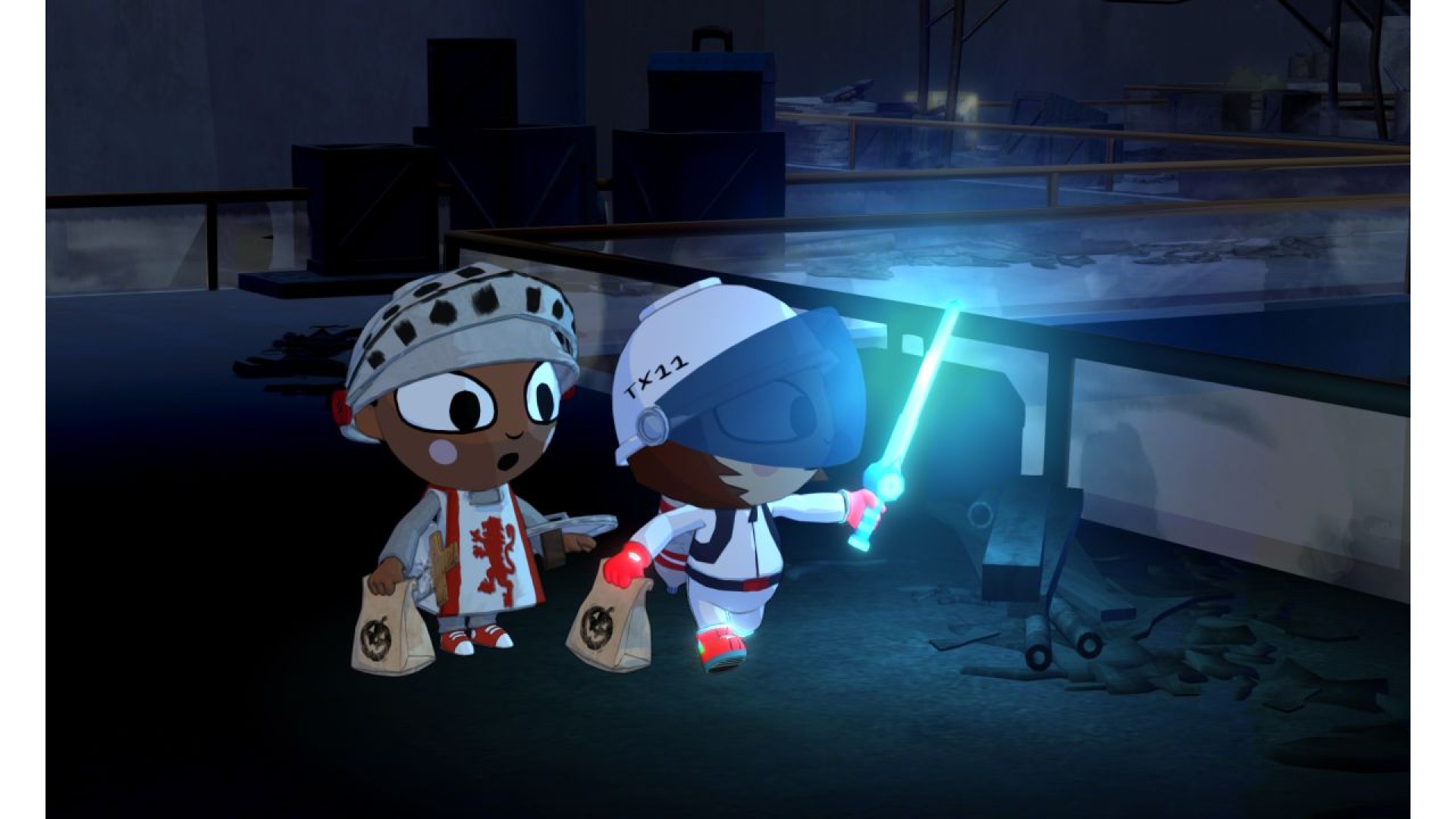
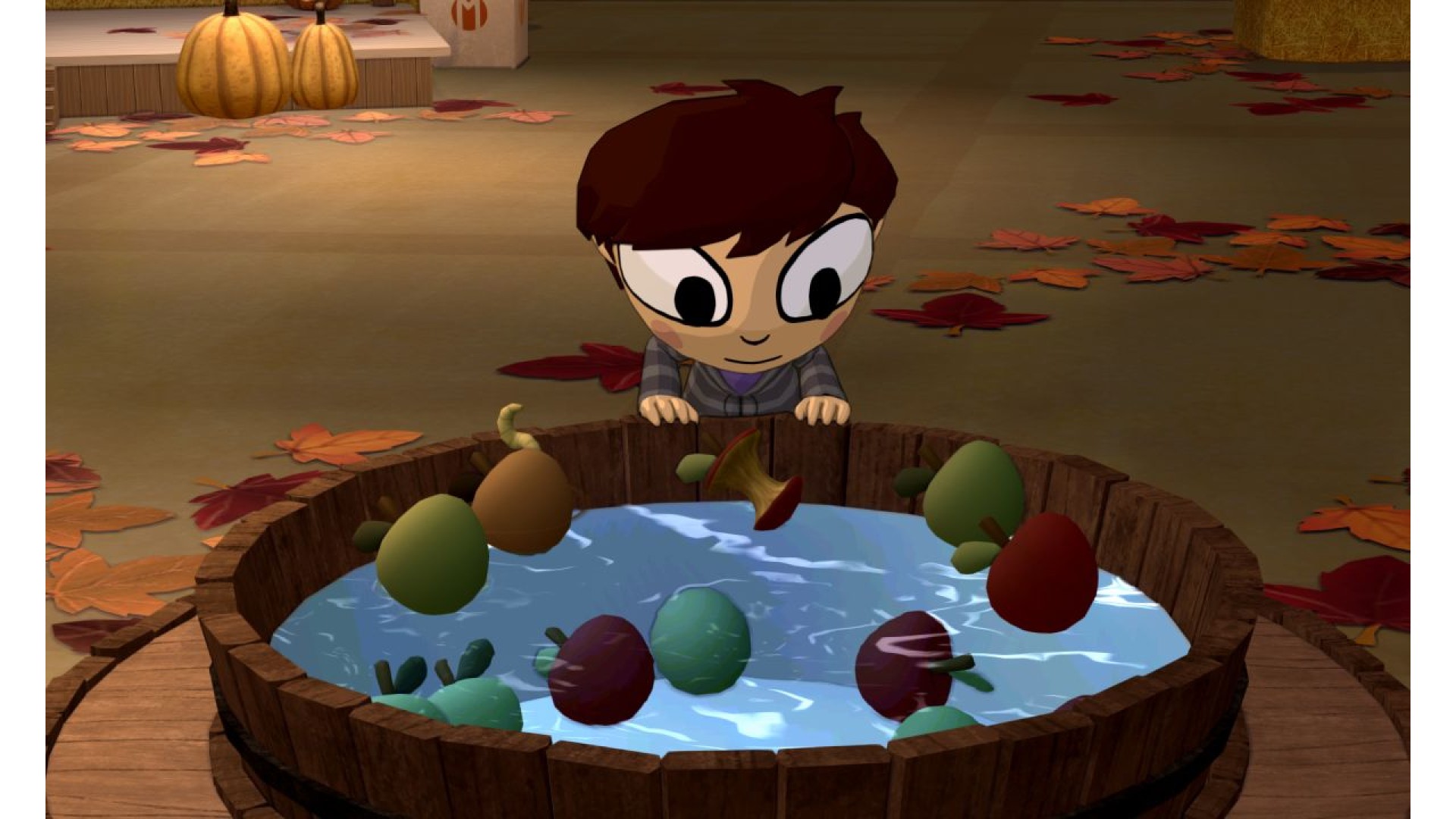
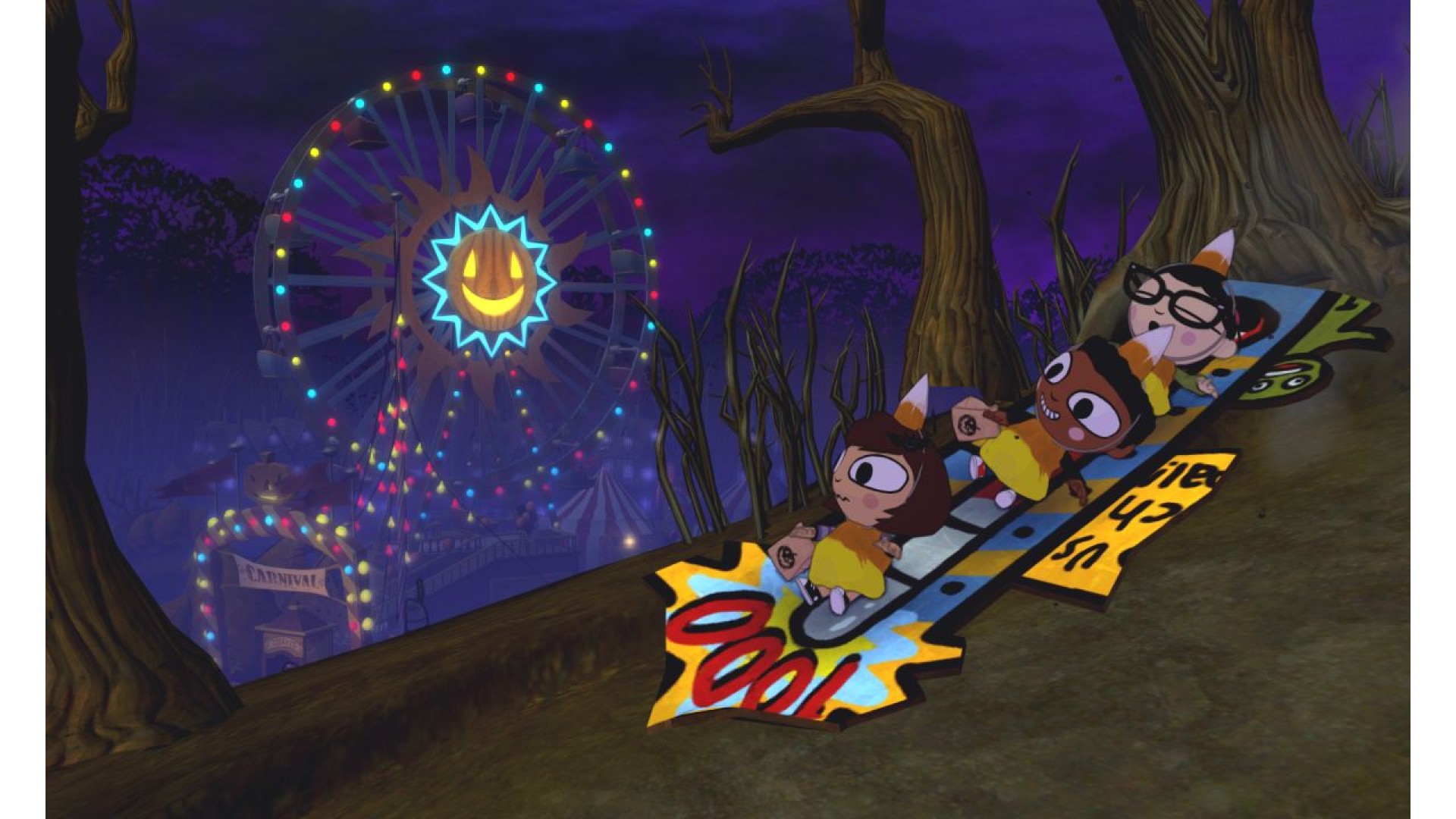
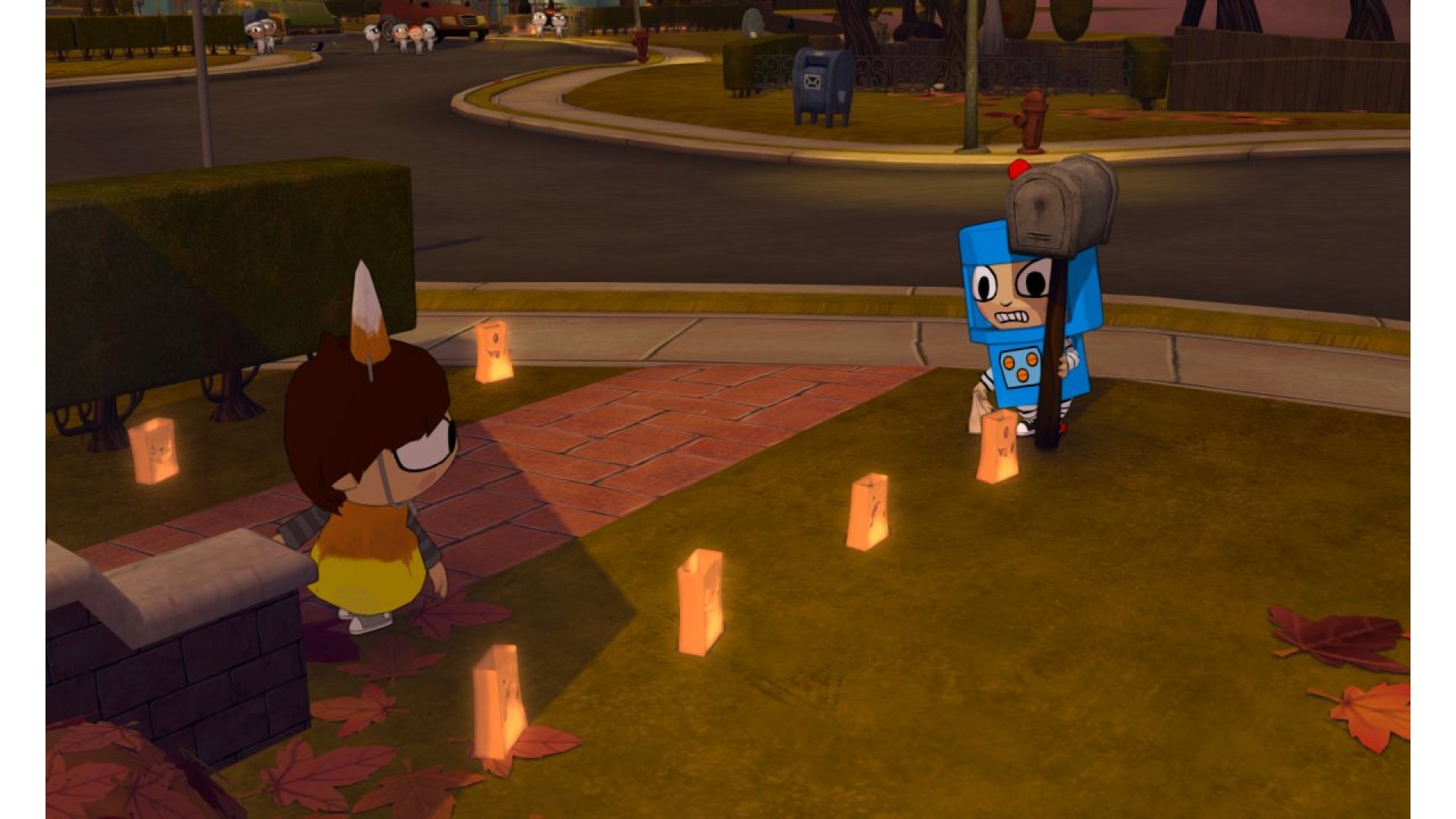
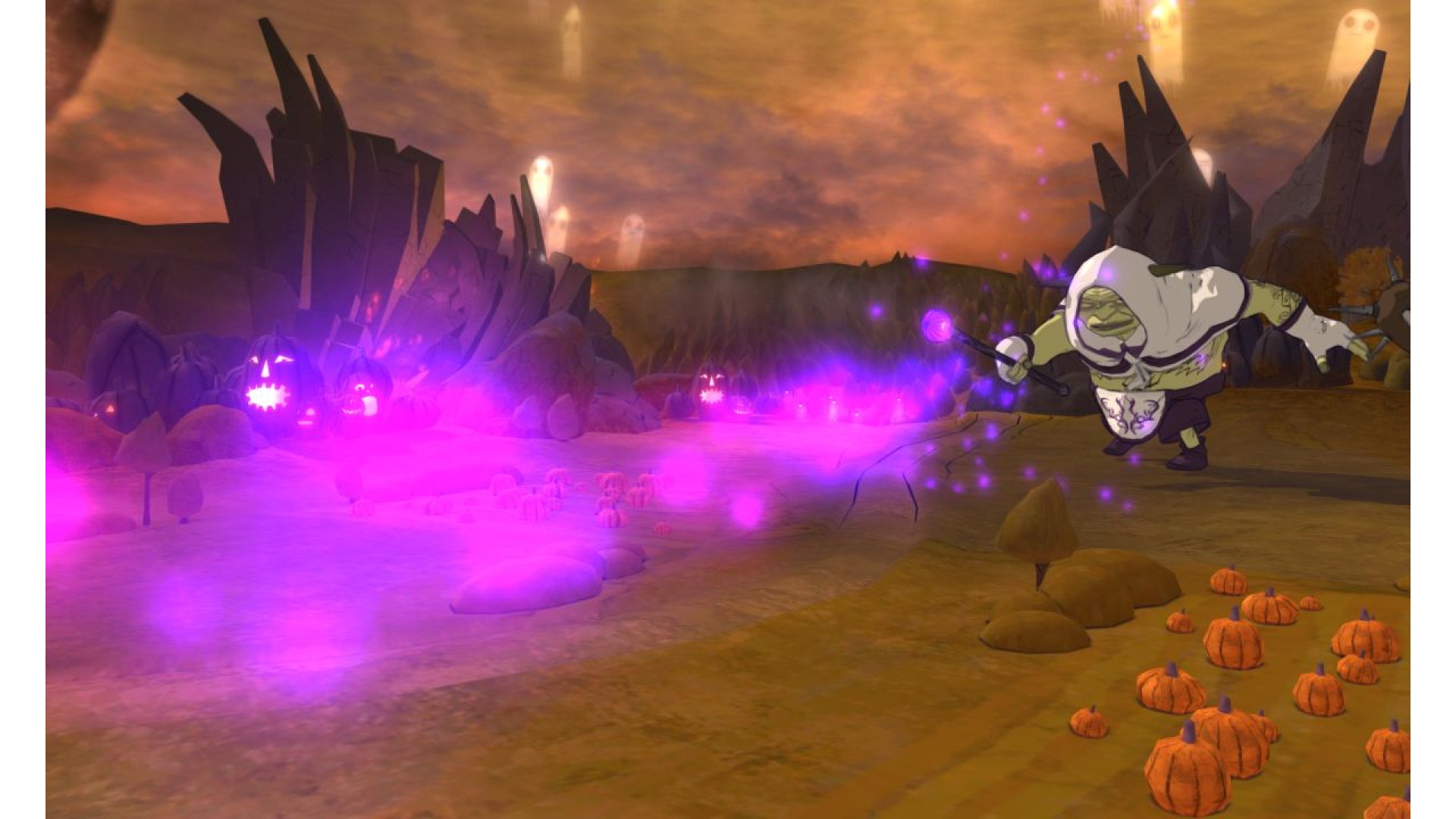
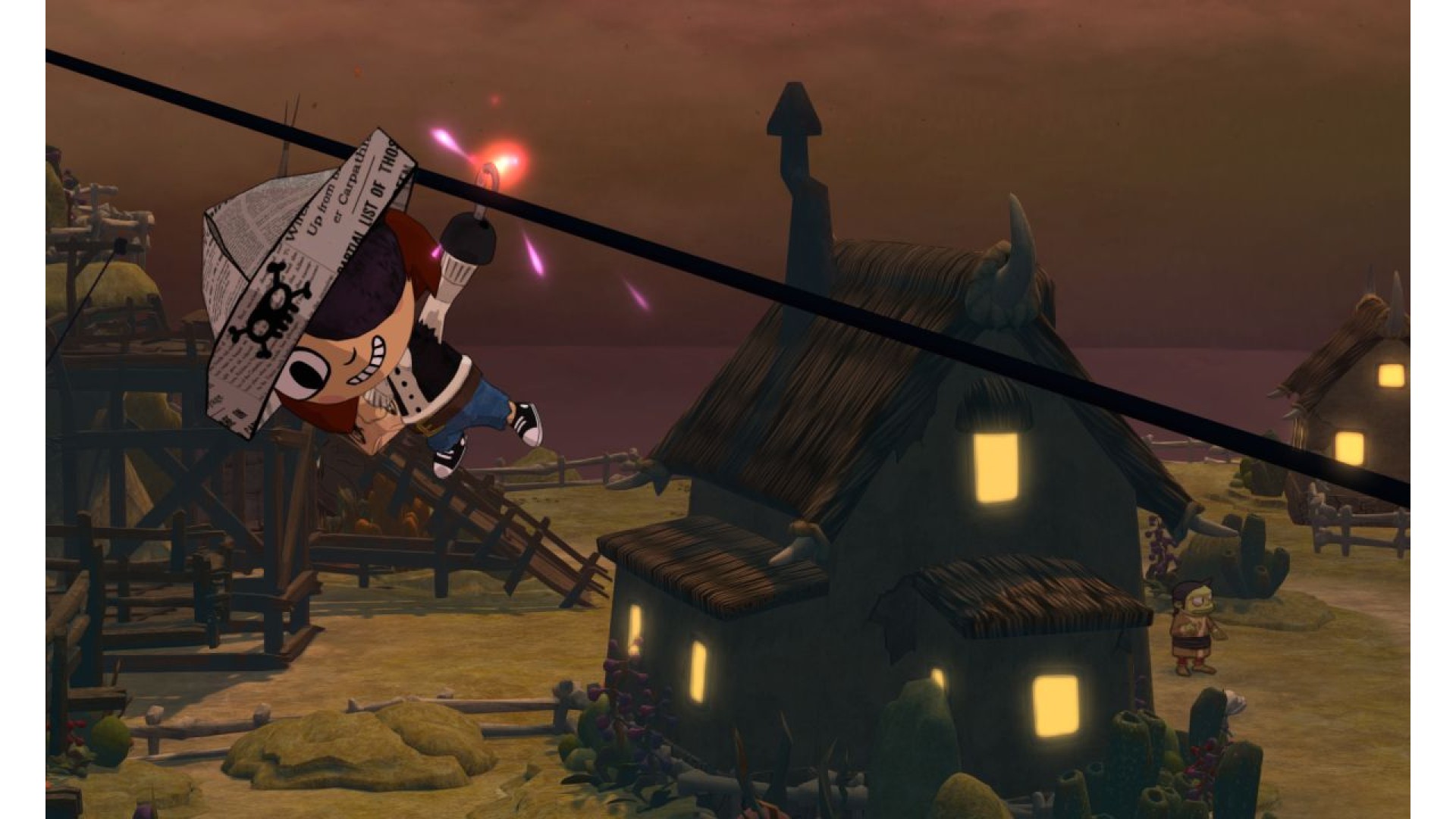
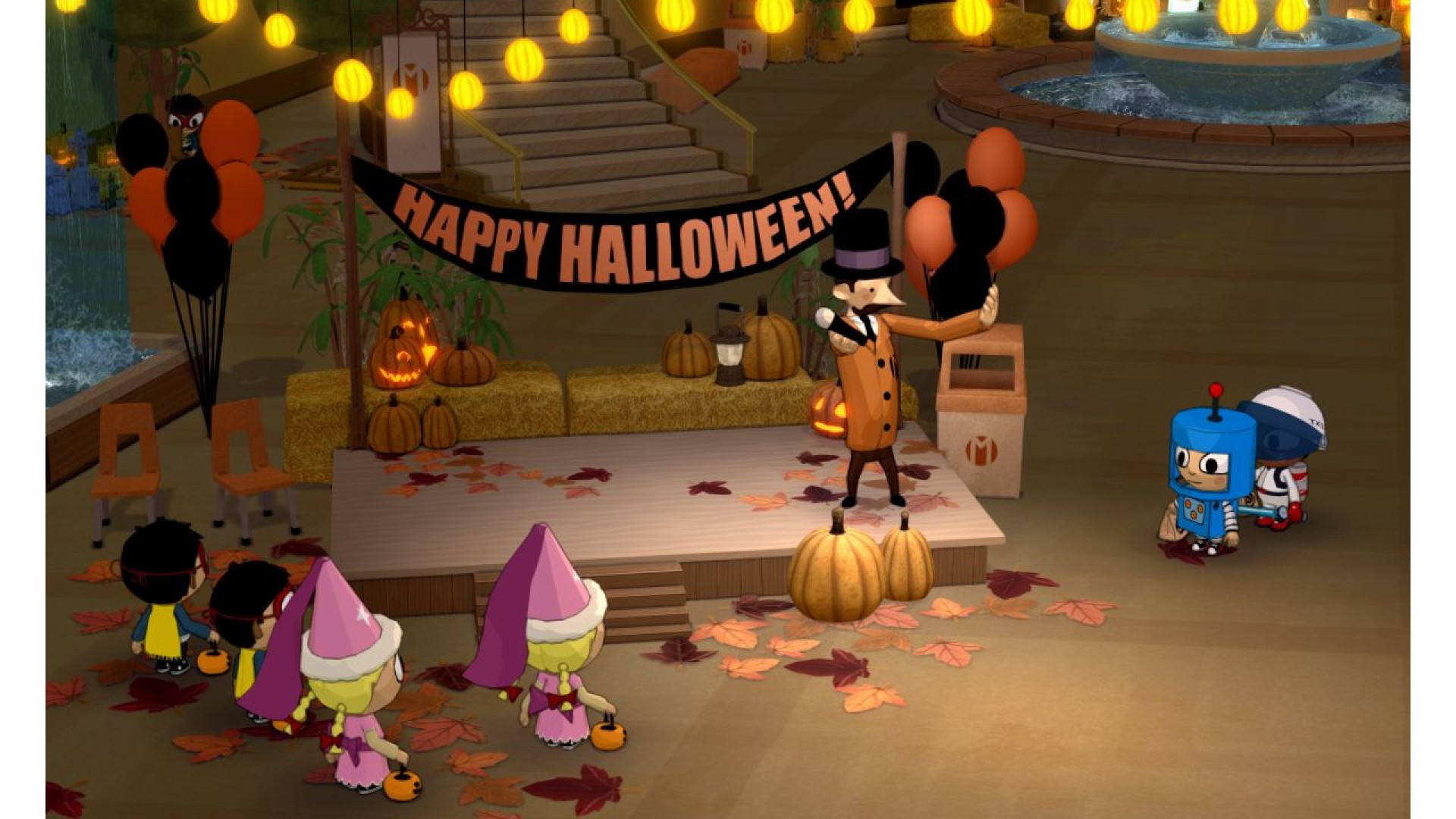
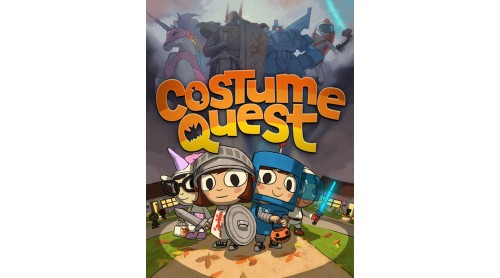
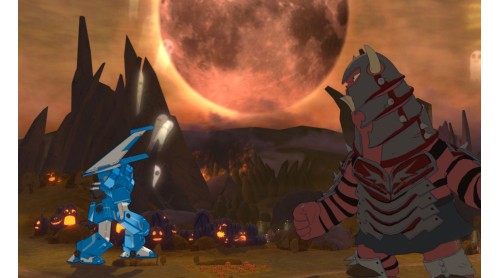
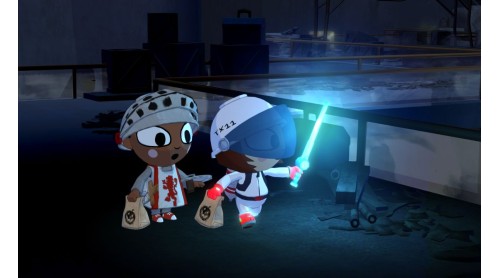
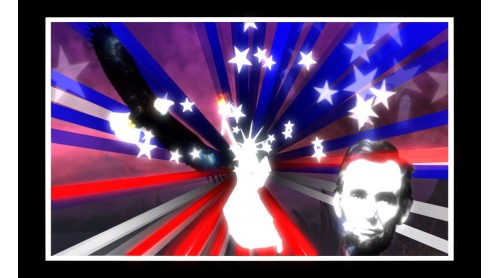
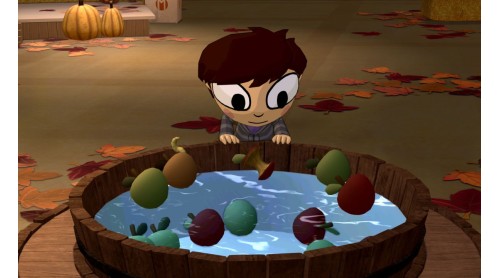
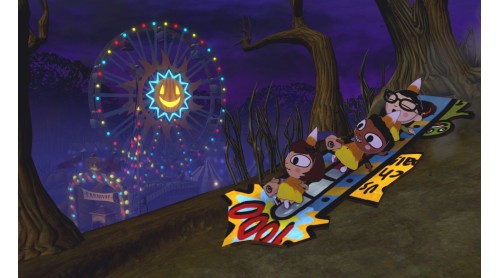
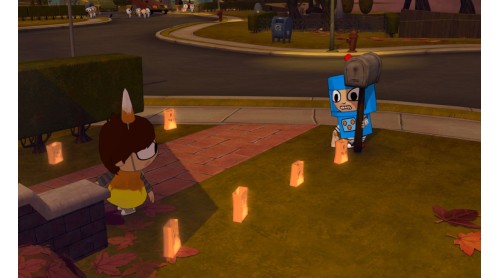
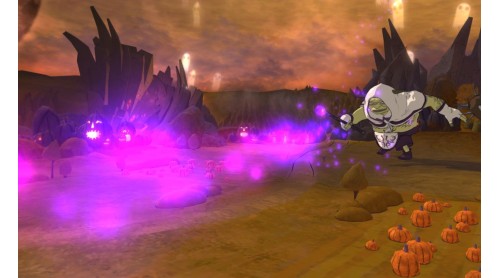
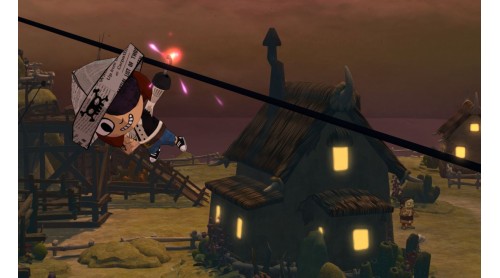
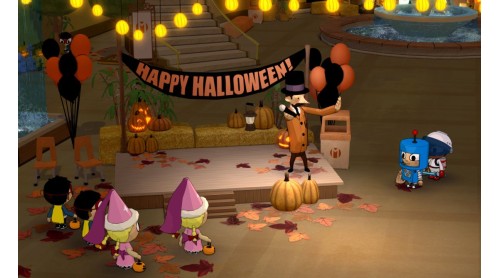
Costume Quest is a Halloween adventure from Tim Schafer's Double Fine Productions. In this charming role-playing game, choose your hero and trick-or-treat through three beautiful environments full of Double Fine humor and story. Complete quests, build your party, and collect costumes along the way that allow you to transform into powerful champions and take down the evil Repugians. This heroic holiday tale will capture the imaginations of kids and kids-at-heart.
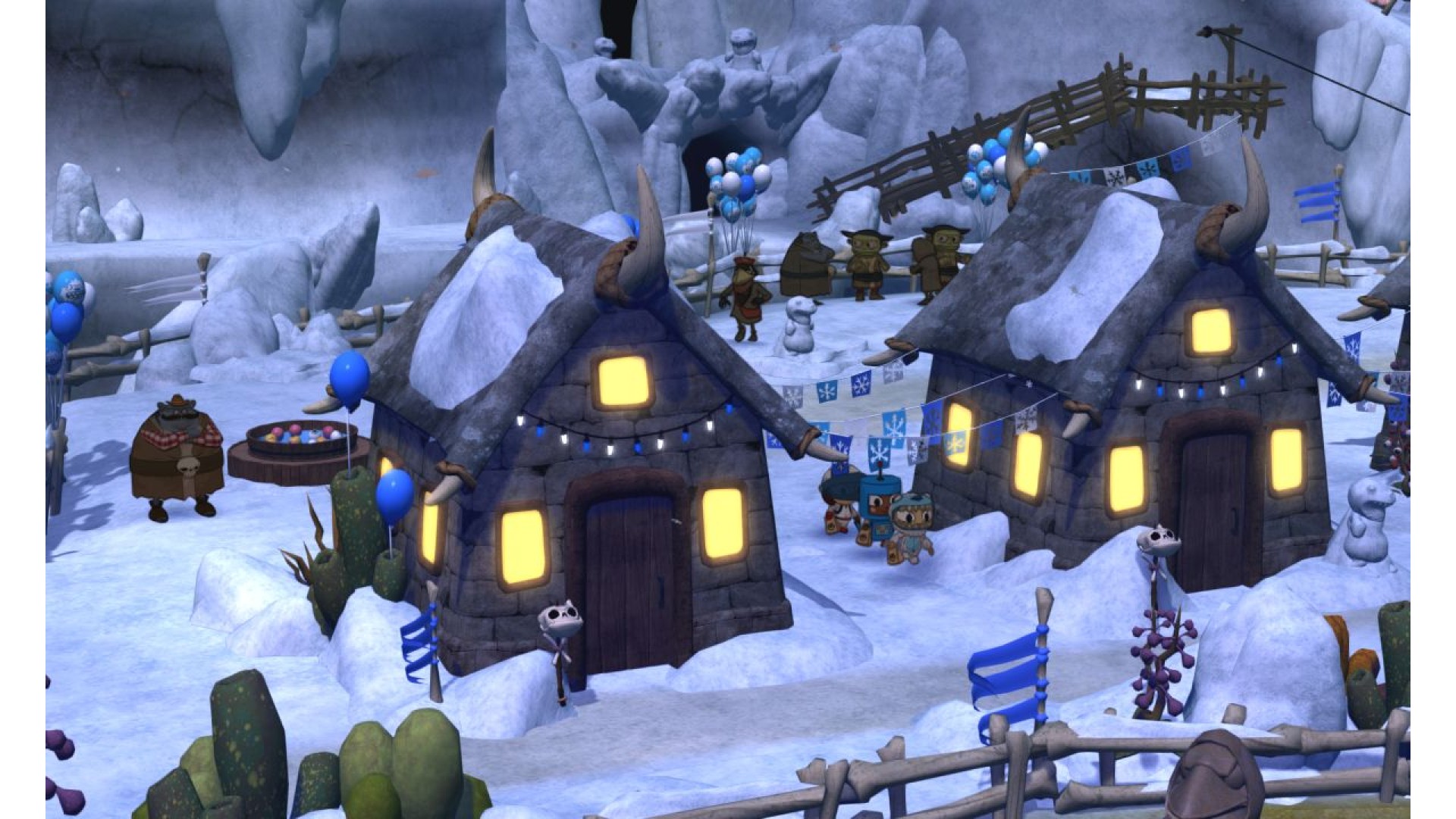
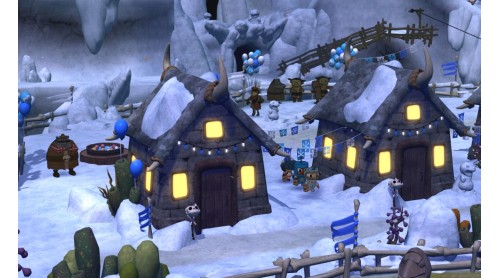
Continue the Costume Quest adventure with the Grubbins on Ice DLC pack, included free in the PC version! Face new enemies while collecting additional quests, costumes, battle stamps and creepy treat cards. Help the monsters overthrow Araxia to bring peace back to Repugia!
Costume Quest™ and © 2011, Double Fine Productions, Inc. FMOD Ex Sound System Copyright © 2001-2011 Firelight Technologies Pty, ltd. All rights reserved. Uses Scaleform GFx © 2011 Scaleform Corporation. All rights reserved. DRACOGEN is a trade mark of 2113367 Ontario Inc. All other trademarks, logos, and copyrights are property of their respective owners.


How to activate your Steam key?
1. Open your Steam client. (If you don't have a Steam Client, you can install from here https://store.steampowered.com/about/)
2. Sign in to your Steam account. (If you don't have a Steam Account, you can create from here https://store.steampowered.com/join/)
3. Click “ADD A GAME” button which is at the bottom of the Steam Client.
4. Now select "Activate a product on Steam..."
5. Write or copy-paste your Steam key which you purchased from Gamesforpc.
6. Now your game is in your library.
7. Find your game in your library, select and click install to start your download.