 Steam
Steam  Windows
 | Release Date | 22.06.2017 |
| Publisher | THQ Nordic GmbH |
| Operating Systems | Windows |
| Genres | Action, Adventure, casual, indie |
19.99€
Added to Cart
19.99€
Added to Wishlist
19.99€
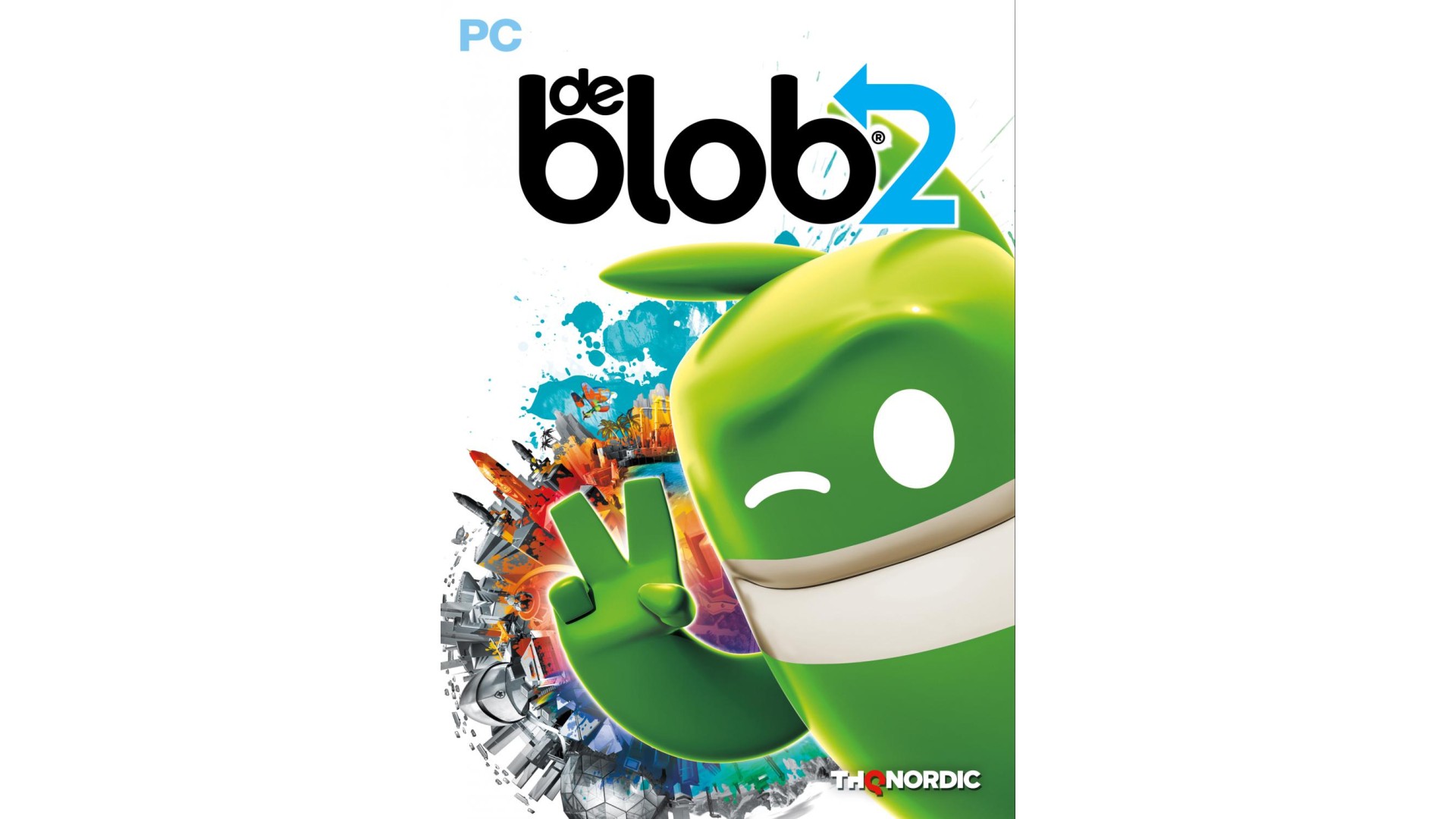
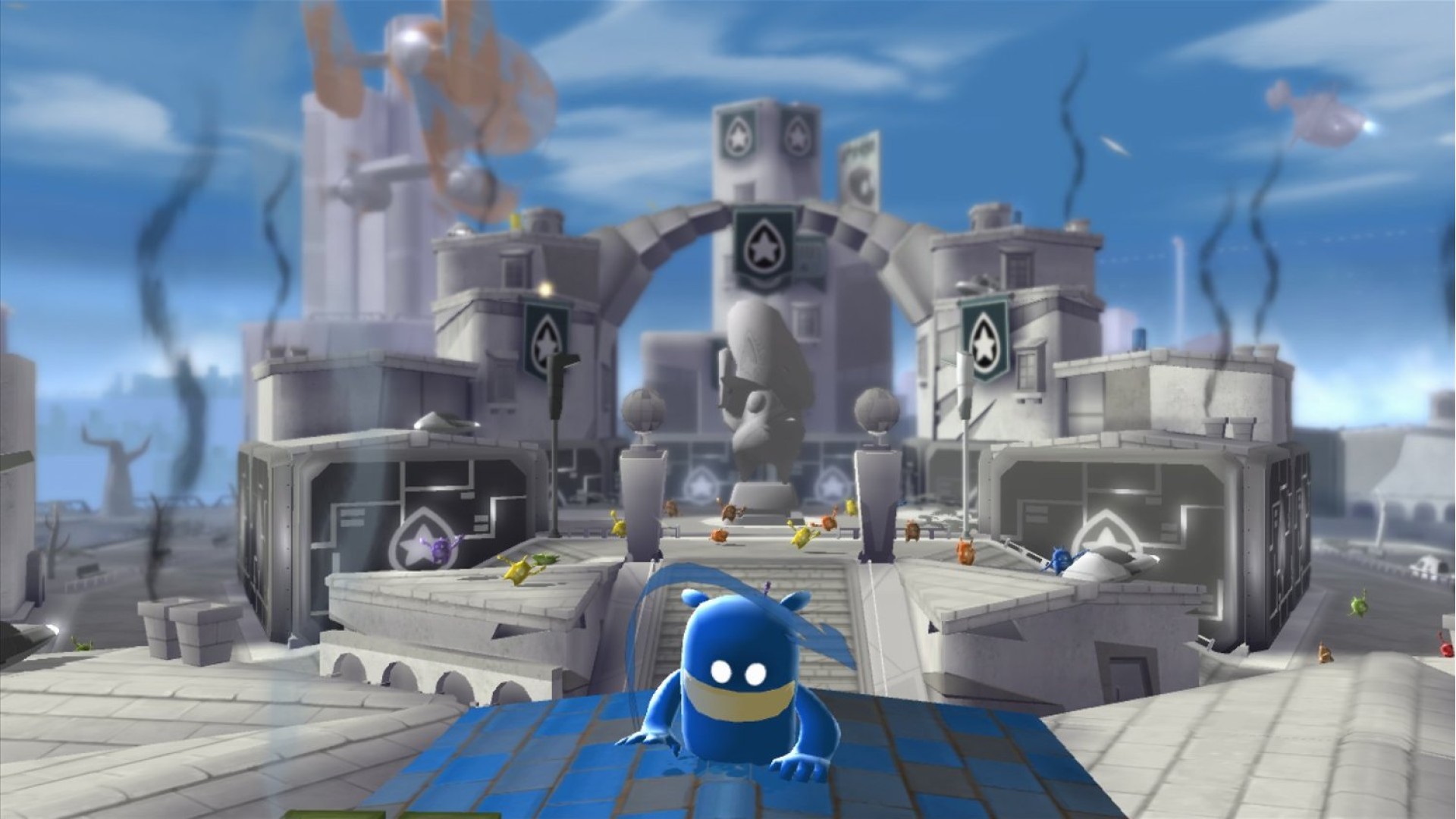
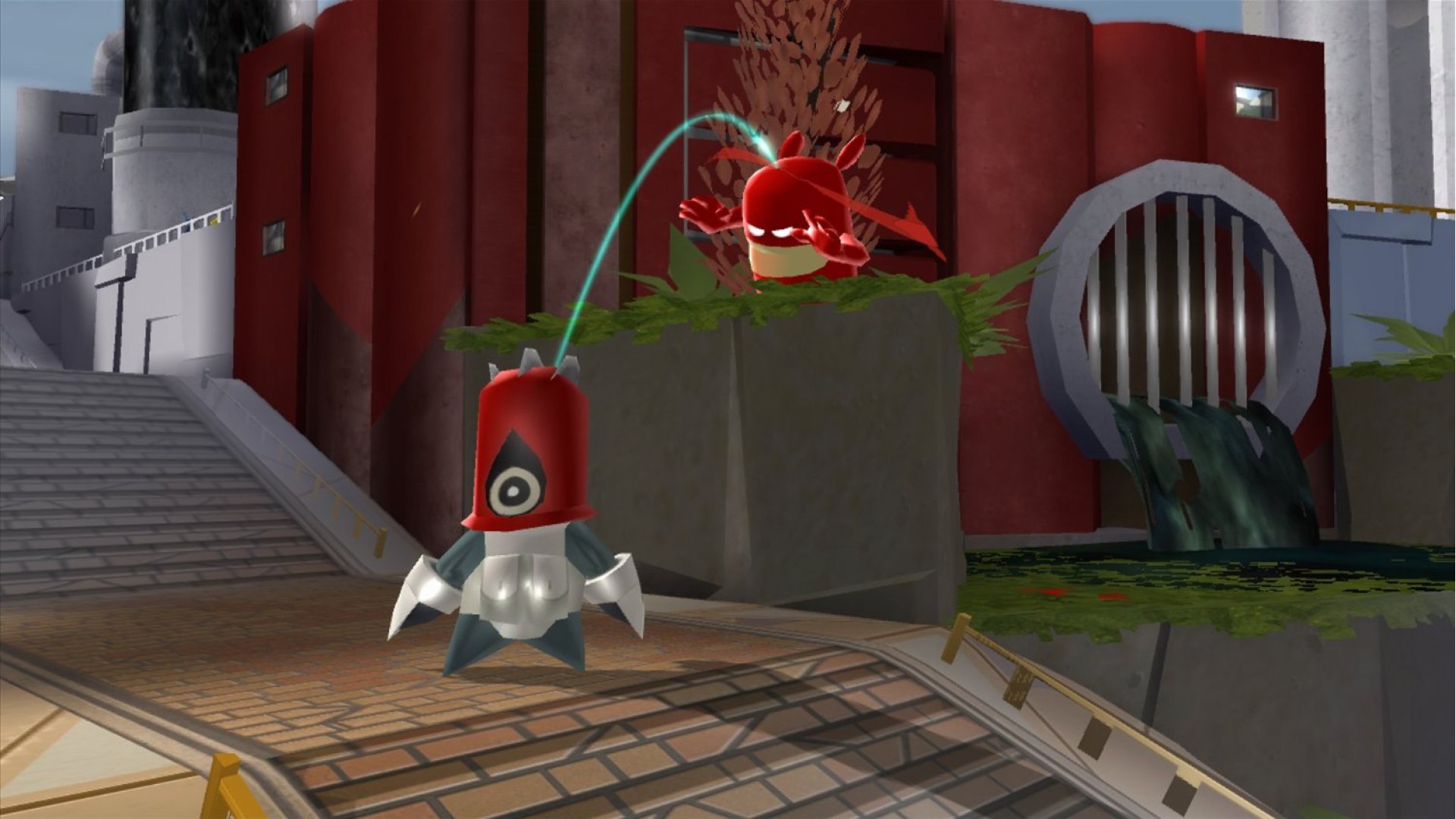
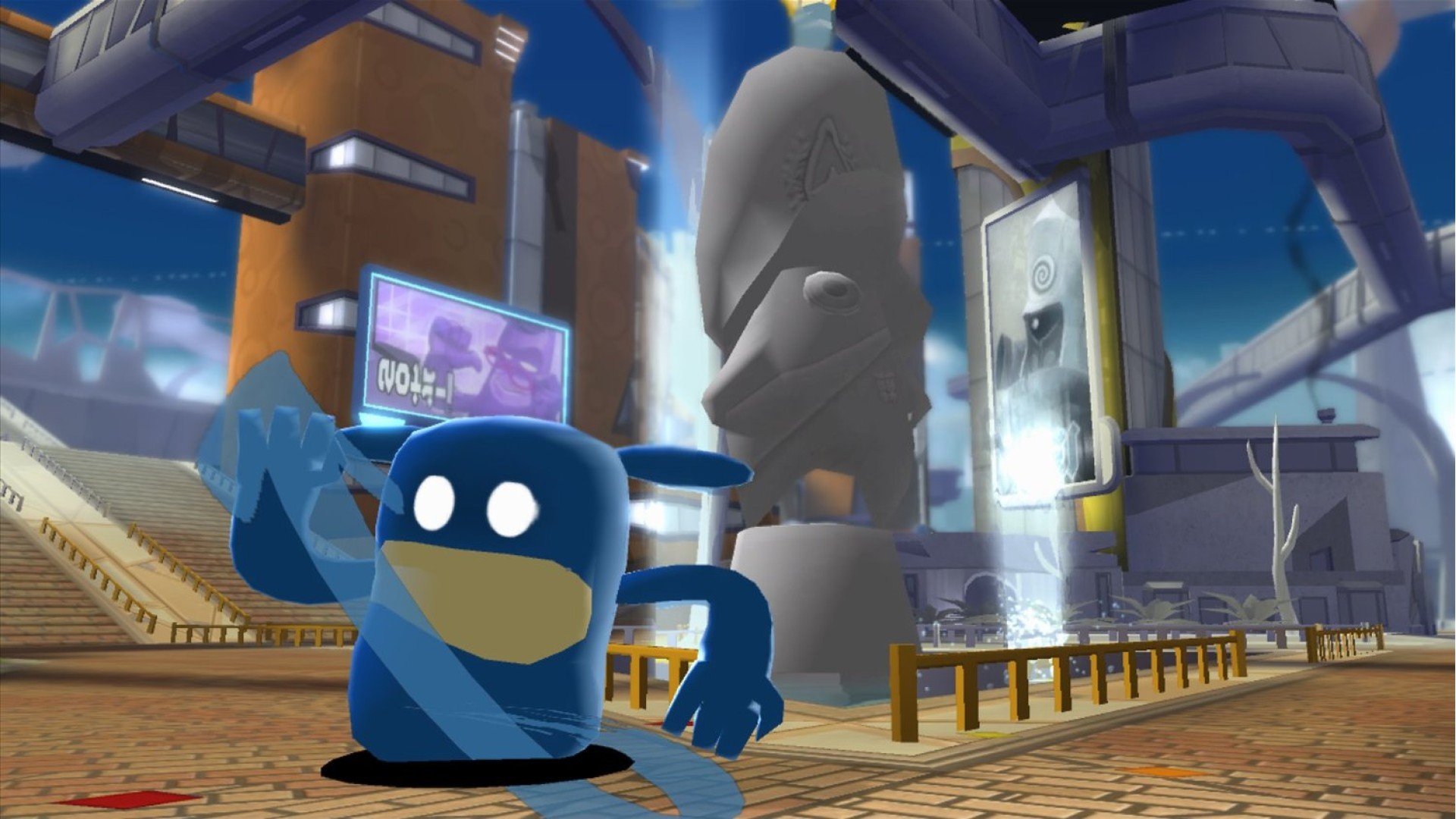
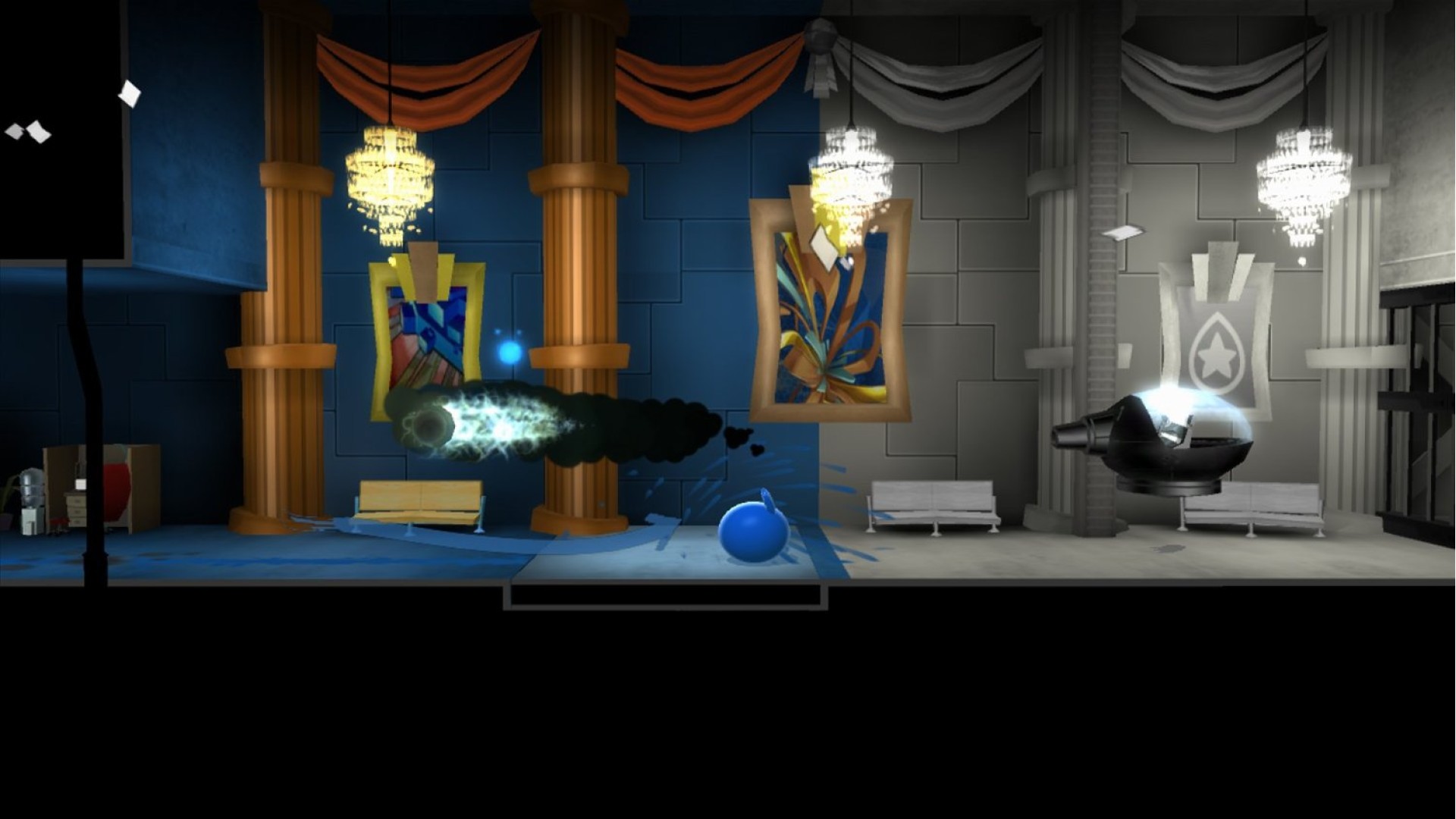
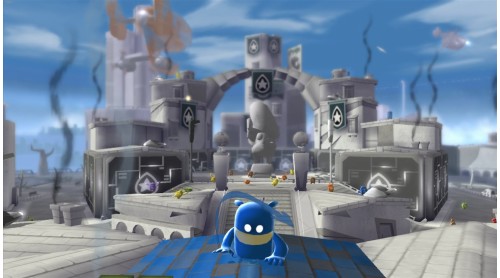
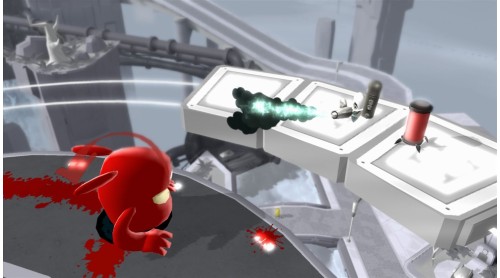
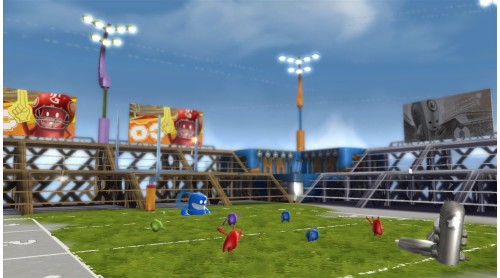
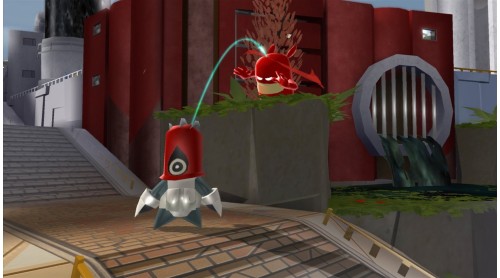
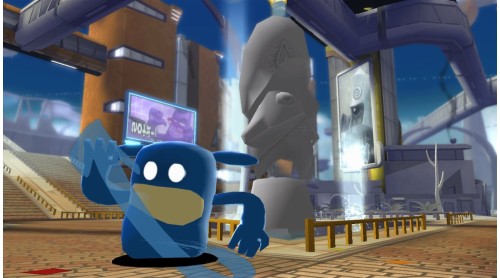
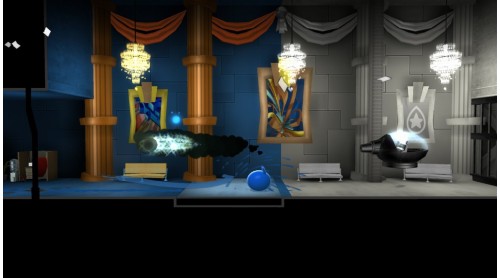
In de Blob 2 Comrade Black and the Inkies are back with a whole new plot to rid the world of color. With all-new help from Papa Blanc and his flock of followers the Blancs, Blob and his friends will have their work cut out for them bringing color back to the citizens of Prisma City. Set off on an action-packed color adventure where custom paints, patterns and music bring the world to life. De Blob 2 is a creative evolution driven by your imagination.
Imagine: Set off on an action packed color adventure with 12 new single player story levels where custom paints, patterns and music bring the world to life any way you want
Laugh: Only the colorful prankster Blob can foil Papa Blanc's evil hypno plot to steal all the color from Prisma City
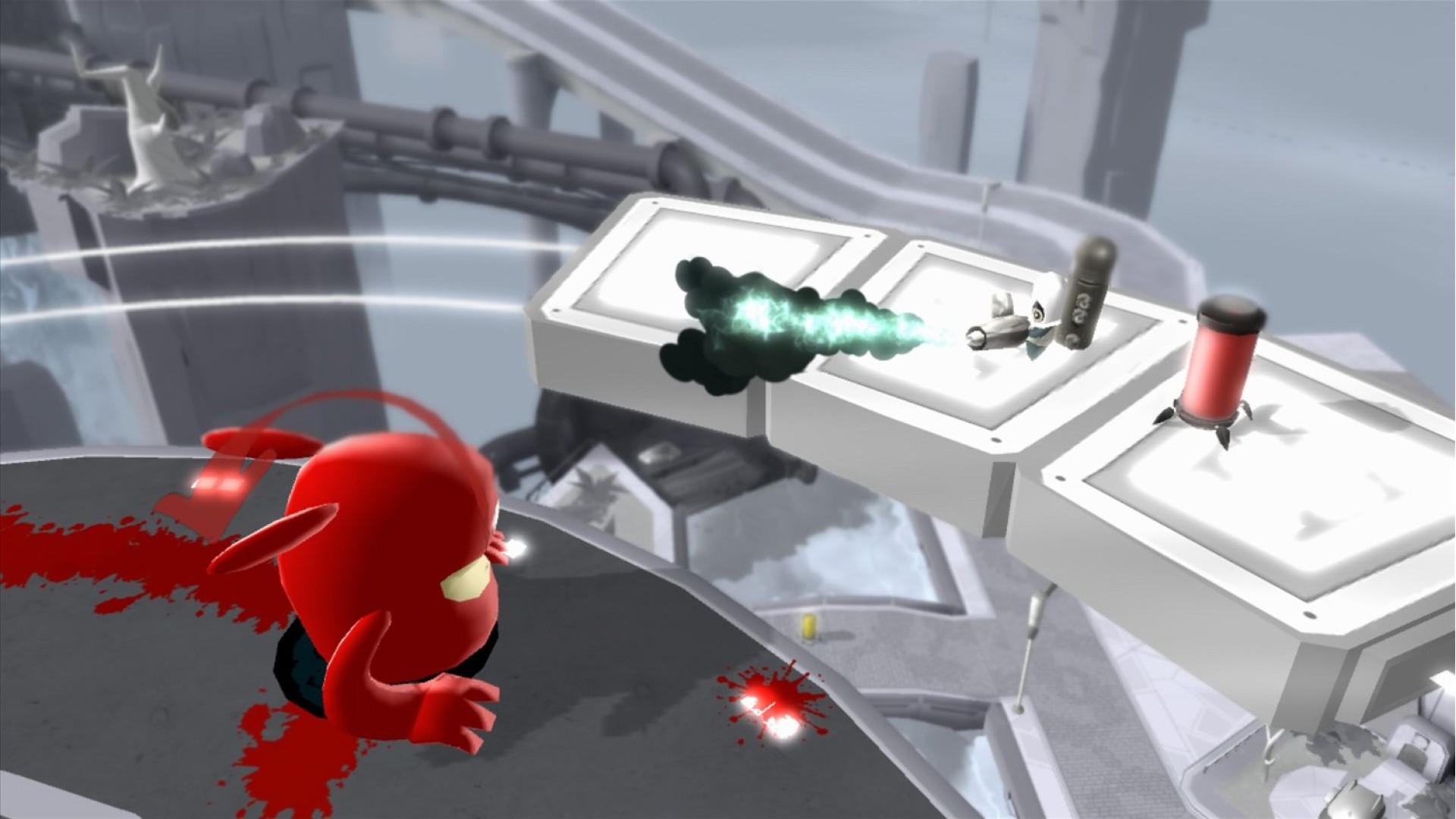
Power: Speed smash through walls, jet jump over skyscrapers and slam squash Inkies with all new power-ups that turn you into a super Blob
Explore: Paint your way past icy outposts, tropical bio domes and distant space stations to free the fair citizens of Prisma City
Transform: Inside, outside, above the Earth and below it, Blob embarks on mini missions and epic boss battles to restore color and music back to this rich universe
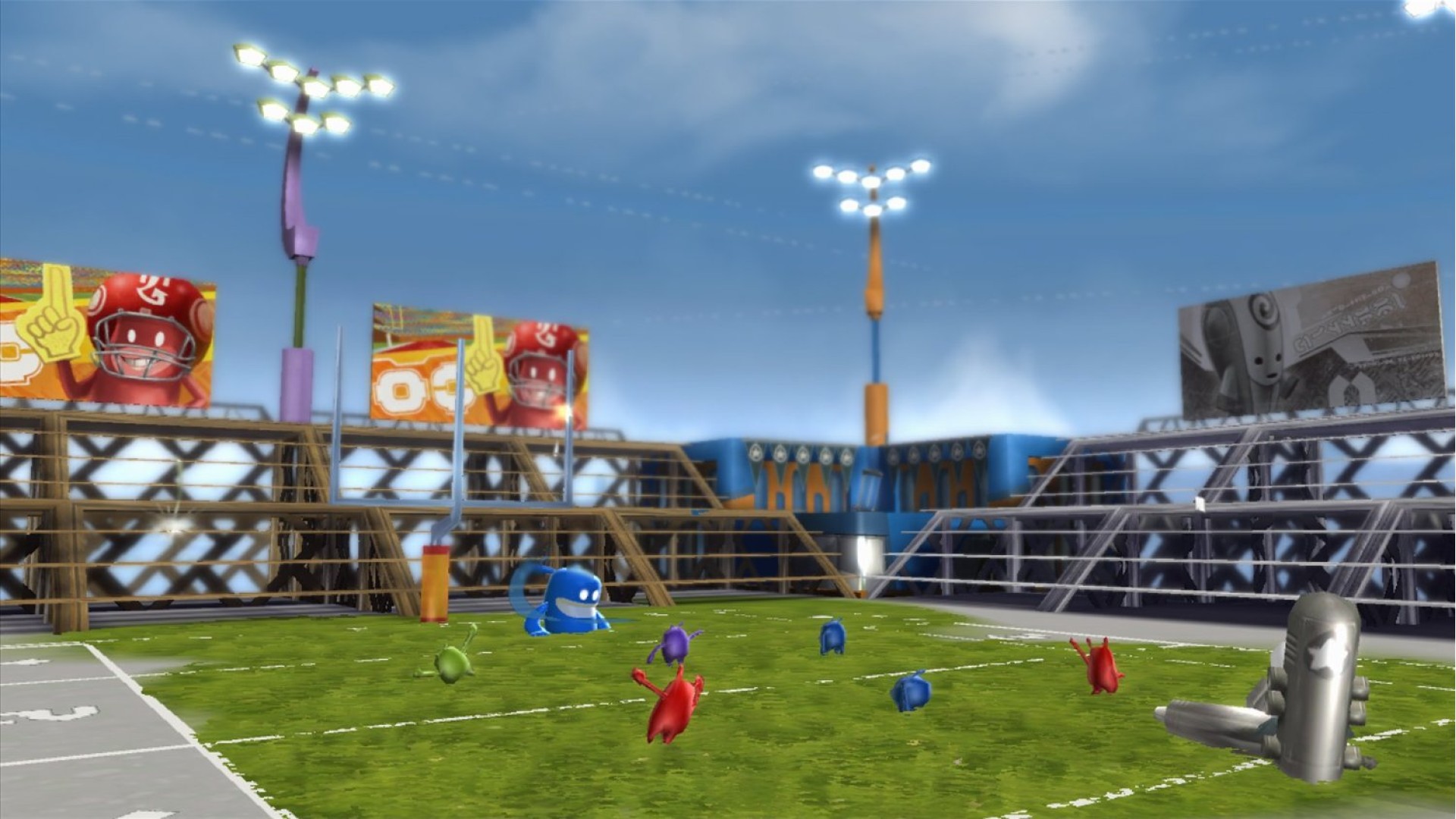
Share: Recruit your friends to join the color evolution in all new co-operative multiplayer modes.
Game Features:
© 2017 THQ Nordic AB, Sweden. Developed by Blitworks. Originally Developed by Blue Tongue. deBlob, THQ and their respective logos are trademarks and/or registered trademarks of THQ Nordic Licensing AB. All rights reserved. All other trademarks, logos and copyrights are property of their respective owners.


How to activate your Steam key?
1. Open your Steam client. (If you don't have a Steam Client, you can install from here https://store.steampowered.com/about/)
2. Sign in to your Steam account. (If you don't have a Steam Account, you can create from here https://store.steampowered.com/join/)
3. Click “ADD A GAME” button which is at the bottom of the Steam Client.
4. Now select "Activate a product on Steam..."
5. Write or copy-paste your Steam key which you purchased from Gamesforpc.
6. Now your game is in your library.
7. Find your game in your library, select and click install to start your download.