

 Steam
Steam  Windows
 | Release Date | 29.10.2026 |
| Publisher | Team17 |
| Operating Systems | Windows |
| Genres | Simulation, casual, indie |
8.99€
8.09€
Added to Cart
8.99€
8.09€
Added to Wishlist
8.99€
8.09€
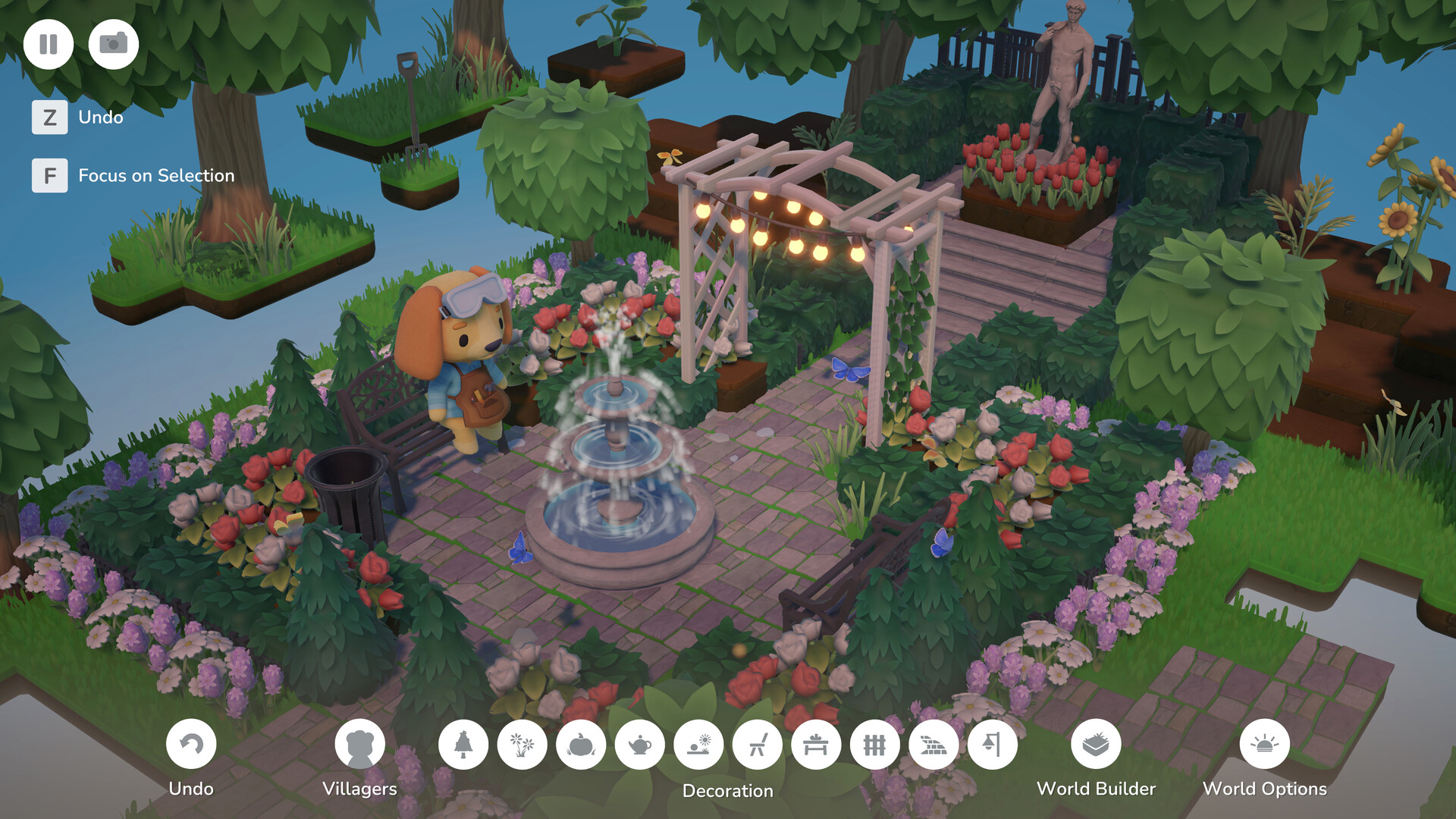
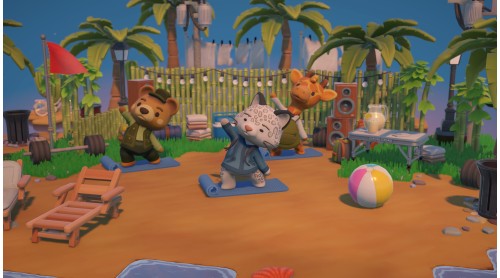
Let your creativity shine with Hokko Spaces: The Sunshine Edition, combining the cozy creativity of Hokko Spaces with a little extra beachside fun from Lei's Beachside Pack.
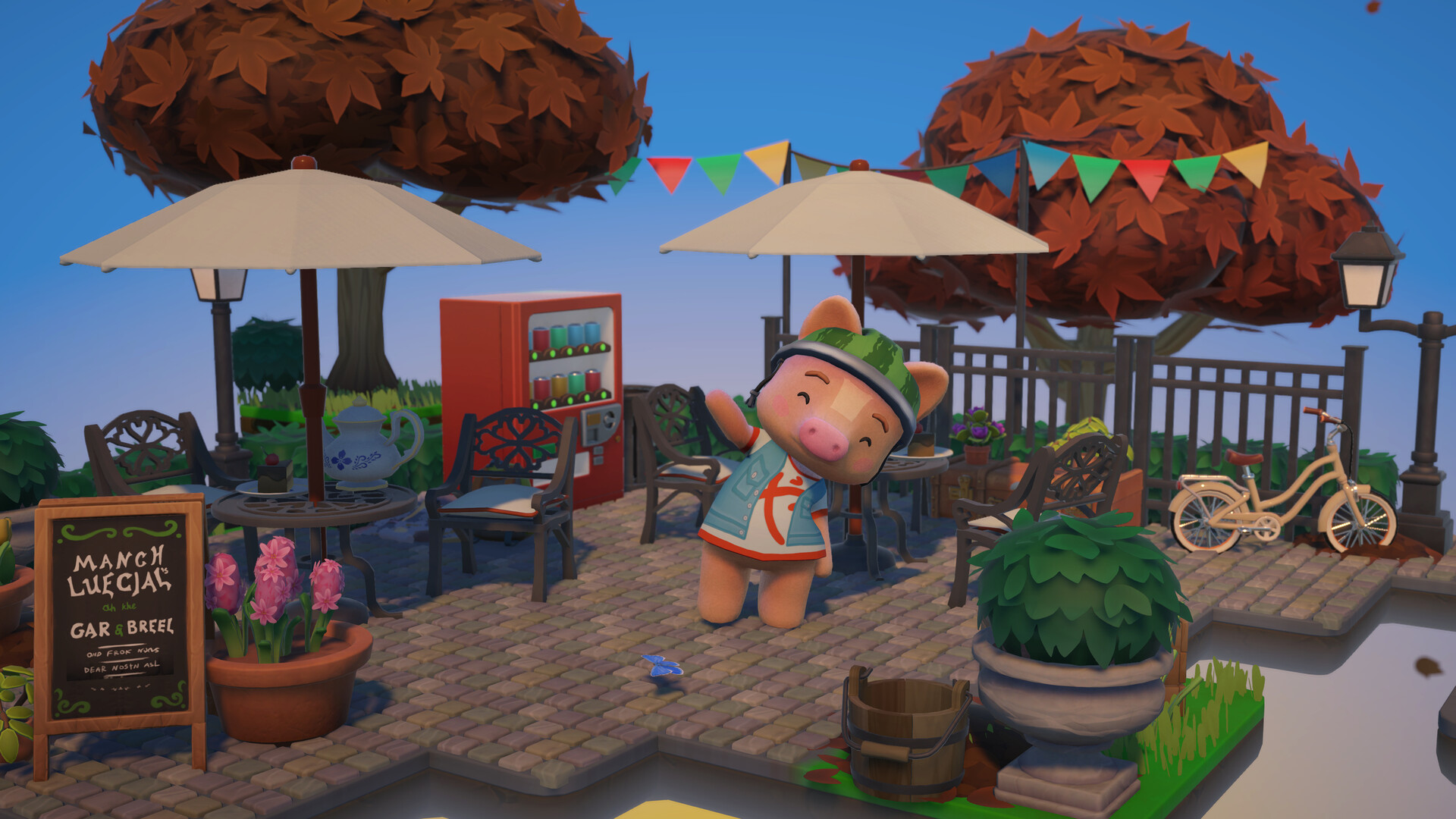
Design your own detailed and peaceful miniataure diarama-style worlds and meet charming villagers along the way. Whether you’re dreaming up a peaceful getaway, a lively neighbourhood or something completely your own, the Sunshine Edition gives you everything you need to create your happy place.
The Sunshine Edition includes:
Hokko Spaces
Lei's Beachside Pack featuring:
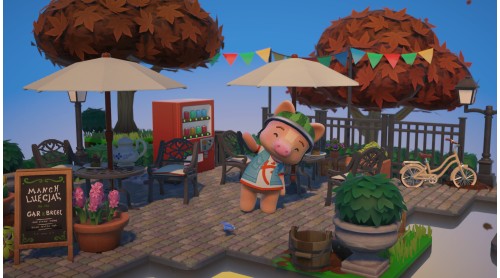
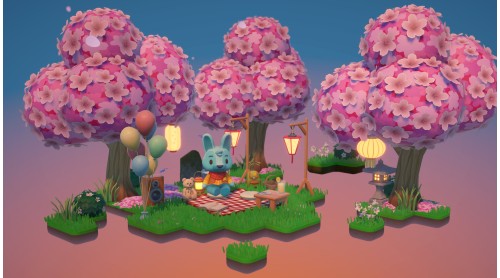
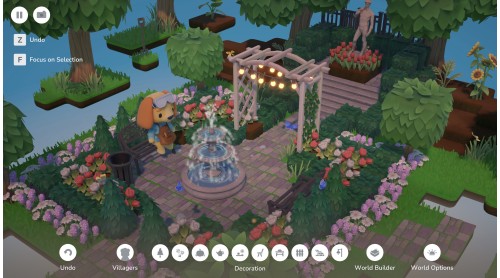
Hokko Spaces is a gentle, creative sandbox experience where you can design beautifully detailed miniature diorama-style worlds, inspired by Hokko Life.

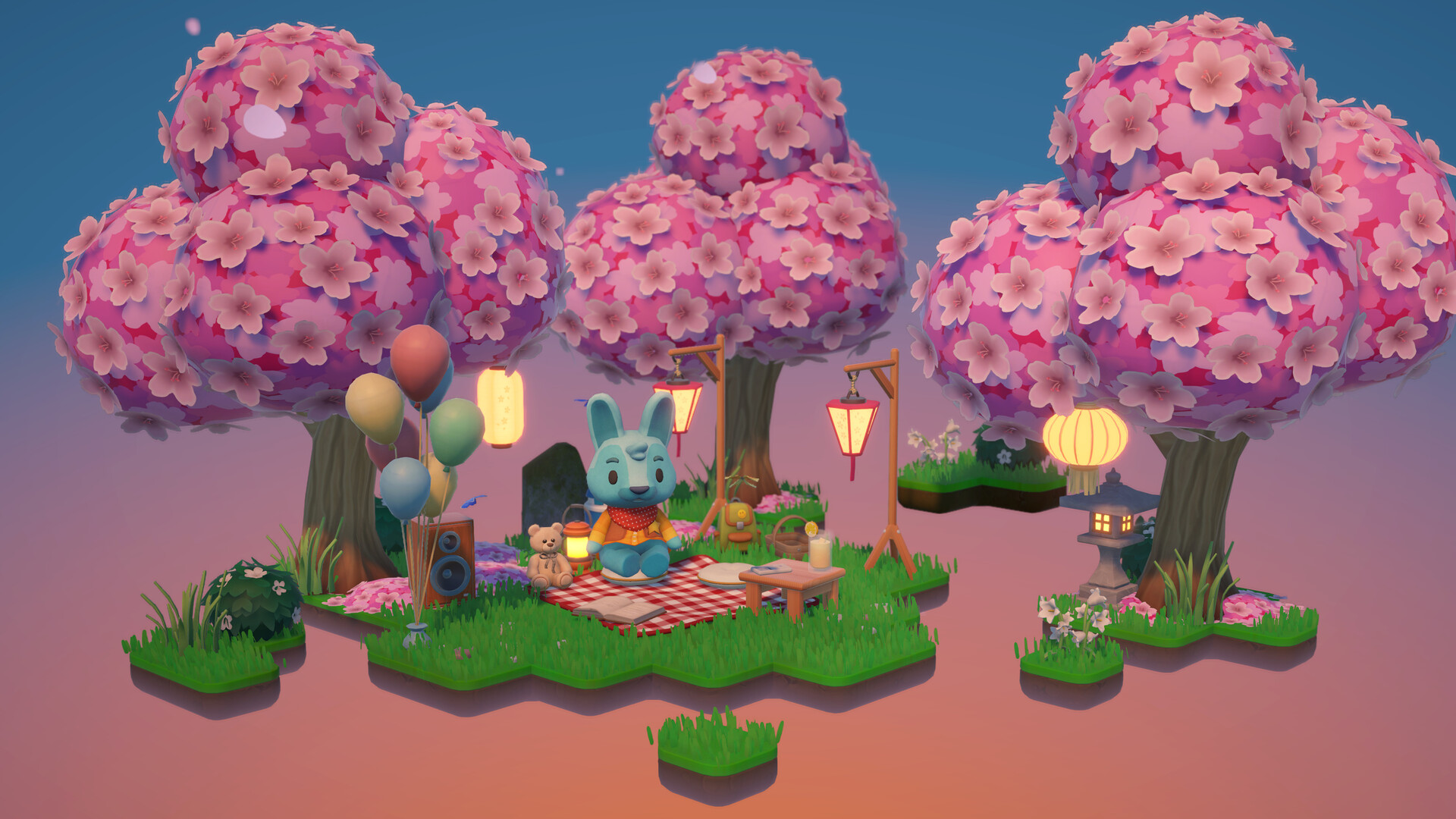
Whether you're crafting a cozy woodland corner, the perfect picnic spot in town, or something entirely your own, every detail comes together to make each space uniquely yours. Shape the perfect atmosphere by adjusting the time of day, weather and seasons, capturing everything from drifting sakura on a spring evening to the first frost on a winter morning.

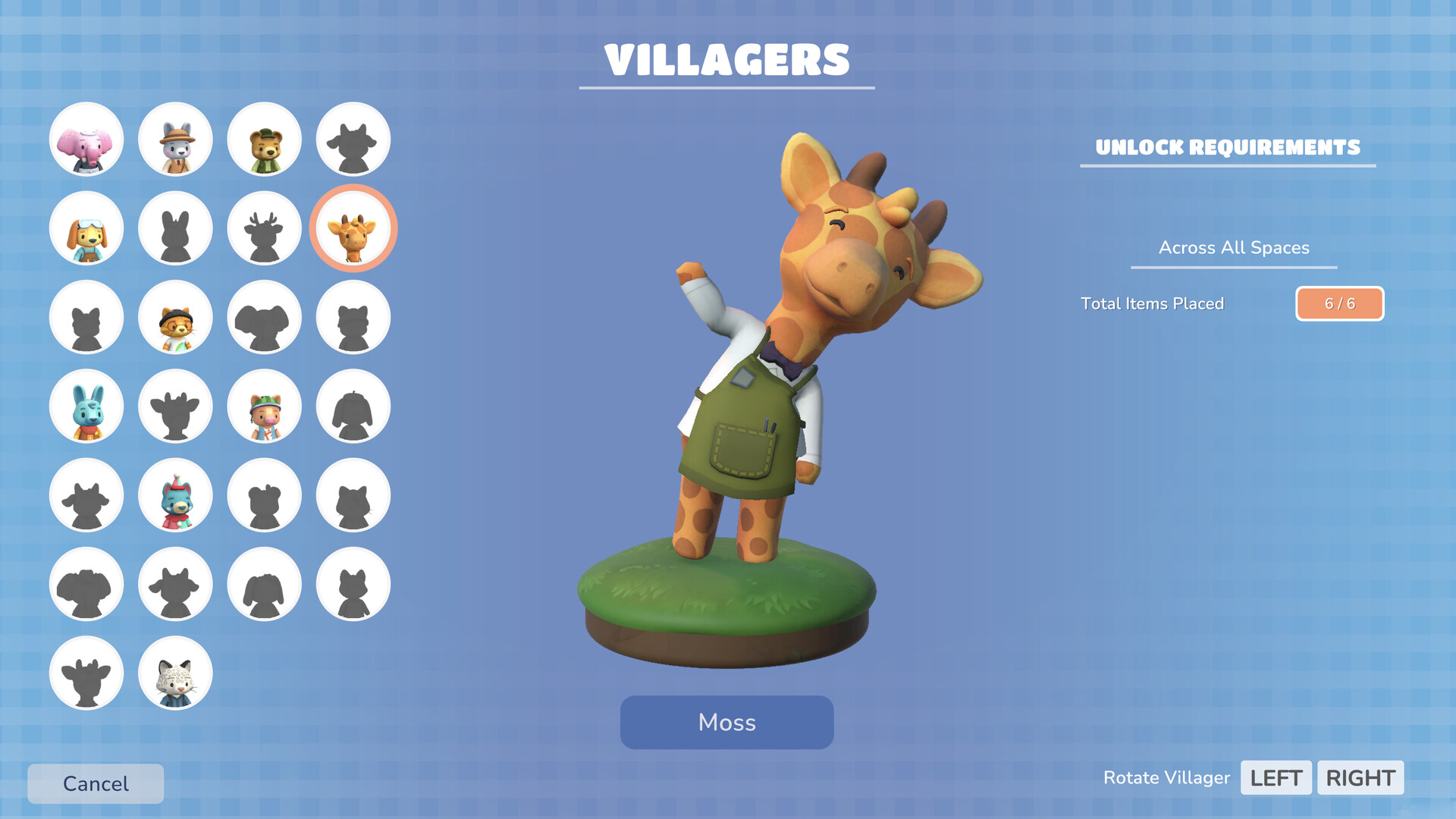
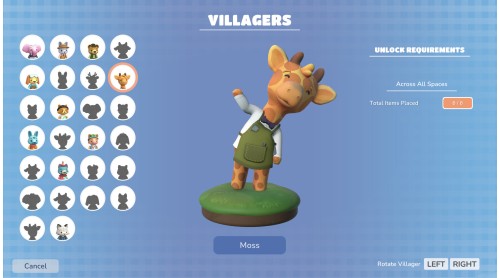
As your spaces grow, friendly residents will begin to appear. Unlock them by completing simple, relaxing goals, and then watch as they wander, unwind, and interact with the objects you've lovingly placed, bringing a sense of life and warmth to each scene.

When everything feels just right, step into camera mode to capture your favourite moments. Experiment with filters, framing and focus to create beautiful snapshots to share with the world.
Whether you're building a peaceful retreat or cozy slice of everyday life, Hokko Spaces invites you to slow down and create something truly personal, one small peaceful space at a time.
Hokko® Spaces © 2026 Wonderscope Games Ltd, All Rights Reserved. Hokko® is a Registered Trademark of Wonderscope Games Ltd.
Published by Team17. Team17 is a trademark or registered trademark of Team17 Digital Limited.


How to activate your Steam key?
1. Open your Steam client. (If you don't have a Steam Client, you can install from here https://store.steampowered.com/about/)
2. Sign in to your Steam account. (If you don't have a Steam Account, you can create from here https://store.steampowered.com/join/)
3. Click “ADD A GAME” button which is at the bottom of the Steam Client.
4. Now select "Activate a product on Steam..."
5. Write or copy-paste your Steam key which you purchased from Gamesforpc.
6. Now your game is in your library.
7. Find your game in your library, select and click install to start your download.