 Steam
Steam  Windows
 | Release Date | 09.03.2026 |
| Publisher | Fireshine Games |
| Operating Systems | Windows |
| Genres | Action, Simulation, Strategy, casual, indie |
12.99€
7.79€
Added to Cart
12.99€
7.79€
Added to Wishlist
12.99€
7.79€
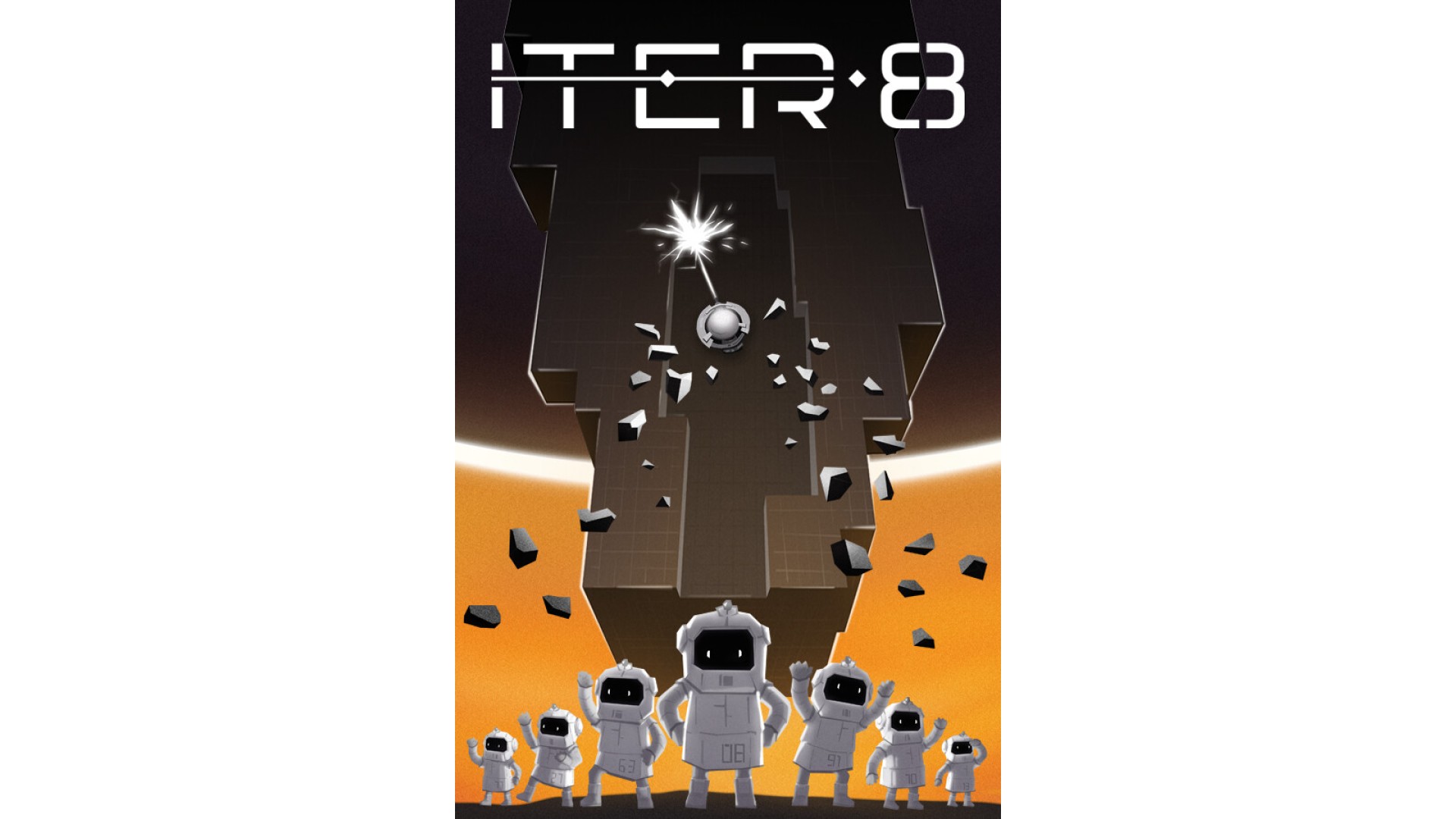
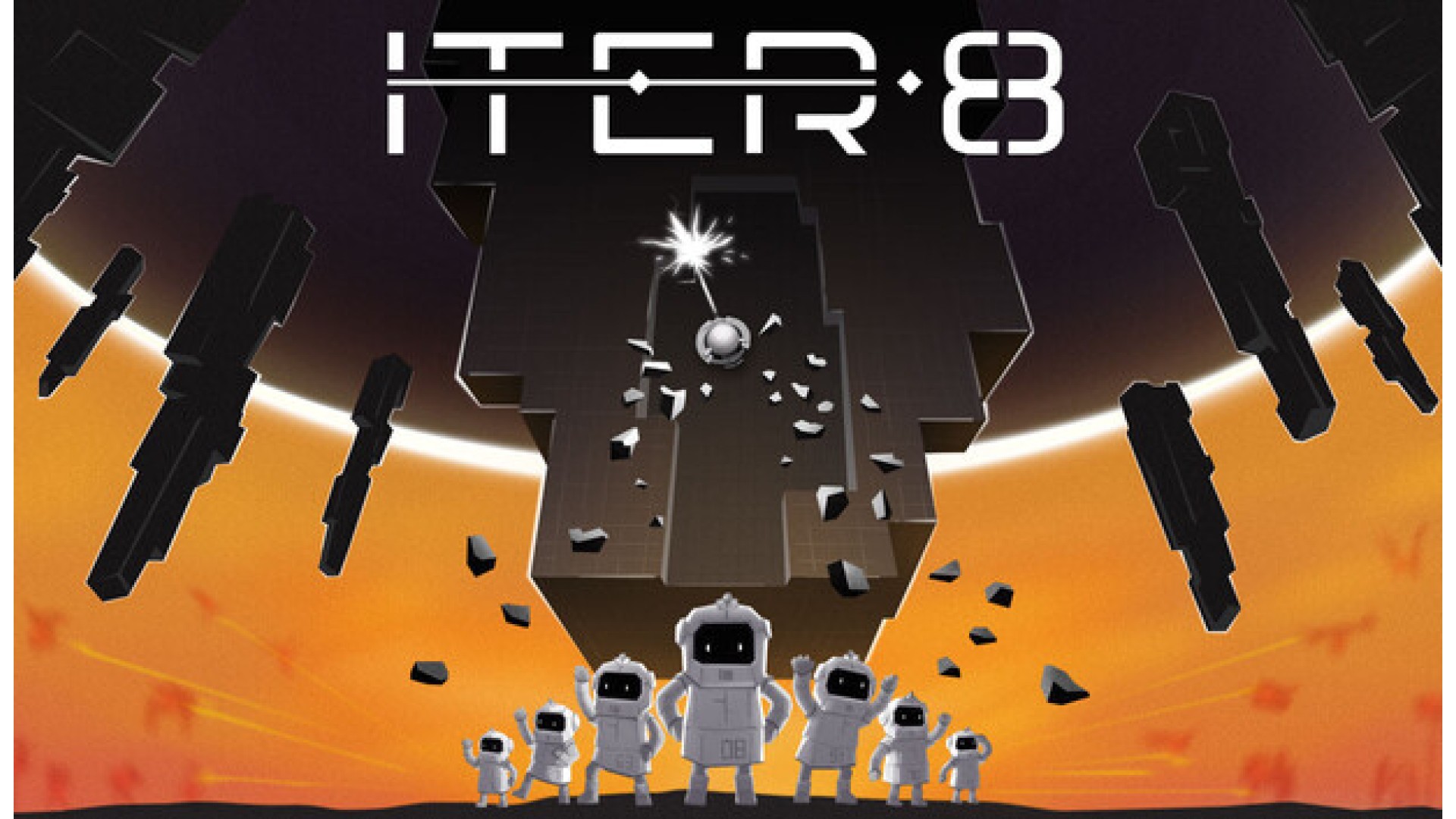
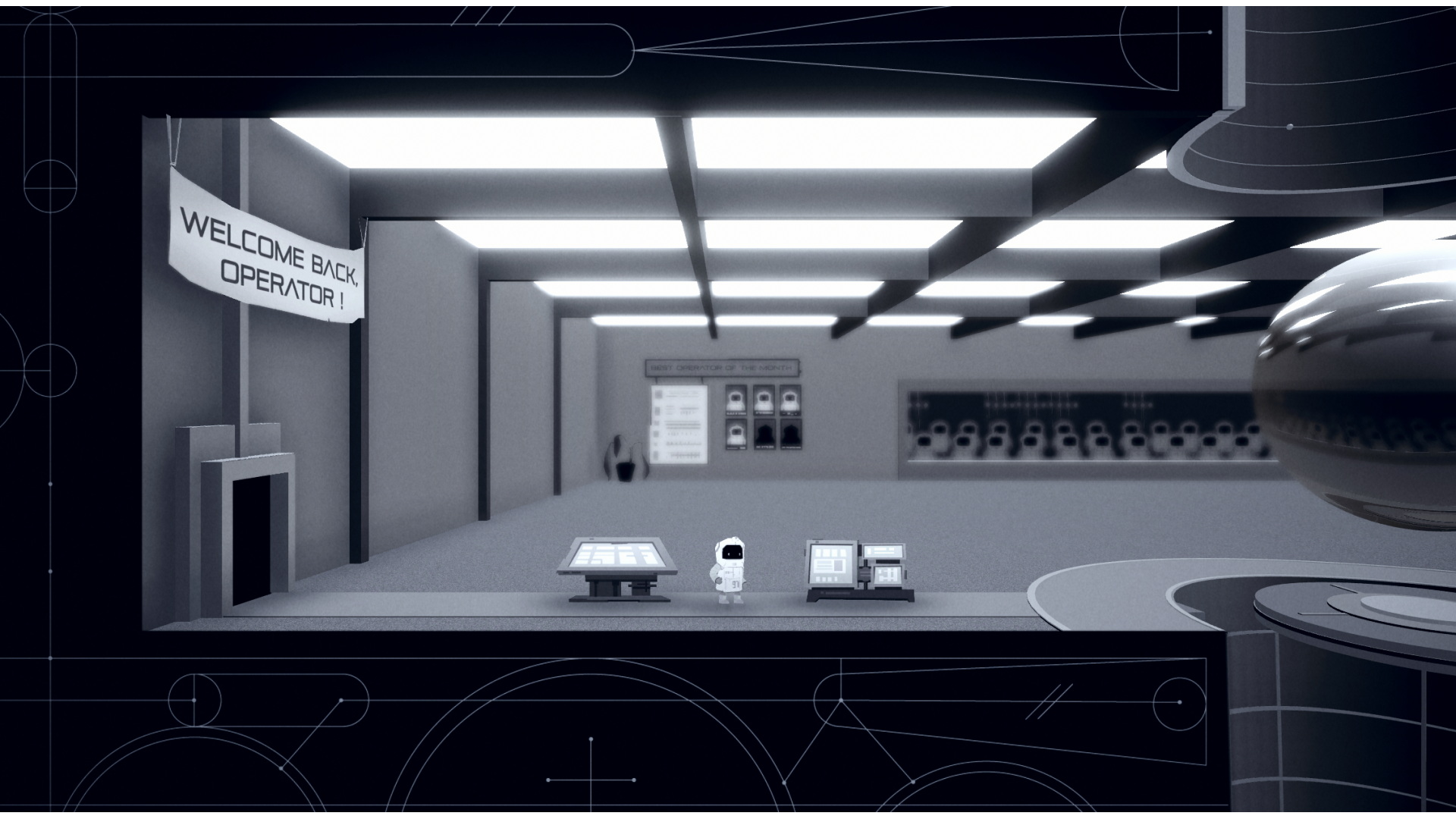
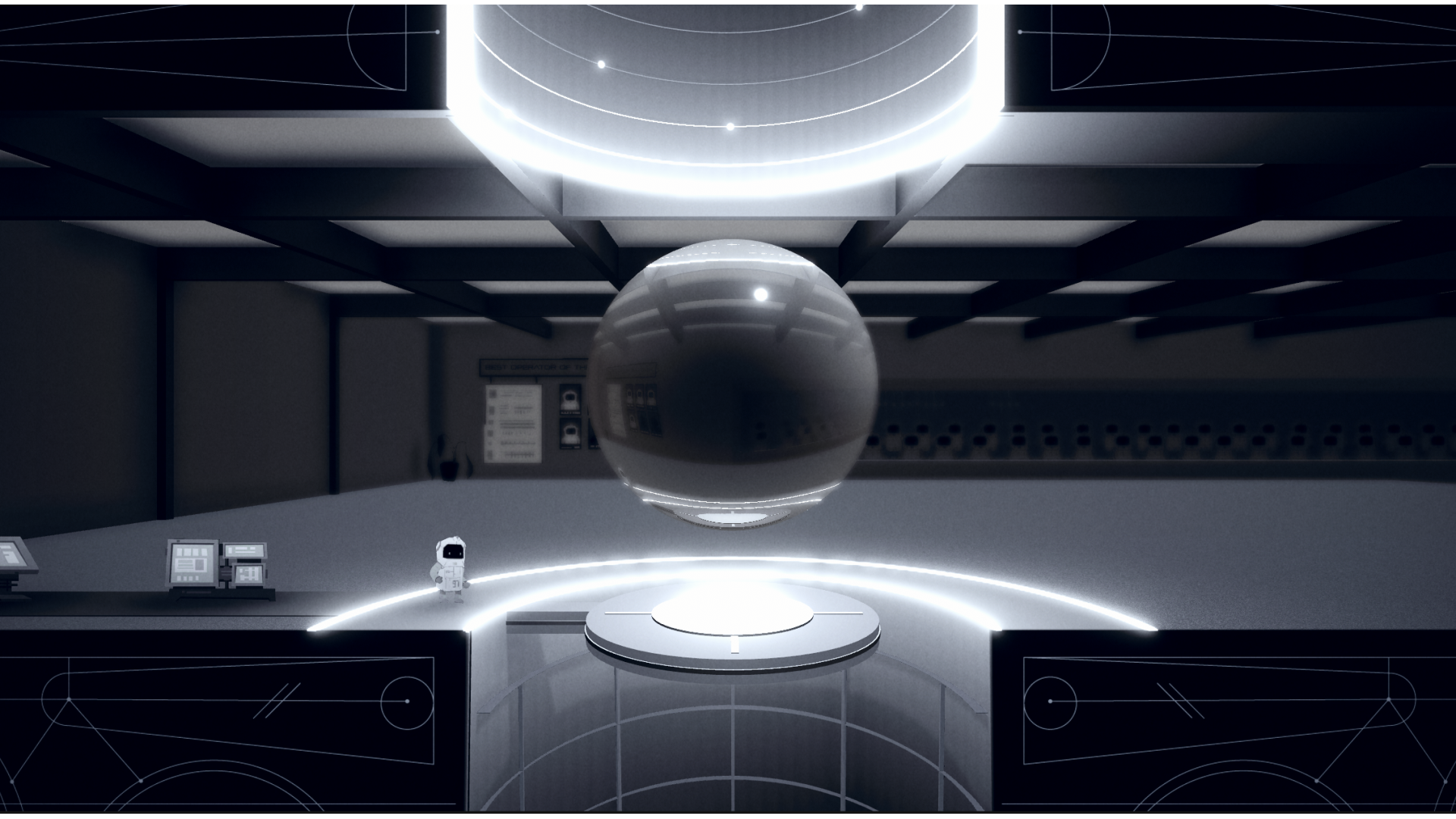
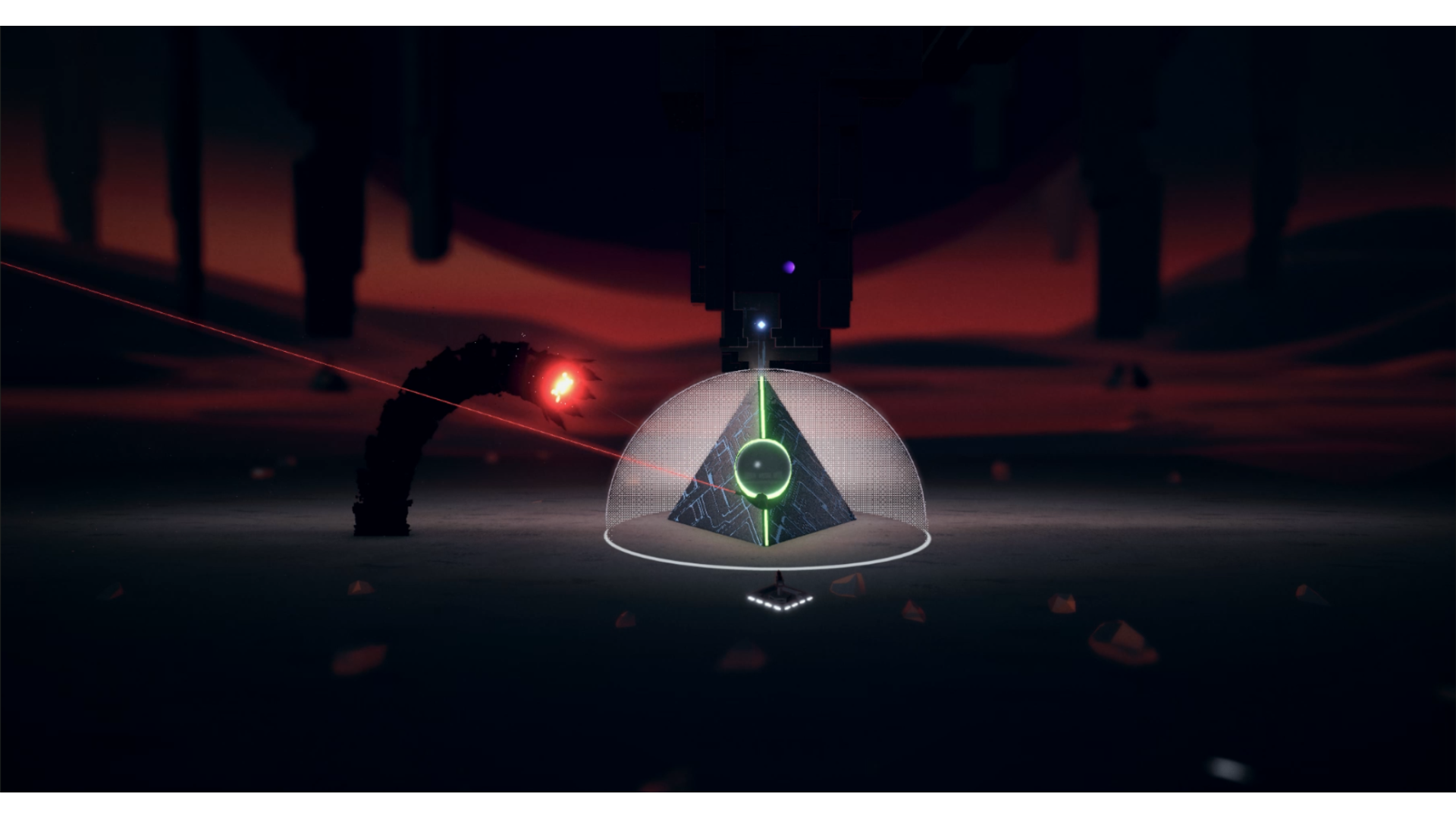
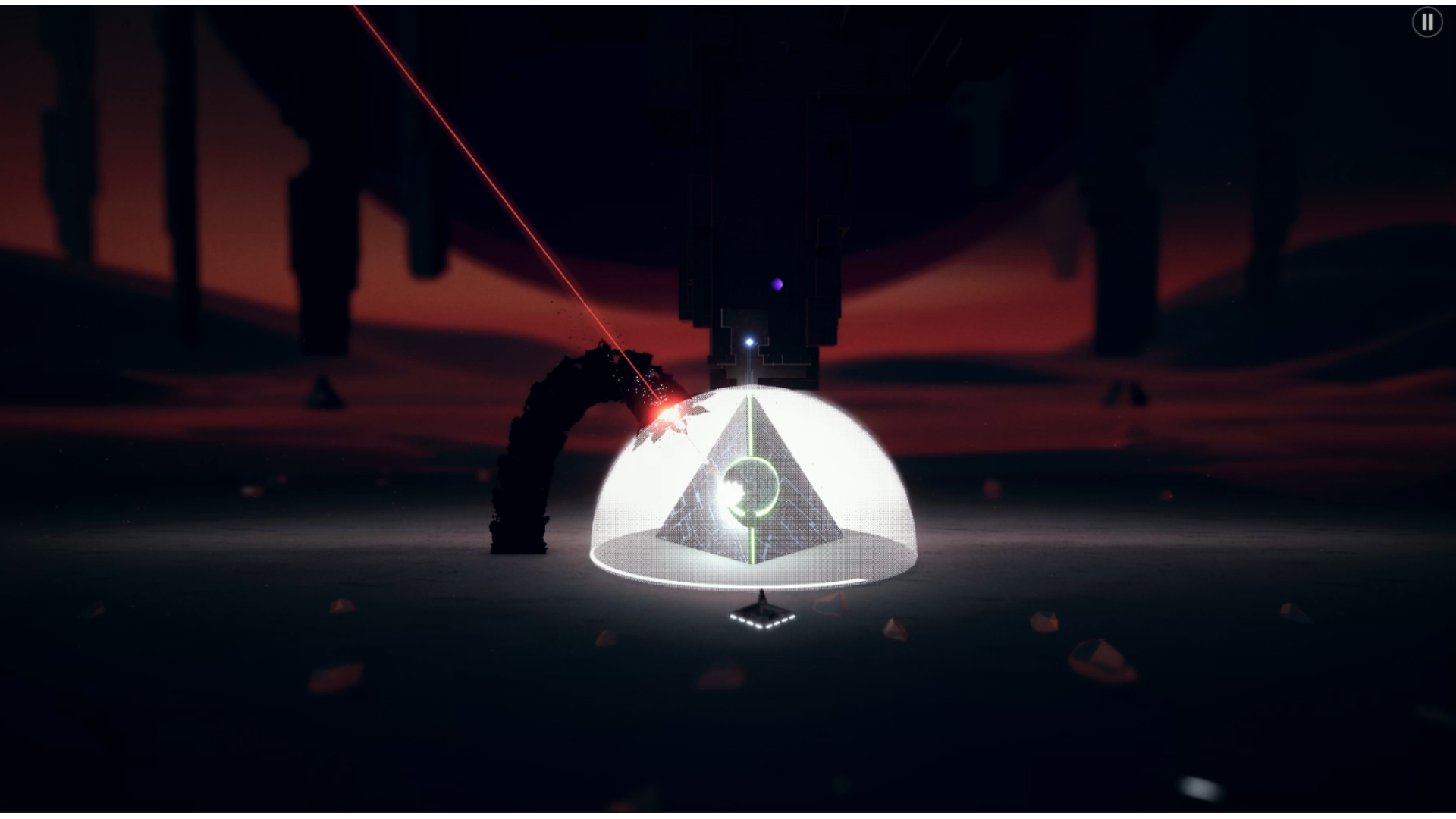
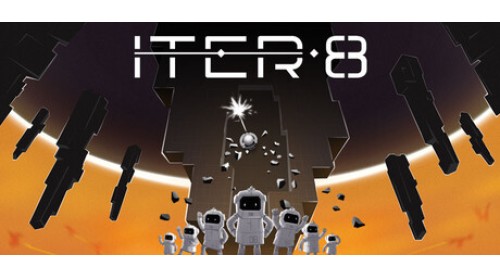
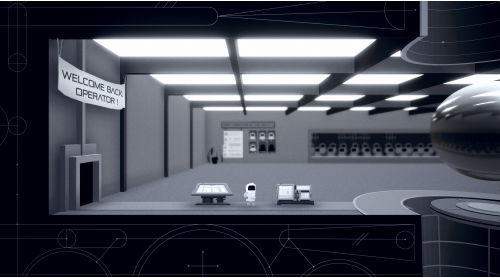
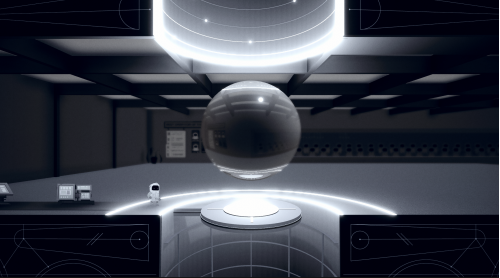
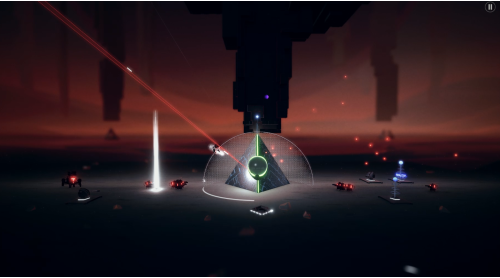
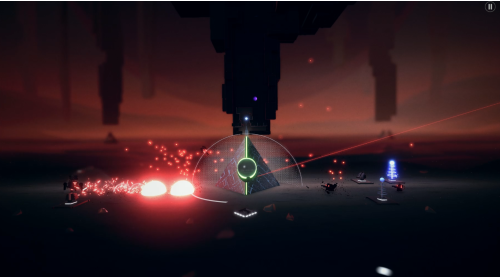
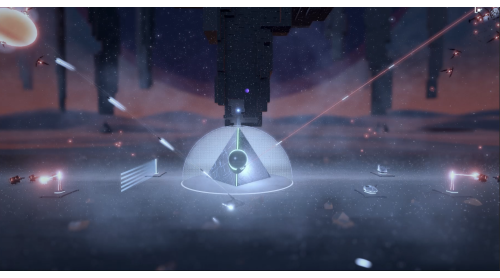
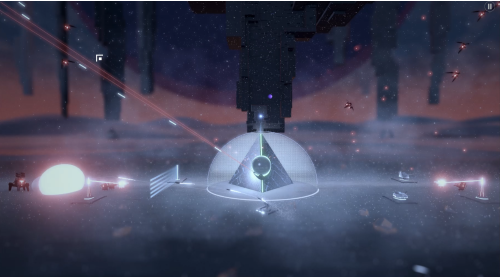
You have been randomly selected for the ITER Corporation’s exciting vertical ventures department. Drill the pillars that encircle our homeworld, extract essential resources, and try not to get obliterated in the process. If you fail, don’t worry, your replacement will be along shortly - probably with a better attitude.
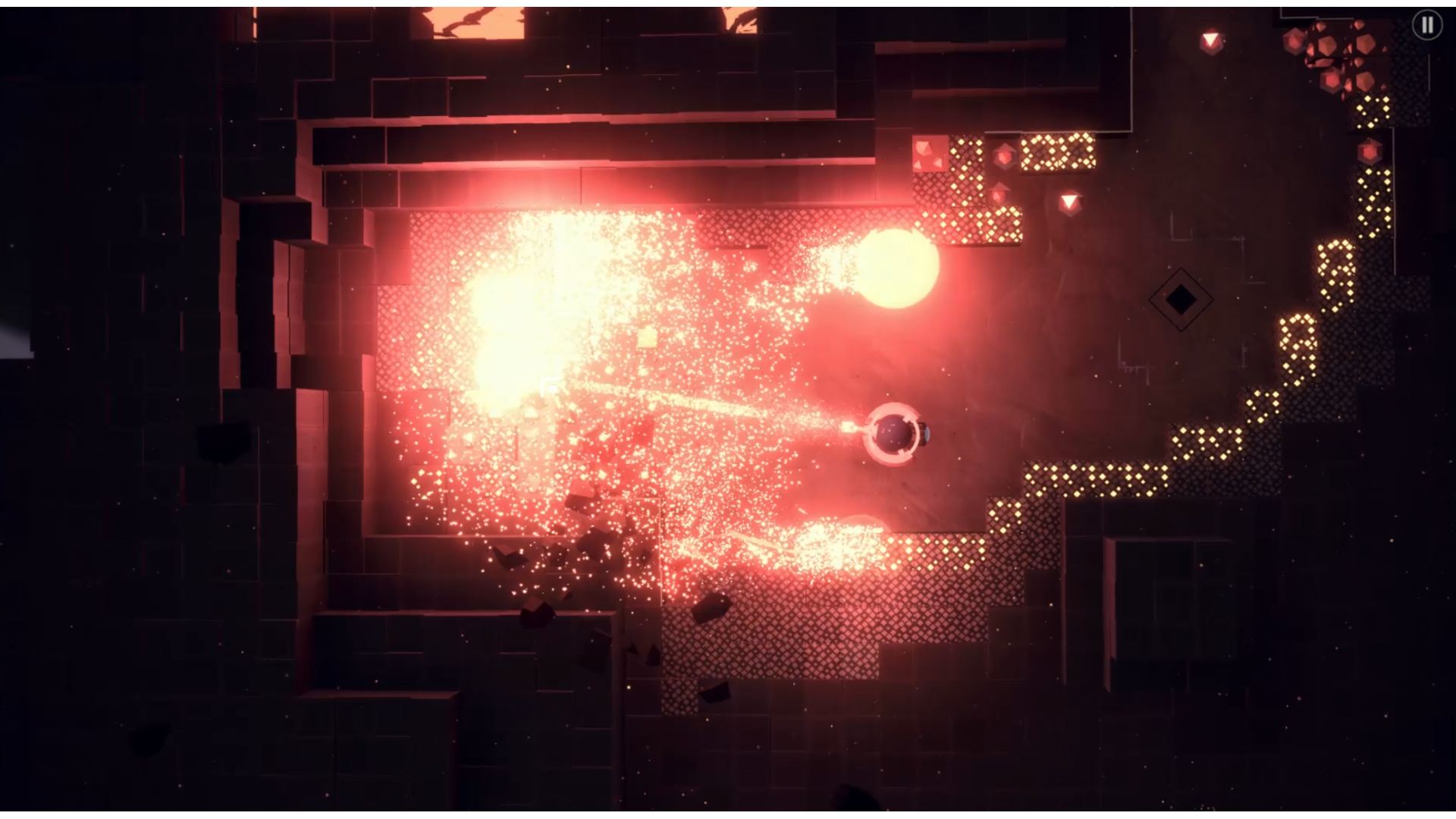
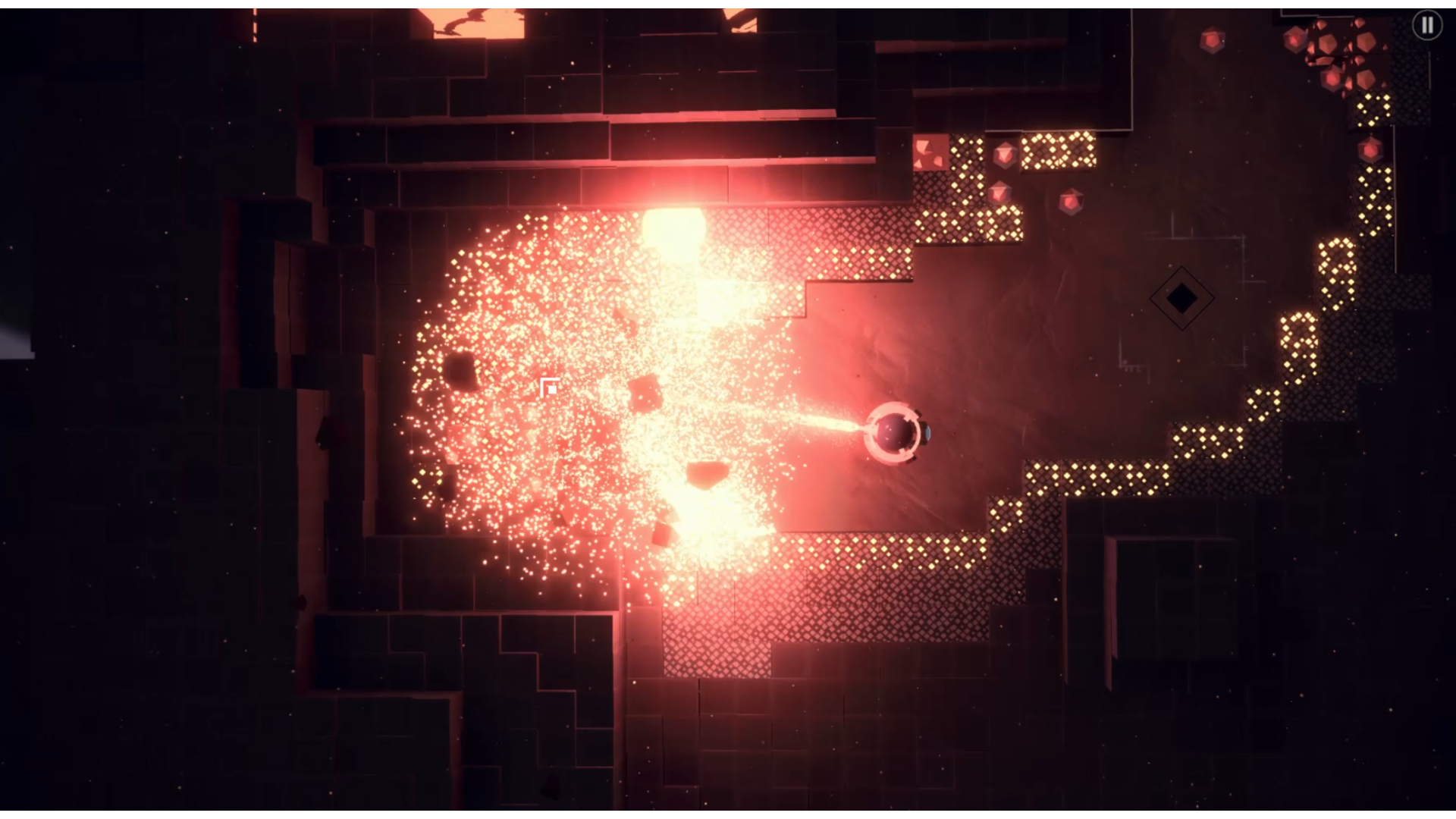
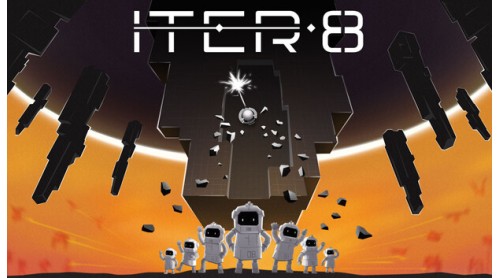
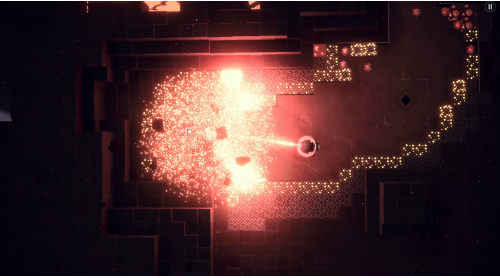
Crack open the Pillars like a big happy management-mandated breakroom piñata. Inside you’ll find valuable minerals and definitely no workplace hazards.
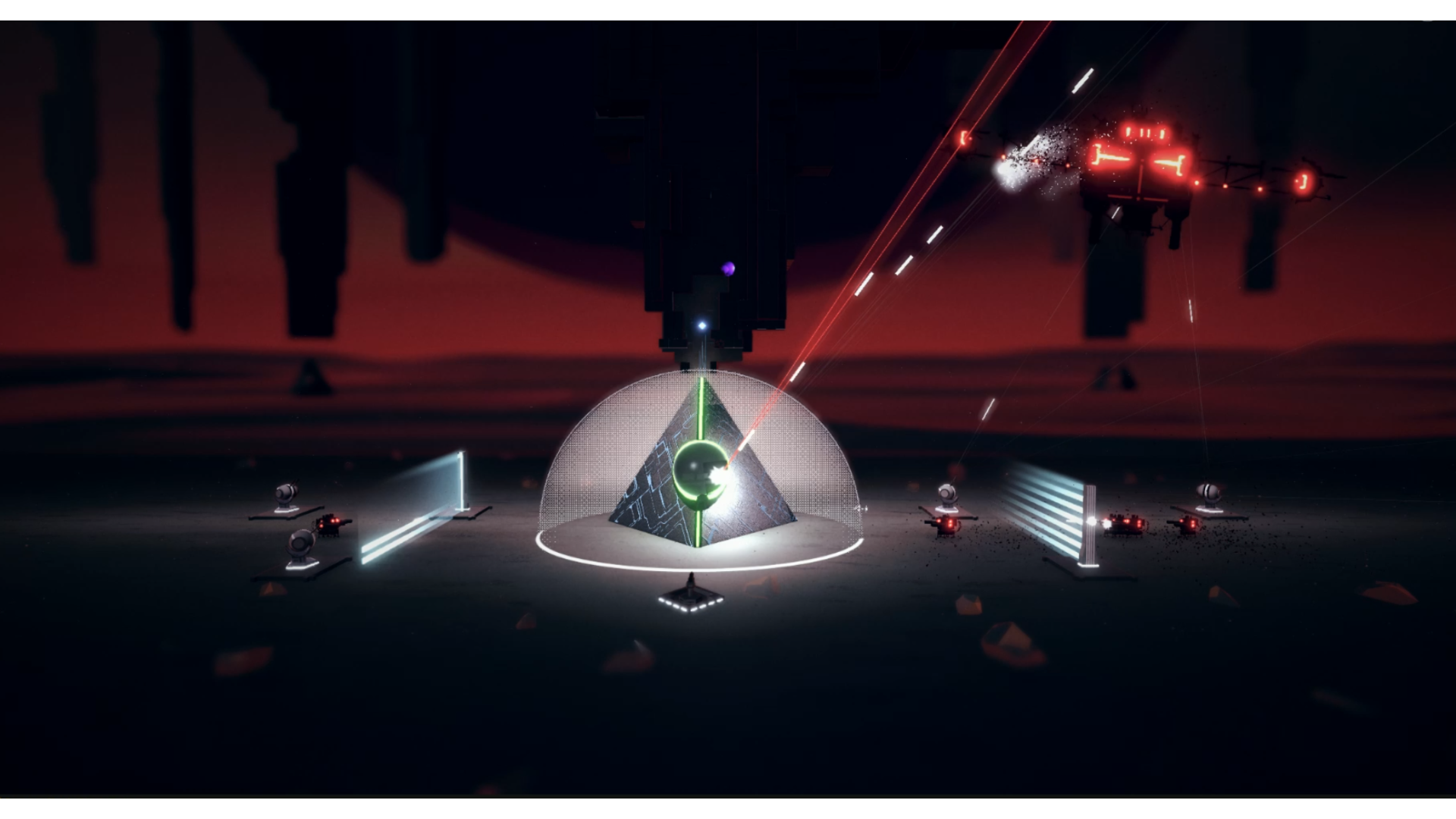
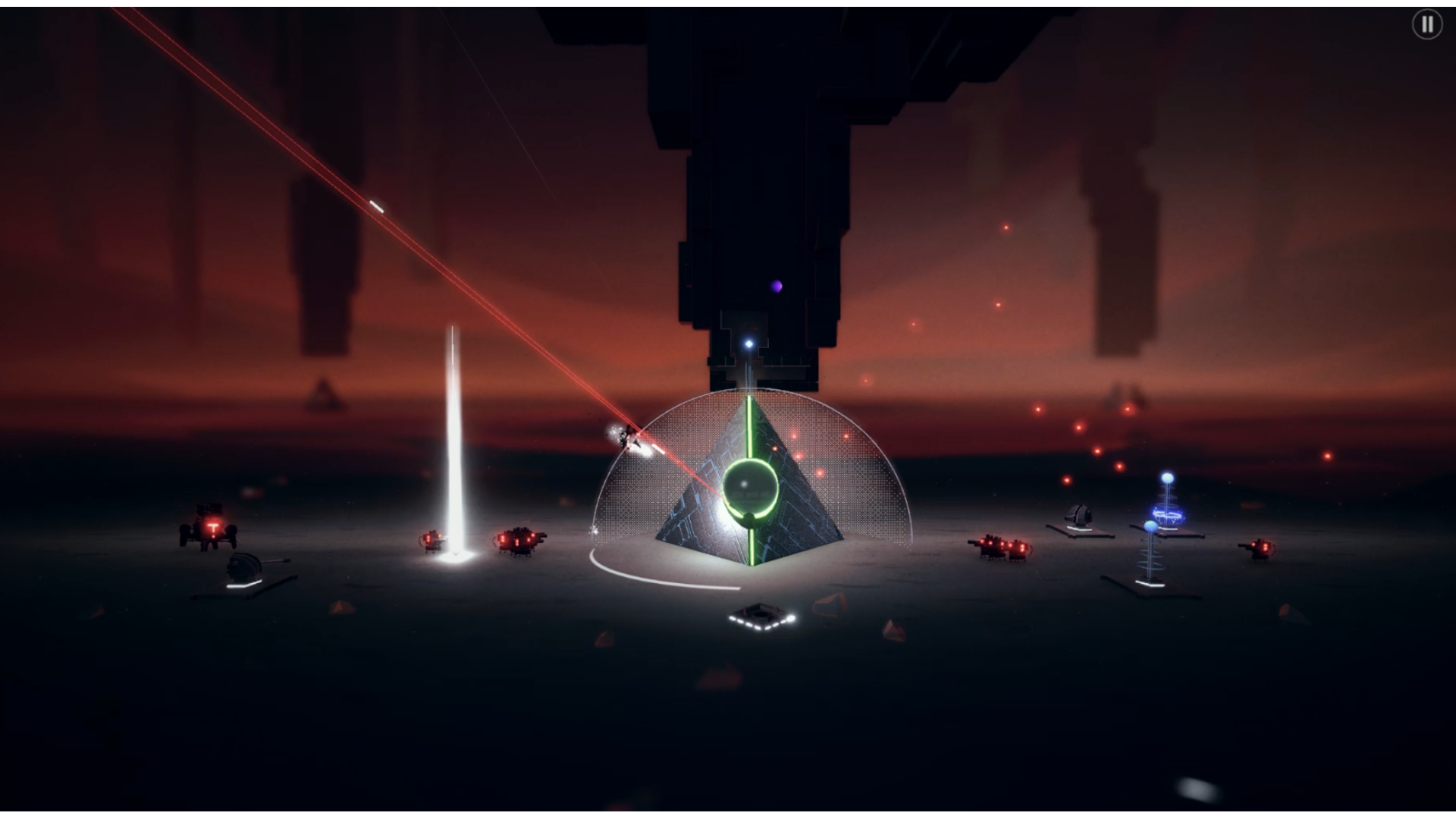
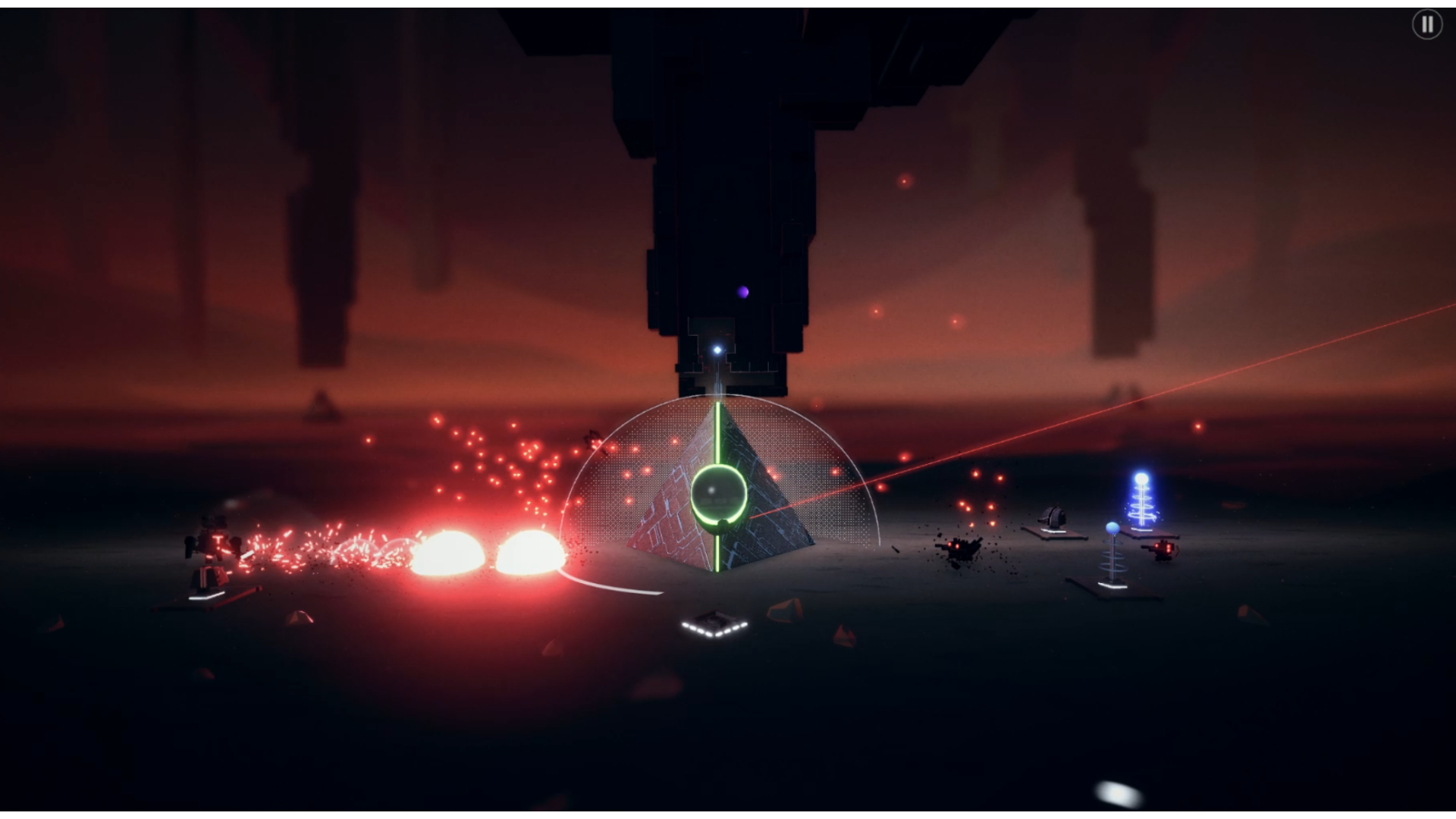
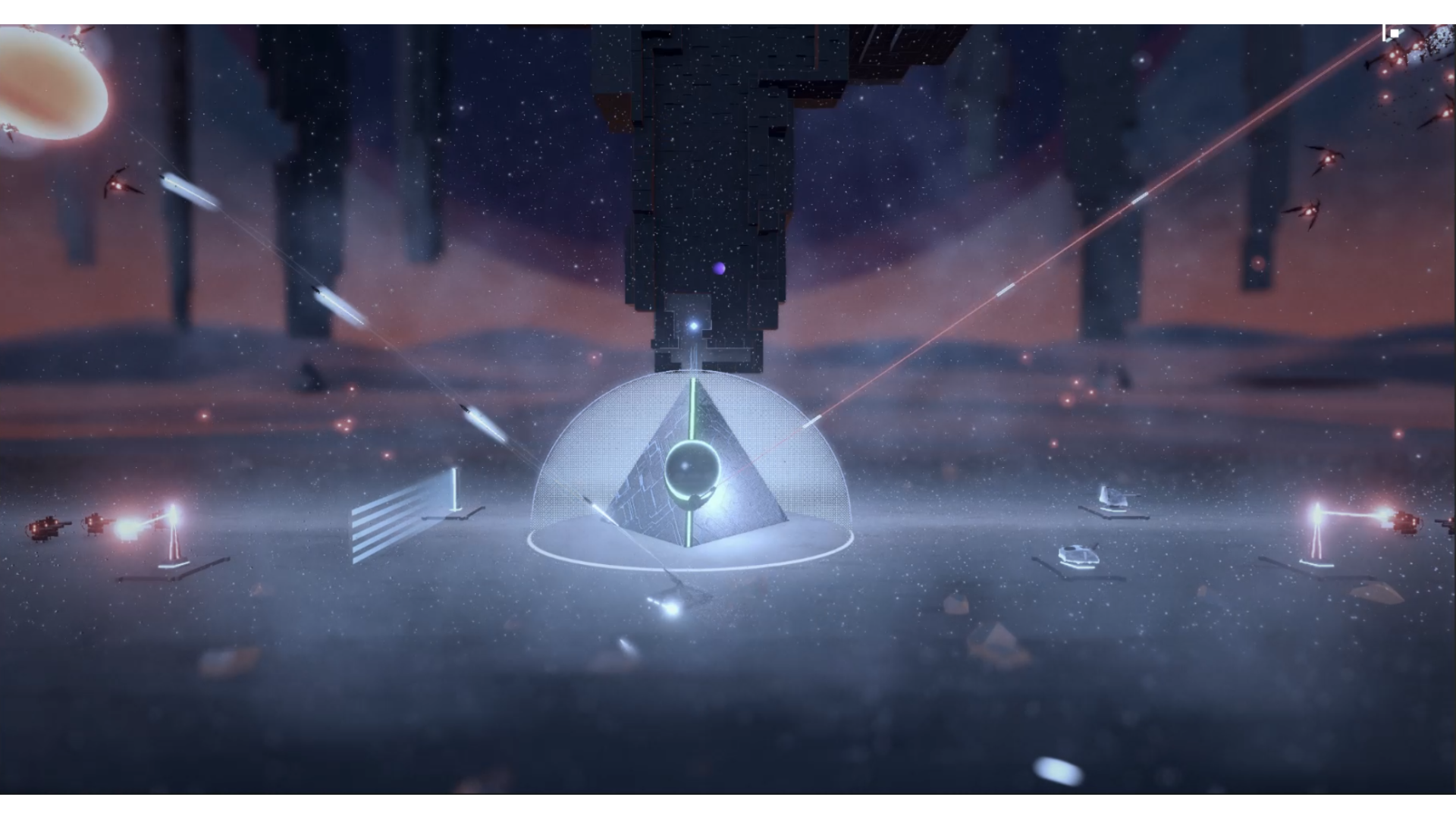
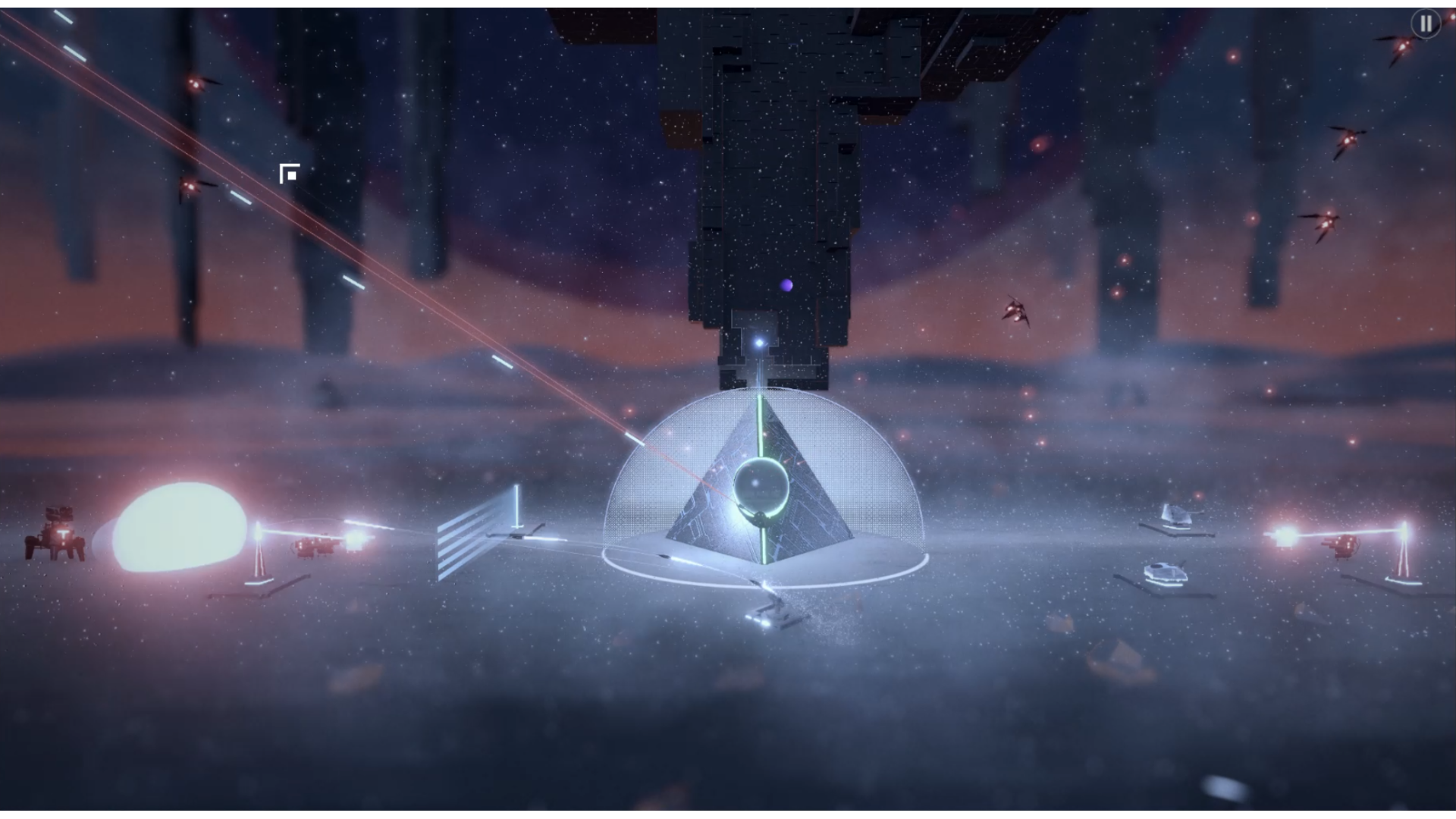
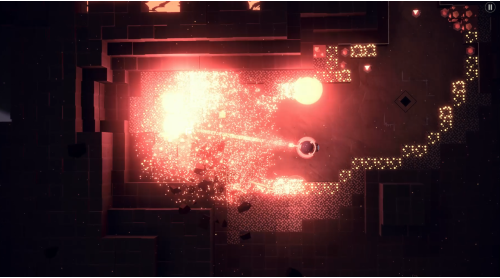
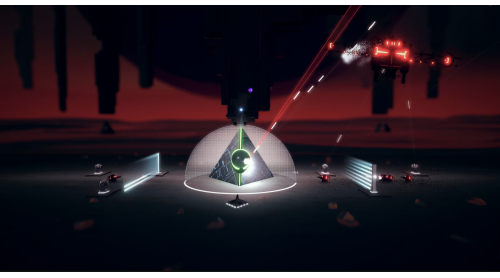
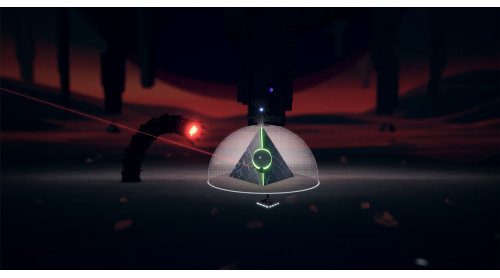
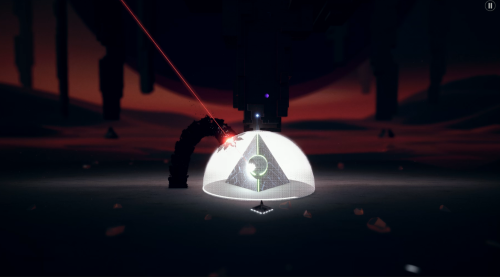
The Company needs you, your hand eye coordination, and your bullets. Take control of the gun tower and build automated turrets to fend off waves of potential threats on the surface.
ITER puts self-improvement first. Mine faster, shoot harder, or slap some duct tape on that gear in the name of “R&D.” Your career growth is in your hands (until they’re vaporised).
We are grateful for your continued commitment to ITER. Your inevitable replacement will pick up where you left off and may even bring new skills… Remember, in space, no one can hear you scream - and to do so is a waste of valuable company time
Copyright 2026 fluckyMachine. All rights reserved. Published by Fireshine Games. "Fireshine Games" is a trademark of Sold Out Sales & Marketing Limited. All rights reserved.


How to activate your Steam key?
1. Open your Steam client. (If you don't have a Steam Client, you can install from here https://store.steampowered.com/about/)
2. Sign in to your Steam account. (If you don't have a Steam Account, you can create from here https://store.steampowered.com/join/)
3. Click “ADD A GAME” button which is at the bottom of the Steam Client.
4. Now select "Activate a product on Steam..."
5. Write or copy-paste your Steam key which you purchased from Gamesforpc.
6. Now your game is in your library.
7. Find your game in your library, select and click install to start your download.