







 Steam
Steam  Windows
 6.99€
Added to Cart
6.99€
Added to Wishlist
6.99€
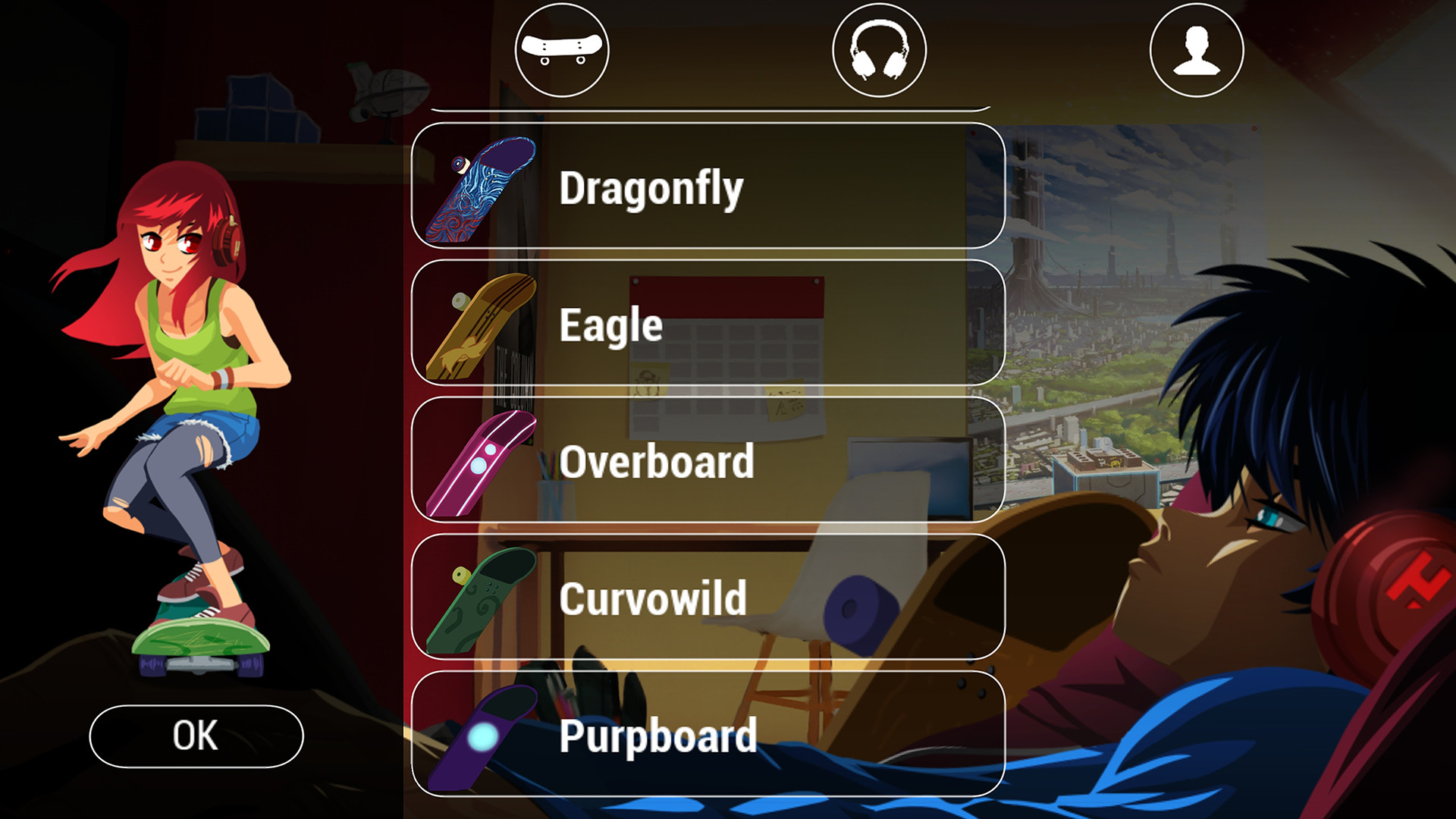
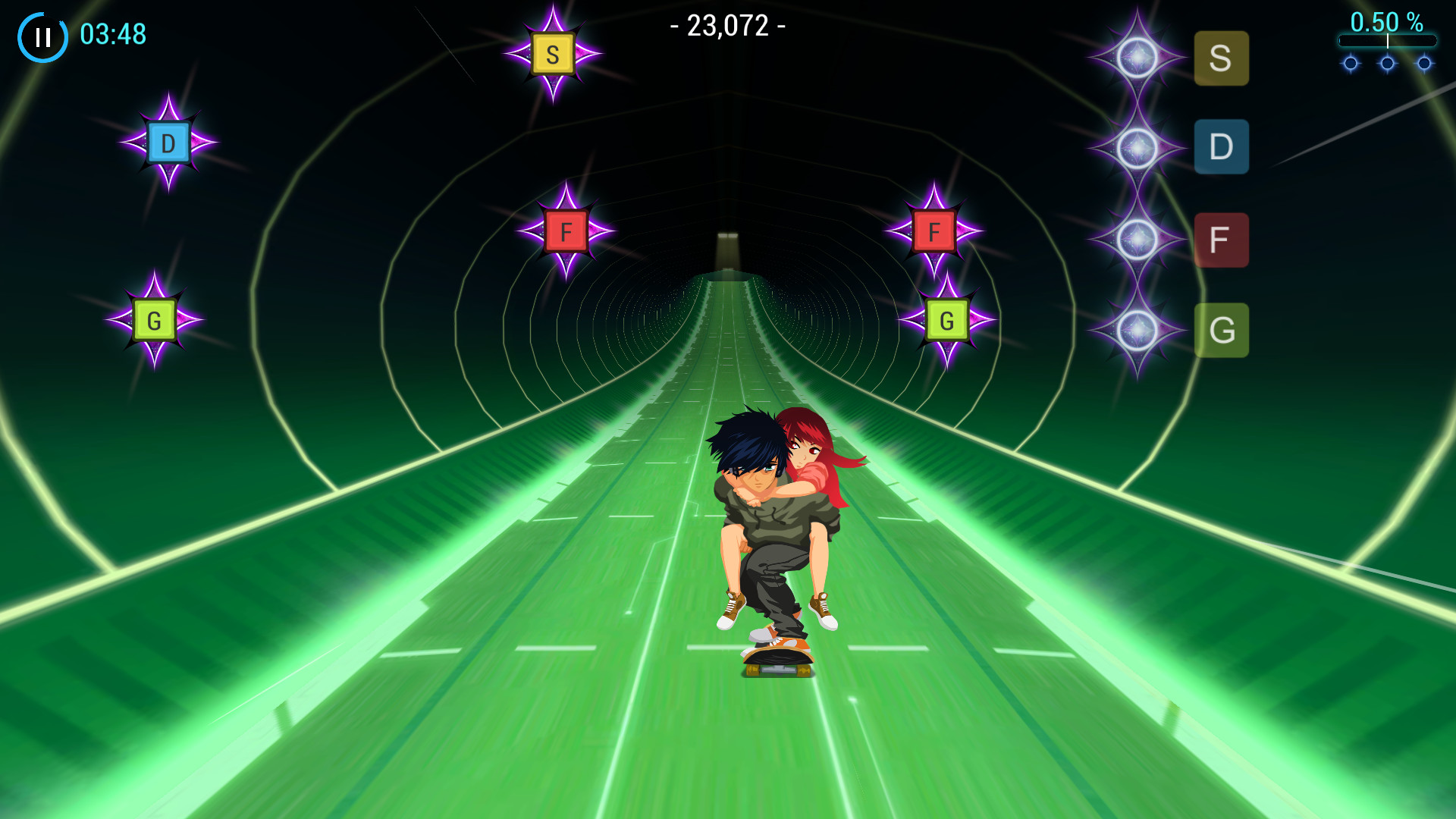
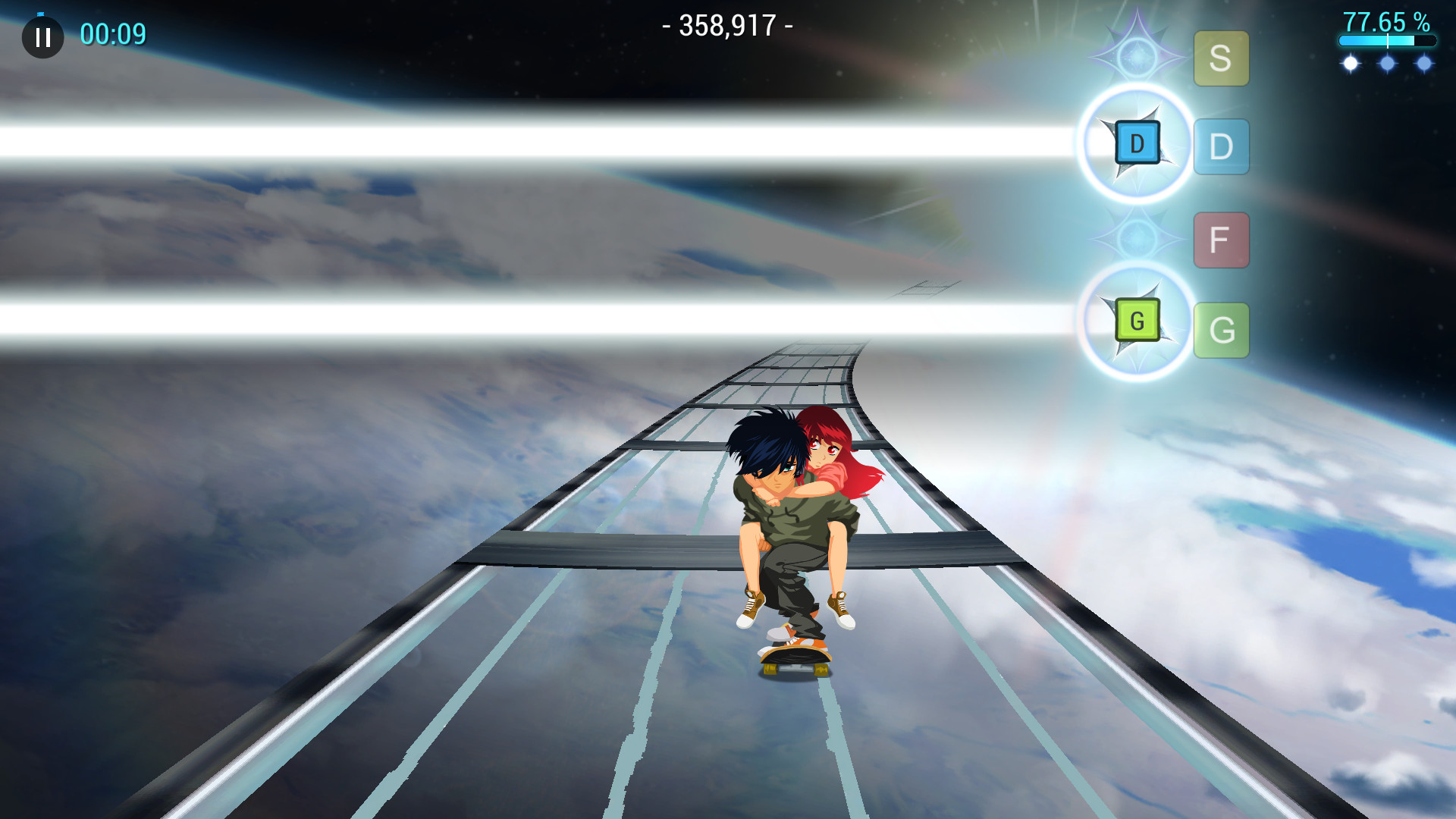
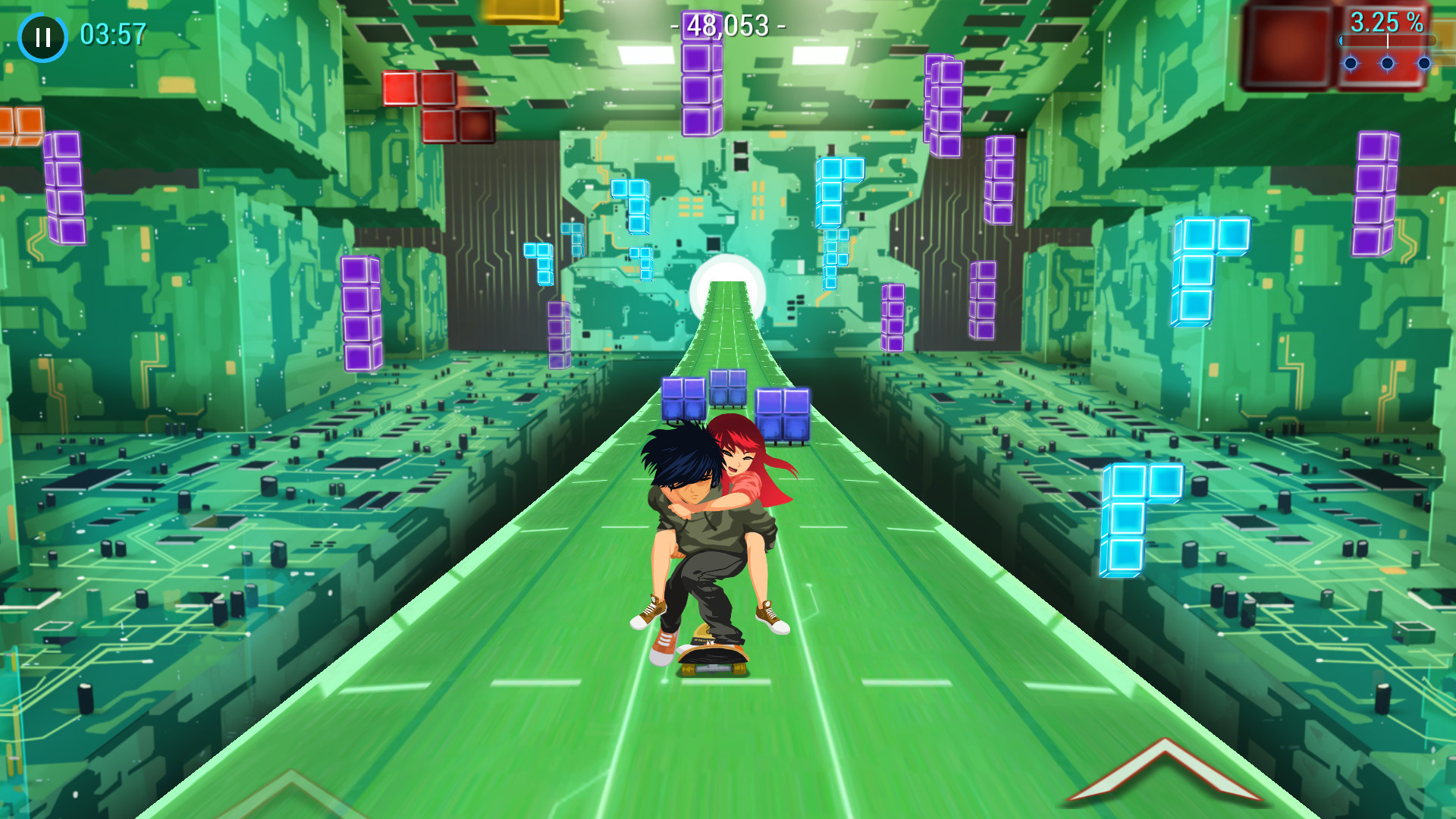
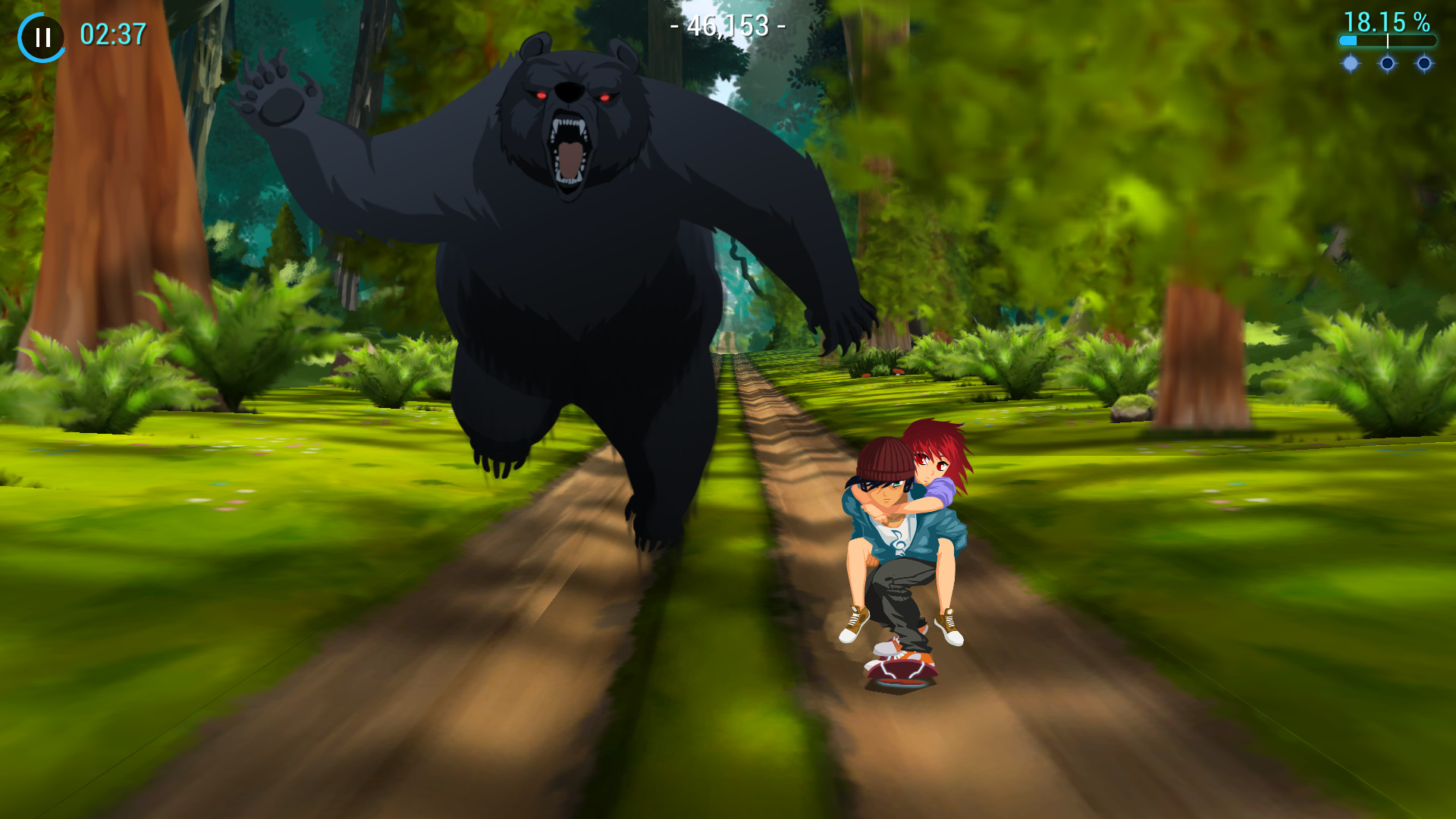
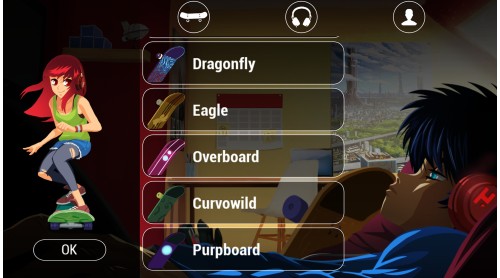
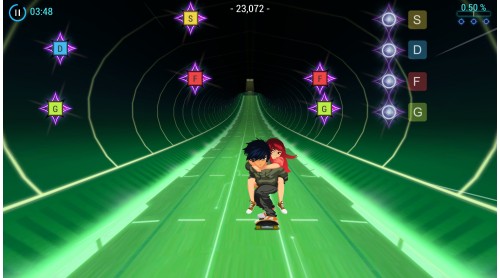
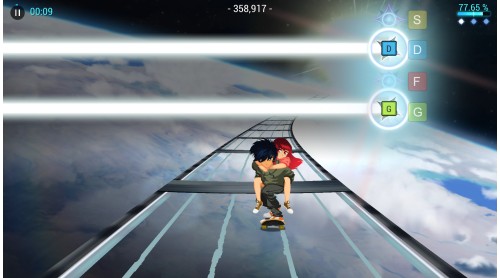
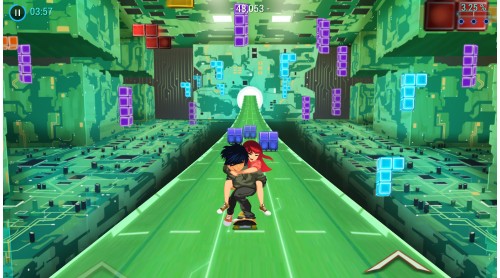
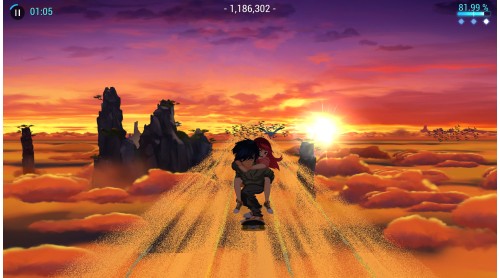
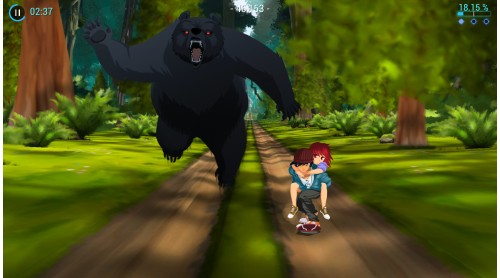
Dive into a fantastic musical odyssey, brought by an immersive soundtrack imagined by famous composers Wyclef Jean, Roc Chen, Mark Griskey, Borislav Slavov Onoken, Godspeed Vivix, Tadayoshi Makino, Fumitake Igarashi, Tsukasa Tawada and Xilix.
Lost in Harmony is a trademark from Digixart Entertainment. Published 2021 by THQ Nordic GmbH, Austria.


How to activate your Steam key?
1. Open your Steam client. (If you don't have a Steam Client, you can install from here https://store.steampowered.com/about/)
2. Sign in to your Steam account. (If you don't have a Steam Account, you can create from here https://store.steampowered.com/join/)
3. Click “ADD A GAME” button which is at the bottom of the Steam Client.
4. Now select "Activate a product on Steam..."
5. Write or copy-paste your Steam key which you purchased from Gamesforpc.
6. Now your game is in your library.
7. Find your game in your library, select and click install to start your download.