 Steam
Steam  Windows
 | Release Date | 25.03.2026 |
| Publisher | H2 Interactive Publishing |
| Operating Systems | Windows |
| Genres | Action, sport, casual |
17.49€
Added to Cart
17.49€
Added to Wishlist
17.49€
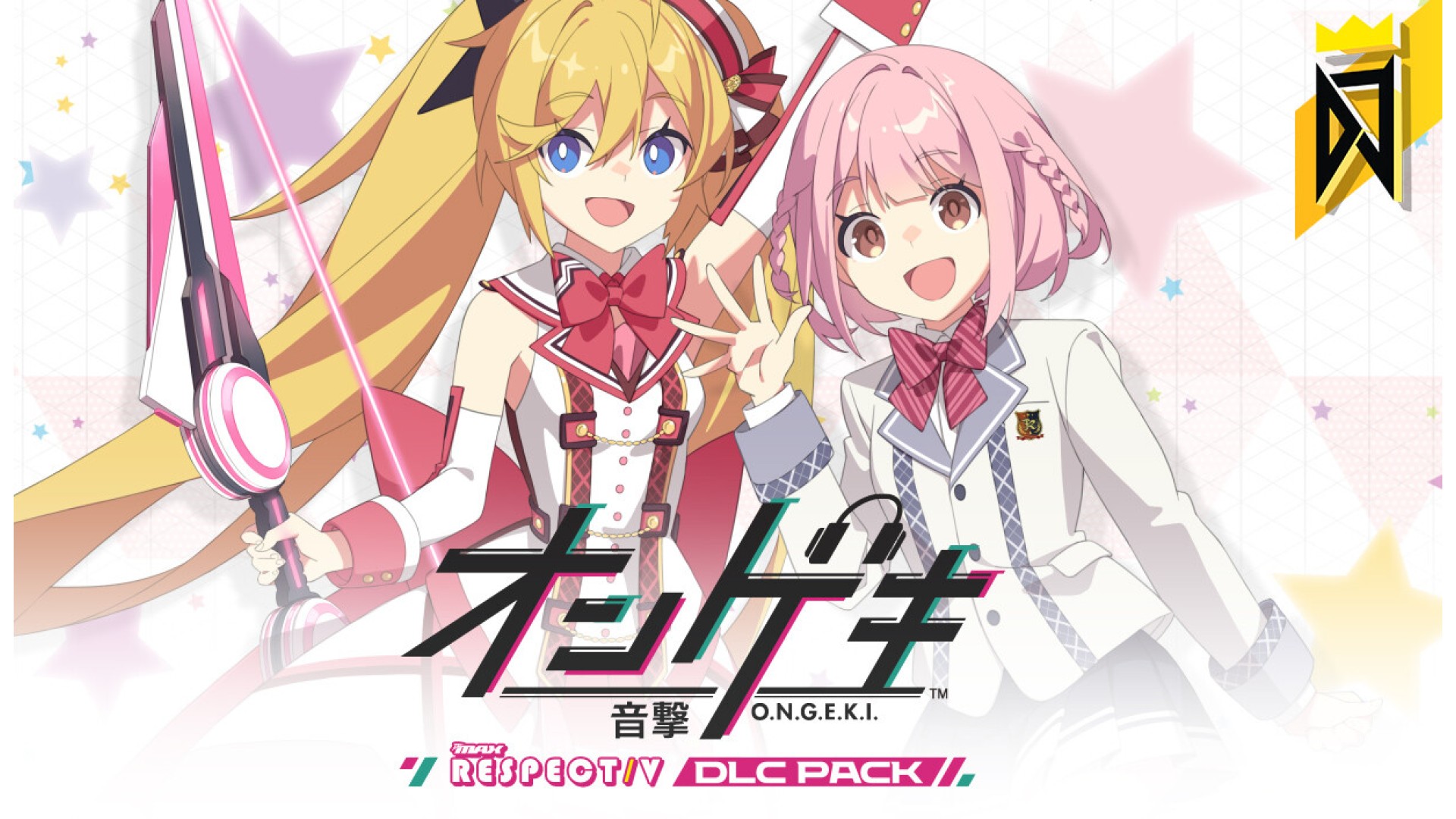
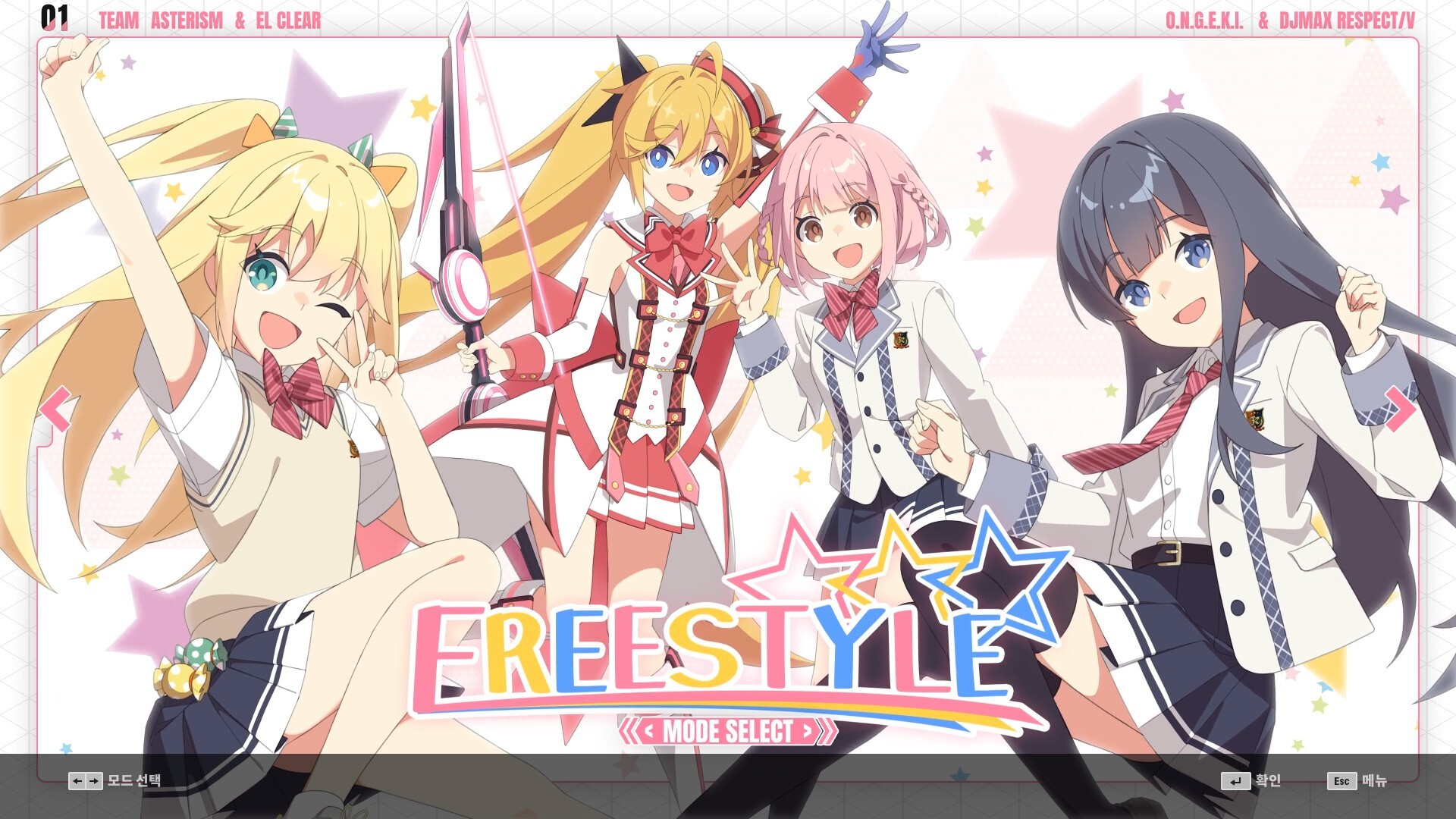
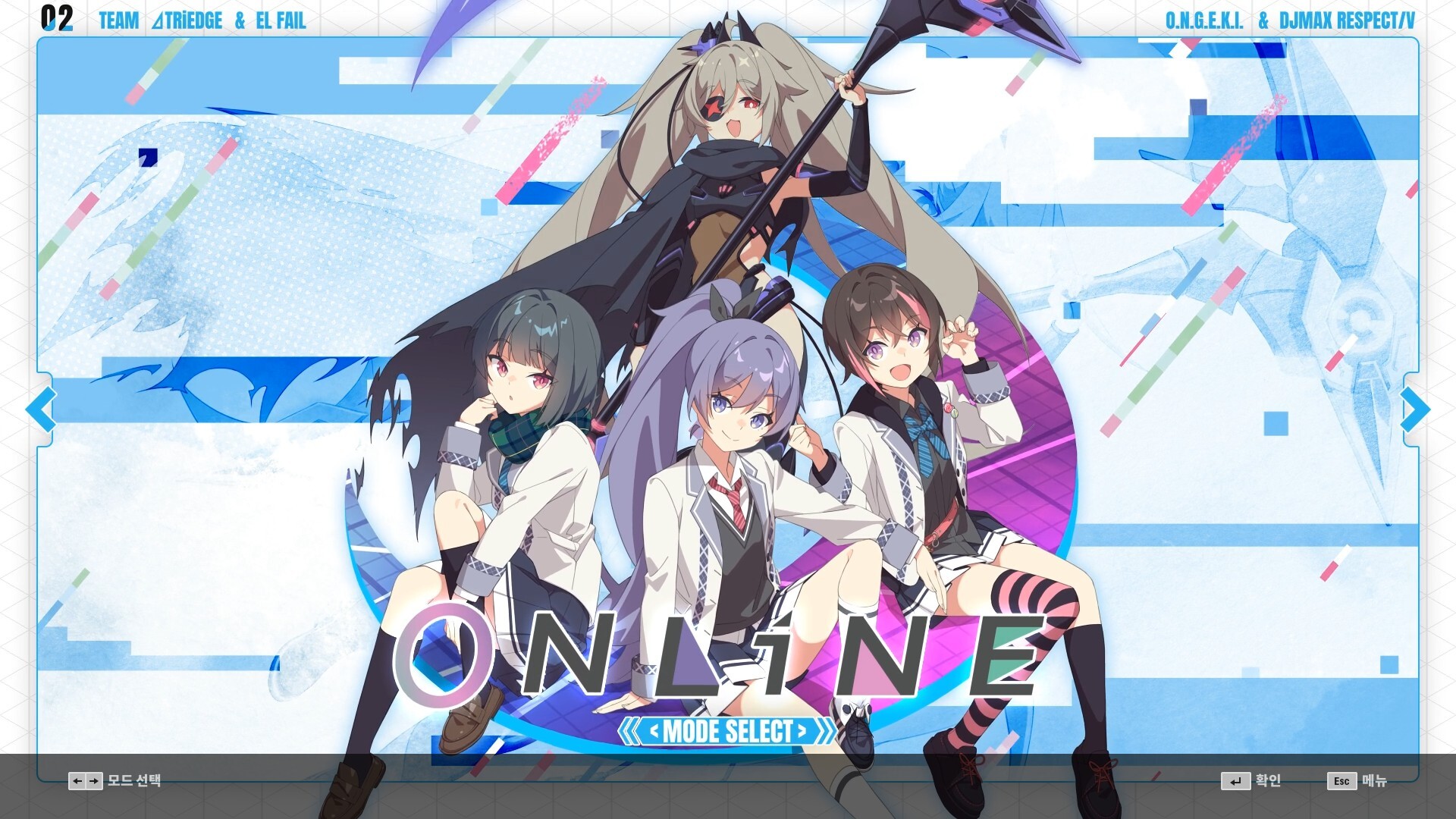
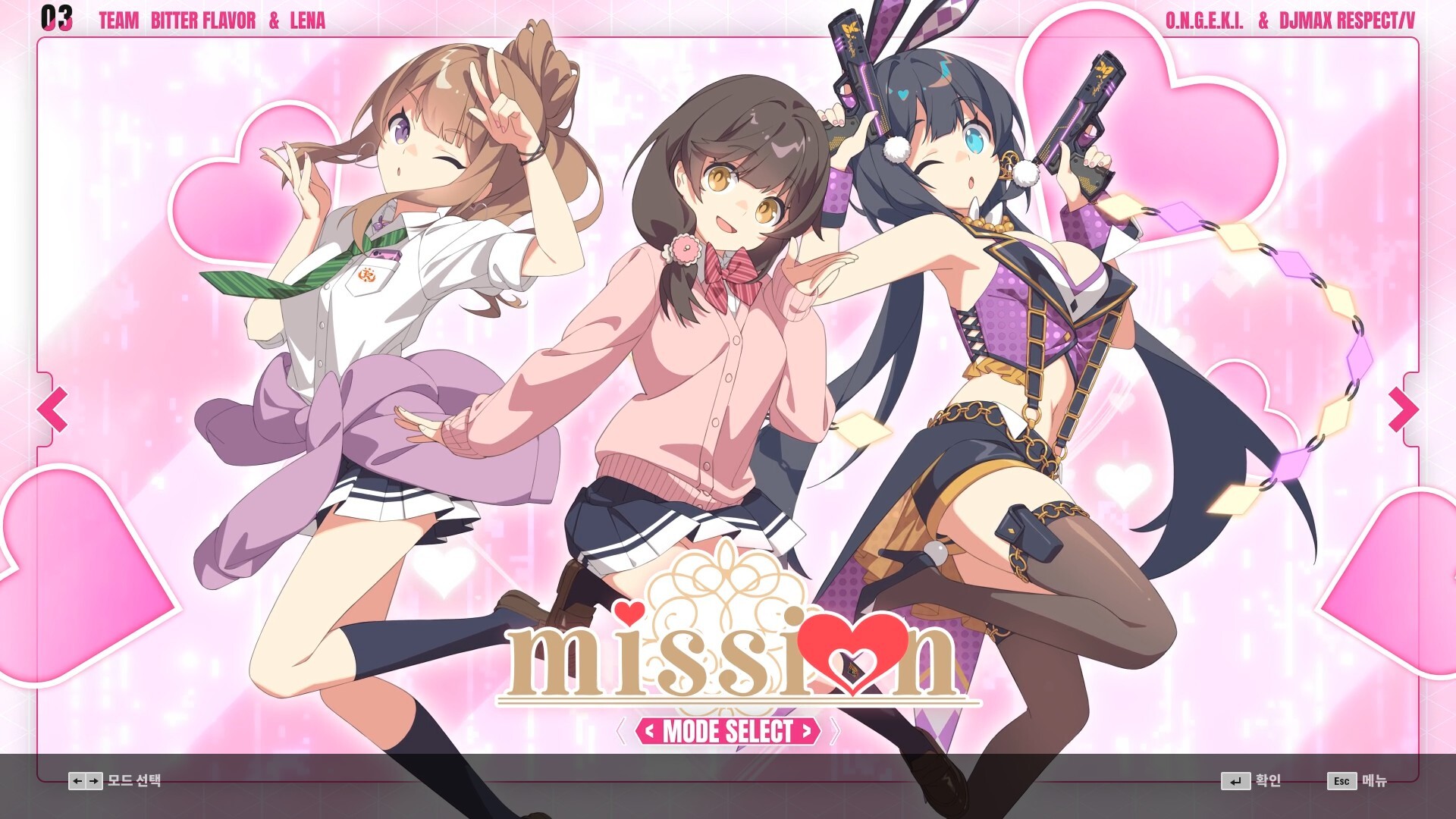
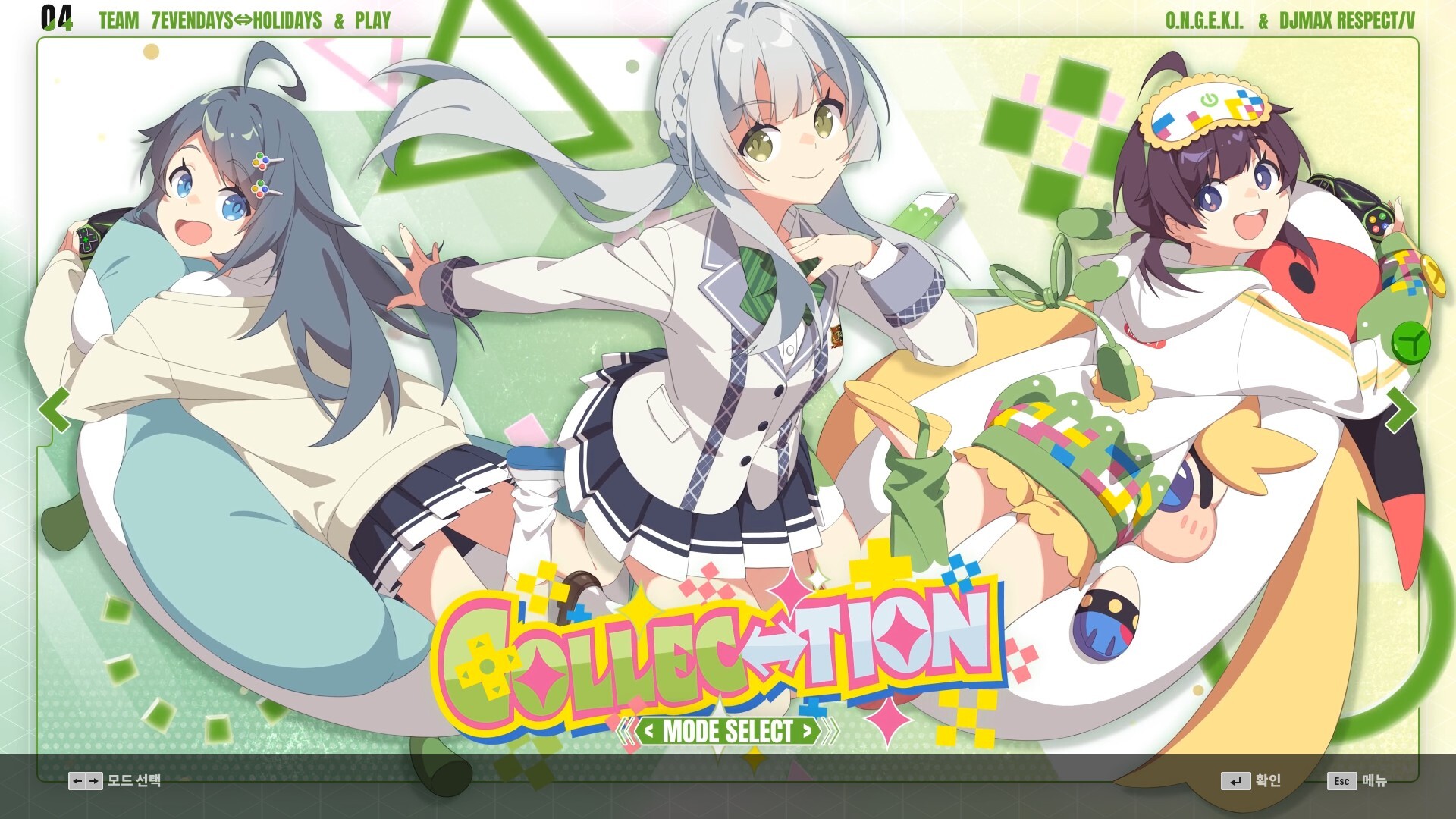
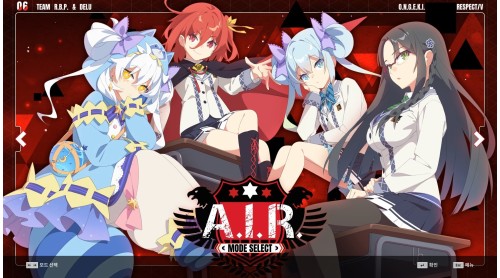
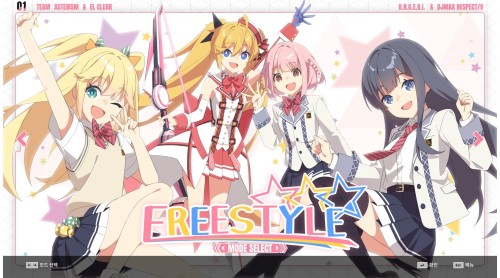
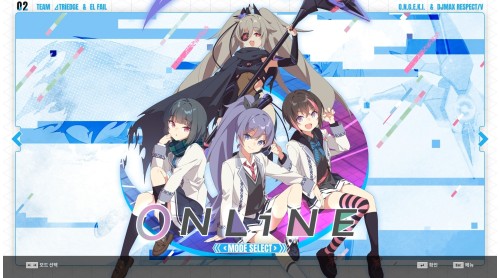
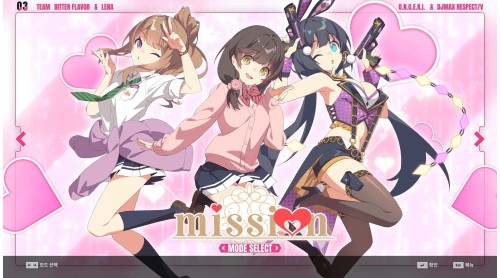
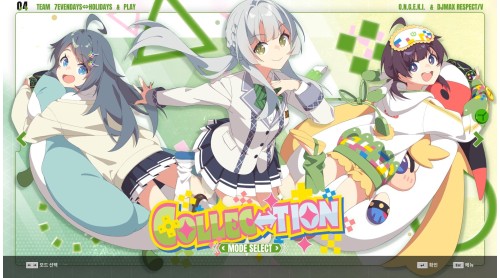
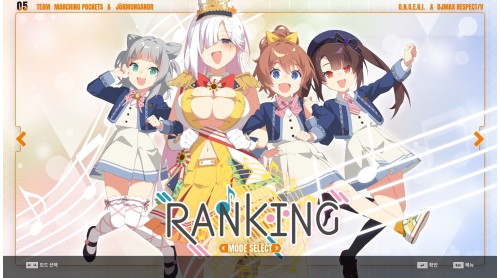
Meet the 'O.N.G.E.K.I. Song' package now!
This DLC contains a total of 12 songs.
Now enjoy the songs of O.N.G.E.K.I. in DJMAX RESPECT V.
1 Ai Nov
2 And Revive The Melody
3 Baqeela
4 Dazzle hop
5 Don't Fight The Music
6 エータ・ベータ・イータ (Eta Beta Eta)
7 Good bye, Merry-Go-Round.
8 LAMIA
9 LiftOff
10 MarbleBlue.
11 脳天直撃 (Brain Attack)
12 Radiance


How to activate your Steam key?
1. Open your Steam client. (If you don't have a Steam Client, you can install from here https://store.steampowered.com/about/)
2. Sign in to your Steam account. (If you don't have a Steam Account, you can create from here https://store.steampowered.com/join/)
3. Click “ADD A GAME” button which is at the bottom of the Steam Client.
4. Now select "Activate a product on Steam..."
5. Write or copy-paste your Steam key which you purchased from Gamesforpc.
6. Now your game is in your library.
7. Find your game in your library, select and click install to start your download.