














 Steam
Steam  Windows
  Mac
Mac | Release Date | 06.08.2025 |
| Operating Systems | Mac OS |
| Publisher | Polden Publishing |
| Operating Systems | Windows |
| Genres | Action, Simulation, Adventure, casual, indie |
11.16€
Added to Cart
11.16€
Added to Wishlist
11.16€
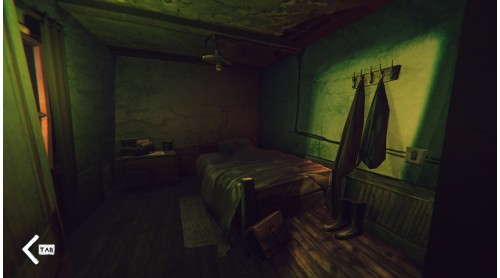
Mesmerizing tales of the sea
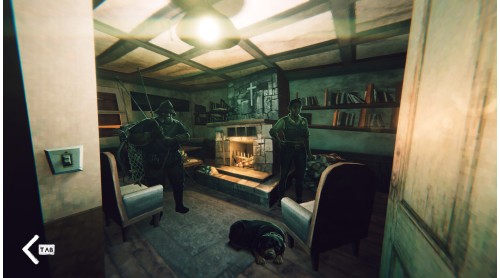
Strange characters
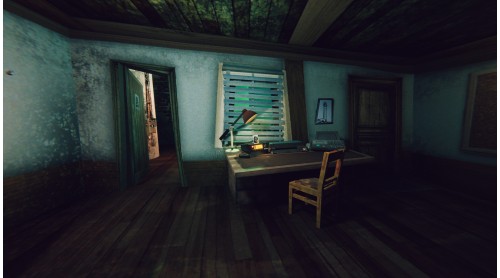
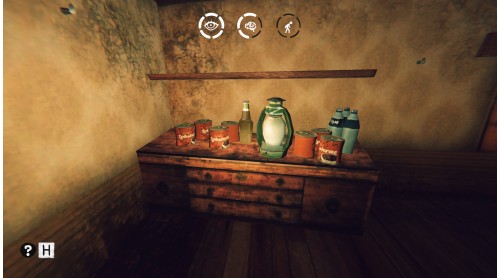
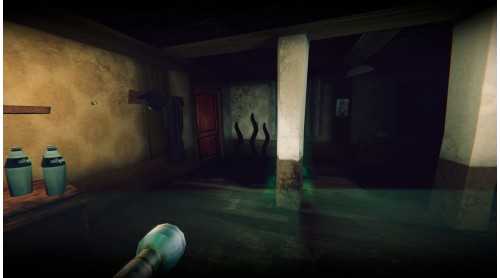
An atmosphere of unknowable horror
Multiple endings
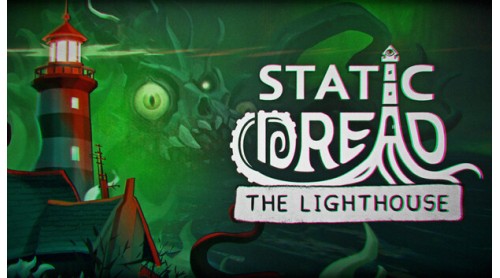
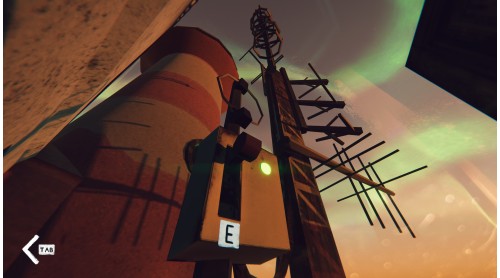
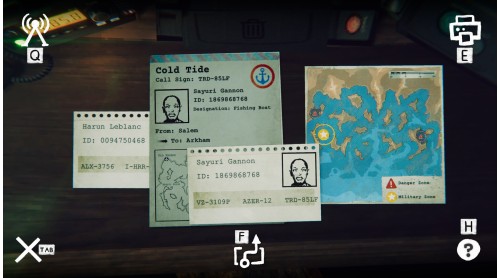
In the aftermath of a global cataclysm, the harbor authorities reactivated an ancient lighthouse, hoping to keep the seas navigable amidst the growing chaos. A lone keeper is dispatched to the forsaken island, tasked with manning the beacon. The fate of passing vessels and the nearby town now rests in his hands. Far away, a wife and daughter wait for his return.
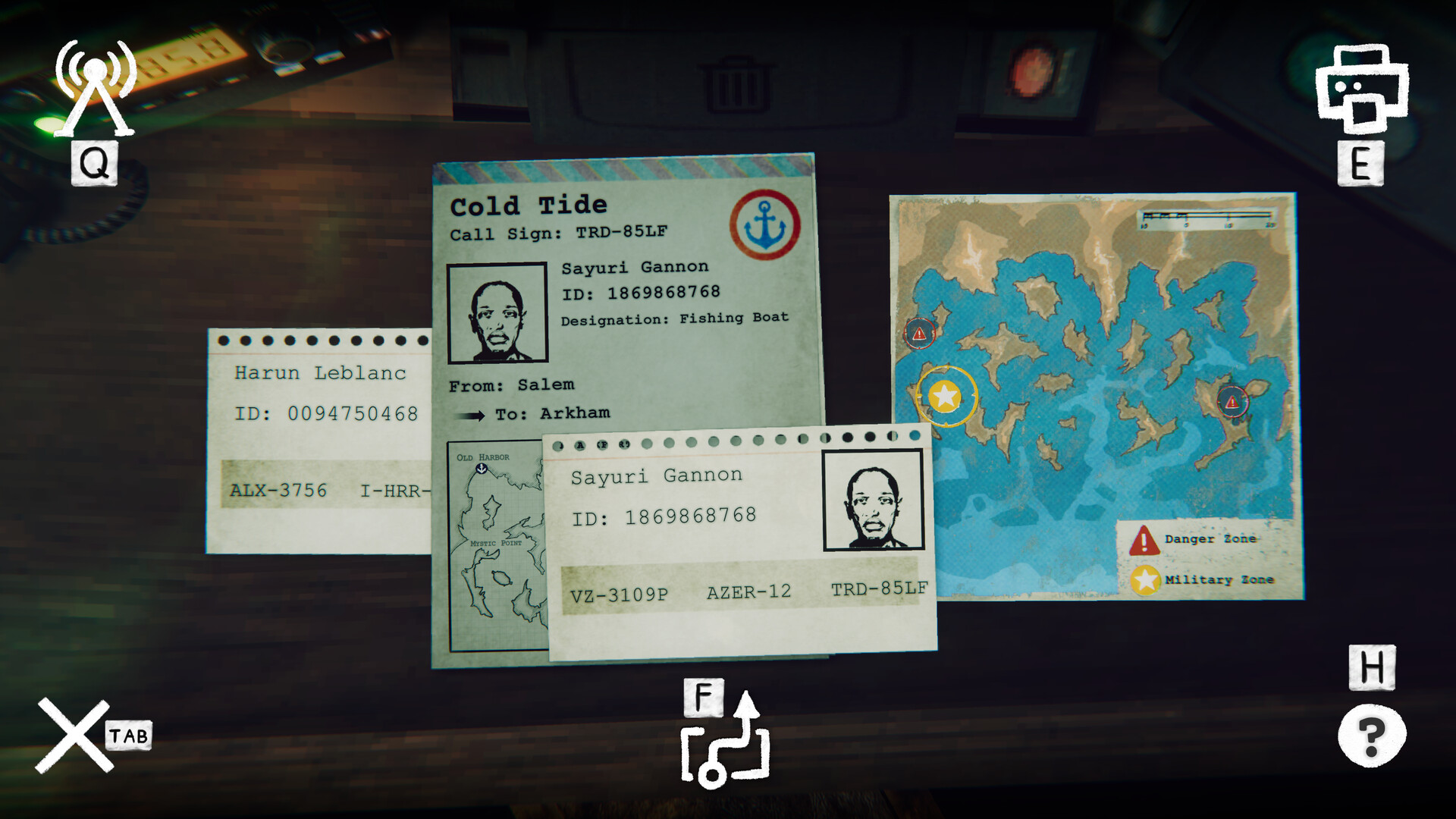
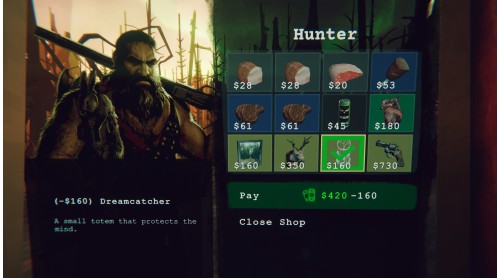
Each night, his duties grow more perilous. Mariners report encounters with creatures beyond the reach of science. Ships drift back from distant waters - empty, their crews vanished without a trace. In the island’s fishing village, the locals whisper prayers to sea gods and perform rituals to raise the dead.
Will the keeper preserve his sanity, protect those he loves, and guide the vessels entrusted to him through the abyss? Or will he, too, be lost to the dark tides gathering beneath the surface of the world?


How to activate your Steam key?
1. Open your Steam client. (If you don't have a Steam Client, you can install from here https://store.steampowered.com/about/)
2. Sign in to your Steam account. (If you don't have a Steam Account, you can create from here https://store.steampowered.com/join/)
3. Click “ADD A GAME” button which is at the bottom of the Steam Client.
4. Now select "Activate a product on Steam..."
5. Write or copy-paste your Steam key which you purchased from Gamesforpc.
6. Now your game is in your library.
7. Find your game in your library, select and click install to start your download.