











 Steam
Steam  Windows
 | Release Date | 03.11.2021 |
| Publisher | META Publishing |
| Operating Systems | Windows |
| Genres | Action, Simulation, Adventure, racing, casual, indie |
7.79€
1.17€
Added to Cart
7.79€
1.17€
Added to Wishlist
7.79€
1.17€
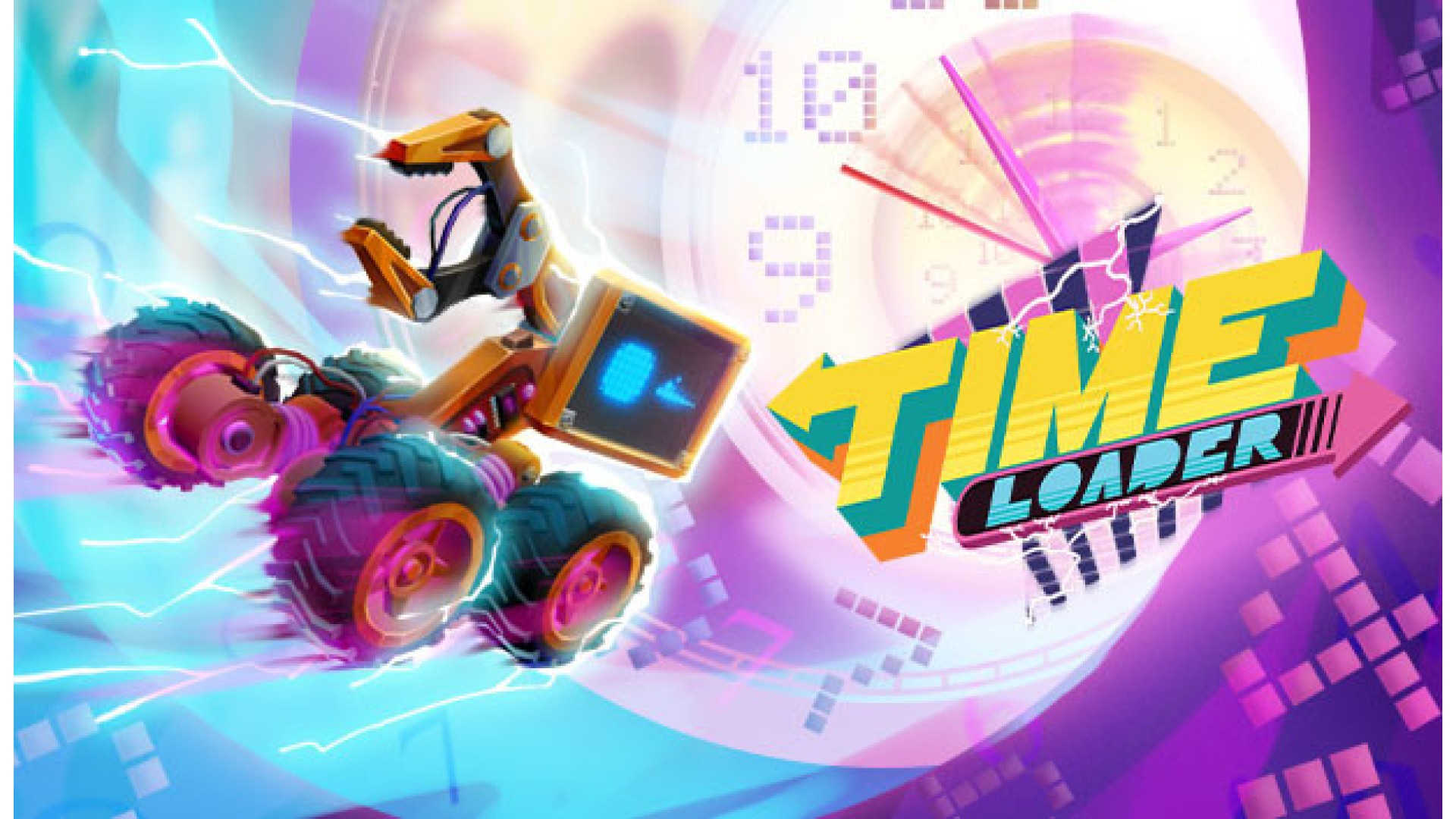
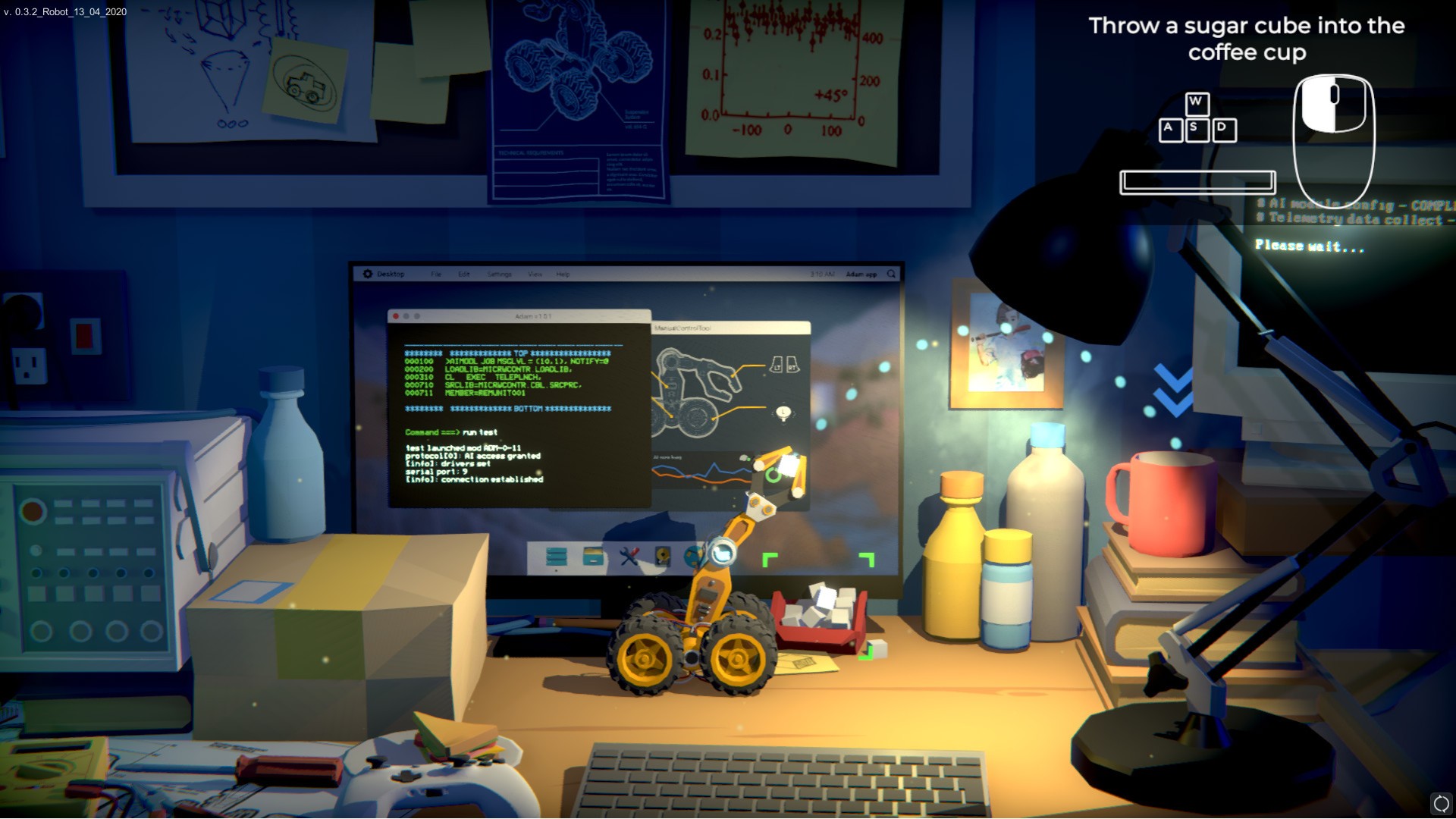
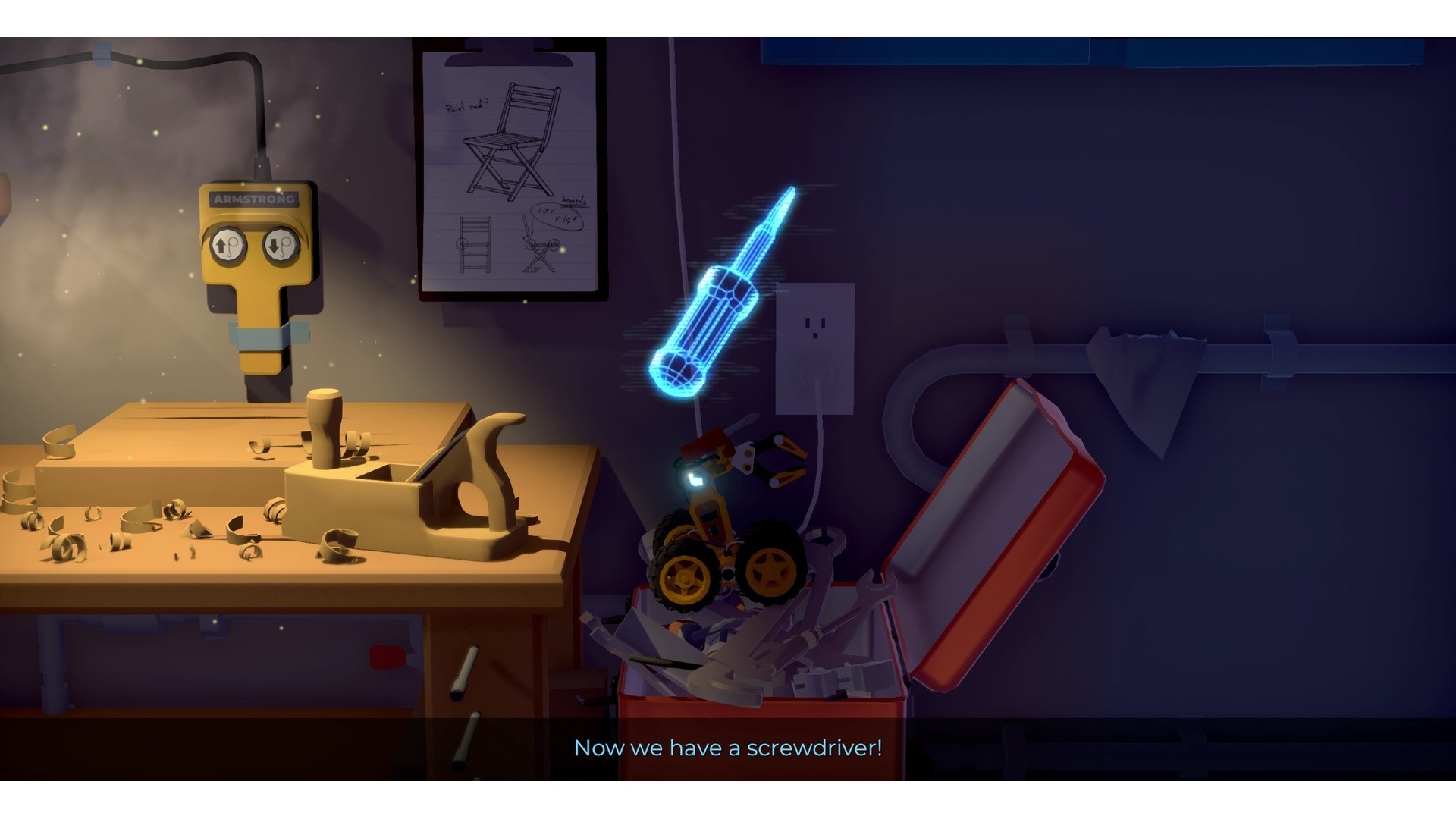
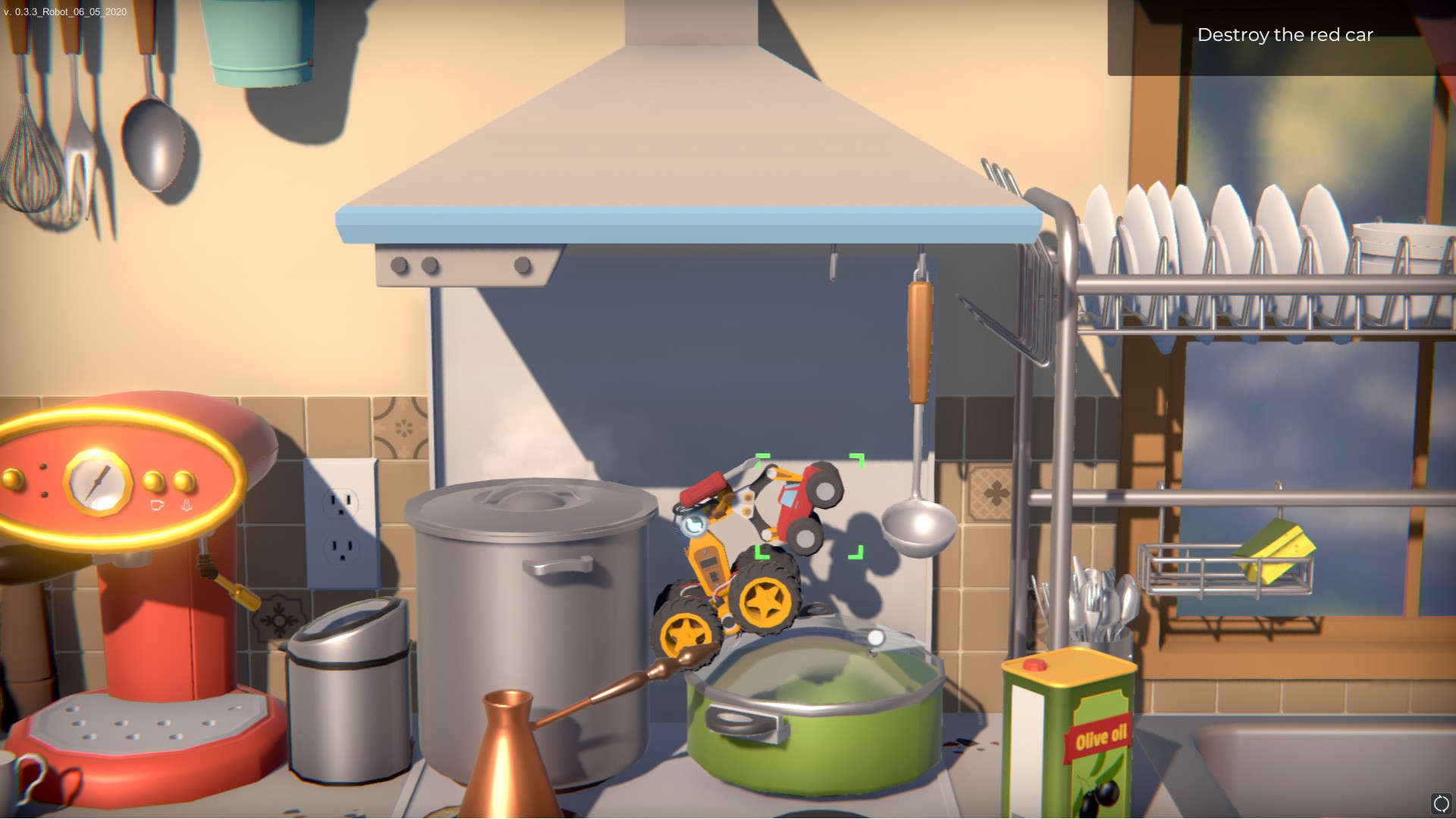
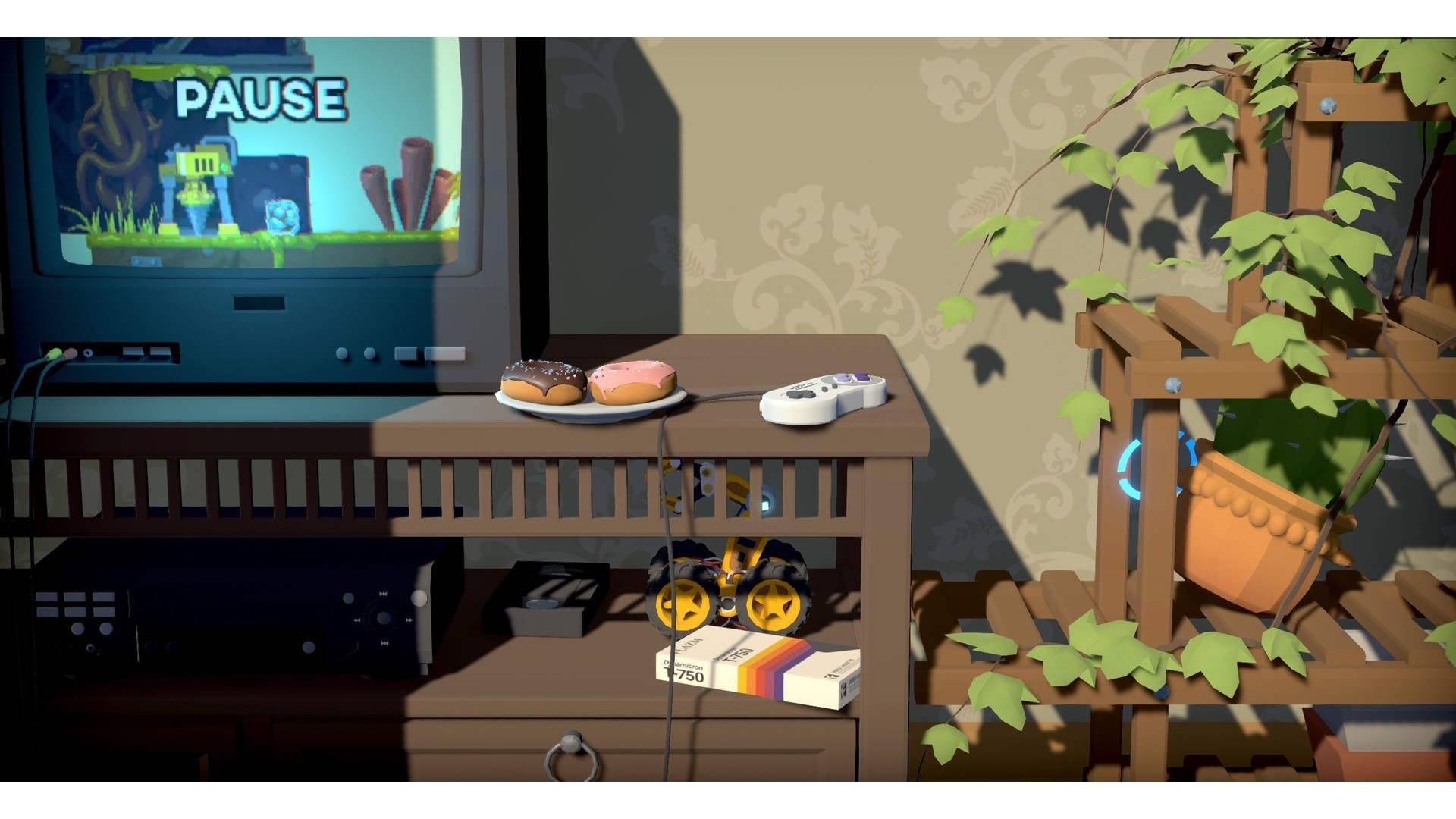
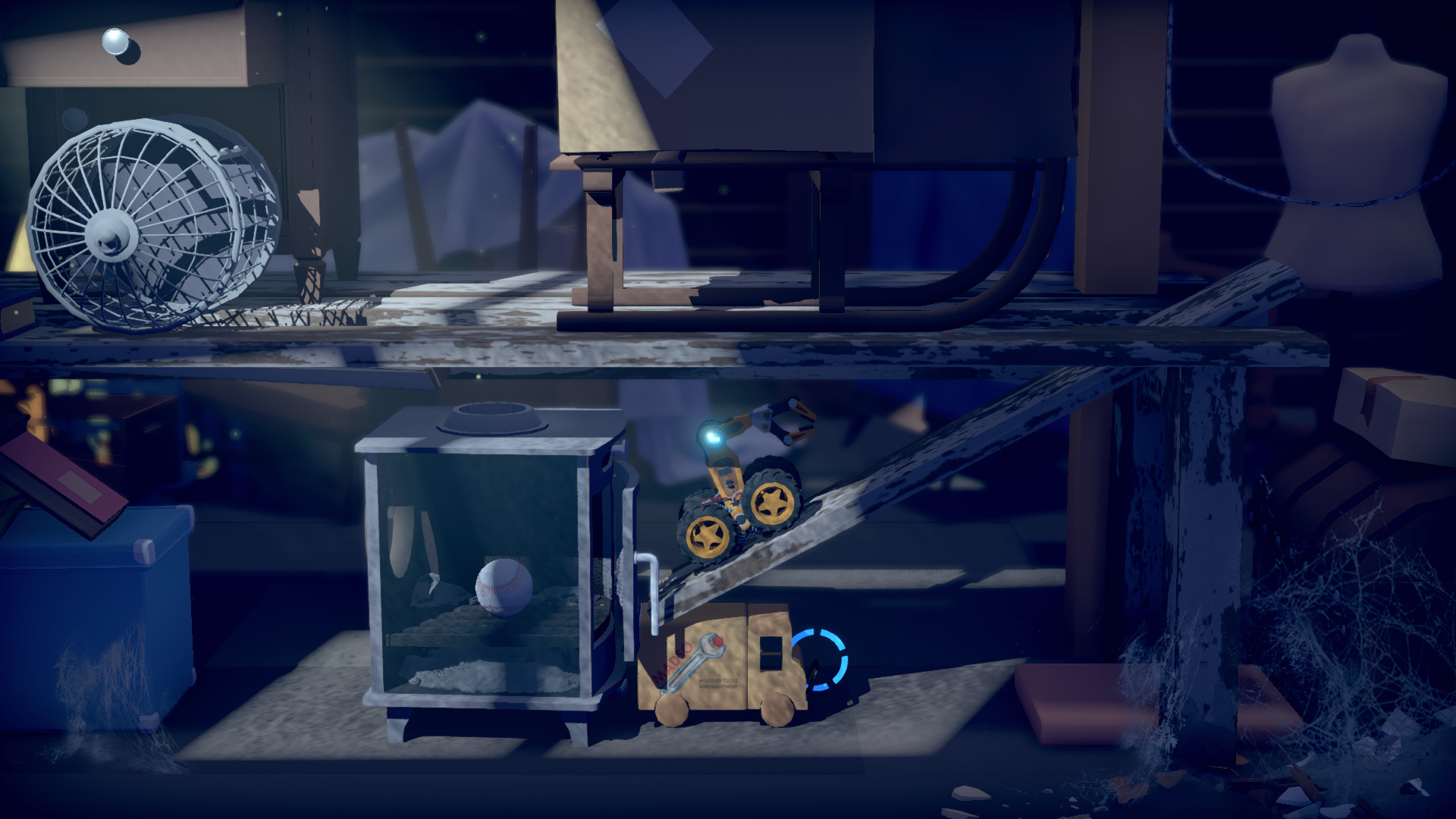
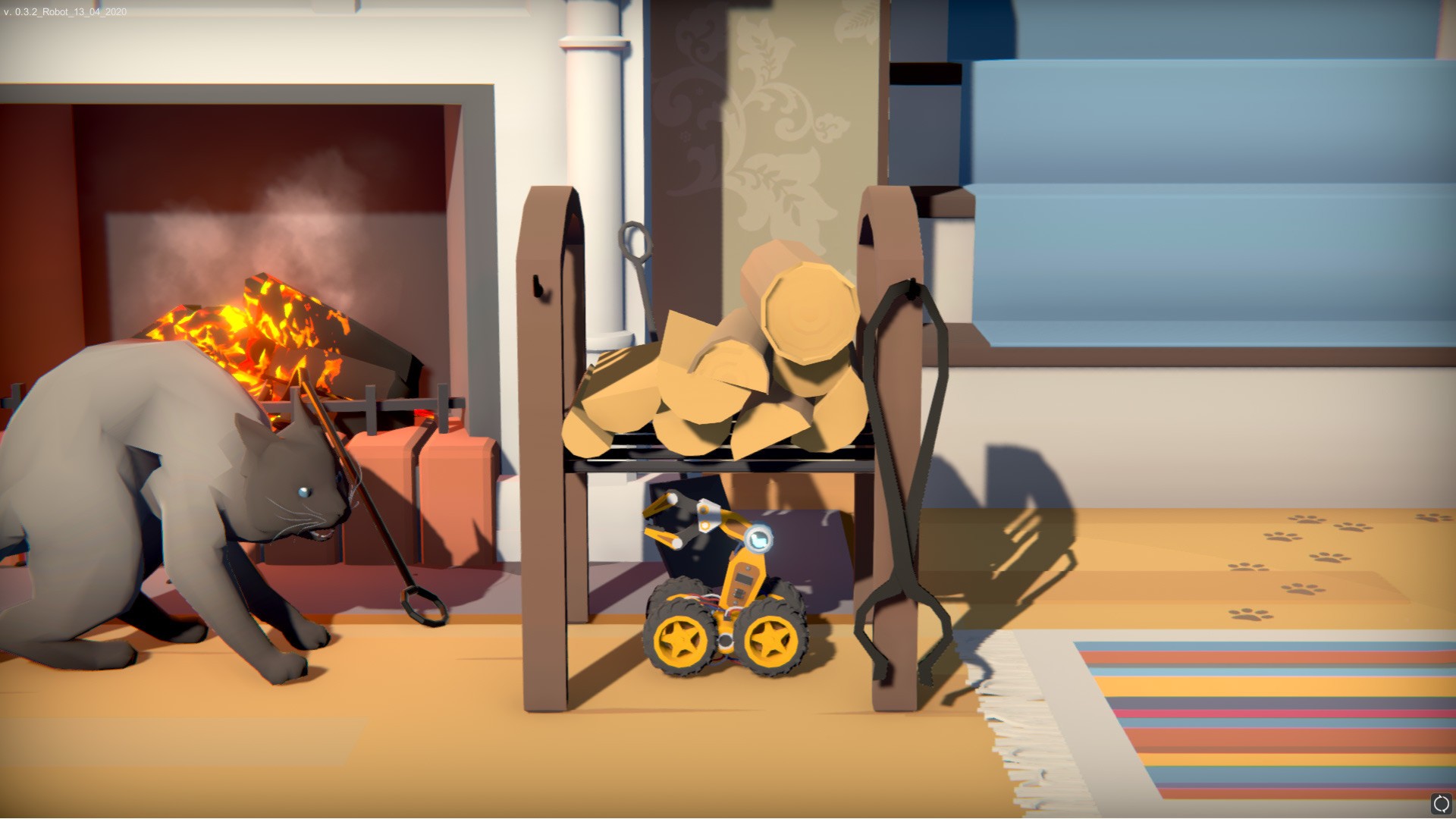
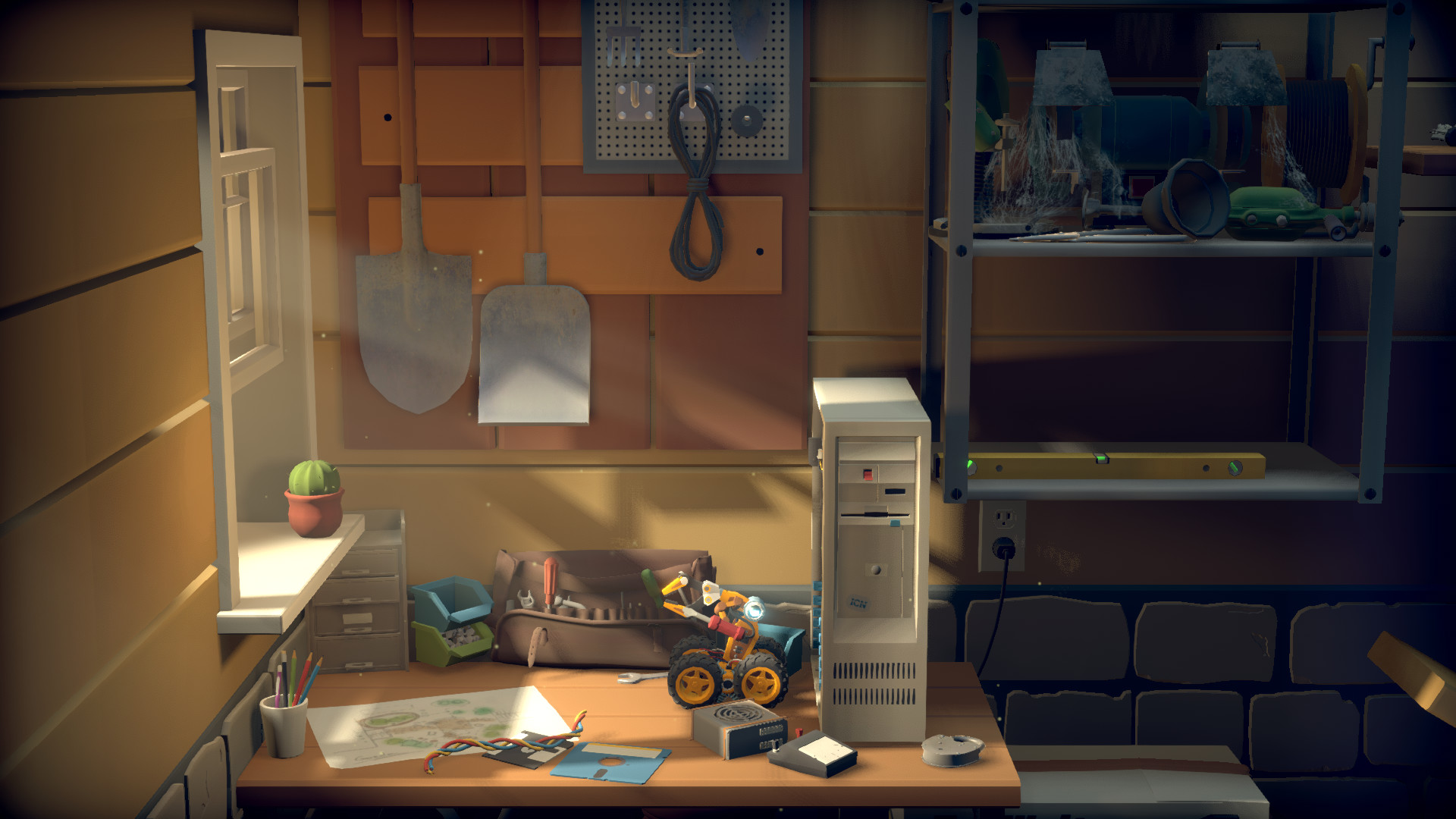
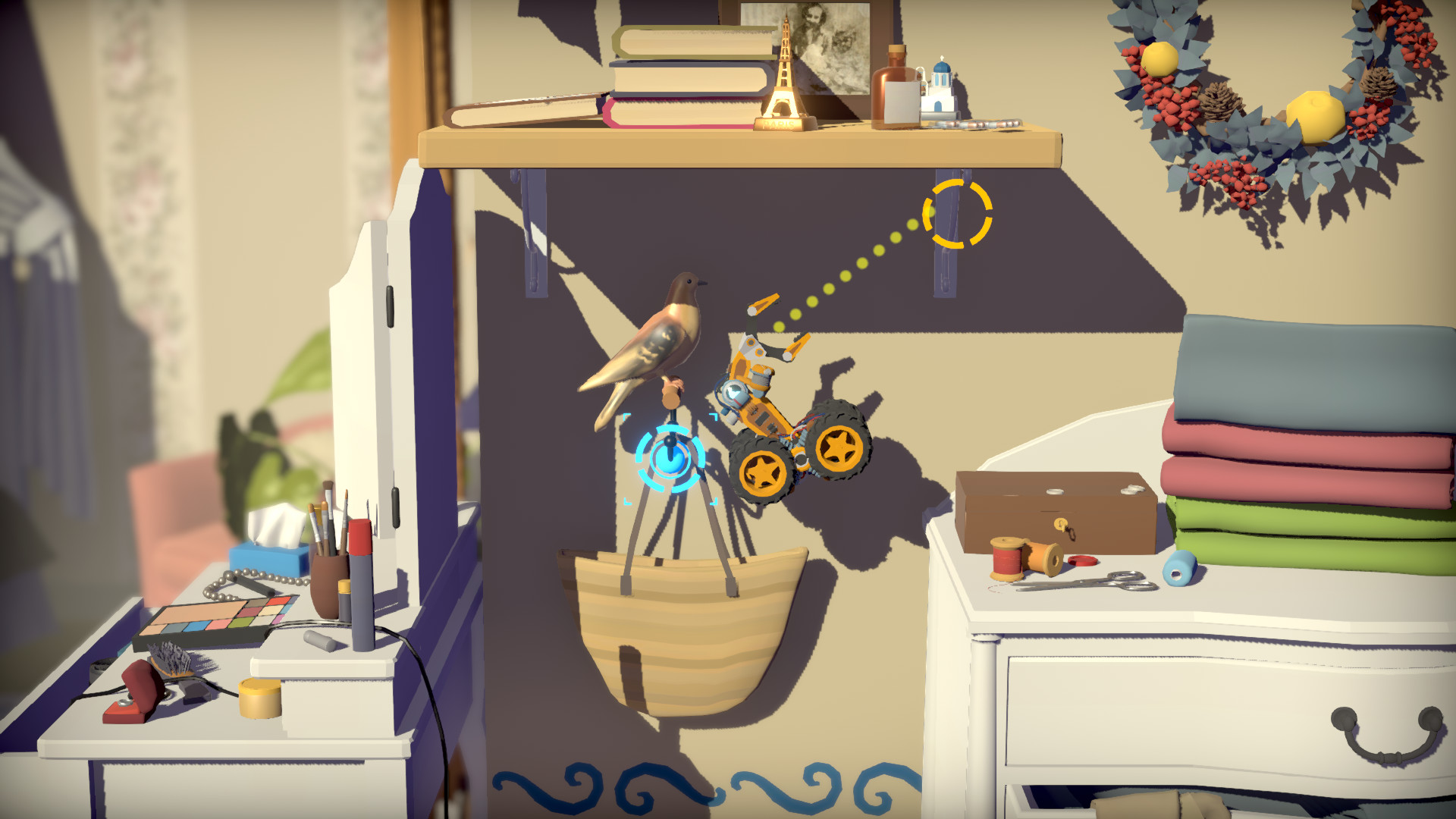
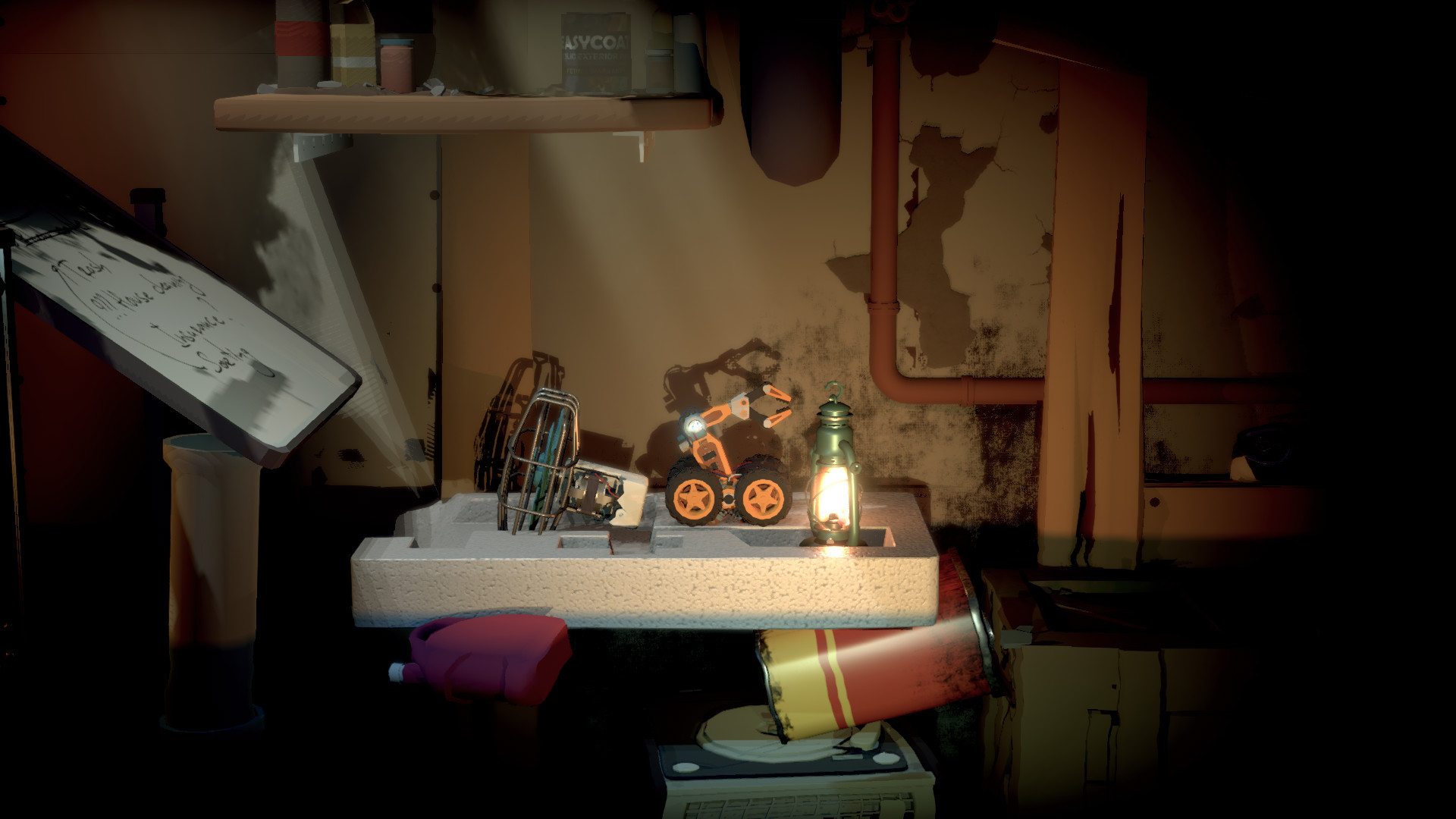
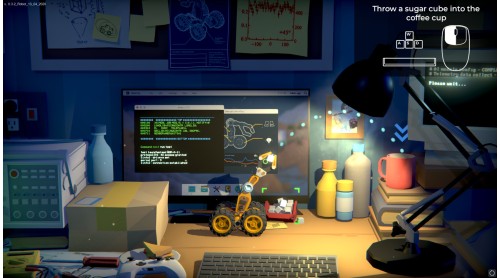
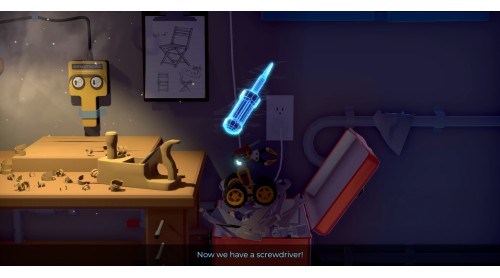
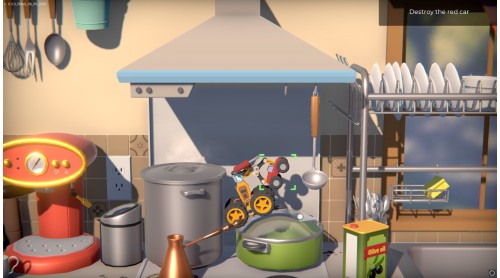
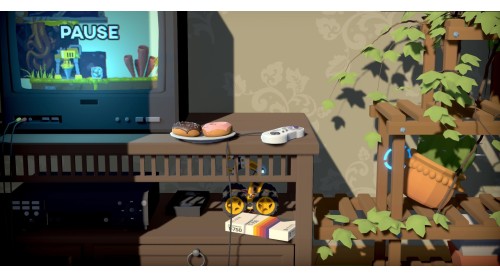
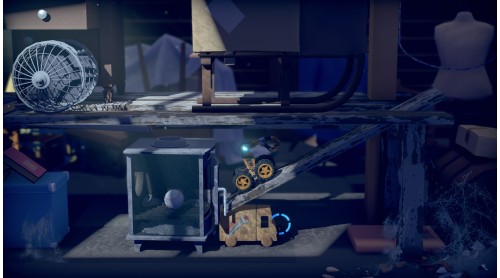
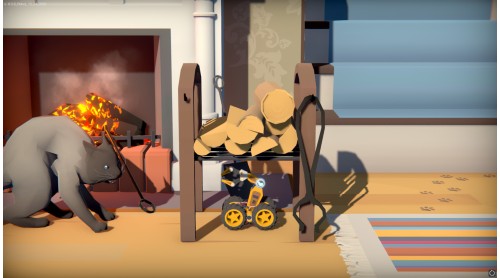
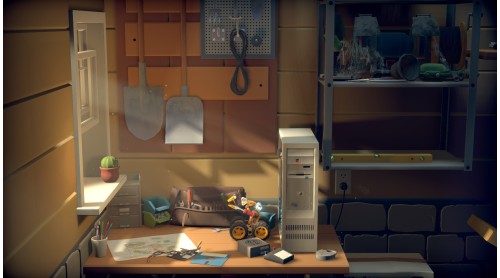
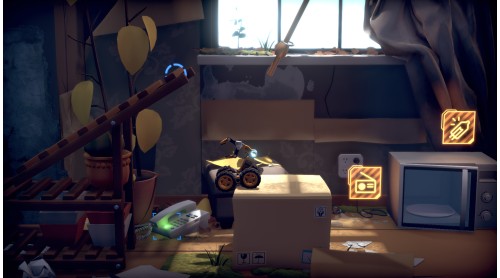
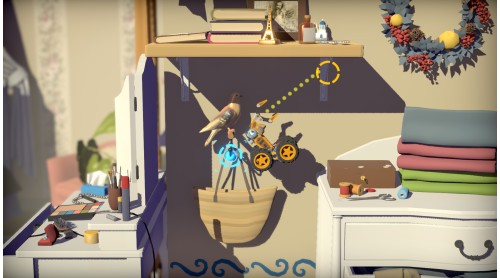
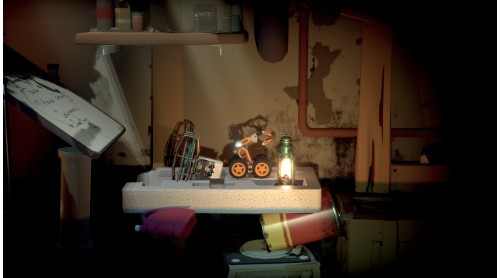
Time Loader is a story-driven, physics-based puzzle platformer with a twist. At the helm of a small robot, you’ll travel back to the 90s to prevent a tragic accident. Explore the house of your creator, solve brain-teasing puzzles, acquire unique and powerful upgrades, and see common household items from an entirely new perspective!
But remember: meddling with time has serious consequences. You may succeed in changing the past, but can you deal with the result of your actions?


How to activate your Steam key?
1. Open your Steam client. (If you don't have a Steam Client, you can install from here https://store.steampowered.com/about/)
2. Sign in to your Steam account. (If you don't have a Steam Account, you can create from here https://store.steampowered.com/join/)
3. Click “ADD A GAME” button which is at the bottom of the Steam Client.
4. Now select "Activate a product on Steam..."
5. Write or copy-paste your Steam key which you purchased from Gamesforpc.
6. Now your game is in your library.
7. Find your game in your library, select and click install to start your download.